-
-
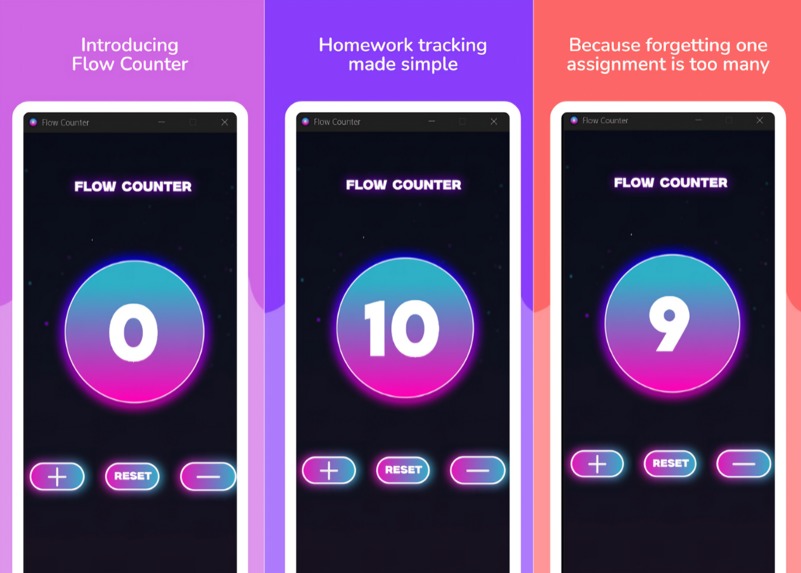
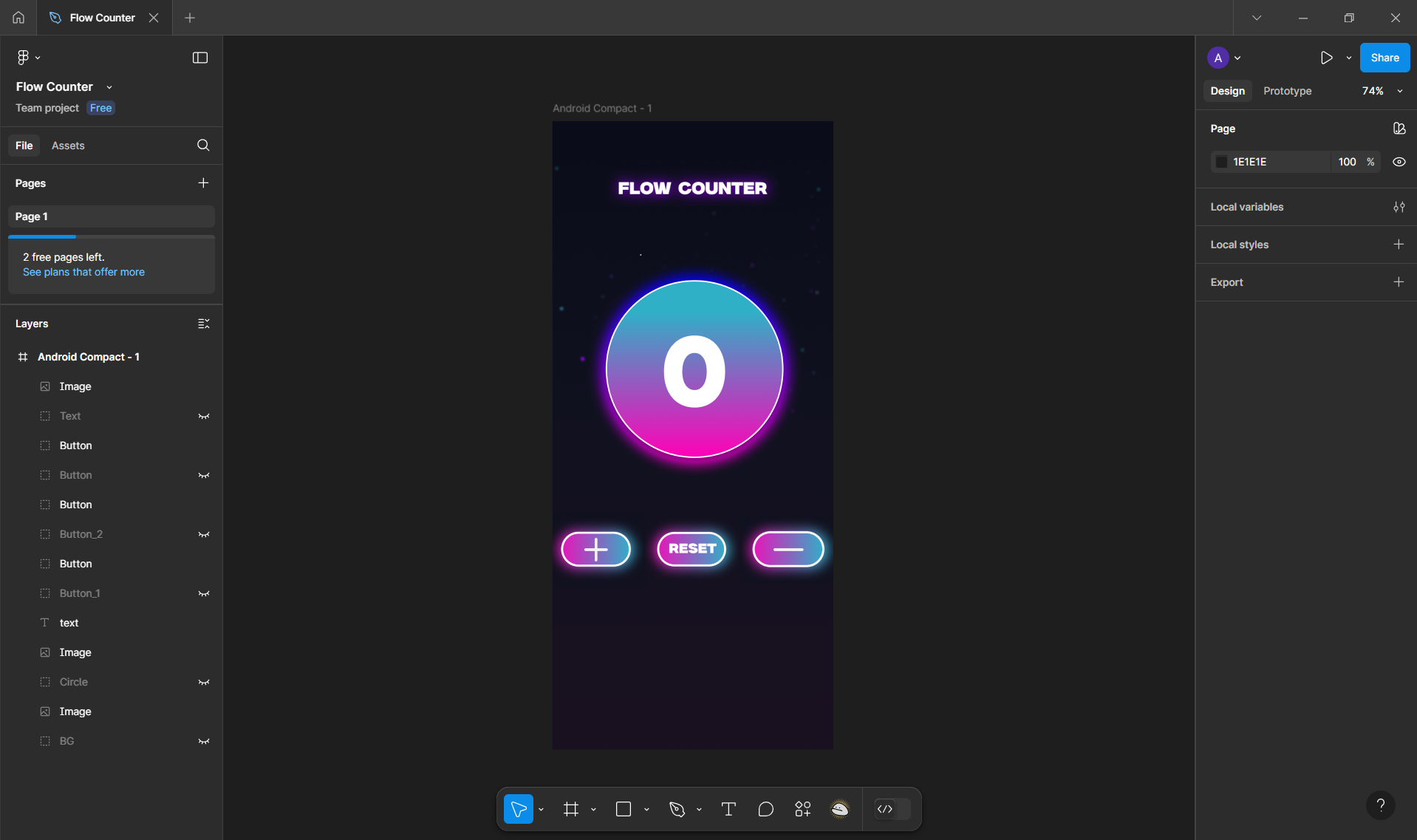
A visual preview of the Flow Counter app layout, showing the neon-style interface design before development.
-
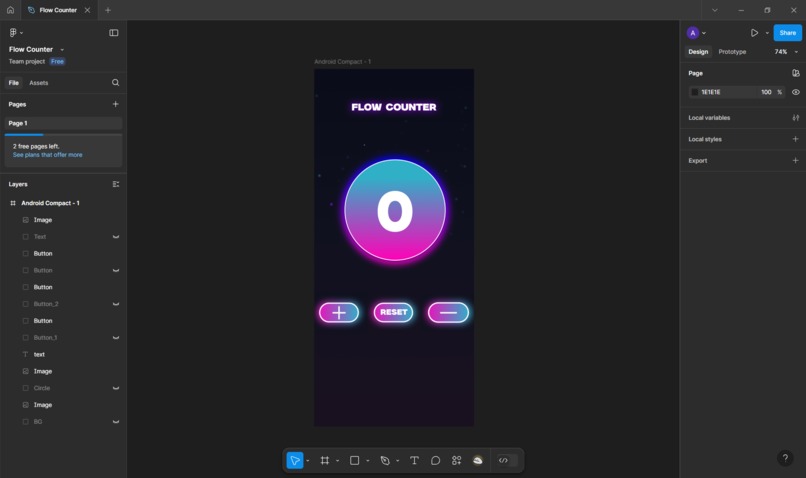
Original Figma design showcasing the 409×915 layout used as the blueprint for the Flow Counter app interface
-
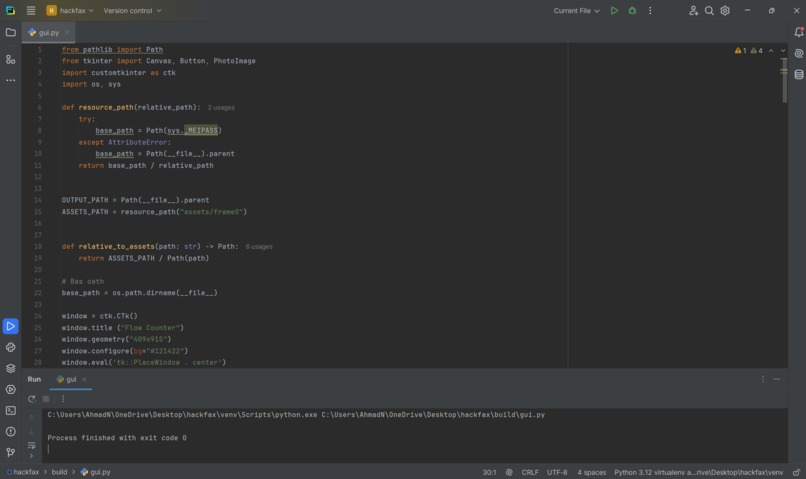
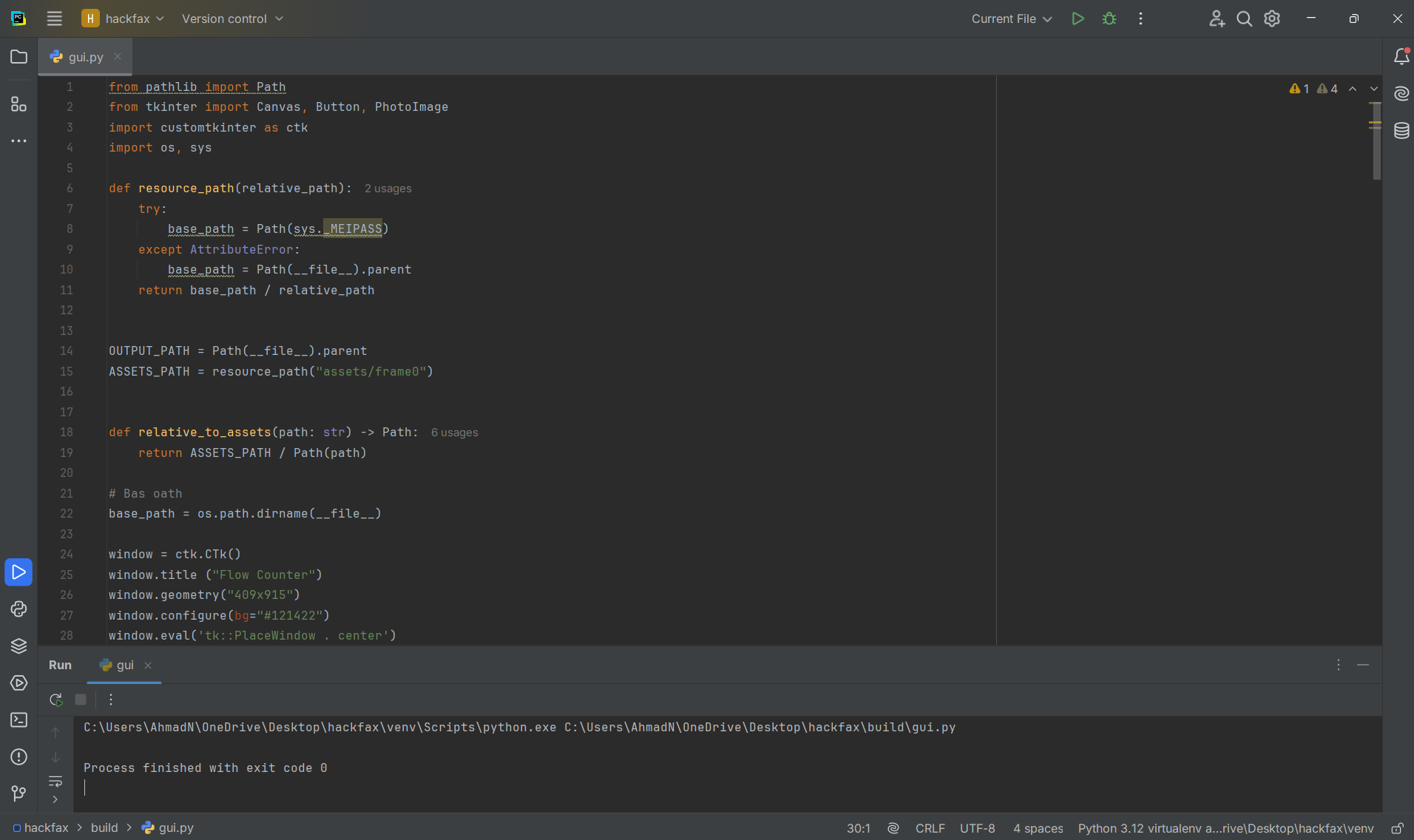
Screenshot of the Python source code implementing the Flow Counter’s UI, timer logic, and imagebased buttons using Tkinter and CustomTkinter
-
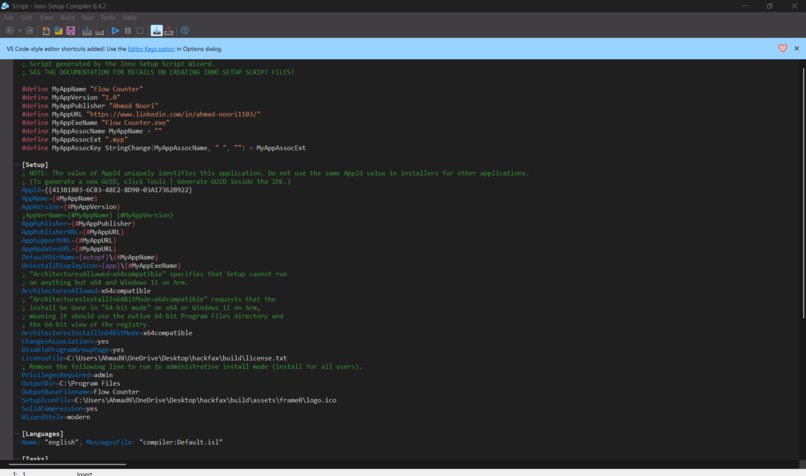
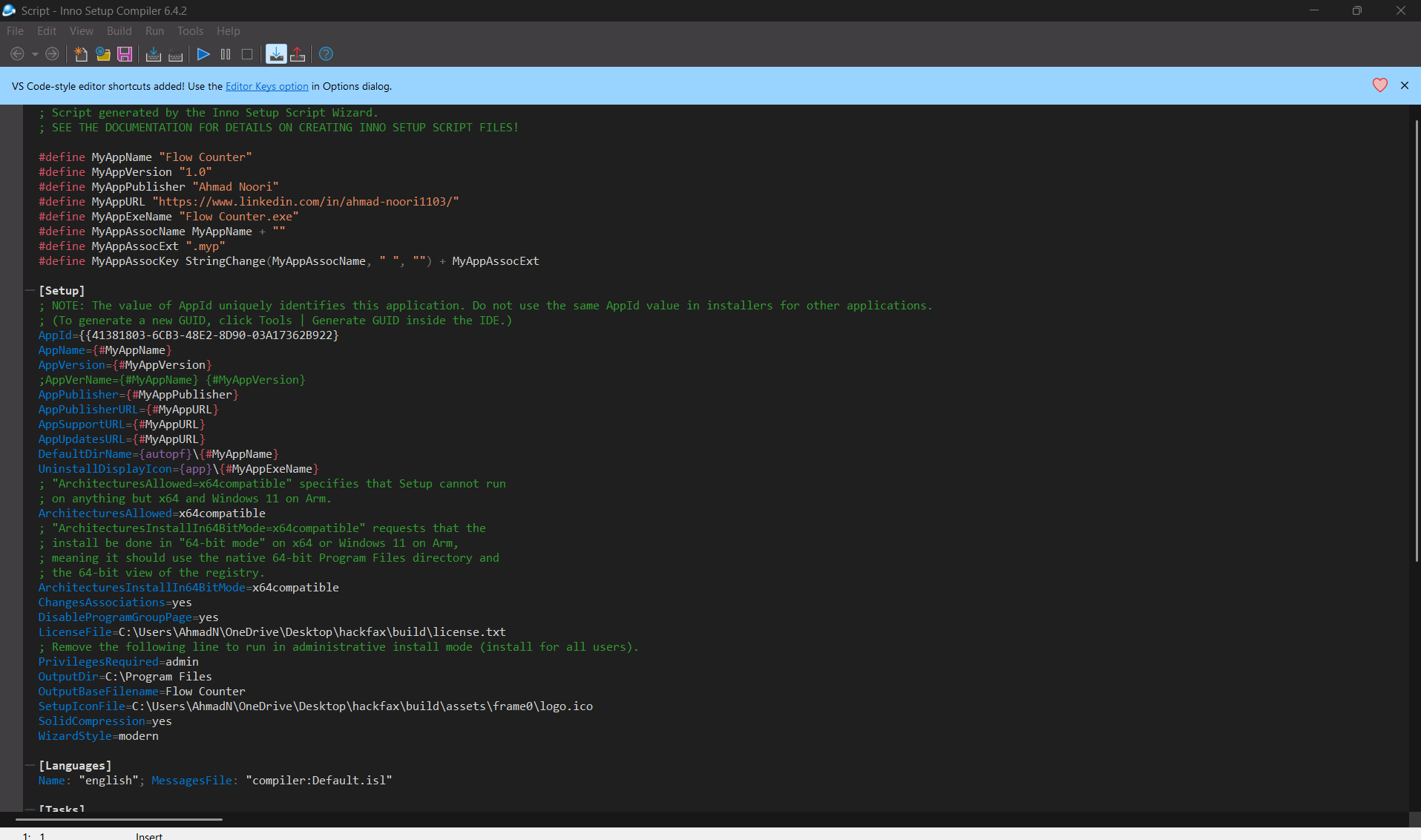
Installer creation process using Inno Setup, showing how the Flow Counter app was packaged into a standalone Windows executable.
-
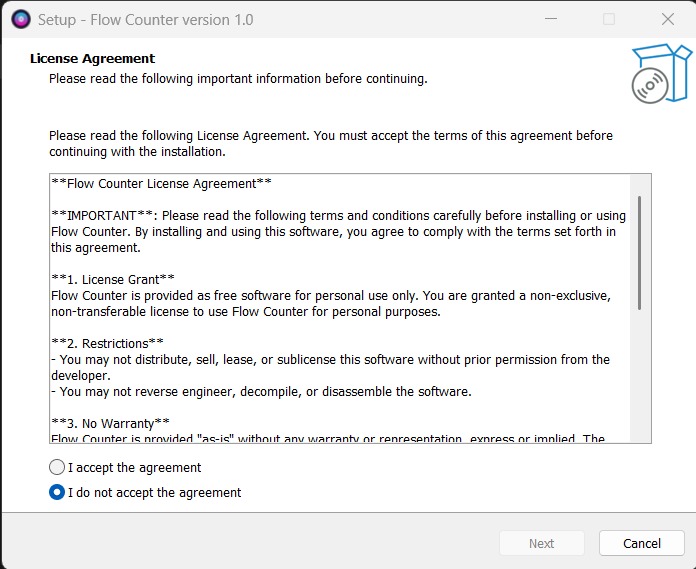
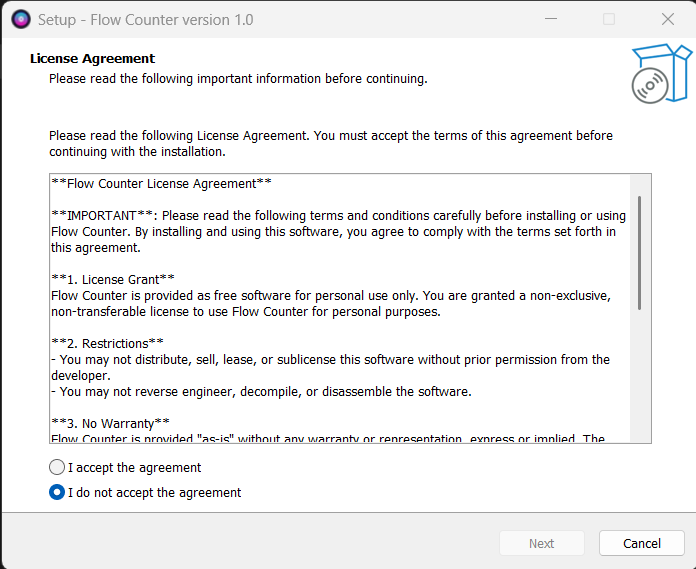
Custom license agreement created for the Flow Counter installer, ensuring users agree to terms before proceeding with installation.
-
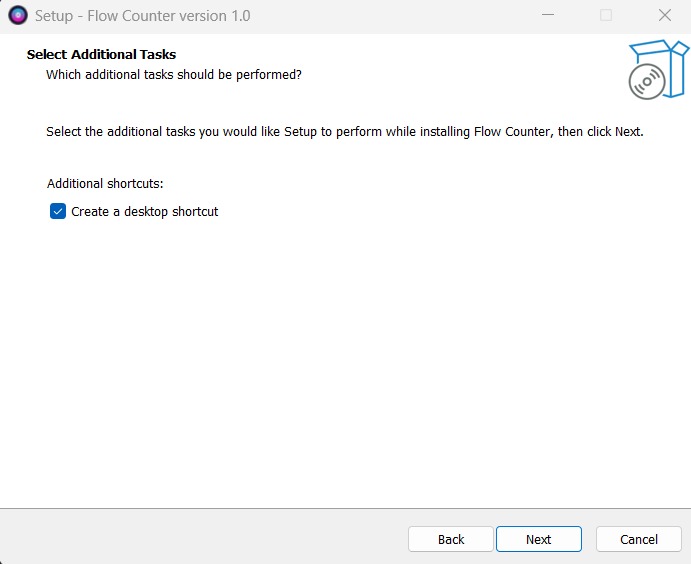
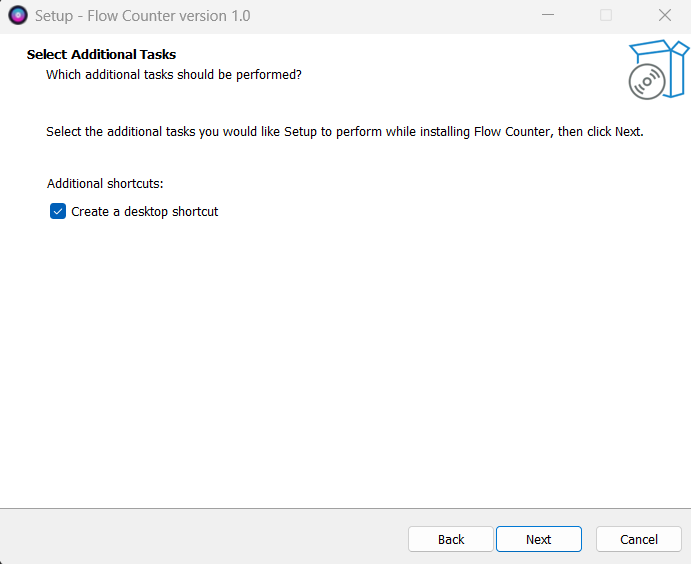
Installer step prompting the user to create a desktop shortcut for quick access to the Flow Counter app.
-
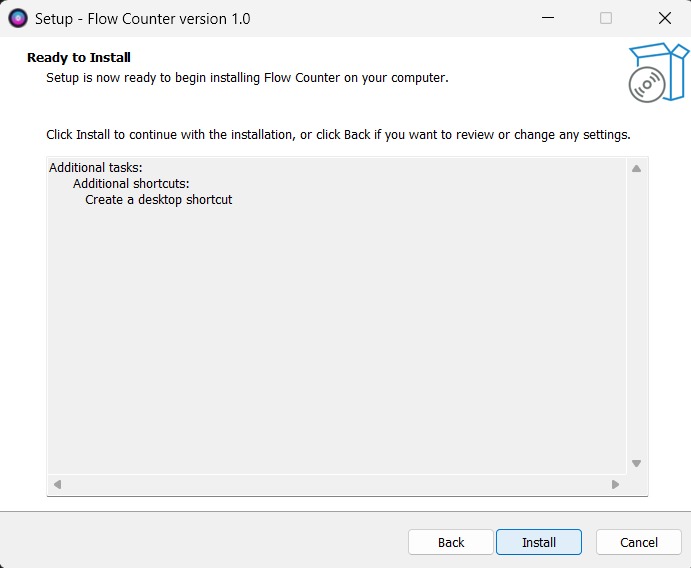
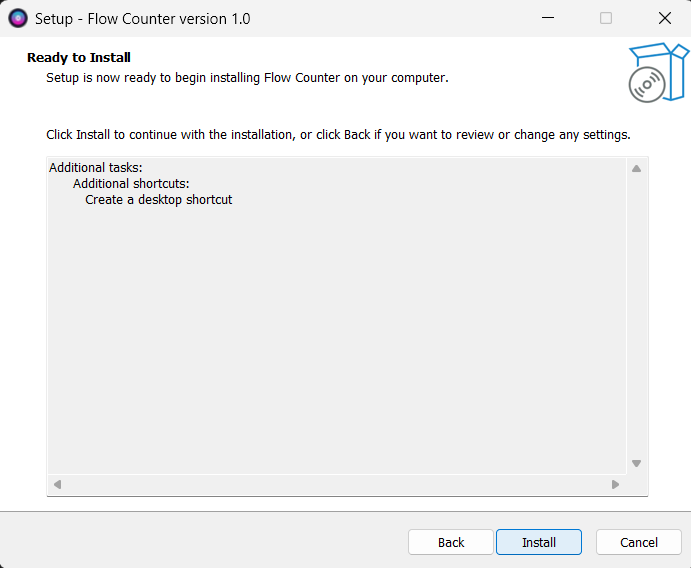
Final confirmation screen before installation begins, showing selected options and shortcuts to be created.
-
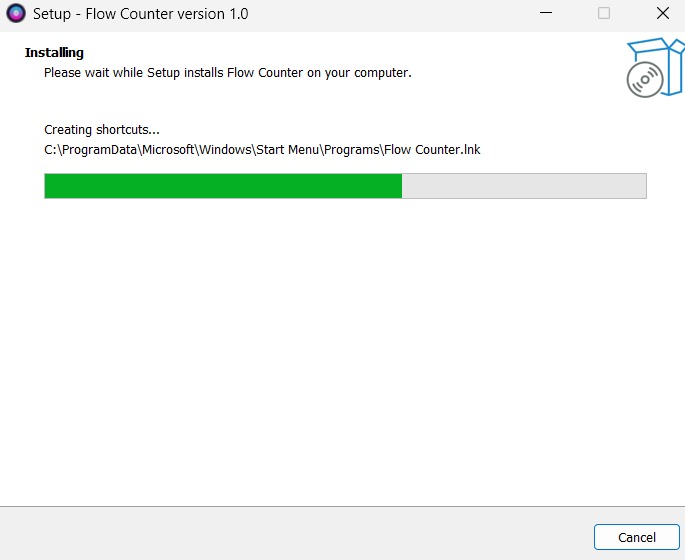
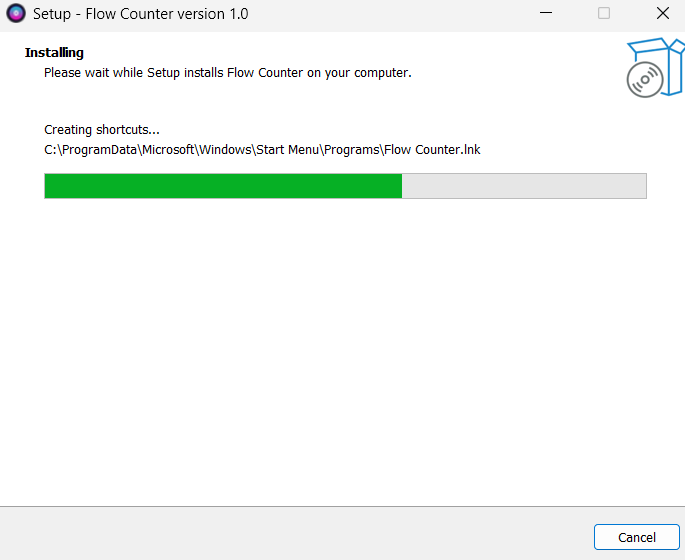
Live installation process showing files being extracted and copied to the Program Files directory
-
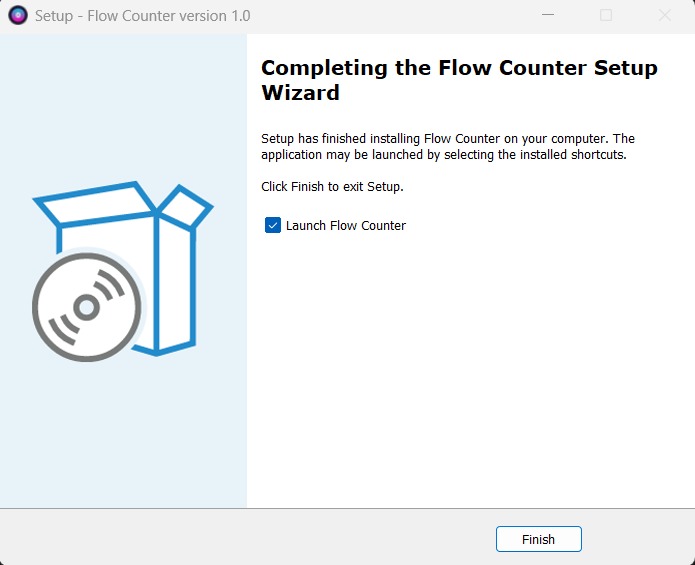
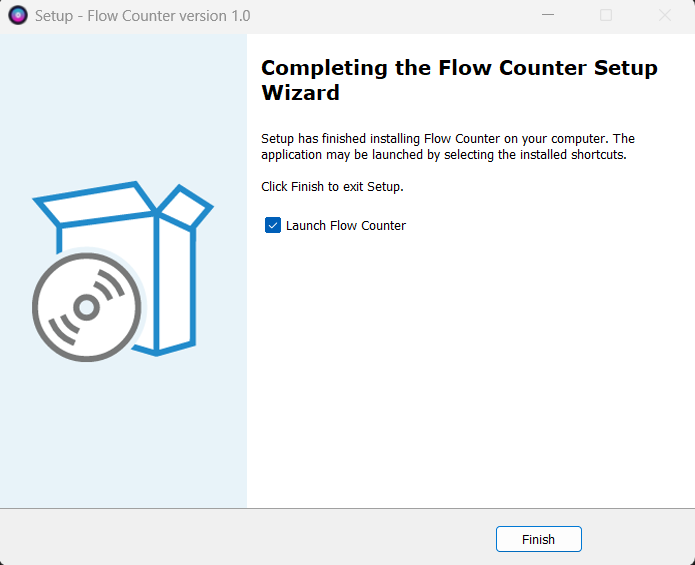
Final screen confirming successful installation of Flow Counter, with an option to launch the app immediately.
-
After installation, a desktop shortcut with the Flow Counter icon is automatically created, allowing one-click access to the app.
-

When launched, Flow Counter displays its custom app icon in the taskbar, giving it a native and branded desktop feel.
-
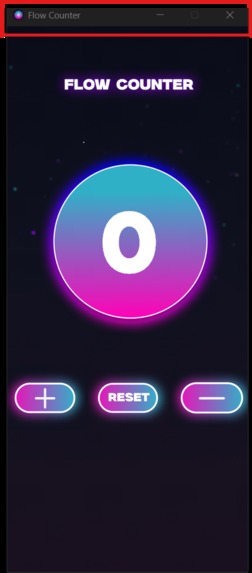
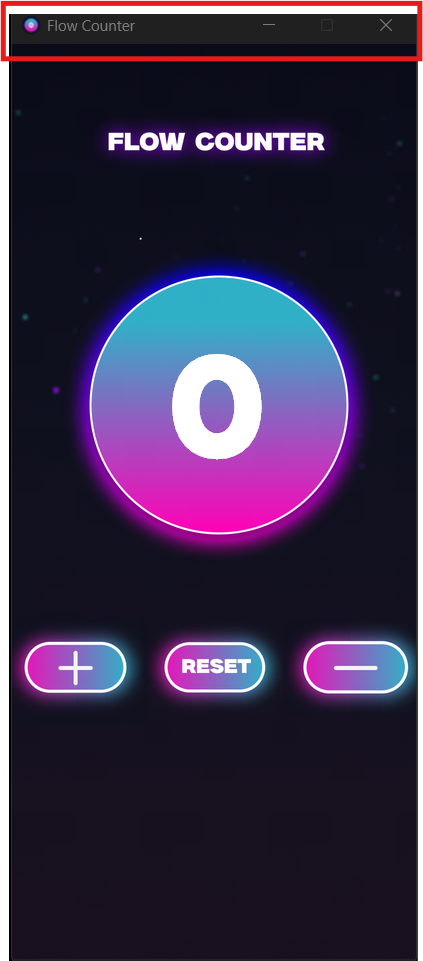
The Flow Counter application features a personalized title bar, showing both the app’s name and custom icon to reinforce branding

✨ Inspiration
As a student, I’ve had plenty of those nights where I’m scrambling to finish assignments I forgot were due 😅. Between classes, work, and life in general, it's easy to lose track — especially if you have ADHD or just struggle with organizing tasks.
So I wanted to build something super simple and visual — something that just works. That’s how Flow Counter came to life: a glowing, no-frills task tracker to help students stay focused, organized, and in control 🧠💡
✅ What it does
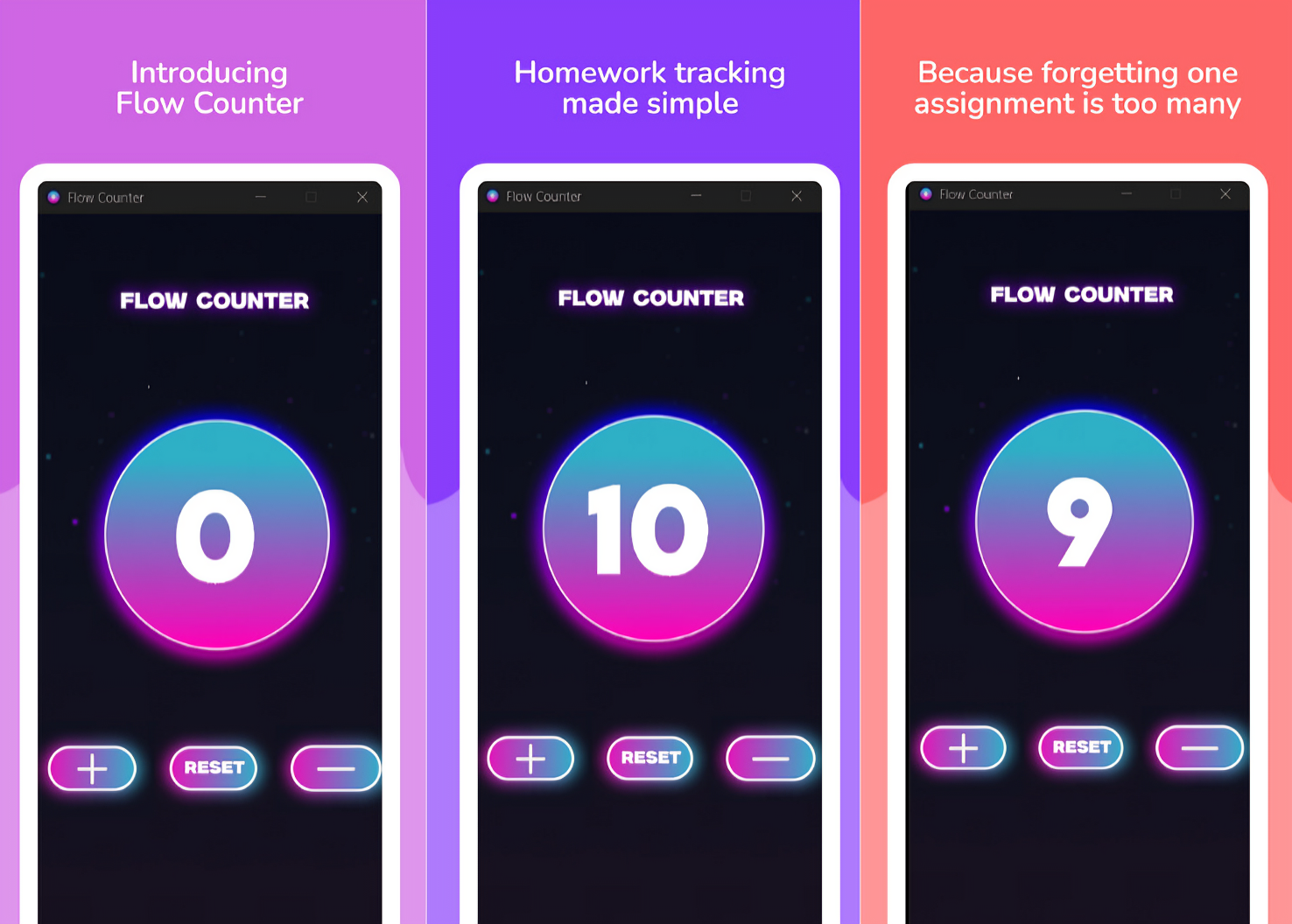
Flow Counter is a distraction-free counter app that helps you track how many tasks you have left — homework, study sessions, workouts, whatever 💼📚
You just tap:
- ➕ to add a task
- ➖ to mark one off
- 🔄 to reset and start fresh
It’s all visual. No login, no clutter. Just open it and go. Perfect for students, especially those who work best with a visual system 👀🎯
🛠️ How I built it
- 🐍 Python was used to build the app logic
- 🖼️ CustomTkinter handled the modern, glowing UI
- 🎨 Figma helped me plan out the layout visually
- 🎯 GIMP was used to make the custom
.icologo - 📦 Inno Setup packaged everything into a clean
.exeinstaller - 🔤 The custom LEMONMILK font installs automatically during setup, so it looks just right every time
🧩 Challenges I ran into
One of the big challenges was getting the font to auto-install on all PCs. I didn’t want users to have to do anything manually. I figured out how to register it via the Windows registry during install, and now it works flawlessly 🔧✅
Another thing was making sure the layout stayed centered and clean at all sizes — especially the glowing counter. CustomTkinter gave me a bit of a learning curve, but it paid off in the final look.
🏆 Accomplishments I’m proud of
- Built and shipped a full Windows app 💻
- Created a glowing UI that’s actually ADHD-friendly
- Made it run completely offline — no internet or dependencies needed
- Wrapped it up in an
.exewith font + icon pre-installed for plug-and-play ease
📚 What I learned
I learned that building a good app isn’t just about code. It’s about design, packaging, and thinking about how people will actually use it. I dove deep into Inno Setup scripting, UI/UX in Figma, and I really focused on solving a real-world problem for students like me.
🚀 What’s next for Flow Counter
Here’s what I want to add next:
- ⏱️ Timer-based focus sessions (Pomodoro-style)
- 📊 Save & track daily/weekly progress
- 📱 Android version
- 🌗 Light/Dark mode toggle
The goal? Keep it simple, visual, and helpful — especially for students who just need a little structure in their day 💪📓
Made with 💻 and a lot of caffeine ☕ (shoutout to redbull 🐂) by Ahmad Noori


Log in or sign up for Devpost to join the conversation.