-
-
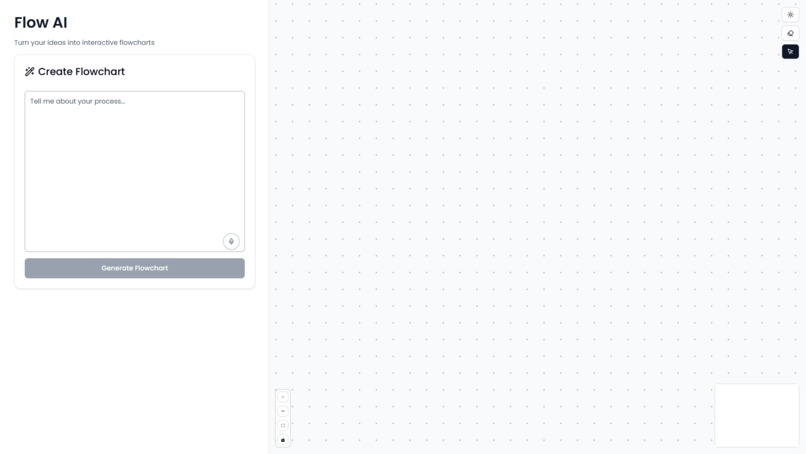
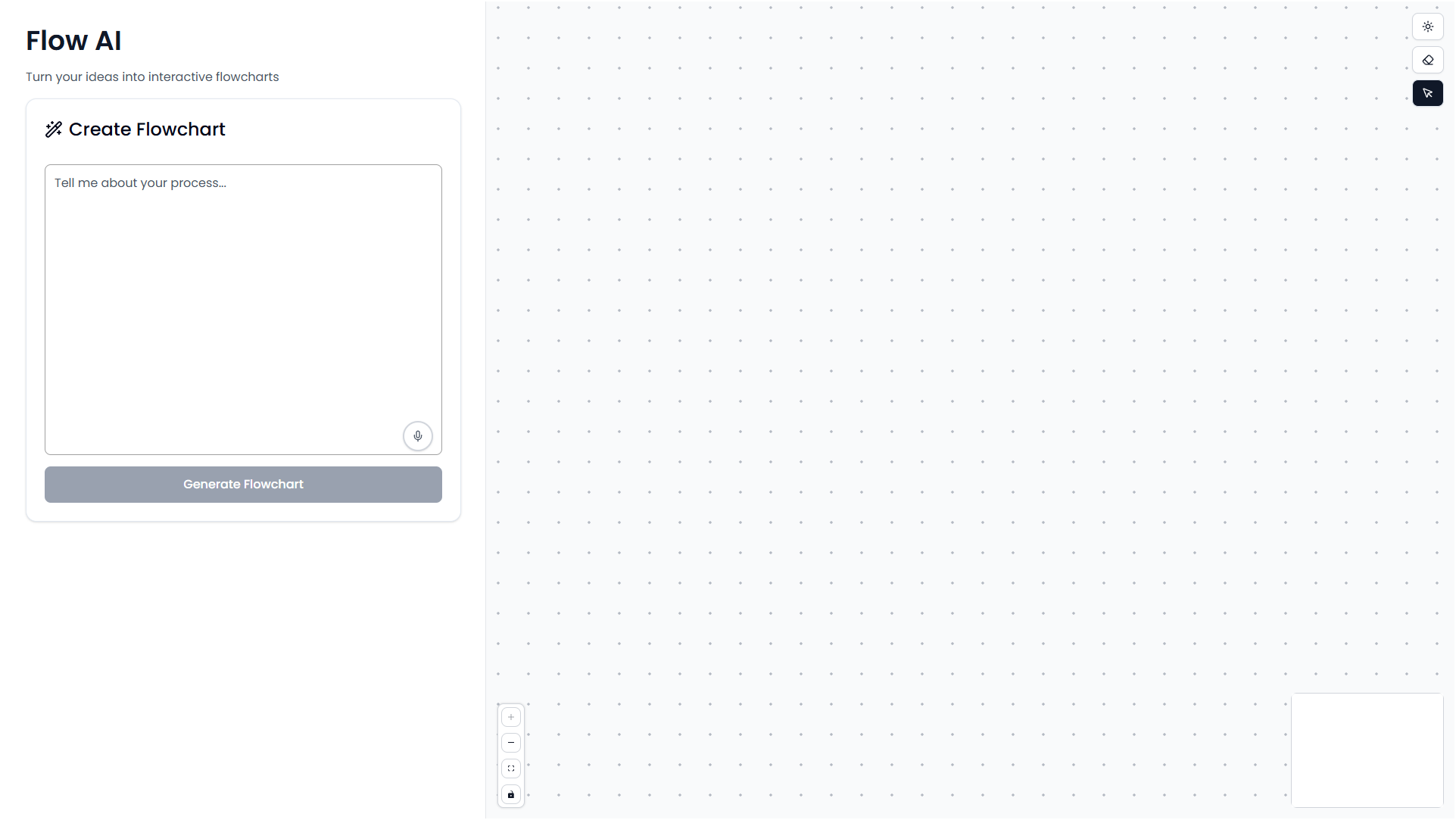
Main Page - Light Theme
-
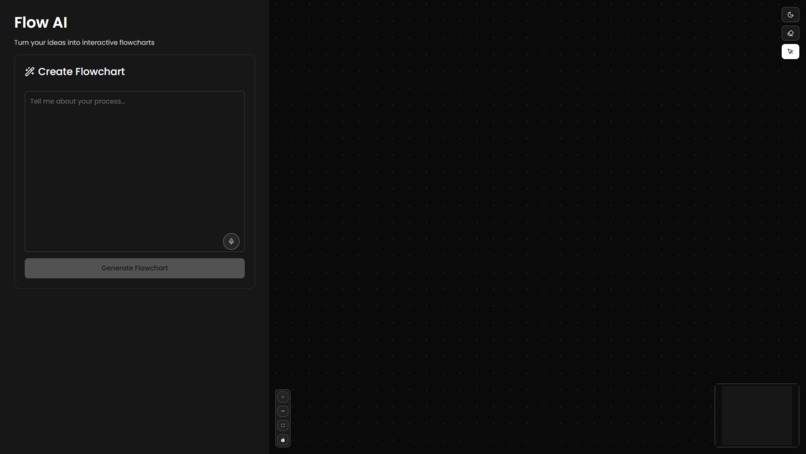
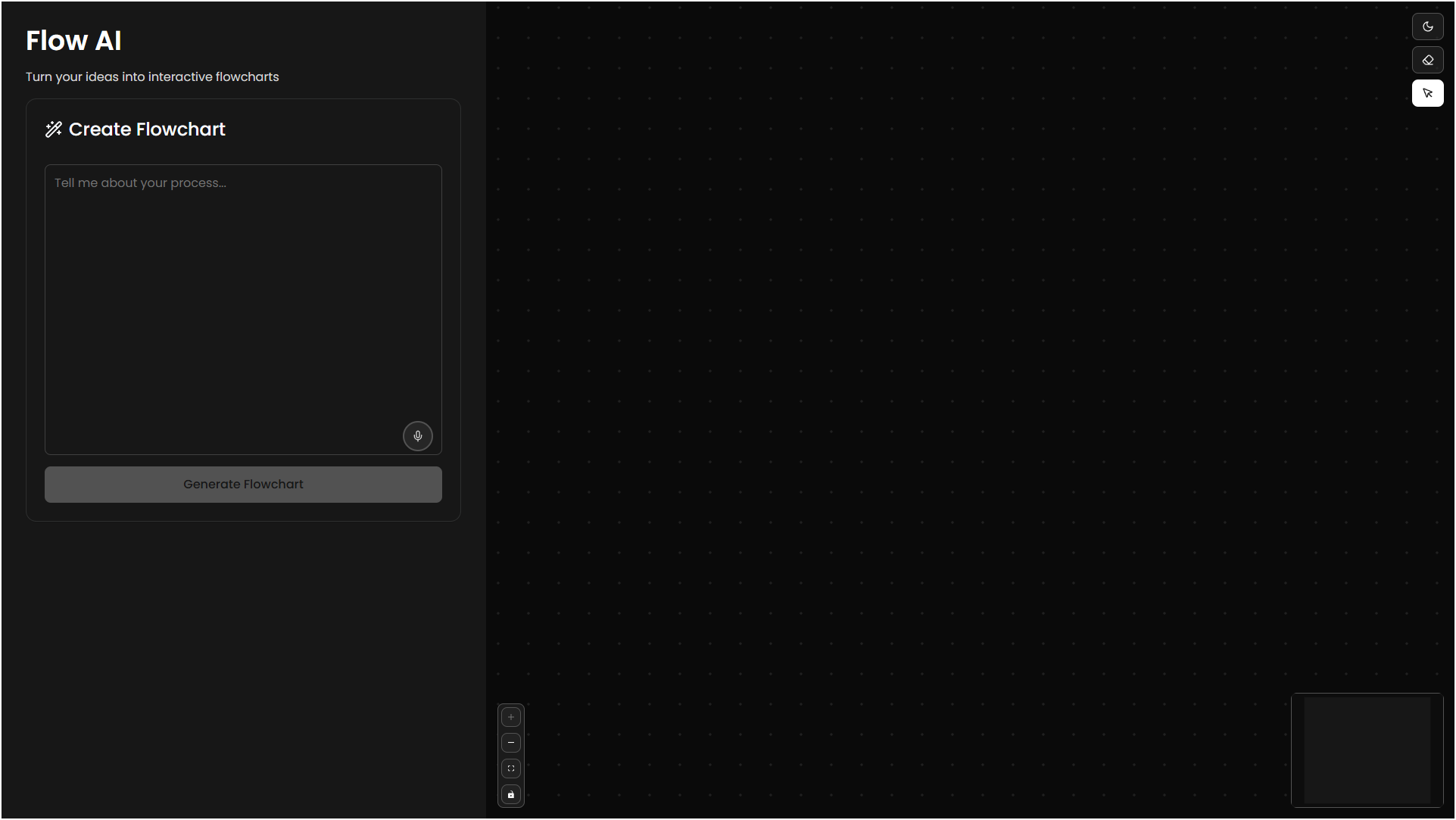
Main Page - Dark Theme
-
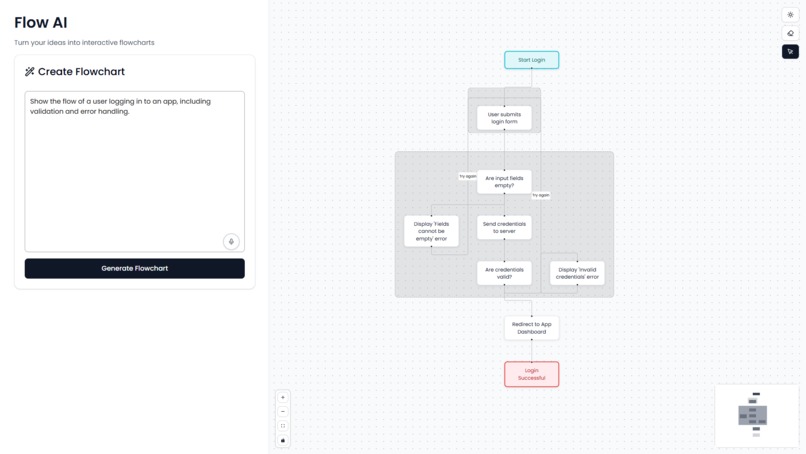
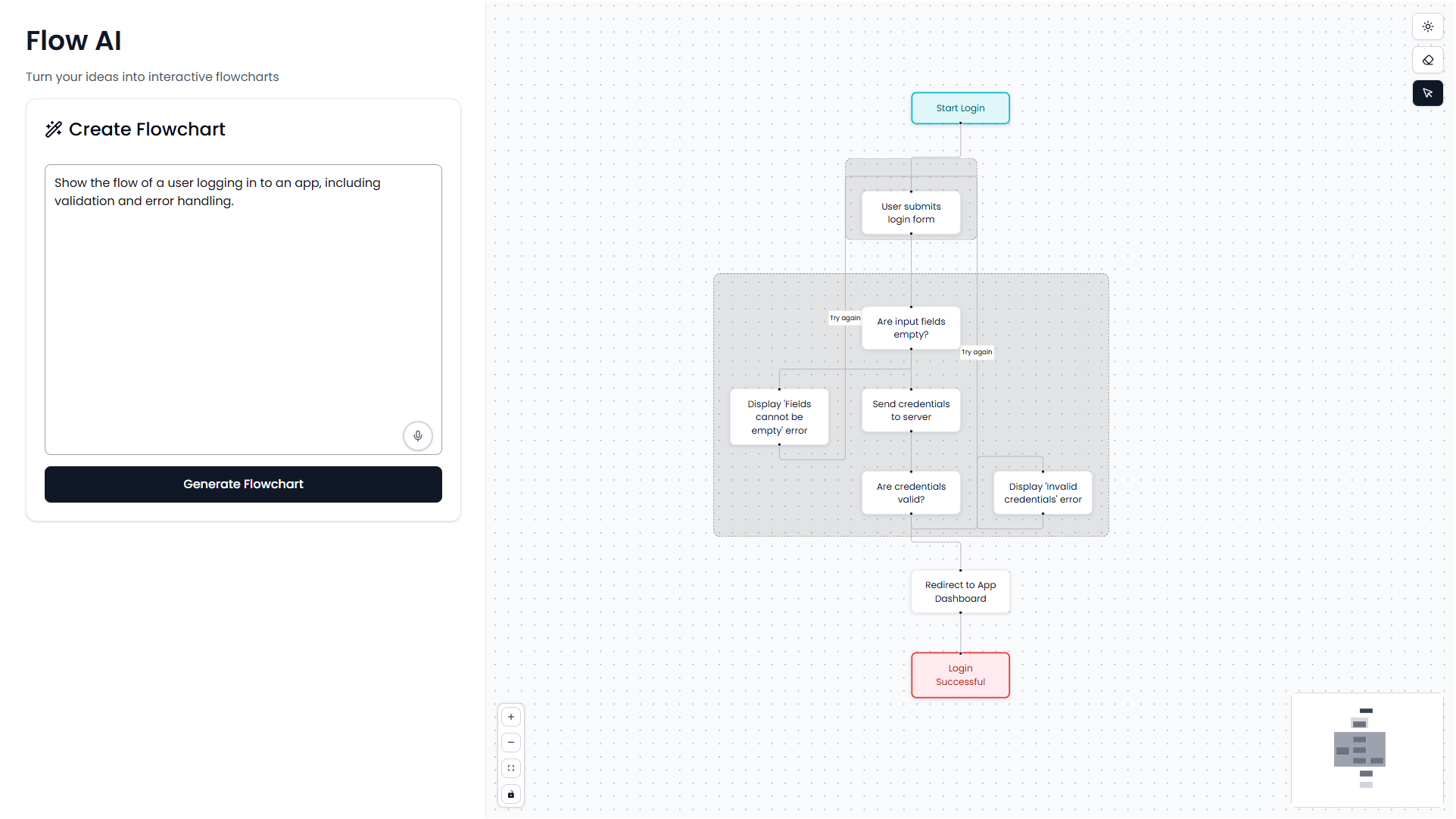
Generated Flowchart
-
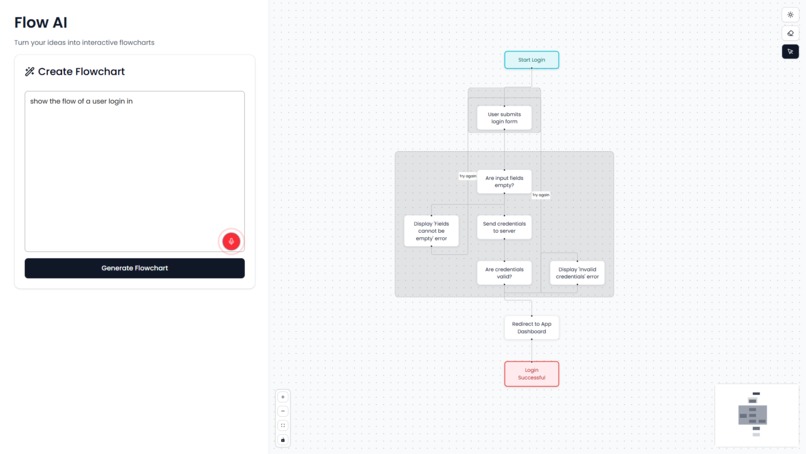
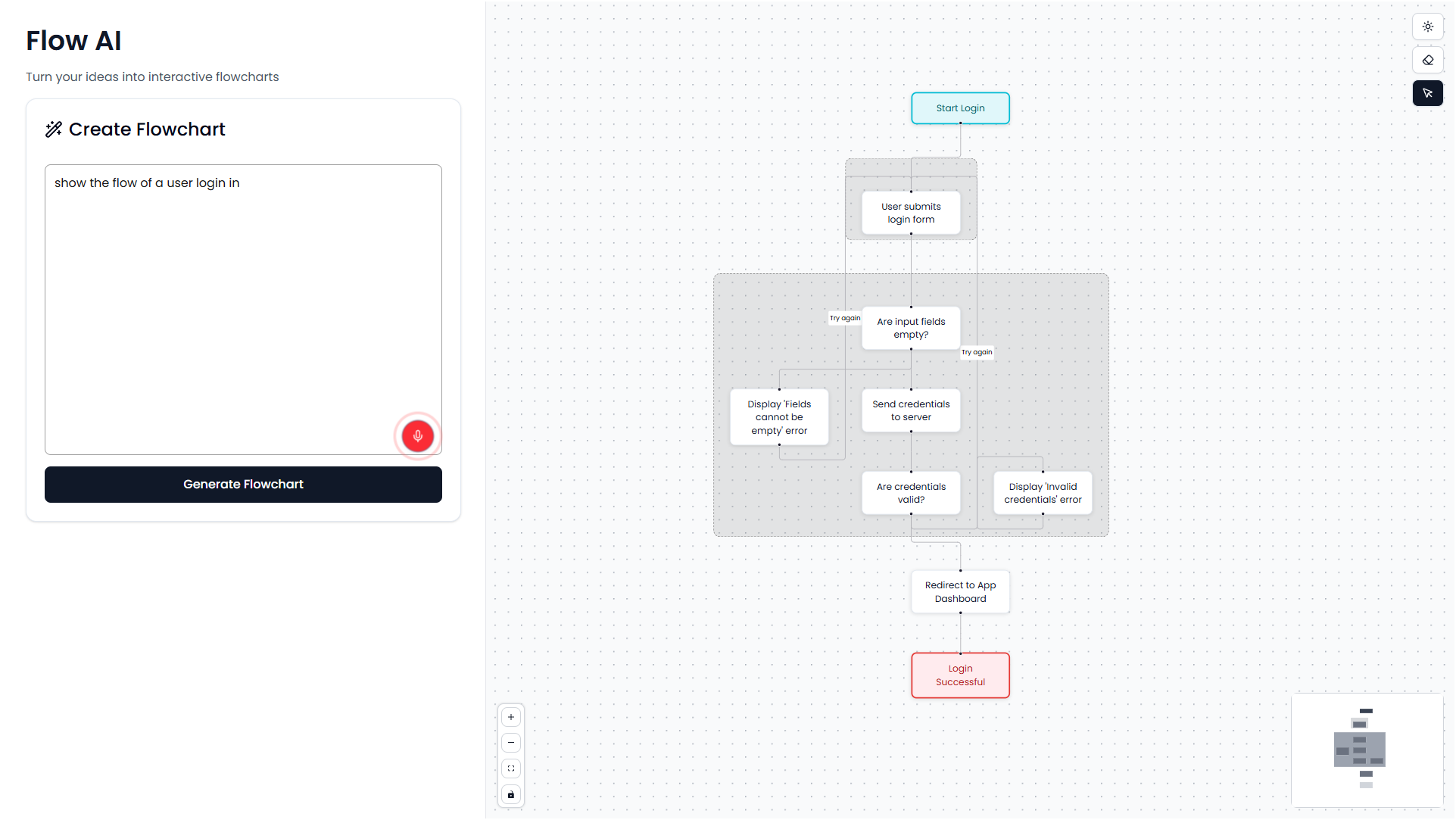
Voice Input
Inspiration
I was inspired by the need for a more efficient way to create flowcharts. Traditional flowchart tools often require significant time investment and technical knowledge, making them inaccessible for quick idea visualization. I wanted to create a solution that could transform natural language descriptions into professional flowcharts instantly, making diagram creation accessible to everyone.
What it does
Flow AI is an intelligent flowchart generation tool that converts text descriptions into interactive flowcharts. Users can input process descriptions or use voice commands to create detailed flowcharts. The application features real-time flowchart generation, interactive node manipulation, and dark/light theme support. Users can drag, edit, and erase elements to customize their diagrams.
How we built it
I developed Flow AI using Next.js for the frontend framework and ReactFlow for flowchart rendering. The application integrates with AI APIs to process natural language and generate structured flowchart data. I implemented Tailwind CSS for styling and added voice recognition capabilities using the Web Speech API. The project includes theme switching, and interactive flowchart editing features.
Challenges we ran into
The primary challenge was ensuring consistent AI-generated flowchart data structure. The AI responses sometimes contained malformed JSON or incomplete node/edge information, requiring robust error handling and data validation. Implementing the dark/light theme system across all components, including custom ReactFlow elements, required careful CSS management. Voice input integration also presented challenges with browser compatibility and speech recognition accuracy.
Accomplishments that we're proud of
I successfully created a fully functional flowchart generation tool with a polished user interface. The application features smooth theme transitions, responsive design, and intuitive user interactions. I'm particularly proud of the animated flowchart generation that builds diagrams piece by piece, creating an engaging user experience. The voice input functionality works reliably across different browsers and provides an accessible alternative to text input.
What we learned
This project significantly improved my understanding of AI API integration and response handling. I gained extensive experience with ReactFlow customization and learned to manage complex state interactions in React applications. The project also taught me about implementing accessibility features and creating responsive designs that work across various devices and screen sizes.
What's next for Flow AI
I plan to expand the application with additional diagram templates and support for various chart types including mind maps and process flows. Future development will focus on adding collaboration features for team-based flowchart creation and export functionality for multiple file formats. I'm also considering integration with project management tools and cloud storage services for enhanced workflow capabilities.
Built With
- google-gemini
- nextjs
- react
- react-flow
- shadcn/ui
- typescript
- web-speech

Log in or sign up for Devpost to join the conversation.