
Inspiration
What it does
How we built it
Challenges we ran into
Accomplishments that we're proud of
What we learned
What's next for Flow AI
Inspiration
We’ve all had those moments where we open a book or plan to work on a side project, only to find ourselves doomscrolling on Twitter or TikTok an hour later. We realized that productivity isn’t just about discipline — it’s about momentum. When we lose momentum, we lose motivation. Flow AI was built to help users build and sustain that sense of momentum — to turn “I should start” into “I’m already doing it.”
⸻
What it does
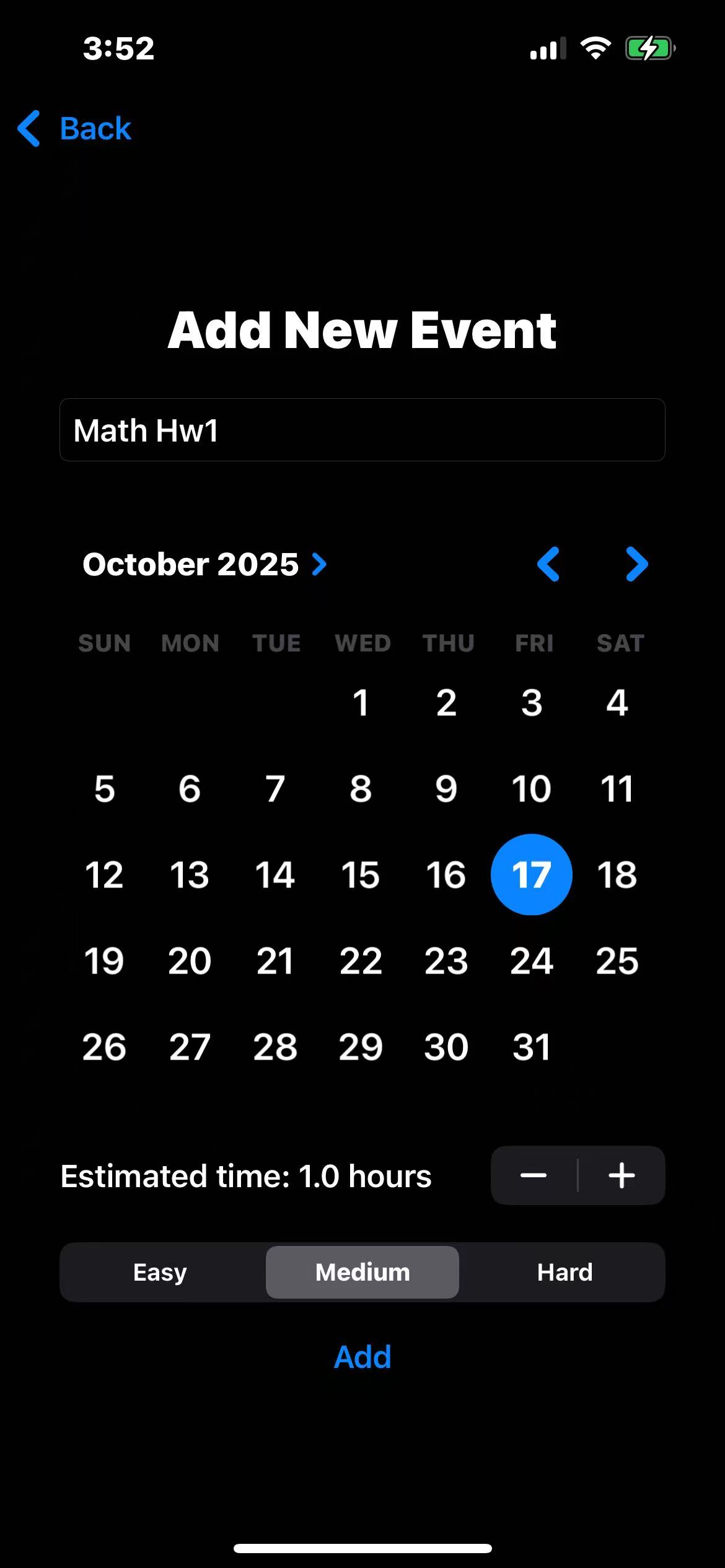
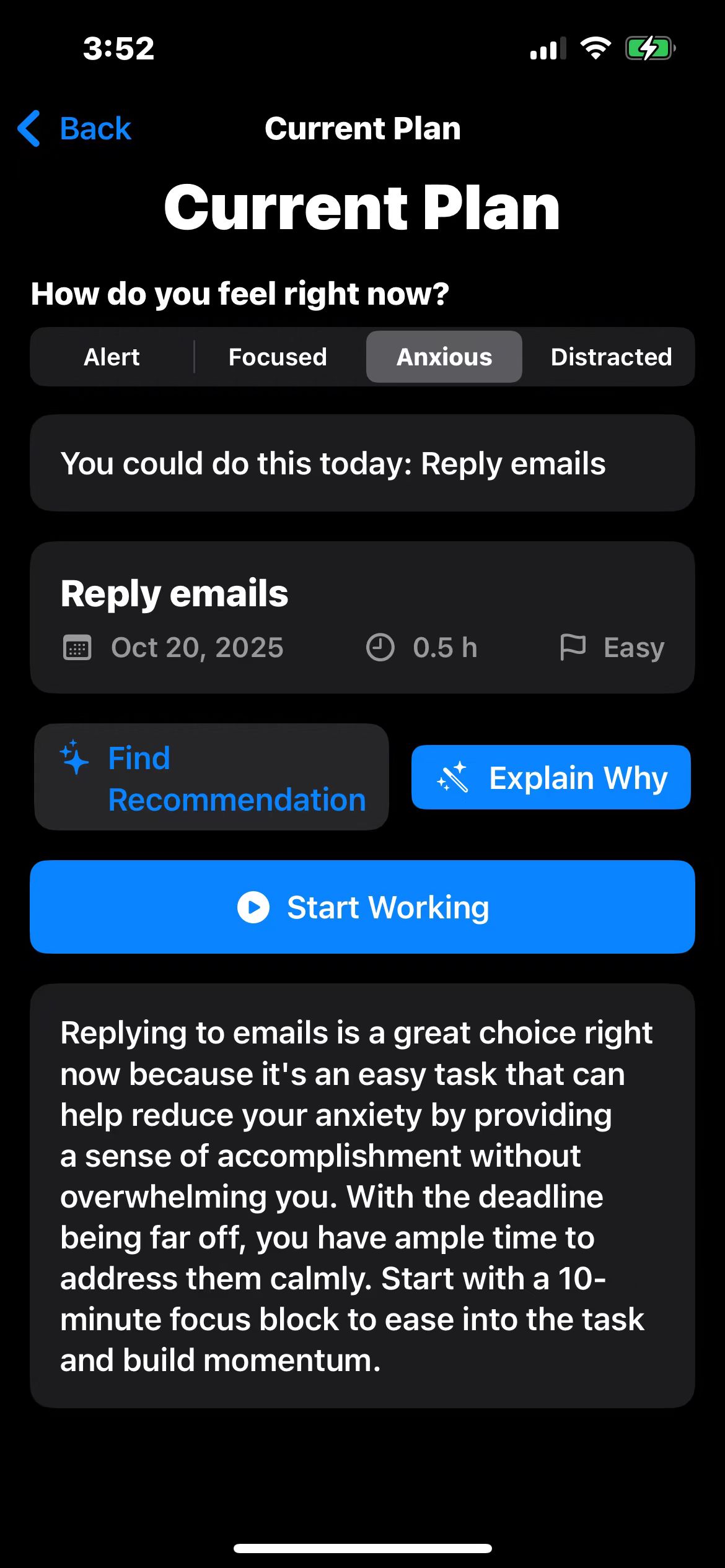
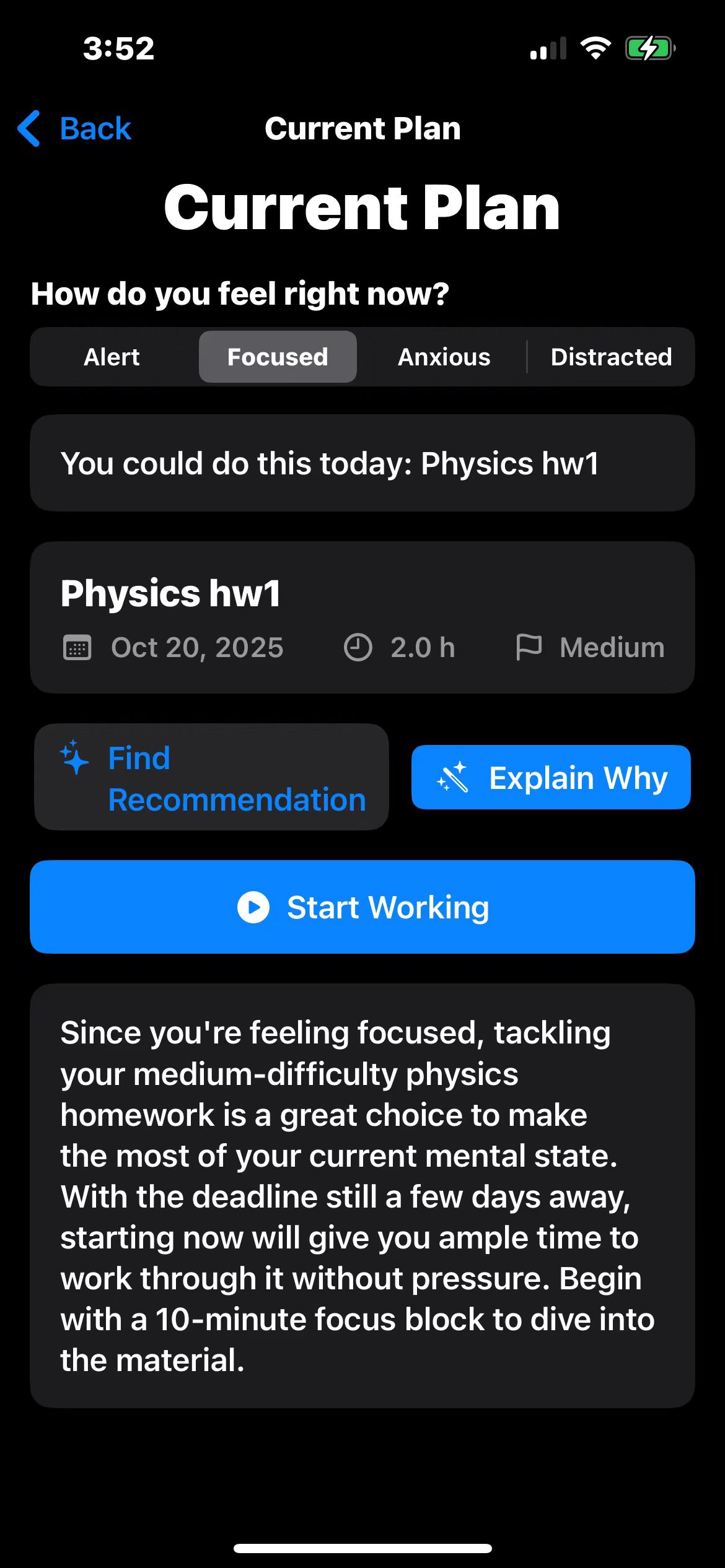
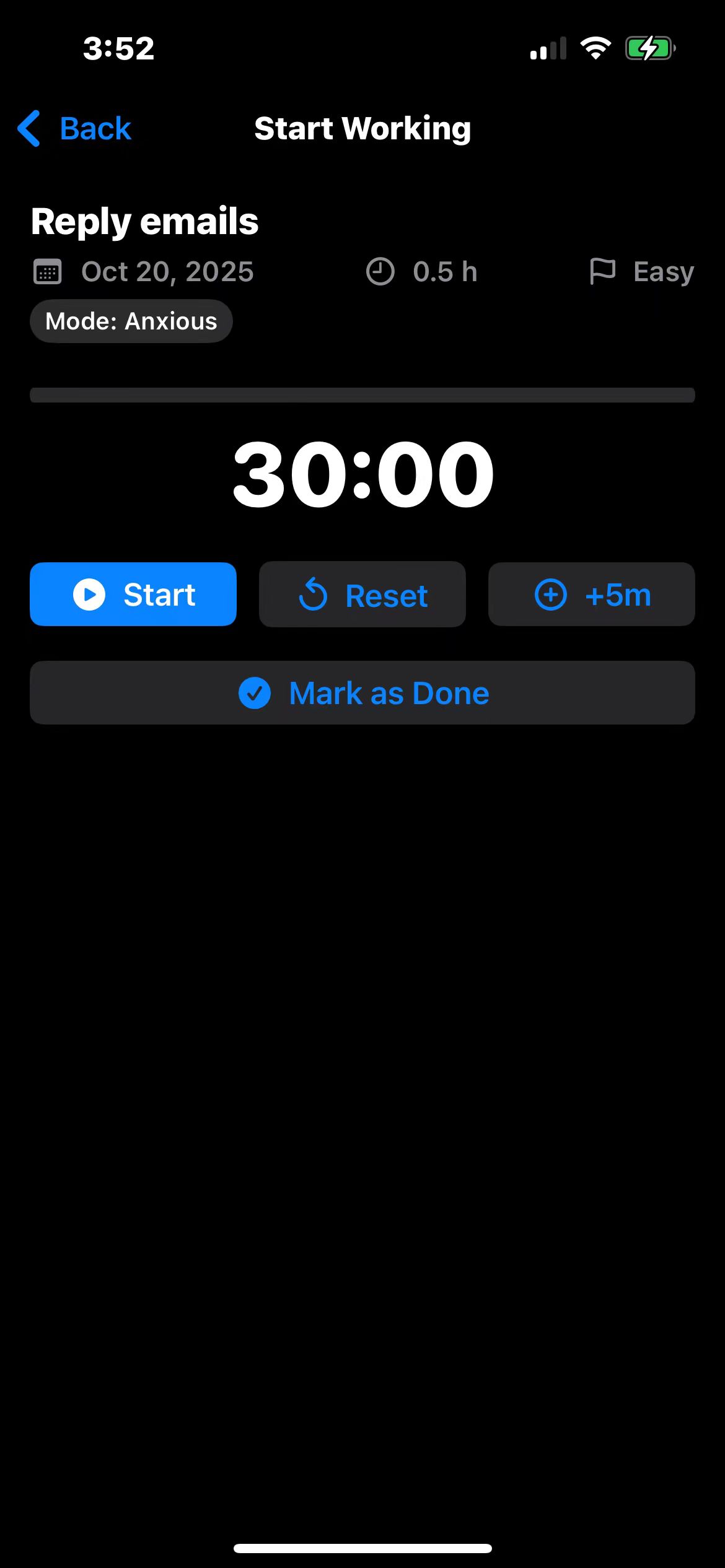
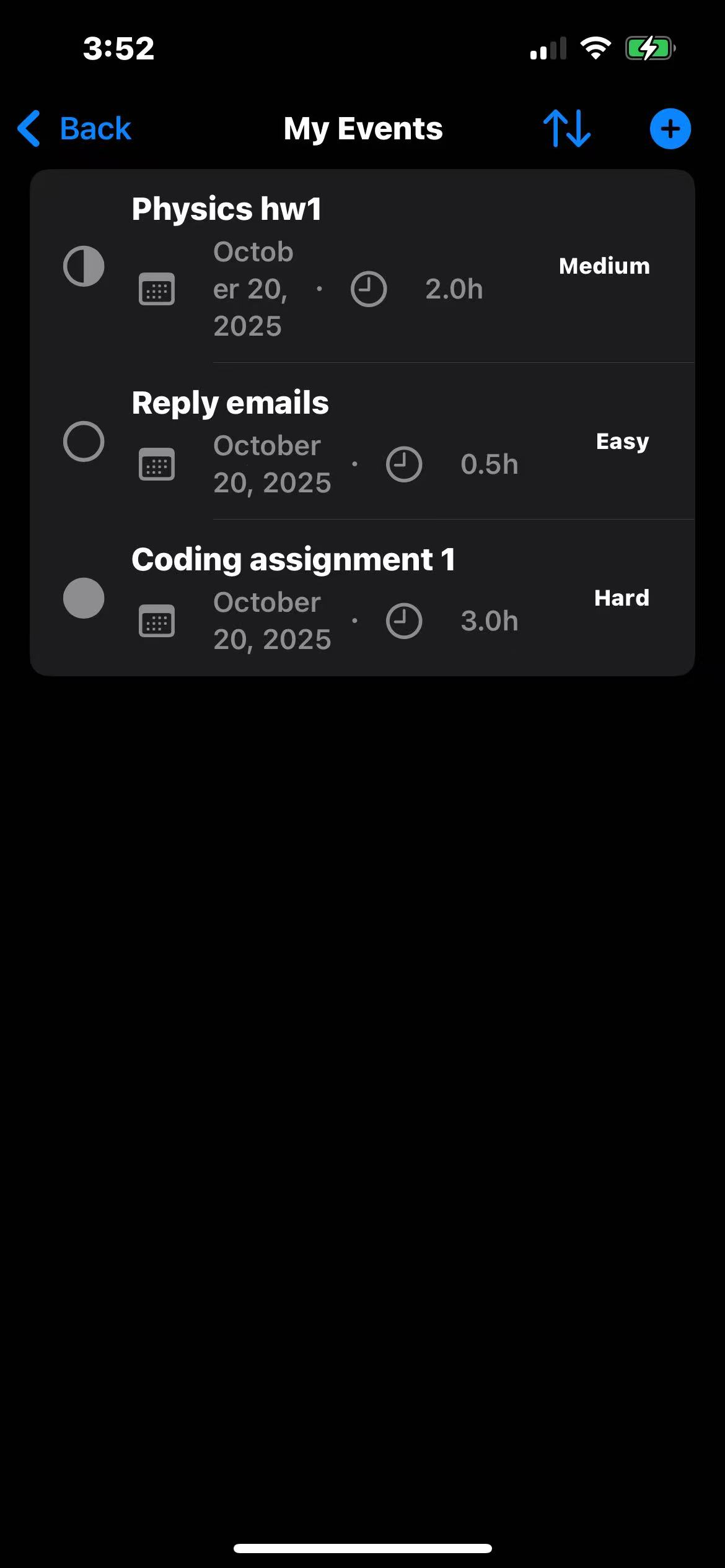
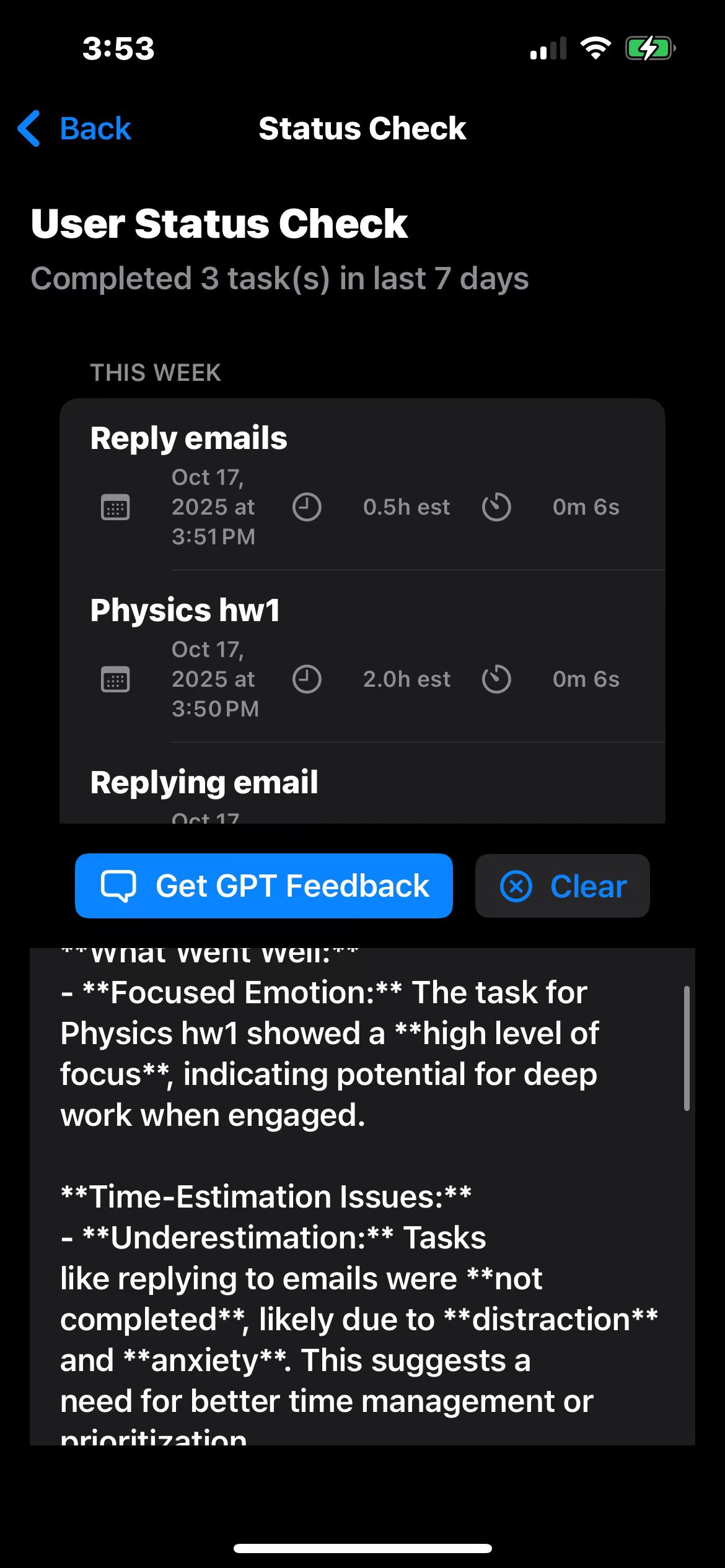
Flow AI helps users regain focus through emotion-based task recommendations, guided work sessions, and AI-driven reflection. • You start by selecting your current mood. • The system recommends one right-sized task from your list, designed to fit that emotion and difficulty level. • A built-in focus timer and progress tracker help you stay in flow. • After completion, tasks are stored and analyzed weekly to generate insights about your productivity habits.
⸻
How we built it
We built Flow AI in SwiftUI with SwiftData for local persistence. OpenAI’s GPT-4o model powers natural-language analysis and weekly feedback summaries. Our architecture uses an EventManager for local event tracking, an AIExplainerAgent for generating insights, and a CompletedTasksStore that logs progress automatically. Everything runs natively on iOS with async/await for stable, responsive interactions.
⸻
Challenges we ran into • Getting OpenAI API calls to run smoothly on mobile (network stability, retries, and timeout handling). • Managing real-time state updates between the timer, event manager, and completion store. • Staying under API token limits while still generating meaningful summaries. • Designing UI that balances minimalism with motivation.
⸻
Accomplishments that we’re proud of • Built a fully functional AI productivity assistant from scratch in less than a week. • Seamlessly integrated GPT-4o with SwiftUI using our own network abstraction layer. • Designed a real-time feedback loop: emotion → recommendation → action → reflection. • Created an experience that genuinely feels helpful and human.
⸻
What we learned • Motivation is fragile, but momentum can be engineered. • Emotion-aware design creates a more personalized user experience than generic to-do lists. • Good architecture (state separation, singletons for shared managers) makes AI integration much smoother.
⸻
What’s next for Flow AI • Add iCloud sync and cross-device progress tracking. • Expand the emotion model using lightweight on-device embeddings. • Introduce streaks and momentum graphs for visual motivation. • Publish Flow AI to TestFlight for early user feedback.
⸻


Log in or sign up for Devpost to join the conversation.