Inspiration
We often wished we could automate small tasks in the browser using AI, without copying text into different tools or relying on cloud services.
A second motivation was to create a playground for experimenting and prototyping with Chrome's built-in AI APIs. We hope it can also be a useful tool for extension developers.
What it does
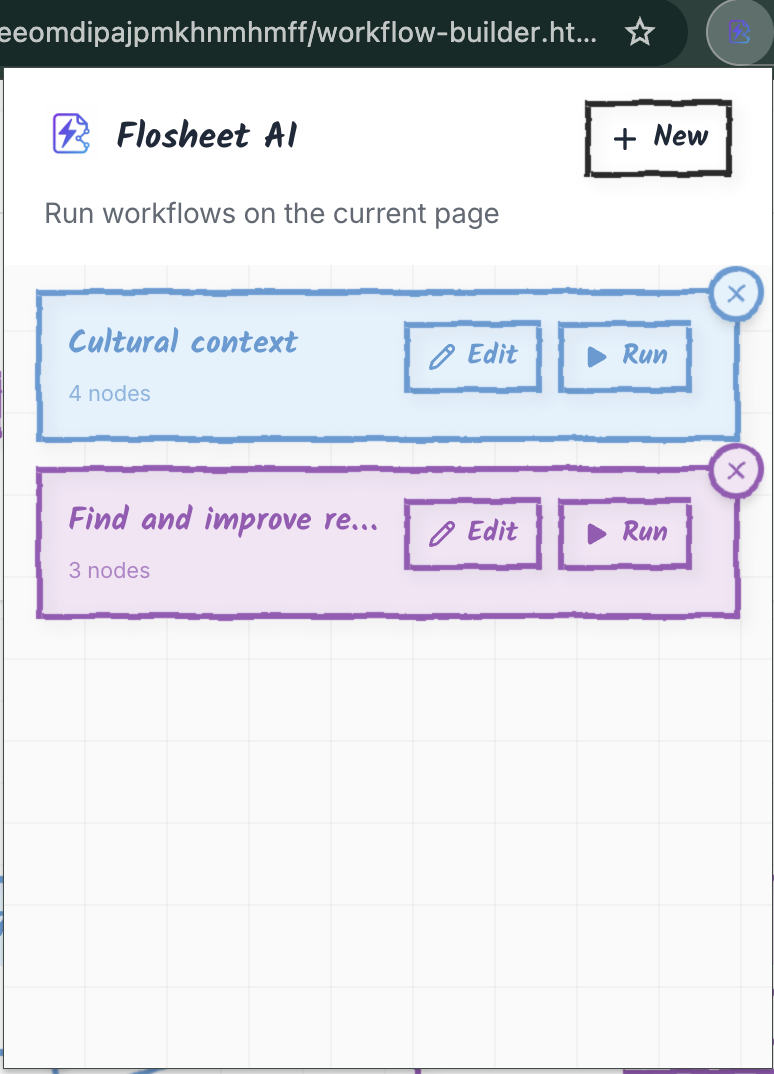
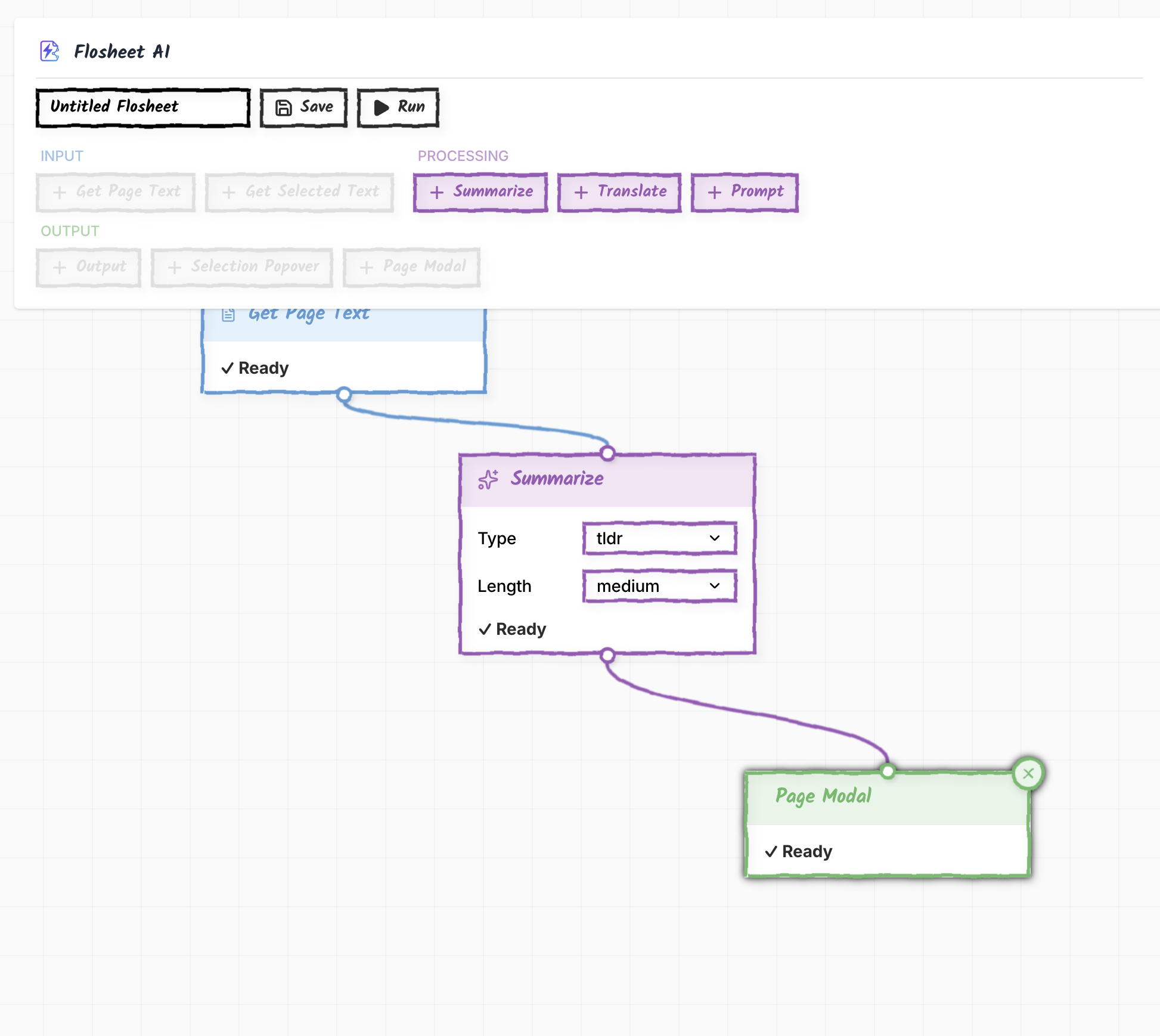
Flosheet AI lets you create and run AI-powered workflows directly in your browser. You can connect visual blocks like Get Page Text, Summarise, Translate, or Prompt to interact with webpages using Chrome's AI APIs. It’s fast, private, and runs entirely on Chrome’s built-in AI models — no external APIs or data sharing.
How we built it
We built it as a Chrome extension using WXT, React, and TypeScript. The visual editor uses React Flow to connect nodes. Each node is modular — with its own metadata, executor, and optional UI — which makes the system flexible and easy to extend. For AI tasks, we use Chrome’s new Summarizer, Translator, and Prompt APIs, all running locally.
Challenges we ran into
It was our first Chrome extension so there were a lot of new concepts, even though we have experience of React and web development in general. Working with the AI APIs we had to experiment with how to load models properly while keeping user activation intact. Performance and bundle size were also challenges — we solved them by splitting the heavy parts of the UI into separate scripts to keep the content script light.
Accomplishments that we’re proud of
We’re proud that everything runs locally, with no cloud dependency. We're proud of the design that we spent a lot of time to make it feel playful and approachable while being hopefully easy to use. We also designed a plugin system that lets anyone add new AI nodes easily.
What we learned
We learned a lot about Chrome’s new AI architecture and how it handles local models. We also learned lots about Chrome and extension development.
What’s next for Flosheet AI
We plan to add more AI nodes — including Rewriter and Proofreader — and deeper integration with the Prompt API. Also more ways of doing outputs, including better support for structured JSON outputs.
We’d also like to let users share and import workflows, so people can build on each other’s ideas. Long term, we see Flosheet AI as a platform for creative browser automation — built on privacy, speed, and openness.

Log in or sign up for Devpost to join the conversation.