FLOOD GUARD
Inspiration
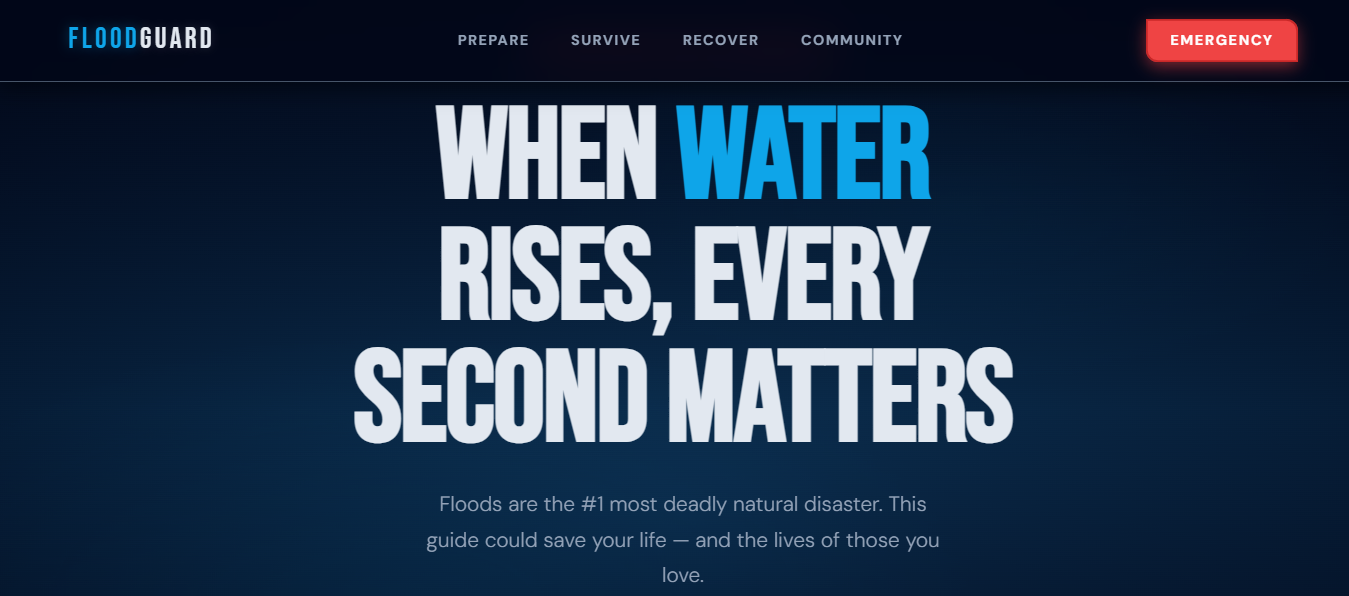
Floods are the #1 most deadly natural disaster on earth — and the vast majority of deaths are preventable. They don't happen because floods are unstoppable. They happen because people didn't know what to do, didn't prepare in time, or made a single wrong decision in a critical moment.
We looked at existing flood safety resources and found a graveyard of outdated government PDFs, cluttered infographic posters, and information-dense pages that nobody actually reads under stress. During a real emergency, you don't read — you react. And if what you react to is confusing, you make the wrong call.
We asked ourselves: what if a life-saving guide felt like a product people actually wanted to use?
That question became FloodGuard — a cinematic, human-centered flood safety experience that treats the user's attention as something precious, not something to overwhelm. We wanted something that a person could open on their phone at 2am with water rising outside their window and immediately, clearly know what to do next.
The inspiration wasn't just design. It was urgency. Floods affect 1.5 billion people globally. Proper preparation and knowledge can cut fatalities dramatically. If good design can make that information accessible and memorable, design has a responsibility to be used here.
What It Does
FloodGuard is a complete, single-page flood preparedness and survival guide structured as an immersive digital journey:
Awareness → Preparation → Survival → Recovery → Community
Core Sections
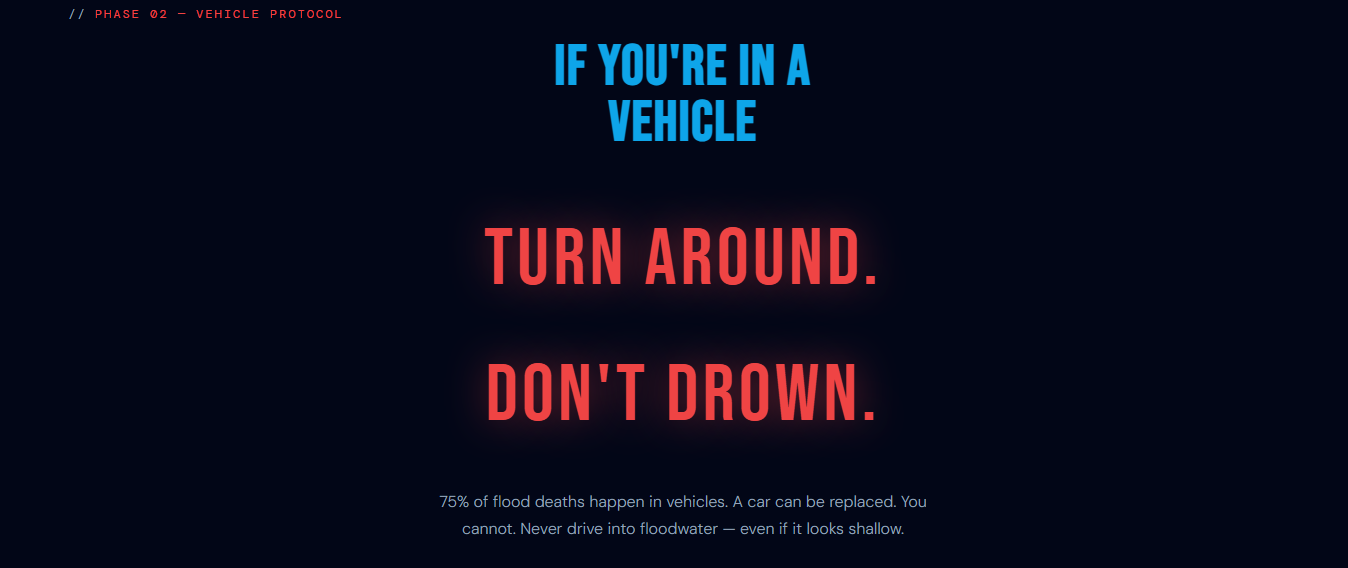
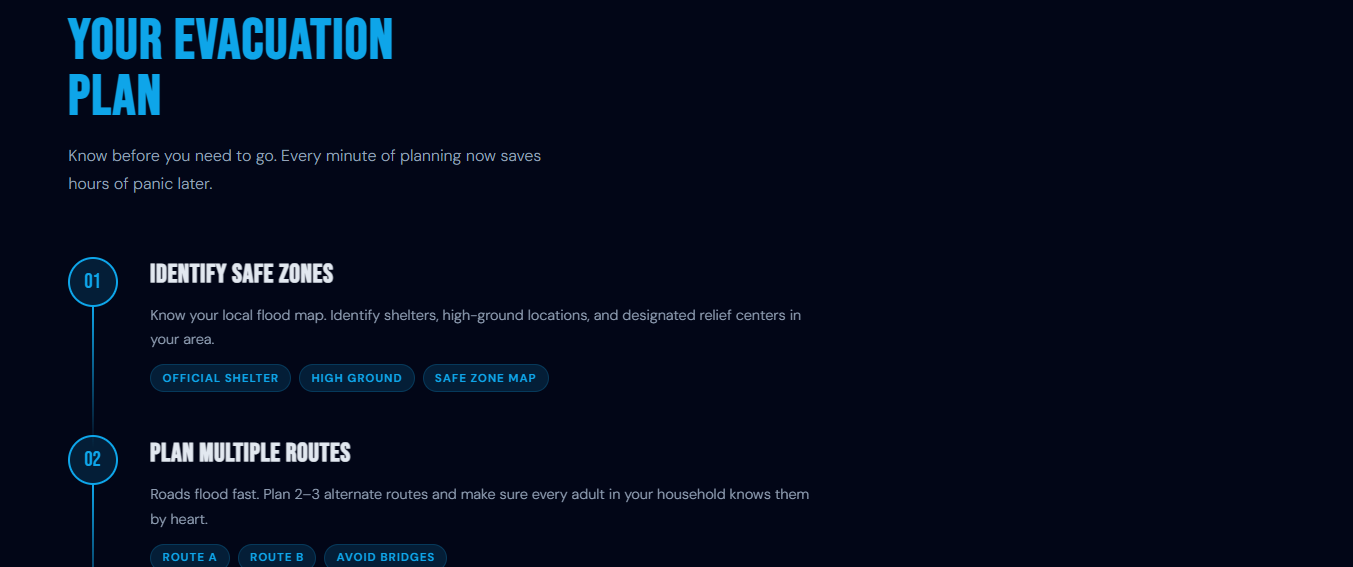
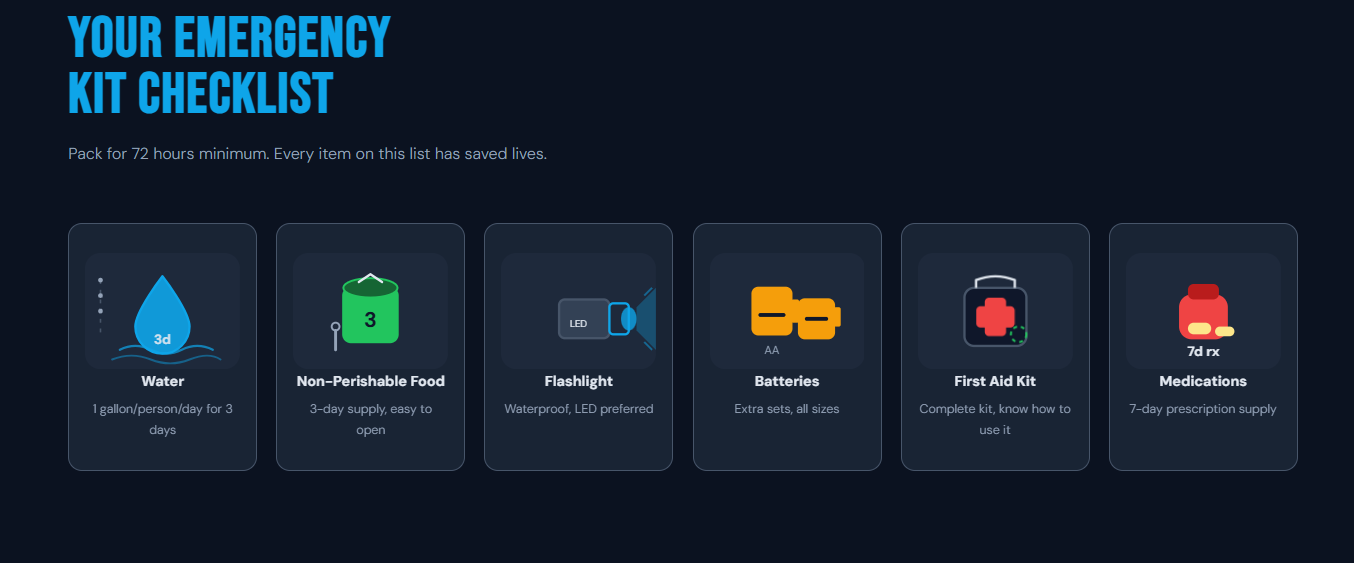
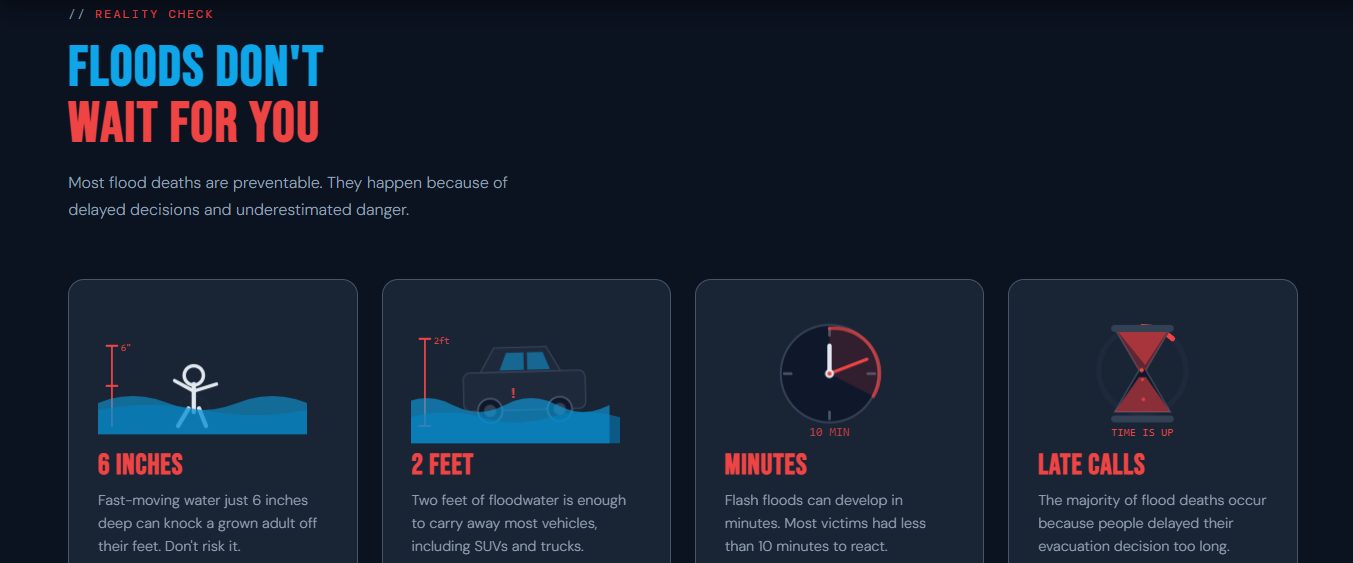
SectionPurpose🚨 HeroEmotional entry — establishes urgency with key statistics⚠️ Reality CheckAnimated SVG cards showing the real dangers of floodwater🏠 Before the Flood8-card preparation guide with animated custom SVG icons🎒 Emergency KitComplete 72-hour kit checklist with visual icons🗺️ Evacuation PlanStep-by-step timeline with animated route mapping🌧️ During the FloodDO / DON'T split panel — color-coded survival rules🚗 Vehicle Safety"Turn Around, Don't Drown" — car escape protocol🆘 Emergency Contacts6 animated contact cards with real numbers🏚️ After the FloodStructural, electrical, and water safety checklists🧼 Cleanup & HealthDisease prevention and contamination guidance🤝 CommunityHow to help neighbors, donate, and volunteer📢 Final CTAShare prompt and footer with all resources
Key Features
Pure HTML + CSS — zero JavaScript(Just locomotive scroll), Just one dependencies, zero frameworks
All custom animated SVGs — hand-crafted icons with CSS keyframe animations
Glassmorphism UI — backdrop-filter panels, glow effects, grain texture
SVG wave dividers — alternating fluid transitions between every section
Fully responsive — mobile-first, works on any screen size
Scroll-driven reveals — CSS scroll-timeline animations (with fallback)
Emergency contact cards — smooth hover lift with glow states
Under 200KB — lightweight, fast, works on low-bandwidth connections
How We Built It
Tech Stack
Pure HTML5 + CSS3
Architecture
The entire project lives in a single HTML file — no build tools, no bundlers, no preprocessors. Every design decision was made to prioritize:
Speed — the page loads instantly, even on 3G
Accessibility — high contrast ratios, semantic HTML throughout
Resilience — works without JavaScript enabled
Shareability — one file, open anywhere, share anywhere
SVG Icon System
All icons are custom-built SVGs using a strict design language:
All animations CSS-only, looping infinitely, staggered with animation-delay
Design Process
Define color system (CSS variables)
Sketch section hierarchy on paper
Build HTML structure — content first
Apply glassmorphism base styles
Design SVG icons per section
Add CSS animations layer by layer
Implement wave SVG dividers
Mobile responsive pass
Performance audit
Accessibility check
Challenges We Ran Into
Getting CSS scroll animations right without JavaScript
The CSS animation-timeline: scroll() API is powerful but has patchy browser support. We had to implement a graceful fallback system where older browsers simply show the content without the reveal animation — no broken experience, just slightly less cinematic.
SVG animation performance
Early versions used complex SVG animateTransform elements which caused layout thrashing. Switching entirely to CSS @keyframes targeting transform and opacity — both GPU-composited properties — made everything silky smooth.
The contact card disappearing bug
A particularly tricky issue: contact cards were using animation: pulse-contact for a glow effect, and animation: none on hover to stop it. When CSS kills an active animation mid-cycle, it snaps the animated property (box-shadow) back to its initial value — causing a visible "vanish" flash. The fix was removing the pulse animation entirely and using a CSS transition instead, which handles the state change smoothly.
Information hierarchy under cognitive load
Flood emergencies cause panic. Too much information at once is as dangerous as too little. Structuring 12 sections of dense safety content in a way that feels calm, scannable, and actionable — not overwhelming — required multiple restructures and a strict "one key message per section" rule.


Log in or sign up for Devpost to join the conversation.