
Inspiration
Floods are the most common natural disaster in the United States, but most people don't have a clear plan when one actually happens. When water starts rising, people are jumping between the weather app, Google Maps, and texting family members trying to figure out what to do. There is no single place that walks you through everything step by step.
That is what inspired FloodGuard. I wanted to build something that a real family could open on their phone during a flood warning and actually use, not just read. I also wanted to push myself to build something that looked and felt like a real product, not just a school project.
What it does
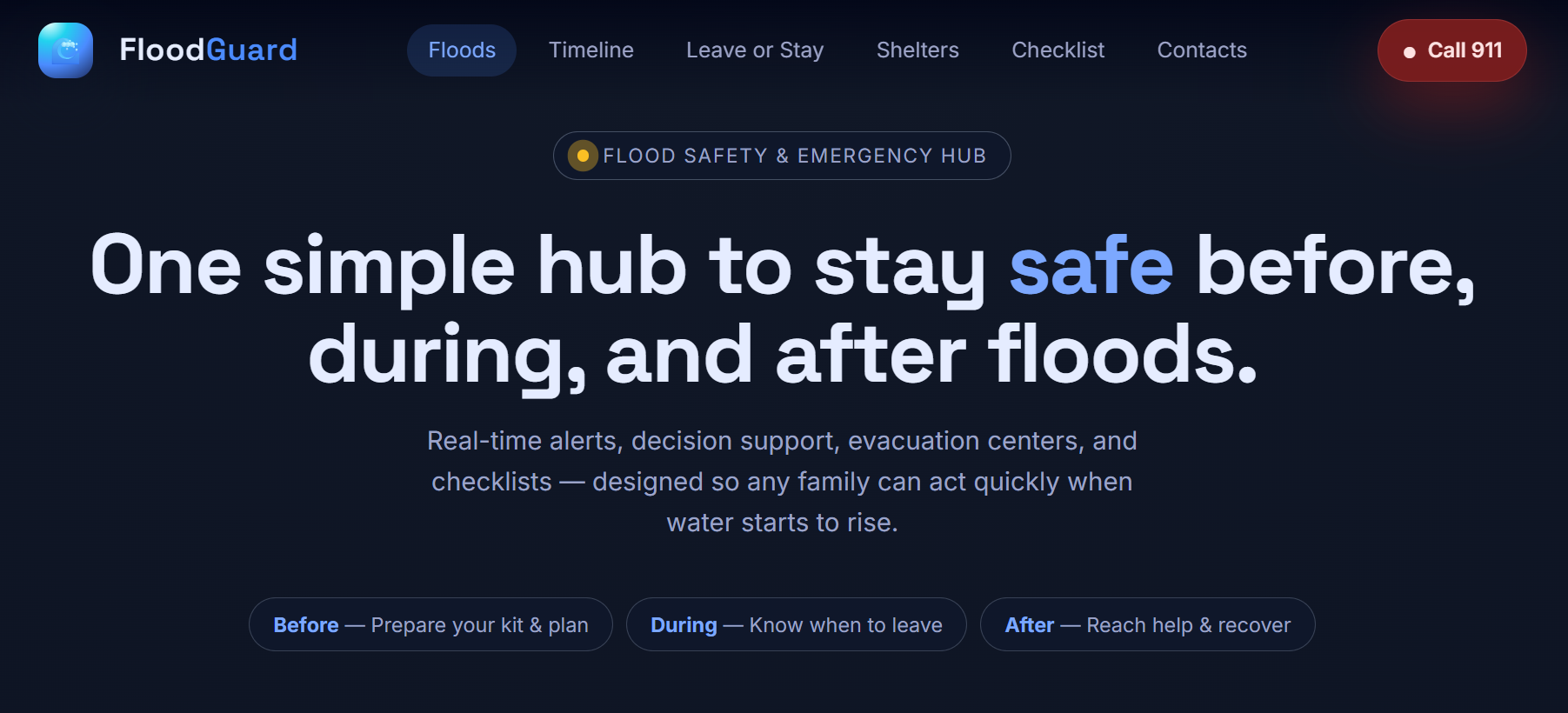
FloodGuard is a flood safety web app that helps people before, during, and after a flood. It has six main features:
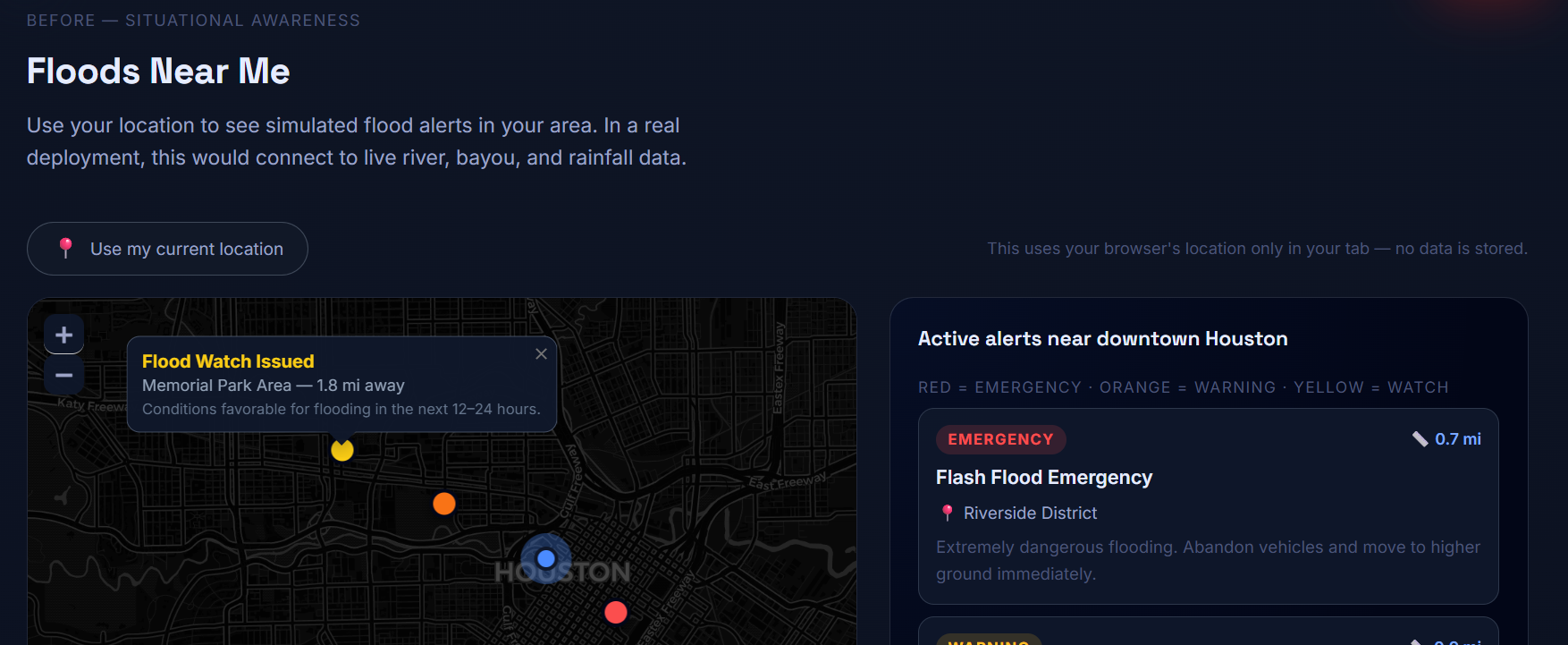
- Floods Near Me: An interactive map that shows flood alerts around your real GPS location. Alerts are color coded by severity: red for emergency, orange for warning, and yellow for watch. Distances are calculated using the Haversine formula for great-circle distance between two coordinates on Earth.
- Flood Timeline: Shows the typical sequence of a flood event from the first watch to the all-clear, so you know what to expect and when to act.
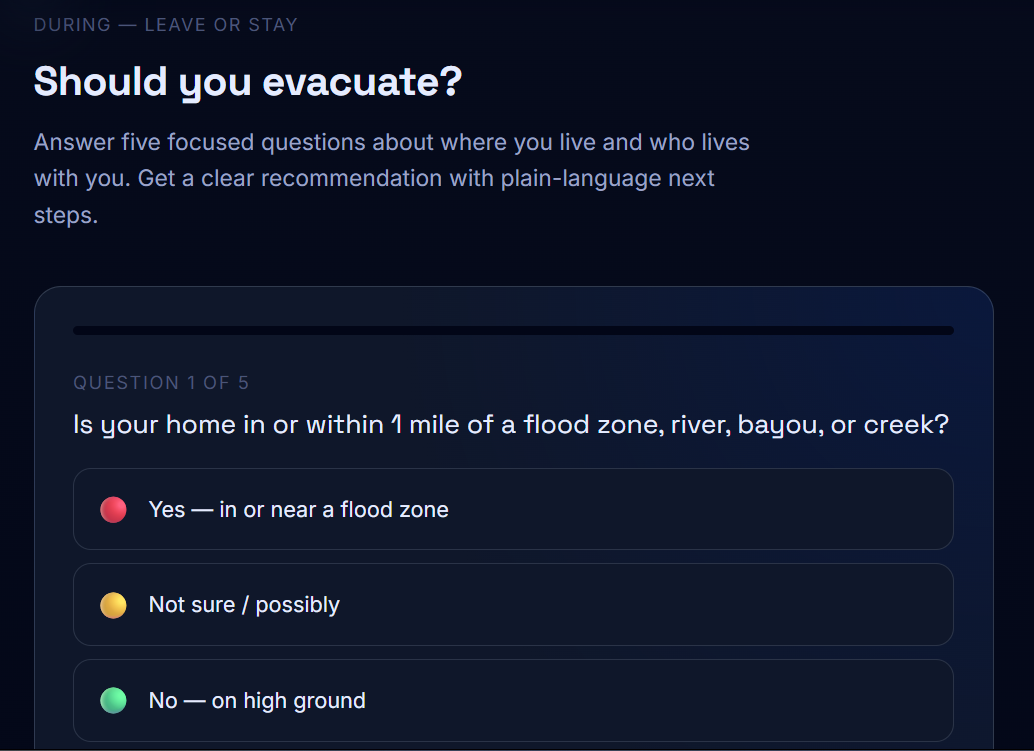
- Leave or Stay Wizard: A five-question tool that looks at your location, home type, mobility, transportation, and pets to give you a clear recommendation: Evacuate, Prepare to Leave, or Shelter in Place.
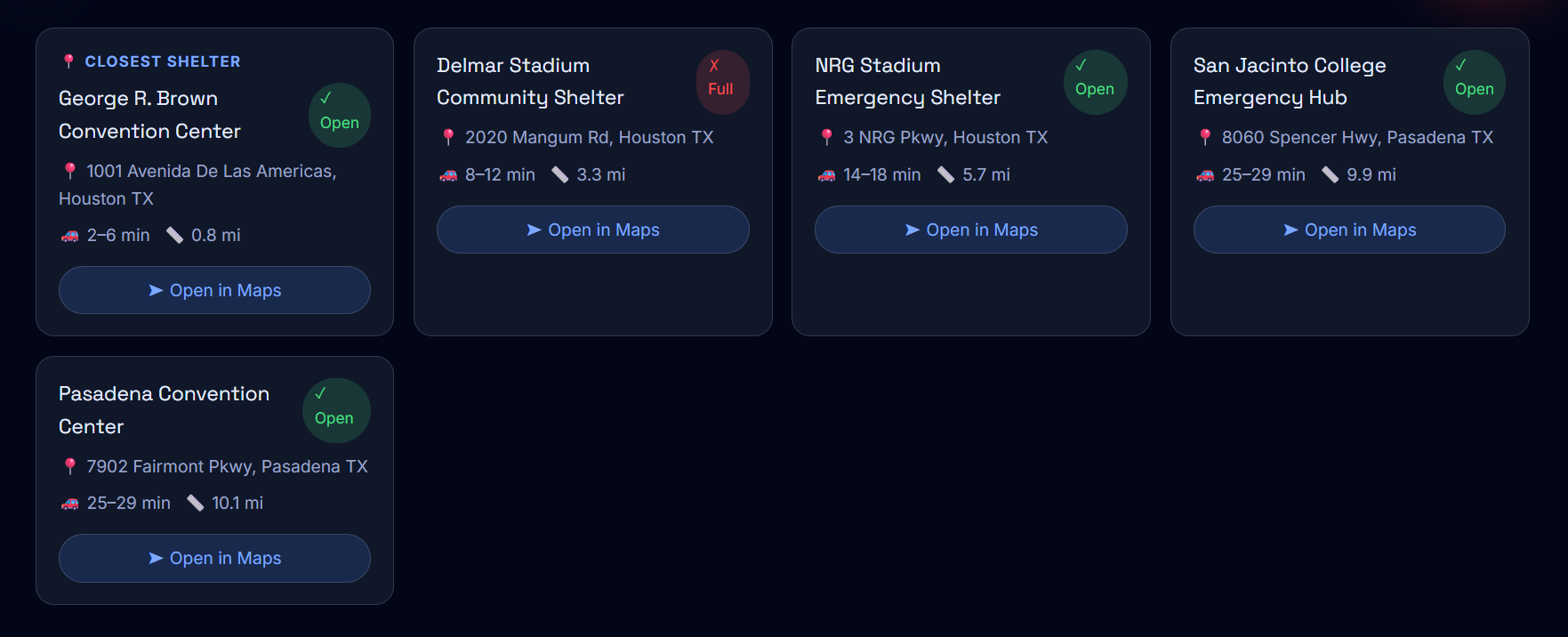
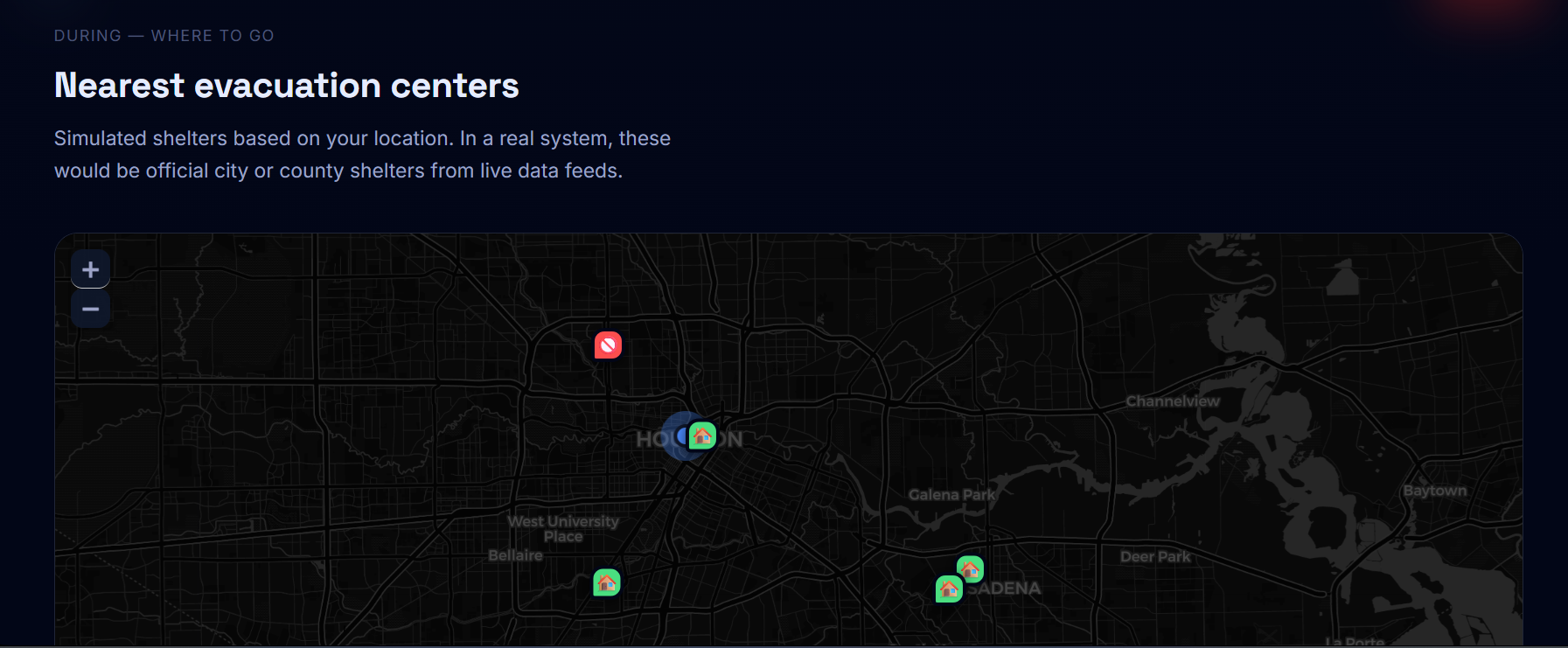
- Evacuation Centers: A map of nearby shelters sorted by distance from your location, with estimated drive times and one-tap directions.
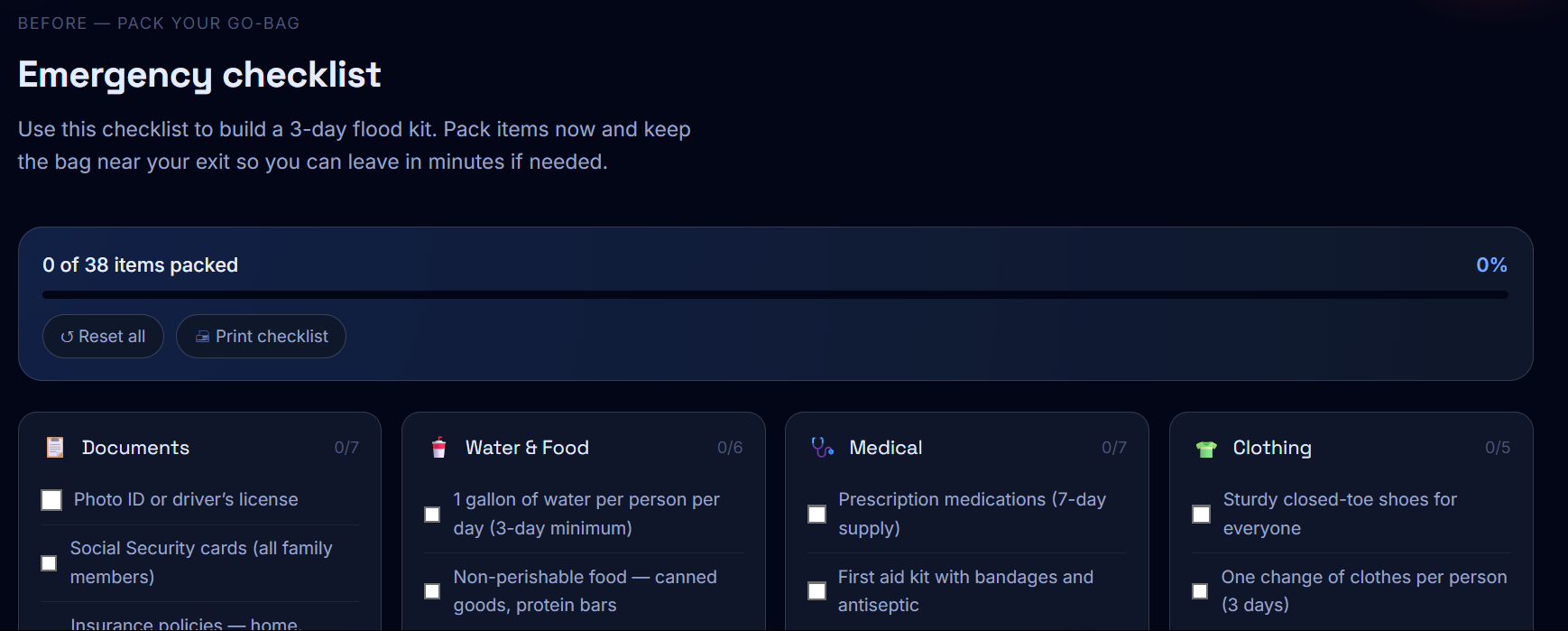
- Emergency Checklist: A 42-item go-bag checklist across six categories with a live progress bar you can check off as you pack.
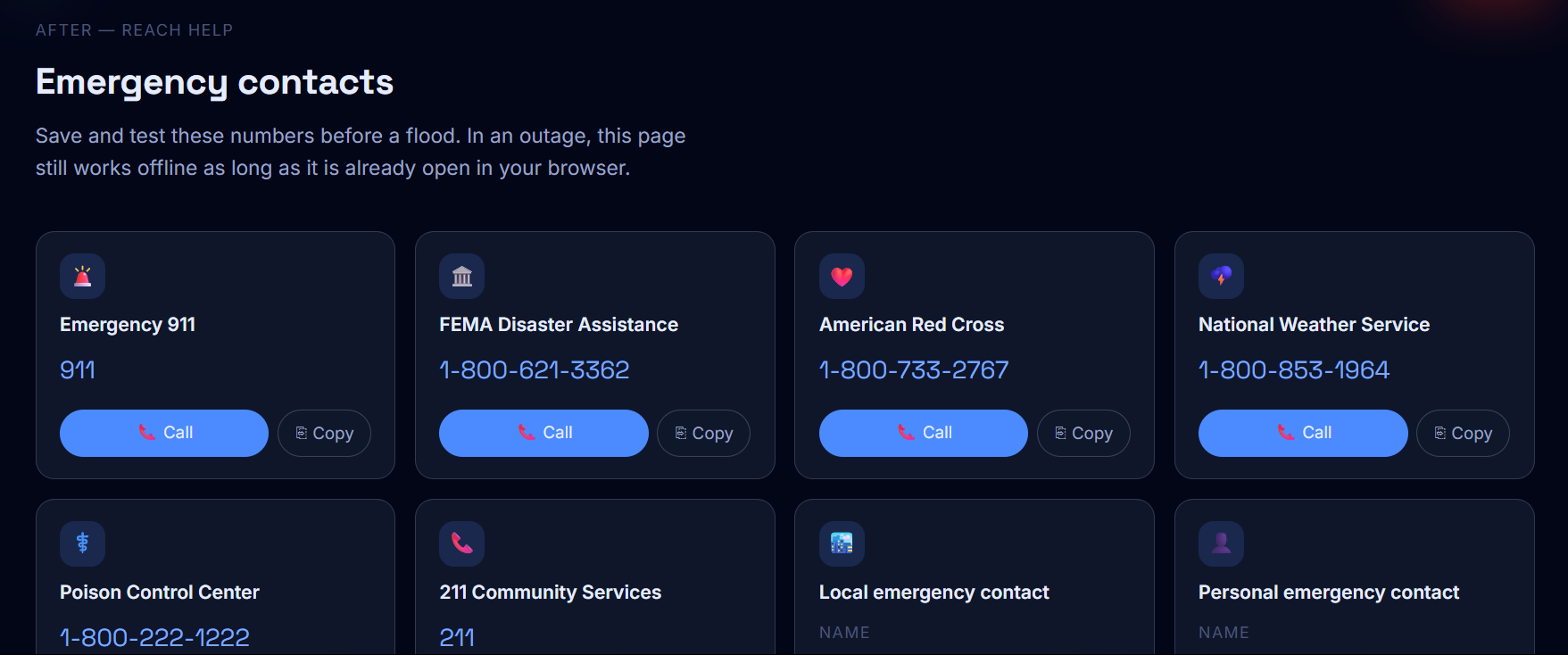
- Emergency Contacts: One-tap calling for national hotlines like FEMA and the Red Cross, plus fields to save your own local and personal contacts.
How we built it
The whole app is a single index.html file with no build tools, no npm, and no backend. I chose this approach so the page could be saved and used offline during a real disaster when the internet might be down.
Tech stack:
| Layer | Technology |
|---|---|
| UI | React 18 via CDN, transpiled with Babel |
| Maps | Leaflet.js with CartoDB dark tiles |
| Fonts | Google Fonts, Space Grotesk and Inter |
| Styling | Pure CSS with custom properties |
| Location | Browser Geolocation API |
| Distance | Haversine formula in plain JavaScript |
Each section is its own React component. The maps use useEffect hooks with a useRef guard to prevent double-initialization errors. After the map loads, invalidateSize() is called after 60ms so the tiles render correctly. The user's GPS coordinates are stored in React state at the top level and passed down as props so both maps and all distance math stay in sync automatically.
Challenges we ran into
Leaflet and React don't work well together by default. Leaflet directly modifies the DOM, which conflicts with how React manages the page. The fix was using a useRef to store the map instance and only create it once, then update markers and position on re-renders without re-initializing the whole map.
Keeping everything in one file was harder than expected. Without a module system or separate files, all 700+ lines of CSS had to be carefully written to avoid conflicts, and all the JavaScript had to live in a single script block.
Getting the design right took multiple full rebuilds. My first versions were too cluttered. I had to simplify the layout, increase whitespace, and rethink the visual hierarchy before it started looking clean and easy to use under pressure.
Accomplishments that we're proud of
- The entire app works in a single HTML file with no build step or server needed.
- Both maps update in real time based on your actual GPS location and recalculate distances dynamically.
- The wizard uses a real scoring system. It does not just count answers, it weights high-risk responses so the recommendation escalates appropriately.
- The checklist is fully printable using CSS print styles, so it works even without a screen.
- The design looks professional and is easy to read at a glance, which matters a lot in an emergency.
What we learned
- Leaflet plus React requires a careful pattern. You have to respect that Leaflet owns its DOM container and design around that from the start.
- Working in a single file forces discipline. Every feature had to be worth the added complexity. That made the final product cleaner than it would have been otherwise.
- Simple information structure is more important than extra features. Organizing everything around Before, During, and After made the app immediately understandable to anyone.
- The Haversine formula is surprisingly simple to implement and accurate enough for real-world emergency use.
What's next for FloodGuard
- Live data: Connect to the NOAA National Water Prediction Service API and NWS alerts API to replace the simulated alerts with real flood warnings by county.
- Push notifications: Let users subscribe to flood alerts for their saved location using the Web Push API.
- Offline PWA: Convert the app to a Progressive Web App with a service worker so it installs on your phone and works fully offline.
- Multiple languages: Add Spanish and Vietnamese support for communities in high-flood-risk areas like Houston and South Florida.
- Real shelter data: Work with local emergency management agencies to pull live shelter capacity instead of using placeholder open/full statuses.

Log in or sign up for Devpost to join the conversation.