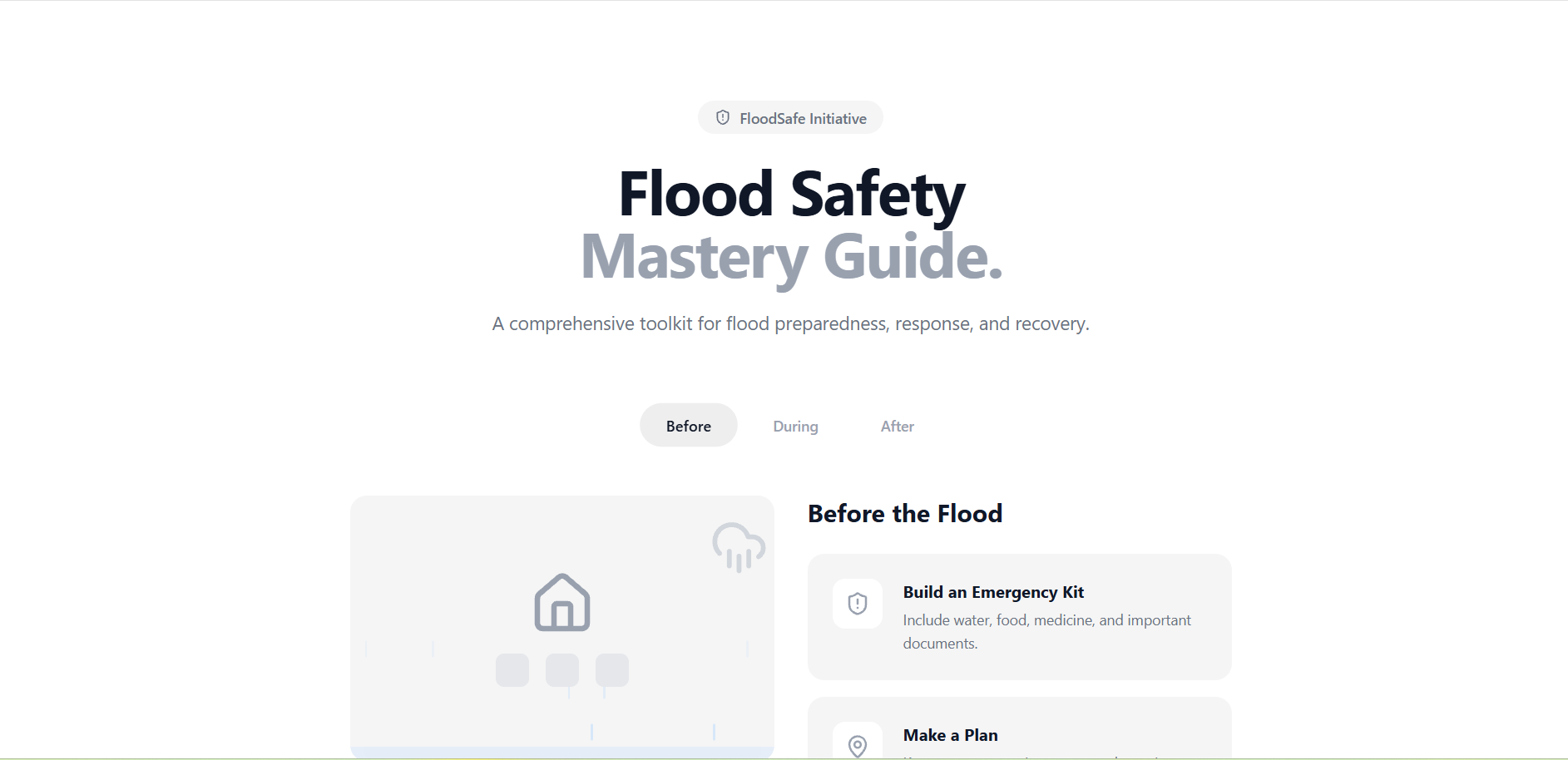
The inspiration for FloodSafe came from the realization that during natural disasters, information is often scattered, overwhelming, or difficult to process quickly. I wanted to create a "single source of truth" that wasn't just a wall of text, but a visual, interactive experience. By using animations to represent the different stages of a flood—from the first signs of rain to the recovery phase—I aimed to make safety protocols more intuitive and memorable for users of all ages. Building this project taught me the power of visual storytelling in UI/UX. I learned how to use motion/react (Framer Motion) to create complex, multi-layered animations like turbulent water and falling rain using only code and SVG-based icons. I also deepened my understanding of disaster preparedness, specifically the critical "Before, During, and After" framework used by emergency management agencies. The application is built with React and TypeScript, leveraging Vite for a lightning-fast development experience. I used Tailwind CSS for the styling, adhering to a strict "pure white" aesthetic with light grey cards to ensure maximum readability. The core of the experience lies in the custom animated visuals, which use CSS-accelerated transforms to simulate environmental changes. I also implemented a state-managed checklist and a knowledge-testing quiz to turn passive reading into active learning. One of the biggest challenges was creating a "turbulent water" effect that felt dangerous but remained within the minimal design aesthetic. I solved this by layering multiple semi-transparent waves moving at different frequencies:
By adjusting the amplitudes ( ) and frequencies ( ) in the animation code, I was able to simulate the chaotic nature of floodwaters without needing heavy video assets or complex shaders.
Built With
- 4.0
- animation:
- css
- framer
- icons:
- javascript-frameworks:-react-19
- languages:-typescript
- lucide
- motion
- styling:
- tailwind
- vite


Log in or sign up for Devpost to join the conversation.