Inspiration
Planning an event means repeating the same information everywhere: a flyer, an invitation email, a calendar event, and an event document. Then the room changes or the start time moves, and the organizer has to update everything again.
One missed update can leave someone at the wrong location. One missing accessibility detail can prevent someone from attending at all.
We wanted to solve both problems together: help organizers keep event information consistent while making inclusion part of the planning process.
What it does
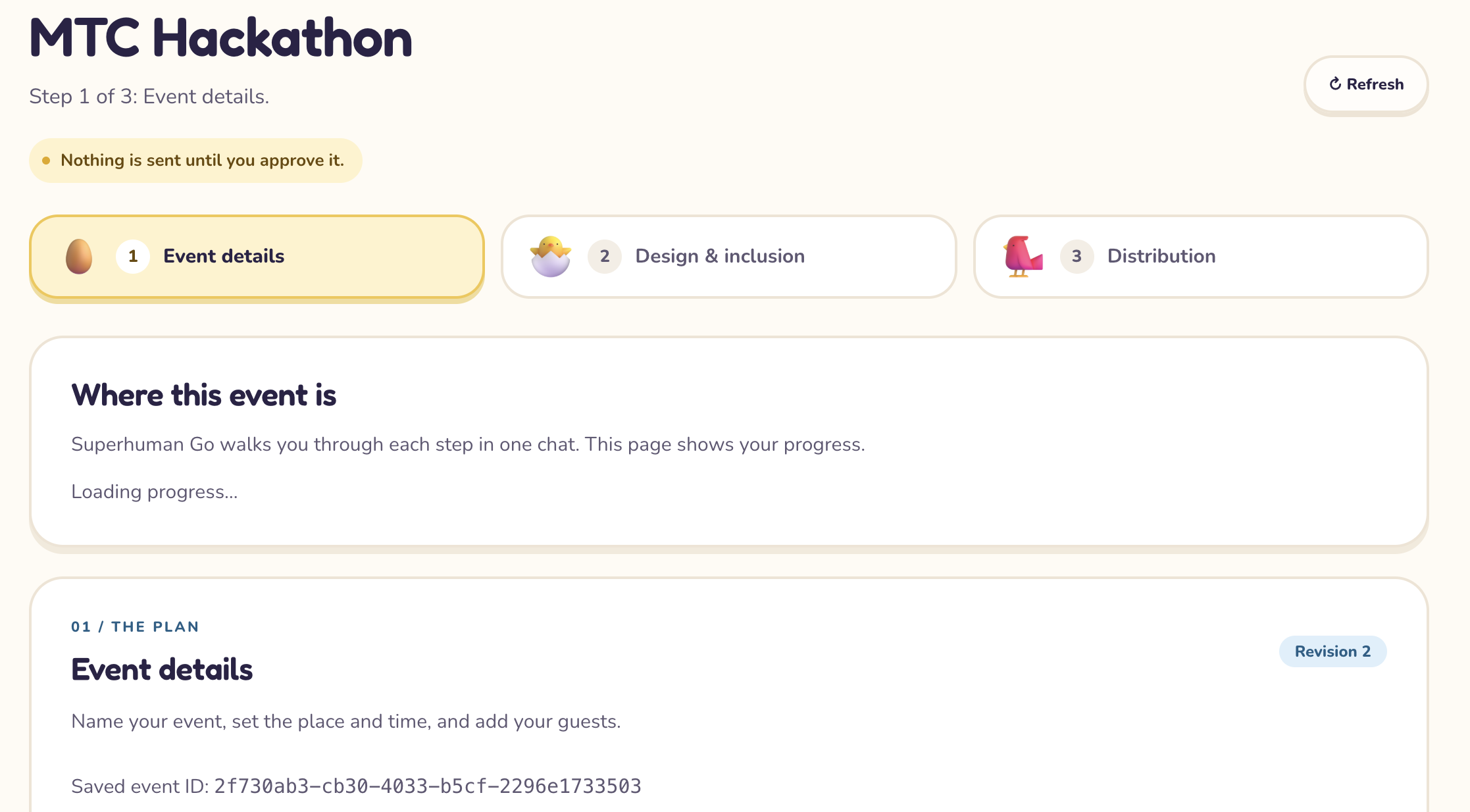
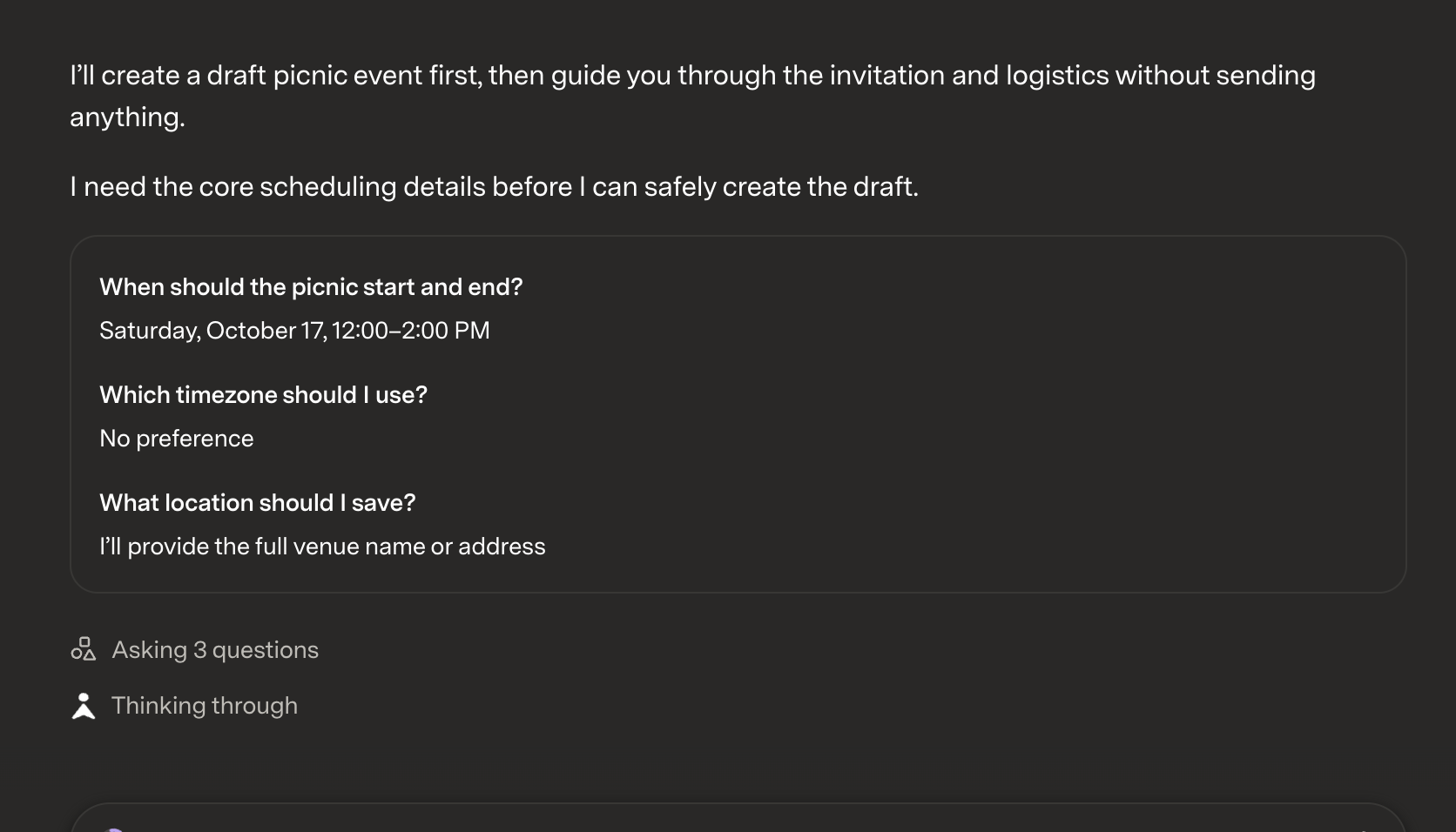
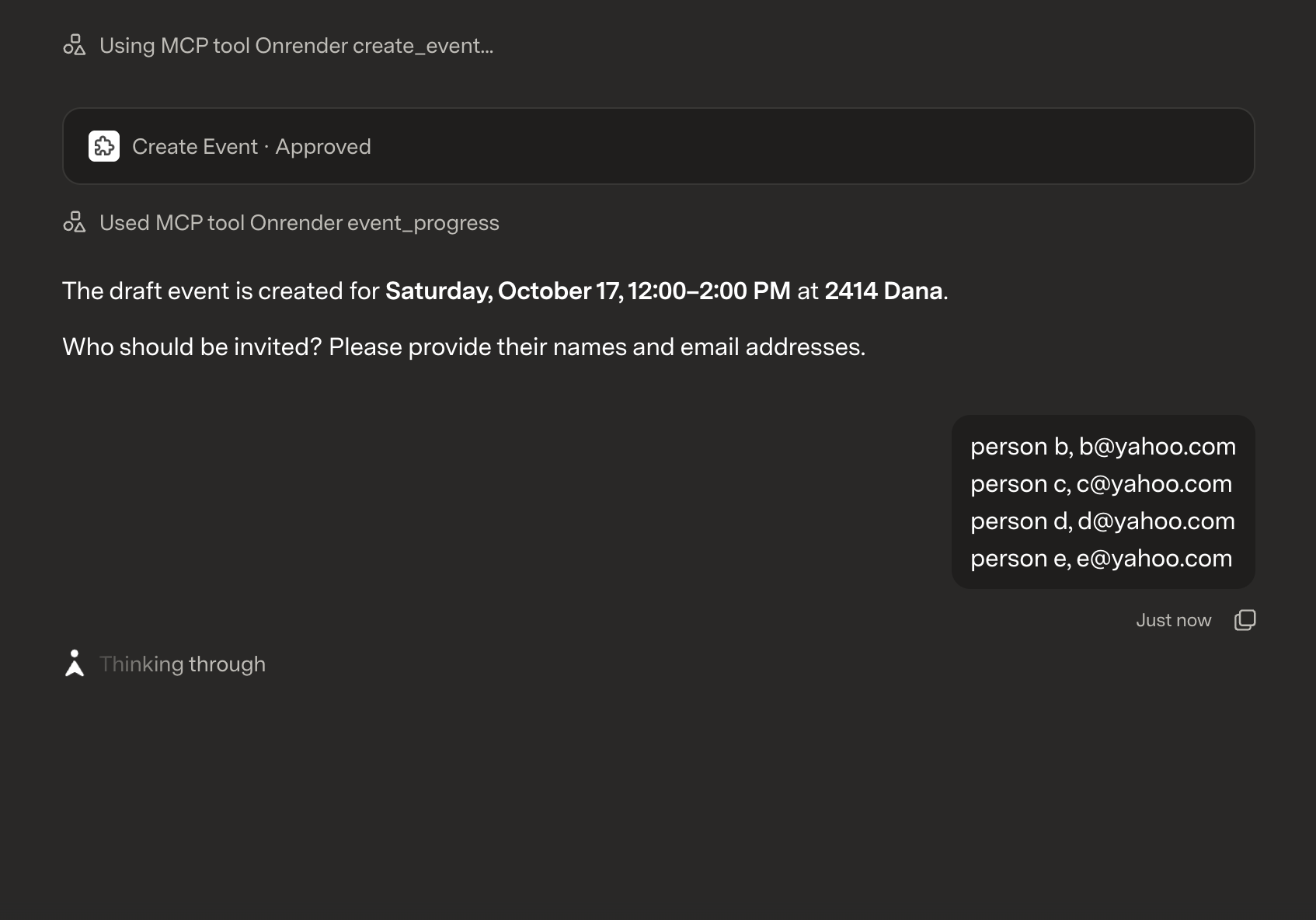
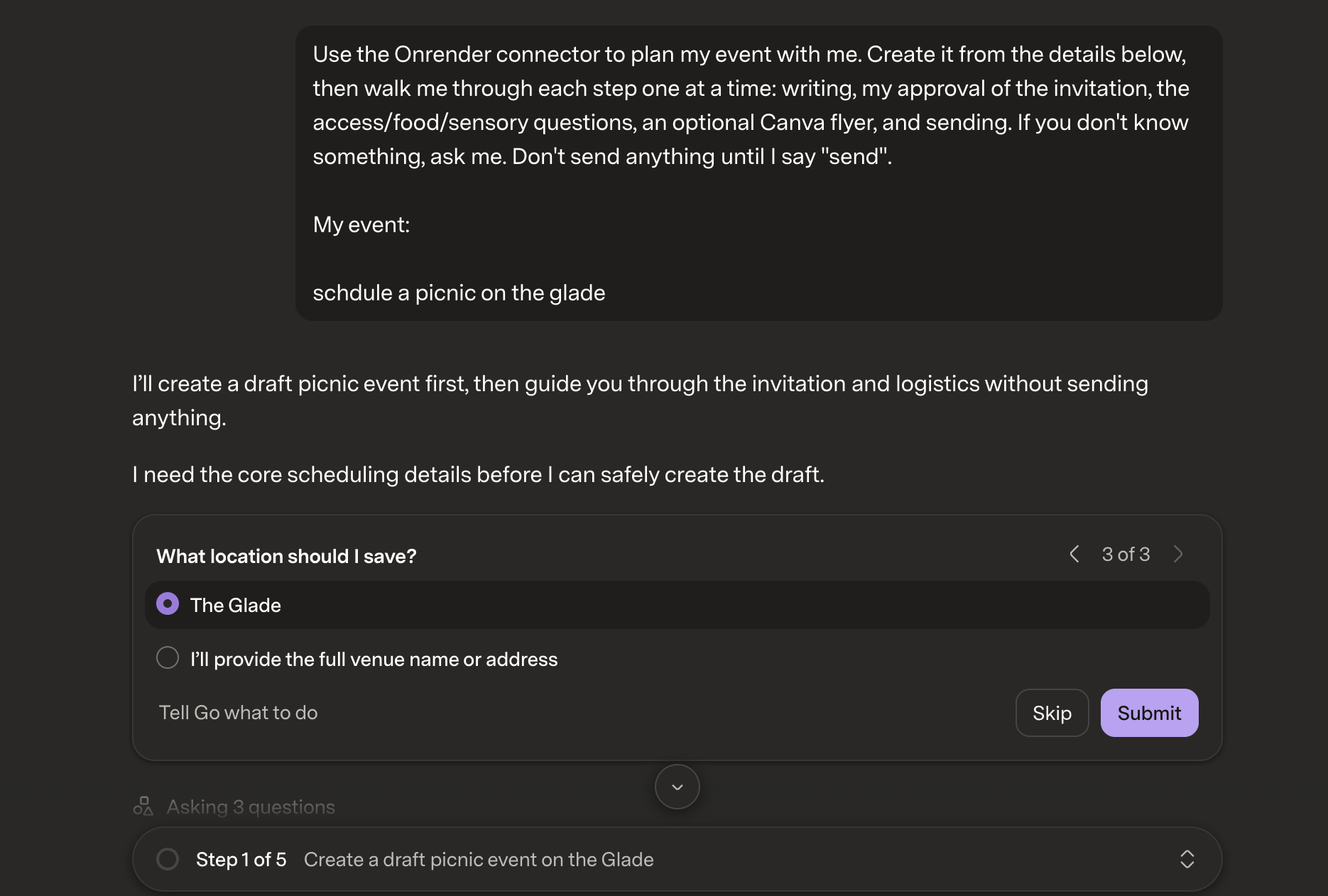
Our project is an event-management website powered by Superhuman Go. Organizers describe their event in Go, which connects to our backend through a custom MCP connector to create and manage the event.
The workflow brings together:
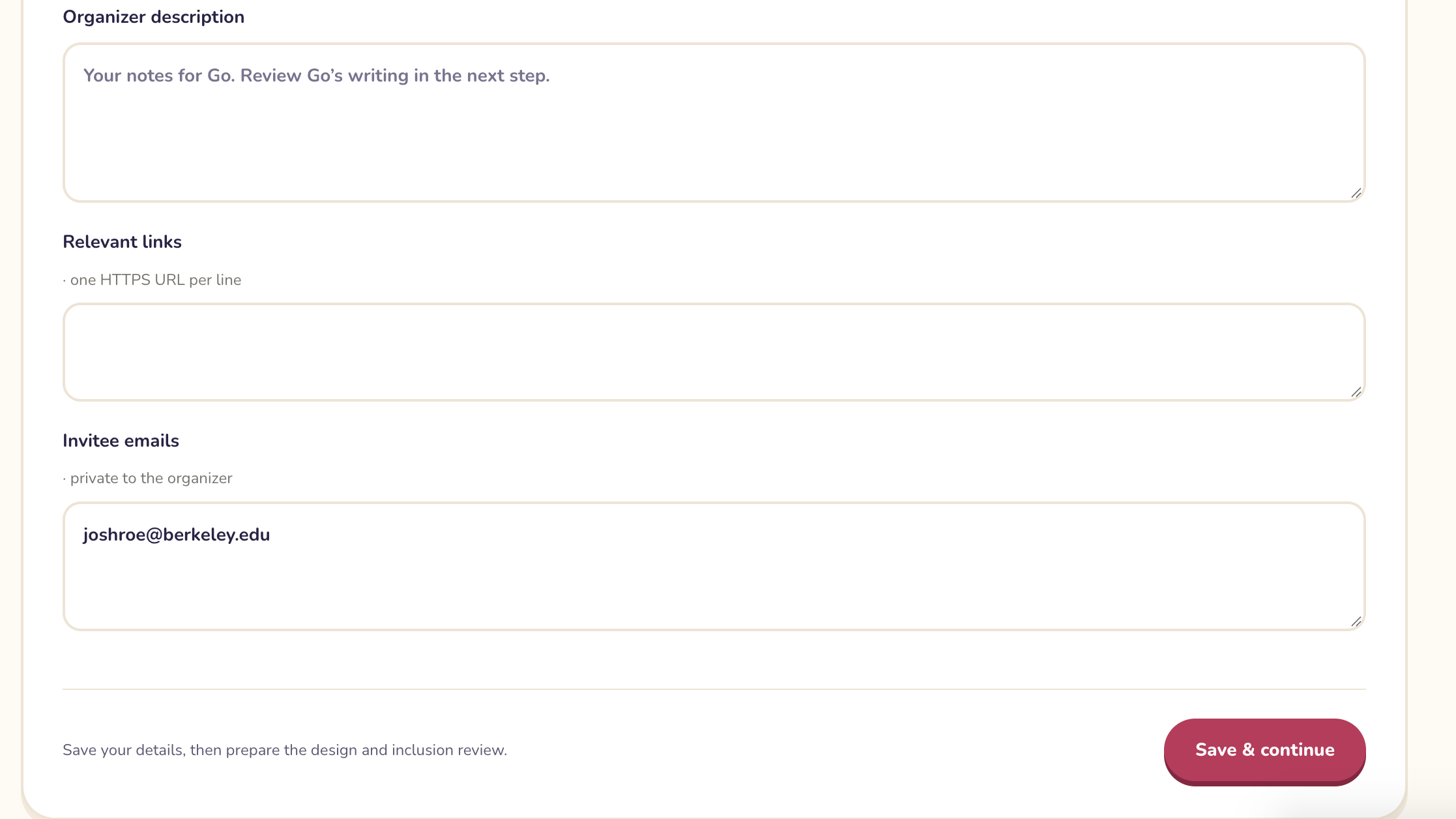
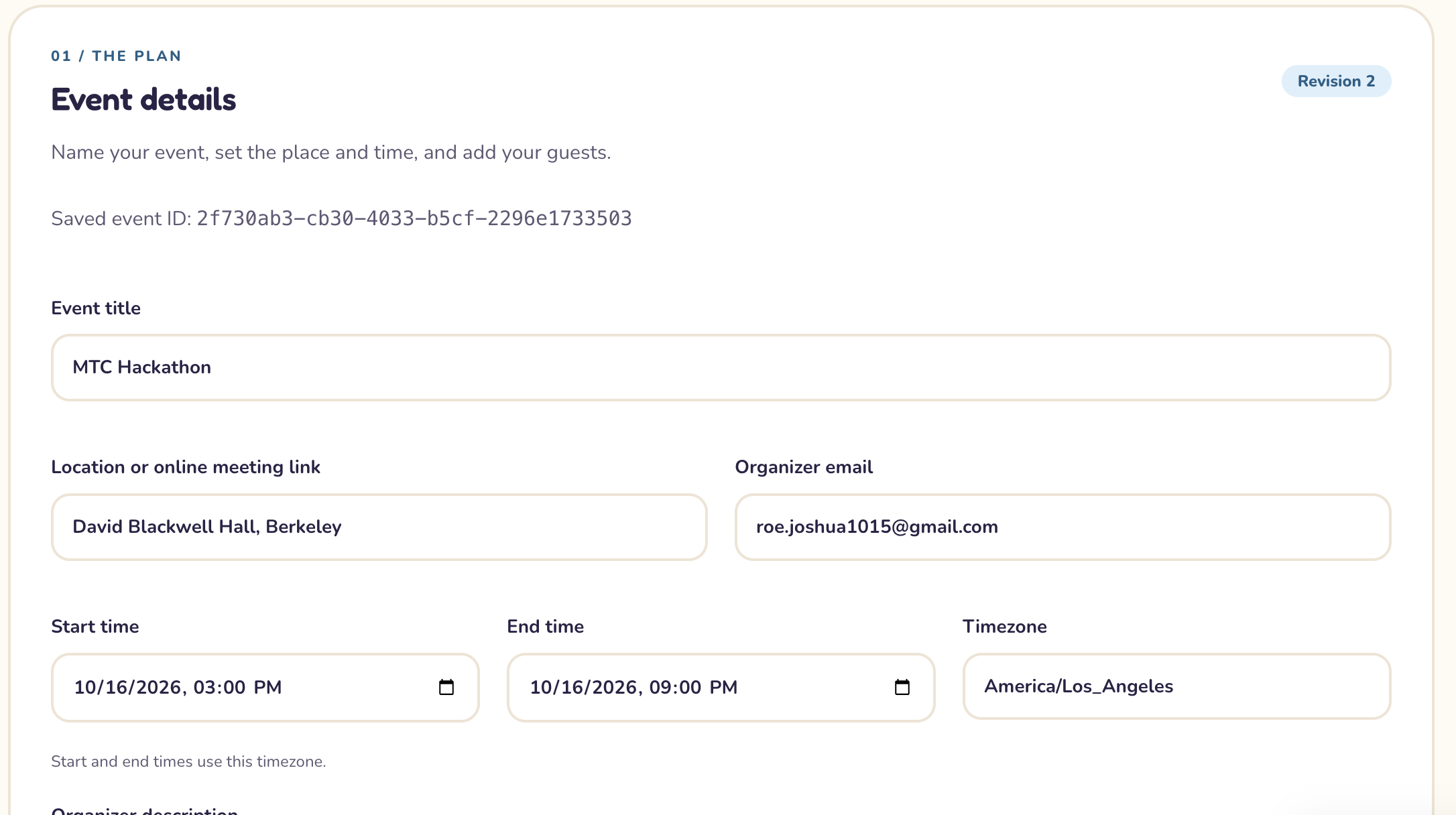
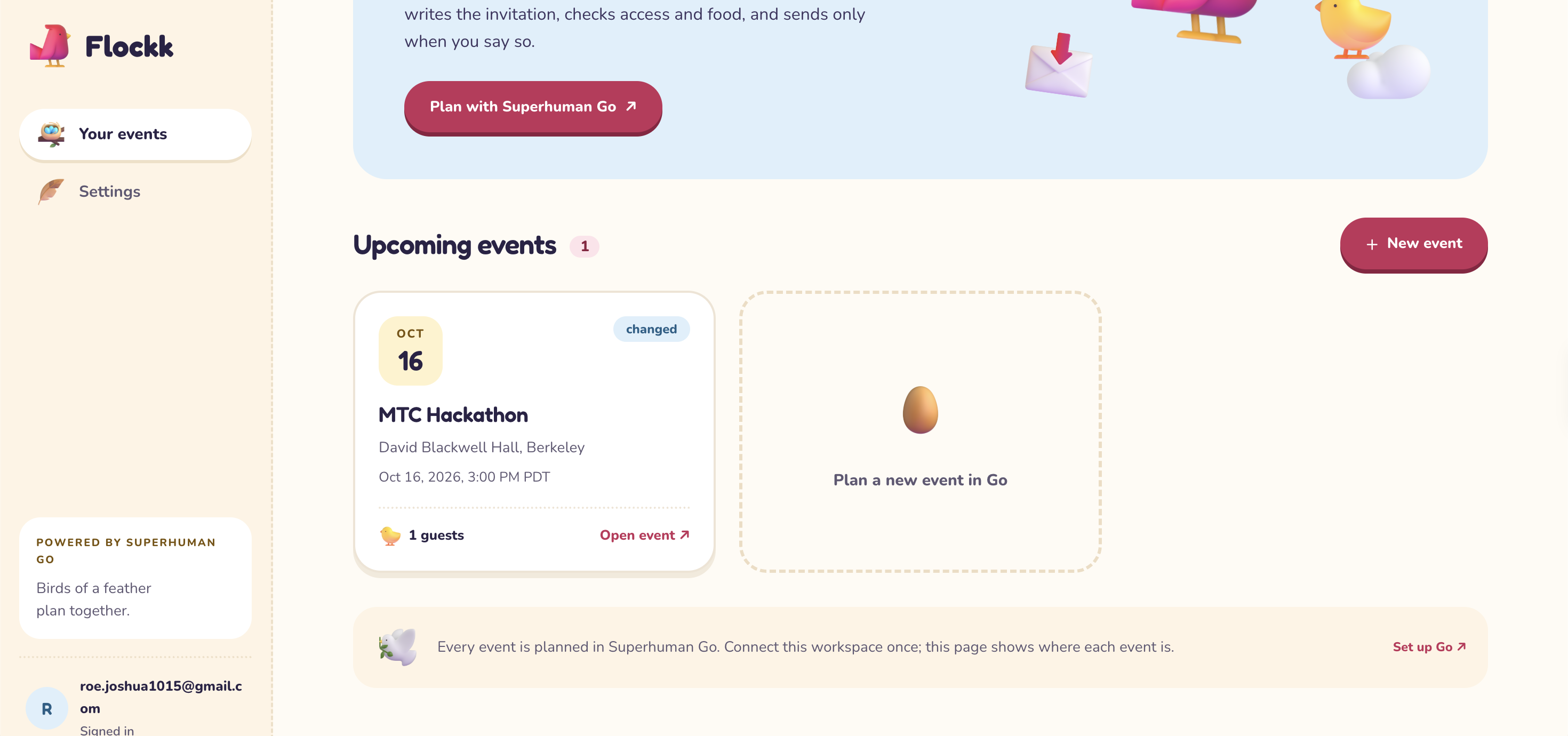
- Event planning: Store the title, location, time, description, links, and invitees in one place.
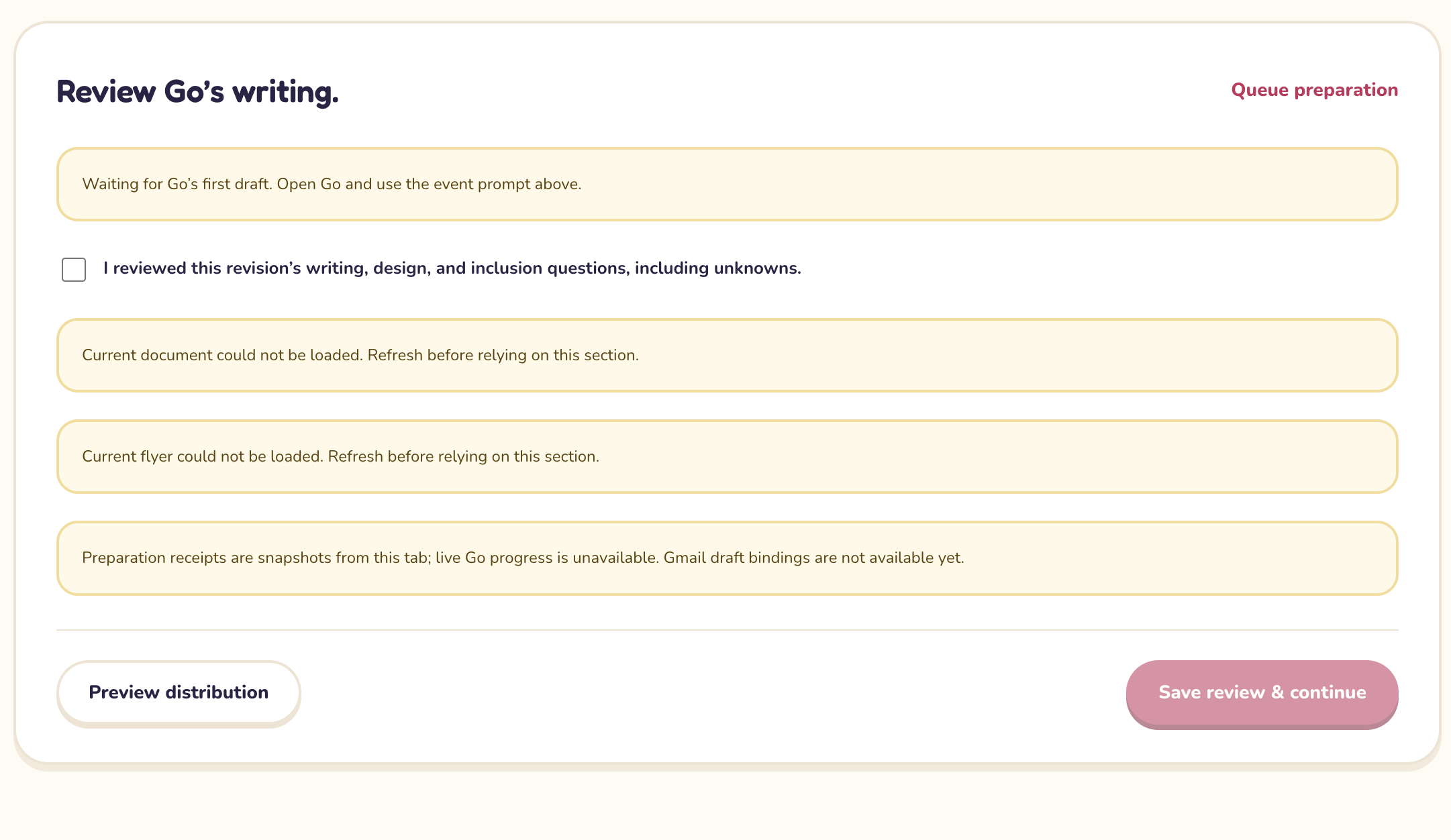
- Writing assistance: Use Superhuman Go to prepare descriptions, plain-language summaries, invitations, change notifications, and event-document text.
- Design: Prepare Canva flyers with organizer review and track their event revision.
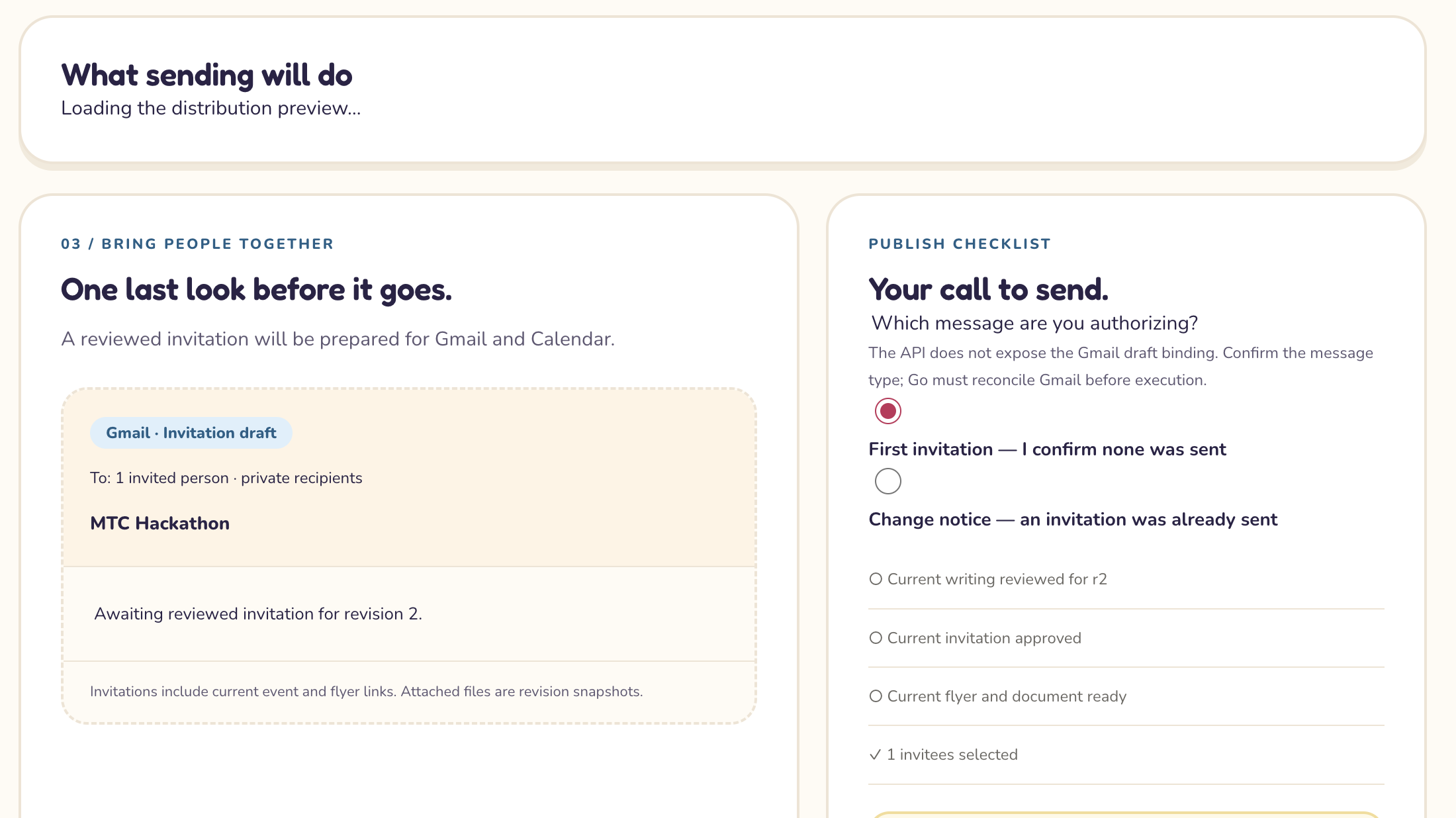
- Distribution: Coordinate Gmail invitations and Google Calendar events through the organizer’s connected accounts.
- Inclusion: Review step-free entrances, elevators, dietary accommodations, religious-observance conflicts, captions, loud sound, and strobes.
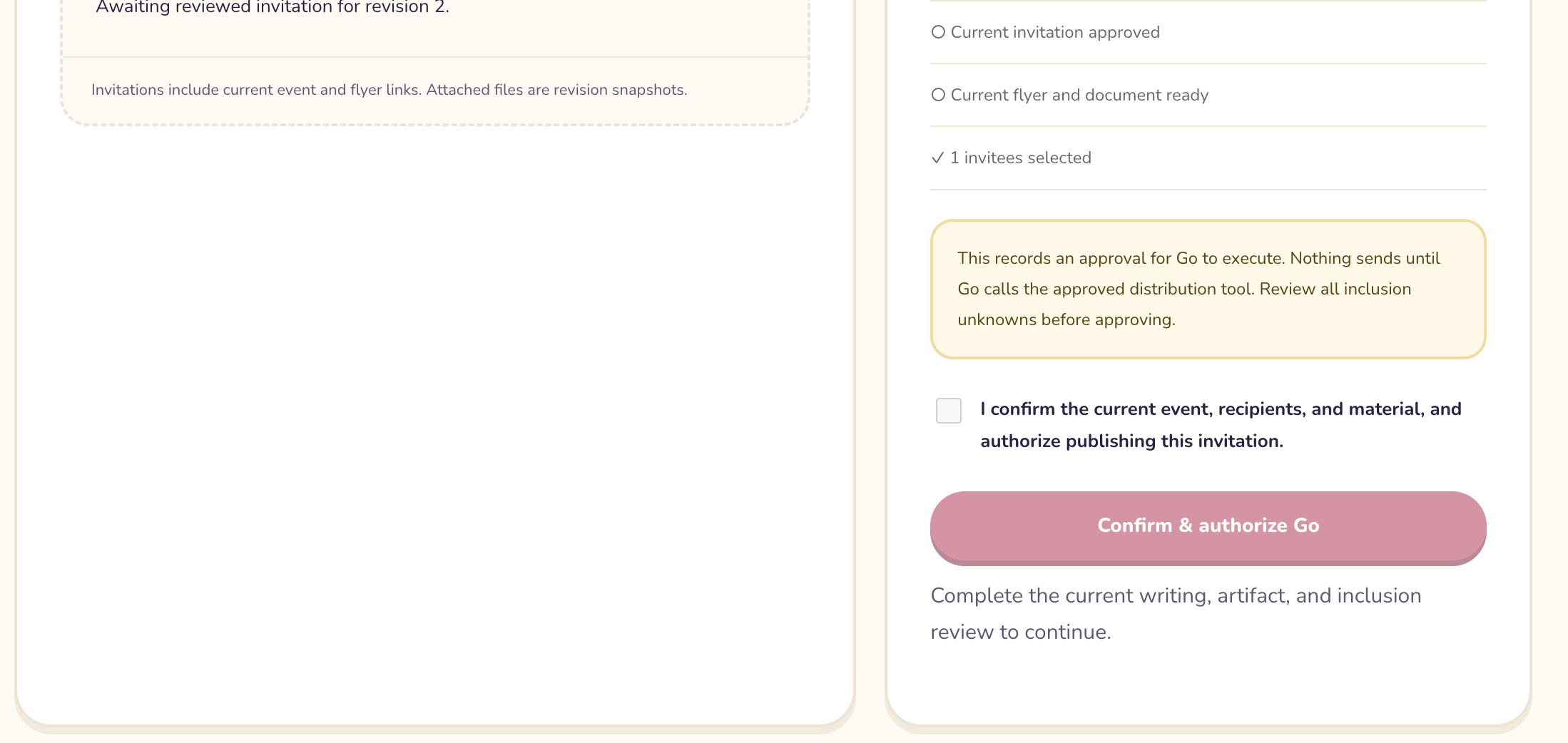
The key interaction is changing an event’s time or location. Our system tracks which materials belong to the new revision and which still need updating, helping organizers catch outdated information before distributing it.
How we built it
We built the frontend with React and TypeScript, using a light-blue glass interface to make event details, previews, and integration statuses easy to follow.
Our Python FastAPI backend handles event operations and provider integrations. Supabase provides authentication, Postgres storage, and Storage for event documents and flyer exports. The frontend runs on Vercel, and the backend runs on Render.
Superhuman Go connects through our authenticated MCP server. Go handles writing and coordination, while the backend validates requests, executes operations, and records results. We did not substitute another language model for Go’s writing workflow.
We also built around event revisions. Generated content, approvals, and exported assets are associated with the version they describe, so outdated material can be identified.
Challenges we ran into
The hardest part was coordinating several services with different rules.
OAuth required us to distinguish website sign-in from permission to access Gmail, Calendar, and Canva. We also had to configure callback URLs, account-specific credentials, and the correct Canva authorization endpoints.
Updates introduced another challenge: a calendar event can change, but an email that has already been delivered cannot. Our workflow preserves sent messages and prepares a new change notification. Flyer attachments remain historical snapshots, so updated information needs a new export.
We also had to handle uncertain accessibility information honestly. If an organizer has not confirmed an elevator or captioning, the system preserves “unknown” rather than presenting an unsupported guarantee.
Accomplishments we’re proud of
We brought conversational event planning, inclusion review, and versioned provider workflows into one project.
We tested Go-generated writing and Google Calendar/Gmail operations with development events, built the Canva review and asset-handoff infrastructure, and released an authenticated connector targeting our hosted MCP endpoint.
We’re especially proud that inclusion appears before distribution, when organizers can still make meaningful changes.
What we learned
We learned that reliable AI workflows require more than generating good text. They need clear permissions, durable state, human review, and evidence that an external action succeeded.
We also learned to separate a passing local test from a working live integration—and to make incomplete or failed operations visible.
What’s next
Our next priority is completing the live Canva export-to-Storage-to-email workflow and rehearsing the full connected-account experience.
From there, we want to improve RSVP handling, expand accessibility information, and make setup easier for new organizers.
Built With
- canva-mcp
- css
- fastapi
- github
- gmail-api
- google-calendar-api
- html
- model-context-protocol-(mcp)
- oauth-2.0
- postgresql
- python
- react
- render
- supabase
- superhuman-go
- typescript
- vercel

Log in or sign up for Devpost to join the conversation.