Inspiration
Wanted to upgrade the traditional way of whiteboard by drawing in the air itself.
What it does
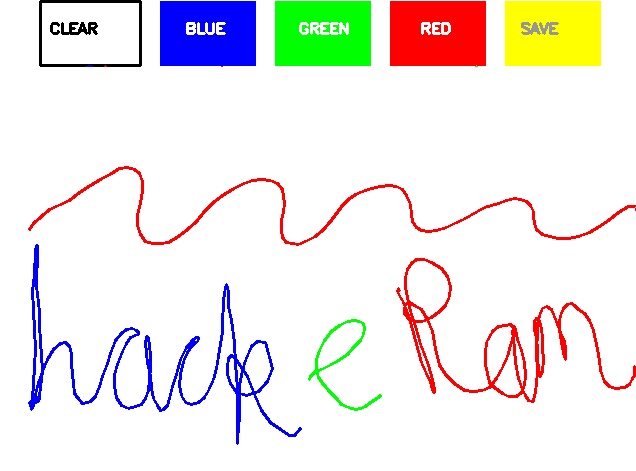
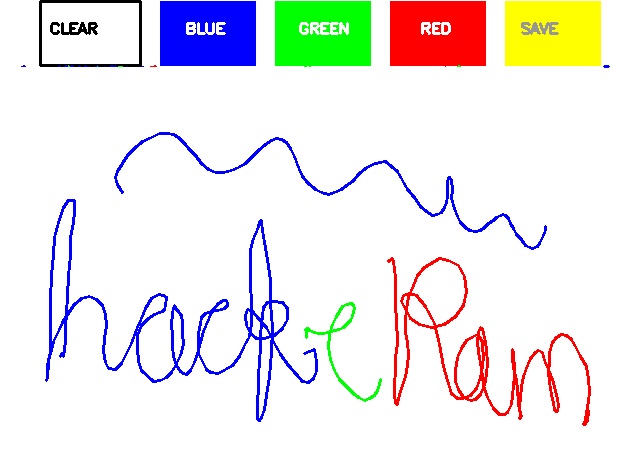
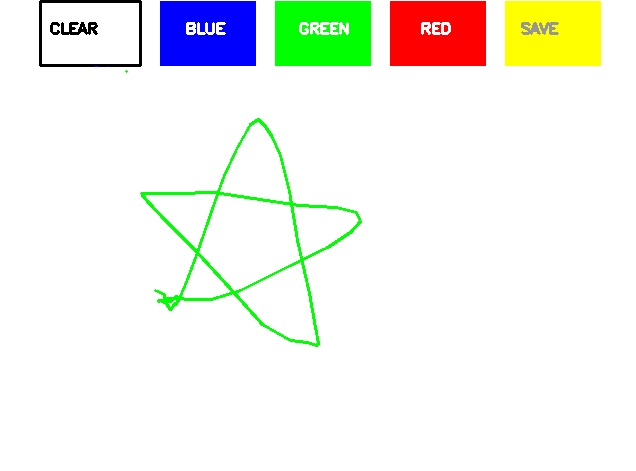
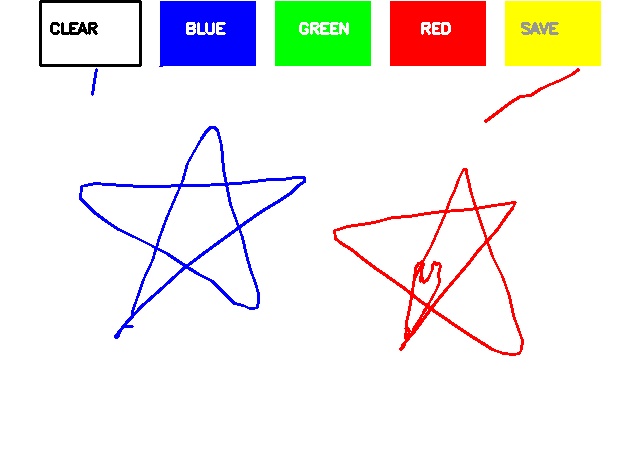
It acts as a paint software itself on the real time video feed. It detects a marker ( color can be change by adjusting the hue , saturation) which it tracks on the video in real time and displays on two screens :
- The WebCam where the tracked color is shown on the live feed.
- The White background screen showing the same tracked path.
How we built it
- We created trackbars to get the values of Hue and Saturation in order to create a marker.
- Giving different arrays to handle color points of different color.
- Created a kernel to be used for dilation purpose.
- Setup of Canvas
- Loading the default webcam of PC.
- Adding the color buttons to the live frame for color access.
- Identifying the pointer by making its mask.
- Find contours for the pointer after identifying it.
- Based on the pointer adding color to its path.
Challenges we ran into
- Saving the painting as an image - After Successfully making the painting in order to save it we came across many problems to how to save it and take the information about the image from the user.
- Tracking the colors - It was difficult to create a mask for the marker and create contours around it to detect the center.
Accomplishments that we're proud of
We are proud that we could successfully execute the goals for the project which we had planned in the given timeline .
What we learned
We experienced usage of image processing, color detection, drawing contours, and various libraries like opencv, numpy, tkinter, collections.
What's next for Floating Brush
We are thinking of integrating it will meet applications like google meet, zoom as an alternative to whiteboard. We are also thinking to provide additional features such as shapes and lines.


Log in or sign up for Devpost to join the conversation.