-
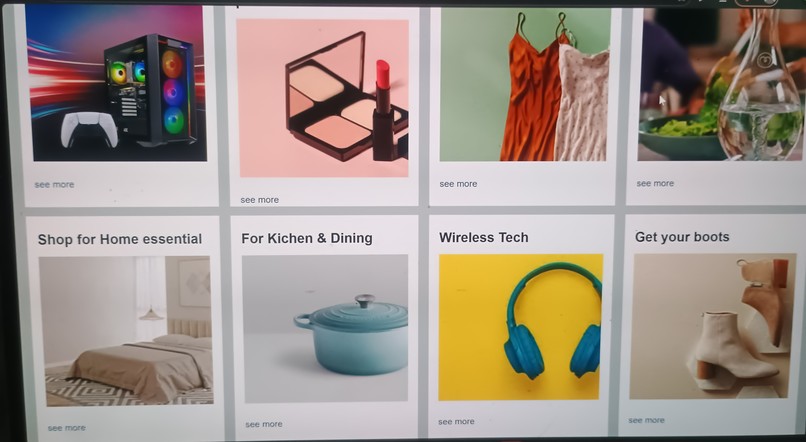
Content
-
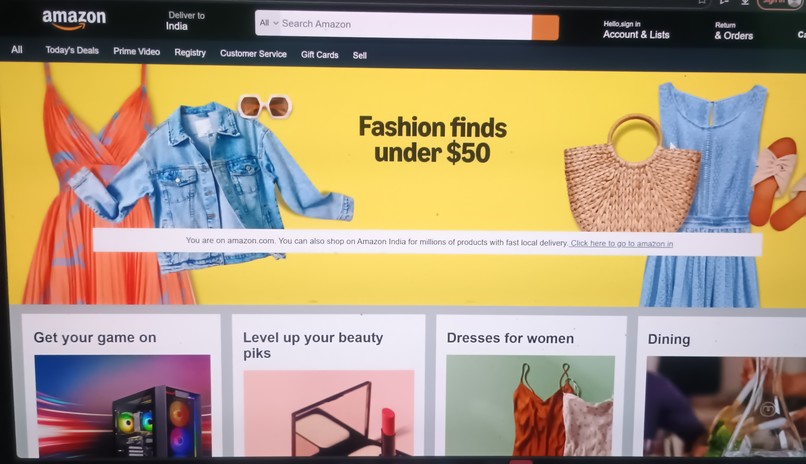
Navigation
-
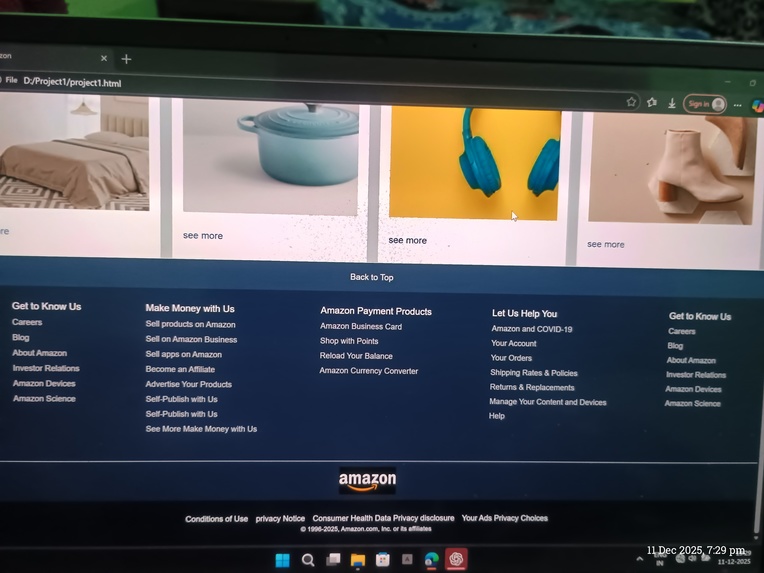
Footer
Inspiration
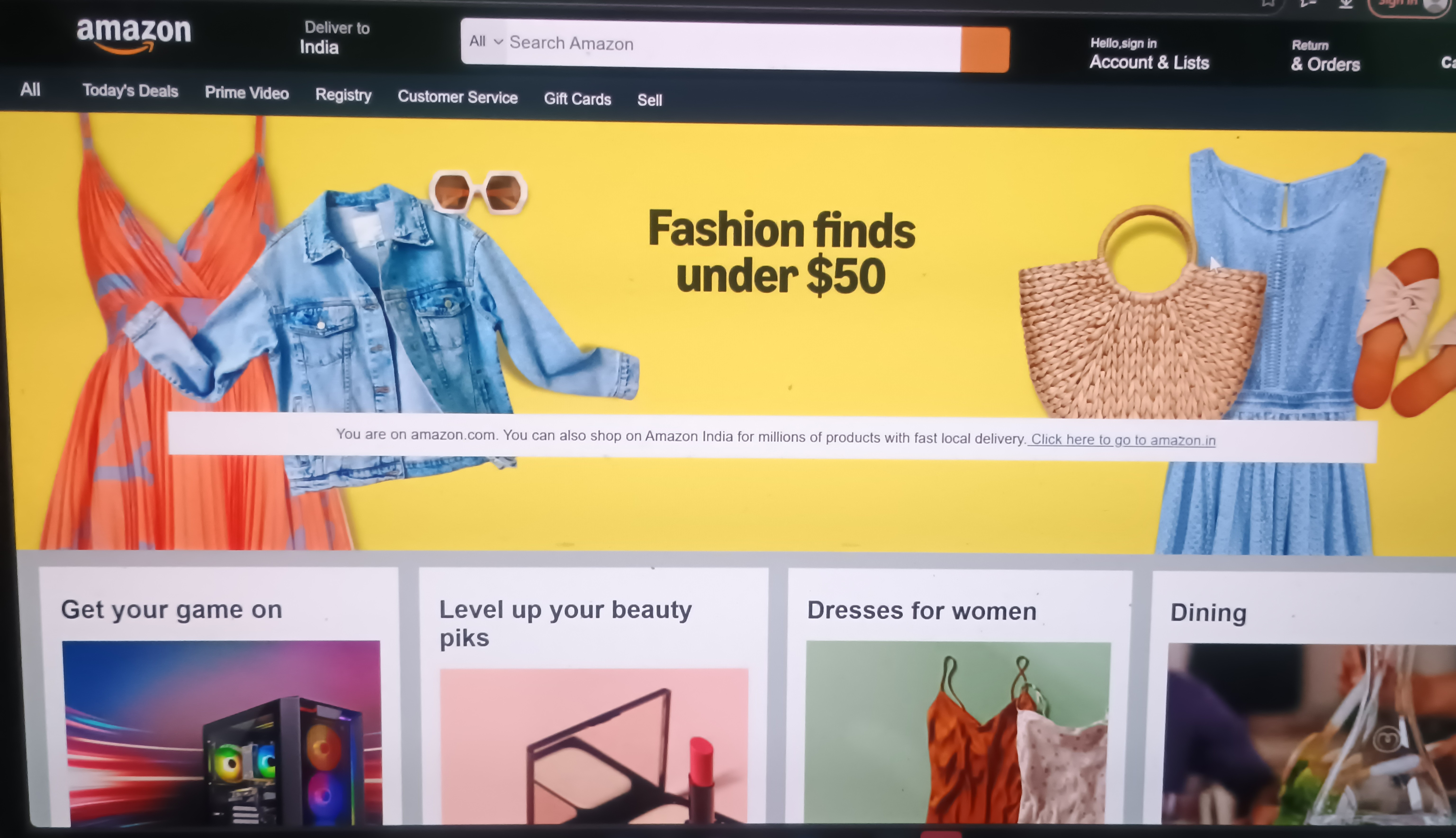
I have always been inspired by how large e-commerce platforms like Amazon design clean, responsive, and user-friendly interfaces. Building an Amazon Clone helped me understand layout structuring, UI components, and how an e-commerce homepage is organized. This project allowed me to strengthen my frontend development skills while learning real-world design techniques.
What it does
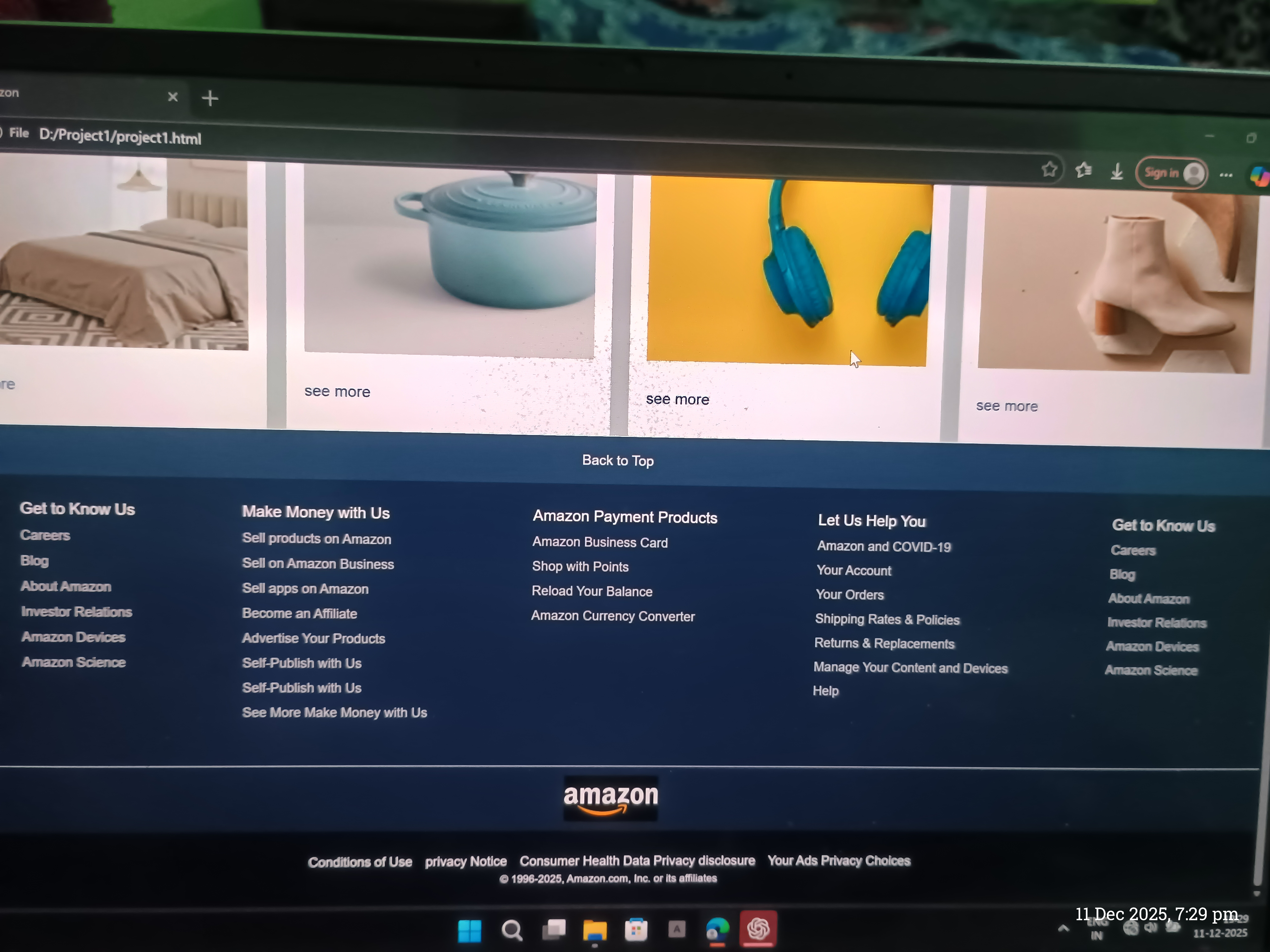
This project is a fully responsive Amazon-style e-commerce website UI, which includes:
Navigation bar
Search bar
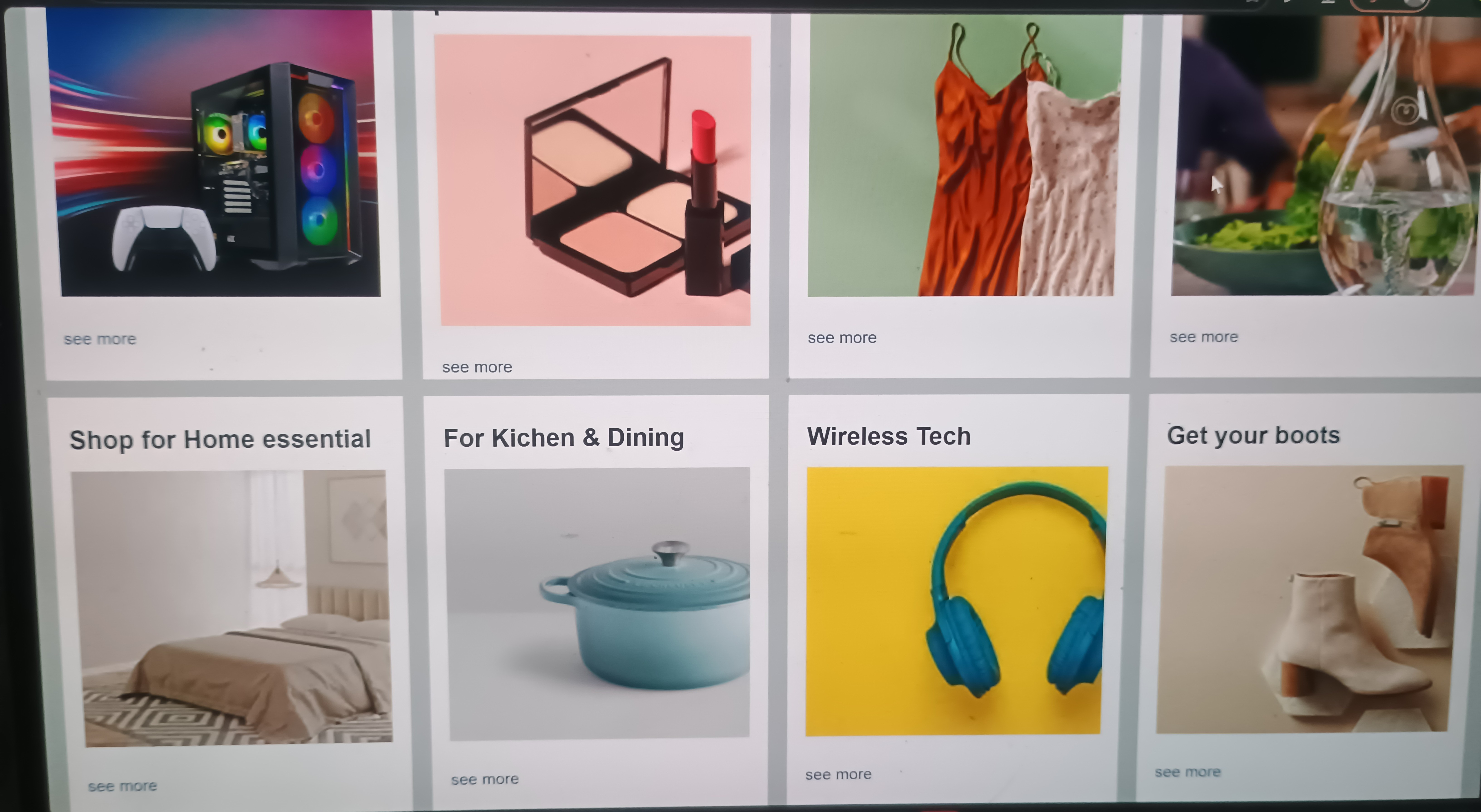
Product categories
Deals and offers section
Product cards
Footer
It is a frontend-only interface created for learning and practicing UI development.
How I built it
HTML → Used to structure all sections like navbar, banners, cards, and footer
CSS → Created custom styling and improved layout
Bootstrap → Used for grid system, responsiveness, and UI components
Tested across multiple screen sizes to ensure mobile and desktop compatibility
What I learned
Creating complex UI layouts
Designing responsive pages using Bootstrap Grid
Improving CSS styling and alignment
Understanding how professional e-commerce homepages are structured
Better frontend organization and clean code writing
Challenges I faced
Making the homepage responsive across all device sizes
Properly aligning product cards in rows
Adjusting banner image layouts
Maintaining consistent spacing and color theme throughout
Built With
- bootstrap
- css
- html
- javascript
- optional)
- vs


Log in or sign up for Devpost to join the conversation.