-
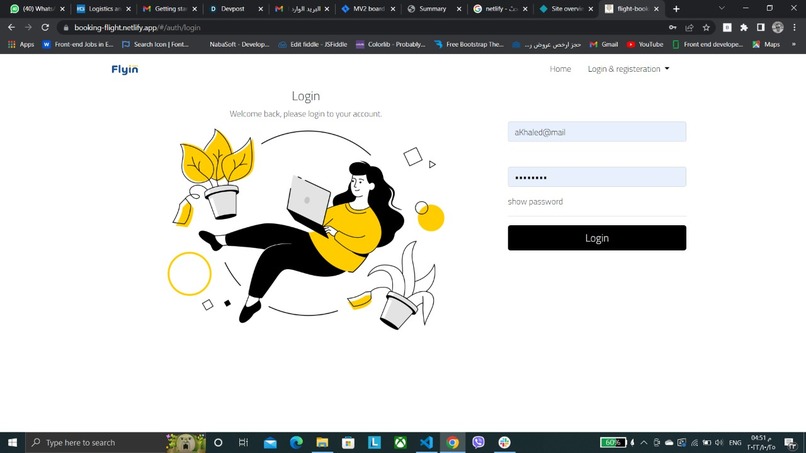
sign in
-
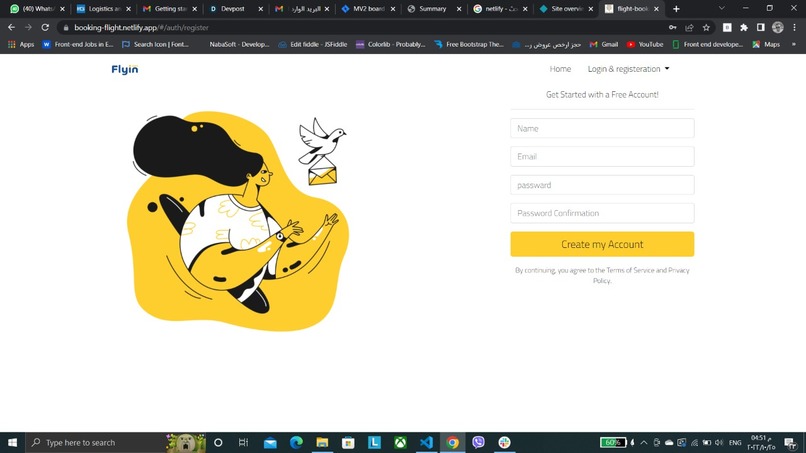
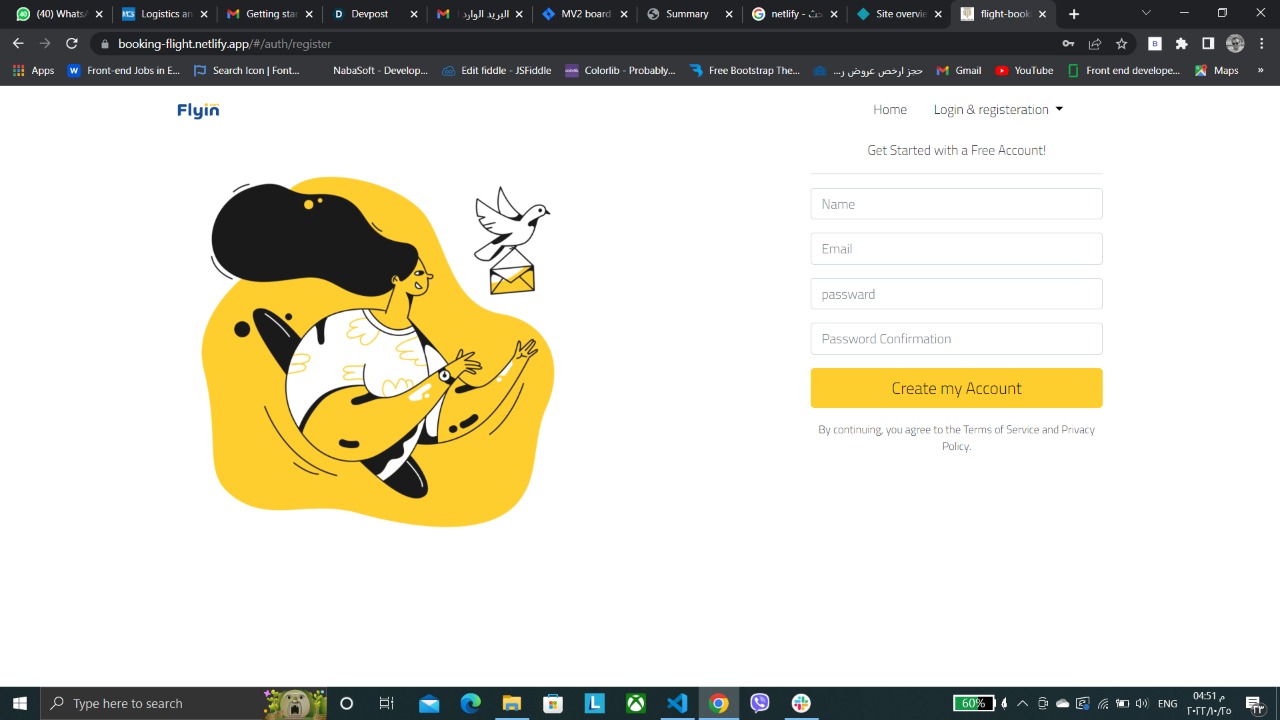
sign up
-
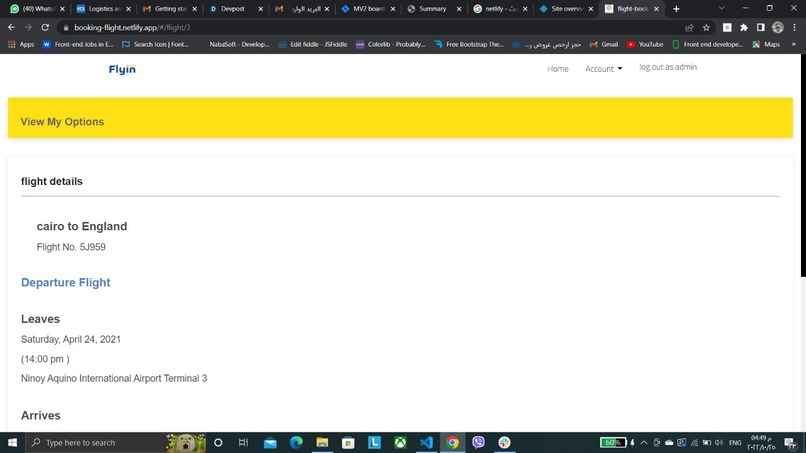
flight details 2
-
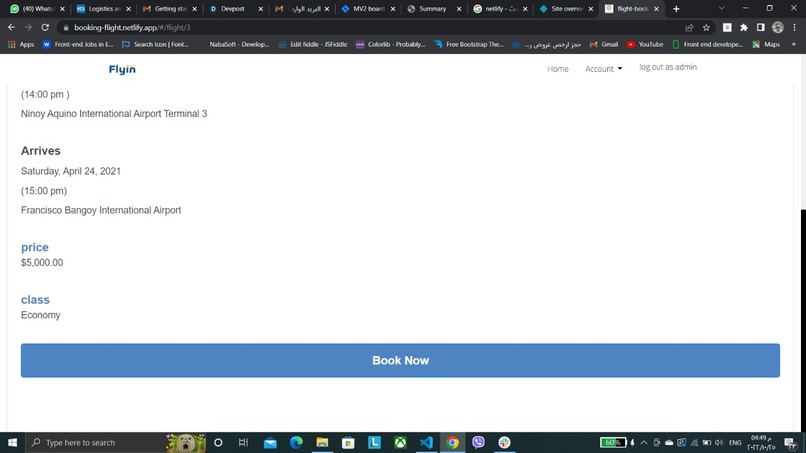
flight details 1
-
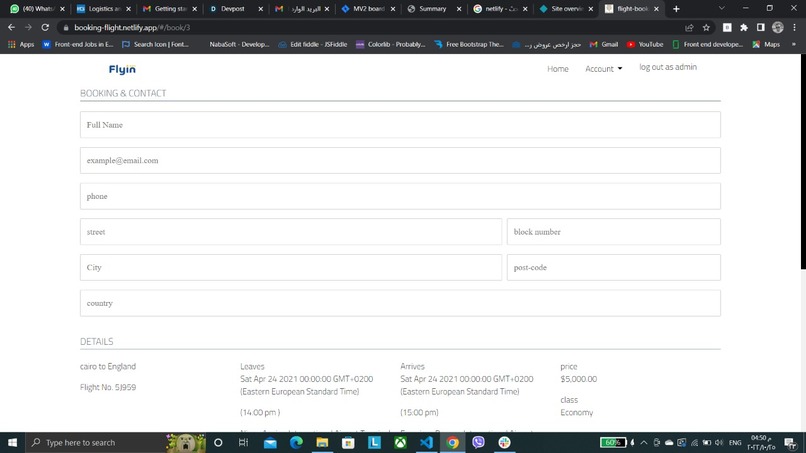
booking form
-
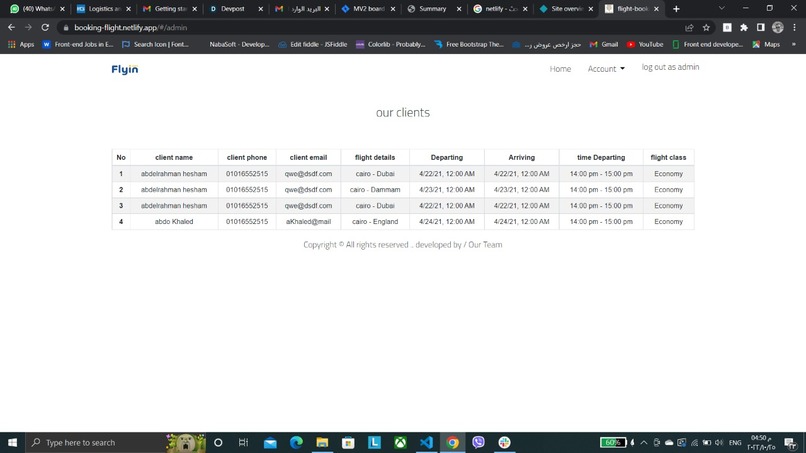
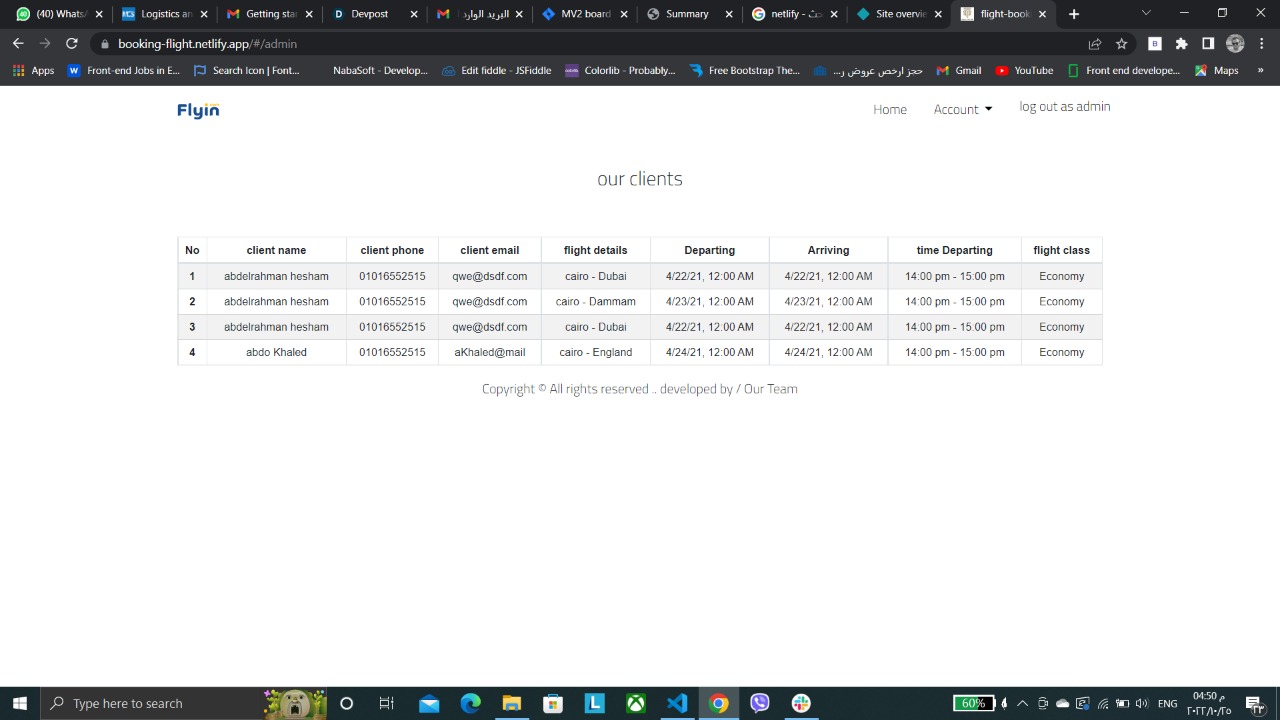
admin panal
-
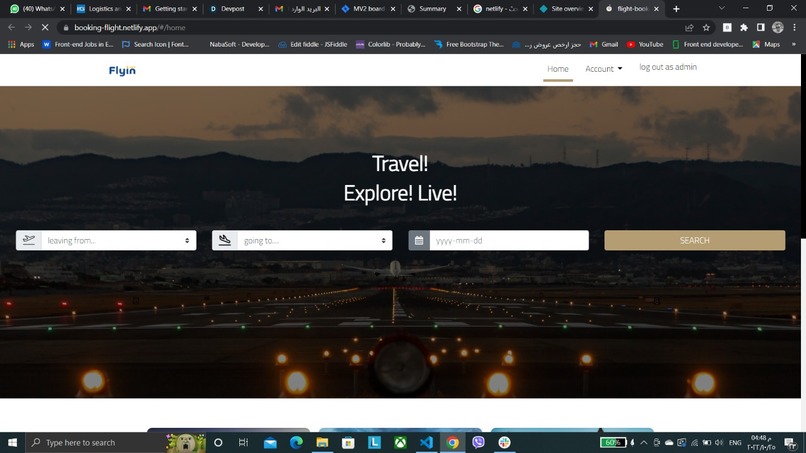
home => flights search filter
-
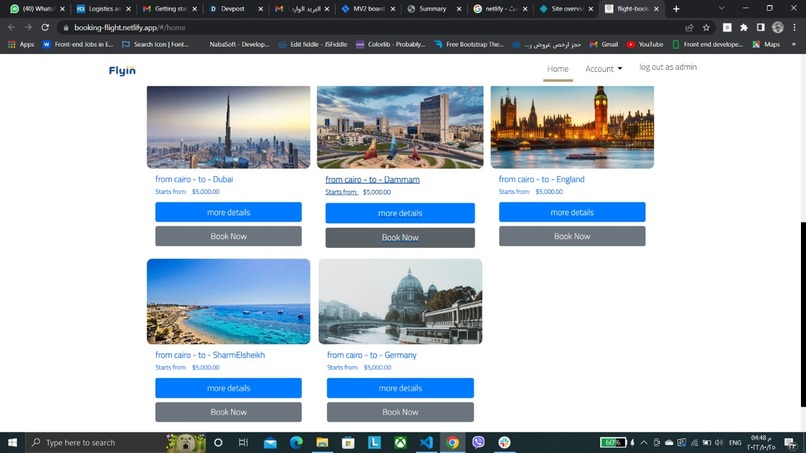
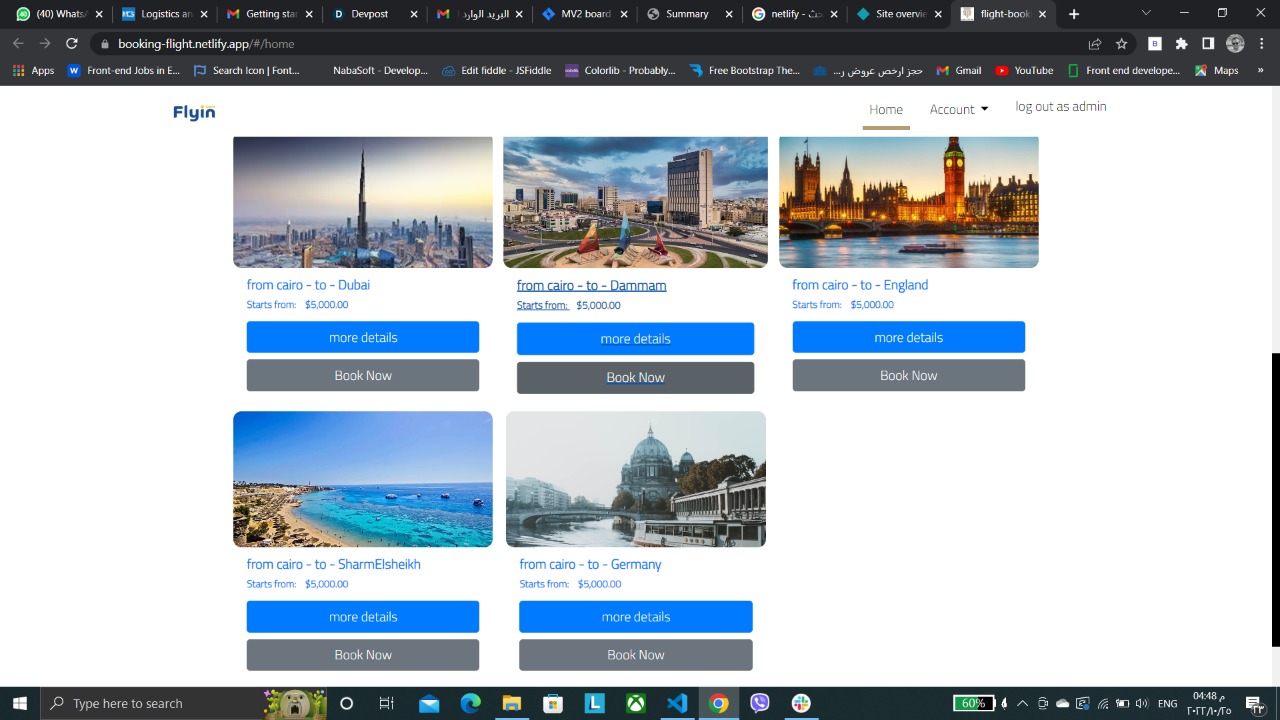
home => flights




Flights-Booking-System
This project was generated with Angular CLI version 11.2.2.
Development server
Run ng serve for a dev server. Navigate to http://localhost:4200/. The app will automatically reload if you change any of the source files.
Code scaffolding
Run ng generate component component-name to generate a new component. You can also use ng generate directive|pipe|service|class|guard|interface|enum|module.
Build
Run ng build to build the project. The build artifacts will be stored in the dist/ directory. Use the --prod flag for a production build.
Running unit tests
Run ng test to execute the unit tests via Karma.
Running end-to-end tests
Run ng e2e to execute the end-to-end tests via Protractor.
Further help
To get more help on the Angular CLI use ng help or go check out the Angular CLI Overview and Command Reference page.
routes
1-the default route it is to home commponent ('/home '). 2-when you fill search form and press search button ... results will show in search commponent ('/search') . 3-more details it goes to flight commponent ('flight/:id'). 4-to boot flight press book now and you can find it in home and flight booking commponent ('book/:id') to book you should to fill booking form . 5- after you book directly you will get your ticket in ticket commponent ('ticket'). 6-you can see your clients and how many bookings we have in admin commponent ('/admin')


Log in or sign up for Devpost to join the conversation.