Inspiration
Staying focused while studying is hard, especially when everything around us is built to distract us. We wanted to create something that makes studying feel more immersive and rewarding instead of stressful and repetitive. That is where the idea of turning a focus session into a flight came from.
With FlightMode, studying is no longer just setting a timer and staring at a screen. Instead, you choose your route, book your seat, and begin a journey. We wanted to make deep work feel like an experience, something calming, visual, and motivating, while also giving students helpful tools along the way. The project combines productivity, travel aesthetics, and AI support into one interactive platform.
What it does
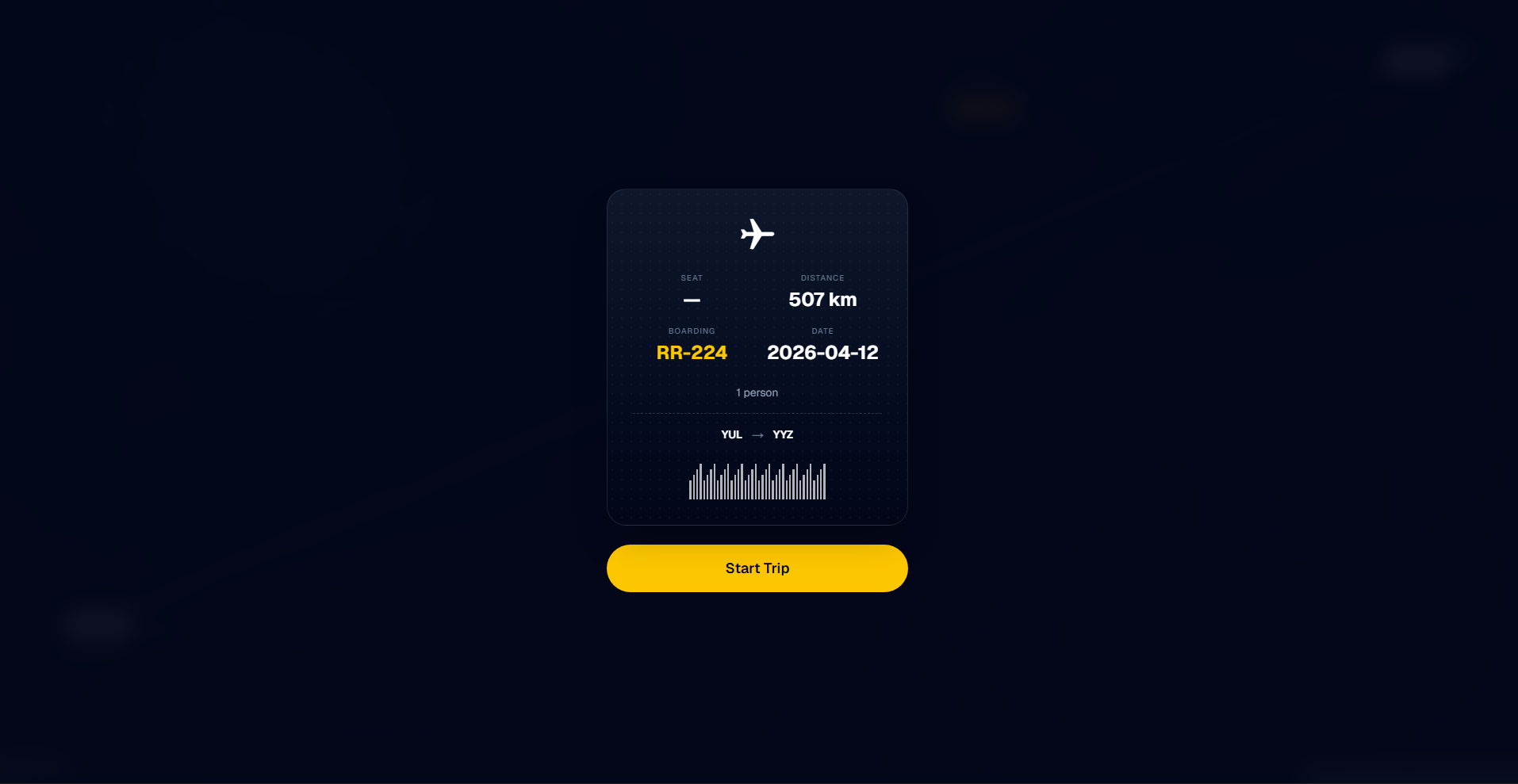
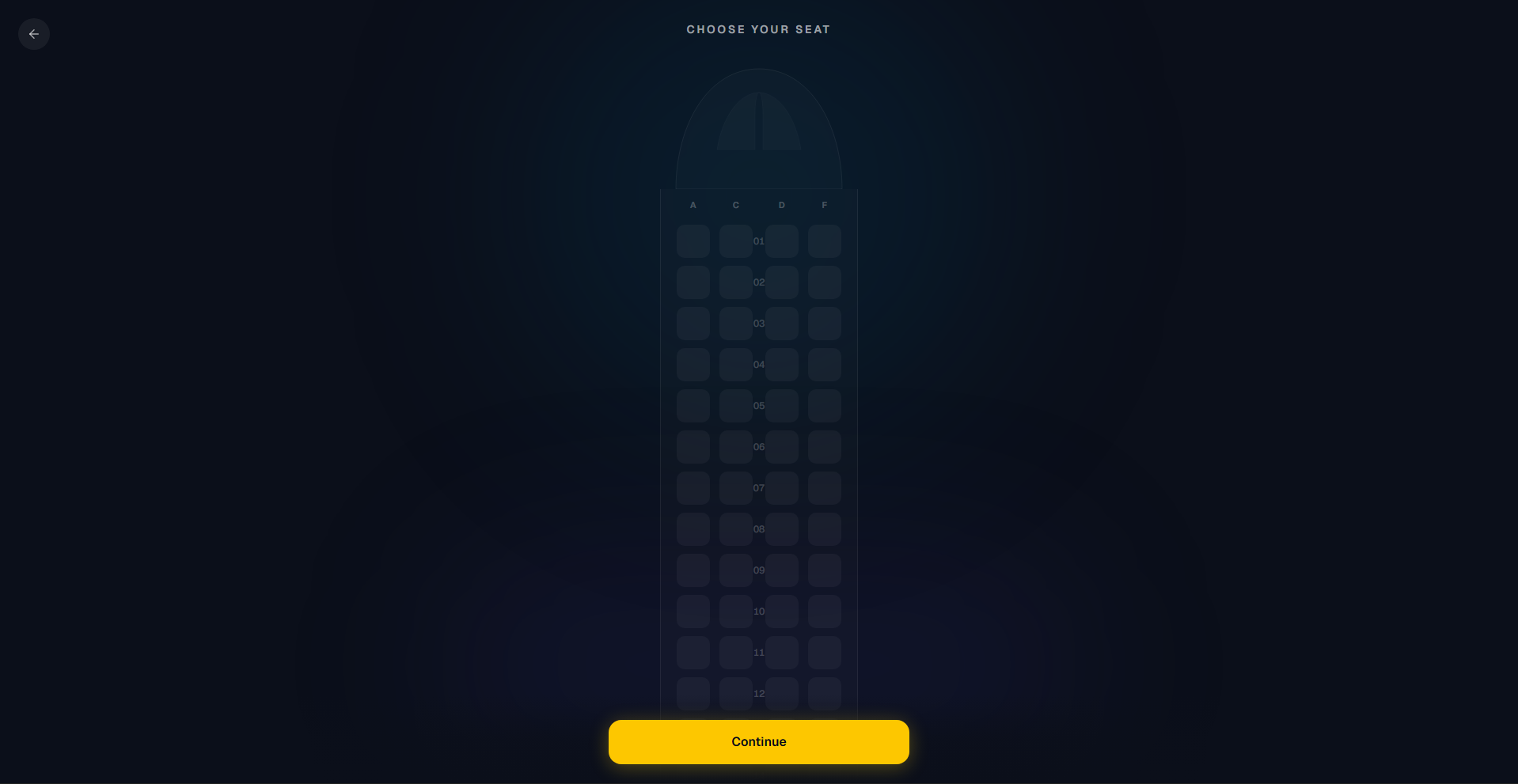
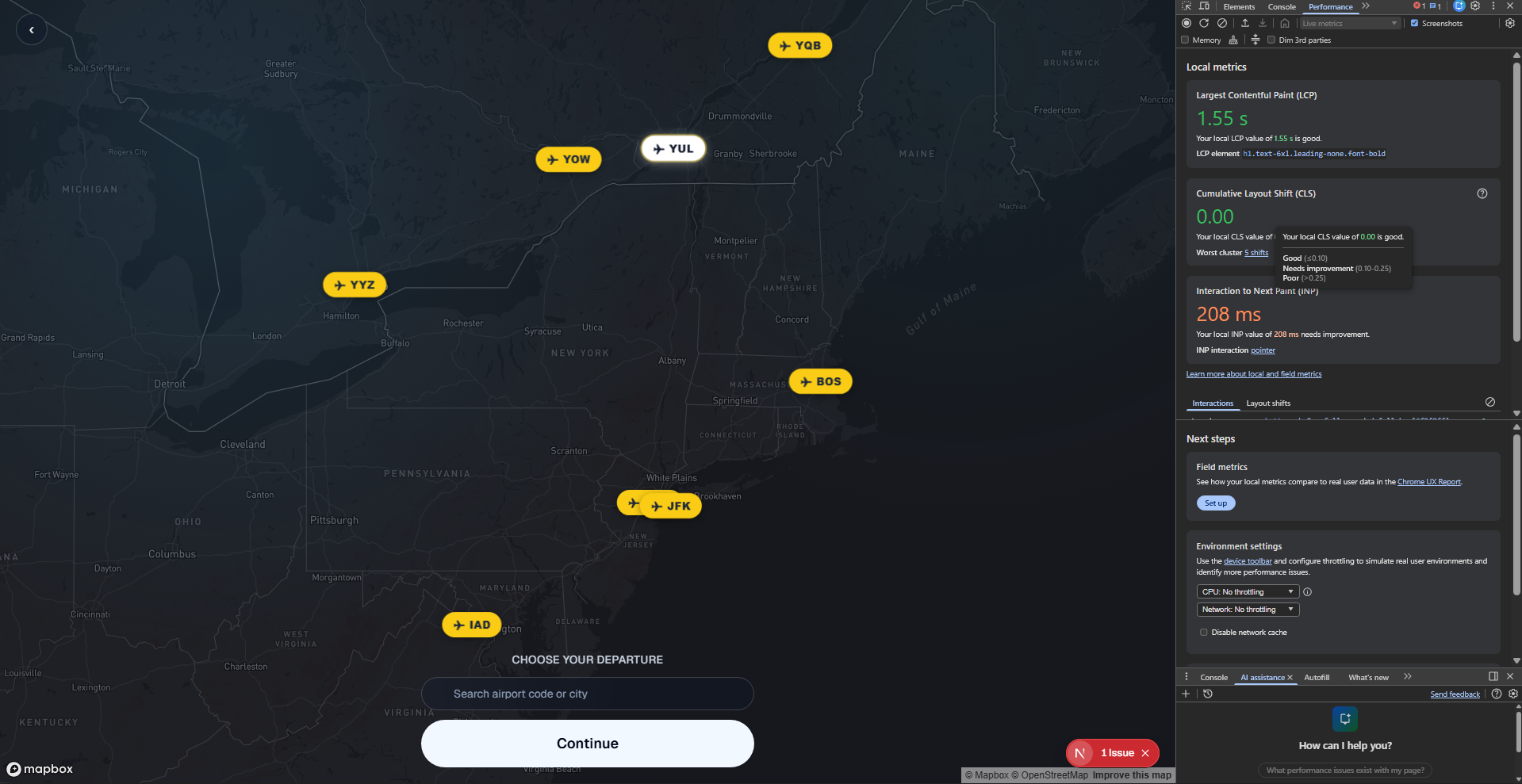
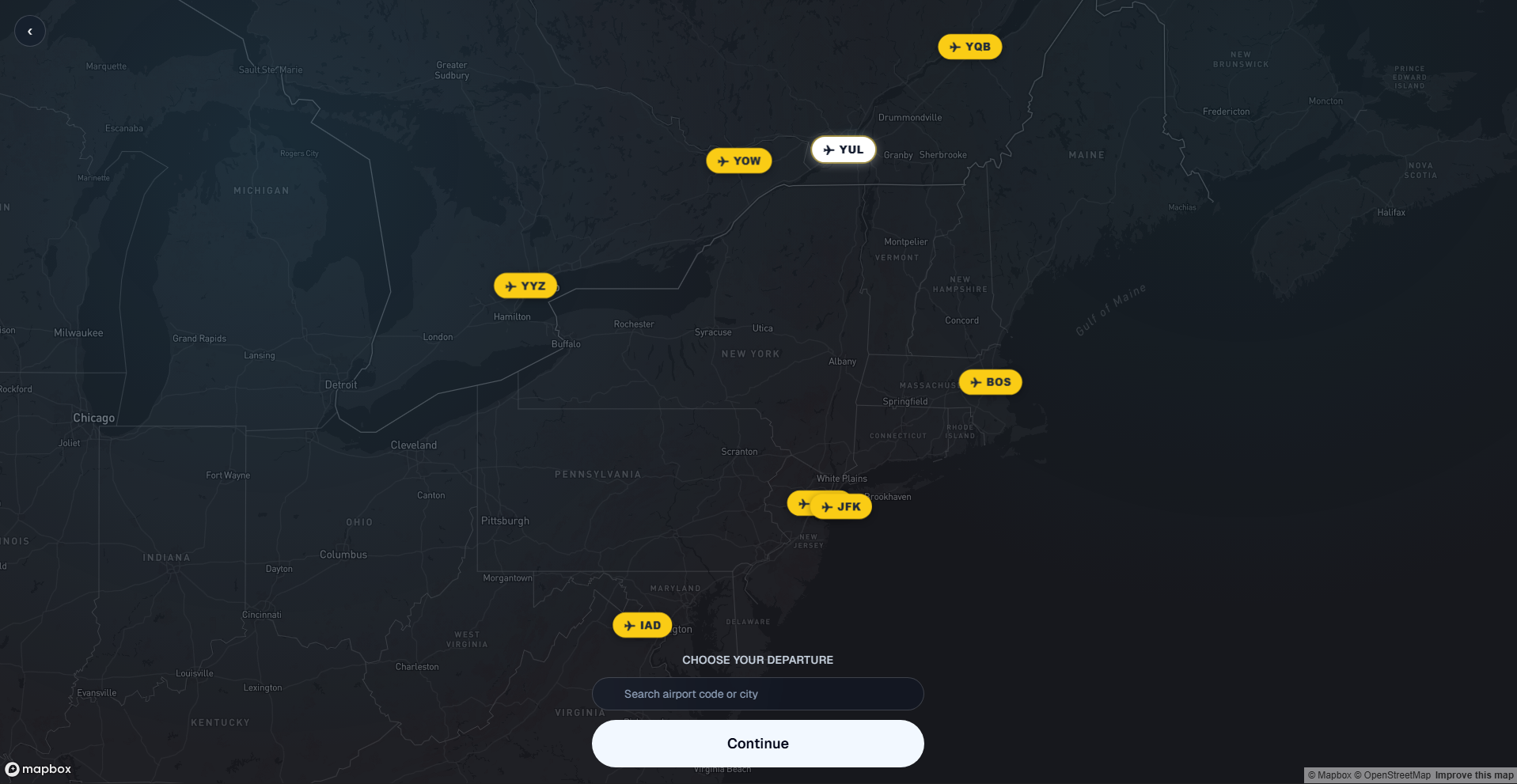
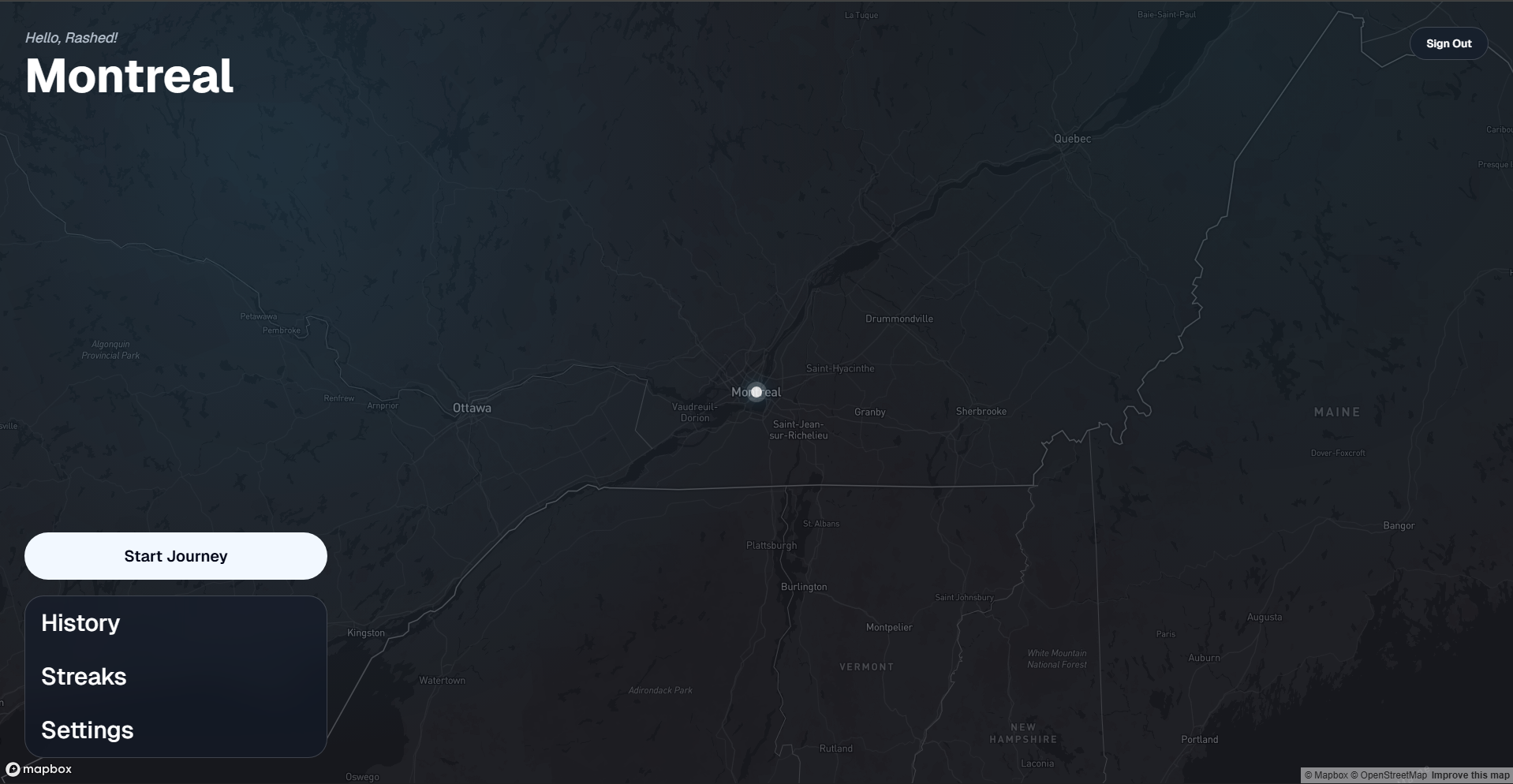
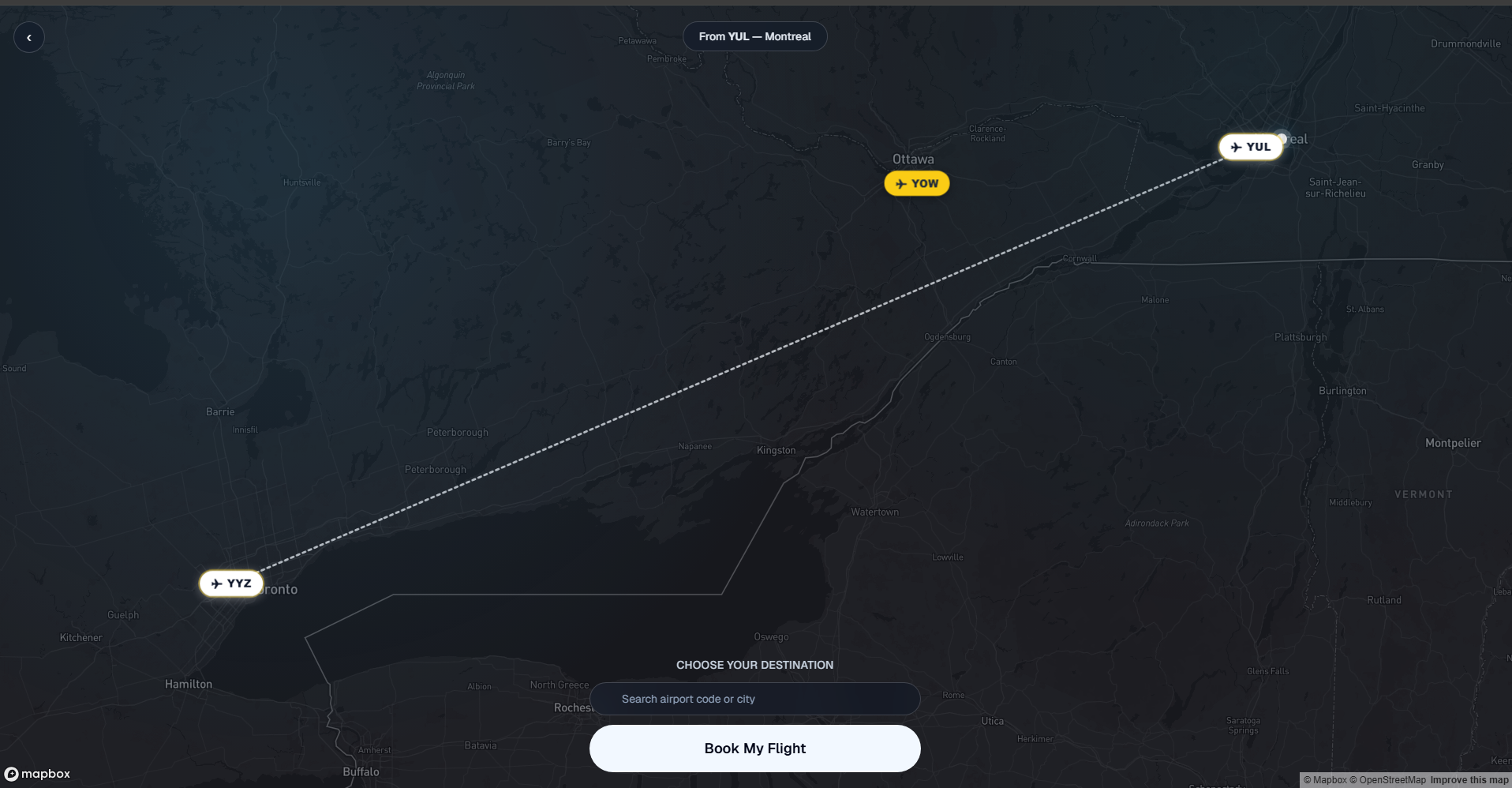
FlightMode is a web app that transforms focused study sessions into a flight experience. Users can sign in, create a solo or squad trip, choose departure and destination airports on a map, select a seat, and start a timed “flight” that visually progresses as they study.
The platform includes both solo and squad modes. In solo mode, users fully control their own trip. In squad mode, a host can create a shared session, invite up to four people with a code, and everyone boards the same trip together. Each person picks a seat, and the group can study side by side in a more social and motivating environment.
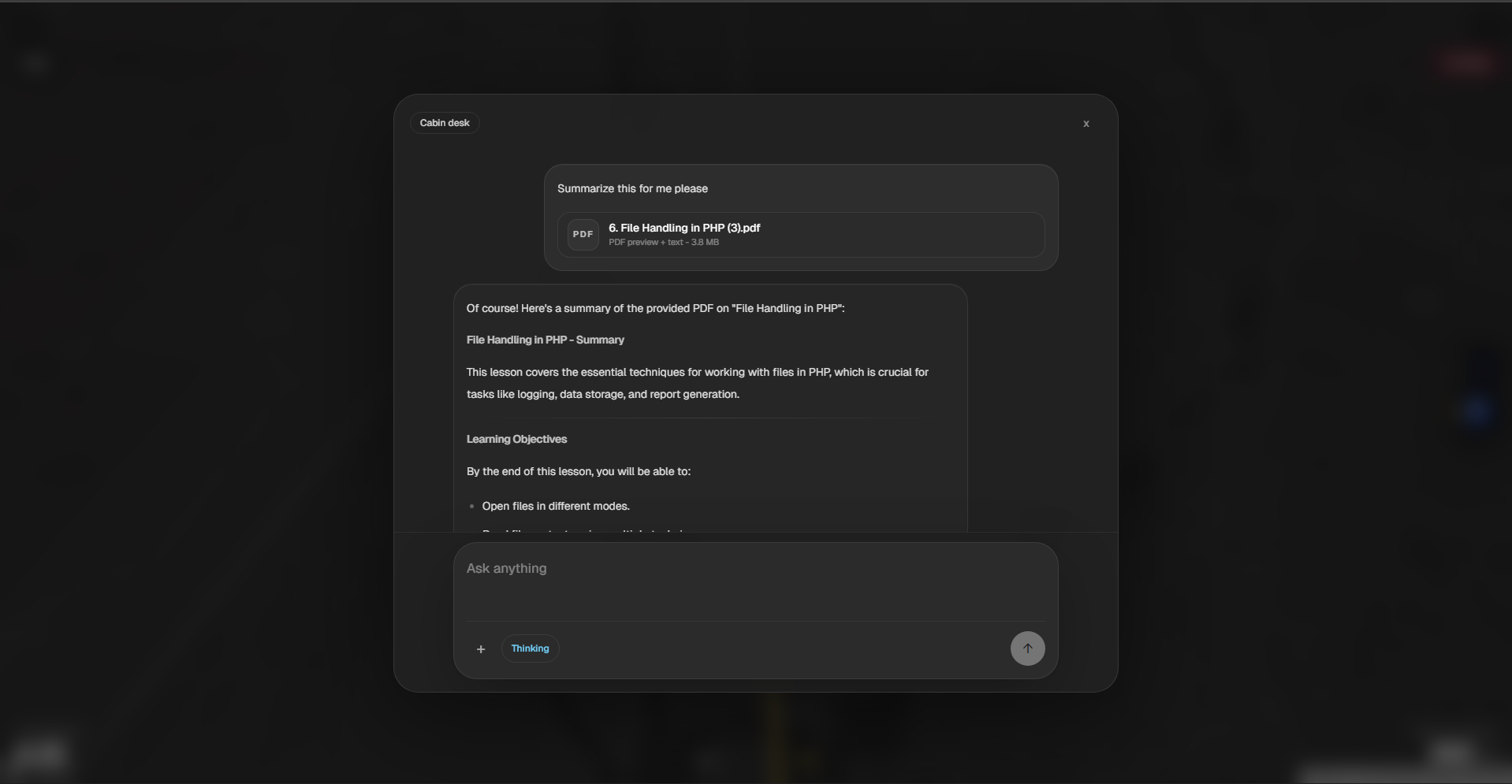
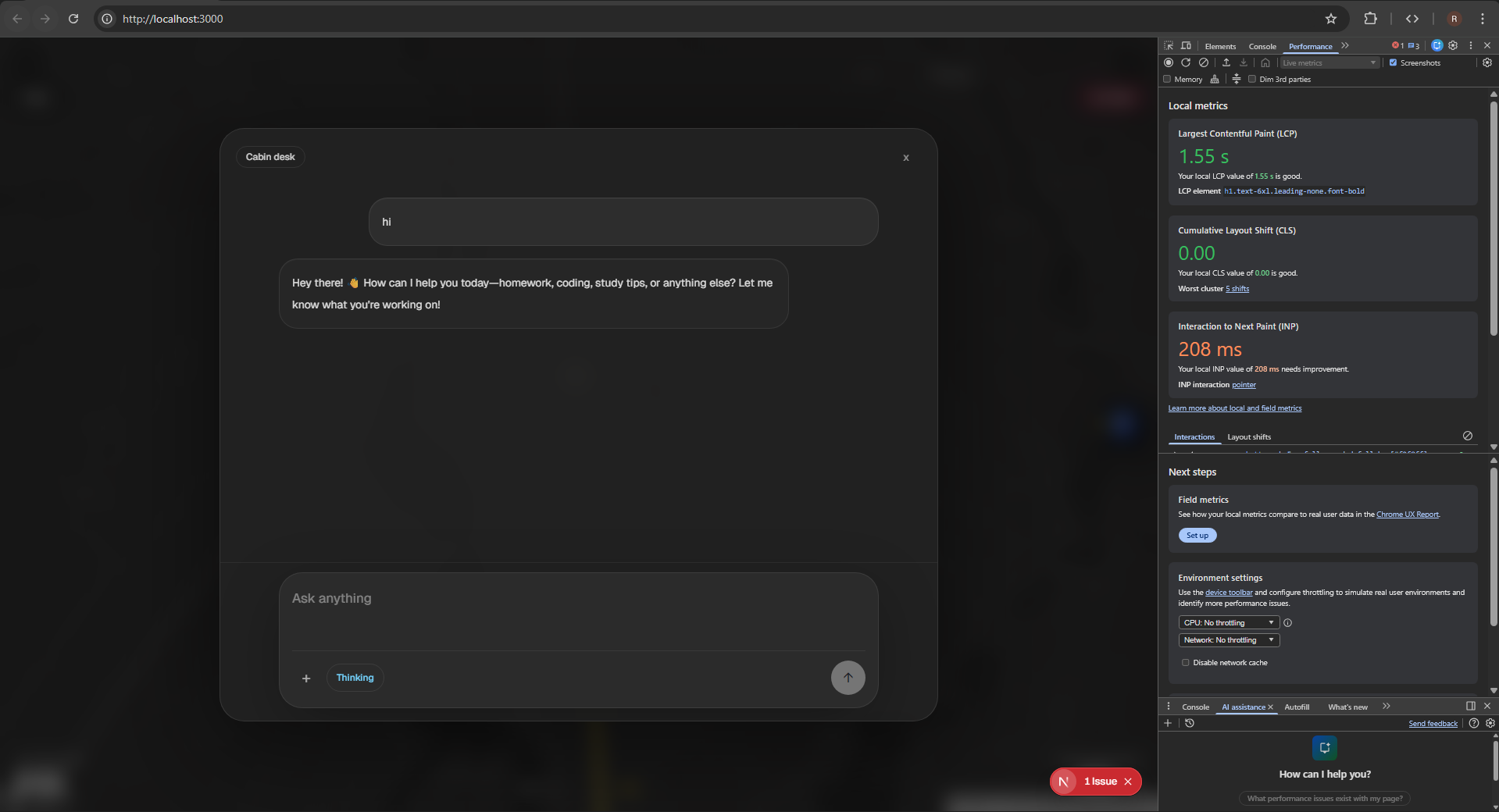
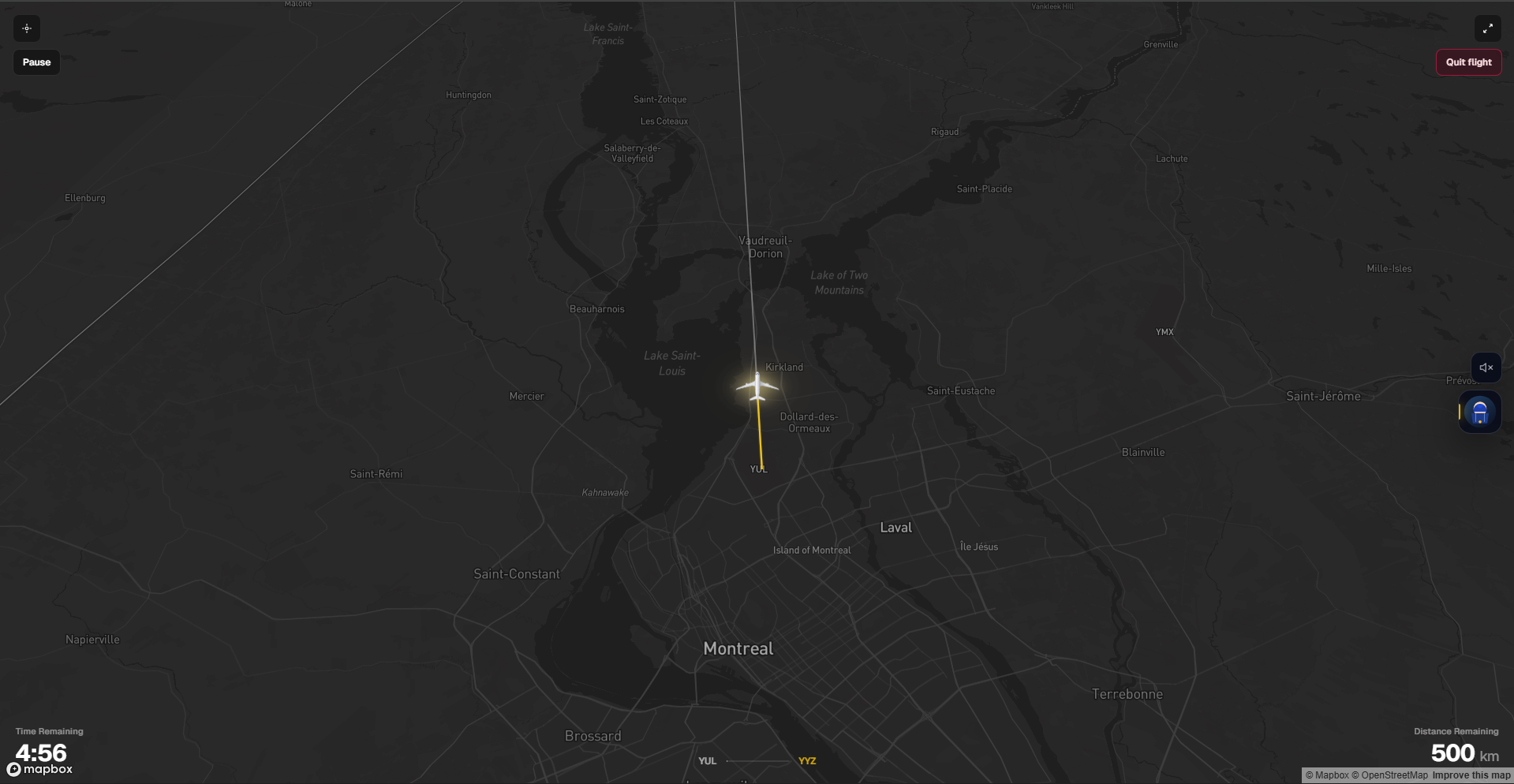
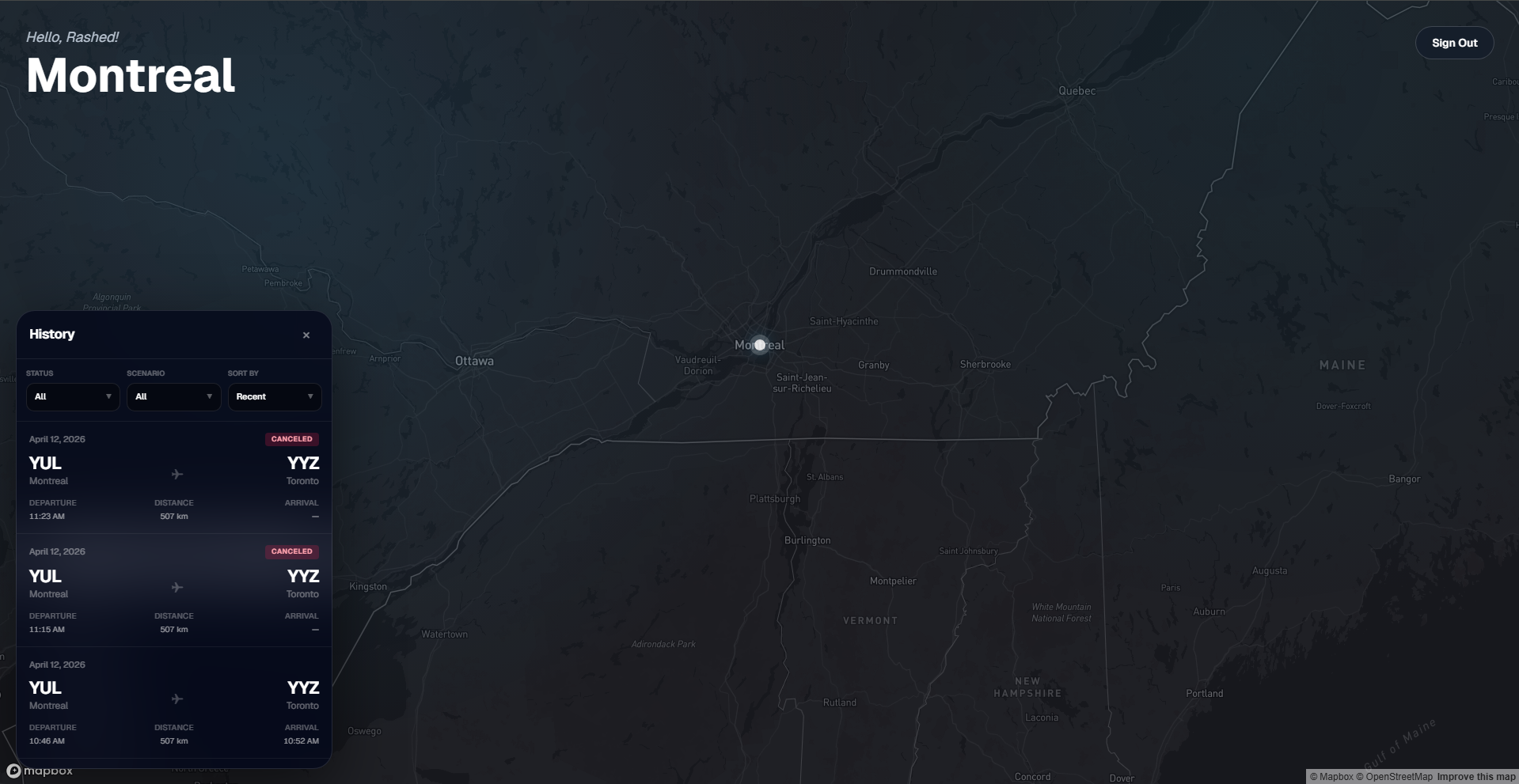
During the session, users see a live flight animation on a map, along with progress and timer information. There is also an in-app study assistant that can answer questions, help explain concepts, summarize notes, and work with attachments like images, text files, and PDFs. The app also tracks trip history and streak-style statistics, making the experience feel more engaging over time.
How we built it
We built FlightMode using Next.js 16, React 19, TypeScript, and Tailwind CSS v4 for the frontend and overall application structure. For data storage, authentication, and trip management, we used MongoDB, Mongoose, bcryptjs, and JWT.
The interactive map experience is powered by Mapbox, and airport data is supported through AirportDB.io together with a fallback airport list stored in the project itself. We also used ipwho.is for approximate location-based airport suggestions.
For the study assistant, we integrated Hugging Face Inference Providers so users can chat with AI during or after a study flight. The assistant supports both text and image inputs, and PDFs are handled client-side and server-side to let users upload study material directly into the experience.
On the backend, we created API routes for authentication, trip creation, joining sessions, updating airports, seat selection, starting and completing trips, viewing active trips, and loading history. Real-time synchronization for squad sessions is handled through SSE so all participants stay aligned while planning and boarding the trip.
Challenges we ran into
One of the biggest challenges was coordinating the trip flow across different states, especially in squad mode. The app has to move users through planning, seat selection, boarding, and active flight states while keeping everyone synchronized. Making that feel smooth for both the host and guests required careful handling of trip status changes and server updates.
Another challenge was handling the study assistant in a way that felt useful inside the app. Supporting text, images, and PDFs meant we had to think about both client-side and server-side processing. We also had to manage model fallbacks so the assistant could remain functional even when a provider or model was unavailable.
We also spent a lot of time on the user experience. We did not want it to feel like just another timer app. The challenge was making the map, boarding flow, seating, sounds, history, and settings all feel like one consistent experience instead of separate disconnected features.
Accomplishments that we're proud of
We are proud that the FlightMode feels like a complete experience rather than just a concept. A user can sign in, plan a route, pick a seat, begin a study flight, watch their progress on a moving map, and use an AI assistant without leaving the app.
We are also proud of the squad mode. Being able to create a shared trip, invite friends, and study together adds a fun social element while still keeping the main purpose focused on productivity.
Another accomplishment is the polish of the overall theme. The airport and flight metaphor carries through the map, boarding flow, flight progress, and assistant interactions, which gives the project a strong identity and makes it memorable.
What we learned
We learned that building a themed productivity app is not just about functionality, it is also about consistency. Every part of the experience has to support the idea, from route planning to seat picking to the flying screen, otherwise the concept starts to break apart.
We also learned a lot about structuring a full-stack application with authentication, real-time updates, database models, API routes, and external services all working together. Combining maps, airport search, AI, trip states, and user history required much more coordination than we expected at the beginning.
Finally, we learned that AI features need to be designed carefully to be genuinely helpful. Instead of adding AI just for the sake of it, we focused on making the assistant useful for real studying by supporting explanations, summaries, quizzes, and file inputs.
What's next for FlightMode
The next step is making the journey feel even more complete. We want to improve streaks and progress insights, while also making the social side of the app stronger for both solo and squad sessions. One feature we would love to add is a low-distraction in-app chat, so friends can ask each other questions about what they are studying or working on without leaving the platform. We also want to introduce custom session times and new visual perspectives, like a plane window view with sunrise, sunset, morning, and night scenes, to make the experience feel even more immersive and personalized. On top of that, we want to keep improving the AI assistant so it becomes an even more helpful part of the overall study journey.
Built With
- hugging-face-interface-api
- jwt
- mapbox
- mongodb
- mongoose
- next.js
- pdf-parsing
- react
- tailwind-css
- typescript


Log in or sign up for Devpost to join the conversation.