-
-
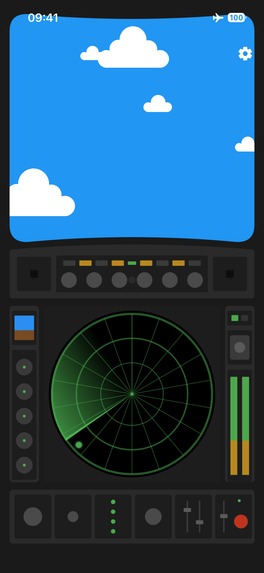
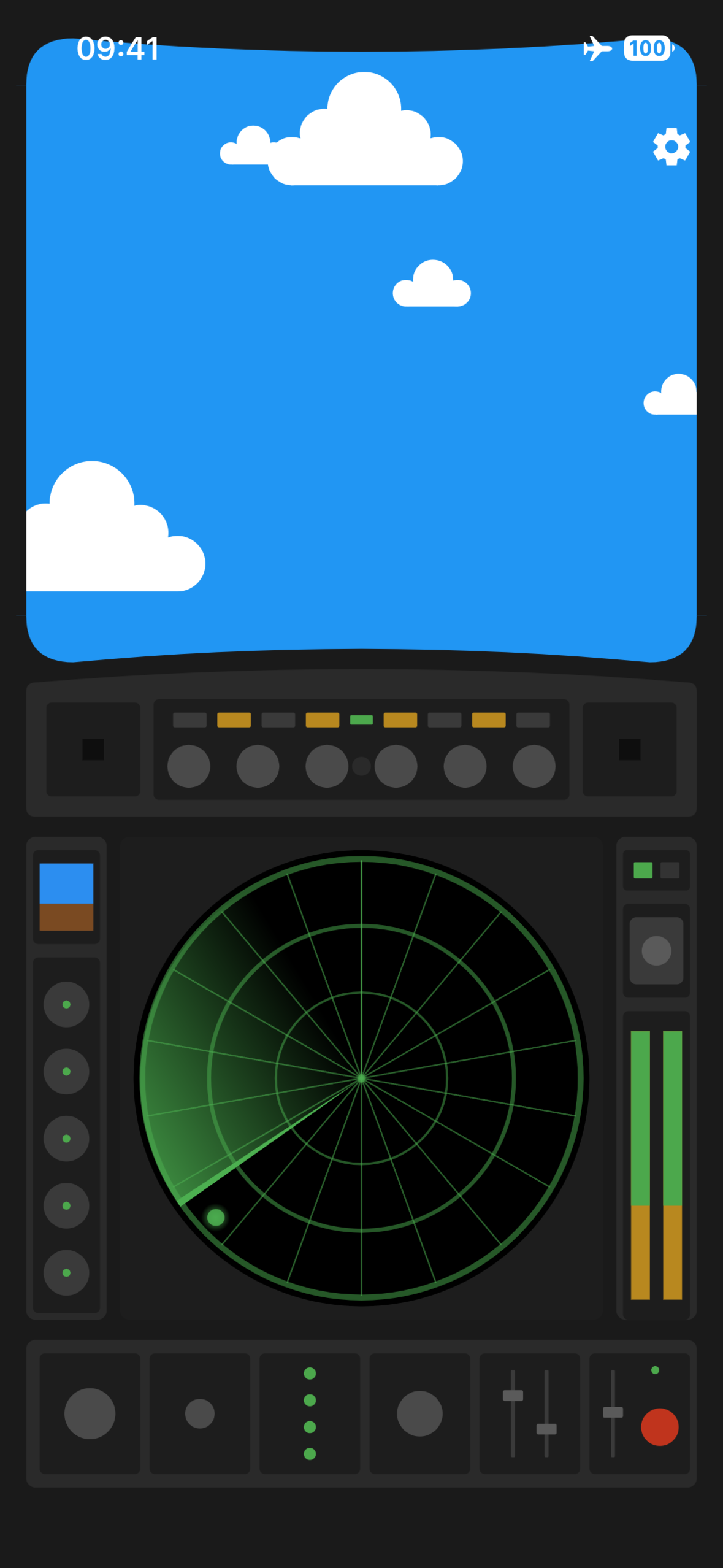
Nearby discovery
-
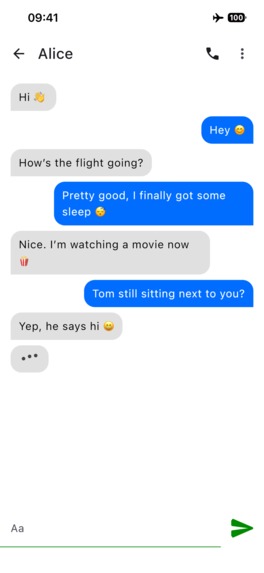
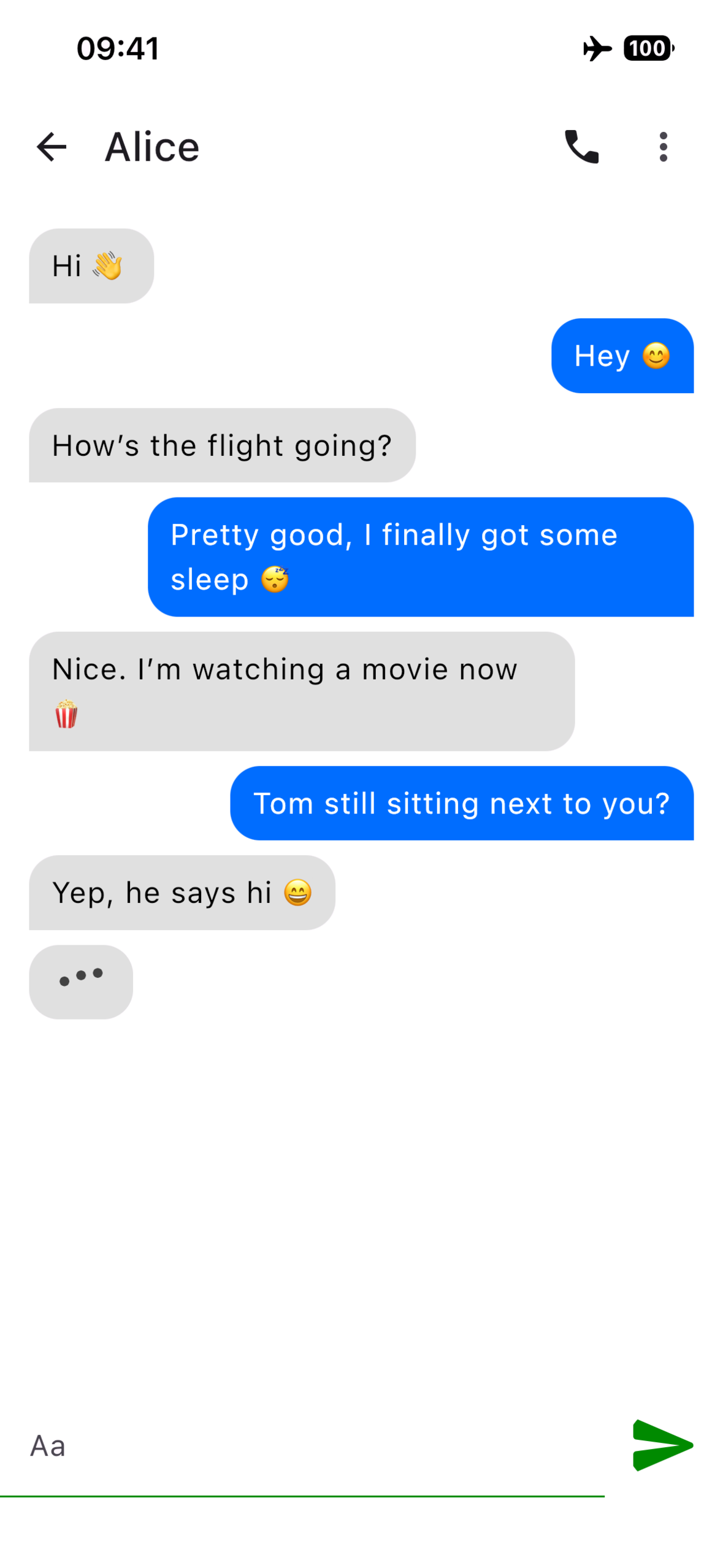
Chat
-
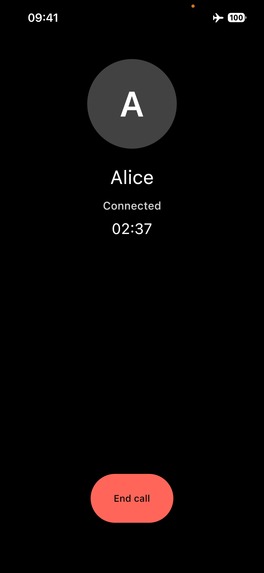
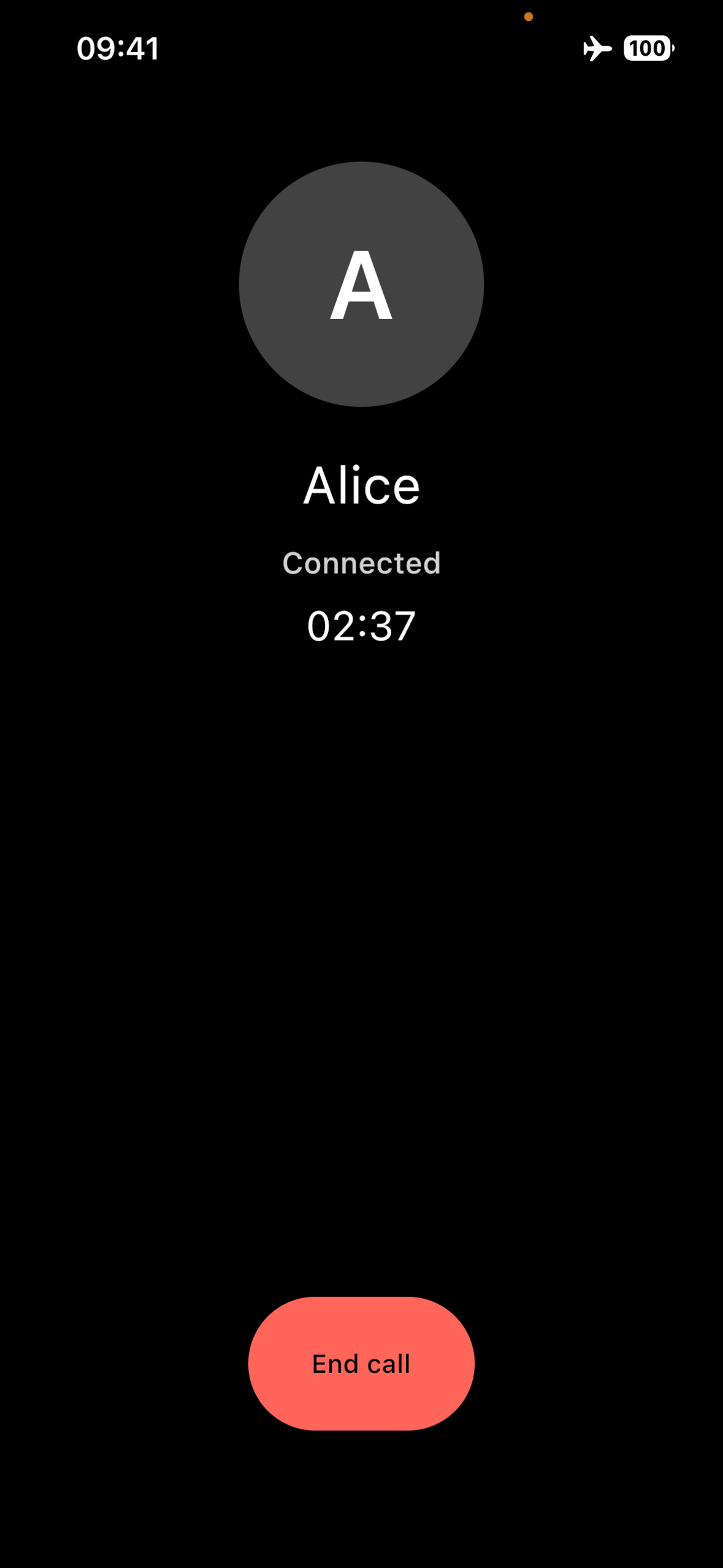
Audio call
-
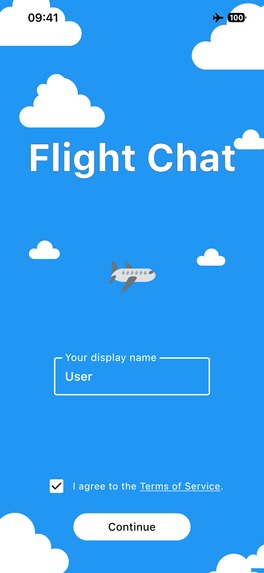
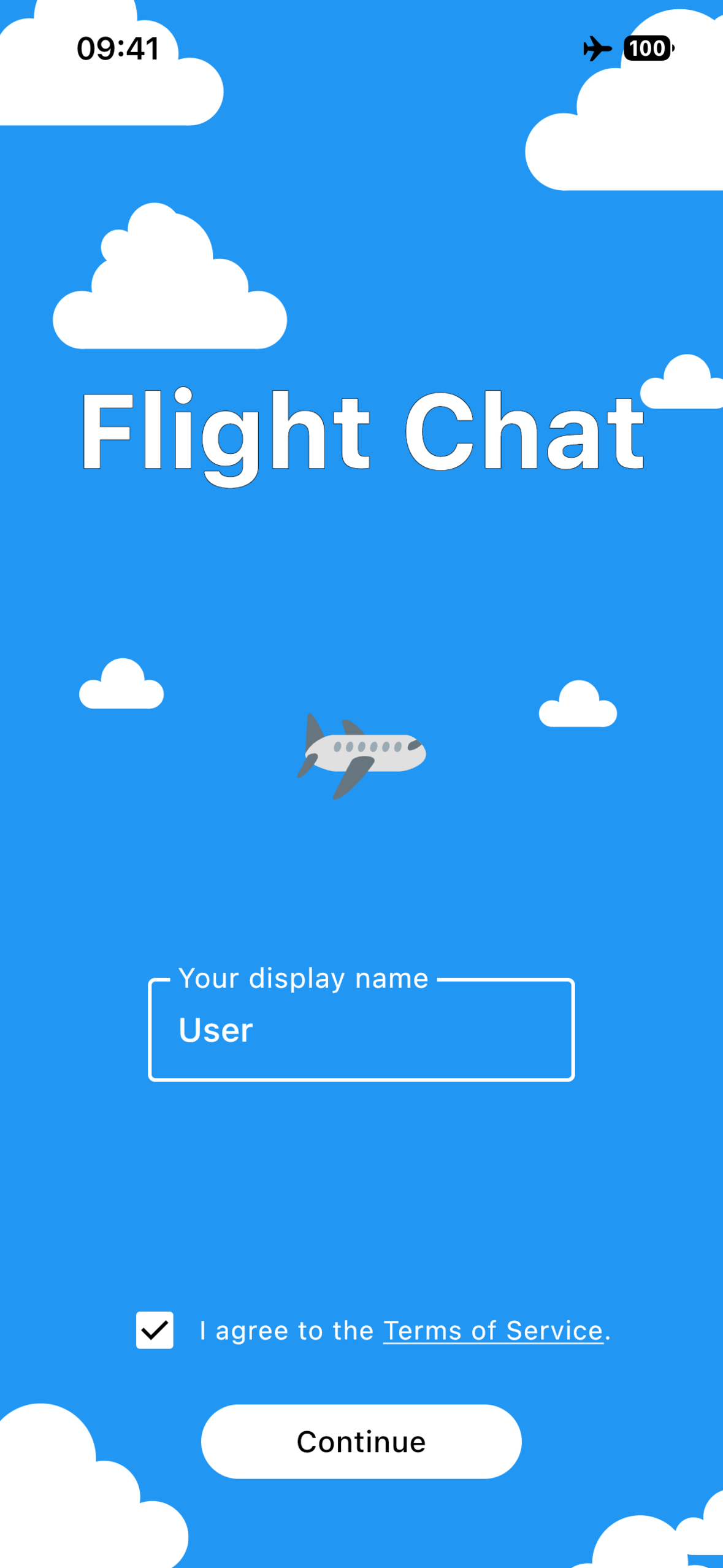
Welcome screen
-

App icon

Inspiration
Flight Chat started from a simple problem: when flying with low-cost airlines, people travelling together can end up seated apart unless they pay extra for seat selection. On many flights there is also no usable Internet connection.
I wanted a way to exchange a quick message with someone nearby without mobile data, onboard Wi-Fi, accounts, phone numbers, or a messaging server.
Later I wondered whether I could push the same idea further and make real-time audio calls work without Internet as well.
What it does
Flight Chat lets nearby people exchange text messages and make audio calls directly between their devices.
It does not require an Internet connection, account, phone number, email address, or remote messaging backend. Users discover nearby devices, explicitly accept a connection, and communicate one-to-one.
How I built it
Flight Chat is built with Kotlin Multiplatform and Compose Multiplatform.
I mainly work with Kotlin and Android and had very little Swift experience, so KMP was a natural choice for building both Android and iOS versions while sharing as much code as possible.
The app uses Google Nearby Connections for device-to-device communication. Shared Kotlin code handles most of the application logic, messaging, connection state, and a large part of the audio-call implementation.
For calls I use the Opus codec to compress real-time audio before sending it between nearby devices. RevenueCat handles the lifetime unlock for initiating audio calls on iOS.
Challenges I ran into
The first major challenge was getting the iOS Nearby SDK working with Kotlin Multiplatform. The SDK originated from Objective-C and is exposed through a Swift wrapper, so proving that the whole integration was viable required quite a bit of investigation.
The other big challenge was real-time audio. I had studied codecs, compression and audio processing at university, but had never actually built an audio-call feature on Android or iOS. I had to revisit topics such as buffering, latency, compression and audio quality and make them work in a real product.
iOS itself was also a learning experience: native APIs, background behaviour, CallKit, permissions, StoreKit and, perhaps most of all, the App Store review process.
Accomplishments I'm proud of
I'm especially happy that Flight Chat became a real application running on both Android and iOS from a shared Kotlin/Compose Multiplatform codebase.
Getting real-time compressed audio working over nearby peer-to-peer connections was probably the part I was least certain would work when I started, so seeing two phones successfully establish an offline audio call was a particularly satisfying milestone.
I'm also proud that the app does all of this without requiring a messaging or calling backend.
What I learned
The project gave me much deeper practical experience with Kotlin Multiplatform, Compose Multiplatform, iOS development and real-time audio.
It also made me revisit audio concepts I had last worked with at university and turn that theoretical knowledge into something practical.
AI-assisted development helped me move into areas where I had little previous experience, particularly iOS APIs and audio, while I still had to design, integrate, test and debug the complete system.
What's next for Flight Chat
First, I want to get Flight Chat into users' hands and see how it performs outside my own testing.
From there, the priority is improving reliability and the nearby communication and audio experience based on real-world feedback. After spending a lot of time getting the first Android and iOS releases ready, I also want to let actual usage decide what should come next rather than inventing features just for the sake of adding them.

Log in or sign up for Devpost to join the conversation.