-
-
R
CodeMaster Academy
An interactive, full-stack programming education platform designed to transform beginners into professional developers through hands-on learning, real-time code execution, and gamified progress tracking.
Overview
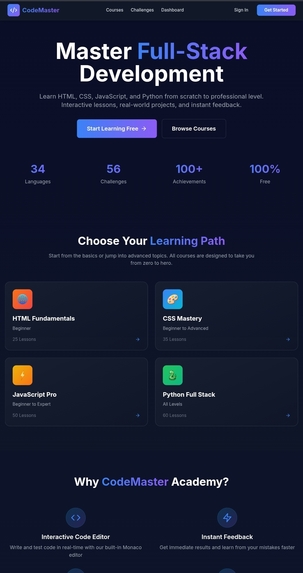
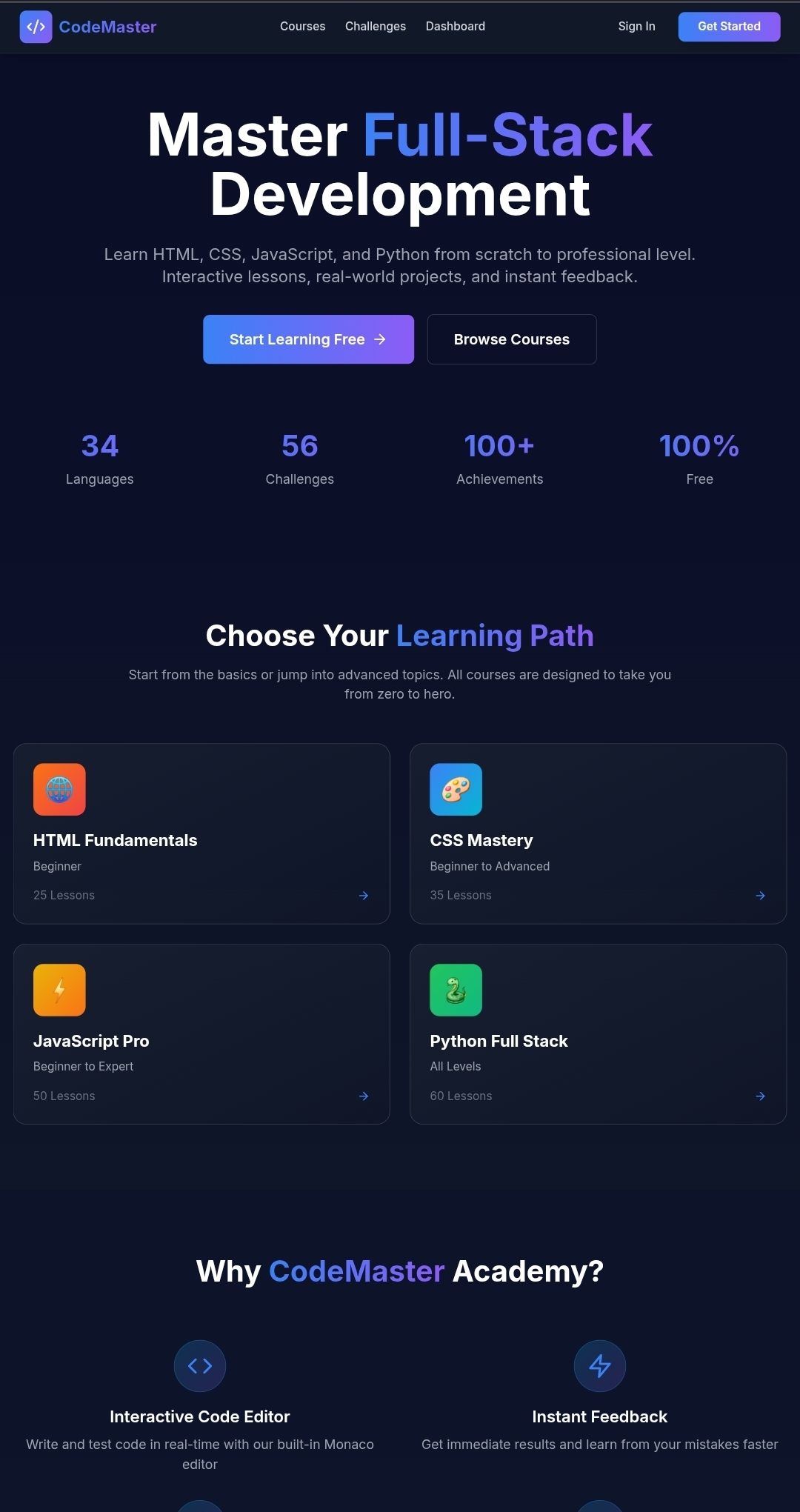
CodeMaster Academy provides a comprehensive learning experience for aspiring developers, featuring structured courses in HTML, CSS, JavaScript, Python, and full-stack development. The platform combines theoretical knowledge with practical coding challenges, offering immediate feedback and progress tracking to keep learners engaged and motivated.
Core Features
Interactive Learning System
- Multi-Language Support: Courses covering HTML, CSS, JavaScript, Python, and full-stack development
- Live Code Editor: Built-in Monaco-based editor with syntax highlighting and real-time execution
- Progressive Curriculum: Structured learning paths from beginner to expert level
- Instant Feedback: Automatic validation of coding exercises and challenges
Gamification & Engagement
- Achievement System: Unlock badges and milestones as you progress through courses
- Global Leaderboard: Compete with learners worldwide and track your ranking
- Daily Challenges: Fresh coding problems every day to sharpen your skills
- Progress Tracking: Visual dashboards showing your learning journey and completed modules
Professional Development
- Certificates: Earn verified certificates upon course completion
- Career Pathways: Guided roadmaps for different tech career trajectories
- Advanced Challenges: Complex problems designed to prepare you for technical interviews
- Code Snippets Library: Save and organize reusable code for future reference
Developer Tools
- Playground: Experiment with code in a sandbox environment without course constraints
- Playground Pro: Advanced features for experienced developers
- Portfolio Integration: Showcase your completed projects and certificates
- Download Capabilities: Export your code and progress for offline access
Platform Features
- Responsive Design: Seamless experience across desktop, tablet, and mobile devices
- Dark/Light Themes: Customizable interface to match your preferences
- User Authentication: Secure account management powered by Clerk
- Analytics Dashboard: Track your learning patterns and identify areas for improvement
Technology Stack
Frontend Framework
- Next.js 14.1.0 (React 18.2.0)
- TypeScript for type-safe development
- Tailwind CSS for responsive styling
- Framer Motion for smooth animations
State Management
- Zustand for lightweight, efficient state handling
- Client-side stores for progress and settings persistence
Code Editing
- Monaco Editor (VS Code's editor) for professional coding experience
- React Markdown for rendering formatted lesson content
Authentication & Security
- Clerk for user authentication and session management
- Advanced security monitoring and API protection
- CSRF protection and encryption layers
Desktop Application
- Tauri 2.9 for cross-platform desktop builds
- Native performance with web technologies
Deployment
- Optimized for Vercel deployment
- Environment-based configuration support
Getting Started
Prerequisites
Ensure you have the following installed on your system:
- Node.js (version 18 or higher)
- npm or yarn package manager
- Git for version control
Installation
Clone the repository:
git clone https://github.com/karthikeyan006867/FLAVER-TOWN-PROJECT.git
cd FLAVER-TOWN-PROJECT
Install dependencies:
npm installSet up environment variables: Create a
.env.localfile in the root directory and add the required keys:NEXT_PUBLIC_CLERK_PUBLISHABLE_KEY=your_clerk_key CLERK_SECRET_KEY=your_clerk_secret NEXT_PUBLIC_CLERK_SIGN_IN_URL=/sign-in NEXT_PUBLIC_CLERK_SIGN_UP_URL=/sign-up NEXT_PUBLIC_CLERK_AFTER_SIGN_IN_URL=/dashboard NEXT_PUBLIC_CLERK_AFTER_SIGN_UP_URL=/dashboardRun the development server:
npm run devOpen your browser and navigate to
http://localhost:3000
Building for Production
Generate an optimized production build:
npm run build
npm start
Desktop Application
Build the desktop version using Tauri:
Development mode:
npm run tauri:dev
Production build:
npm run tauri:build
Windows-specific build:
npm run tauri:build:windows
Android build:
npm run tauri:android
Project Structure
├── app/                    # Next.js app directory (pages and layouts)
│   ├── api/               # Backend API routes
│   ├── courses/           # Course-specific pages
│   ├── challenges/        # Coding challenge interfaces
│   ├── dashboard/         # User dashboard
│   ├── playground/        # Code sandbox environment
│   └── admin/             # Admin panel and management tools
├── components/            # Reusable React components
│   ├── CodeEditor.tsx    # Monaco-based code editor
│   ├── Navbar.tsx        # Navigation component
│   ├── Sidebar.tsx       # Side navigation
│   └── Certificate.tsx   # Certificate generator
├── data/                  # Course content and challenge definitions
│   ├── courses.ts        # Course metadata
│   ├── lessons/          # Individual lesson content
│   ├── challenges.ts     # Coding challenges
│   └── achievements.ts   # Achievement definitions
├── lib/                   # Utility functions and helpers
│   ├── security.ts       # Security utilities
│   ├── encryption.ts     # Data encryption
│   └── admin.ts          # Admin utilities
├── store/                 # Zustand state management
│   ├── progressStore.ts  # Learning progress state
│   └── settingsStore.ts  # User settings state
├── scripts/               # Database and content management scripts
├── public/                # Static assets
└── src-tauri/            # Tauri desktop app configuration
Available Scripts
| Command | Description |
|---|---|
npm run dev |
Start development server on port 3000 |
npm run build |
Create optimized production build |
npm start |
Run production server |
npm run lint |
Run ESLint for code quality checks |
npm run tauri:dev |
Launch Tauri development mode |
npm run tauri:build |
Build desktop application |
Features in Detail
Course System
Each course contains structured lessons with:
- Theoretical explanations written in clear, accessible language
- Interactive code examples you can modify and test
- Practice exercises with automated testing
- Final projects to demonstrate mastery
Challenge System
- Beginner Challenges: Foundational problems to build confidence
- Advanced Challenges: Complex scenarios requiring creative solutions
- Daily Challenges: Time-limited problems refreshed every 24 hours
- Difficulty Ratings: Problems categorized from easy to expert
Admin Panel
Administrators can:
- Monitor user progress and engagement metrics
- Manage course content and lesson structure
- Review security logs and suspicious activities
- Generate analytics reports
- Moderate community content
Security Features
- End-to-end encryption for sensitive data
- Rate limiting on API endpoints
- CSRF token validation
- Security monitoring and alerting
- Audit logging for administrative actions
Learning Paths
The platform offers guided learning paths for different career goals:
- Web Development Fundamentals: HTML → CSS → JavaScript basics
- Frontend Specialist: Advanced CSS → JavaScript frameworks → React patterns
- Full-Stack Developer: Frontend fundamentals → Backend with Python → Database integration
- Python Developer: Python basics → Advanced Python → Data structures & algorithms
Contributing
We welcome contributions from the community! Here's how you can help:
- Fork the repository
- Create a feature branch (
git checkout -b feature/amazing-feature) - Commit your changes (
git commit -m 'Add some amazing feature') - Push to the branch (
git push origin feature/amazing-feature) - Open a Pull Request
Please ensure your code follows the existing style conventions and includes appropriate tests.
Support & Documentation
- Issues: Report bugs or request features through GitHub Issues
- Discussions: Join community discussions for help and best practices
- Wiki: Comprehensive documentation available in the project wiki
License
This project is licensed under the MIT License - see the LICENSE file for details.
Acknowledgments
Built with modern web technologies and best practices to provide the smoothest learning experience possible. Special thanks to all contributors who have helped shape this platform into a valuable resource for aspiring developers worldwide.Thanks
Ai usages
Tasks done by AI Debugging and fixing build errors Getting informations and datas about the languages like rust , it's etc... Correcting type errors and autondication errors. Correcting clerk errors
Percentage of Contribution
80 - Creater 10 - Ai 10 - Other Libraries and sources
Start your coding journey today and join thousands of developers mastering their craft with CodeMaster Academy.
Built With
- css
- html
- javascript
- powershell
- python
- rust
- shell
- typescript
- vue

Log in or sign up for Devpost to join the conversation.