-
-
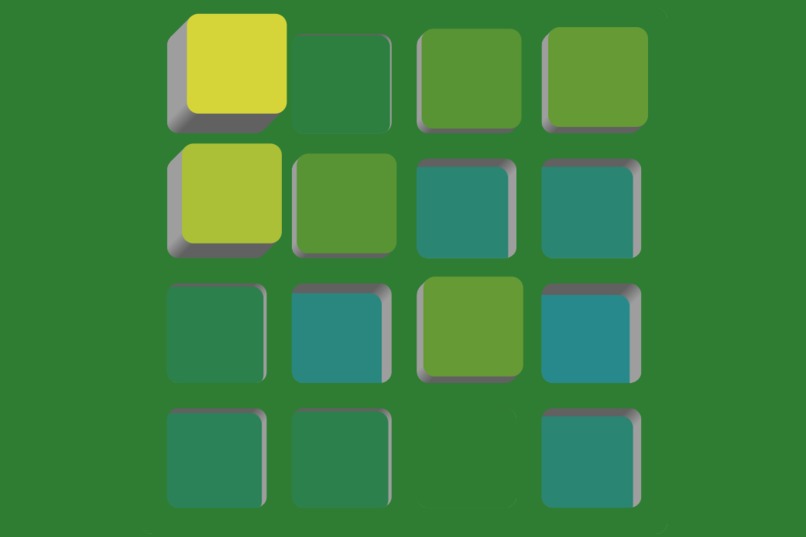
Blind Mode
-
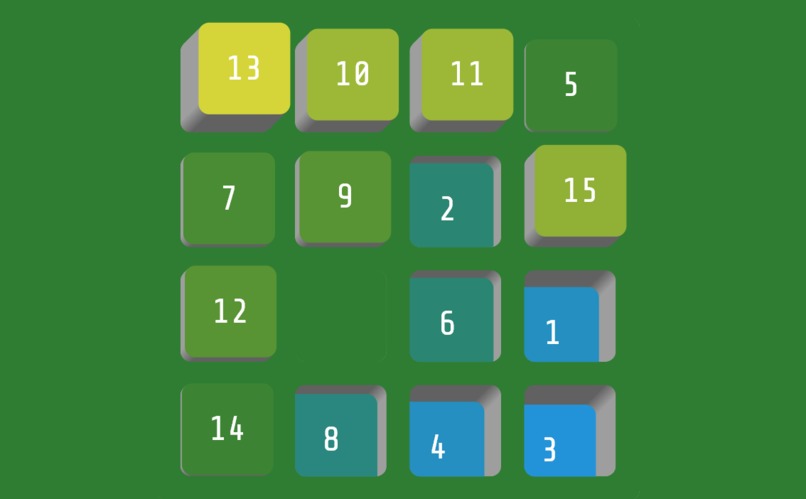
game tile
-
icon
-
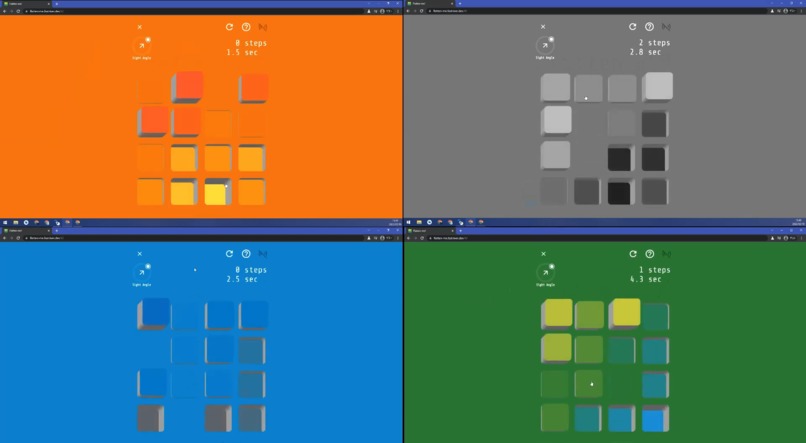
colors
-
gyroscope
Inspiration
I emphasized the following three points:
- Simpleness
- Natural
- Interactive
I thought about how to reconstruct the puzzle to make it simpler and more visually appealing. The answer I arrived at was the introduction of height information and the movement of the sight angle.
What it does
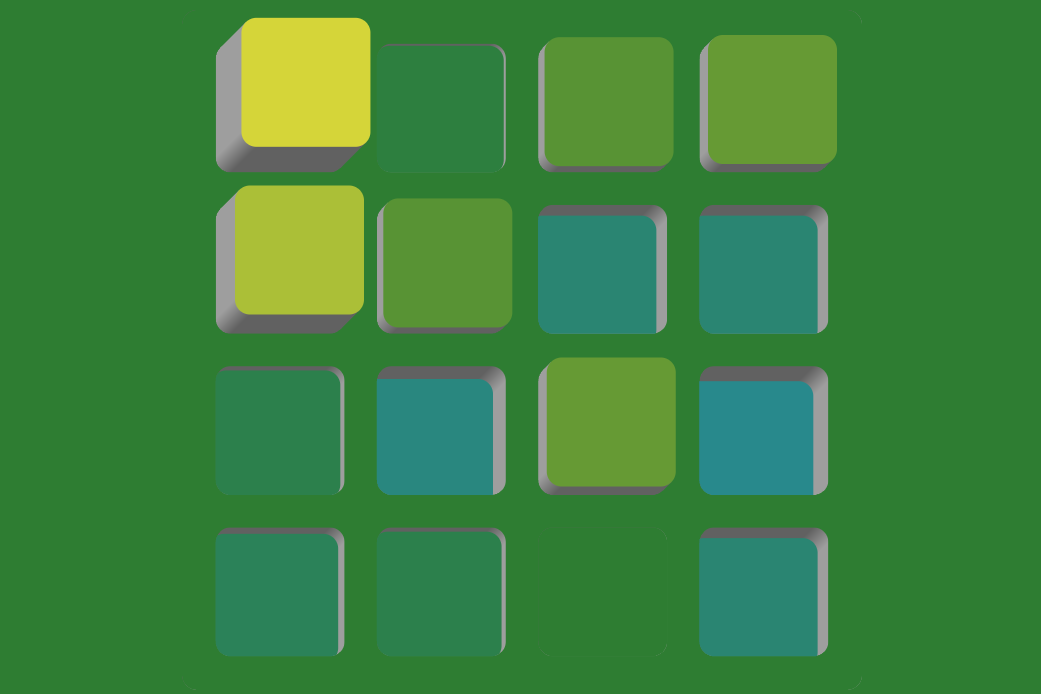
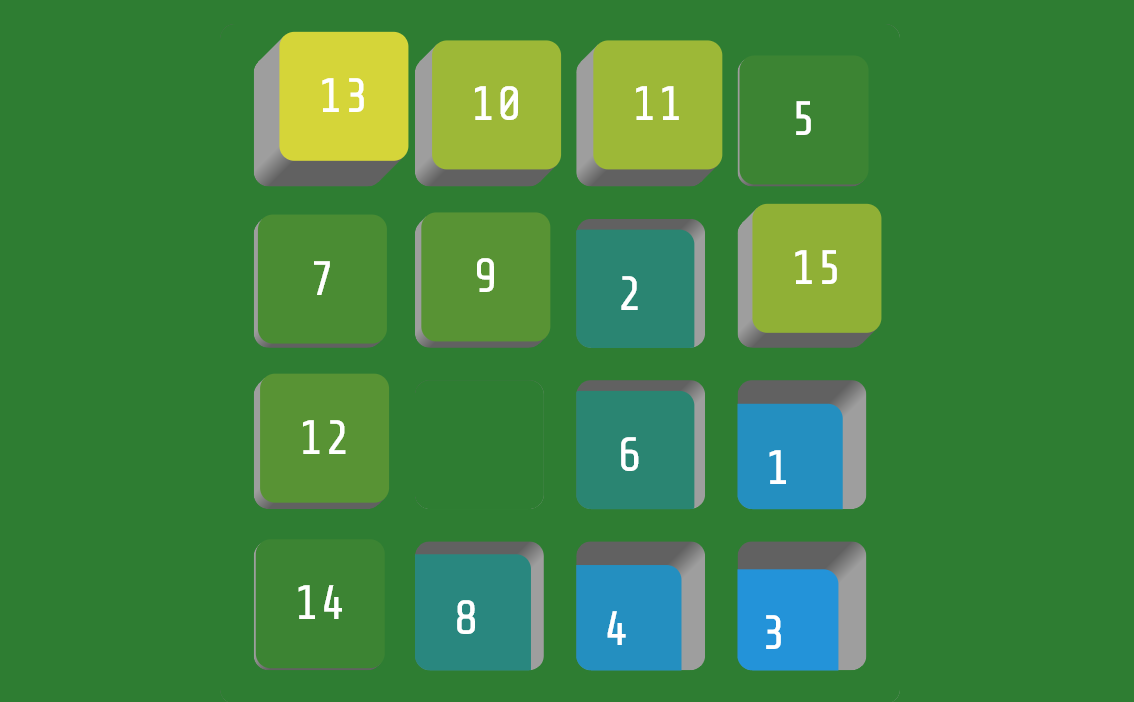
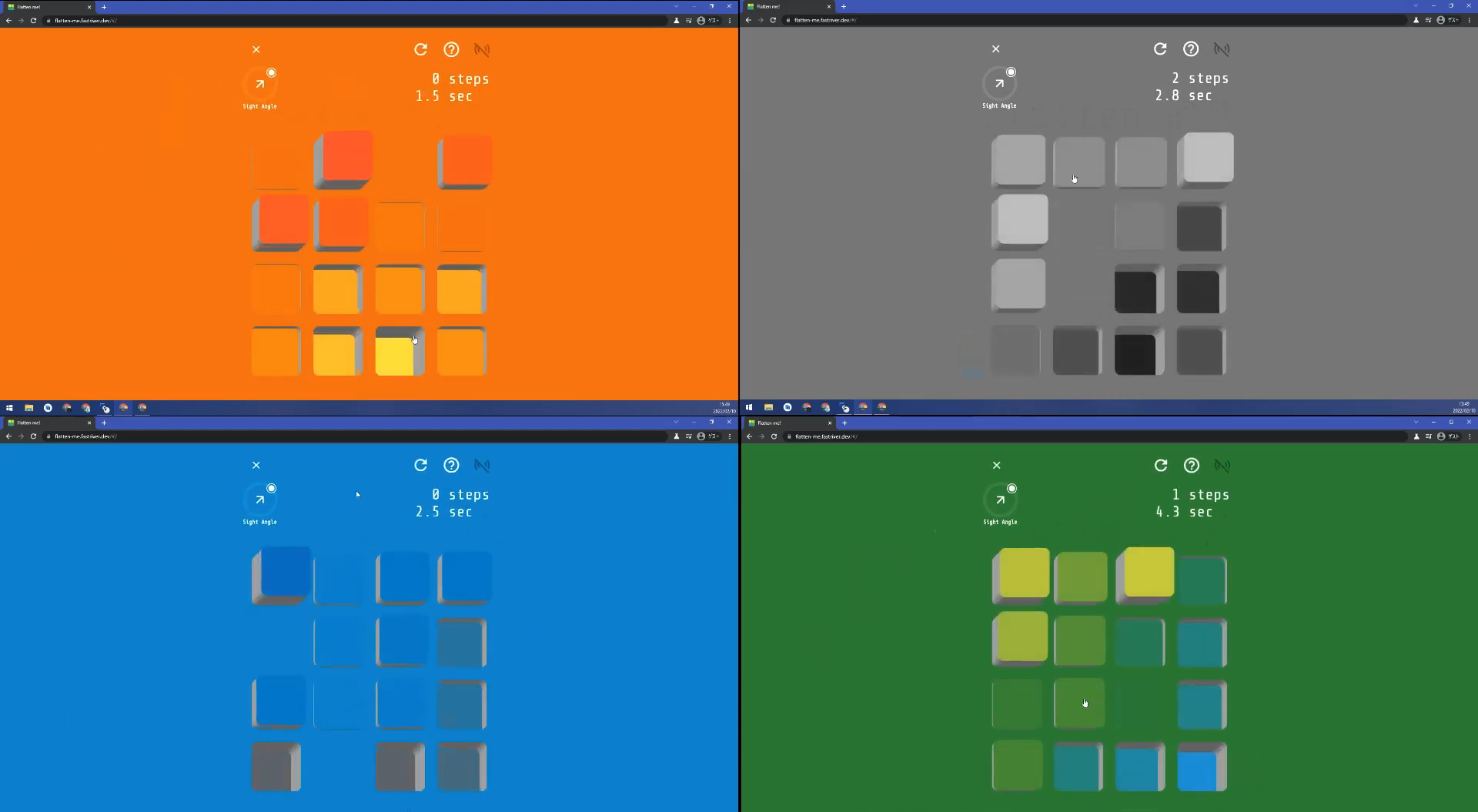
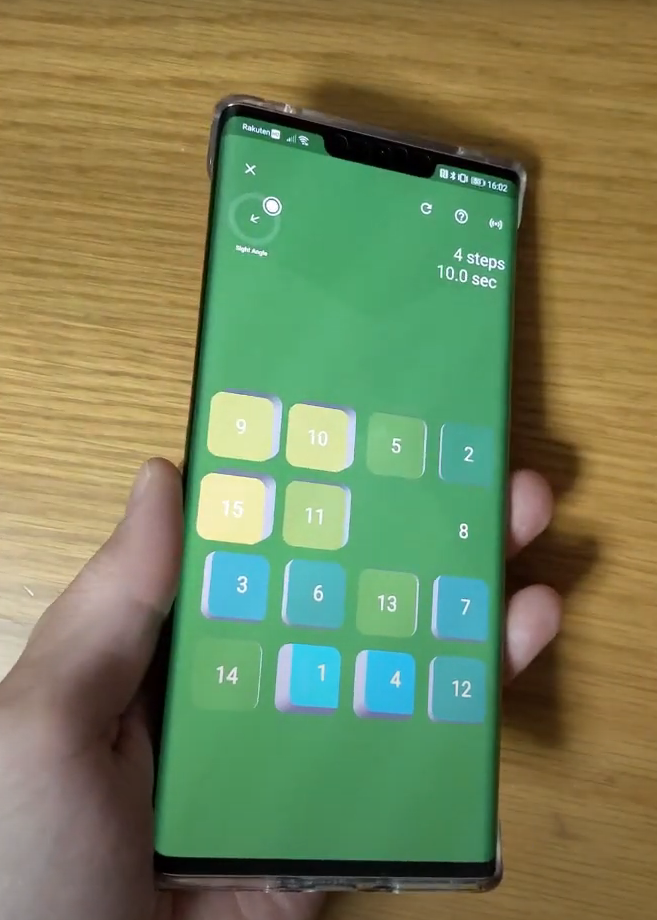
The goal of this puzzle is not only to place cells in numerical order but also to flatten height of cells. The height of cells in the correct position is 0, but cells on the upper left than the correct position are being deposited. Also on the bottom right ones are being dented. If you click / tap the cell adjacent to a blank cell, the cell can be moved to the position of the blank cell. Or you can also use the arrow keys on your keyboard.
Blind Mode
In this mode, the numbers are hidden, so you need to play with only the height information.
Sight Angle
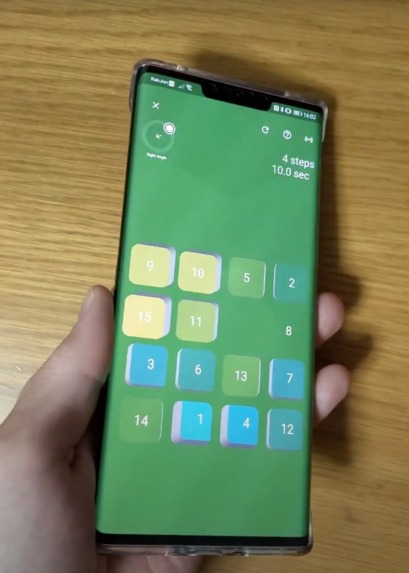
If you are using a smartphone, you can enable the gyro sensor from the icon on the top right.
Change Colors
On the start screen, you can select the mode and how to play, and you can change the theme color at the bottom. Click / tap the theme you want to apply and the theme will be applied to the whole. There are four themes, Greenery / Dashlike / Enthusiasm / Monochrome.
How we built it
This puzzle is built using Dart and Flutter. I combined multiple Custom Paint and Transition Animations to create complex animations. Also, I modified parts of a package to read the values of Gyroscope Sensor.
Challenges we ran into
The most important task in creating a puzzle was to express the three-dimensional expression of height in the plane world of Flutter. For this, I used CustomPaint and ClipPath effectively to express the side parts of cells and the gradation of shadows. Accurate 3D representations for all angles required geometric knowledge and simple calculations of trigonometric functions. These efforts have made it possible to express 3D heights that are beautiful from any angle of 360 degrees. Also, I thought about using the Gyroscope sensor to change the 3D viewing angle by tilting the smartphone, but with the sensor_plus plug-in provided by Flutter Community, the value is acquired only at 0.2 second intervals as standard. I could only do that. That's why I modified sensor_plus to get values up to 60 Hz (0.016 second intervals).
Accomplishments that we're proud of
Height expression
We have created a new StrokeDepthButton class to represent the height of a cell in three dimensions. Not only can you specify the height / depth to move the animation, but you can also specify the angle and Offset to adjust the viewing angle in all directions. On the web of smartphones, it may be heavy depending on the specifications, but it can be animated with generally good performance.
Animation
For the animation of the puzzle part, not only the smooth animation when switching the height but also the animation for switching the surface is used. When reloading puzzle is my favorite.
Gyroscope sensor
As mentioned above, the gyroscope sensor can be used on both the Android version and the Web version by using the package that modifies the sensor_plus plugin and increases the frequency of value acquisition. Although not directly related to the game, you can tilt your smartphone to see the puzzle from an angle that matches your hand. In environments where the gyroscope sensor is not available, you can change the orientation from the sight angle slider.
Keyboard support
I'm using the FocusableActionDetector to read the user's keyboard input. You can use the WASD key as well as the arrow keys.
Multi-platform support
Flutten me! has builds for PWA, Android, and Windows as well as the web version.
What we learned
This time, while creating puzzles centered on web applications, the web may still have restrictions on the expression of animation in terms of performance, but it turned out that it is possible to create something beautiful enough by devising updates and utilizing the Animation class. I did.
What's next for Flatten me!
I'm thinking of introducing visual effects that make better use of Gyroscope, abstracting puzzles and making them simpler, and making them lighter.


Log in or sign up for Devpost to join the conversation.