Inspiration
The inspiration for this project came from my desire to explore Flask and build a dynamic web application. I wanted to learn how to create a simple, interactive app that could handle user input and display personalized content. The MLH Global Week Hackathon gave me the perfect opportunity to work on a beginner-friendly project that introduced me to Flask, a popular Python web framework.
What it does
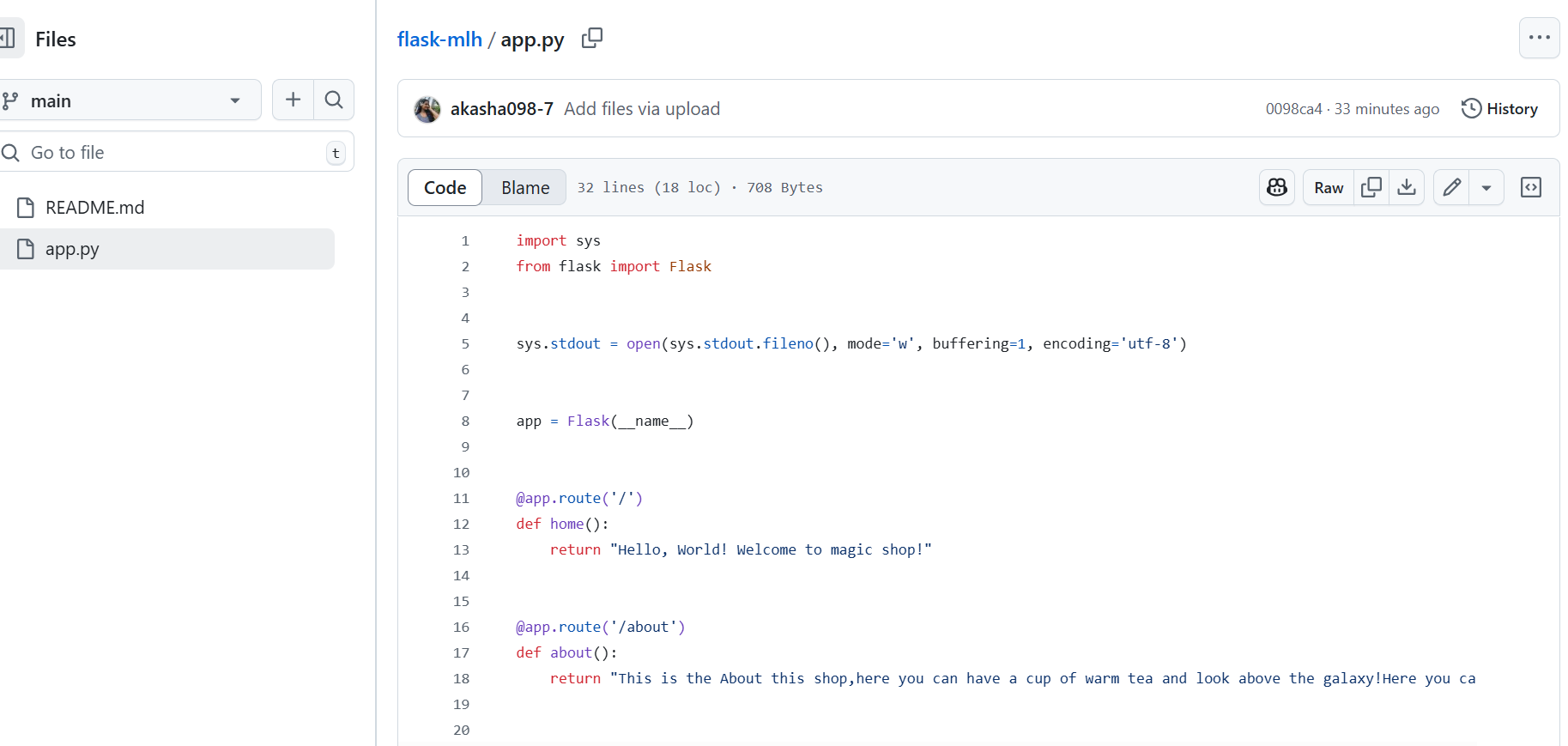
This Flask app serves multiple pages:
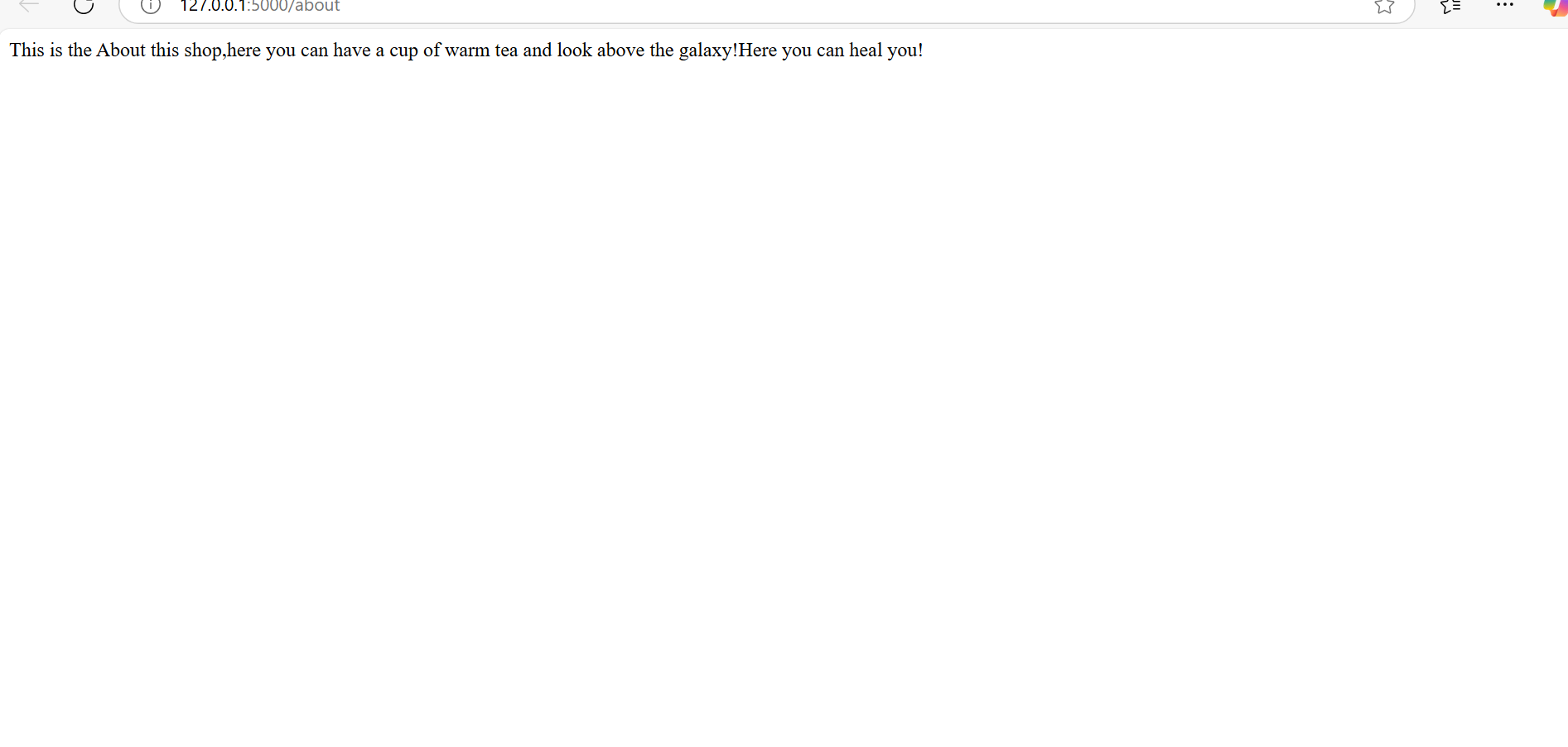
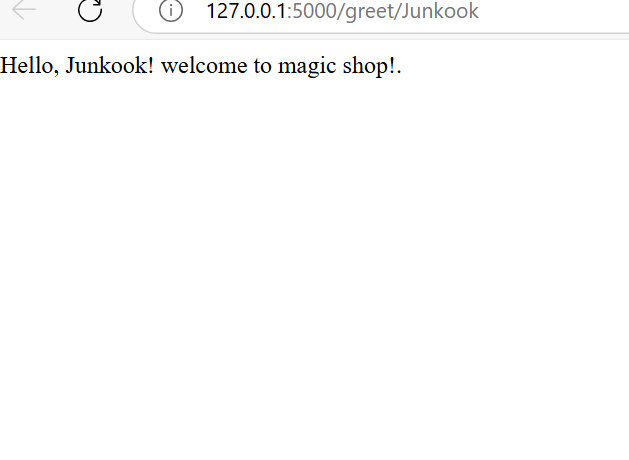
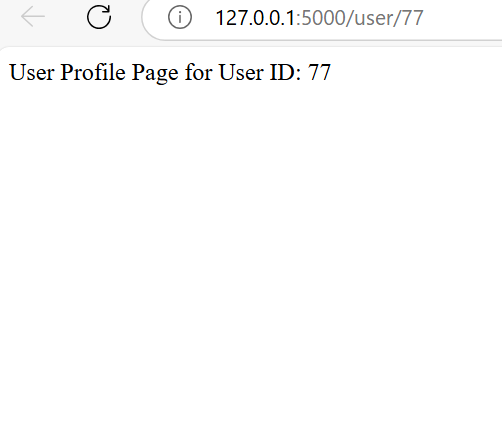
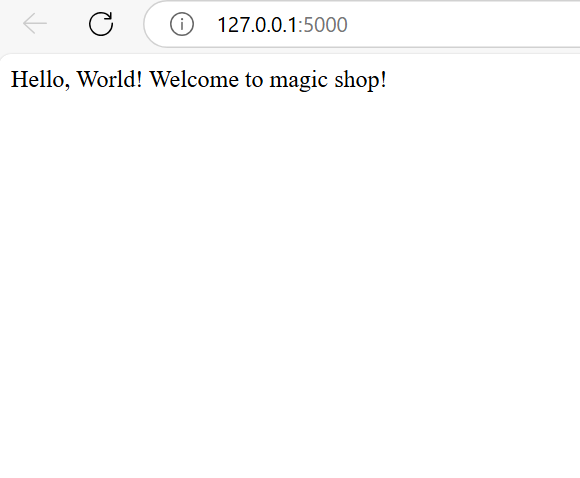
Home page: Displays a welcome message. About page: Provides information about the app. Greet page: Greets users by their name, passed through the URL. User profile page: Displays user information based on a unique ID provided in the URL. The app is simple but dynamic, allowing users to interact with it through personalized greetings and data-based routes.
How we built it
Flask Setup: I started by installing Flask using pip and setting up a basic app with routes. Creating Routes: The Home route (/) displays a basic welcome message. The About route (/about) provides details about the app. The Greet route (/greet/) accepts a user’s name as input and displays a personalized greeting.
Challenges I ran into
Dynamic URL Handling: Initially, I faced difficulties with passing dynamic values (like the username) through the URL and ensuring the correct output was displayed. Debugging Errors: The app didn’t display routes properly at first, so I had to carefully check my route definitions and ensure they were set up correctly. User Input Validation: Handling and sanitizing user input to ensure it didn't cause errors or security issues was a challenge.
Accomplishments that I'm proud of
Successfully built a dynamic web app that accepts user input via URLs. Gained a better understanding of Flask and how to set up basic routes. Managed to overcome challenges like debugging and routing issues and delivered a functional application.
What I learned
Flask routing and how to create dynamic URLs that accept user input. The importance of testing and debugging during the development process. How to handle dynamic data and interact with users through simple web pages. How to use Flask’s debug mode to improve development efficiency. What's next for Flask app Add more features: In the future, I will add form submissions, database integration, and other dynamic features for practicing my skills.

Log in or sign up for Devpost to join the conversation.