-
-
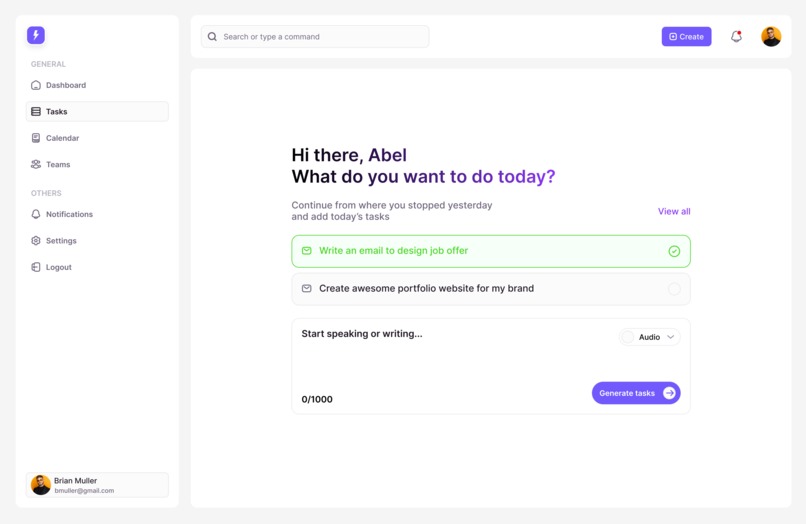
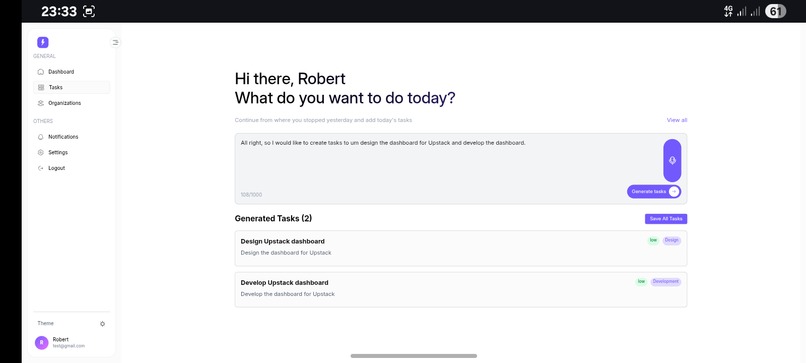
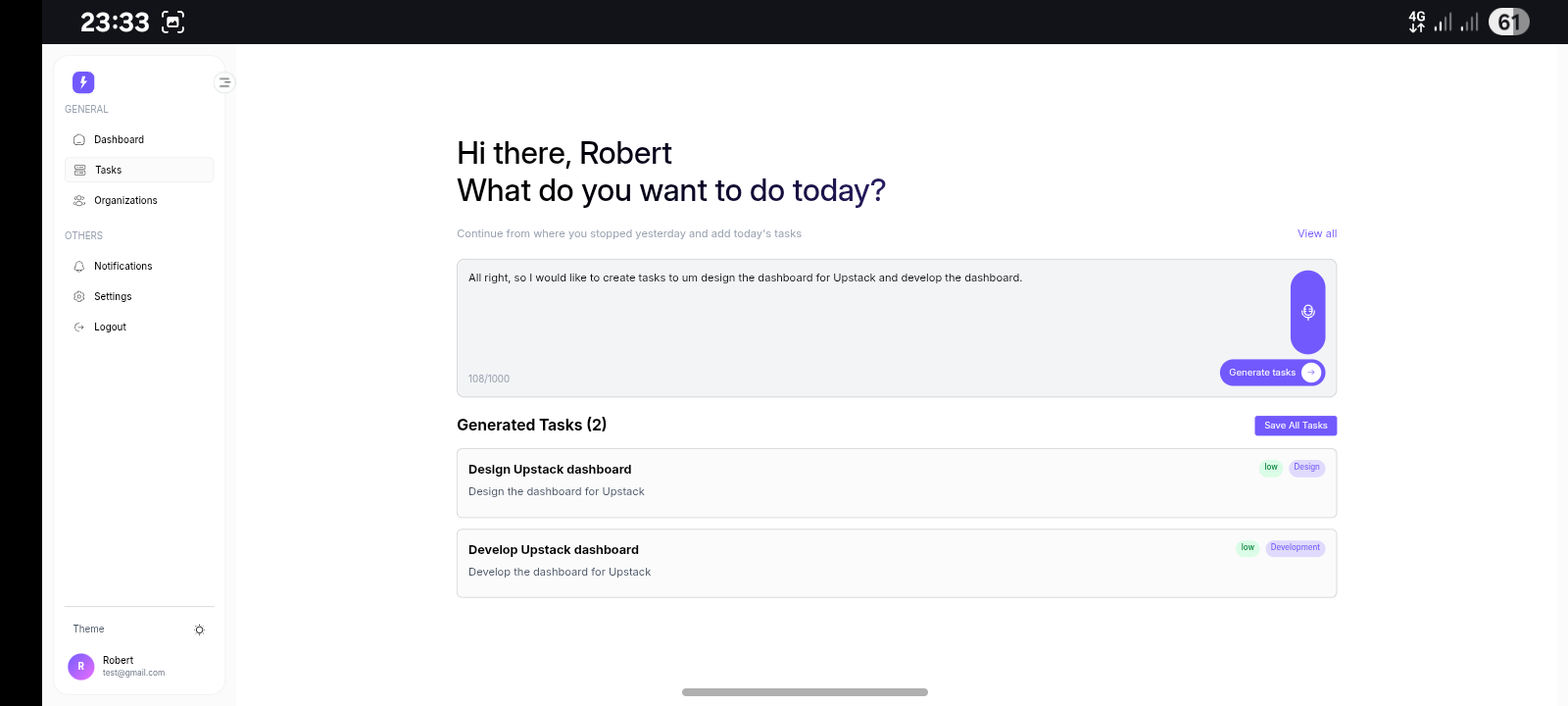
Create tasks using voice or texts page
-
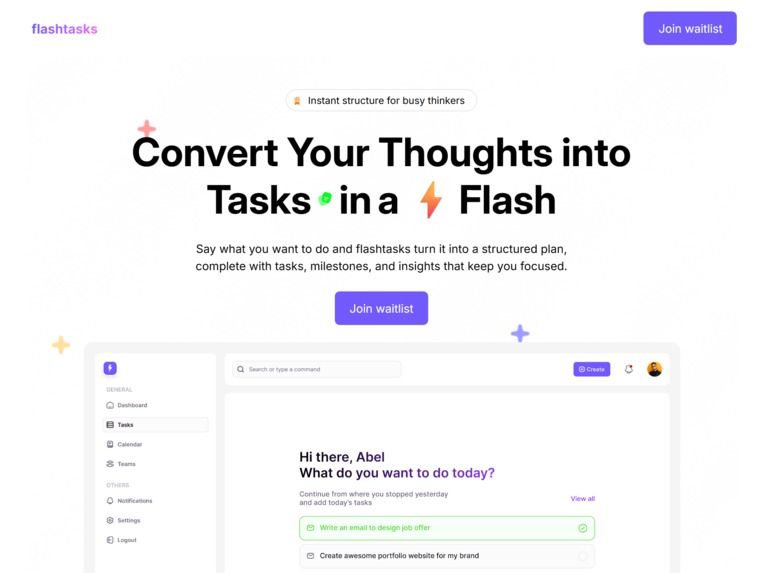
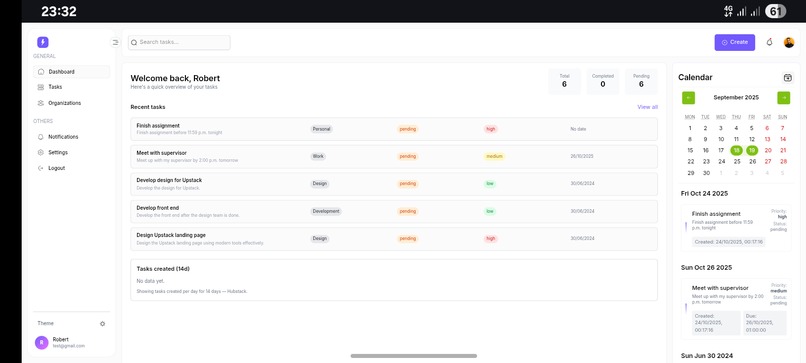
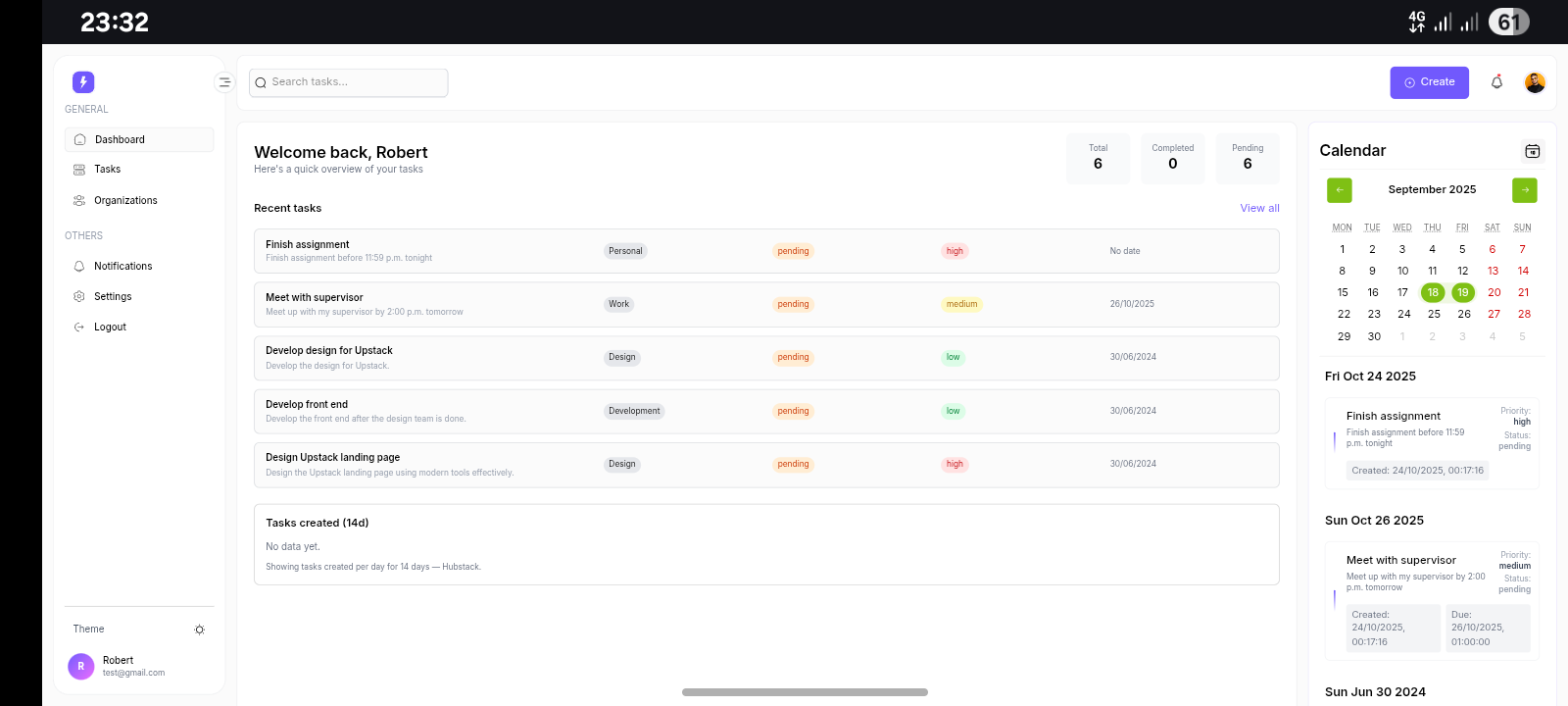
Landing page
-
-
-
-
-
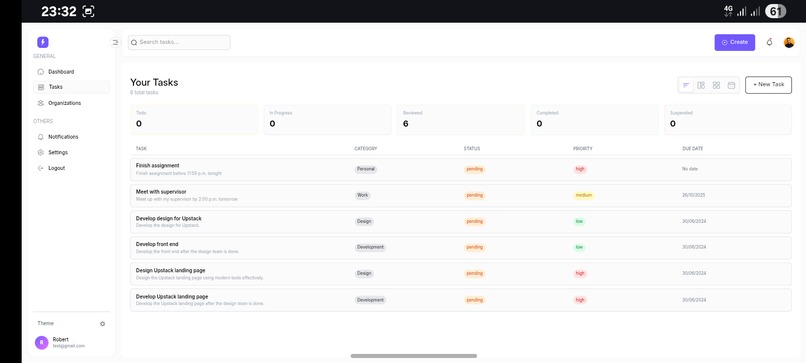
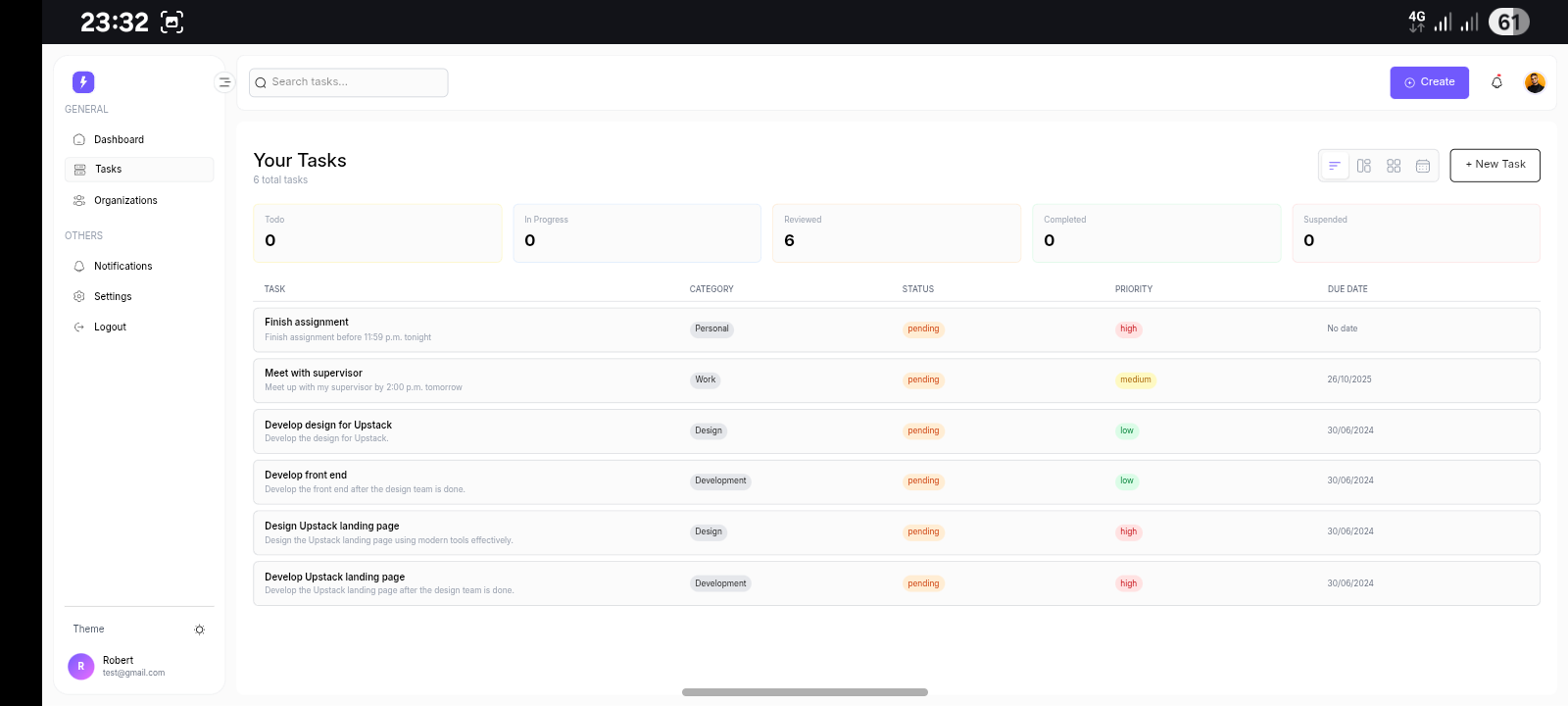
Tasks
-
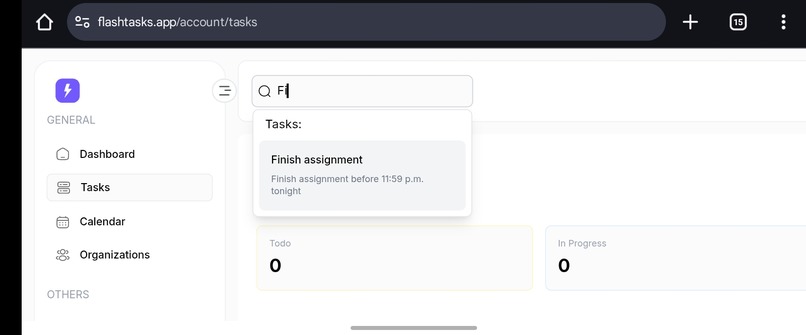
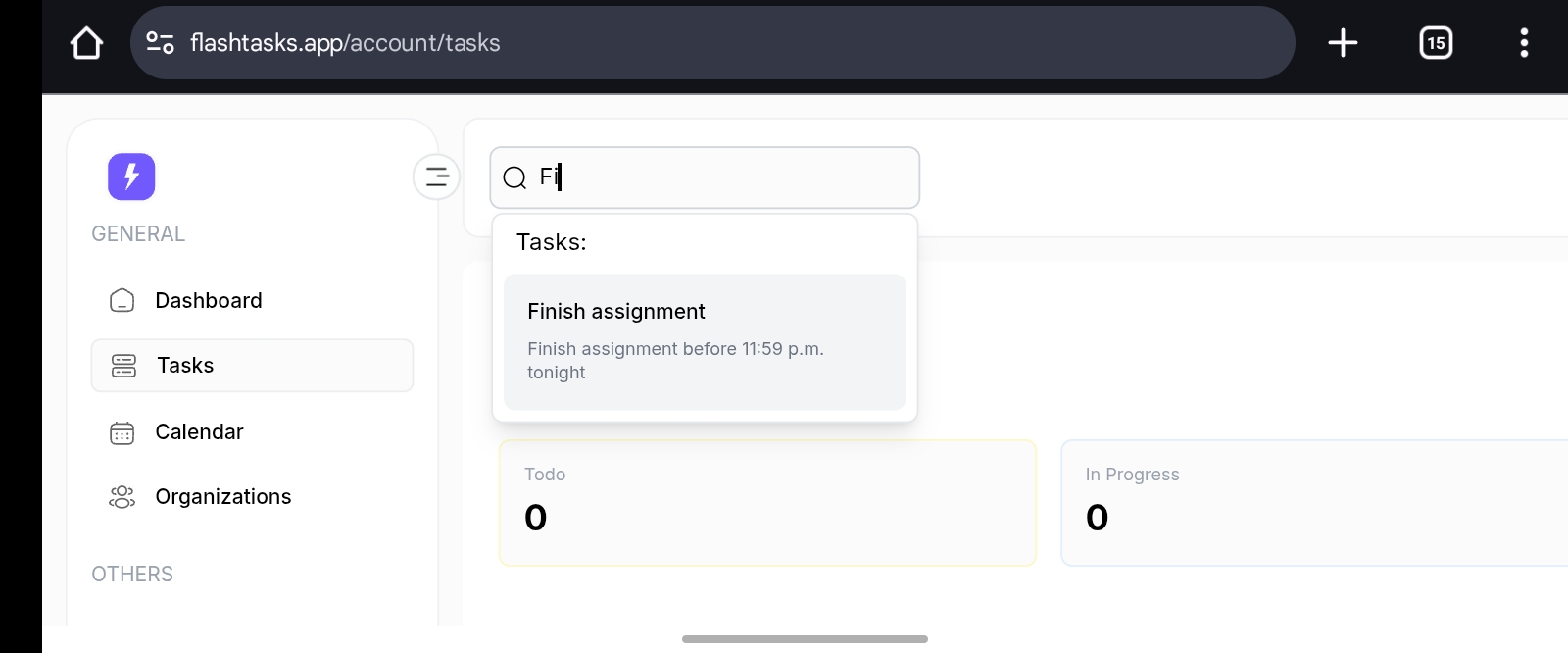
Elasticsearch implementation
Inspiration
The idea for Flashtasks was born out of chaos. While managing the technical team for a complex project called Catchup, I realized how broken our task management flow was. The project managers struggled to translate broad goals into actionable steps, and delegation felt like guesswork, too much time was wasted trying to figure out who should do what and when.
I was appointed to help bridge that gap, but after a few long nights of manual planning, I had a realization: this entire process could be smarter. If AI can write code and summarize research, why can’t it understand a project idea and break it into clear, prioritized, and well-assigned tasks?
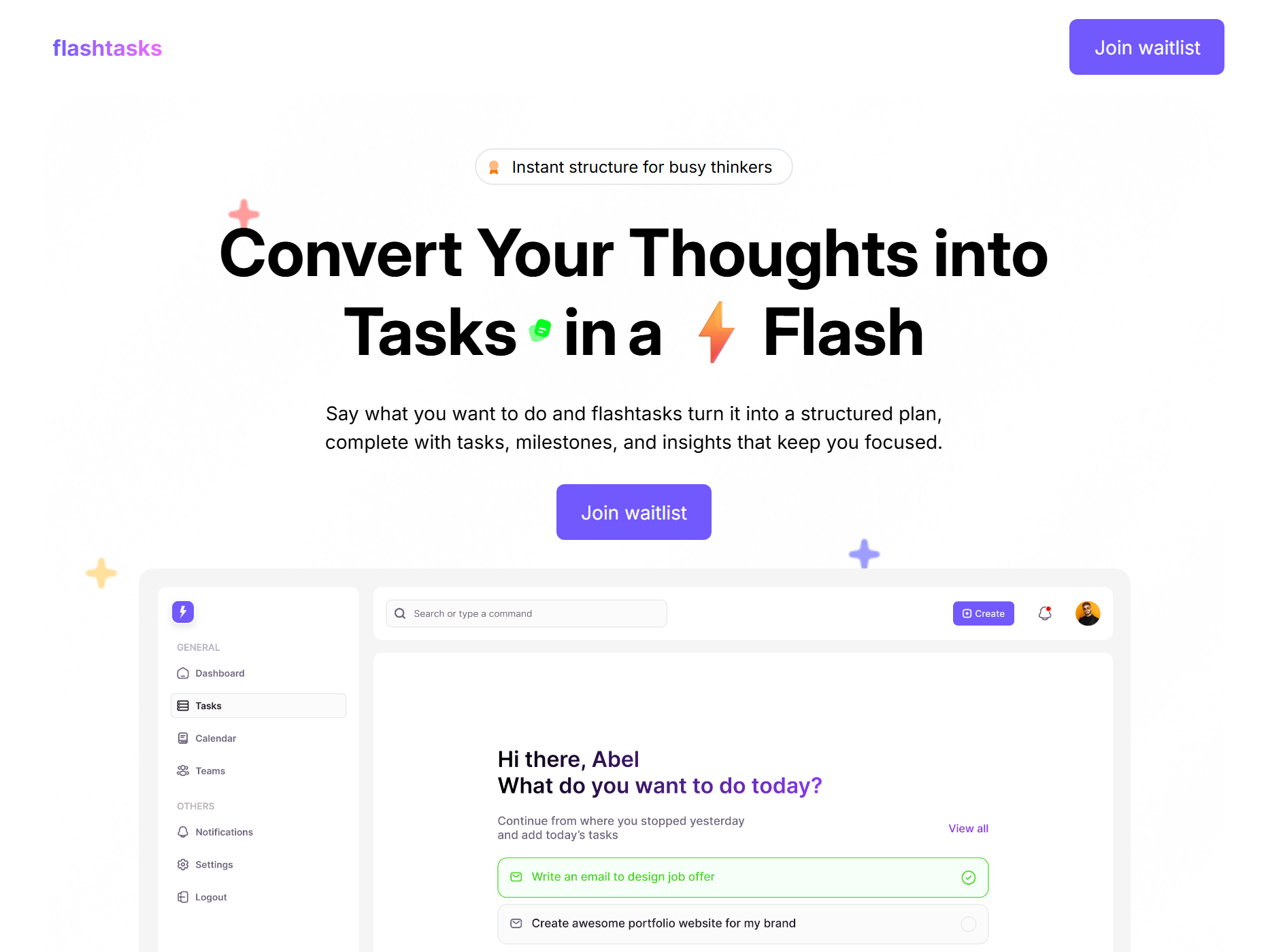
That moment sparked the creation of Flashtasks, an AI-driven workspace that listens to your ideas (spoken or written), understands your goals, and instantly translates them into structured tasks, milestones, and priorities, so you can focus on building, not managing.
What it does
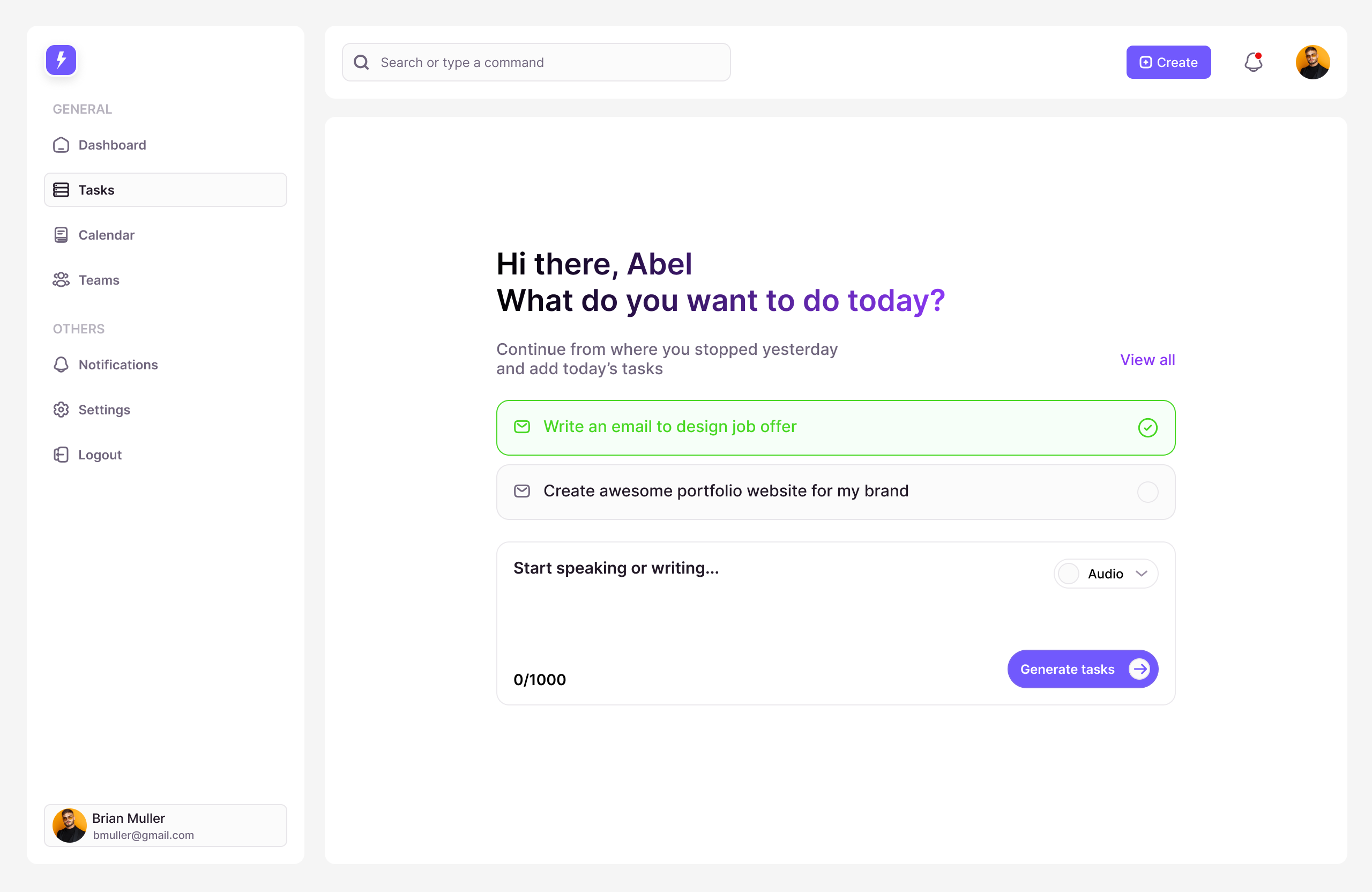
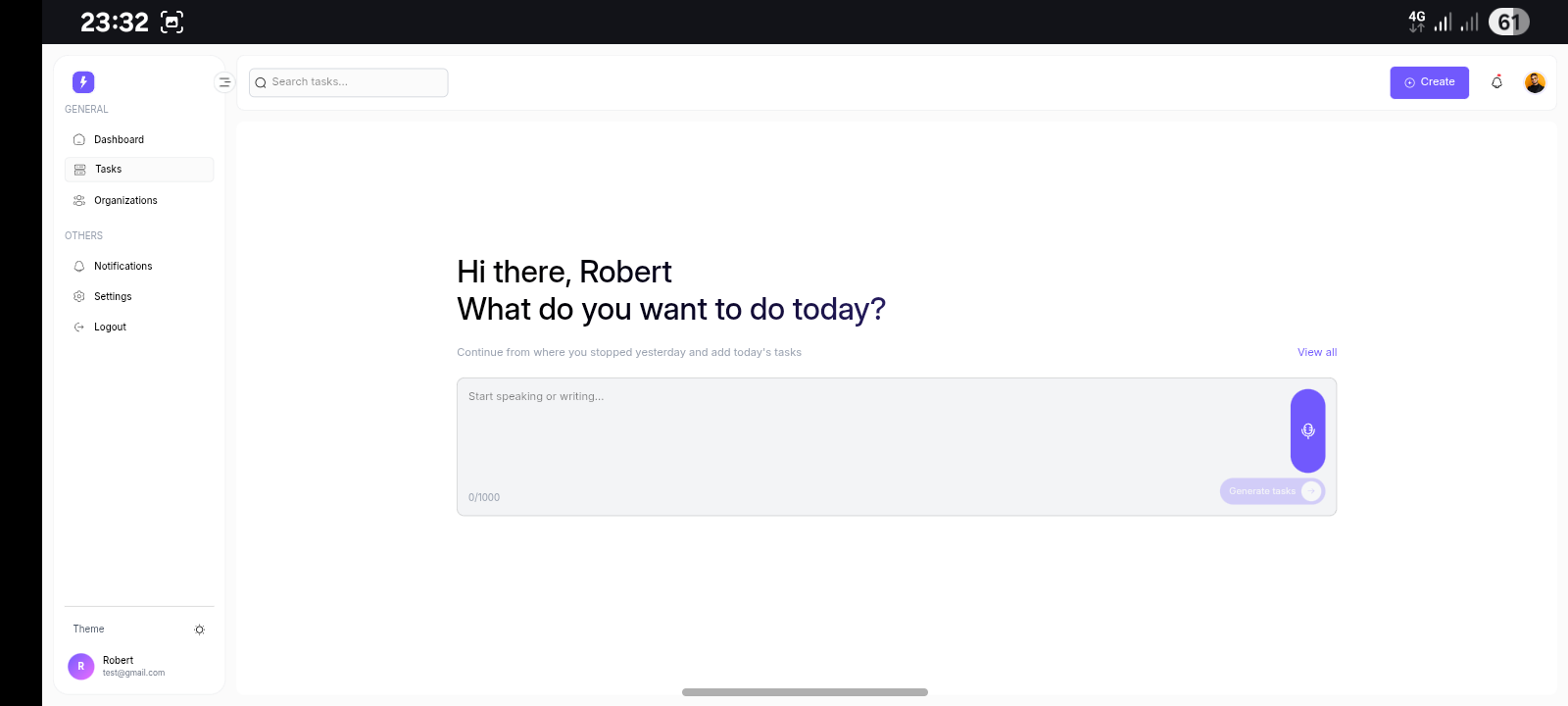
Flashtasks is like having a smart project assistant that actually understands what you’re trying to achieve. You don’t have to spend hours writing down to-dos or breaking big goals into smaller pieces, just talk or type your thoughts, and Flashtasks turns them into structured, actionable plans.
It listens to your ideas, understands your goals, and automatically generates clear tasks and milestones, what to prioritize first, what might be a distraction and the best timeline to get it all done, based on your schedule and team capacity.
It’s built for people like product managers, founders, and teams who move fast, those who want to stay focused on execution, not the admin work behind it. Flashtasks takes the messy middle of planning and turns it into clarity, instantly.
How we built it
Flashtasks was built with a focus on speed, intelligence, and simplicity, both for users and developers.
For the frontend, I used React.js, chosen for its flexibility and performance in building fast, responsive interfaces. It allowed me to design an intuitive, distraction-free workspace where users can speak or type naturally, and immediately see their ideas transform into actionable tasks and milestones.
For the backend, I used Appwrite, an open-source backend-as-a-service that powers authentication, database, file storage, and user management. It helped me move quickly without worrying about boilerplate setup.
The AI core is powered by Google’s Gemini API, which processes user input (text or voice) and intelligently breaks it down into structured goals, priorities, and deadlines. Gemini’s reasoning capabilities make it ideal for understanding context, like distinguishing between “what needs to be done” and “what’s just a thought.”
To make searching smarter, I integrated Elasticsearch, which allows users to quickly find past notes, projects, and tasks using natural language queries. Whether someone says “show me everything due next week” or “remind me what we planned for marketing,” Elasticsearch ensures it’s retrieved in milliseconds.
All together, these technologies combine into a seamless, AI-assisted workflow system that helps teams think less about managing tasks and more about doing them.
Challenges we ran into
Halfway into building the project, I realized that what seemed simple on paper, letting AI break down tasks intelligently was far from easy in practice. I needed Gemini to do more than just generate to-do lists; it had to actually understand project goals, individual strengths, and team priorities. But instead, it often misunderstood context or produced overly generic outputs, forcing me to rethink how I structured prompts and logic. I spent long nights refining the flow, adjusting models, and testing edge cases until it finally started to feel human, like it truly understood intent.
Integrating Elasticsearch was another unexpected hurdle. Getting it to handle smart, real-time search and ranking across Appwrite’s dynamic data was trickier than expected, but after countless failed syncs and retries, it finally clicked. The moment everything worked seamlessly, AI understanding, search precision, and live task updates, felt like a breakthrough that made all the struggles worth it.
Accomplishments that we're proud of
One of the biggest wins for me was seeing the AI actually “get it”, not just spitting out tasks, but structuring them in a way that made sense for real people. Watching Gemini analyze a project brief and suggest logical, balanced task splits across team members felt like magic after so many iterations. I’m also proud of how seamlessly everything came together, from the React interface that feels fast and intuitive, to the Appwrite backend that handles real-time collaboration, to Elasticsearch powering smart filtering and ranking in seconds. But more than the tech, I’m proud that it solves a real frustration I once felt, the gap between leadership and execution, between plans and actual progress. Building something that bridges that gap for teams like mine feels like an accomplishment that truly matters.
What we learned
This project taught me that AI is powerful especially when guided with clarity and empathy. I learned that great technology isn’t just about models or code, balancing logic, design, and human behavior pushed me to think beyond engineering, to build something that truly helps teams work better and faster.
What's next for Flashtasks
Flashtasks is just getting started. The vision is to build an AI teammate that doesn’t just take notes or generate lists, but thinks with you. One that understands your goals, adapts to your working style, and helps entire teams move from scattered thoughts to coordinated action in seconds.
Next, I’m focusing on deeper integrations, smarter scheduling that syncs with real calendars, AI task prioritization that truly understands urgency and context, and shared workspaces where teams can brainstorm, assign, and execute seamlessly.
Beyond that, I want Flashtasks to grow hand-in-hand with real users, early adopters who believe that productivity shouldn’t feel like paperwork.
Built With
- appwrite
- elastic
- elastic-search
- gemini-api
- react
- tailwind-css
- typescript


Log in or sign up for Devpost to join the conversation.