-
-
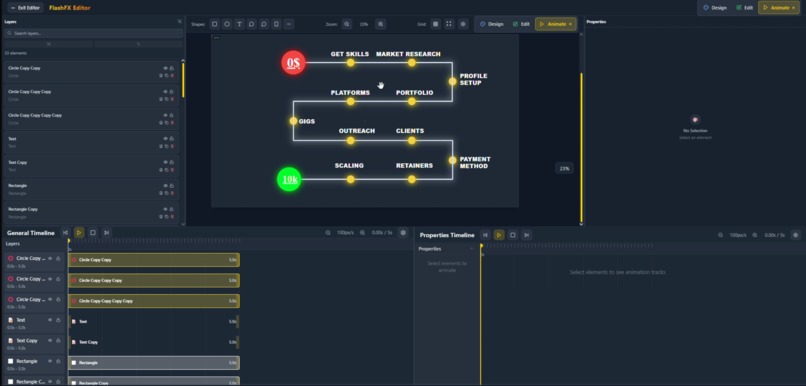
Animation 1
-
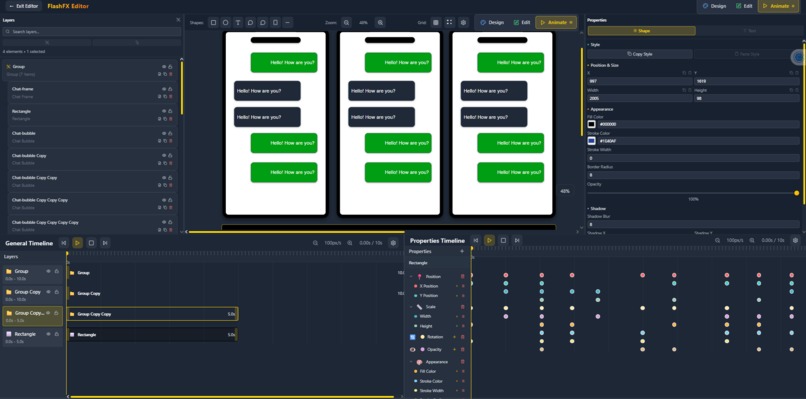
Prone 1
-
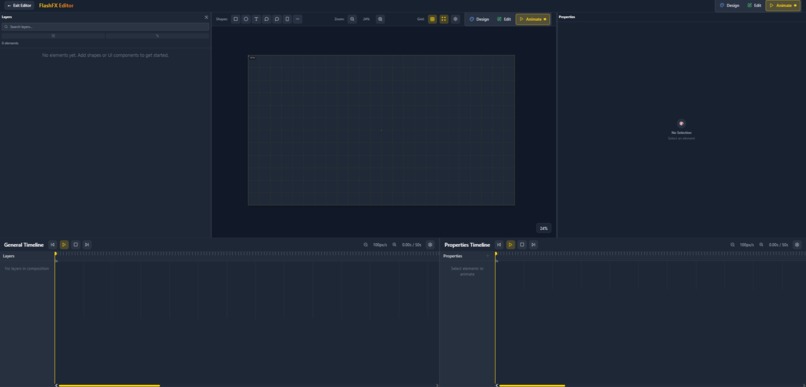
Clean layout
-
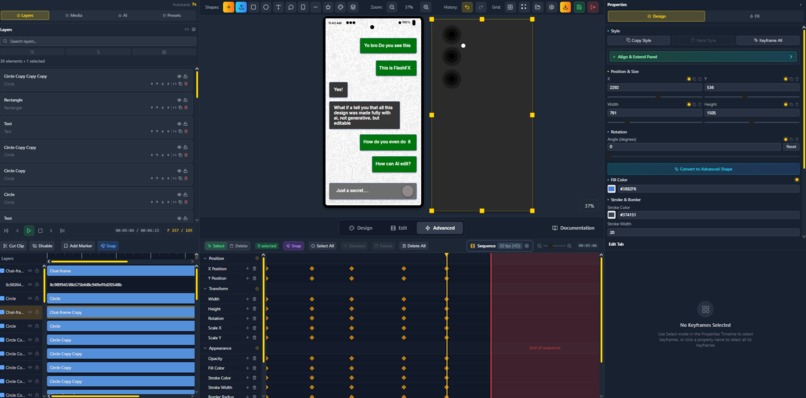
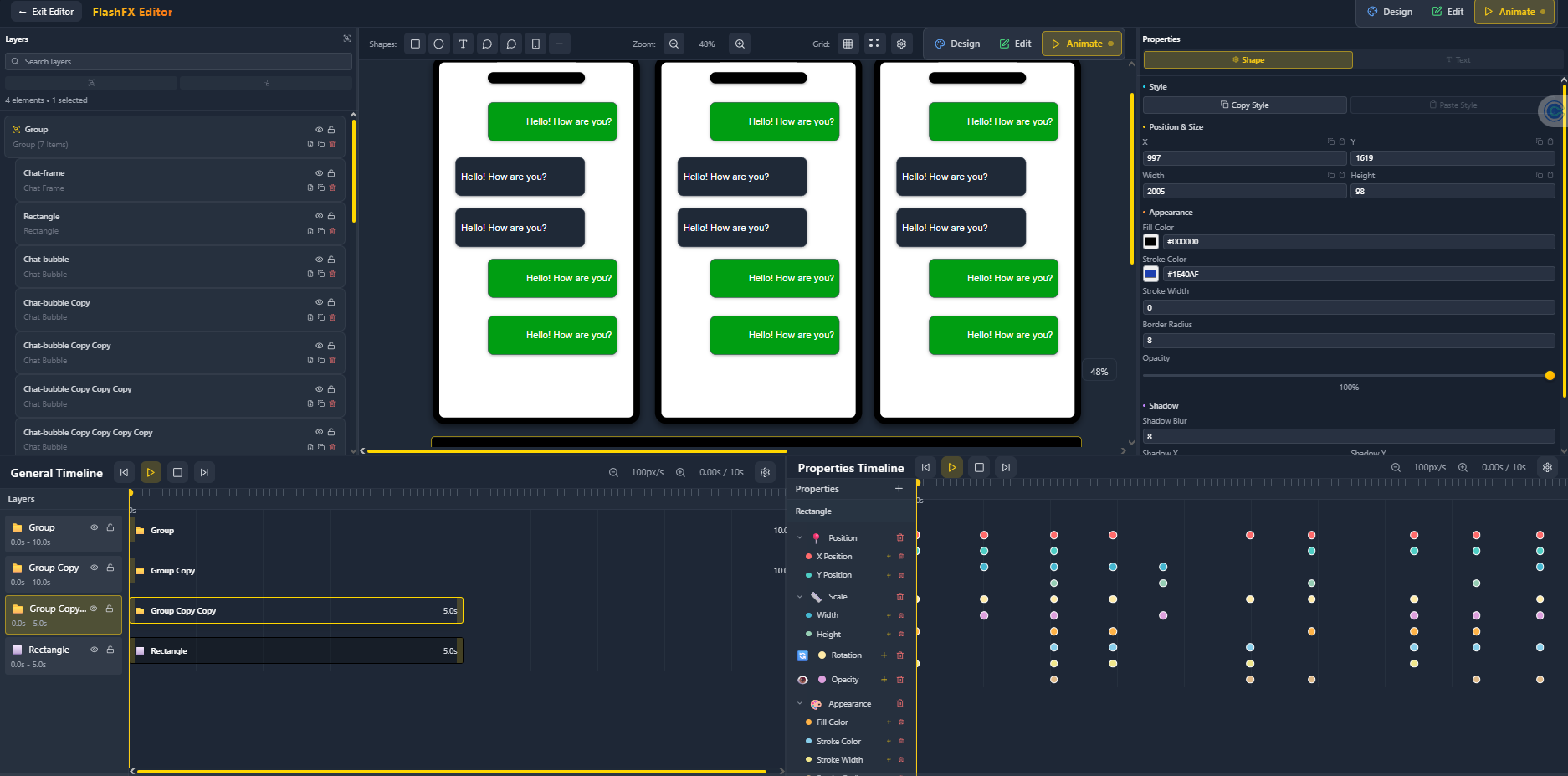
Phone 3
-
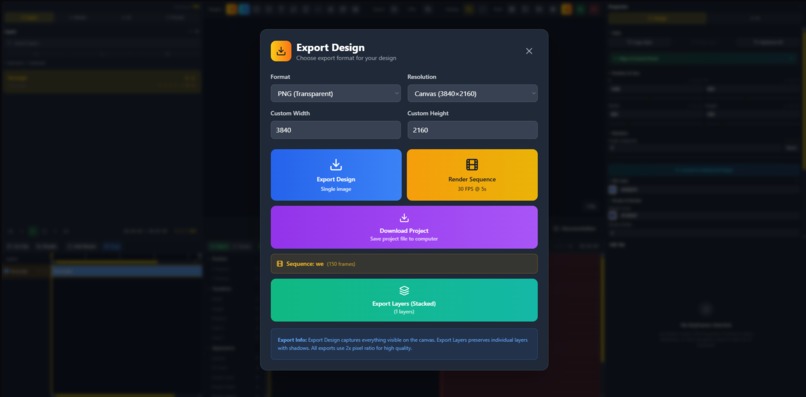
Exporting feature
-
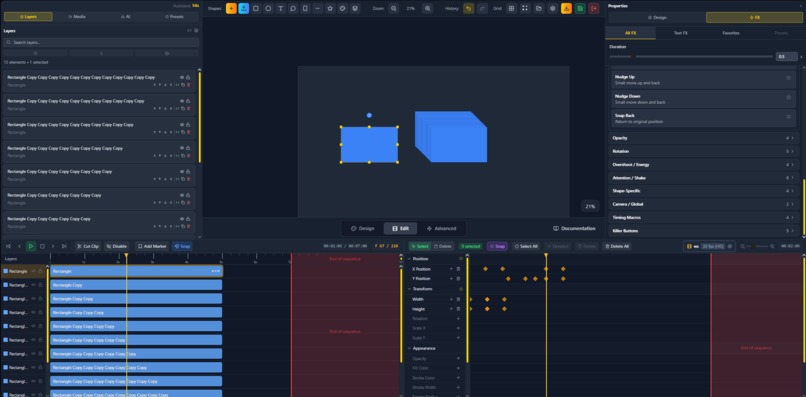
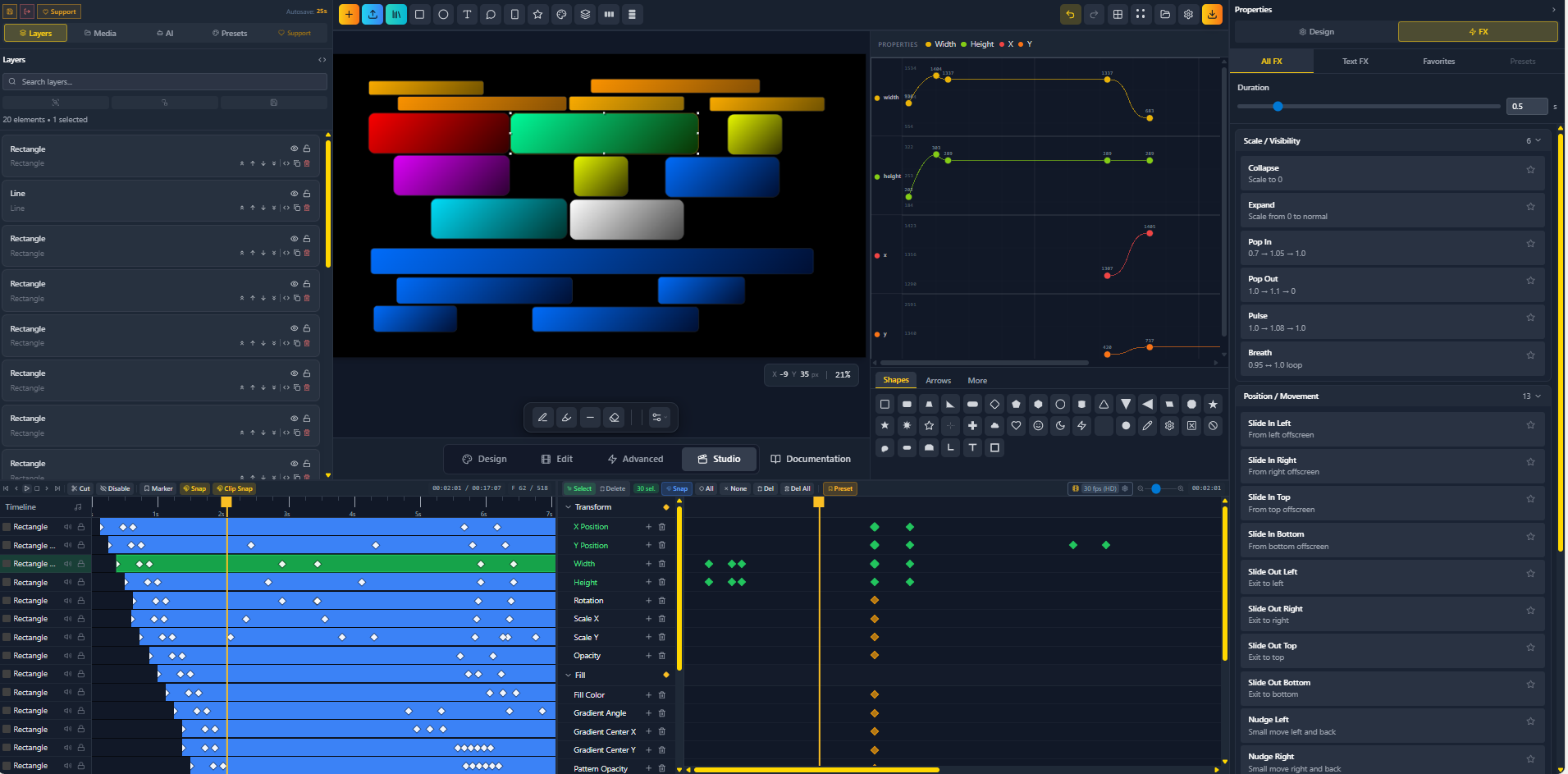
Multiple Shapes
-
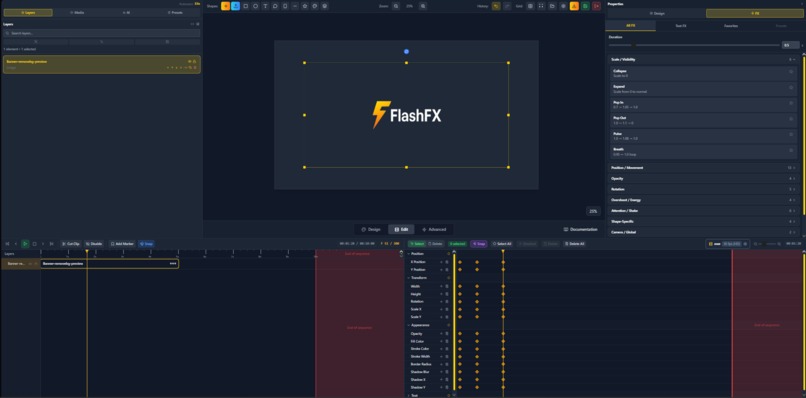
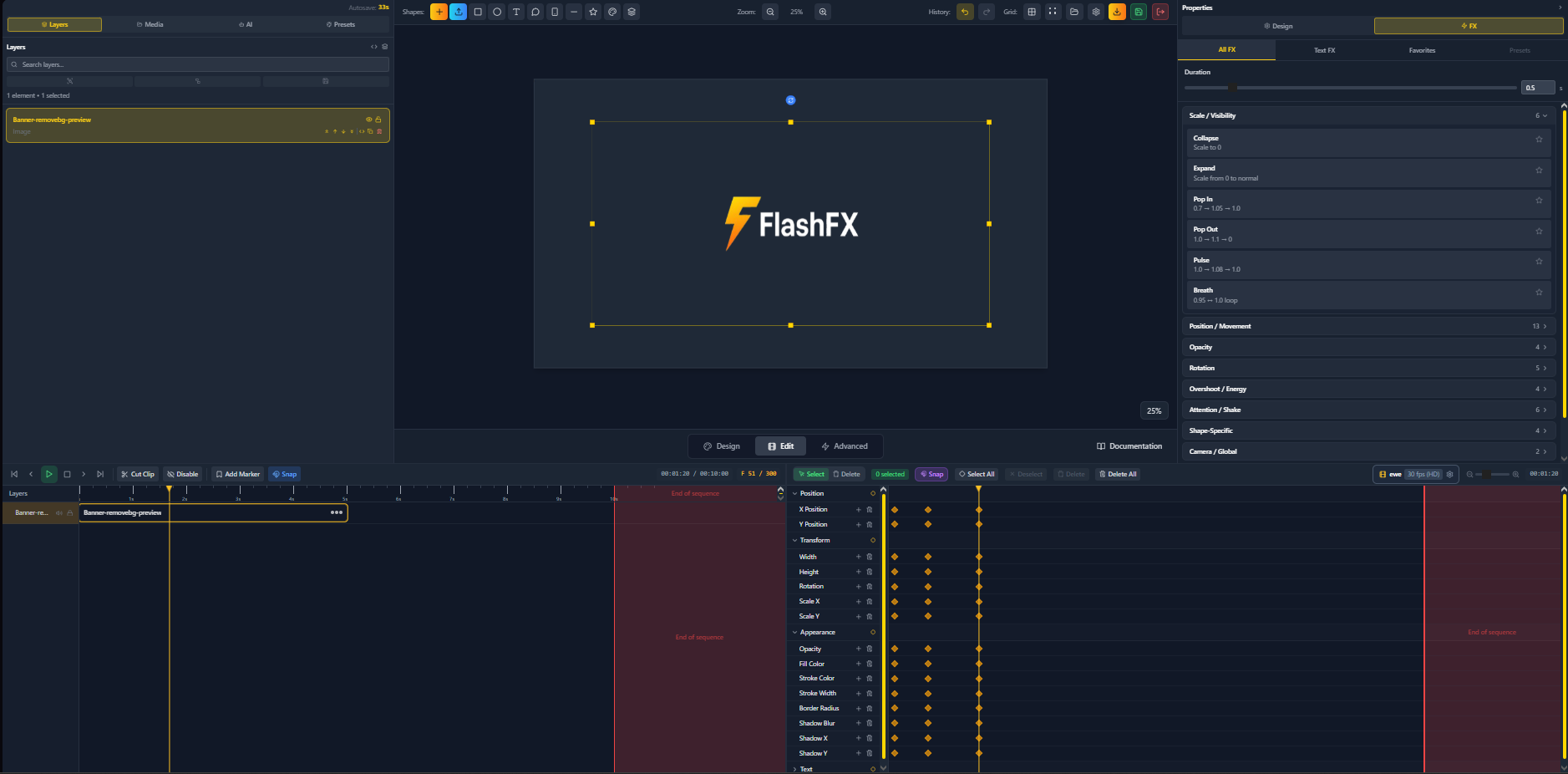
FlashFX logo made in FlashFX
-
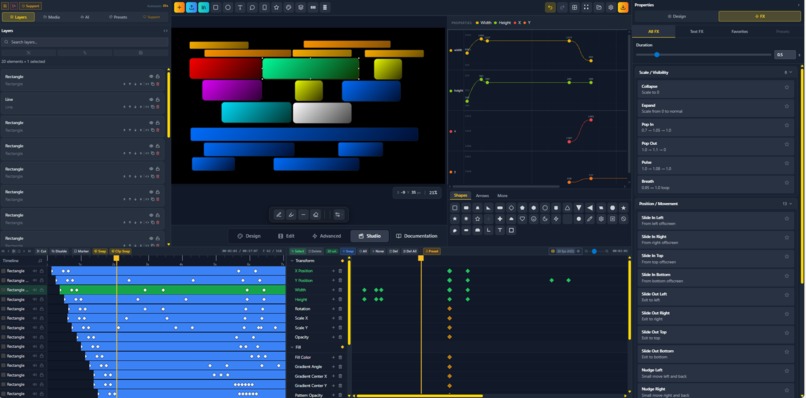
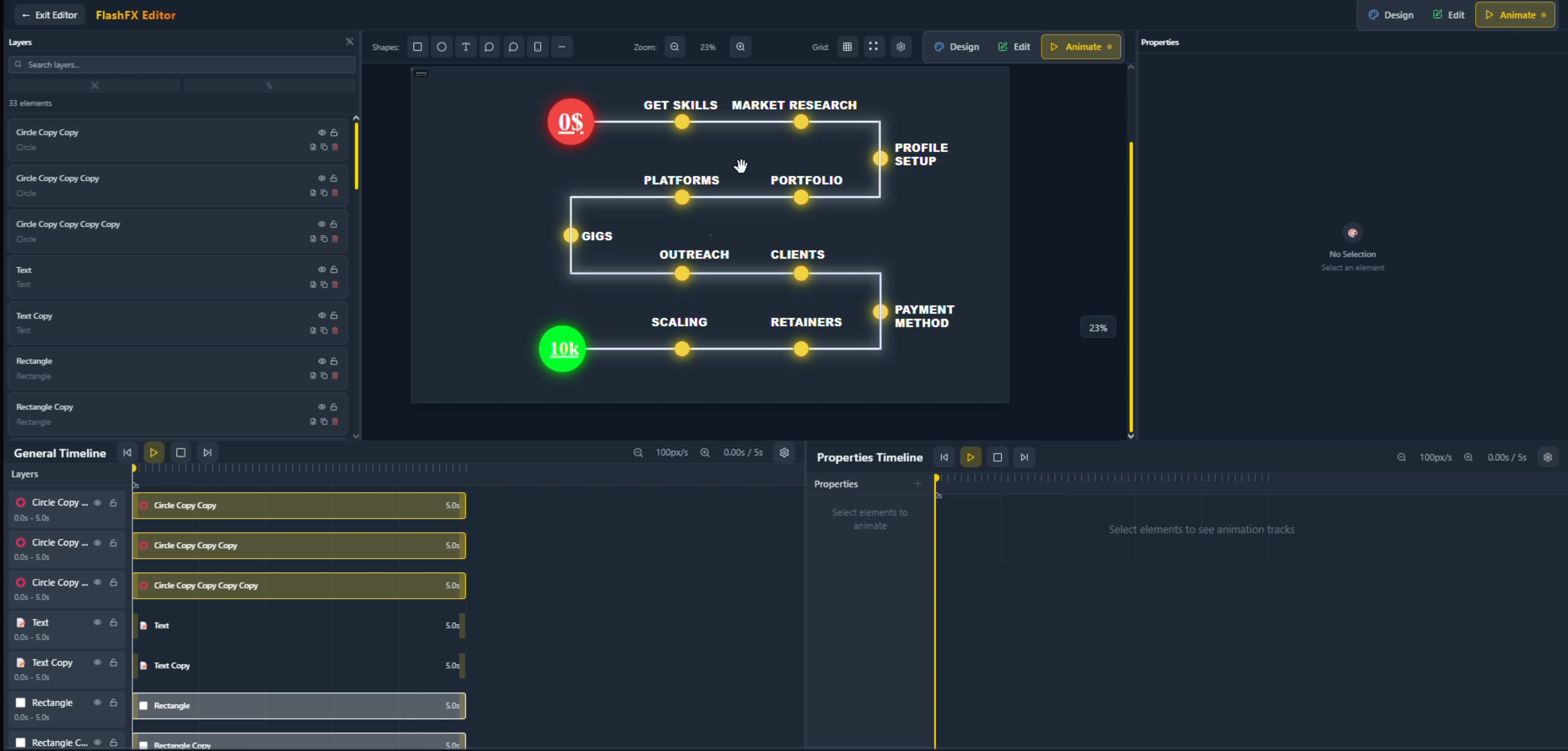
full animation
-
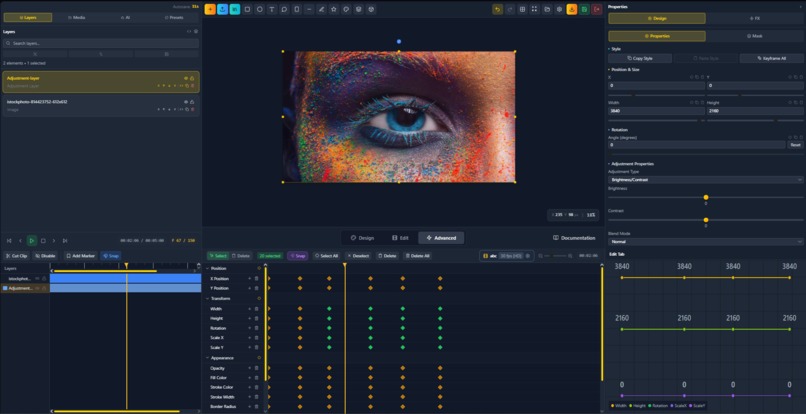
ai generation
-
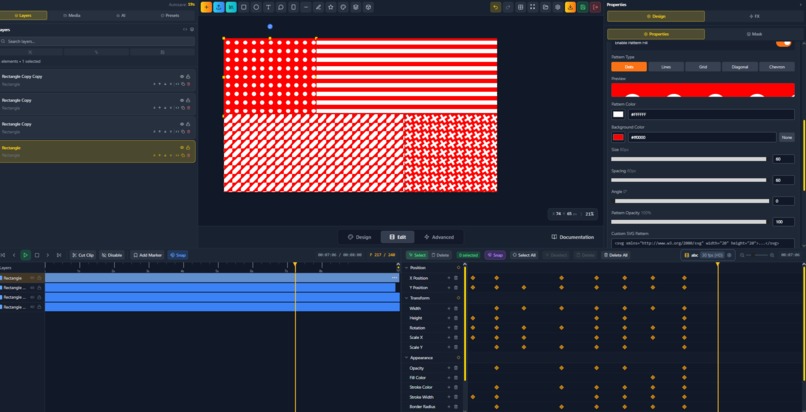
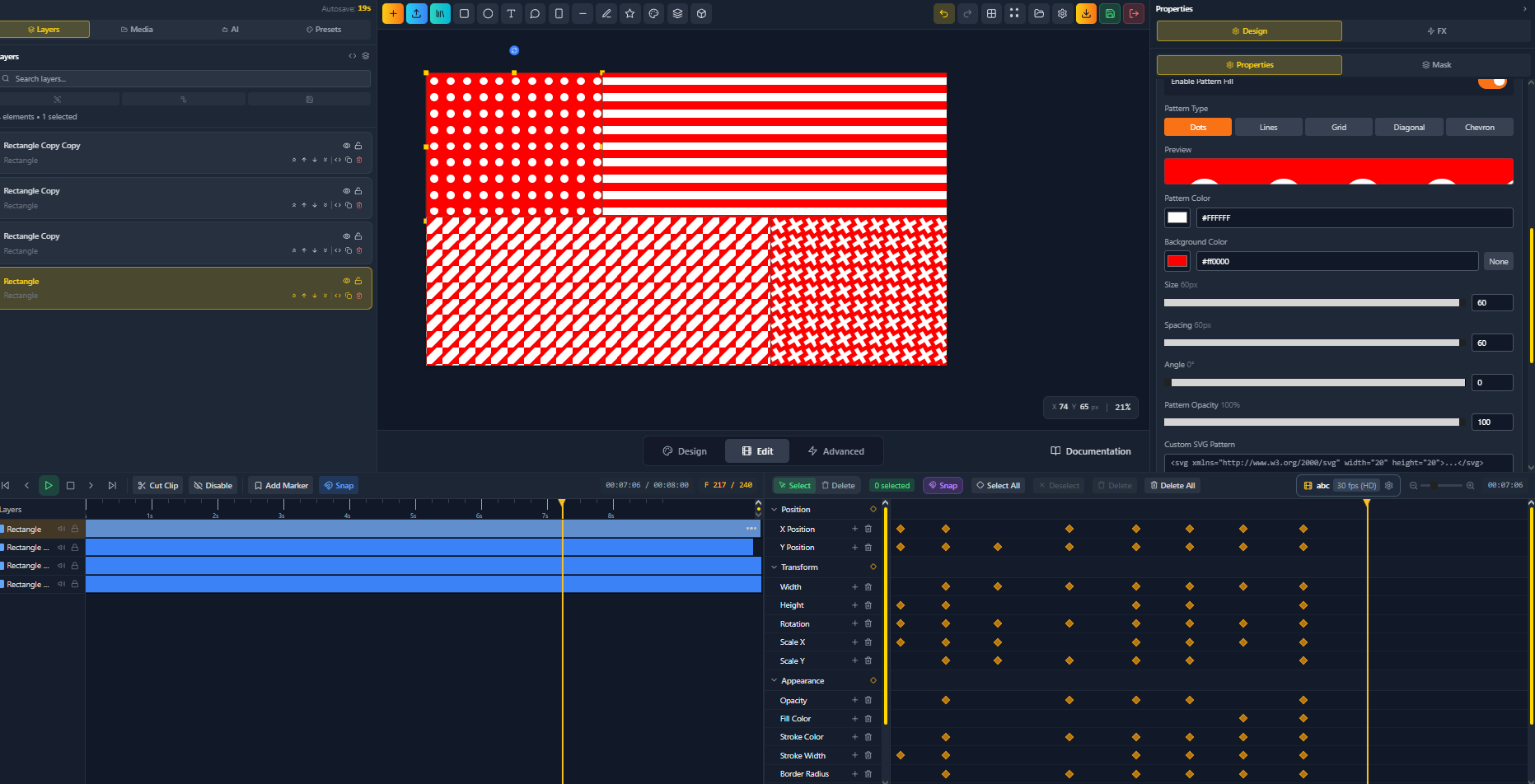
pattern fill
Inspiration
Motion design has always been locked behind a wall of complexity, cost, and hardware dependency. Adobe After Effects remains the industry standard, but it demands an expensive subscription, a powerful local machine, a steep learning curve, and hours of setup before a single frame is animated. Canva and similar tools swung too far in the opposite direction, sacrificing professional capability for the sake of simplicity. The space between them, a tool that is genuinely powerful yet genuinely accessible, was empty.
FlashFX was built to fill that gap. The inspiration came from a simple observation: the web is the most accessible platform ever created, yet no one had built a truly professional-grade motion graphics editor that runs entirely inside a browser. Not a watered-down toy, but a real tool with a dual-timeline animation engine, a full 3D rendering system, a multi-layer material pipeline, AI assistance, and a complete export stack. Every decision in FlashFX, from its three workspace modes to its custom binary format, was driven by the belief that professional motion design should be accessible to anyone with a browser, not just those who can afford a high-end Mac and an Adobe subscription.
What FlashFX Does
FlashFX is a professional web-based motion graphics and animation editor that lets creators design, animate, and export high-quality visual content entirely within a browser, with no installation, no plugins, and no OS dependency. It is built for motion designers, content creators, social media producers, educators, and developers who demand professional results without the overhead of traditional desktop software.
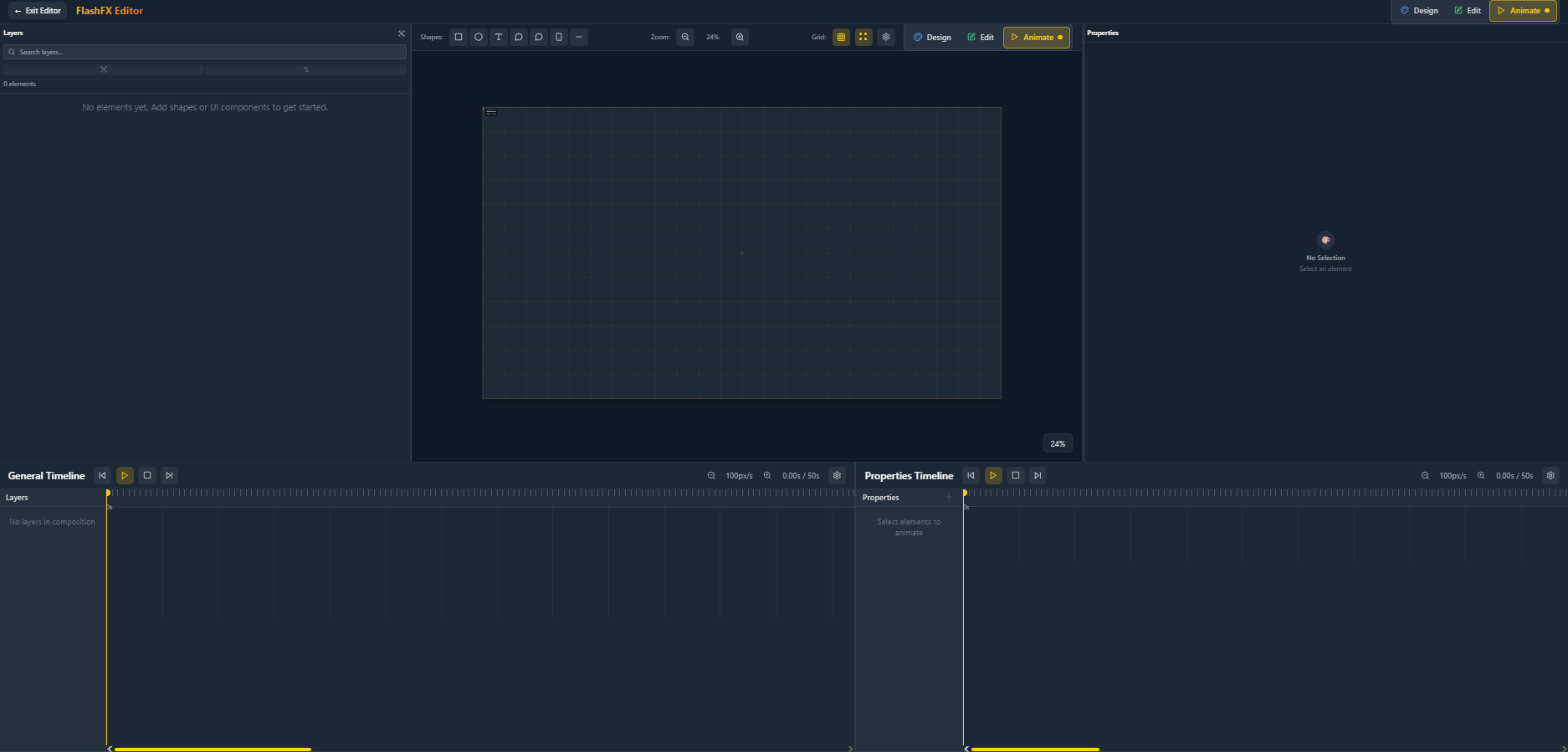
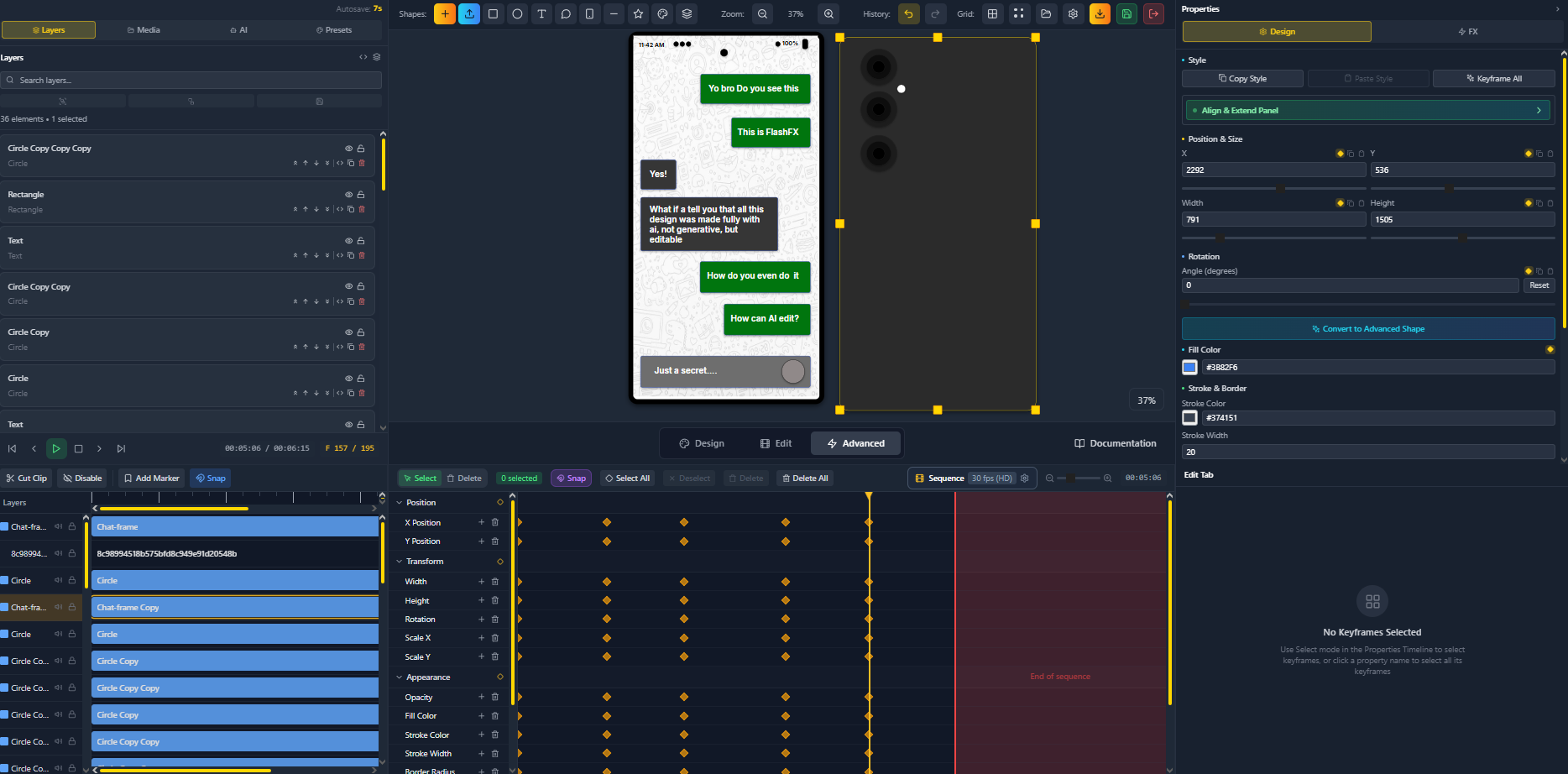
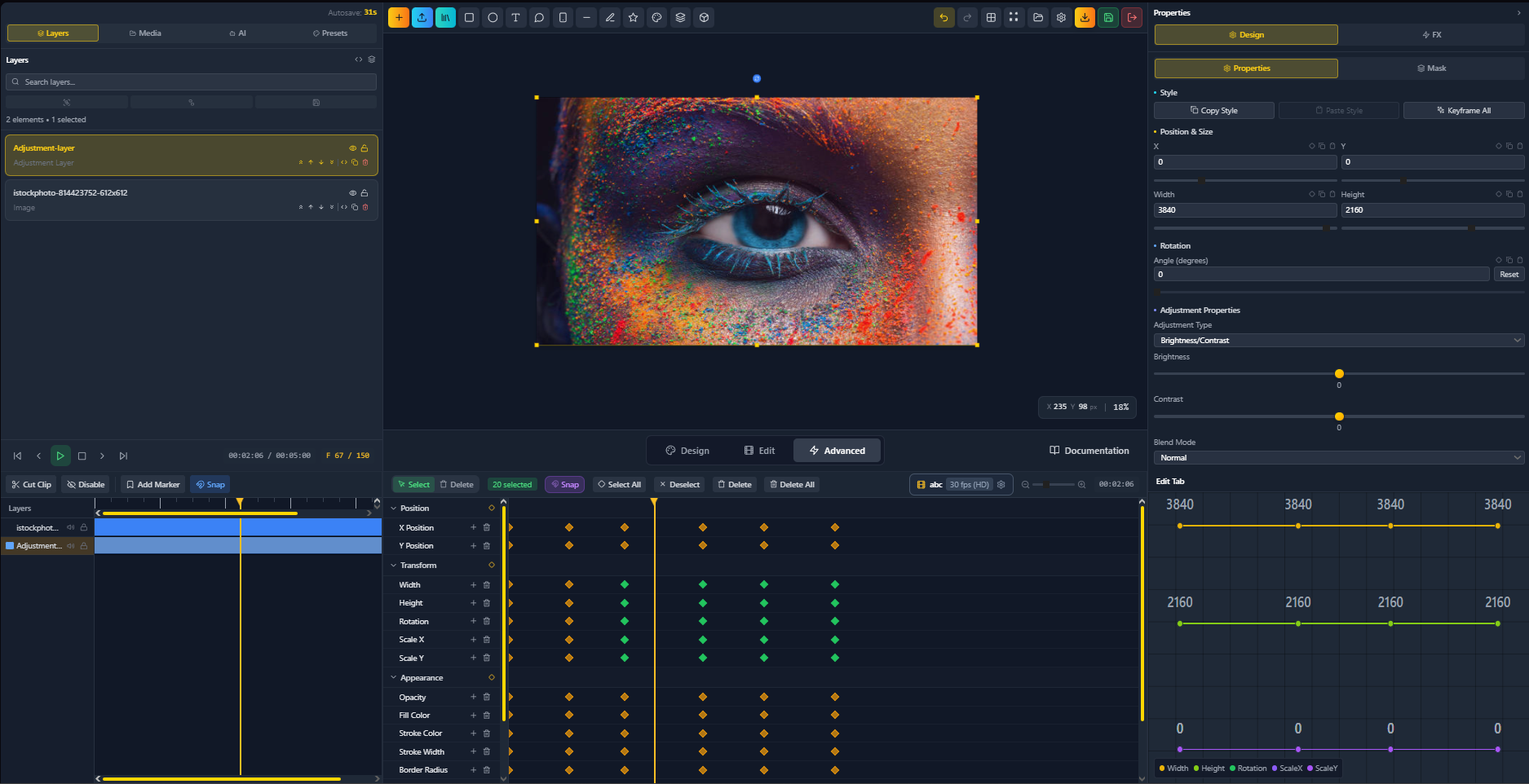
The editor is organized around three adaptive workspace modes: Design, for composing and arranging visual elements; Animate, for precise keyframe and timeline work; and Advanced, for power users who need all panels visible simultaneously. Switching between modes is instant and non-destructive.
Key features include:
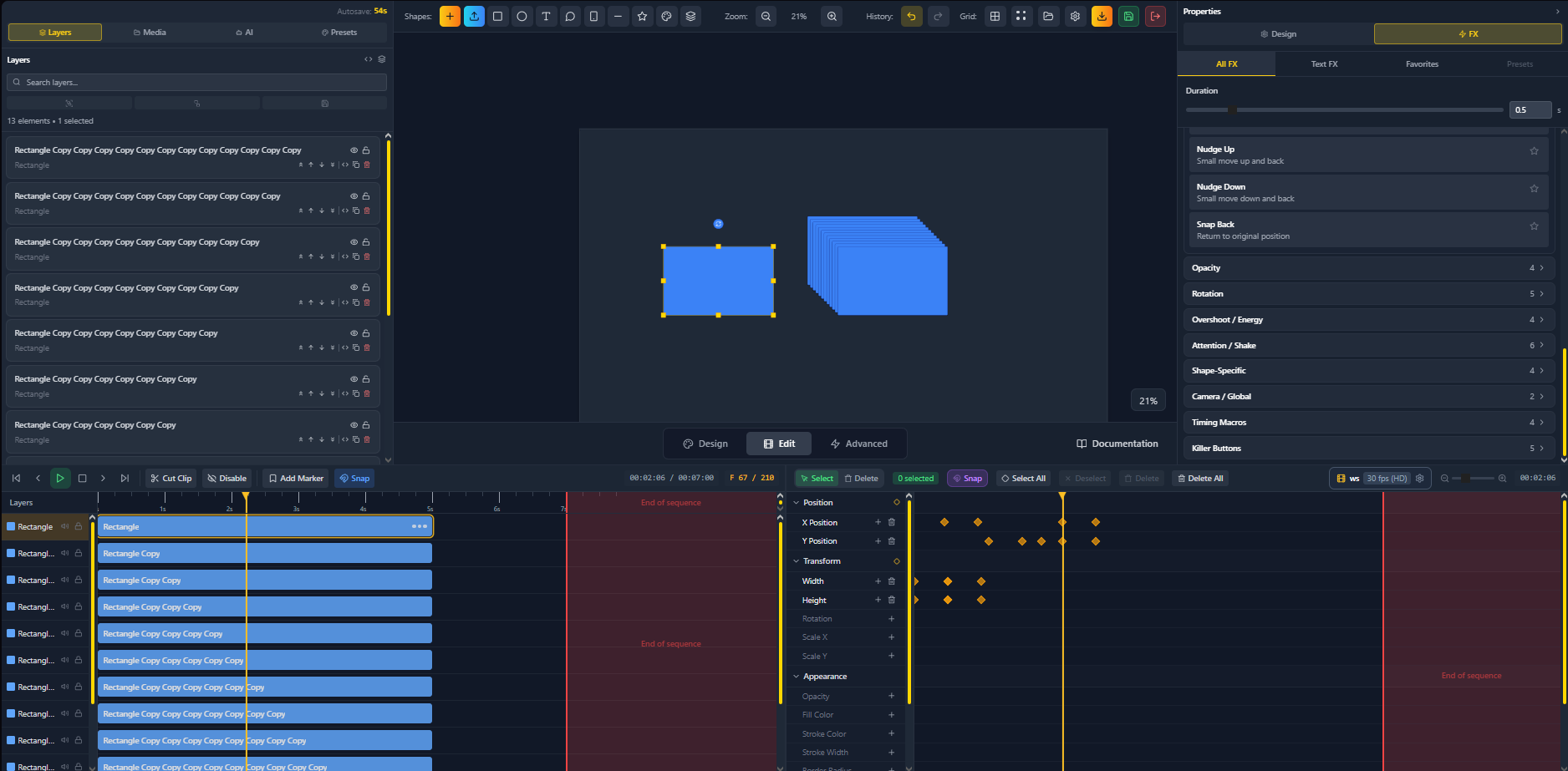
- Dual timeline system: a wide overview timeline for all animated elements and a focused per-element property track view, giving both a macro and micro view of every composition
- Professional keyframe animation: automatic and manual keyframe creation across any property, 16 easing presets, custom bezier curve editing, and per-keyframe interpolation control
- Full 3D rendering engine: powered by Three.js, with a snapshot-bridge architecture that embeds independent WebGL viewports directly into the 2D canvas. Supports six primitive geometry types, external model import (GLB, GLTF, OBJ, FBX, STL), a full material system (Standard, Physical, Toon, Lambert, Phong), texture mapping, and per-object transform gizmos
- Multi-layer material system: each shape can carry stacked fill layers with independent gradients, procedural textures, pattern generators, and blend modes, enabling complex visual surfaces without external compositing tools
- Advanced text animation system: animate text at the character, word, or line level with stagger timing, per-character keyframes, gradient fills, stroke, drop shadows, and pattern fills
- 60+ image filters and effects: Gaussian blur, motion blur, radial blur, color grading, distortion, stylization, and warp effects, all animatable via the timeline
- Sequence compositor: assemble multiple named animation sequences into a longer production, each with its own independent timeline and duration
- AI-powered assistant: an integrated context-aware AI chat for design suggestions, feature guidance, and step-by-step animation help, plus DALL-E image generation directly on the canvas
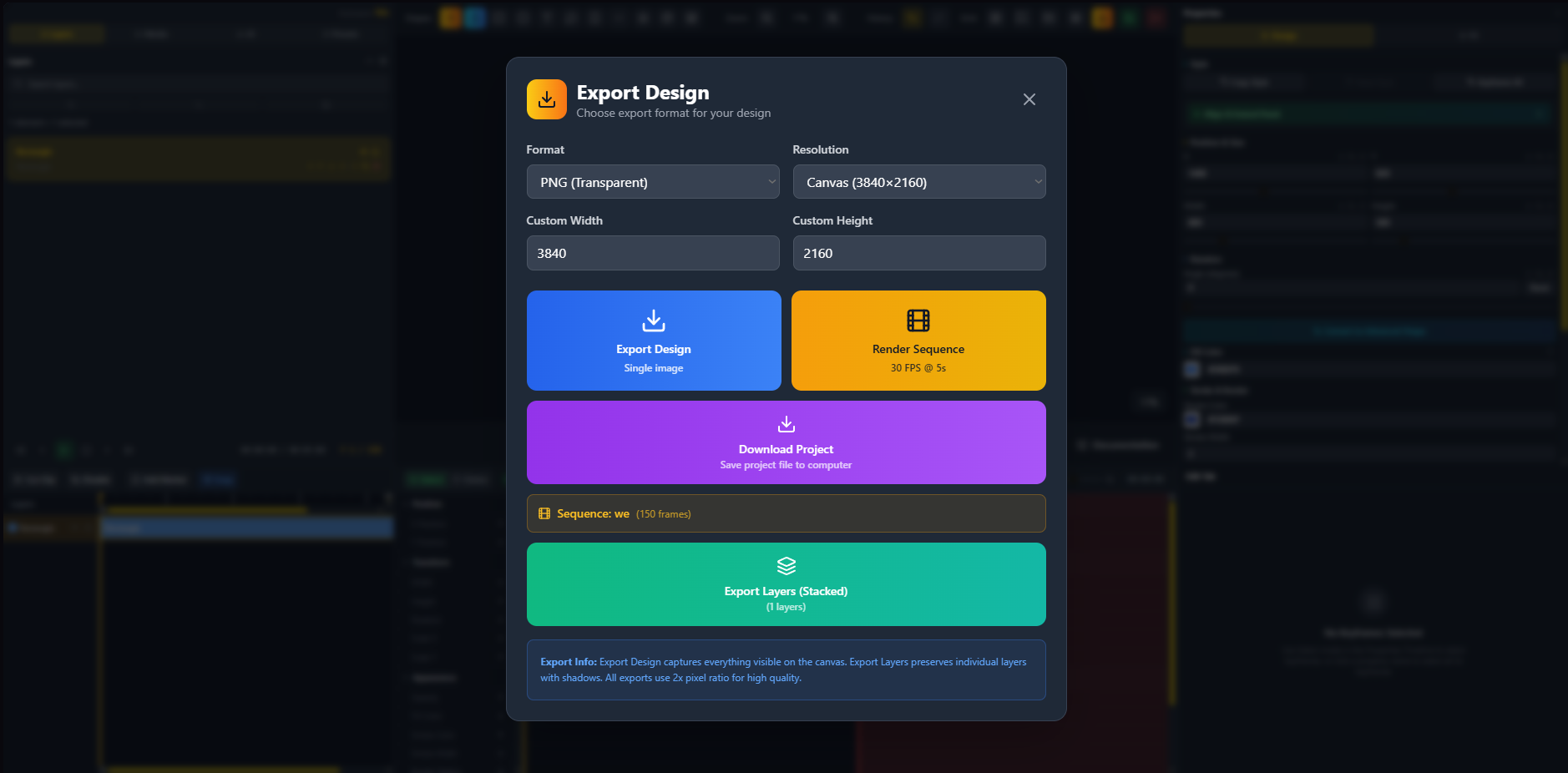
- Complete export pipeline: WebM (VP8/VP9), MP4 (H.264), animated GIF, PNG image sequences, and single-frame PNG export, with frame rate options at 24, 30, and 60 fps and four quality tiers
- Cloud sync and project management: automatic cloud sync for authenticated users, Guest mode with local browser storage, portable .flashfx project files, unlimited undo/redo, auto-backup, and version history
How FlashFX Was Built
FlashFX is built on a modern, performance-focused web stack chosen specifically for the demands of a real-time animation editor running entirely in the browser.
- React and TypeScript: the entire editor interface is built in React with TypeScript, providing a type-safe, component-driven architecture that scales across a complex multi-panel workspace with Design, Animate, and Advanced modes
- Custom animation engine: the timeline and keyframe system is built from scratch, delivering a dual-timeline architecture with frame-accurate scrubbing, multi-property parallel animation tracks, and a full easing and bezier interpolation system
- Three.js 3D engine: the 3D system uses a snapshot-bridge architecture, where each 3D element on the 2D canvas is an independent WebGL renderer embedded as a positioned HTML canvas element. This isolates scenes per shape, avoids z-order conflicts, and enables real-time orbit interaction per object without a shared scene graph
- GSAP: used for canvas-level animation of 2D elements, providing high-performance tweening for position, opacity, and transform properties
- Multi-loader model import: the 3D engine supports GLB, GLTF (with Draco decompression), OBJ, FBX, and STL via Three.js addon loaders, with automatic format detection and object URL lifecycle management
- AI integration: the OpenAI API powers both the in-editor chat assistant and DALL-E image generation, with context-awareness tied to the current project state
- Supabase backend: cloud project storage uses row-level security for owner-based access control, with automatic sync and cross-device project availability
- Custom .flashfx file format: a compressed project format that packages the full scene state, all element data, animation keyframes, and embedded assets into a single portable file
Challenges Overcome
Building a professional-grade animation editor that runs entirely in the browser meant solving problems that most web applications never encounter.
The hardest technical challenge was designing the 3D rendering architecture. Early attempts used a single shared Three.js scene for all 3D elements, which created unsolvable z-order conflicts and made individual shape deletion extremely fragile. The solution was the snapshot-bridge model, where every 3D shape on the canvas owns a fully isolated WebGL renderer. This preserves per-object independence, enables real-time orbit interaction per shape, and makes the 3D system as composable as any 2D element.
Designing the dual-timeline system required reconciling two competing needs: a high-level overview of all animated elements and a detailed per-element track editor for precise property animation. Building both views to share the same underlying keyframe state, stay synchronized, and remain responsive during frame-accurate scrubbing at any composition length was a significant engineering challenge.
Performance in a browser-based real-time editor is an ongoing constraint. Rendering multiple simultaneous 3D viewports, running a frame-accurate animation engine, displaying animated filter effects, and keeping the UI responsive on mid-range hardware required a dirty-flag render loop for 3D, careful use of GPU resources per shape, and constant attention to rendering overhead across the full feature surface.
Making the interface feel like a professional desktop application, with keyboard-first workflows, deep shortcut coverage, context menus, smart guides, snapping, and instant mode switching, while keeping it accessible to creators who are not After Effects veterans, required constant iteration on the balance between power and clarity.
Key Accomplishments
- A fully functional professional motion graphics editor running entirely in the browser, with no installation required, supporting Chrome, Edge, Firefox, and Safari
- A dual-timeline animation engine with frame-accurate scrubbing, 16 easing presets, custom bezier curves, per-keyframe interpolation, and multi-property parallel animation across any element
- A browser-native 3D rendering system using a snapshot-bridge architecture, supporting six primitive geometry types, external model import in five formats, a full physically-based material system, texture mapping, and per-object gizmo controls
- A multi-layer material pipeline with stacked gradient fills, procedural textures, pattern generation, and full blend mode support, matching capabilities that traditionally require external compositing software
- Over 60 animatable image filters including blur variants, color grading, distortion, and stylization effects
- An advanced text animation system with per-character, per-word, and per-line animation modes, stagger timing, gradient fills, stroke, and drop shadows
- A sequence compositor for multi-scene productions, each with its own independent timeline
- An integrated AI assistant with context-awareness and DALL-E image generation directly on the canvas
- A complete export pipeline covering WebM, MP4, GIF, PNG sequences, and single-frame PNG, with deterministic frame-by-frame rendering for consistent output
- Cloud sync, auto-backup, version history, and portable .flashfx project files
- Over 15,200 total users, 3,400 Discord members, 1,200 beta users, and 2,000 waitlist sign-ups, all acquired organically with zero paid marketing
Lessons Learned
The most important lesson across multiple complete rebuilds of FlashFX is that architecture decisions made early propagate everywhere. The choice to use isolated WebGL renderers per 3D shape rather than a shared scene graph solved problems that would have been unfixable at scale. Every major architectural decision deserves adversarial pressure early, before it becomes load-bearing.
Speed in the editing experience is not a nice-to-have, it is a core feature. Any perceptible delay during scrubbing, mode switching, or property editing breaks the creative flow that makes a tool feel professional. Performance must be treated as a first-class requirement at every layer of the stack, not addressed after the fact.
Traction validates direction better than any market analysis. FlashFX reached 15,000 users and built a 3,400-member community without paid marketing, which confirmed that the pain it solves is real and that the web-native approach resonates with creators who have been underserved by existing tools.
Feature depth and feature accessibility are both necessary and in constant tension. A motion graphics editor that is not powerful enough will be abandoned for After Effects. One that is too complex to approach will never reach the creators it is built for. The three workspace modes, Design, Animate, and Advanced, are a direct product of learning to navigate that tension by adapting the interface to the user's current task rather than exposing everything at once.
What's Next
FlashFX is expanding from an animation creation tool into a full motion design and video production suite. The roadmap reflects the next phase of that growth.
Real-time collaboration is in development, allowing multiple users to work on the same project simultaneously with live cursor visibility and synchronized updates, making FlashFX viable for team-based motion design workflows.
Video import and editing will extend the canvas to support video layers, moving FlashFX toward lightweight video compositing and enabling creators to combine live footage with motion graphics in a single browser-based environment.
Audio track import and sync will allow keyframes to be driven by audio cues, completing the audio-driven animation system and enabling music-synchronized motion design natively within the editor.
Shape morphing will animate geometry transitions between keyframes, enabling fluid, organic-looking form transformations that are currently impossible without dedicated 3D tools.
A plugin system will open the platform to third-party developers, allowing new tools, export formats, data sources, and AI integrations to extend FlashFX beyond its core feature set.
A professionally designed template marketplace will give creators ready-made, fully animated starting points for common use cases including title cards, lower thirds, social media posts, and presentation graphics.
The overarching goal is for FlashFX to become the definitive browser-based motion design platform, powerful enough for professionals, accessible enough for every creator, and built on an open, extensible foundation that grows with its community.


Log in or sign up for Devpost to join the conversation.