-
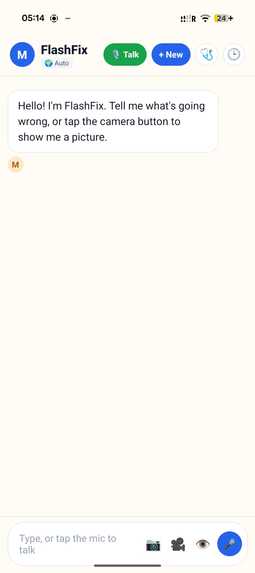
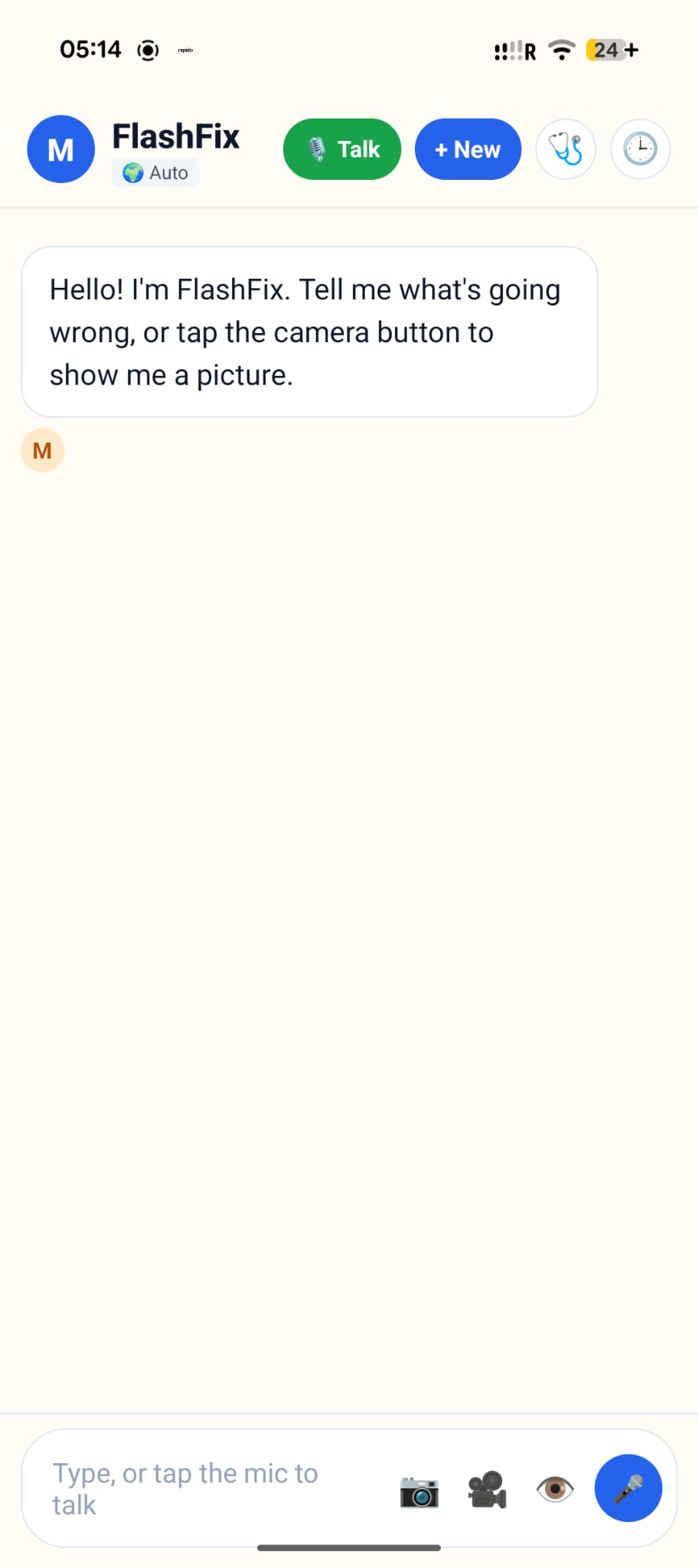
opening page
-
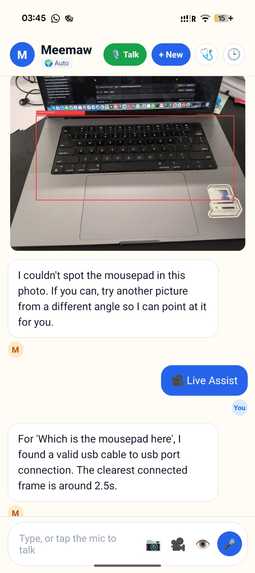
results form live view
-
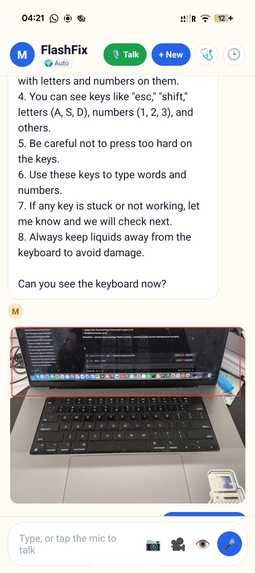
image based queries
-
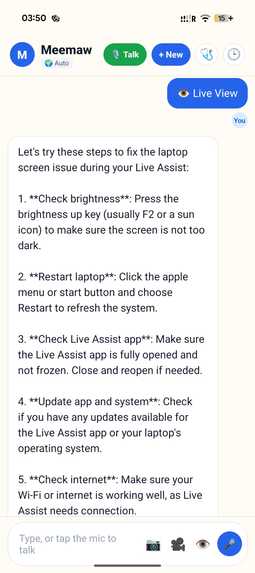
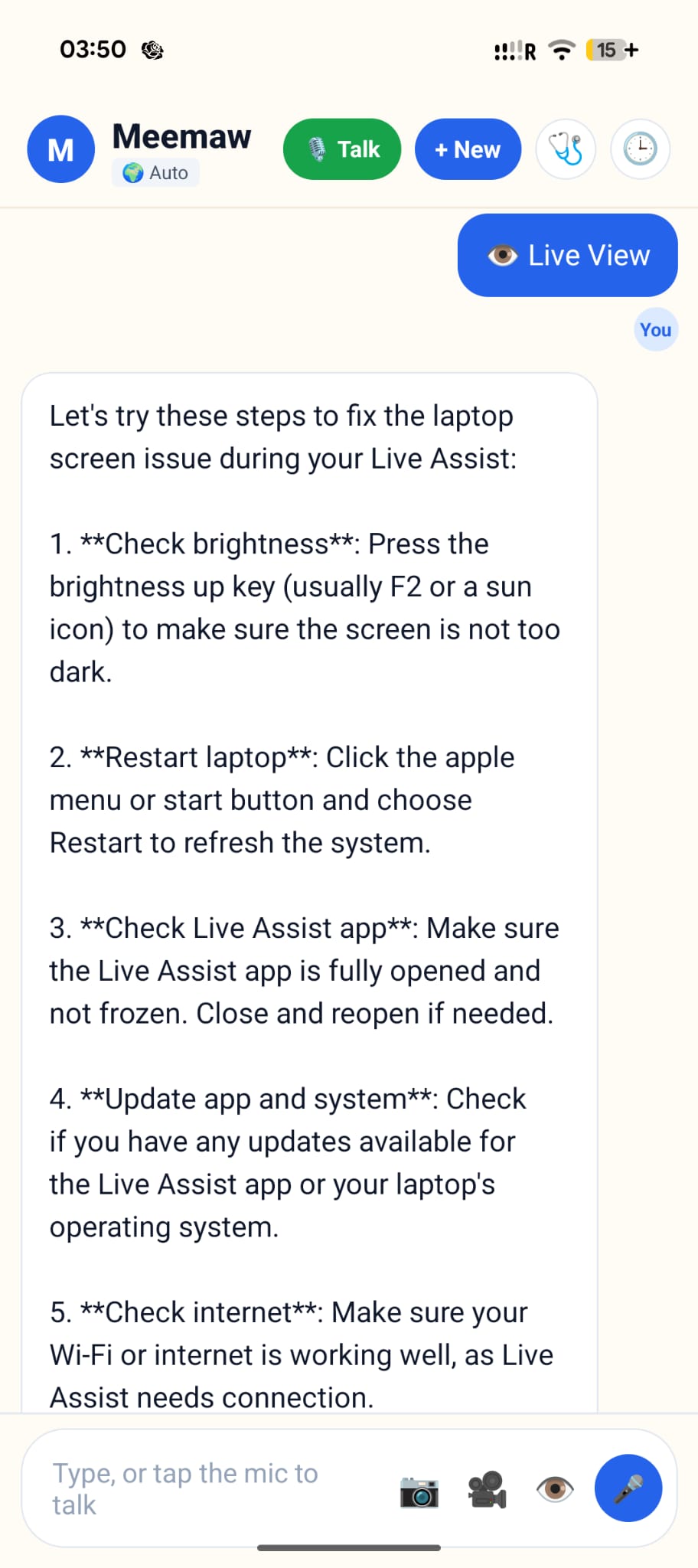
live view
Inspiration:
Analytics showed a huge slice of customer-support tickets are simple visual problems — "what does this blinking light mean", "which cable goes here", "why won't this button do anything" — that take a human agent 10+ minutes to triage but could be solved in seconds if the system could just see what the user sees. We built FlashFix to collapse that gap: a voice-first assistant that looks, listens, and points. Especially for people (parents, grandparents) who'd rather show than type.
What it does:
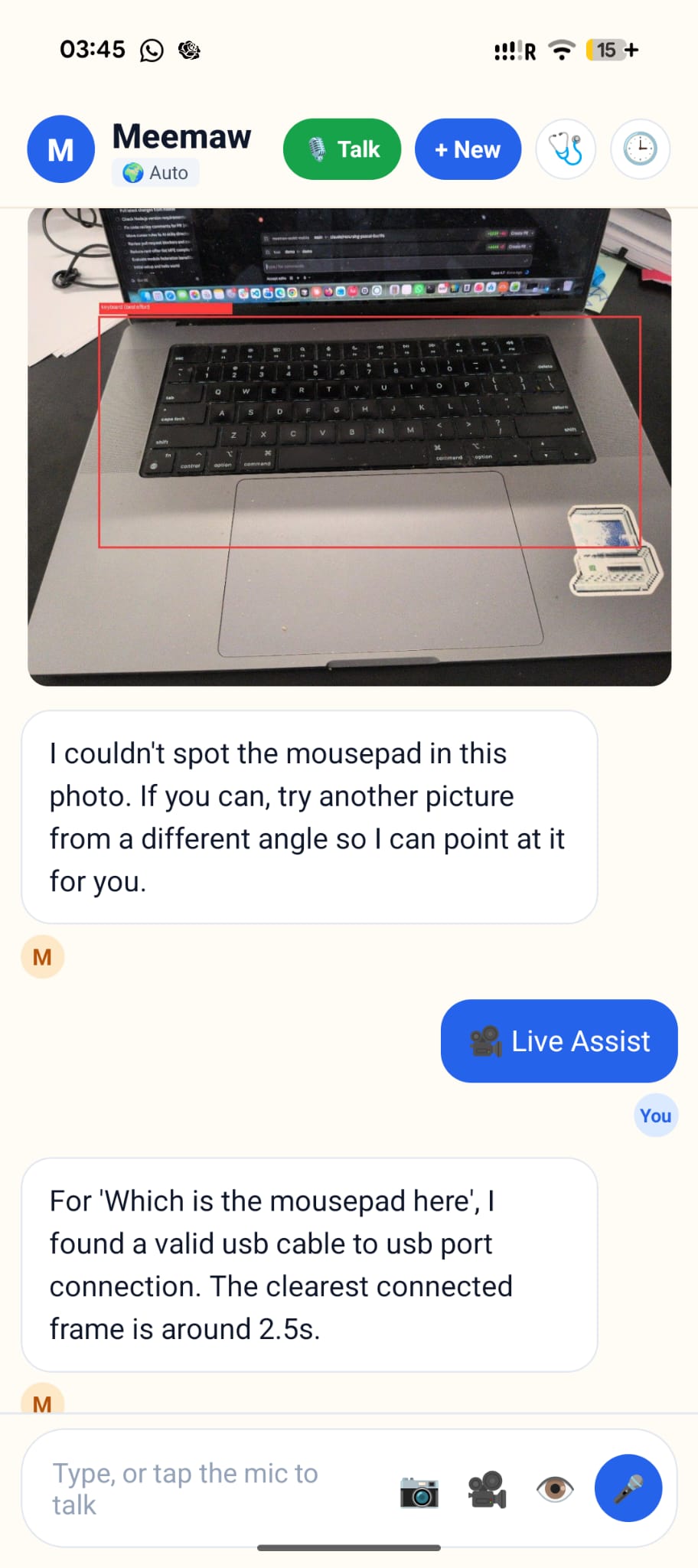
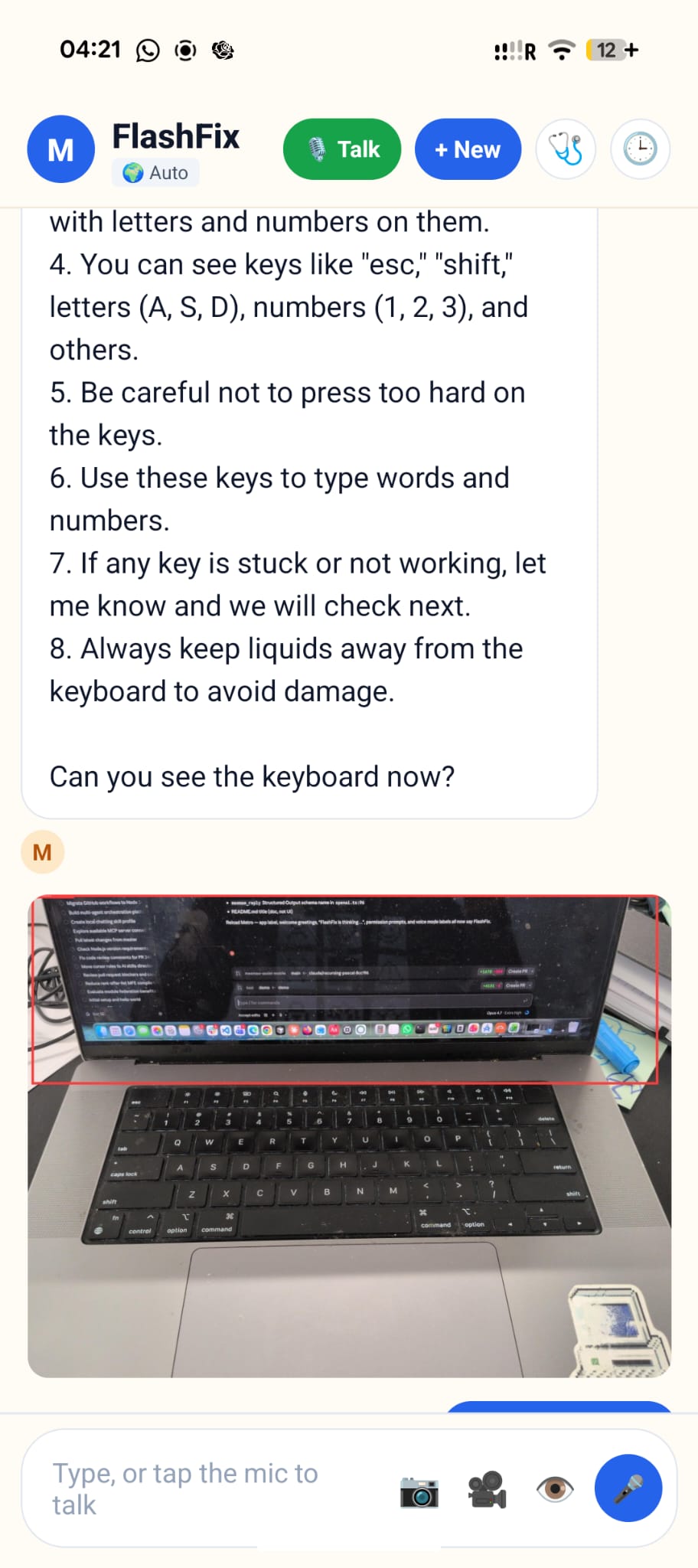
FlashFix is a voice-first tech-support companion on your phone. Talk to it like a person, point the camera at the problem, and get an answer that actually points back — we draw a box on your photo so you know which button, which cable, which port. Three modes: voice (always-on listen-think-speak loop), photo (take or pick a picture, get annotated instructions), and live assist (live video → FlashFix narrates what to do while you move the device around). Plus one-tap diagnostics (disk, internet speed), memory of past conversations, and 10+ languages. Runs fully offline with limited support if you want it to.
How we built it
Mobile: Expo / React Native (TypeScript), voice-first loop (record → Whisper STT → LLM → TTS → loop). On-device LLM: Qwen2.5 0.5B Instruct via llama.rn (~400 MB one-time download, works offline). Cloud LLM: OpenAI GPT-4.1-mini for chat, GPT-4o reserved for vision-localization fallback. Vision pipeline (Kosi, FastAPI): hybrid detector — fine-tuned YOLOv8s for common tech classes + YOLO-World for open-vocabulary detection + a GPT-4o bounding-box fallback when both come up empty. A rapidfuzz matcher picks the right detection based on what the user actually asked Accessibility: elderly-first UX — big targets, one obvious action per screen, voice as the default Memory: on-device embeddings with cosine similarity — FlashFix recalls similar past problems without leaking data off-device.
Challenges we ran into:
- Making the phone understand what the camera sees. Real-world photos aren't like training data — they're skewed, cropped, badly lit, and half the time the thing the user is pointing at doesn't have a label anywhere in the dataset. Getting the system to reliably find the right object (not just the biggest or most obvious one) took multiple layers of fallback.
- Real-time guidance without lag. An assistant that answers two seconds late might as well be a little hectic - people have already moved the camera. Keeping the loop snappy while still running vision, a language model, and speech synthesis in the background meant rewriting the pipeline around streaming instead of step-by-step waiting.
- Designing for people who don't want to learn an app. Our target users aren't going to read tooltips or watch an onboarding video. Every screen had to be legible on first glance with zero prior exposure — which turned out to be a much higher bar than "make it look nice."
Accomplishments that we're proud of:
Voice, photo, and live-assist modes working end-to-end on a real Android phone. Fully offline-capable core (voice + chat + on-device model) — no internet, no account. Private by default: conversations and photos stay on-device; only the user's chosen cloud calls leave the phone. Elderly-first UX that's been gutted of clutter — one obvious action per screen. Hit every bonus we set out to: diagnostics, multilingual (10+), voice-first, vision with overlays, memory recall.
What we learned:
- The hard part of AI products isn't the AI - it's the routing. Deciding which model should see which question, in which moment, with how much context, is where most of the actual work lives. Picking the biggest model for everything is almost always wrong.
- Small models are dramatically more capable than we expected - once you stop asking them to do everything. A 500 MB model on a phone can't replace GPT-4, but it can absolutely be a warm, conversational helper for a narrow domain. The trick is knowing what to not ask it.
- Vision pipelines lie in interesting ways. Object detectors don't just fail, they fail confidently - boxing the laptop when the user asked about the keyboard, boxing the screen when they asked about the cable. Most of our "AI" work ended up being bias correction, not model-building.
- Designing for the elderly made the product better for everyone. Big buttons, short sentences, and "one obvious action per screen" aren't accessibility concessions - they're just good design that nobody bothers to do.
- Voice changes how you build everything. When the user can't see the interface, every decision has to be legible through the ear. You can't fall back on a pretty UI to rescue a bad interaction - the conversation itself is the UI.
What's next for Flash-FiX:
Expand the fine-tuned detector to appliances, smart-home hubs, and medical devices. Proactive diagnostics: the phone notices "Wi-Fi just dropped to 2 Mbps" and offers help before the user asks. Family mode: a loved one can watch FlashFix's live view over their shoulder and jump in with voice. Fine-tune the on-device model on real tech-support dialogue so offline quality matches cloud.
Built With
- expo.io
- fastapi
- gpt
- image-processing
- python
- qwen
- react-native
- recognize
- typescript
- video-processing
- yolo

Log in or sign up for Devpost to join the conversation.