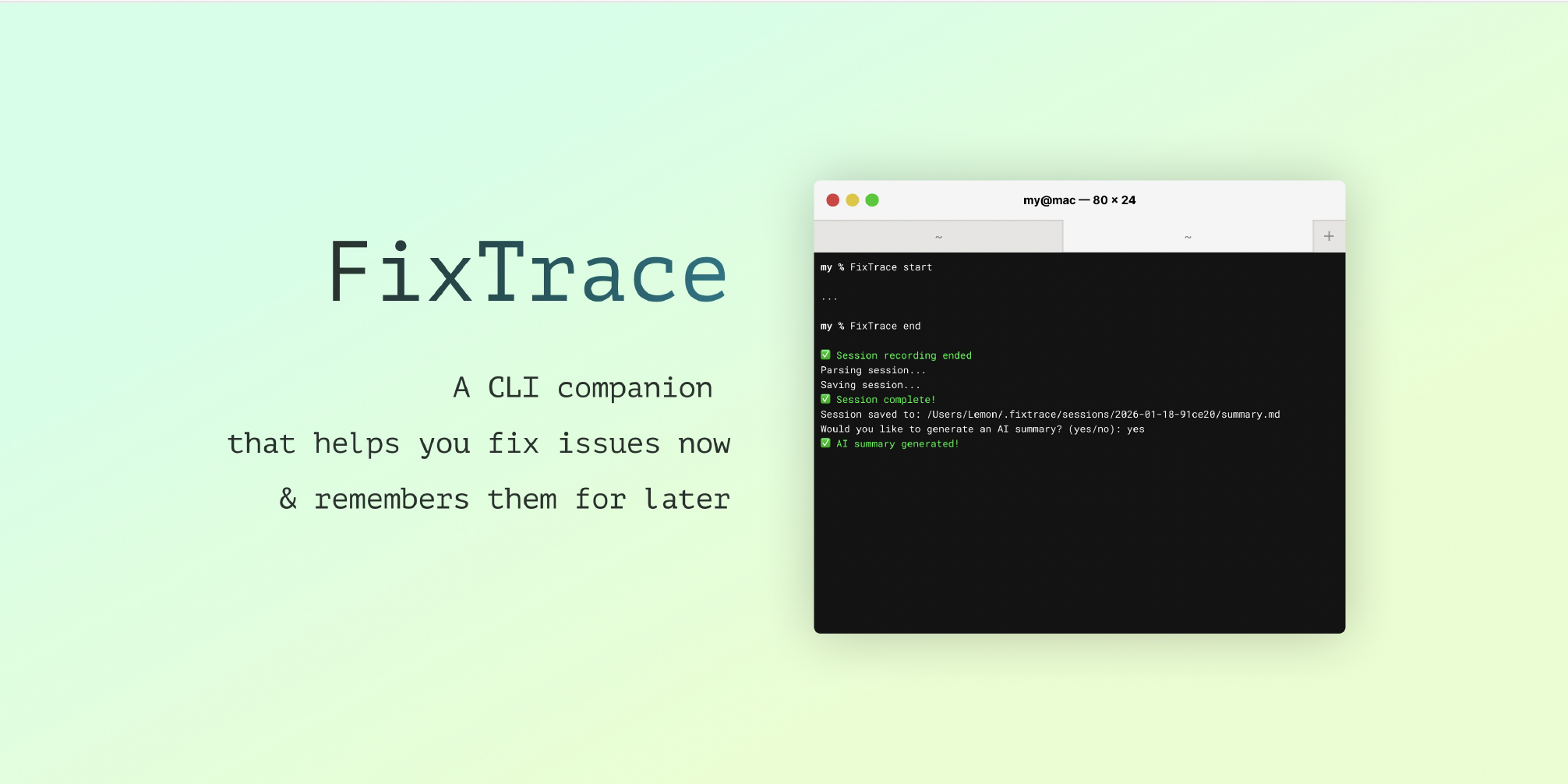
FixTrace
A CLI companion that helps you fix issues now and remembers them for later
Inspiration
"It works on my machine." — The most dangerous words in software development.
We’ve all been there: you hit a cryptic error, and the troubleshooting begins. You copy the error, alt-tab to a browser, paste it into an AI chat, scroll for answers, switch back to the terminal, try a command, and repeat. It breaks your flow and wastes time.
And once you finally solve it? You close the terminal, and that knowledge vanishes. The next person on your team (or you, three months later) hits the exact same issue and has to start from scratch.
We observed recurring pain points in developer workflows:
- New devs following outdated setup docs; need actionable, current fixes.
- Teams want frictionless knowledge capture without manual note-taking.
- Developers hate context switching—copy-pasting terminal output to a browser to ask for help is tedious and breaks focus.
The problem is two-fold: Debugging disrupts your workflow, and solutions are rarely preserved.
We built FixTrace to solve both. It acts as a bridge, making it easy to ask questions in the terminal without having to copy-paste code, while simultaneously documenting the solution for the future.
What it does
FixTrace is a CLI tool that acts as both an intelligent debugging assistant and an automated scribe.
It has two main superpowers:
1. ⚡ Debug Without Leaving Your Terminal
Stop copy-pasting error logs into a browser. With FixTrace, you can get instant AI help right where you work.
- Context-Aware Assistance: Run
fixtrace ask "why did the build fail?"and it analyzes your recent terminal output automatically. - Zero Context Switching: It reads the logs, sanitizes sensitive data, and suggests fixes directly in your CLI.
- Stay in Flow: Keep typing, keep testing, and get answers without breaking your stride.
2. 📚 Turn Debugging into Documentation
Stop writing "troubleshooting guides" from memory. FixTrace records your session and turns the chaos of trial-and-error into clean, structured knowledge.
- Auto-Capture: Run
fixtrace startto begin recording commands, outputs, and errors. - AI Summaries: When you finish with
fixtrace stop, it generates a concise Markdown summary explaining what went wrong and how it was fixed. - Shareable Knowledge: It produces a folder with raw logs, parsed events, and a human-readable summary, ready to be shared with your team.
Key Features
- Smart Querying (
ask): Ask questions about your current session. FixTrace reads the last N lines of context so you don't have to explain the error. - Session Recording: unobtrusively captures shell interaction in real-time.
- Privacy First: Automatically detects and sanitizes API keys, tokens, and secrets before sending data to AI or saving logs.
- Rich Documentation: Generates
summary.md(the fix),events.jsonl(structured logs), andraw.txt(full output). - Session Management: List, filter, view, and regenerate old sessions easily.
- Configurable: Set default timeouts, output paths, and preferences via
fixtrace config.
How we built it
We built FixTrace in Python using:
- Typer for a clean and intuitive CLI interface
- Rich for responsive terminal tables and color-coded UI
- Google Gemini API to provide the intelligence for both live debugging (
ask) and post-mortem summarization. - Python subprocess and threading for session management, process lifecycle control, and auto-stop timers
- Local JSON storage for session metadata and JSONL files for structured event logs
Challenges we ran into
- Capturing terminal output reliably across different shell environments
- Managing process lifecycles and gracefully terminating active sessions
- Parsing noisy, unstructured terminal output into meaningful event logs
- Synchronizing persistent config defaults with CLI options
- Distilling long debugging sessions into concise summaries without losing important context
- Handling ANSI escape codes and animated terminal output when extracting meaningful text for AI summarization
Accomplishments that we're proud of
- A clean, intuitive CLI with helpful confirmations and error messages
- Reliable real-time session recording with automatic timeout handling
- Hyperlinked session IDs for one-click access to session folders
- Flexible filtering and search for managing recorded sessions
- A persistent configuration system that allows customization without code changes
- Automatically converting long debugging sessions into short, actionable documentation
- Improving AI summary quality by increasing contextual input and filtering terminal-specific noise
What we learned
- Process management, signal handling, and concurrency in Python
- Integrating large language models (Google Gemini) for structured content generation
- Designing developer-friendly CLIs with Typer and Rich
- Git workflows and collaboration during rapid iteration
- The importance of user feedback in shaping effective CLI tools
- How small changes in context and input cleaning can significantly affect AI output quality
What's next for FixTrace
We want to evolve FixTrace into a shared debugging knowledge tool, not just a terminal recorder.
Next steps include:
- Expanded cross-platform support (Windows and Linux terminal hyperlinks)
- Metadata enrichment (tags, descriptions, categories)
- Cloud storage integration for session backups
- Integrations with documentation platforms like Notion and GitHub Pages
- Performance profiling and optimization for long-running sessions
Built With
- google-genai
- python
- rich
- typer


Log in or sign up for Devpost to join the conversation.