-
-

FixRecord app icon, 1024 × 1024.
-
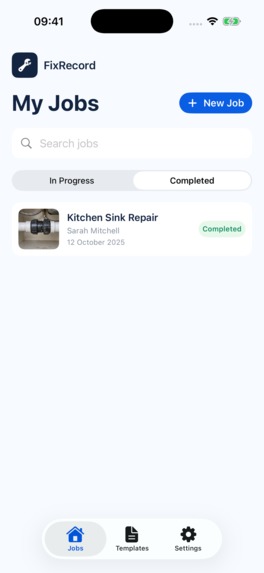
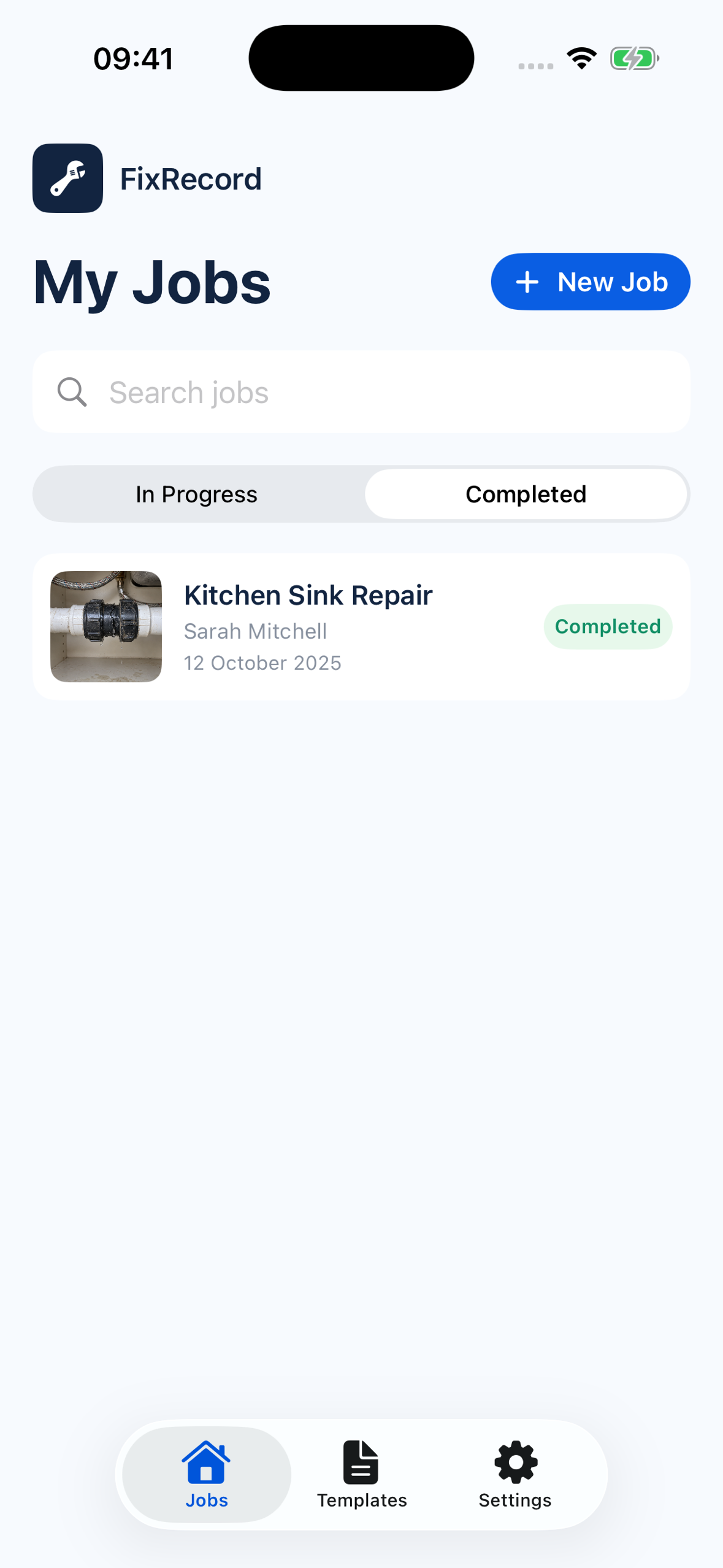
Jobs overview with a fictional kitchen sink repair.

Inspiration
A small repair can leave a surprisingly messy paper trail: before-and-after photos in the camera roll, notes in messages, and material costs on a receipt. FixRecord brings those details together so a contractor can give a client a clear record of the work without assembling a document from scratch.
What it does
FixRecord is an iPhone app for documenting repairs and producing professional work reports and invoices.
- Capture the work: take before-and-after photos, use a transparent before-photo overlay to help match the framing, and choose which images appear in the report.
- Record the details: type or dictate work notes, customise job references, and reuse saved business presets.
- Review the costs: scan a receipt on the device, review the suggested items, quantities and prices, and add materials, labour and other charges.
- Share the result: preview a work report, invoice or combined Client Pack, then export a PDF through the iPhone share sheet.
Optional AI assistance rewrites rough notes into a draft the user can edit before accepting.
How it was built
The app uses SwiftUI for its interface and SwiftData for local job records. Apple Vision powers receipt text recognition, Apple Speech supports dictation, and an Objective-C++ bridge to OpenCV helps compare photo framing. PDFs are generated on the device.
RevenueCat manages Pro entitlements, purchases and restores. The competition build uses RevenueCat's Test Store for simulated purchases. Monthly and yearly plans come from the configured offering, and trial wording follows the eligibility returned by the SDK.
The core workflow is free, including business details on documents and separate report and invoice exports. Pro adds nine additional layouts, custom colours, a business logo, automatic removal of the FixRecord footer, and combined Client Packs.
The optional AI service uses a TypeScript backend with server-side credentials and Redis-backed demo limits. The source is available under AGPL-3.0.
Challenges
Receipts vary in layout, print quality and the way they show quantities, prices and totals. A useful scanner needs editable suggestions, clear processing feedback and safeguards against treating tax or payment totals as purchased items.
Photo framing and document layout also needed careful iteration. The before-photo overlay should help users line up a second image, while the exported report needs to remain readable with different photo shapes and amounts of text.
What I learned
The review step is part of the product. People need to understand what was extracted from a receipt, edit their notes and check a document before sharing it. Automation is useful when the user can see and correct its output.
A useful free tier also matters. Everyone can put their business name and contact details on a report; Pro adds more control over presentation.
What is next
The next steps are testing with contractors on real jobs, broader receipt and accessibility checks, and production purchase verification before an App Store release. Job data currently stays on the device, without automatic cloud backup.
Built With
- openai-api
- opencv
- redis
- revenuecat
- swift
- swiftdata
- swiftui
- typescript

Log in or sign up for Devpost to join the conversation.