-
-

Logo of FixMyBooBoo
-
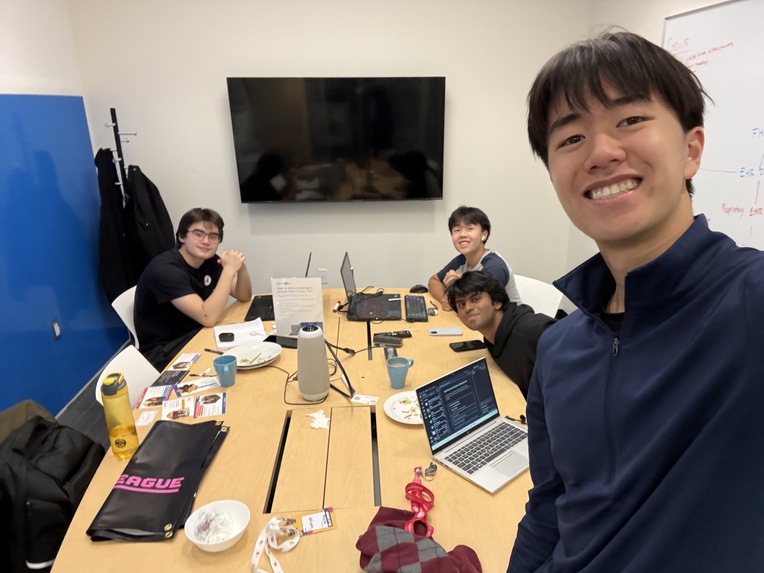
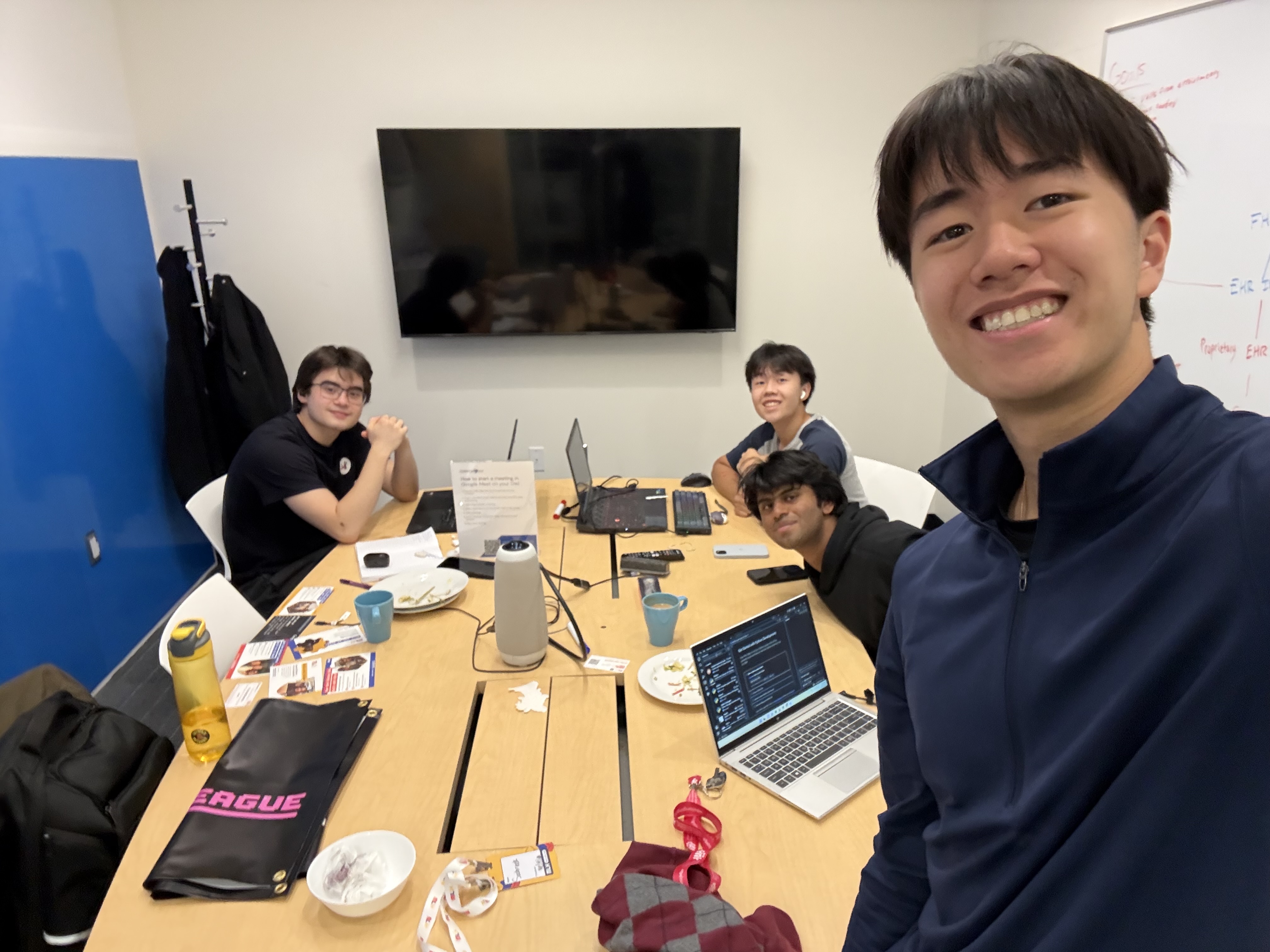
Team Working

Inspiration
Our team has all dealt with long wait times and hard-to-book in-person appointments, which is why online consultations have become so common. But they have a downside. In person, a doctor can lean in, fix the lighting and take a closer look. Online, they get whatever the patient’s camera and connection deliver. For patients in rural and northern Ontario, or anyone with an old phone, that means blurry photos, bad lighting and frozen calls. The patients who need virtual care most get the worst version of it. We wanted to close that gap between online and in-person diagnosis.
What it does
FixMyBooBoo is browser telemedicine for Ontario clinics, built on Brevicor’s brief.
Video visits: the physician starts a visit from a scheduled appointment. The patient gets a secure link by text or email, confirms their date of birth, and enters a virtual waiting room where they can test their camera and mic. The physician is notified when they arrive and admits them. No app, no account.
Phone visits: the physician calls the patient’s real phone number straight from the browser.
Clearer photos: during a visit, the patient can upload a photo (a rash, a wound, a medication bottle). Cloudinary’s AI restores, upscales and enhances it so the doctor can actually examine it. The original is never replaced: the physician toggles between original and enhanced in one click, and the enhanced view is always labelled.
Transcripts: with patient consent, the visit is transcribed and filed to the patient’s chart, marked unverified until the physician reviews it. Raw audio is deleted after transcription.
Works with any EHR: everything talks to clinical records through one standard FHIR R4 API, so the same app works whether the clinic’s EHR supports FHIR natively, needs a custom adapter, or is our mock with synthetic data.
How we built it
Frontend and hosting: Next.js, React and TypeScript on Vercel (Montréal region) Image enhancement: Cloudinary Upload Widget with chained AI transformations (e_gen_restore, e_upscale, e_enhance), plus q_auto and f_auto for fast delivery on slow connections
Video and phone: Twilio Video and Twilio Voice
Transcription: AWS Transcribe Medical in ca-central-1
Database, auth, storage and realtime: Supabase in ca-central-1
EHR integration layer: our own FHIR R4 gateway at /api/fhir/R4. Every EHR type implements the same provider interface, so the app never knows which one it’s talking to. The gateway validates resources, returns standard FHIR errors, and publishes a CapabilityStatement showing what each clinic’s EHR supports. We seeded a mock EHR with synthetic patients from Synthea and run one conformance test suite against both the mock and a real HAPI FHIR server.
Video, phone and transcription providers all sit behind interfaces, so any of them can be swapped without touching the app. All stored data stays in Canada, every query is scoped to a single clinic, and we used synthetic data only.
Challenges we ran into
Our biggest challenge was making one FHIR API behave the same way across very different EHRs. Some EHRs can’t do everything, like storing documents, so we had to report exactly what each one supports and make sure a write is never silently dropped.
We also had to learn which Cloudinary AI effects work on live video versus still images. The enhancements only apply to photos and captured frames, so we designed the flow around that. Using AI enhancement in a medical setting raised its own question: what if it gets something wrong? That led us to keep the original image, label the enhanced one, and let the physician switch between them.
Privacy shaped a lot of our decisions. We had to keep patient-identifying information out of logs, links, notifications and realtime messages while still making it a one-tap experience for the patient to join. We also kept call state separate from clinical records, so ending a call doesn’t close the patient’s encounter, since the physician may still have charting to do.
Accomplishments that we're proud of
We’re proud that a patient can go from a text link to the waiting room in seconds without downloading an app or creating an account. Seeing a grainy, badly lit phone photo turn into something a doctor can actually examine was the moment the project clicked for us.
On the technical side, our mock EHR passes the same conformance tests as a real FHIR server, which means a real clinic’s system can be plugged in without changing the app. We also built around real clinical constraints like PHIPA, Canadian data residency, clinic-level data isolation and keeping health information out of logs, instead of treating it as just a demo.
What we learned
We learned how FHIR R4 models patients, appointments, encounters and documents, and how hard it is to make different EHRs look the same from the outside. Working with Cloudinary showed us how much can be done from a single delivery URL, and that the hard part of using AI in healthcare isn’t generating the output but deciding when to trust it. We also saw why it pays to put every outside service behind an interface, since it let us change providers without rewriting the app.
What's next for FixMyBooBoo
Our next step is building adapters for real Ontario EHRs, starting with ones that already support FHIR. We’d like to add in-call frame capture so physicians can grab a close-up straight from the video feed. For clinics whose EHR can’t save transcripts, we plan to build a Brevicor document store that tracks sync status and where the official copy lives. We also want to connect transcripts to Brevicor’s AI Scribe and document summarization modules, and eventually run a pilot with a clinic serving rural or northern communities.
Built With
- cloudinary
- fhir
- node.js
- react
- supabase
- synthea
- tailwind
- twilio
- typescript


