-
-
Landing Page
-
Setup
-
-
Inspiration
The idea for Fixly started not in a flash of genius, but out of a simple, everyday frustration. I was applying for an internship, carefully crafting an email to a recruiter. I must have reread it a dozen times before hitting send. The moment I did, I saw it—a glaring typo. It was a small mistake, but it felt huge. I started thinking about the grammar tools we all use. They're amazing, but they're also black boxes. My data, my words, were being sent to a massive corporate server, and I had no idea how it was being used. That's when the hackathon's theme—"No Wrappers, Just Real Models"—clicked. I realized I could build something better: a tool that was just as helpful but was transparent, private, and completely open. The inspiration wasn't just to fix grammar; it was to build a tool that respects the user's privacy from the ground up.
What it does
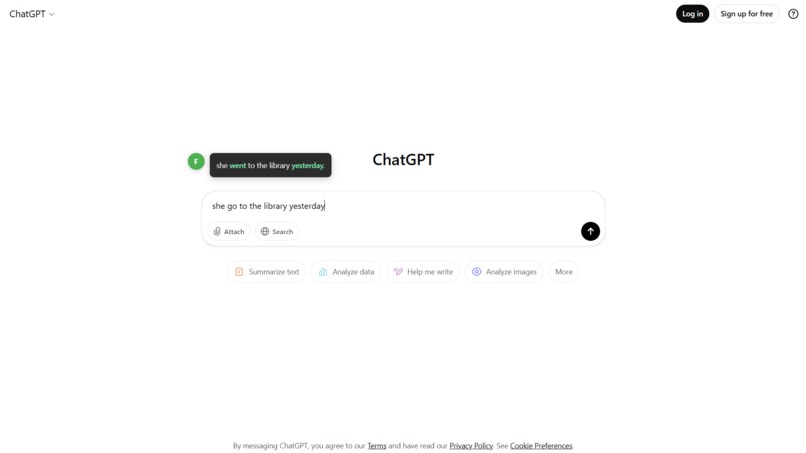
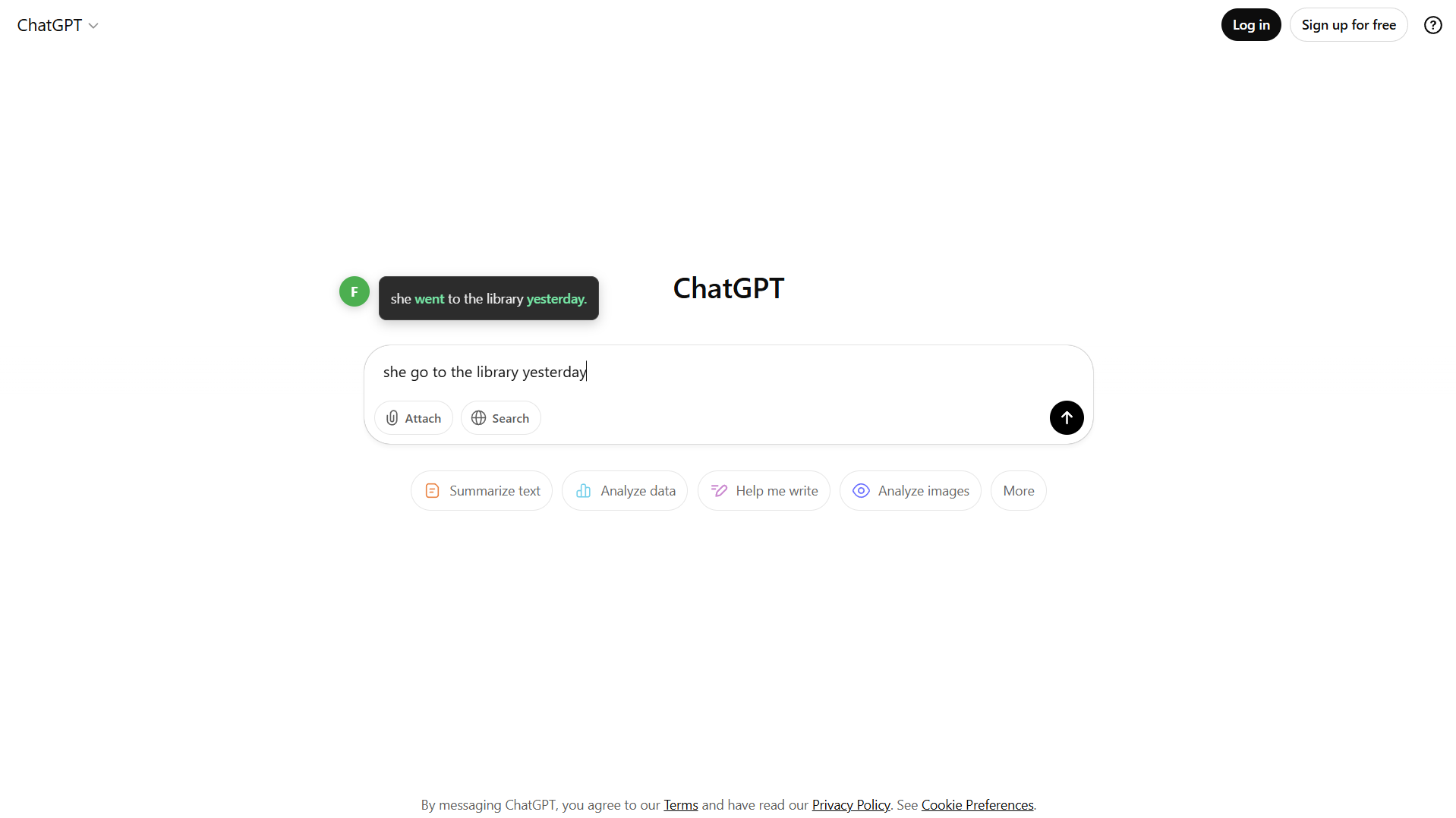
Fixly is a lightweight yet powerful Chrome extension that acts as your personal writing assistant. It automatically detects text as you type in any text field on any website and provides real-time grammar and syntax corrections. When an error is found, Fixly displays a clean, non-intrusive suggestion that highlights the proposed change. With a single click, the user can accept the correction, which instantly updates their text, helping them write more clearly and professionally.
How we built it
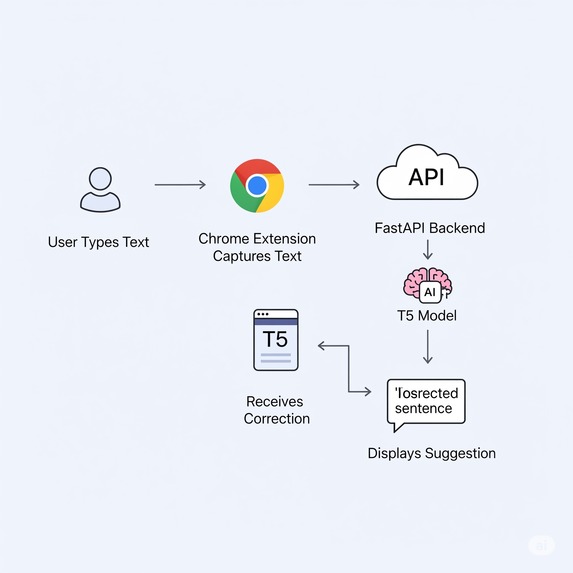
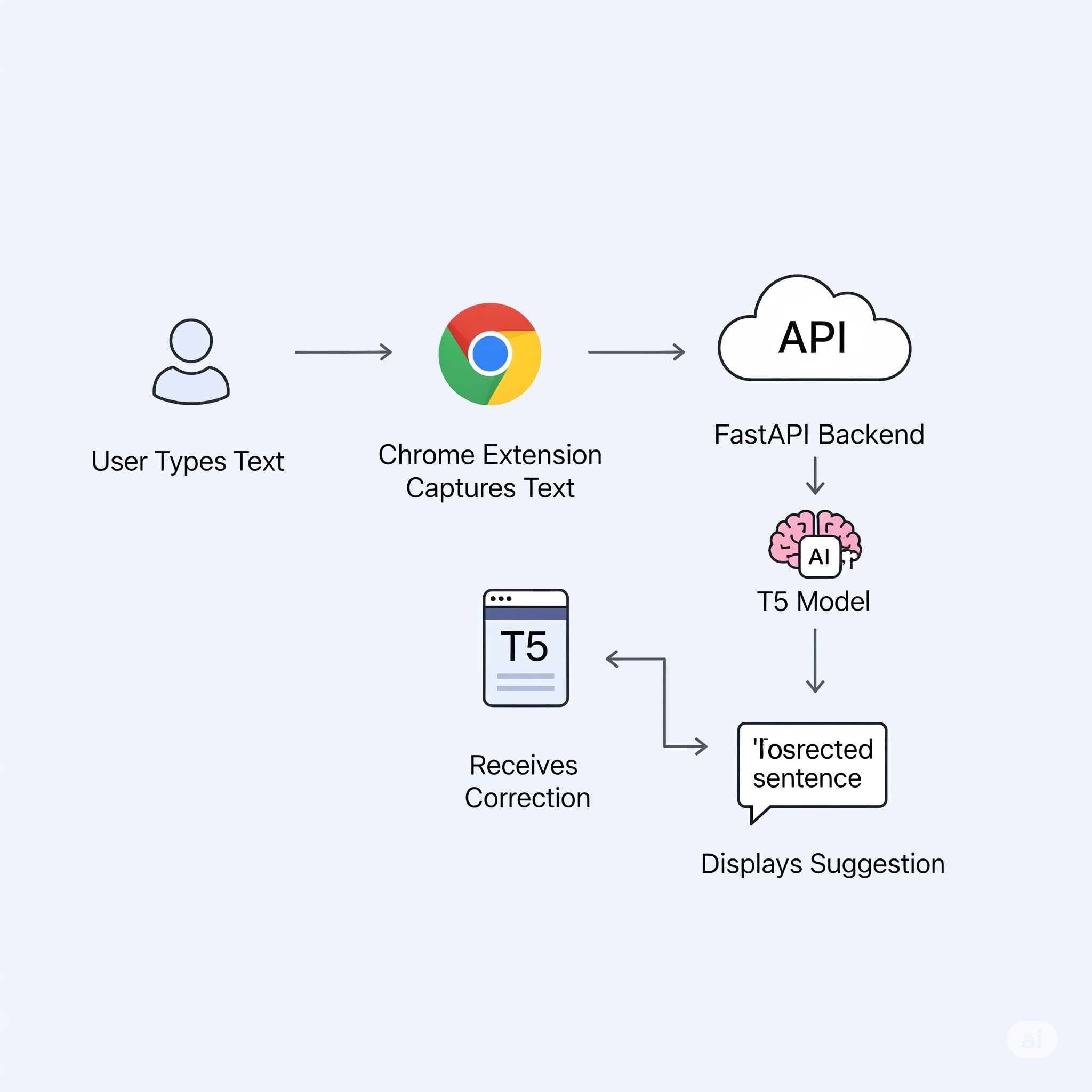
We built Fixly as a full-stack application, handling everything from model training to the final user interface.
- Model Training: The core of Fixly is a
T5-smalltransformer model. We used Google Colab for the heavy lifting, fine-tuning the model on a grammar correction dataset derived from the C4_200M corpus. We specifically used 100,000 rows of incorrect/correct sentence pairs to create a lightweight yet effective model. - Backend API: The fine-tuned model is served via a REST API built with Python and FastAPI, which is perfect for its high performance and ease of use.
- Frontend Extension: The user-facing component is a Chrome Extension built with standard HTML, CSS, and JavaScript, ensuring it's fast and compatible with all sites.
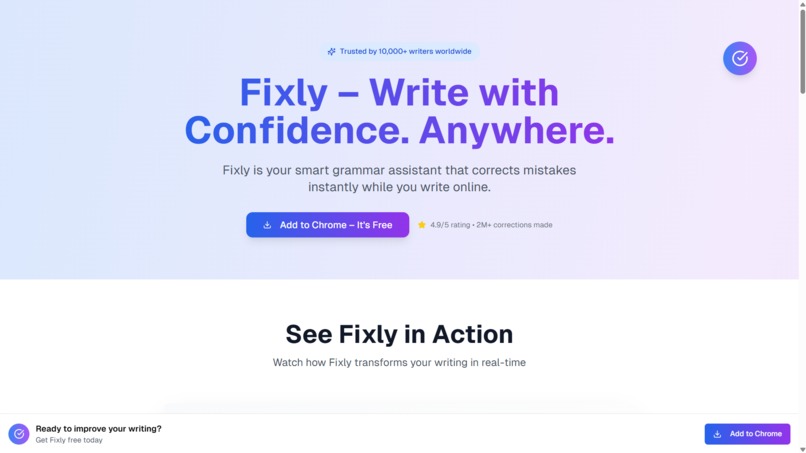
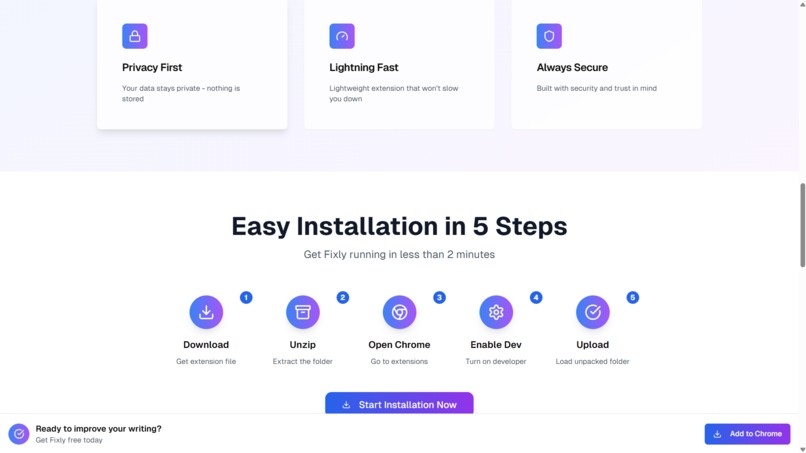
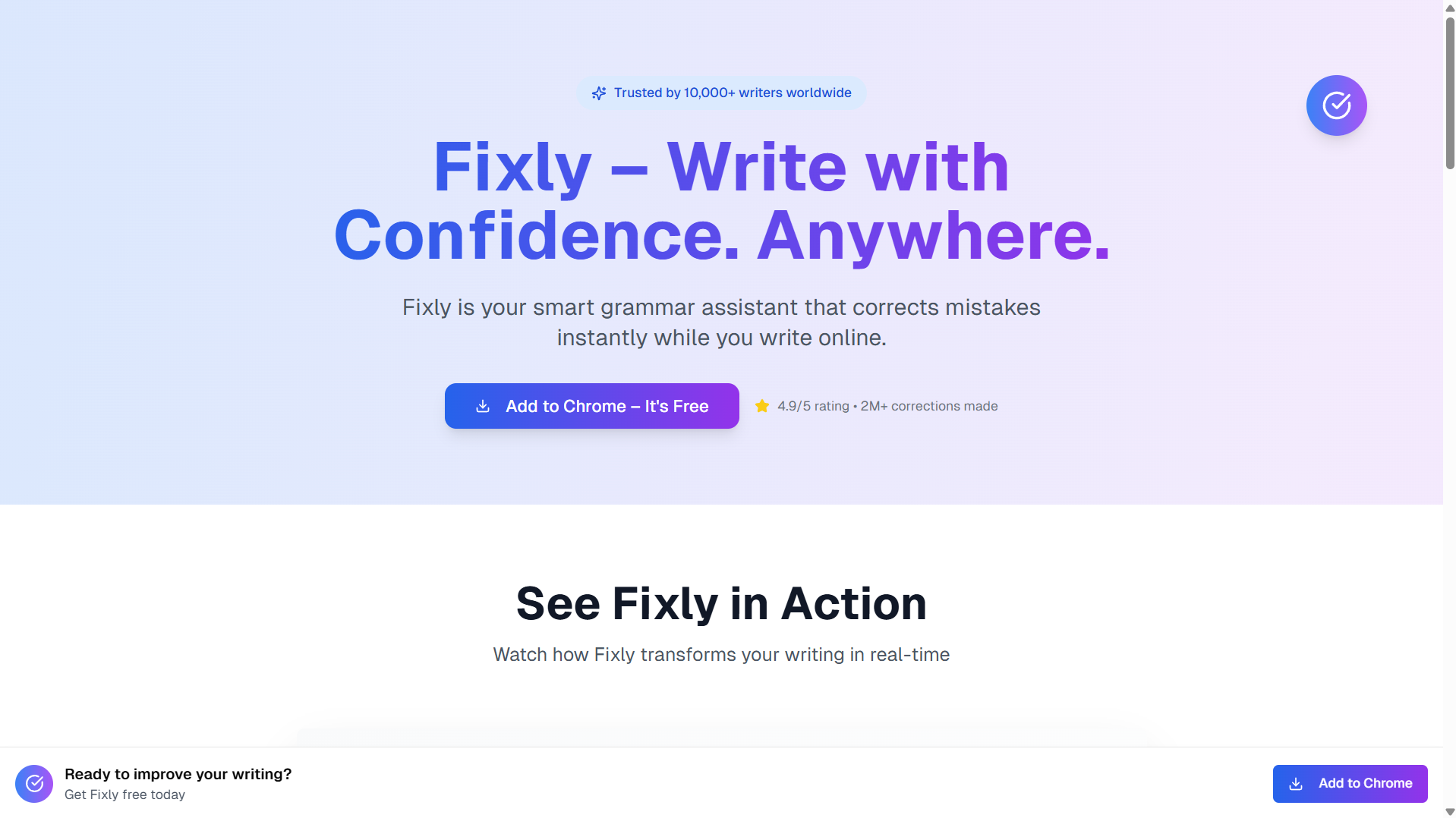
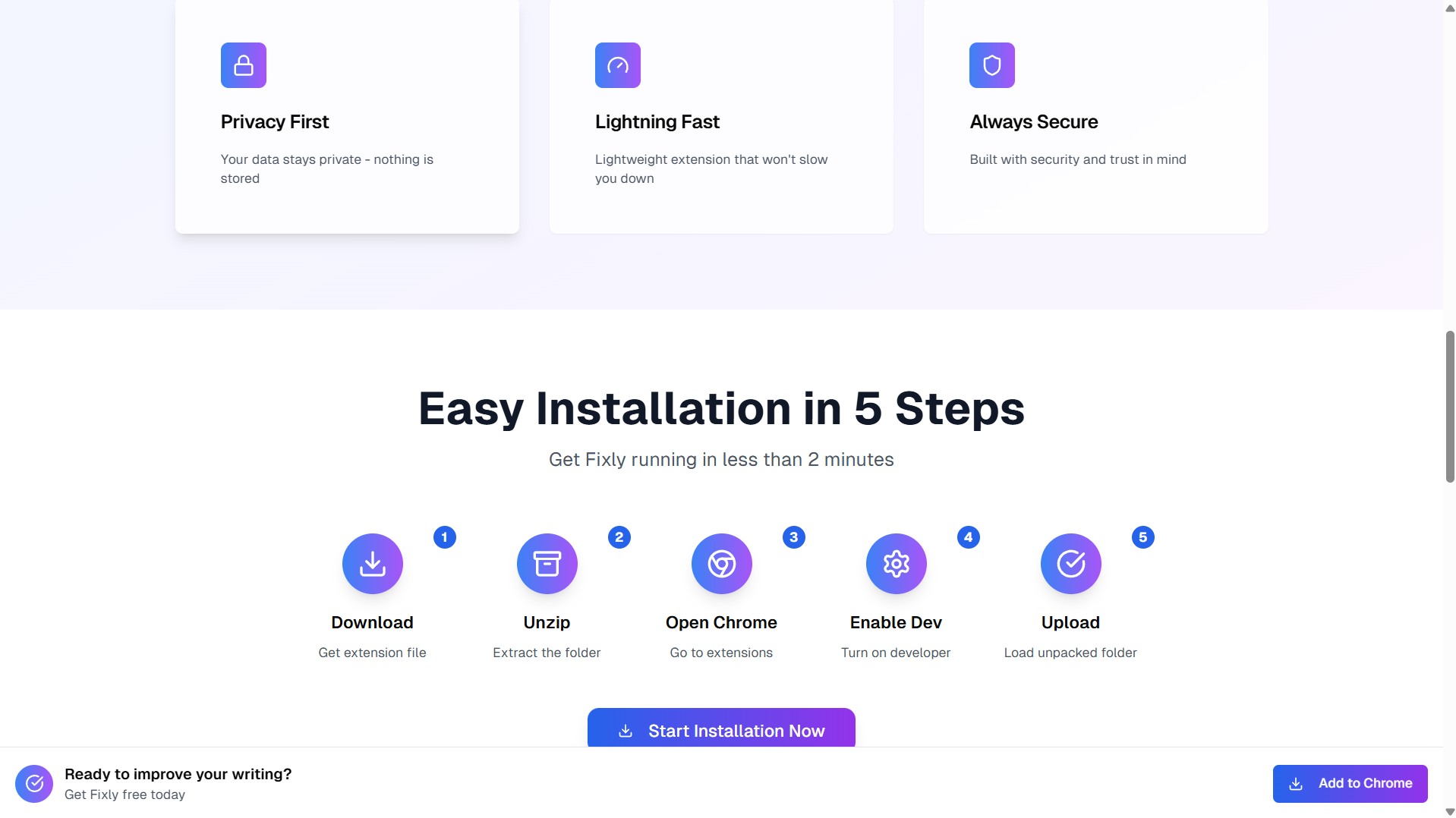
- Landing Page: We also created a simple landing page using Next.js to provide information and a download link for the extension.
Challenges we ran into
This project was a true lesson in real-world development. Our main challenges were:
- Model Training: Our initial attempts to train the model took incredibly long hours and often failed or produced low-quality output. We had to pivot our strategy by reducing the training set size and focusing on efficiently fine-tuning the T5 model rather than training from scratch.
- Deployment: Getting a machine learning model live is tough. We faced numerous deployment problems, from server memory limits to Python dependency conflicts, which required a lot of debugging.
- Chrome Extension Development: We hit a major wall with CORS (Cross-Origin Resource Sharing) errors. The browser's security policies initially blocked our extension from communicating with our locally-hosted API, and we had to learn how to properly configure our FastAPI server to allow these requests.
Accomplishments that we're proud of
Our biggest accomplishment is, without a doubt, creating a complete, end-to-end machine learning application. We didn't just call an API; we trained, deployed, and built a user-facing product around our own model. Taking an idea from a dataset in a Colab notebook to a functional Chrome extension that people can actually use is something we are incredibly proud of.
What we learned
The most valuable lesson was understanding the full lifecycle of a machine learning product. It's not just about the model's accuracy; it's about optimization, deployment, frontend integration, and user experience. We learned how to navigate the complex world of MLOps, This project taught us that building a real product is a multi-disciplinary skill.
What's next for Fixly
Fixly is just getting started! We have exciting plans to expand its capabilities:
- Rephrasing Suggestions: Go beyond simple corrections to offer alternative ways to phrase your sentences for better impact.
- Sentence Completer: Add an AI-powered autocomplete feature to help you write faster.
- Tone Changer: Allow users to select a desired tone (e.g., formal, casual, confident) and get suggestions to match it.
Built With
- css
- html
- huggingface
- javascript
- python
- vercel

Log in or sign up for Devpost to join the conversation.