-
-
FixIt AI logo
-
-
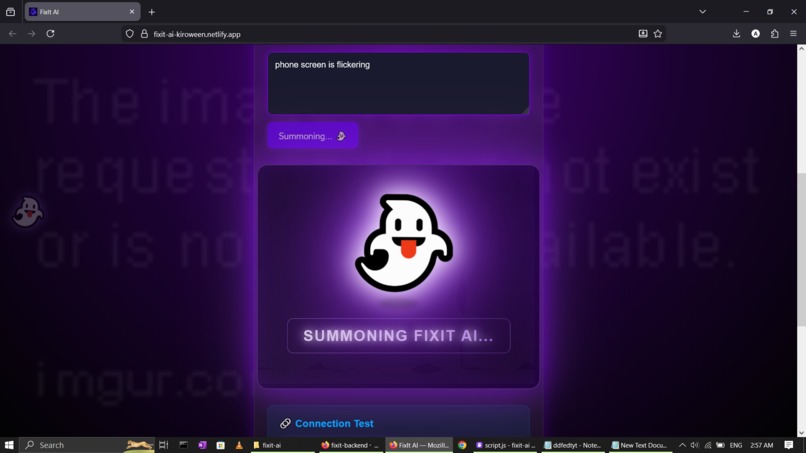
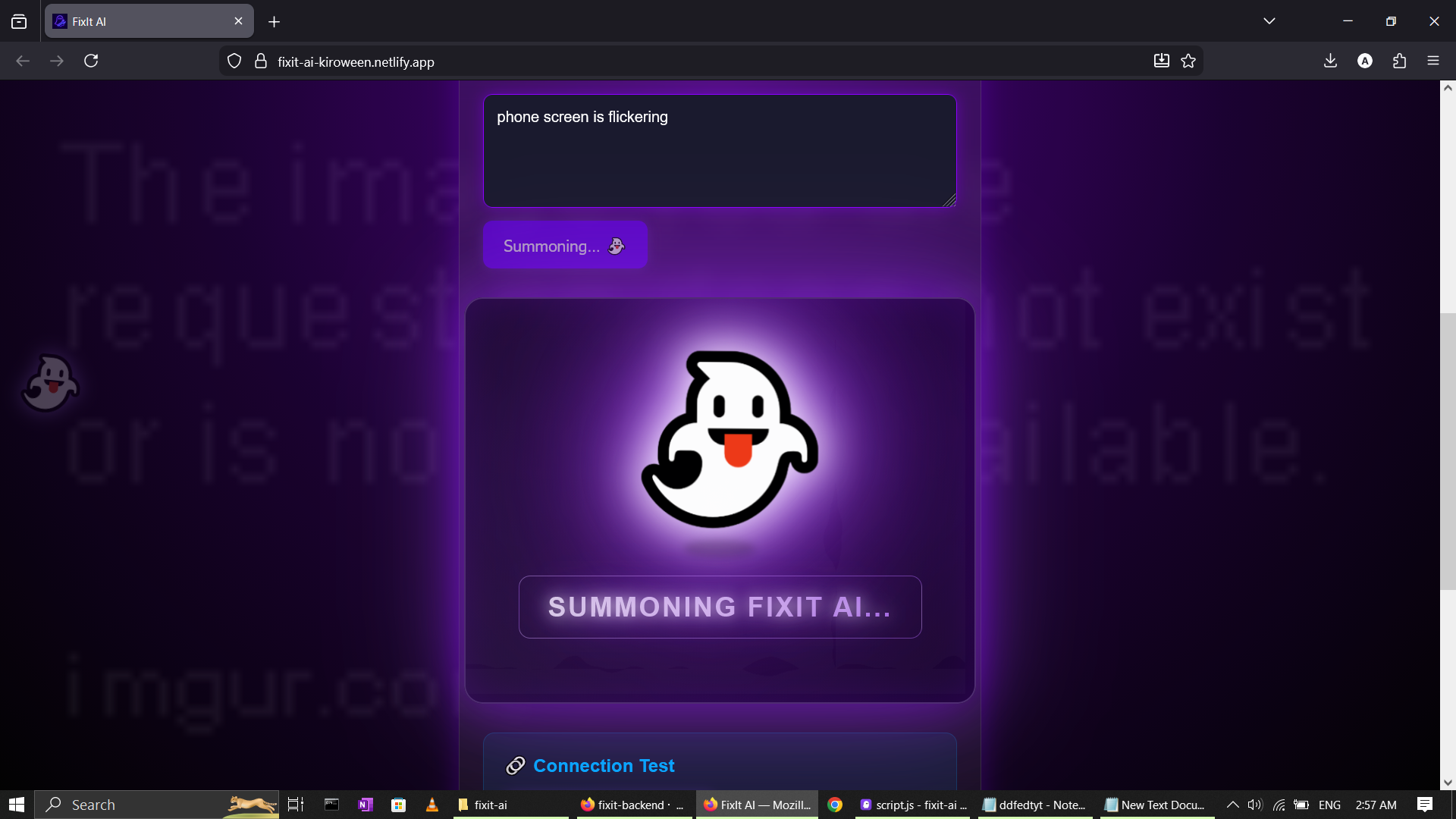
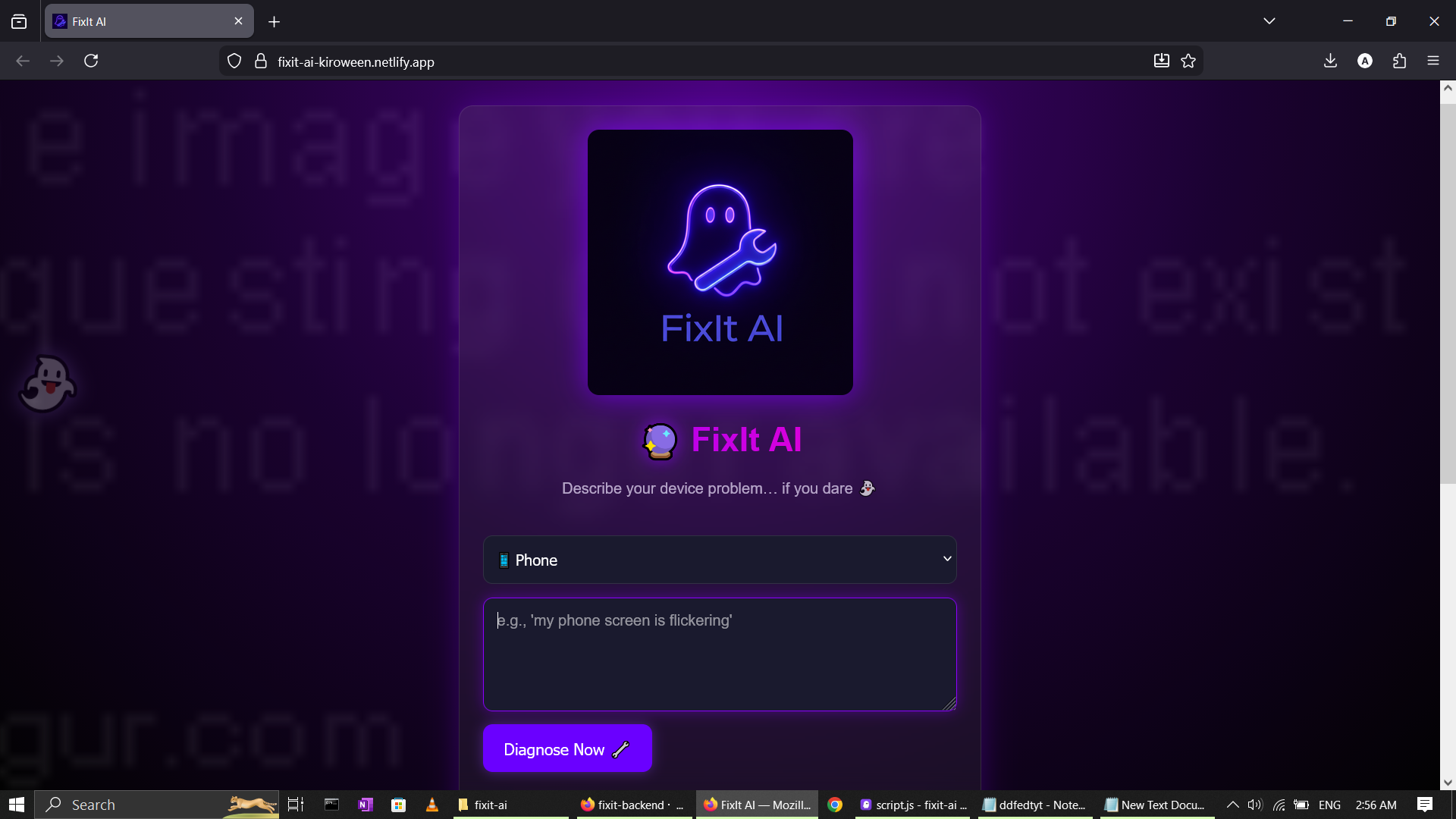
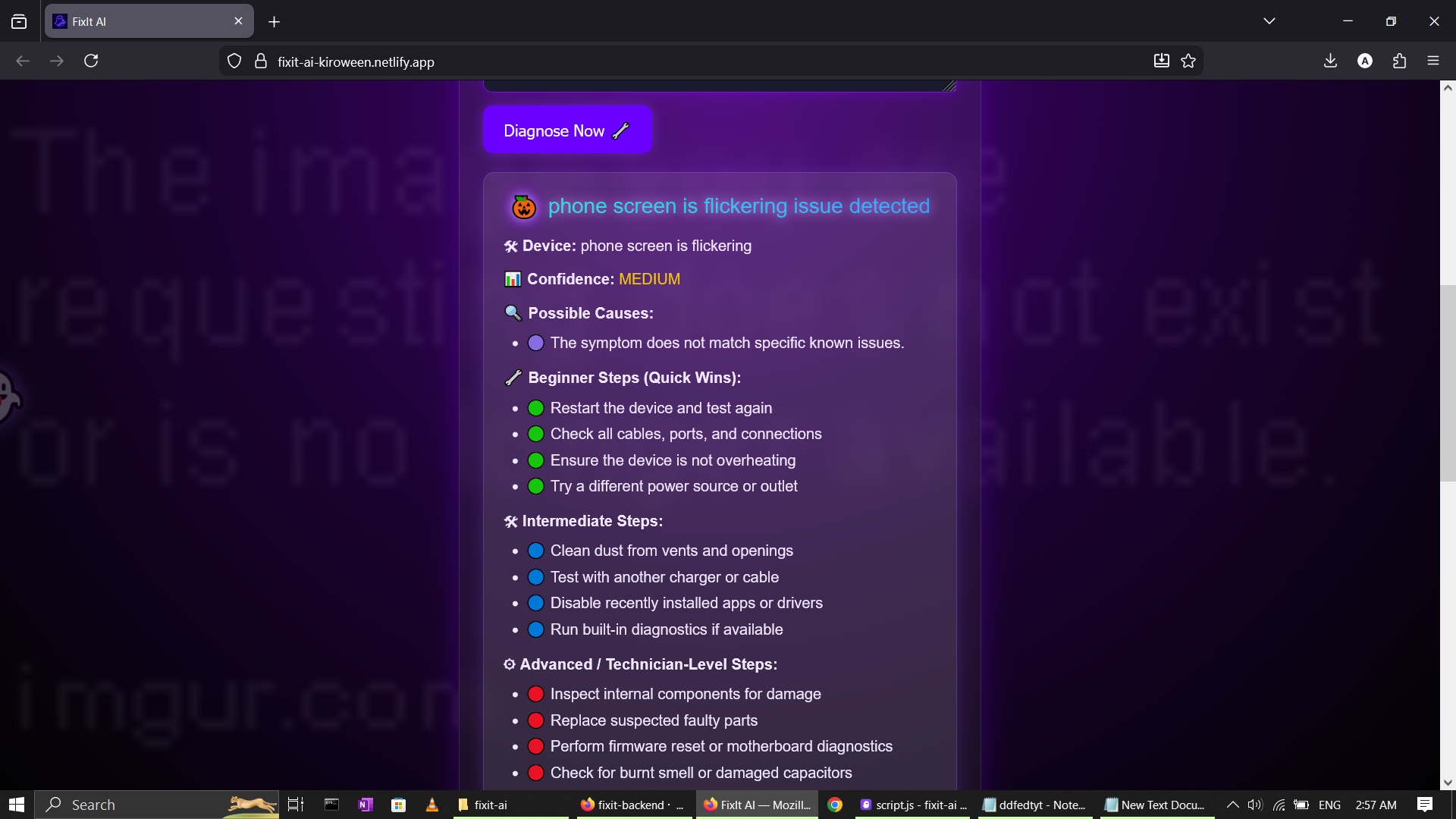
UI mockup
-
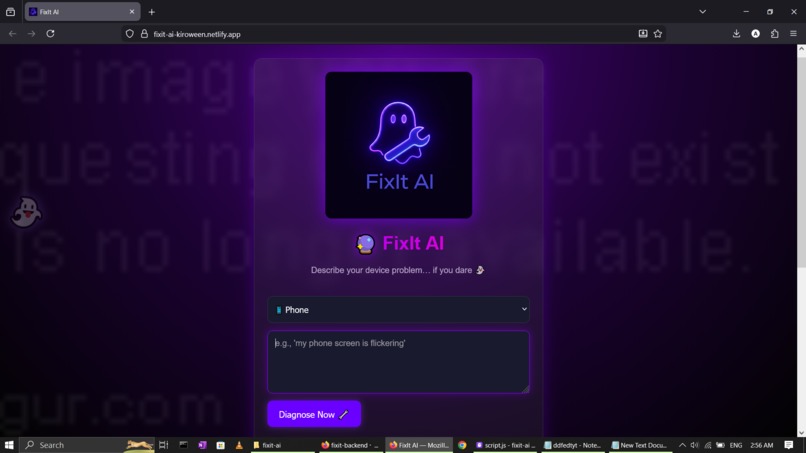
UI mockup
-
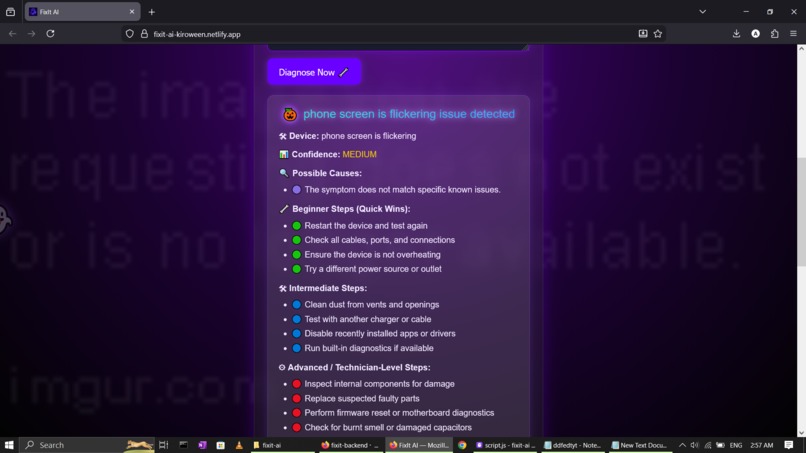
UI mockup
-
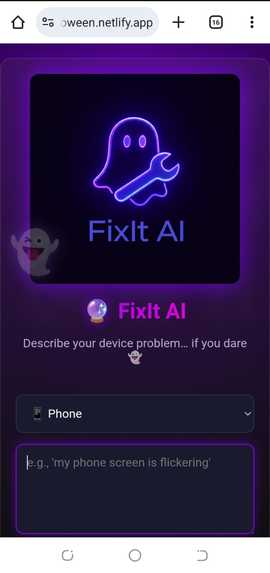
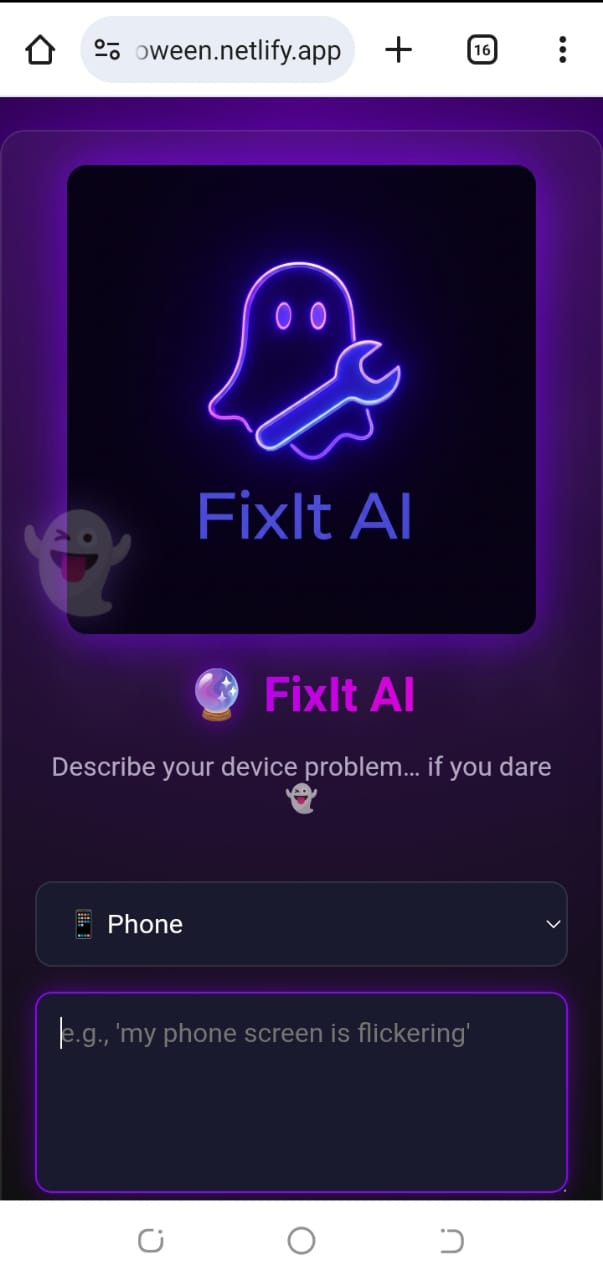
UI mockup (Mobile view)
-
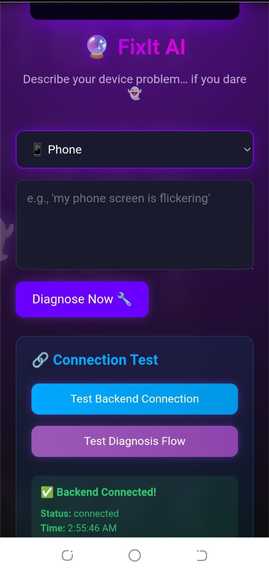
UI mockup (Mobile view)
-
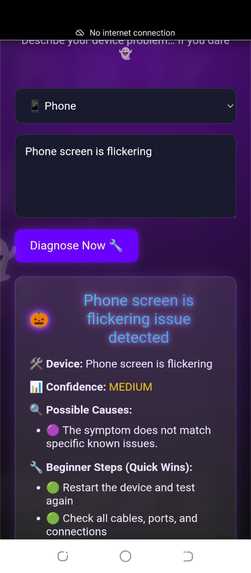
UI mockup (Mobile view)
-
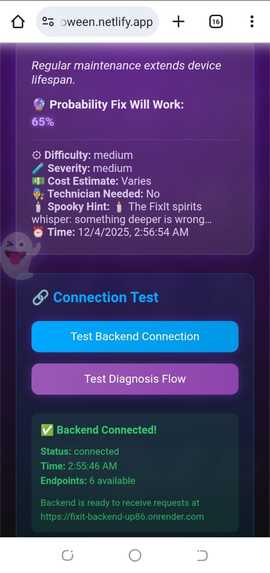
UI mockup (Mobile view)
-
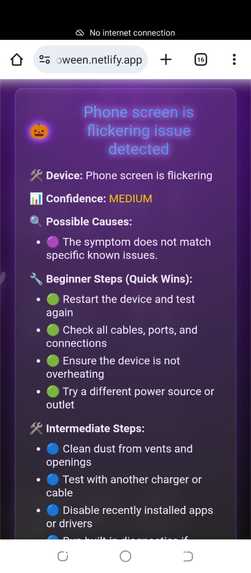
UI mockup (Mobile view)
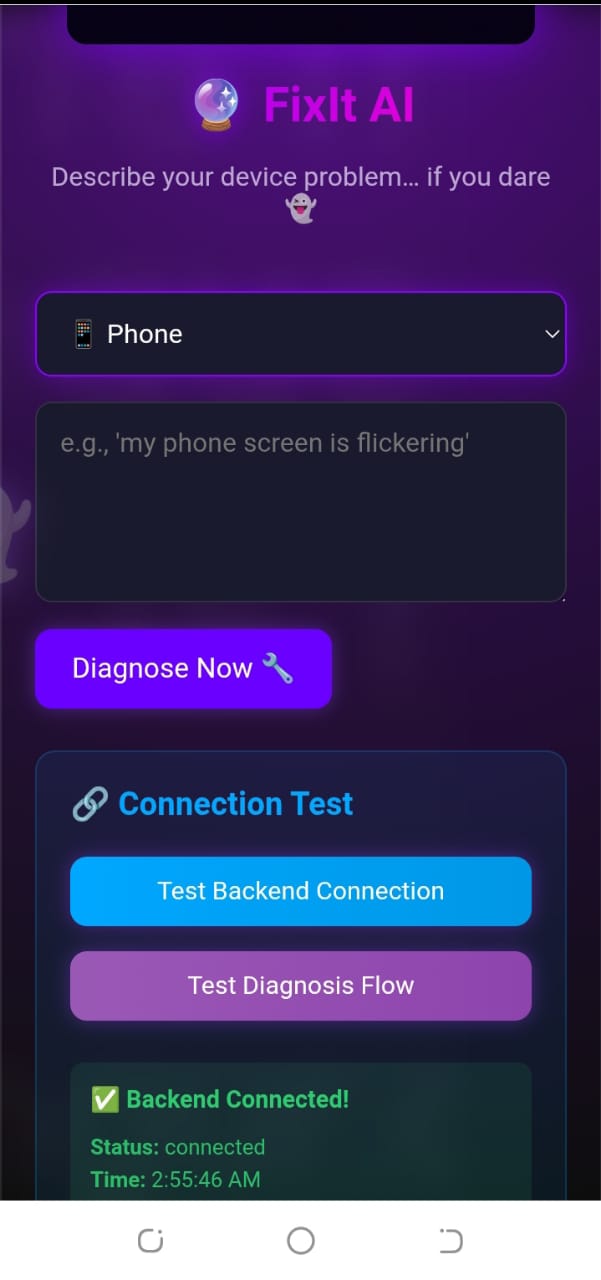
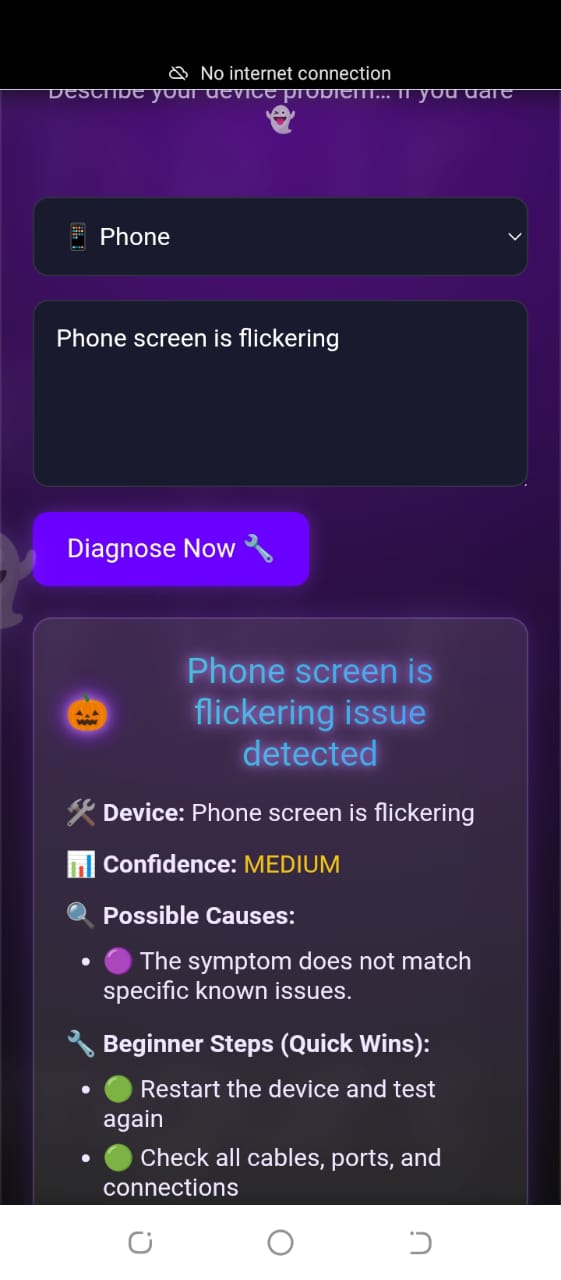
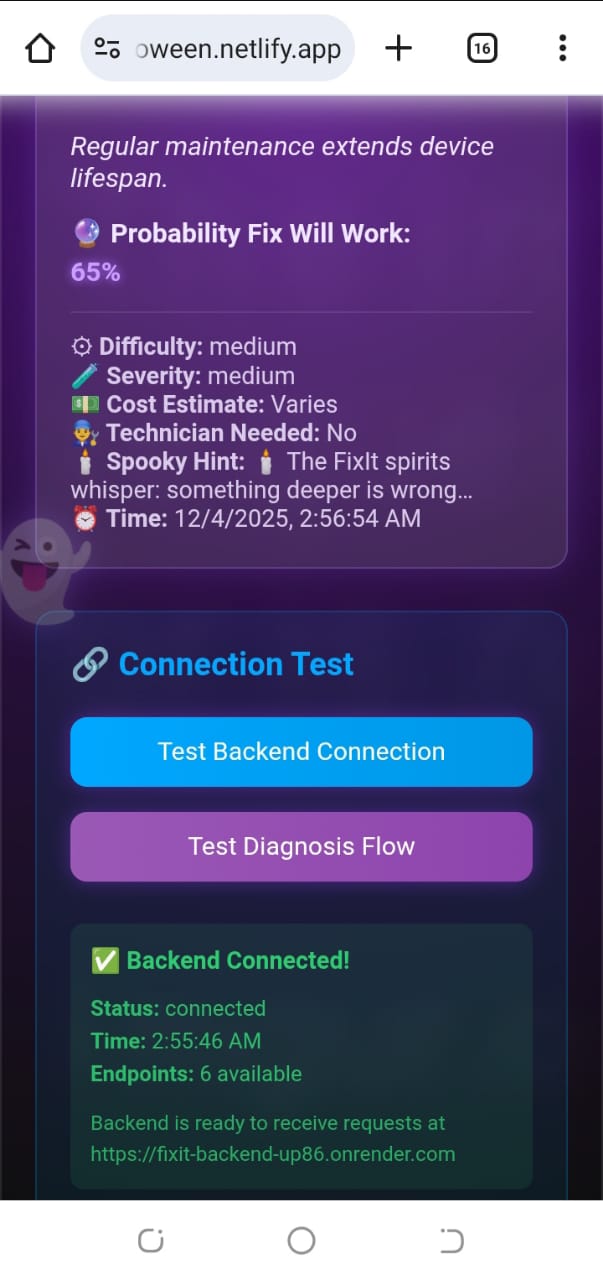
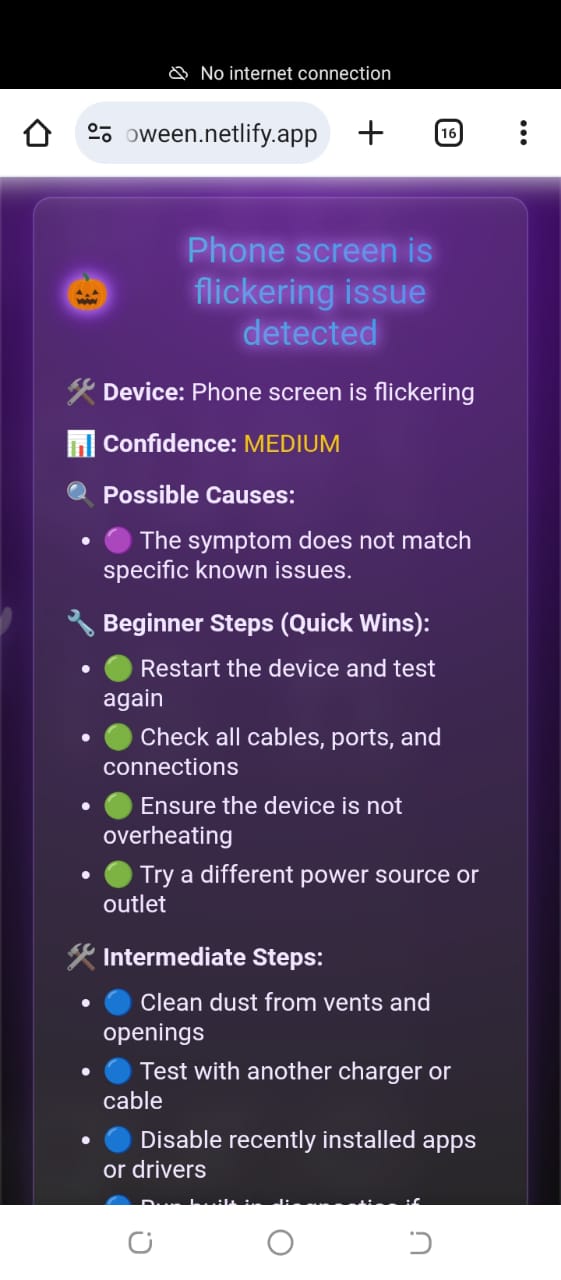
🎃 About the Project — The Story of FixIt AI
Every hackathon has one project that comes from a place of necessity, not convenience. FixIt AI is that project.
I built FixIt AI because where I live in Ghana, getting a device repaired can be frustrating, expensive, slow, and in many cases — unnecessary. Many repairs don’t need a technician. Many issues could be fixed at home. But the knowledge doesn’t exist in one place. And for people who can’t afford repeated repair fees, a simple malfunction becomes a crisis.
During Kiroween, I wanted to build something more meaningful than just a themed app. I wanted to build a tool that would:
🔸 save people money 🔸 diagnose device problems instantly 🔸 reduce e-waste 🔸 empower first-time users with repair literacy 🔸 and still fit the spooky spirit of the event
So FixIt AI was born — a Halloween-themed ghost assistant that “haunts your device problems away.”
🛠️ How I Built It
I structured my build process into 8 days:
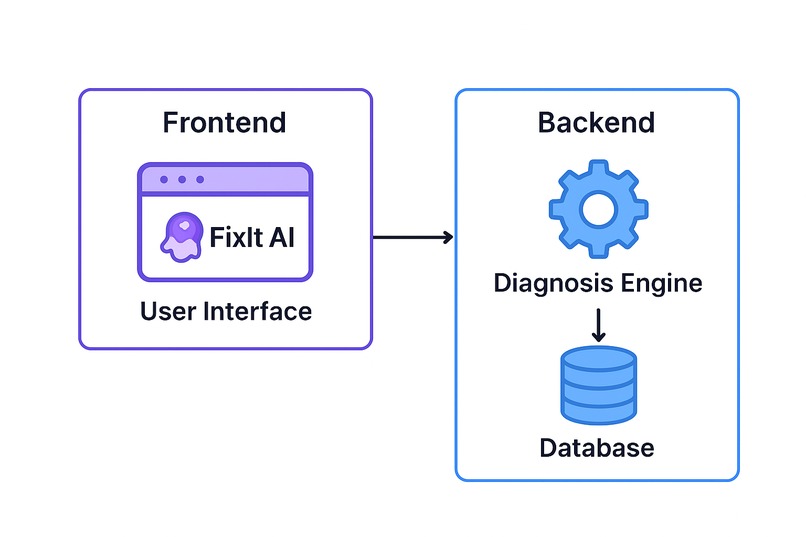
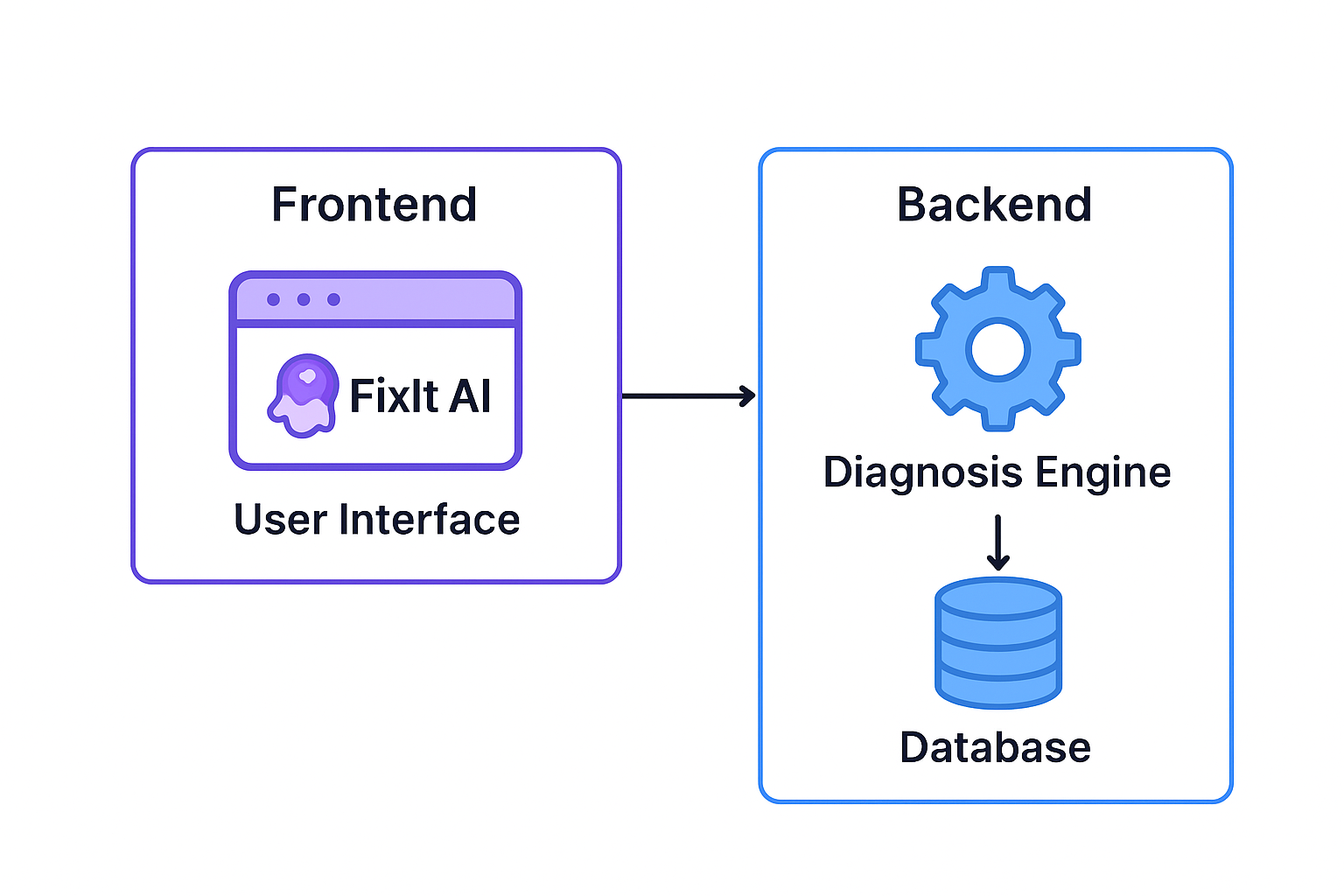
- Backend foundation — Express.js server, REST endpoints
- Diagnosis engine — multi-tier reasoning (beginner, intermediate, advanced)
- Frontend UI — dark spooky theme, ghost animations
- End-to-end connection — frontend ↔ backend
- AI refining — better prompts, structured outputs
- UI polish — gradients, glowing buttons, micro-animations
- Documentation + architecture
- Demo preparation
Everything was built from scratch: no templates, no drag-and-drop tools — just pure full-stack development.
🧠 What Inspired Me
Ghanaian students and young people often don’t have access to affordable repair services. One broken phone can stop someone from learning, working, or even communicating.
I wanted to change that — even if it’s one user at a time.
Kiroween gave me the perfect push: a reason to combine creativity, AI reasoning, and technical execution.
⚙️ What I Learned 🔸 How to structure an AI-assisted diagnostic engine 🔸 How to build cleaner API pipelines 🔸 How to apply multi-tier repair reasoning 🔸 How to rapidly iterate using Kiro (vibe coding) 🔸 How to design for UX clarity under time pressure 🔸 How to deploy full-stack apps (Netlify + Render) 🔸 How to structure a spooky-themed interface that still looks professional
Most importantly: I learned that with the right tools and determination, even a solo developer can build something meaningful in under a week.
🧩 Challenges I Faced 🔸 Debugging CORS errors between Netlify and Render 🔸 Express failing to load on Render because of missing Node engine config 🔸 Designing a loader animation that fit the Halloween theme 🔸 Creating structured step-by-step repair guidance instead of generic AI output 🔸 Ensuring outputs feel human, not robotic 🔸 My laptop was having major issues like screen problems, lagging, etc. 🔸 Time pressure (I had only nine days left to finish everything since I heard of the hackathon late)
But through all of the chaos, Kiro became my “pair-programming ghost.”
Built With
- animation
- css
- express.js
- hosting
- html
- javascript
- json
- kiro
- netlify
- node.js
- python
- react
- render
- vite


Log in or sign up for Devpost to join the conversation.