Inspiration
Everyday technology problems can be frustrating. A Wi-Fi connection stops working, a printer refuses to print, an application crashes, or a computer suddenly becomes slow. Many people do not know where to start troubleshooting and end up searching through long and confusing articles.
I wanted to build a tool that makes troubleshooting more approachable by turning it into a simple, guided process.
That idea became FixFlow AI.
What it does
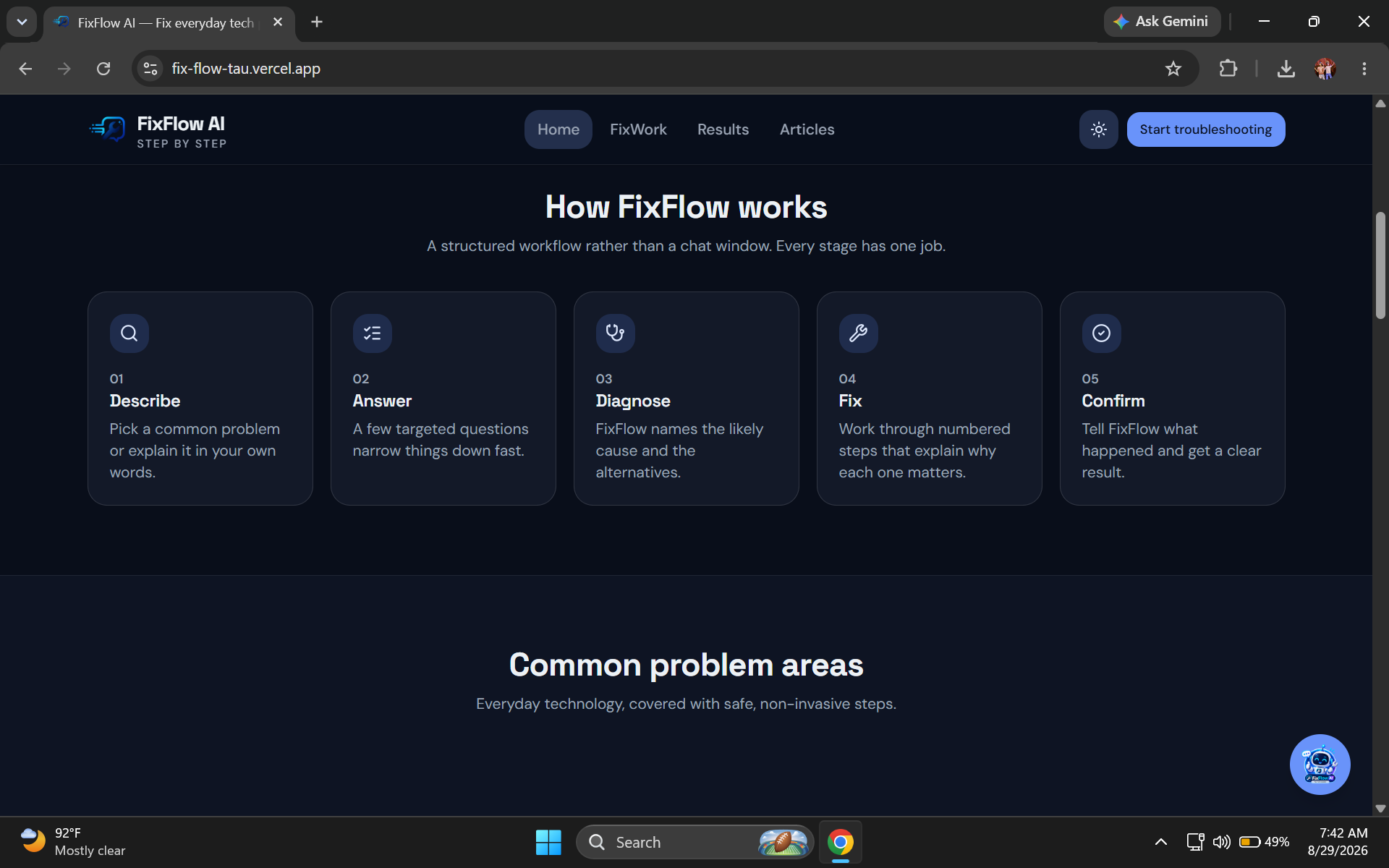
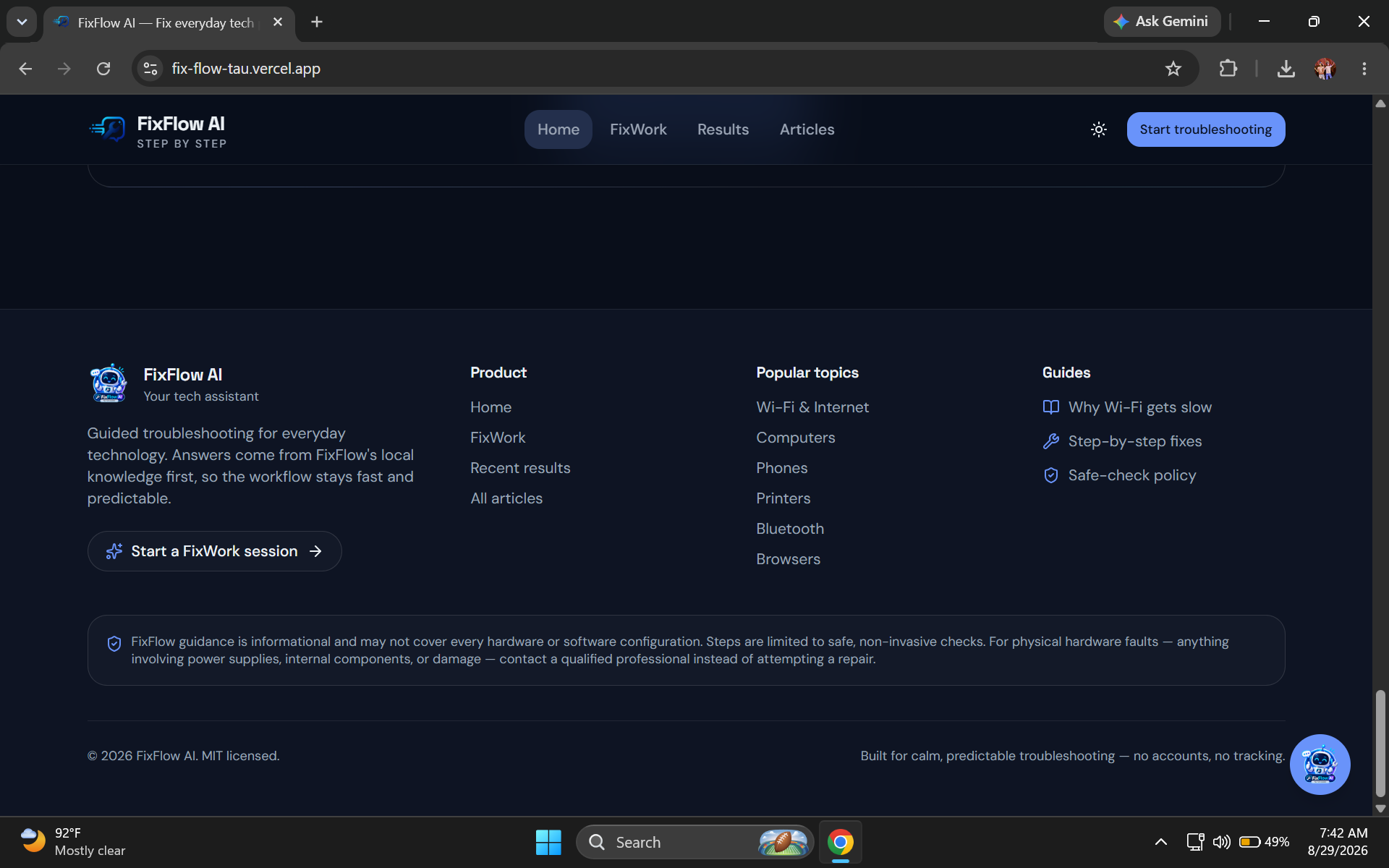
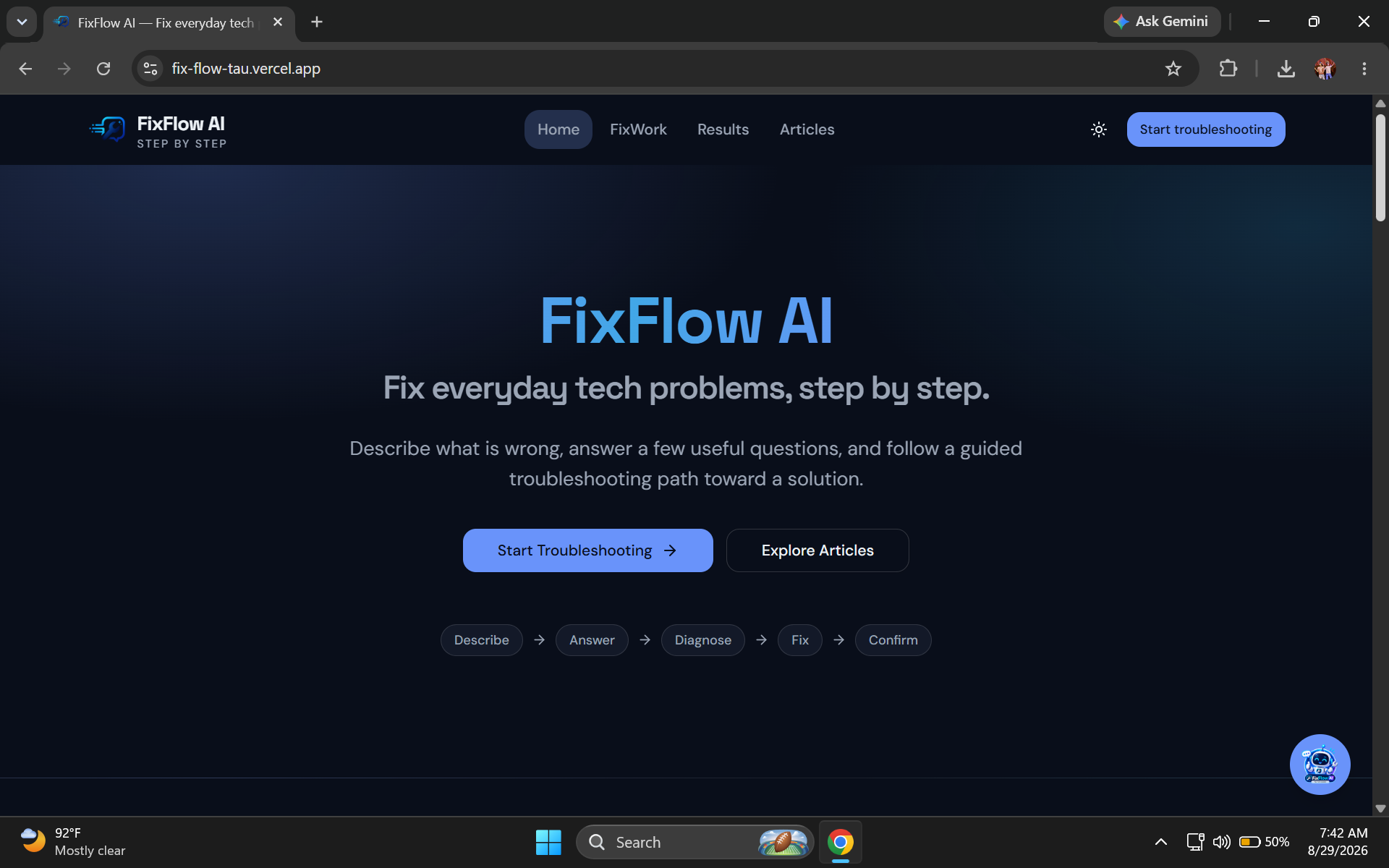
FixFlow AI is a guided troubleshooting platform for common everyday technology problems.
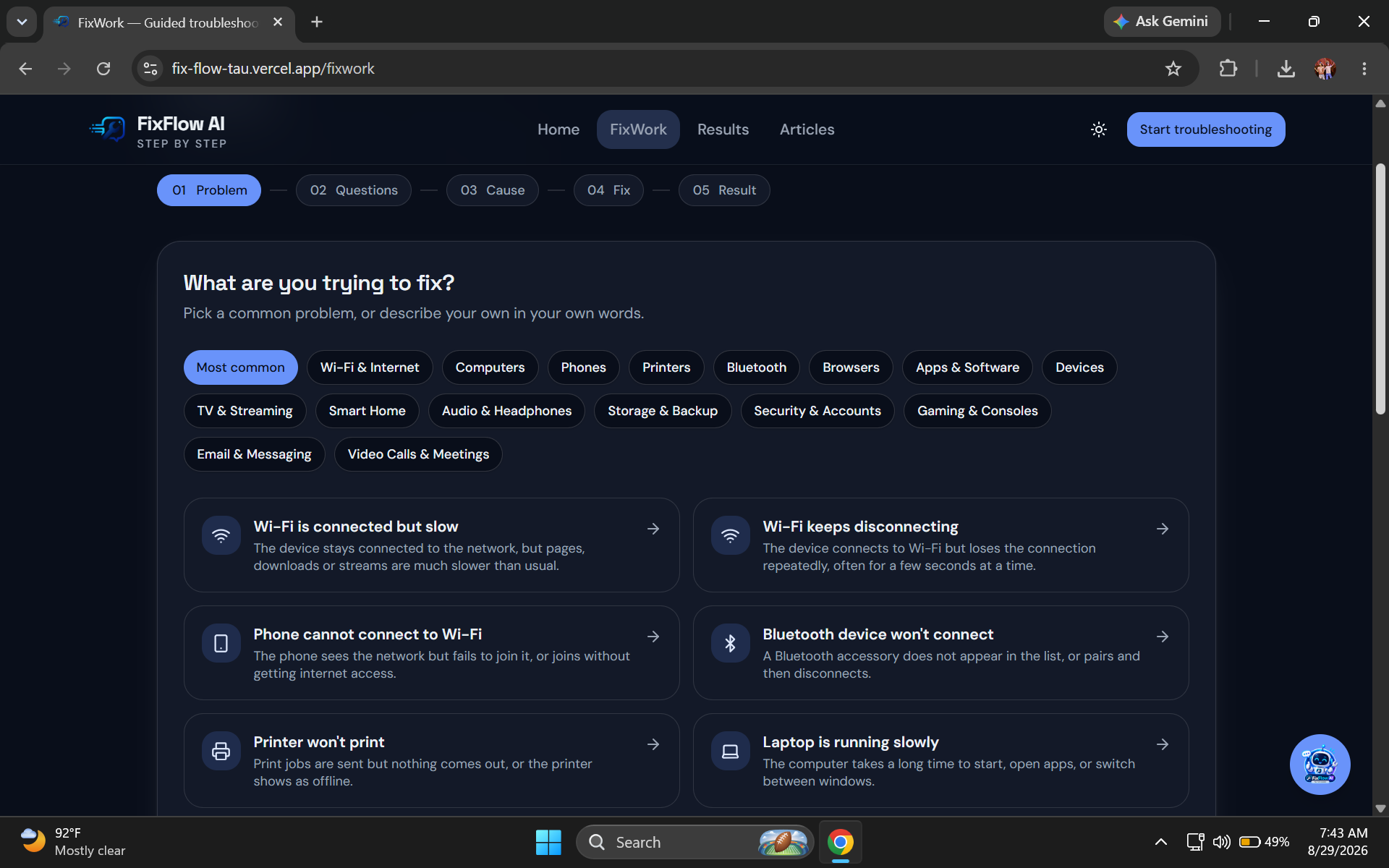
Instead of immediately giving users a large list of possible solutions, FixFlow walks them through a structured process:
- Describe the problem
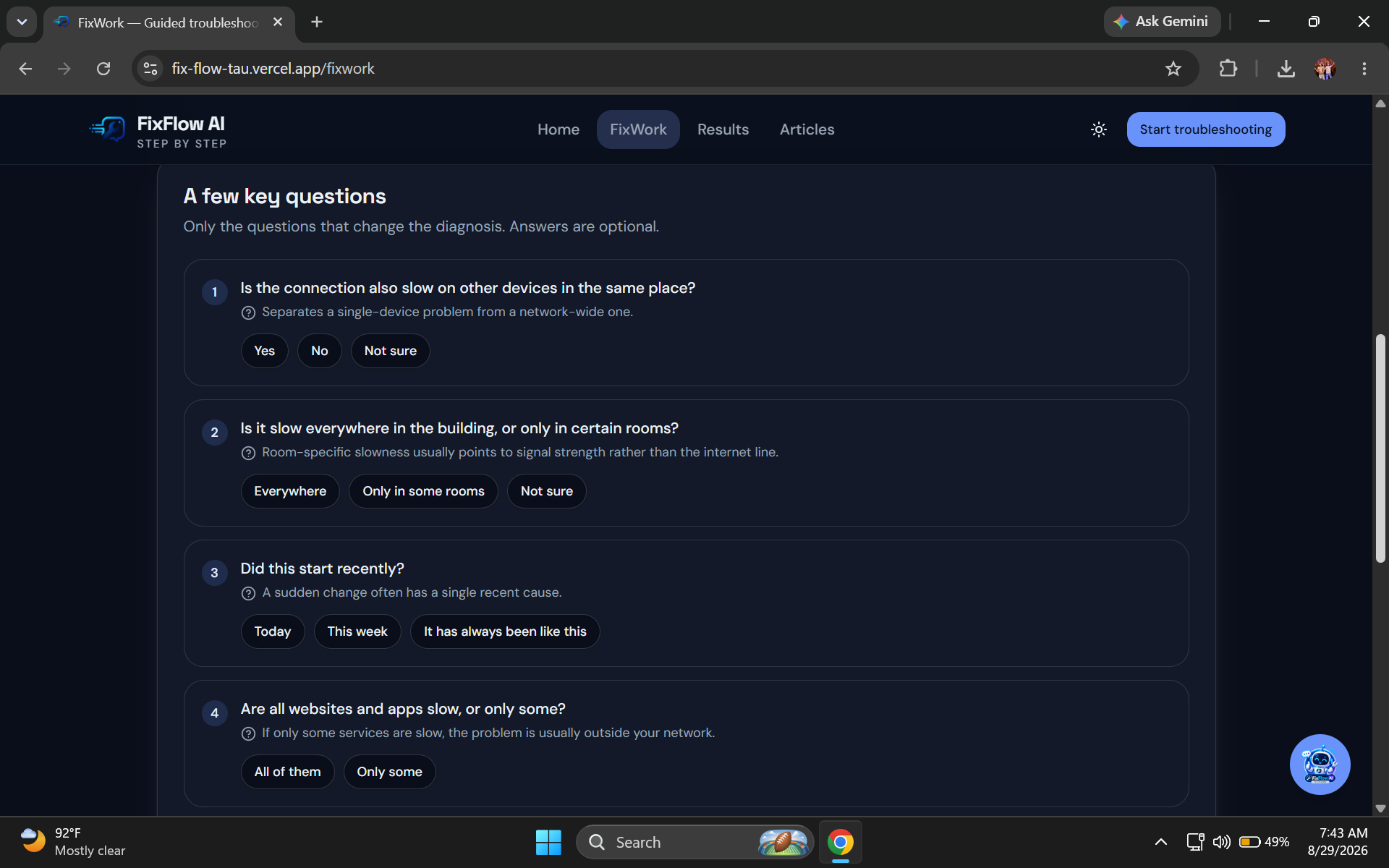
- Answer relevant questions
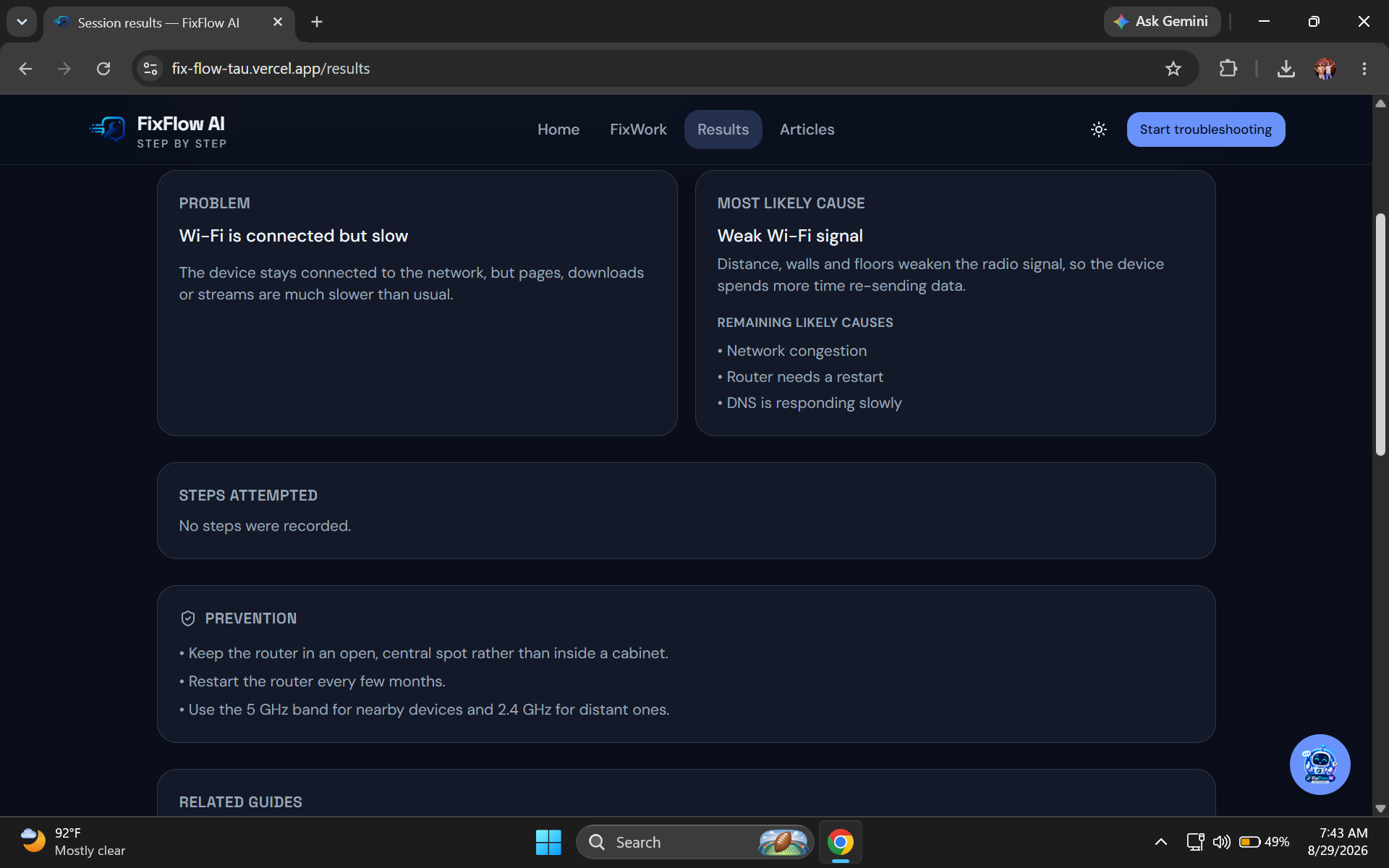
- Understand possible causes
- Try recommended fixes
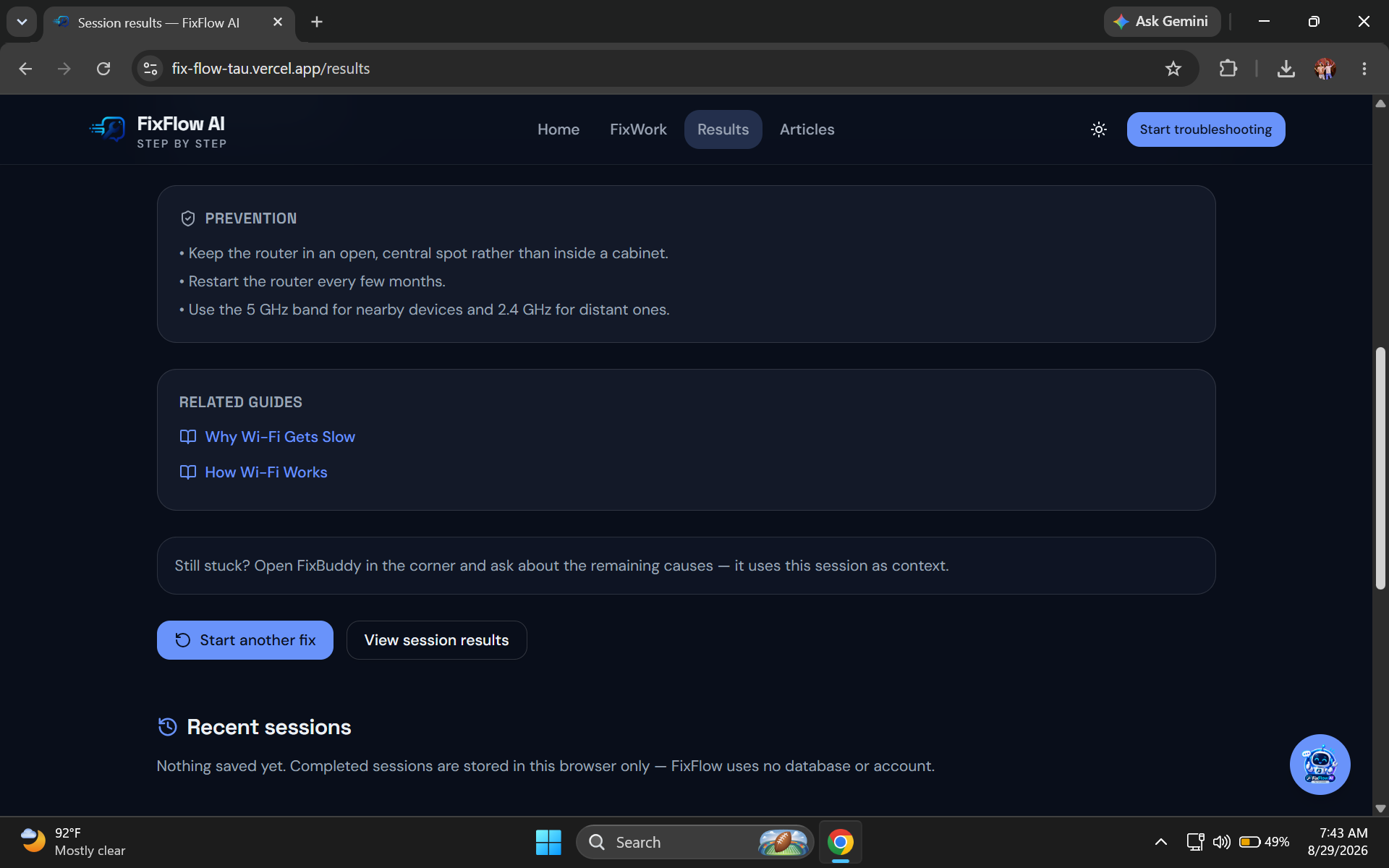
- Review the result
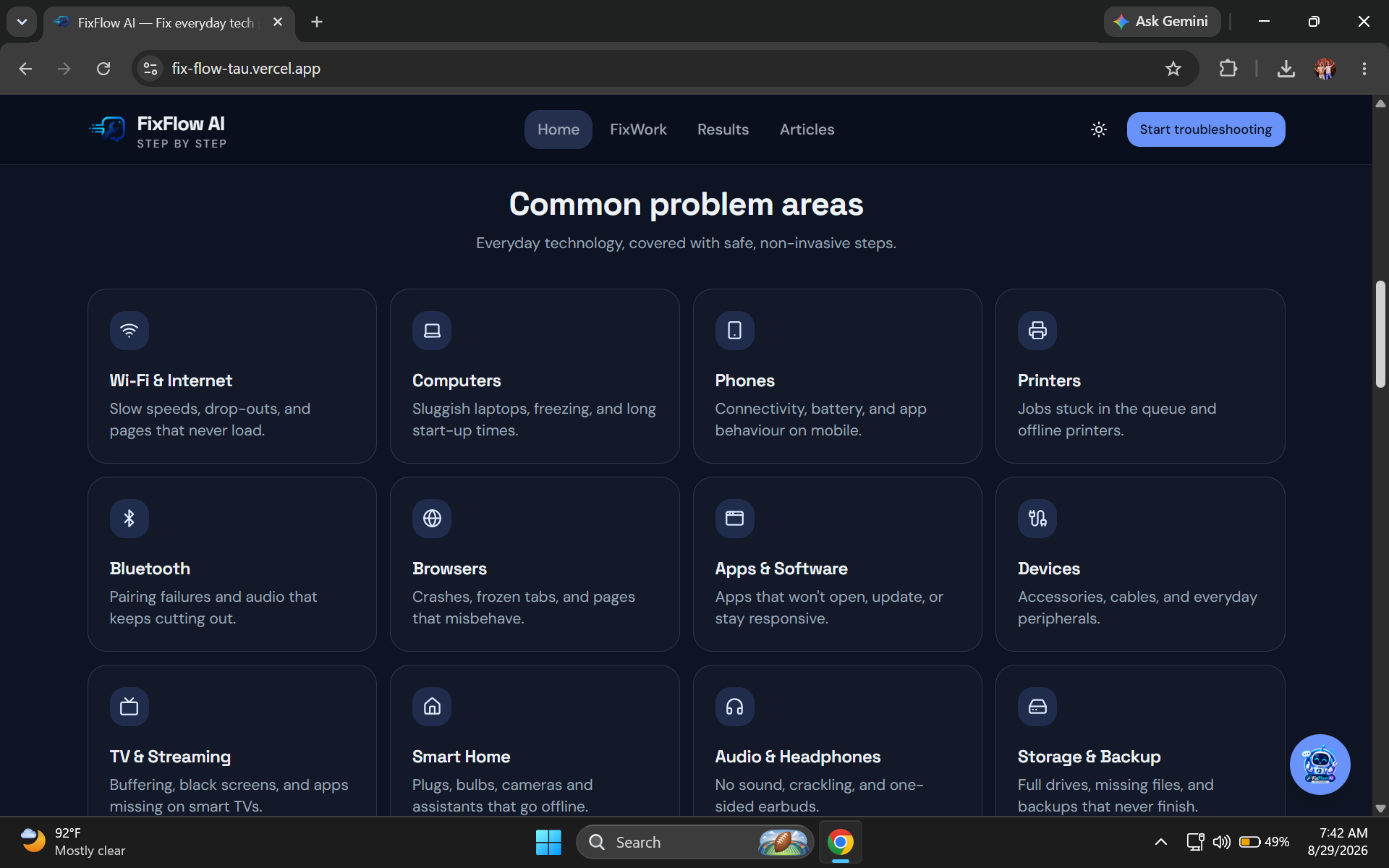
The platform includes a local troubleshooting knowledge base for common problems such as Wi-Fi issues, Bluetooth connectivity, printer problems, slow computers, browser crashes, and application problems.
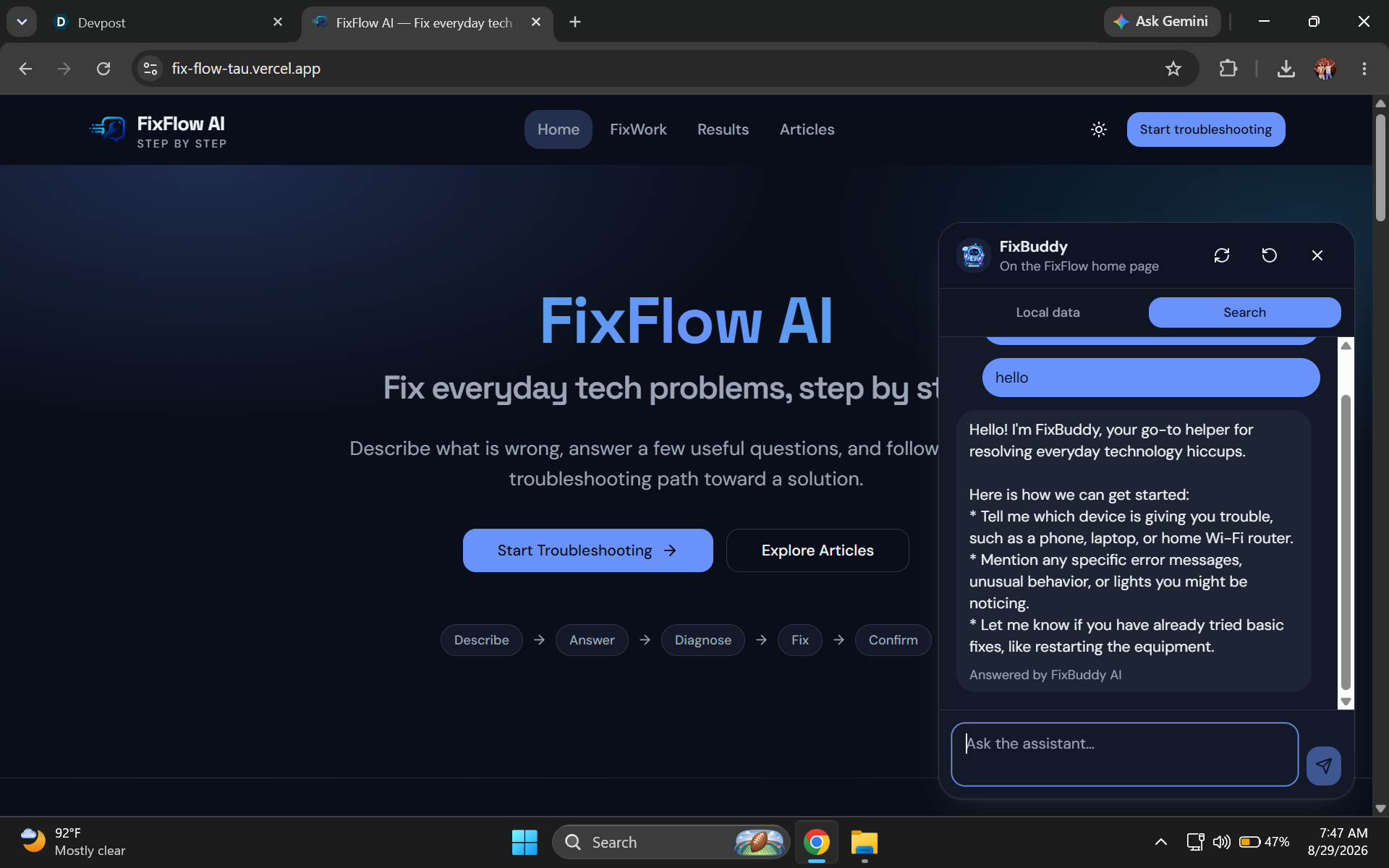
When the local knowledge base cannot provide a useful answer, FixFlow can use its AI assistant to help generate a concise troubleshooting response.
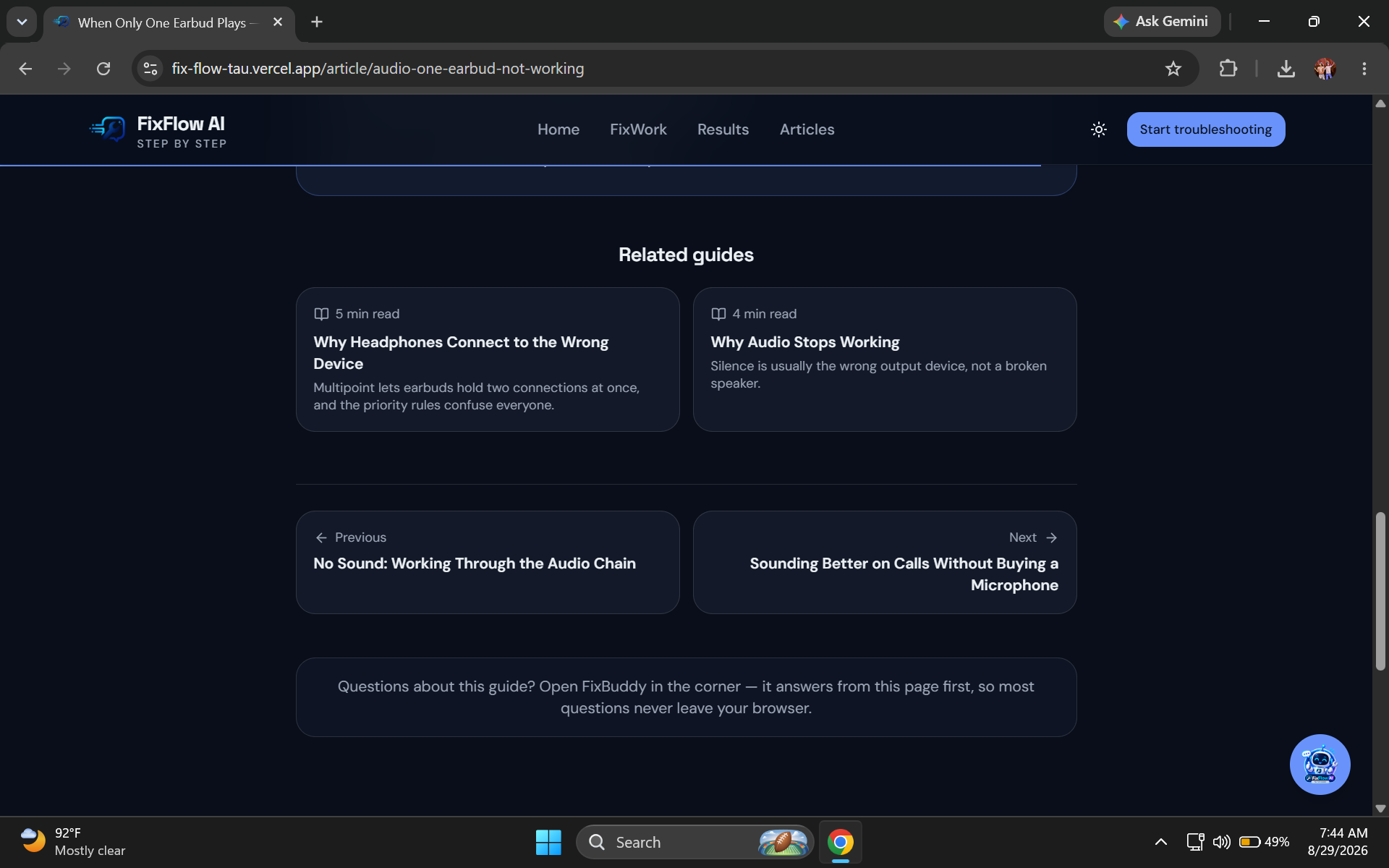
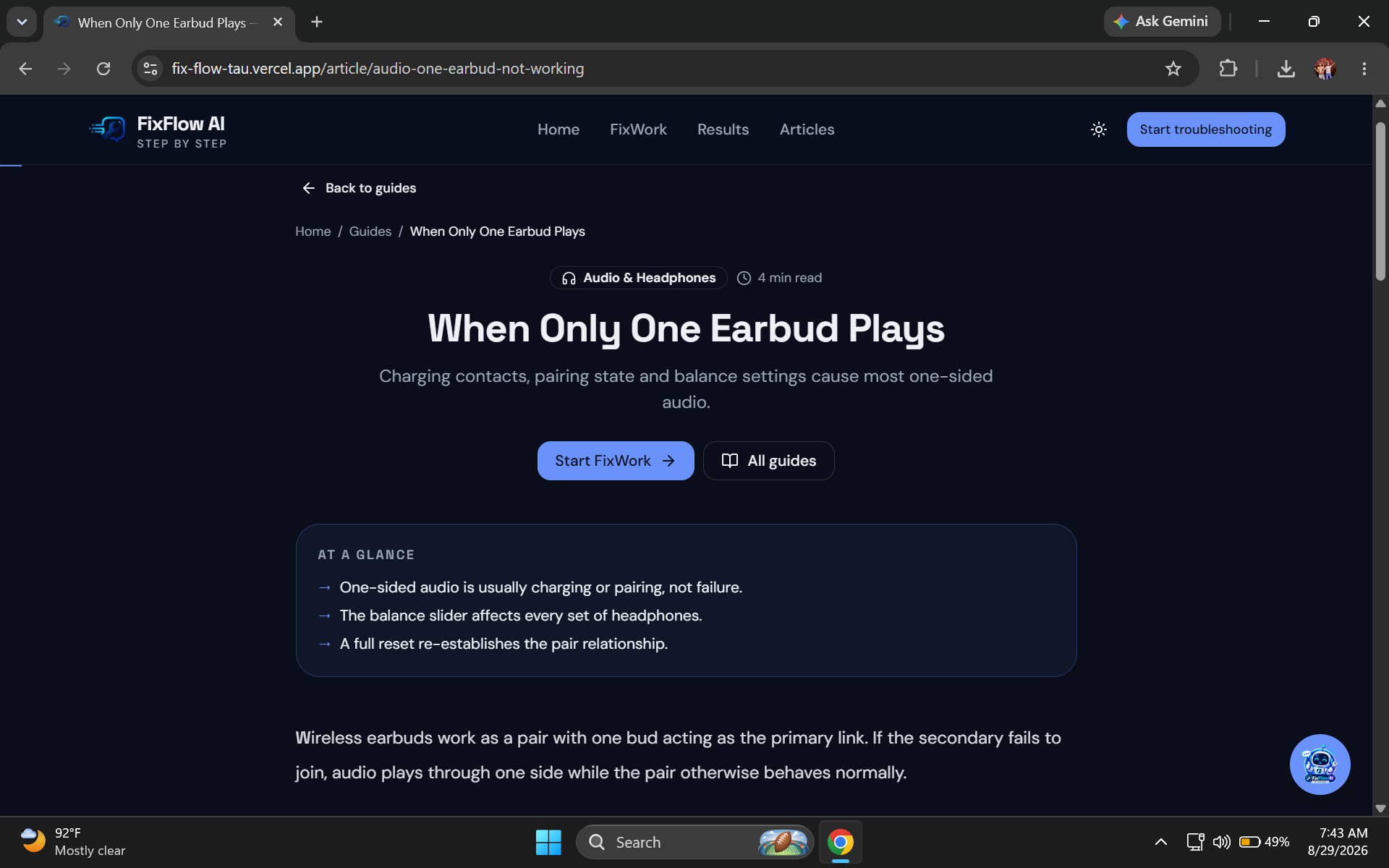
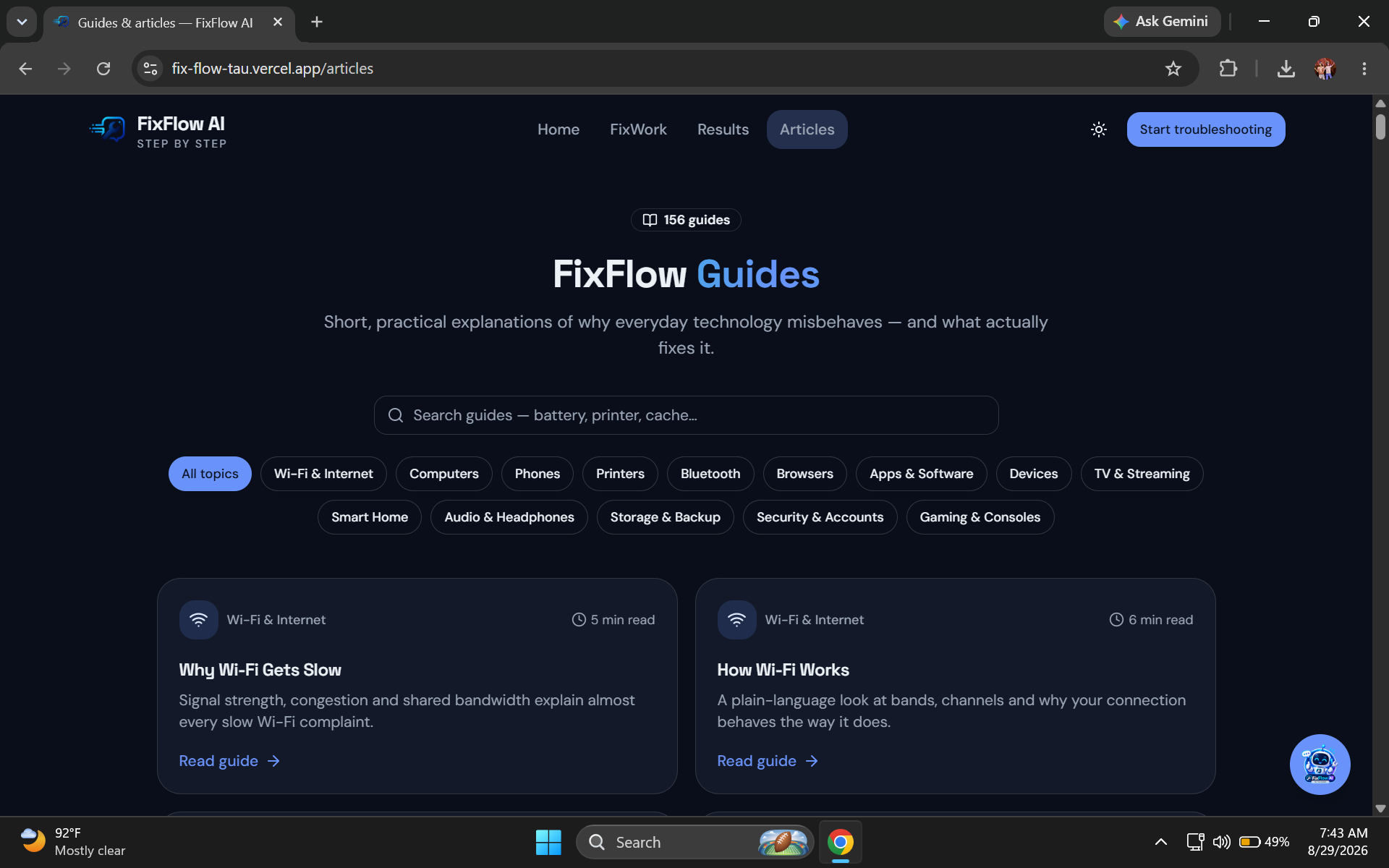
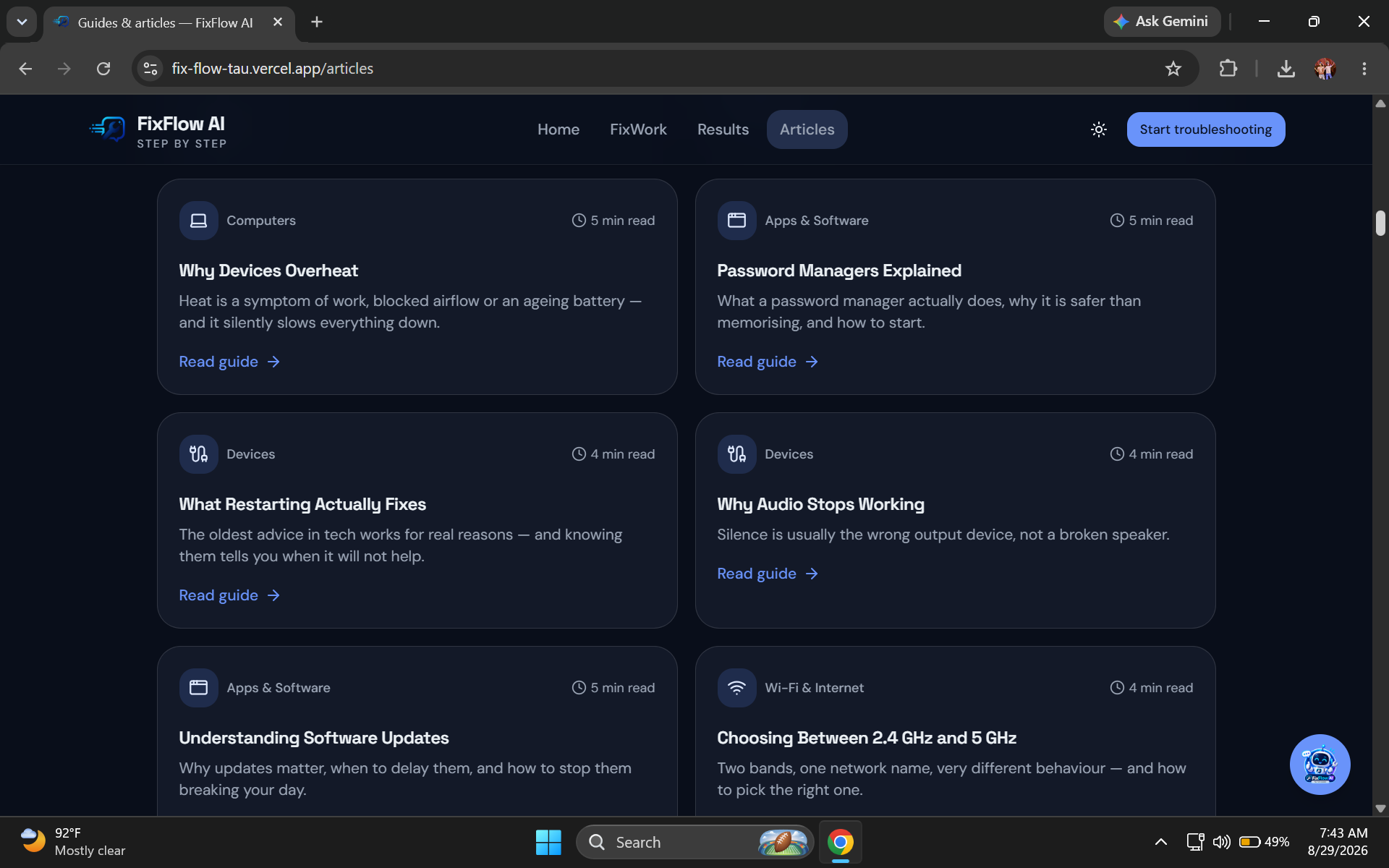
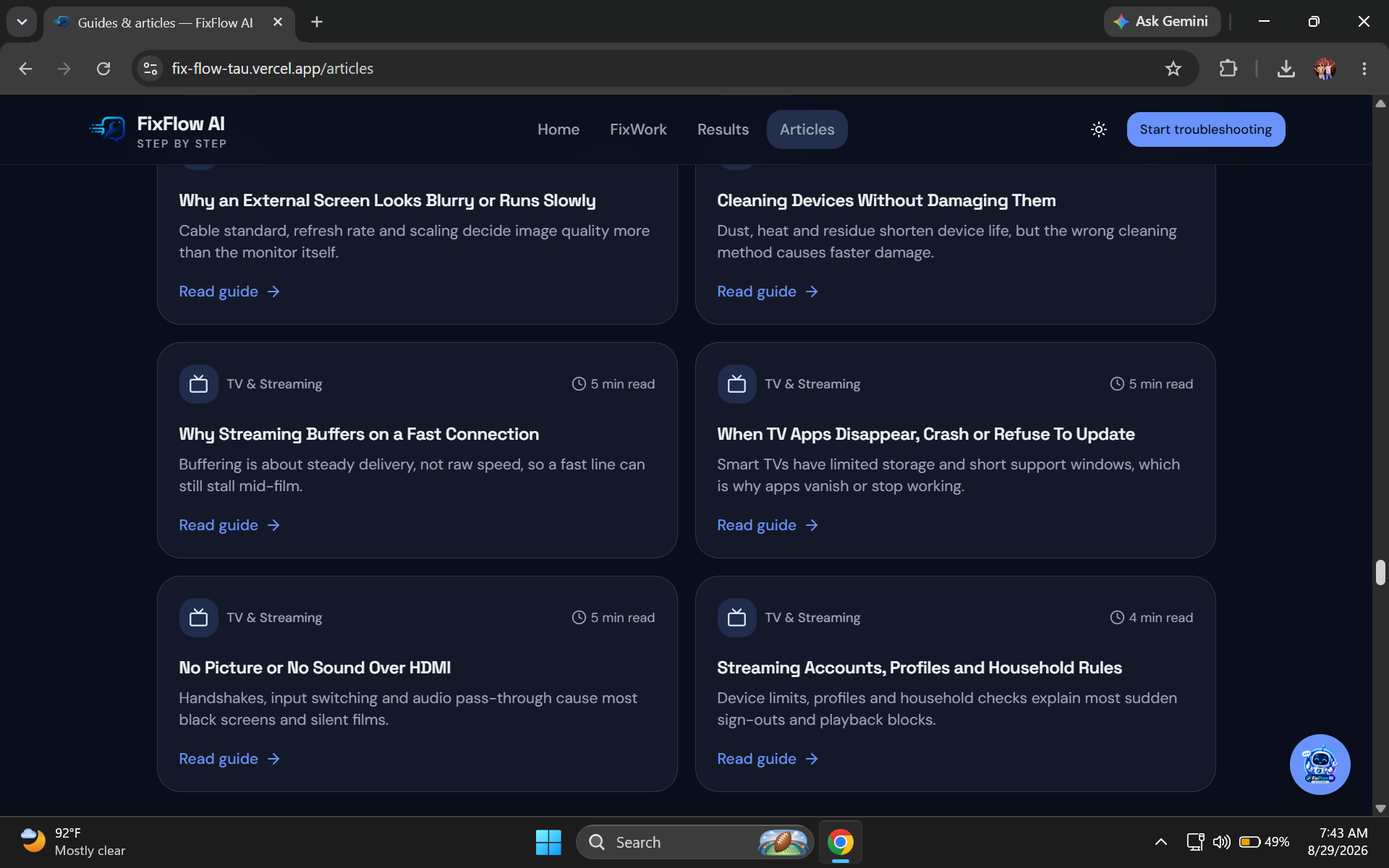
Users can also explore educational troubleshooting articles and move between articles and the guided FixWork experience.
How we built it
FixFlow AI is built as a responsive web application with a focus on simplicity and usability.
The application uses:
- React for the user interface
- TypeScript for application logic
- JSON-based local knowledge for troubleshooting information
- LocalStorage for saving troubleshooting sessions
- Gemini API for AI-powered assistance
- Zod for validating structured AI responses
- CSS design tokens for a consistent visual system
A key part of the architecture is the local-first troubleshooting system.
When a user asks about a common problem, FixFlow first checks its local troubleshooting data and educational articles. This allows many common questions to be answered without making an AI request.
If a suitable local answer cannot be found, the user can explicitly request AI assistance.
The AI integration is handled server-side so the API key is not exposed directly in the browser.
Challenges we ran into
One of the main challenges was designing troubleshooting as a process rather than simply displaying a large collection of solutions.
A good troubleshooting experience needs to ask useful questions, preserve the user's previous answers, provide understandable instructions, and clearly communicate whether a suggested step worked.
Another challenge was combining local knowledge with AI without making every interaction dependent on an AI request.
We solved this by creating a local-first architecture where structured troubleshooting data and articles are checked before using the AI service.
We also had to consider failure cases such as missing AI configuration, network problems, invalid AI responses, and unavailable local storage.
Accomplishments that we're proud of
We are proud of turning troubleshooting into a guided experience instead of a traditional search-and-read workflow.
Some key accomplishments include:
- A complete multi-stage FixWork troubleshooting flow
- Local troubleshooting knowledge that works without AI
- AI assistance for questions outside the local knowledge base
- A global assistant available throughout the application
- Persistent troubleshooting session history
- Educational troubleshooting articles
- Related articles and problems
- Responsive design for different screen sizes
- Clear success and unresolved outcomes
- Friendly error handling and Demo Mode when AI is unavailable
What we learned
This project taught us that a useful AI application does not need to send every interaction to an AI model.
Combining structured local knowledge with AI can make an application faster, more predictable, and more efficient.
We also learned how important the user experience is when designing troubleshooting tools. Users need clear questions, understandable actions, visible progress, and an obvious next step.
Most importantly, we learned that AI works best when it is integrated into a well-defined workflow rather than being used as a replacement for the entire application.
What's next for FixFlow AI
We want to continue expanding the troubleshooting knowledge base with more everyday technology problems.
Future versions could include more personalized troubleshooting paths, additional device categories, improved article recommendations, multilingual support, and better learning from anonymous troubleshooting patterns.
The long-term goal is to make FixFlow AI a simple starting point whenever someone encounters an everyday technology problem.
Built With
- ai
- api
- app
- css
- design
- gemini
- html
- javascript
- json
- learning
- localstorage
- machine
- react
- responsive
- typescript
- vite
- web
- zod



Log in or sign up for Devpost to join the conversation.