Inspiration
When something stops working, people often don't know where to start troubleshooting. Searching for solutions usually means going through long articles, watching unrelated tutorials, or trying random fixes.
We wanted to make that process more focused and interactive.
That's why we built Fixflow — an AI-guided troubleshooting assistant that helps users narrow down possible causes through a conversational diagnostic process.
What it does
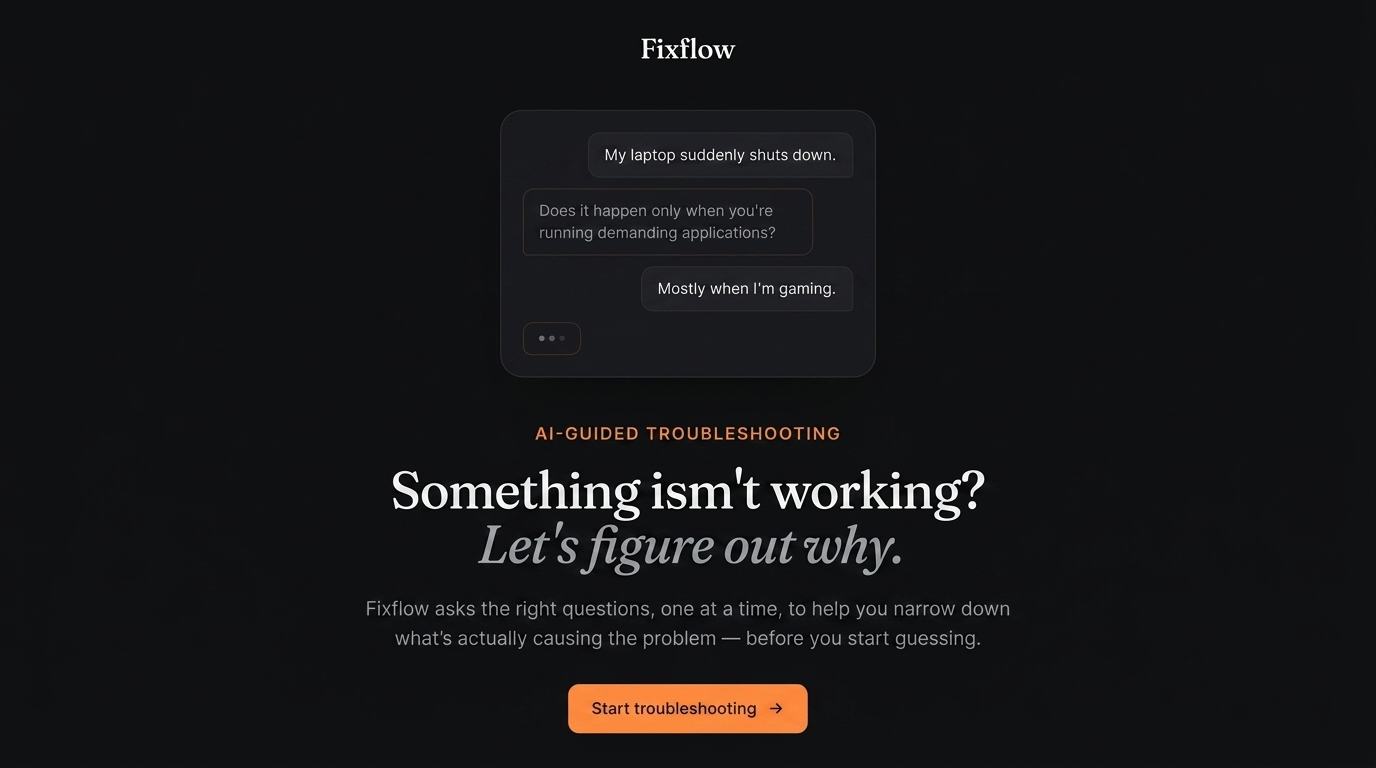
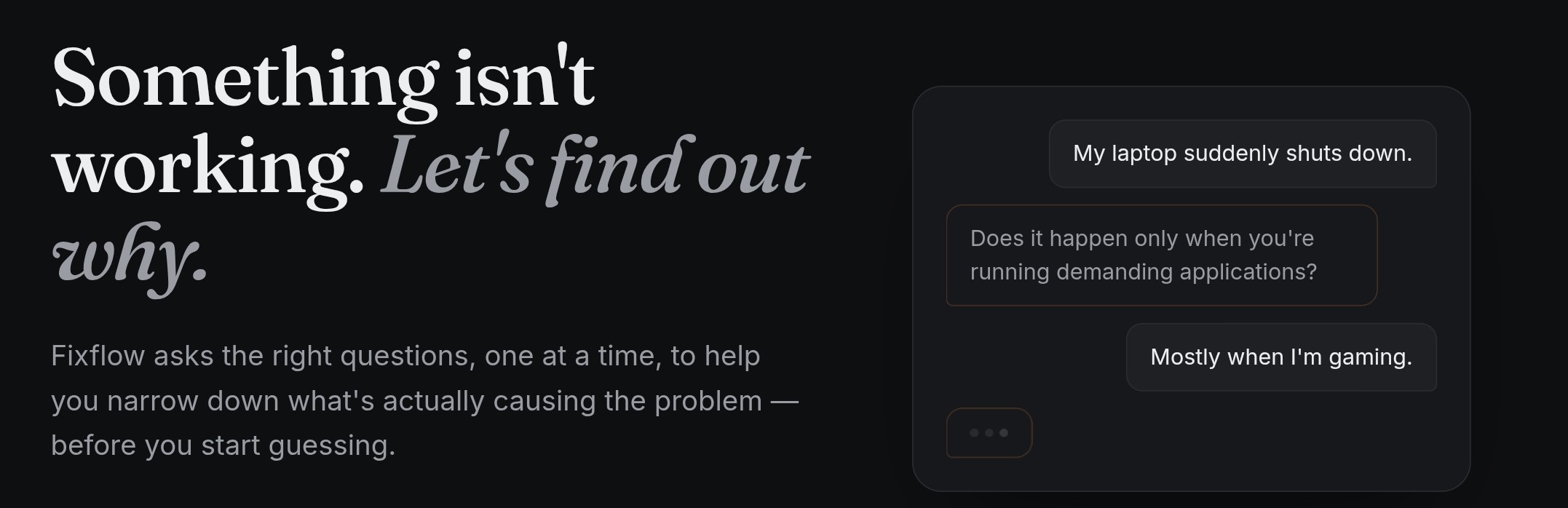
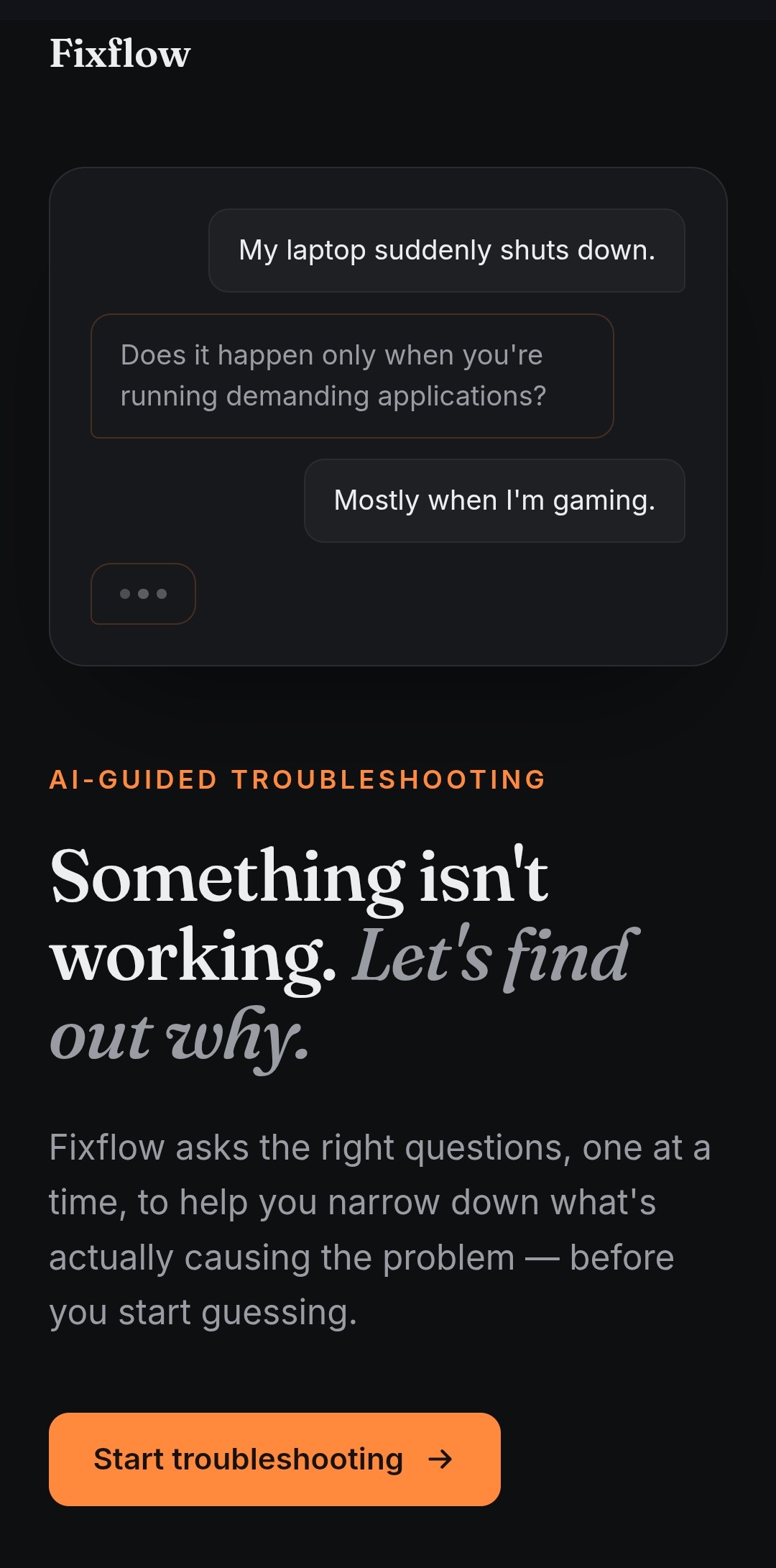
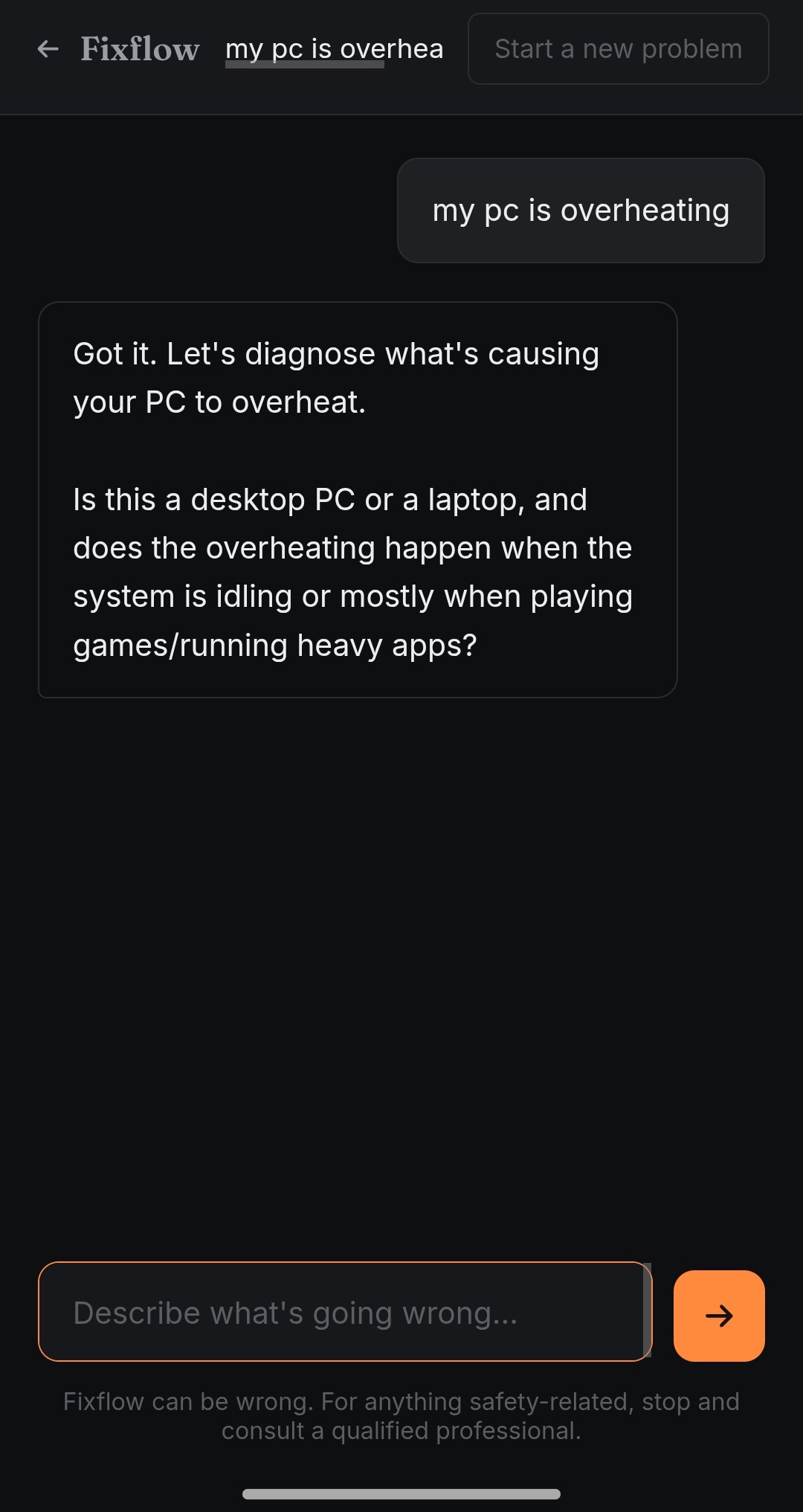
Instead of immediately giving users a long list of possible solutions, Fixflow asks focused follow-up questions based on the problem and previous answers.
For example:
"My laptop is overheating."
Fixflow may ask whether the overheating happens during heavy tasks or even while the laptop is idle. Each answer helps narrow down the possible causes and guides the user toward an appropriate next step.
The goal is simple:
Something isn't working? Let's figure out why.
How we built it
Fixflow is built as a lightweight client-side web application using vanilla HTML, CSS, and JavaScript.
The application communicates with an AI endpoint through a simple API layer. Conversation sessions are maintained using a session ID, allowing the AI to preserve context across multiple troubleshooting questions.
We also implemented local persistence so users can refresh the page without immediately losing their current troubleshooting conversation.
The interface was designed around the idea of "narrowing down" a problem, which is represented visually through the diagnostic trail alongside the conversation.
Challenges
One of the main challenges was making the AI feel like a troubleshooting system rather than a generic chatbot.
We designed the AI instructions to encourage focused questions, use previous conversation context, avoid claiming certainty when the cause is unknown, and guide the user toward practical next steps.
Another challenge was keeping the application simple while still making the experience feel like a complete product. We decided to avoid unnecessary authentication, databases, and complex backend infrastructure so we could focus on the core troubleshooting experience and user interface.
What we learned
Building Fixflow taught us how much the interaction design around an AI model matters.
A capable AI model can generate answers, but turning those answers into a structured experience requires careful prompting, state management, error handling, and thoughtful UI design.
We also learned how to build and deploy a complete AI-powered web application with a lightweight architecture and no build step.
What's next
Future versions of Fixflow could support richer diagnostic flows, image-based troubleshooting, specialized troubleshooting modes, and more structured diagnosis reports.
Built With
- css
- html
- javascript
- localstorage
- netlify
- restapi


Log in or sign up for Devpost to join the conversation.