-
-

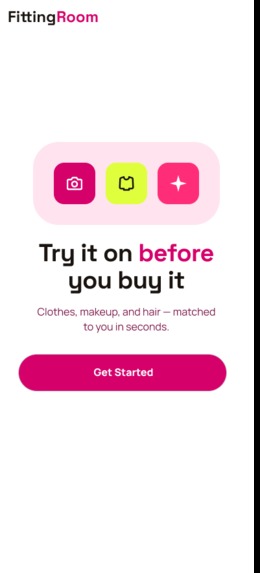
SPLASH
-
ONBOARDING
-
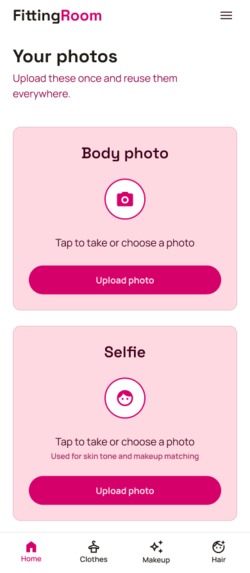
HOME
-
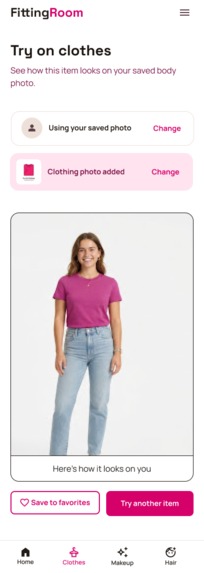
CLOTHES
-
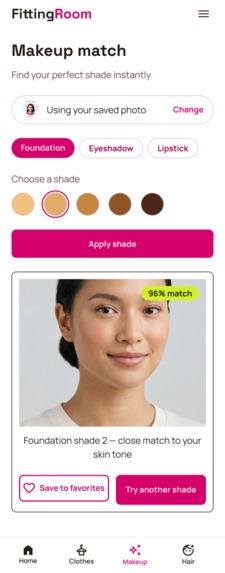
MAKEUP
-
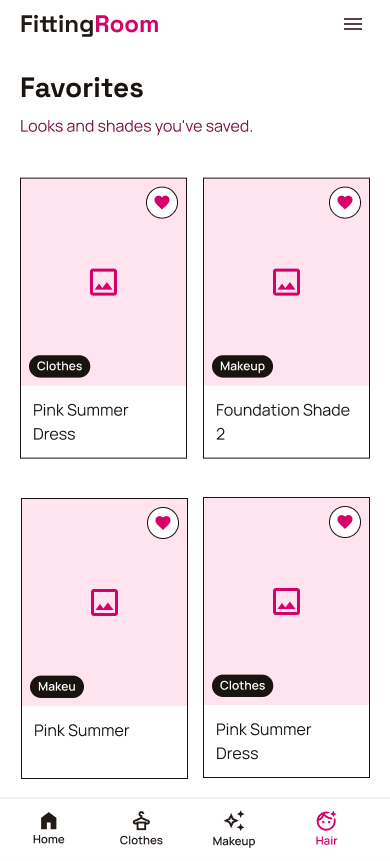
FAVORITES


Inspiration
As a UX/Product Designer, I'm constantly shopping — for clothes, for makeup, for inspiration — and I kept running into the same two frustrations. In a physical store, I often don't have time to try things on, but I still want to know if a piece will actually work before I buy it. Online, it's worse: I can't tell if a foundation shade or an eyeshadow color will actually suit my skin tone until it arrives — and by then it's too late. FittingRoom exists to answer "will this actually look good on me?" instantly, whether I'm standing in a store aisle or scrolling a shopping app at home.
What it does
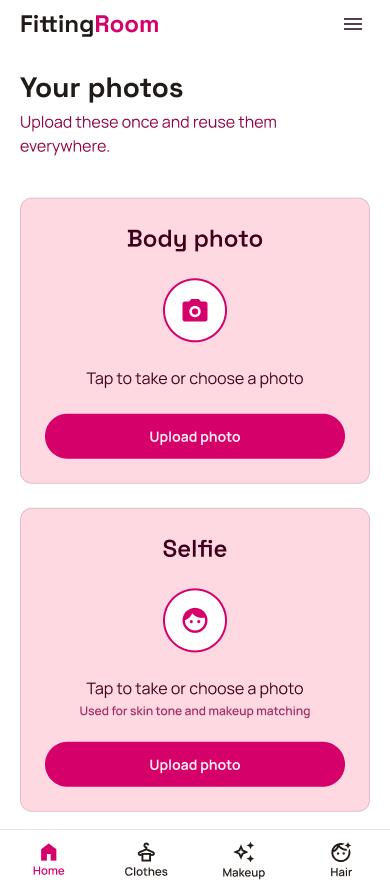
FittingRoom lets you upload a photo of yourself once, then:
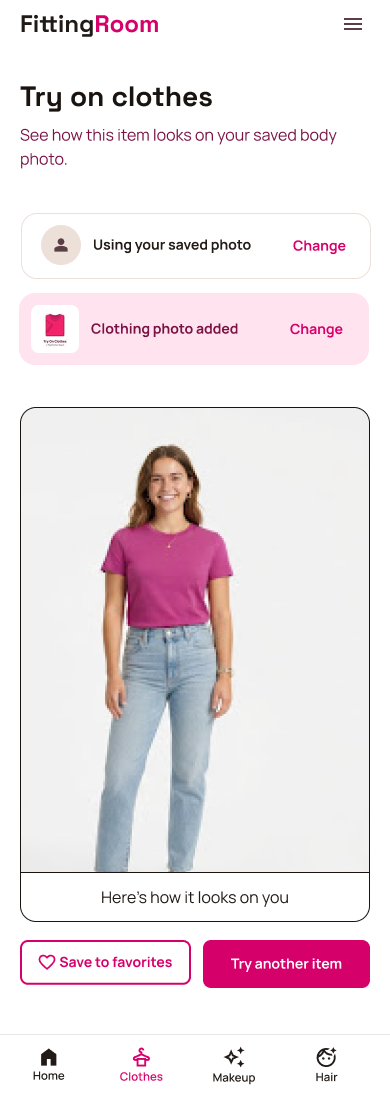
- Try on any clothing item by photographing it (in a store, online, wherever you found it) and see it rendered on your own body photo
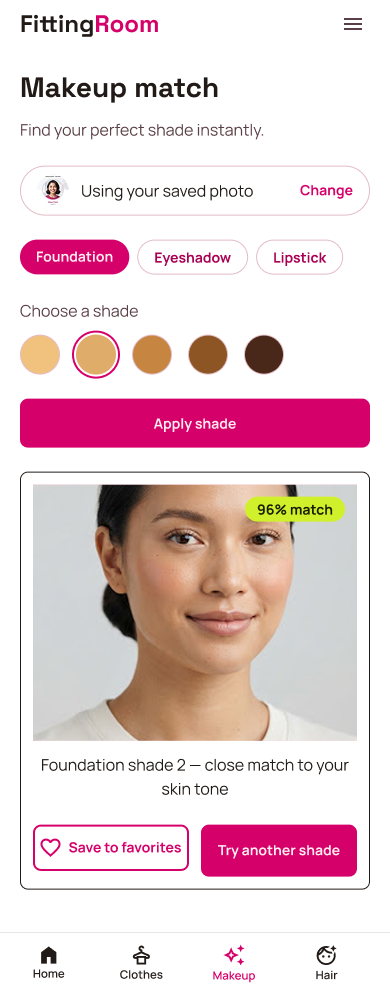
- Match makeup shades — foundation, eyeshadow, and lipstick — against a real analysis of your skin tone, with a match score so you know how close a shade actually is before buying it
- Preview a new hair color
- Try on accessories (hats)
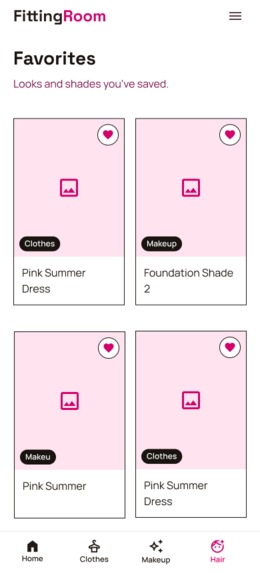
- Save any result to Favorites to revisit before deciding
Everything runs on a single saved photo, so you never have to re-upload — you just keep testing.
How we built it
I designed the entire product solo — screens, color system, typography, and logo — in Figma, using Stitch to explore initial layout directions before refining everything by hand. Development was "vibe-coded" end-to-end with Claude Code: every screen, API integration, and bug fix was built through natural-language instructions rather than hand-written code, with Claude Code also handling git commits and deployment to GitHub/Vercel automatically.
On the technical side, FittingRoom connects directly to four YouCam API endpoints — AI-Cloth for clothing try-on, AI-Skin-Tone-Analysis for skin tone detection, AI-Makeup-Virtual-TryOn for makeup effects, and AI-Hair-Color for hair previews — each following an upload → submit async task → poll for completion pattern, with authentication (Google + email/password via Auth.js) gating access.
Challenges we ran into
The biggest challenge wasn't the AI integration itself — it was the invisible infrastructure around it. Real phone photos are large, and we hit Vercel's 4.5MB serverless function payload limit almost immediately once testing moved from small reference images to actual full-resolution selfies taken on a real phone. The fix required rethinking the upload architecture entirely: instead of routing image bytes through our own server, the client now uploads directly to YouCam's presigned URL, bypassing the payload ceiling completely.
We also ran into a subtler issue: serverless function timeout limits killed slow-polling requests silently, producing a generic "lost connection" error with no indication of the real cause. Debugging this required building temporary, safely-gated diagnostic tooling to see exactly where time was being spent — upload, task submission, or polling — before we could identify and fix the actual bottleneck.
Accomplishments that we're proud of
Building a fully functional, end-to-end AI-powered product — solo, from initial concept through live deployment — in a matter of days is something I'm genuinely proud of, especially as a designer without a traditional engineering background. Every screen was intentionally designed before a single line of code was written, and every bug along the way was diagnosed with real evidence (server logs, timing data, actual API responses) rather than guesswork. The result is a product that feels cohesive and considered, not just a technical demo stitched together.
What we learned
I learned just how much of "AI product development" is actually about the unglamorous plumbing around the AI — authentication, payload limits, timeout budgets, error handling — rather than the AI call itself. I also learned to trust a process of verifying against real documentation and real API responses instead of assuming a fix based on partial information, which saved us from shipping incorrect authentication logic more than once.
What's next for FittingRoom
Next steps include persisting user accounts in a real database (the current MVP uses in-memory auth for speed), adding client-side image compression to make uploads faster and more consistent, expanding the accessories category beyond hats, and exploring a "complete the look" feature that combines clothing, makeup, and hair recommendations into a single cohesive suggestion.
Built With
- figma
- github
- javascript

Log in or sign up for Devpost to join the conversation.