-
-
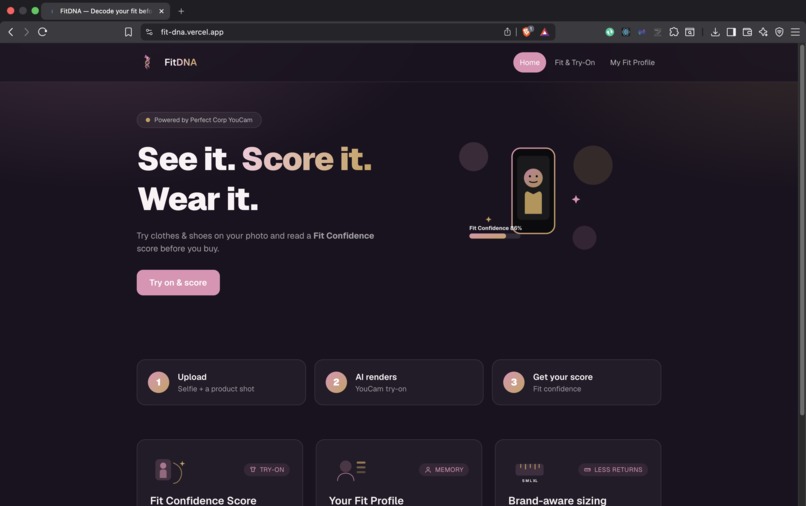
Home Page
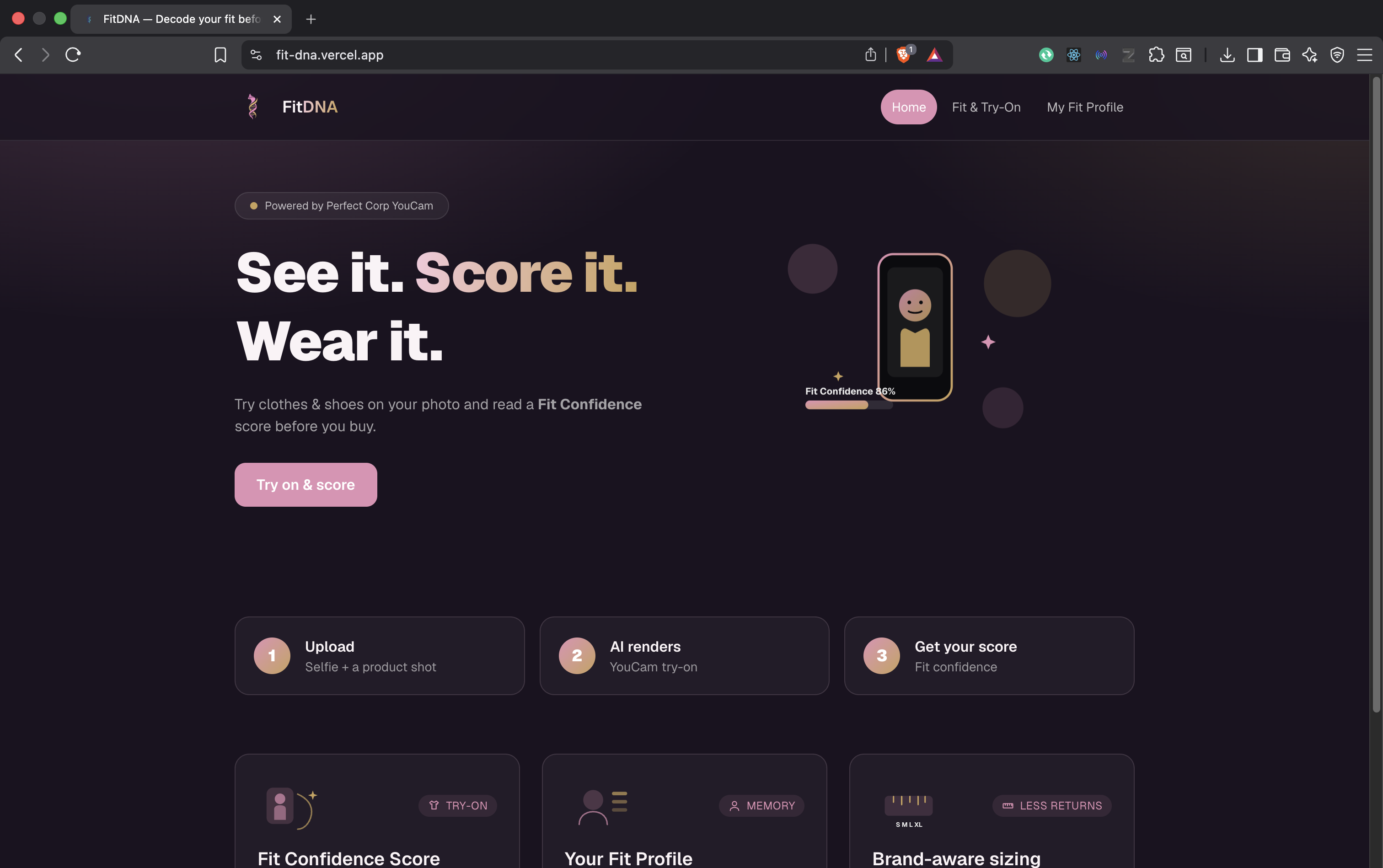
About FitDNA
Inspiration
Every online shopper knows the feeling: you order a shirt in your usual size, wait three days, try it on, and it's either a tent or a corset. Returns cost the fashion industry $428 billion annually, and for the shopper, it's a waste of time and trust.
The YouCam Apparel VTO API solves half the problem — it shows you what a garment looks like on your body. But seeing isn't knowing. A render tells you how it drapes, not whether the shoulders will pull across your back or if the waistband will gap. FitDNA was born from that gap between visual and fit.
We wanted to answer one question: "Will this actually fit me?" — not as a guess, but as a number backed by data.
What It Does
FitDNA is a two-layer product:
See it — Upload a selfie + a garment photo. The YouCam API returns a photorealistic try-on render of you wearing that garment (clothes and shoes).
Score it — FitDNA compares your body measurements (bust, waist, hips, shoulder, height) against the brand's official size chart and computes a 0–100 Fit Confidence Score with a recommended size, per-size score breakdowns, and plain-language reasons like "Waist may run tight by ~3cm at size M."
Every try-on is saved to a personal Fit Profile where you can keep or reject results. Over time, it learns what sizes and brands work best for you.
How We Built It
Stack: Next.js 16 (App Router) + TypeScript + Tailwind CSS v4. Deployed on Vercel.
The YouCam API calls happen server-side in Next.js Route Handlers so the API key never reaches the client. Images are hosted on ImgBB to give YouCam publicly reachable URLs (required by the task API).
The fit scoring engine (lib/fitscore.ts) is custom logic:
- Normalizes brand size charts into a common numeric scheme
- For each size, computes how far the user's measurements sit from the brand's ideal per-keyword tolerance
- Picks the best-fitting size and converts closeness into a 0–100 confidence score
- Generates plain-language fit reasons
Architecture:
Client → POST /api/tryon → ImgBB upload → YouCam task create → taskId
Client → poll GET /api/tryon/status → YouCam status → resultUrl
Client → POST /api/fitscore → Fit Confidence engine → verdict
Challenges We Faced
1. YouCam API field names. The status response returns results (plural), not result — a single character that cost hours of debugging. The result URL was being parsed as undefined silently.
2. Image hosting. YouCam's task API requires publicly reachable image URLs, not file IDs, for this account tier. We pivoted from the File API to ImgBB hosting mid-integration.
3. Stale closures in React. The polling callback captured a stale copy of the history state, causing the try-on entry to be written to localStorage and then immediately overwritten by the stale data. The entry vanished. We fixed it with a useRef to track the latest state.
4. Client-side hydration mismatch. A browser extension (crxlauncher) injected an attribute onto <html> that didn't match the server render. The fix: ignore it — harmless, but confusing during debugging.
What We Learned
- YouCam's V2.0 S2S API uses Bearer token auth (not the older v1 client_id flow), and its task payload is a flat JSON body — the
bodywrapper causes a 400. - Async task patterns require careful client-side polling with proper cleanup, error boundaries, and state refs to avoid stale closures.
- The fashion industry's fit problem is genuinely hard — size charts vary wildly between brands, and translating body measurements into a trustworthy recommendation requires thoughtful tolerance modeling, not just nearest-neighbor matching.
- Image hosting latency is the bottleneck. The ImgBB upload + YouCam task creation takes ~4–5 seconds; optimizing this would meaningfully improve UX.
Built With
- next.js
- tailwindcss
- typescript
- vercel


