Inspiration
It started with watching my mother-in-law try to fill out a PDF form using the markup tools in MacOS Preview. Dragging text boxes around, trying to line them up with the fields, resizing fonts, accidentally moving things she'd already placed. She gave up halfway through the first page.
We're cousins. We're both dads. Six kids between us. And we fill out forms constantly. School enrollment, insurance claims, therapy intake packets. The same information, over and over, on PDFs that were clearly designed in 2004.
The options right now are terrible. Print it, grab a pen, fill it in, scan it, email it back. Or do what my mother-in-law did: fight with Preview's markup tools for half an hour.
So we set ourselves a challenge: build a form-filling tool so simple it could pass the mum test. If our mums can use it, anyone can.
What it does
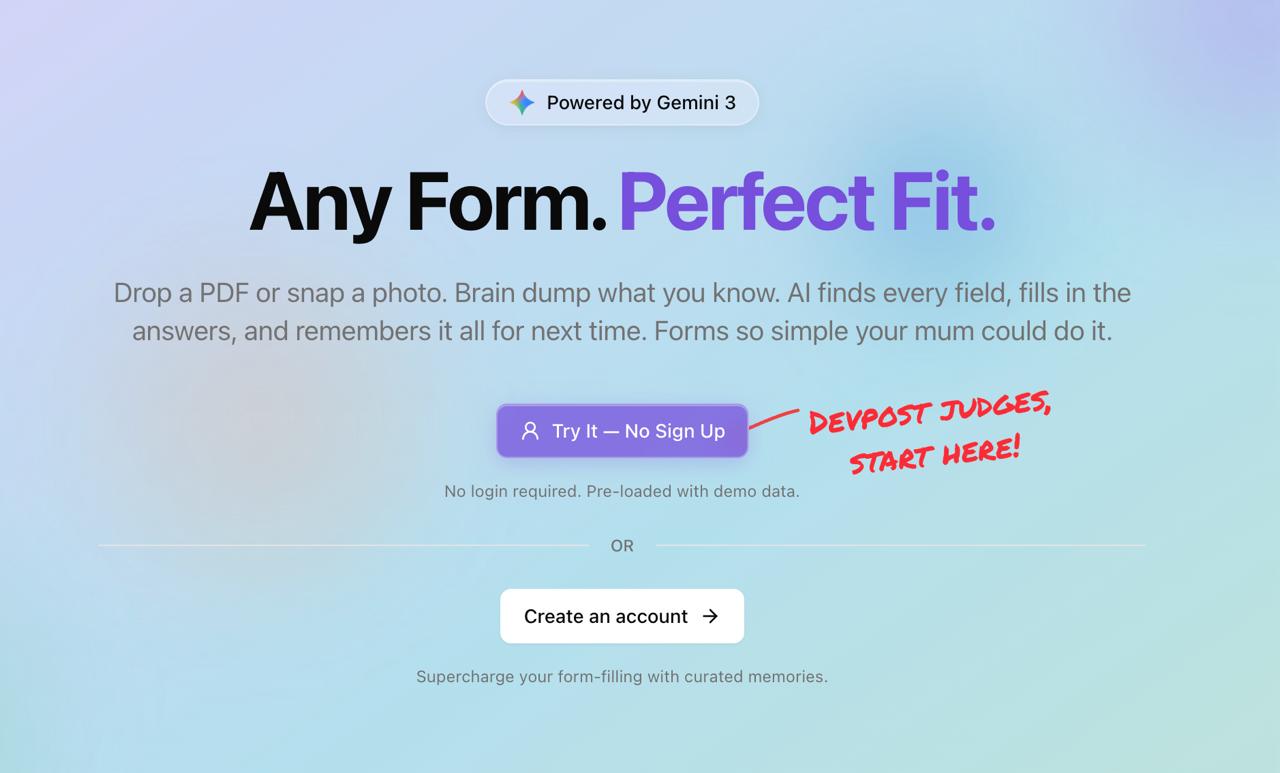
Fit Form turns any PDF form into an interactive experience. Drop in a PDF or snap a photo of a paper form. Gemini sees the page, finds every field, and understands what the form is actually asking for.
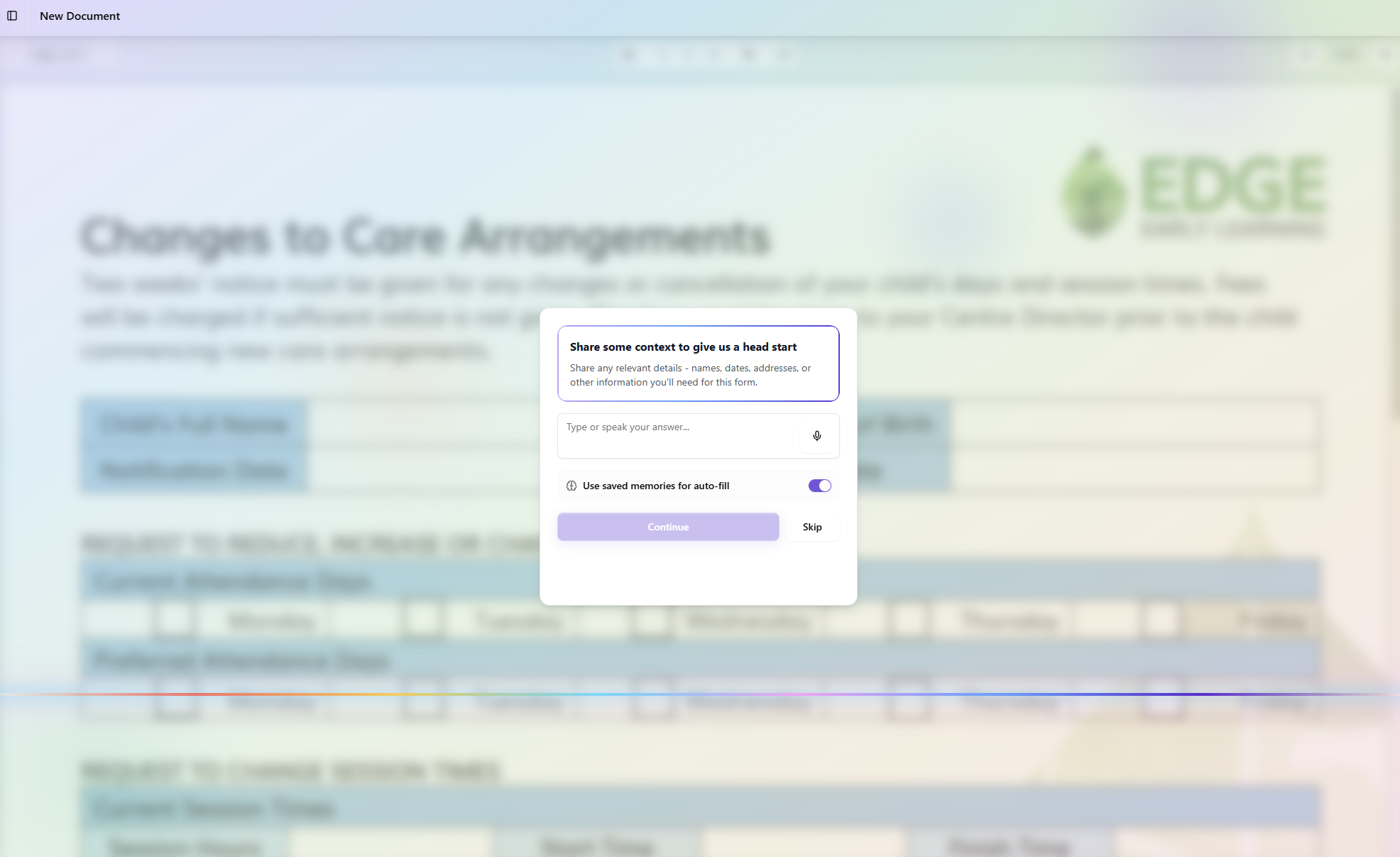
From there, a step-by-step wizard walks you through the form with plain-language questions tailored to the document. Related fields are grouped together, so instead of 40 tiny boxes you get 8-10 natural questions. Answer by typing or tap the microphone and just talk.
You can also brain dump. Say everything you know at once: "This is for my son Jack, he's six, going into first grade, here's our address, here's my insurance info." Gemini sweats the details, mapping that mess to the right fields and filling in dozens of boxes from a single answer.
Either way, Fit Form skips anything it already knows from memory and auto-fills repeats, so you're never asked the same thing twice. Upload a second form, different school, different organization, same family. Already done.
How we built it
Fit Form is a Next.js 16 application with 6 distinct Gemini API calls per document, each serving a different reasoning task:
- Field Extraction (Flash, Vision) — Detects all input fields from page images with 94% accuracy
- Context Analysis (Flash, Vision) — Generates a tailored context question specific to the document type
- Question Generation (Flash) — Groups 40+ fields into 8-12 natural-language questions organized by entity
- Answer Parsing (Flash) — Maps a single messy answer to dozens of structured field values simultaneously
- Cross-Question Auto-fill (Flash) — After each answer, re-evaluates all remaining questions to auto-fill anything now answerable
- Memory Extraction (Pro) — Extracts people, places, organizations, and facts with confidence tracking
The entire pipeline is orchestrated with parallel execution. Gemini Vision, OCR, computer vision, and PDF vector parsing all run concurrently per page, so multi-page forms process in the time it takes to handle one page.
The memory system is entity-centric, not flat key-value. It knows that Jack is your son, that he's six, that he goes to Lincoln Elementary. Confidence scores evolve across documents: corroborations boost them, conflicts flag them for resolution. Sensitive data (SSNs, card numbers, passwords) is explicitly filtered and never stored.
Challenges we ran into
Gemini 3 Flash was brilliant at understanding forms: 94% field detection, 100% type accuracy. But when it came to mapping exact coordinates, the best we could get to was 68% accuracy. Fields landing next to lines, not on them. Checkboxes slightly off. Text fields overlapping their labels.
We ran 24 formal benchmark configurations across models, thinking levels, prompt styles, and image preprocessing approaches (including carving pages into quadrants and adding ruler overlays). The gap between detection accuracy and coordinate accuracy persisted across every configuration. This wasn't a prompting problem. It was a fundamental limitation: LLMs reason about content, not pixels.
How we overcame them
We built a hybrid pipeline. Gemini handles the semantics (what fields exist, what type they are, what their labels say). Deterministic geometry handles the precision (where exactly are the lines, boxes, and text on the page).
While Gemini processes each page (~10s), three parallel geometry processes run alongside it: OCR extracts word-level positions, computer vision detects horizontal lines and borders from the image, and a PDF vector parser extracts every drawn shape from the document's source code.
Then a 6-stage coordinate snapping pipeline corrects Gemini's approximate coordinates against all that real-world geometry:
- AcroForm snap — If the PDF has embedded form fields, use their perfect coordinates
- OCR snap — Push field edges past label text to the actual input area
- CV line snap — Align field boundaries to pixel-detected lines (works on scanned forms)
- Vector snap — Align to PDF drawing commands (most precise for digital forms)
- Rect snap — Snap checkboxes and textareas to detected rectangles
Result: 68% → 79% IoU accuracy, zero regressions, <10ms snap time, zero added latency.
What we learned
Detection and coordinate accuracy are fundamentally different problems. A language model can tell you "there's a date-of-birth field next to the label DOB" with near-perfect reliability. But asking it to output the exact pixel boundaries of that field is asking it to do something it wasn't designed for. Once we stopped fighting that and gave each system the job it's best at, the results improved dramatically.
We also learned that the real killer with forms isn't any single form. It's the repetition. Building the entity memory system with confidence tracking transformed the experience from "slightly faster form filling" to "the form is mostly done before you start."
What's next for Fit Form
- Template learning: once a form has been corrected by a user, save the field map and apply it to future uploads of the same form via image registration
- Table structure detection: automatically identify grid layouts and assign fields to cells
- Multi-language support: Gemini's multilingual capabilities make this straightforward
- Batch processing: upload 5 forms for the same child, fill them all from one brain dump
Built With
- azure
- gemini
- gemini3flash
- gemini3pro
- github
- konva
- next.js
- pdf-lib
- pdfjs-dist
- react19
- shadnc/ui
- sharp
- supabase
- tailwindcss4
- typescript
- vercel


Log in or sign up for Devpost to join the conversation.