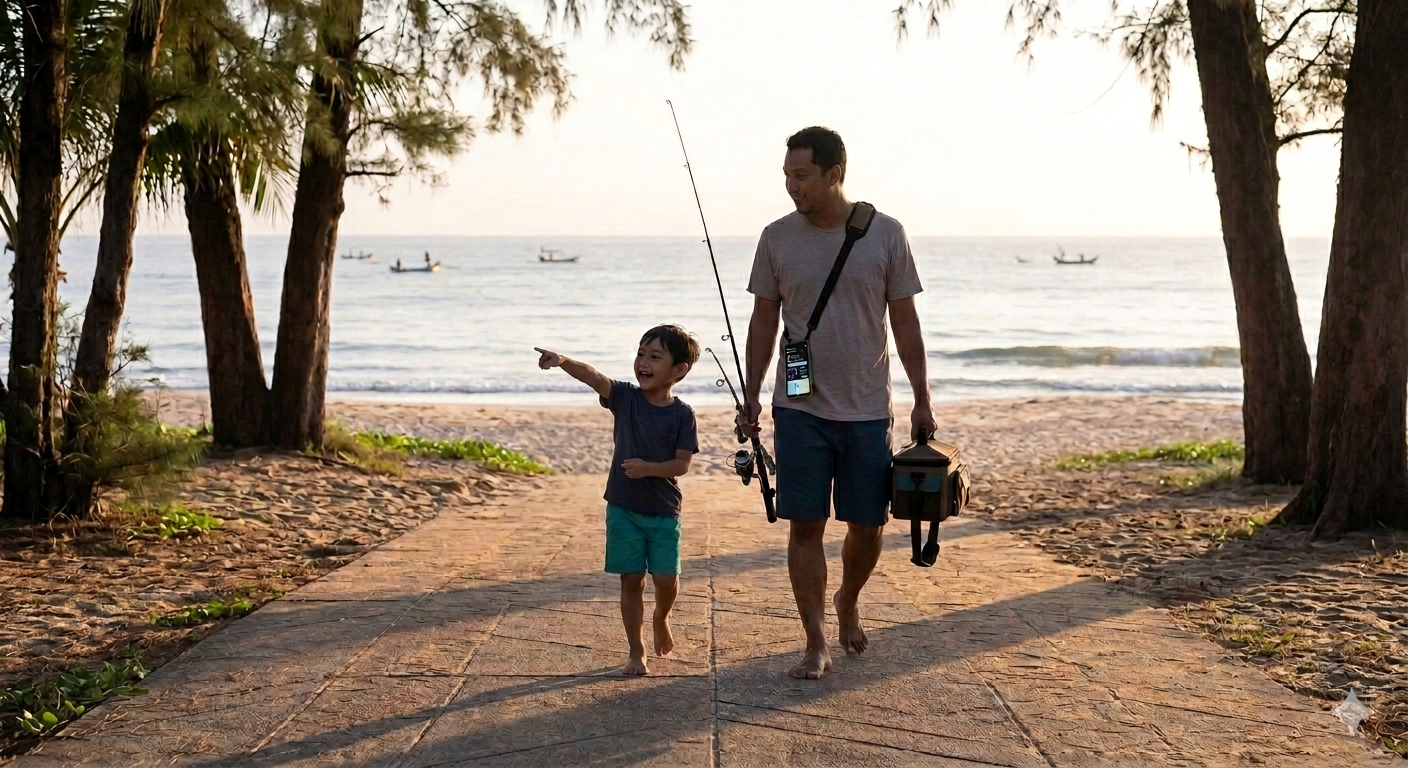
Required Deliverables: Fishture AI
1. Project Details
Project Name: Fishture AI (Fishing + Adventure + AI)
High-Level Summary:
Fishture AI is a smart, multimodal fishing companion application that integrates real-time environmental data (weather, marine conditions, tides) with advanced AI deep learning. It eliminates the friction of manual catch logging by utilizing AI Vision to automatically identify fishing gear and fish species from user photos. By instantly cross-referencing these catches with real-time environmental snapshots (tides, wind, water conditions), the platform generates personalized pre-trip fishing forecasts, gear recommendations, and dynamic catch evaluations.
Designed with an "Outdoor-First" philosophy, it features a context-aware AI Chatbot that acts as a virtual, hands-free fishing guide. Ultimately, Fishture AI relies on a powerful "data flywheel"—as users and the community log more data, the AI continuously trains and refines its predictive accuracy for specific local waters, all while strictly protecting the privacy of users' secret fishing spots.
2. Technical Explanation
Architecture Overview:
The application utilizes a modern, serverless architecture centered around Next.js. It features an "Outdoor-First/Mobile-First" design utilizing Progressive Web App (PWA) principles and Optimistic UI updates. This ensures the app remains functional and can queue user logs even in remote fishing locations with poor or no network connectivity, syncing silently once the connection is restored.
Tech Stack Breakdown:
- Frontend (UI & Interaction): Built on Next.js 14+ (App Router) with React 18+ and TypeScript. The interface utilizes Tailwind CSS and Shadcn UI to create high-contrast, easily tappable dashboards optimized for outdoor glare. Interactive mapping for pin-drops and spot management is powered by react-map-gl (Mapbox). Client-side state (like current gear or offline sync queues) is managed via Zustand.
- Backend (API & Middle Layer): Next.js Route Handlers serve as the serverless backend. This layer manages data aggregation, secures external API keys, and implements caching mechanisms (via Redis or Next.js native cache) to prevent cost-overruns from high-frequency weather/tide API calls at popular fishing spots.
- Database & Storage (BaaS): Powered by Supabase. PostgreSQL handles complex relational data (users, location pins, gear inventory, catch logs). Supabase Storage holds user-uploaded, client-side compressed images. Strict Row Level Security (RLS) is implemented at the database level to ensure exact GPS coordinates of catches remain totally private or geographically anonymized when shared with the community.
- AI Integration (The Core Engine): Powered by the Google Gemini API and orchestrated by the Vercel AI SDK (for streaming responses).
- Multimodal Vision: Gemini Vision handles OCR for physical tide charts, automatic gear specification extraction from photos, and fish species identification/size estimation.
- Voice Processing: Voice-to-text integration allows anglers to log catches or ask the Chatbot questions hands-free while actively fishing.
- Reasoning & Structured Output: The backend aggregates multiple data points (tide + weather + gear + user history) into a JSON context, prompting Gemini to return strictly formatted JSON evaluation reports (scores, golden windows, gear advice) which the frontend renders into beautiful UI charts.
- External APIs: Integrates with marine-specific data providers like Stormglass.io / OpenWeatherMap for precise wind, swell, and temperature data, and OpenTide / WorldTides for tidal graphs and harmonic constants.
- Deployment: Containerized via Docker and deployed on Google Cloud Platform (GCP). Specifically utilizing Google Cloud Run for auto-scaling serverless containers, managed by Google Cloud Build for automated CI/CD pipelines.
3. Prompt Design Explanation (AI Development Workflow)
Our development process goes beyond standard "vibe coding." We utilized a full AI-native, multi-AI pipeline, combining AI ideation, AI design system generation, and an agentic coding workflow to build the application.
Tools Used:
- Google AI Studio: Used for foundational prompting, ideation, generating mock templates, and completing missing UI sections.
- Google Stitch: Used to generate the visual style identity and export overarching style guidelines.
- Google CLI: Used to download exported assets and retrieve the style.md from Stitch.
- Antigravity (Agentic Workflow System): Used to set up an agent-based development workflow, define project structure, integrate the tech stack, and execute code generation.
The 8-Step Prompting & Development Flow:
- Initial Prompting (Foundation): We started in Google AI Studio to define the product concept, app structure, UI direction, and functional requirements. This acted as the master foundation prompt.
- Agentic Workflow Setup: In Antigravity, we initialized the execution environment by defining the project structure, tech stack, task-based agents, and connecting our prompts with the development pipeline.
- Generate Mock Templates: Using Google AI Studio Build, we generated initial UI mock templates, layout structures, and base components.
- Complete UI Components: Utilizing Google AI Studio Chat, we generated additional UI sections, refined missing interface components, and adjusted layouts/functionality via conversational prompting.
- Generate UI Style System: We shifted to Google Stitch to create the UI styling system, define the visual identity, and generate design tokens and documentation.
- Export Style Assets: We used the Google CLI to download the generated style package, specifically retrieving the style.md file to extract design rules.
- Integrate Style Into Workflow: The style.md was injected into the Antigravity Agentic Workflow prompts. This ensured that our coding agents strictly followed consistent design rules and maintained UI consistency across the app.
- Application Development: Finally, the Antigravity Agentic Workflow executed the core prompts to generate application logic, implement features, integrate the UI/styling, and compile the full application.
Simplified AI Pipeline Flowchart:
Idea / Prompt
     ↓
Google AI Studio (Concept + UI Generation)
     ↓
Antigravity Agentic Workflow Setup
     ↓
Google AI Studio Build (Mock Templates)
     ↓
Google AI Studio Chat (Complete UI Parts)
     ↓
Google Stitch (Generate UI Style)
     ↓
Google CLI (Download style.md)
     ↓
Integrate Style into Agentic Workflow
     ↓
Agentic Workflow Generates Full Application
Built With
- supbase


Log in or sign up for Devpost to join the conversation.