-
-
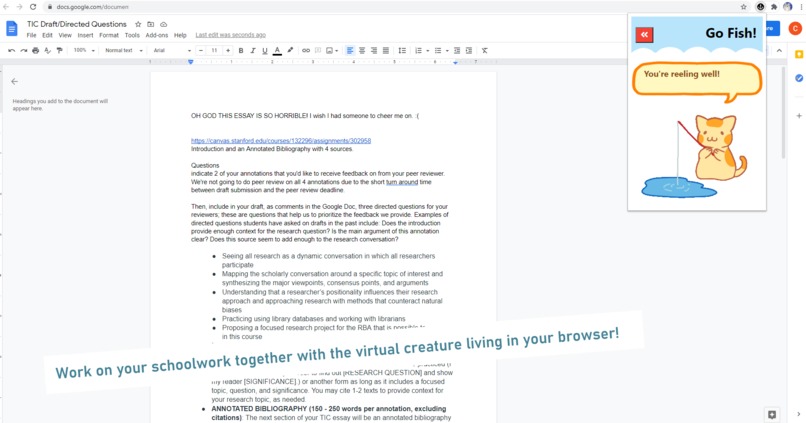
Fishing (working/studying) with a virtual companion living in your browser.
-
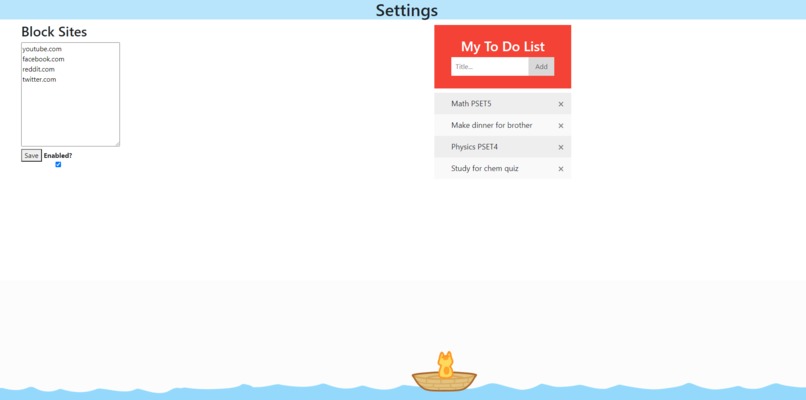
Block sites and make a to-do list, such as homework planners. All in one place
-
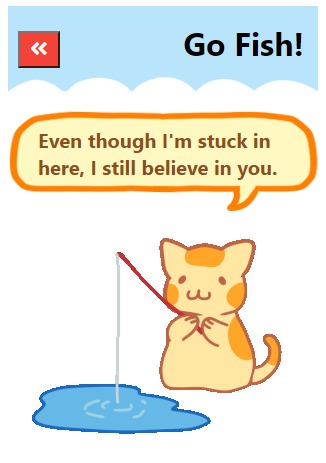
It feels less lonely with motivating speech!
-
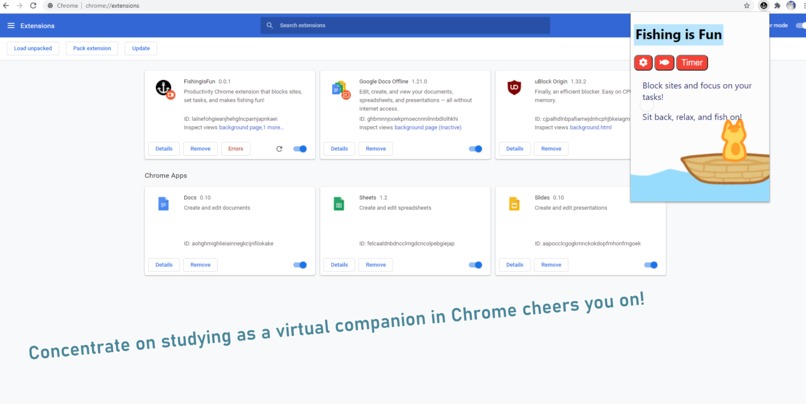
Fish with your buddy from any website, integrated into your work environment via Chrome Extension.
-
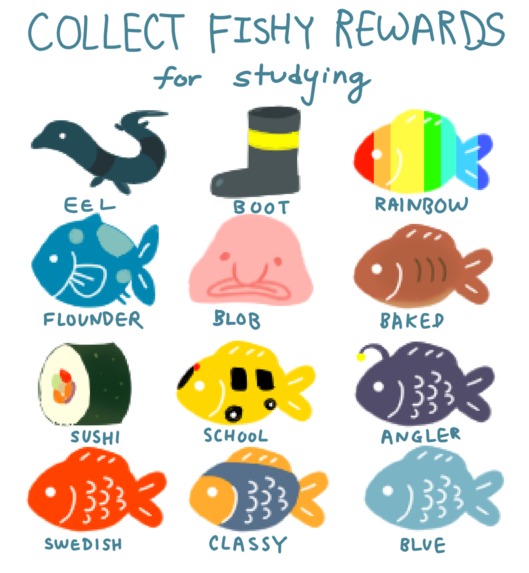
As a reward for finishing tasks and study sessions, reel up funny fish!
-

Our icon shows how our tool will help you stay anchored to your tasks, with a smile!


Our Inspiration and What It Does
While brainstorming, our biggest idea was to target students like us who struggle to stay focused while taking online classes. Therefore, we created Fishing Study Buddy to encourage self-discipline through a cute study buddy. It turns studying into a fun game without any distracting separate windows. You also have access to all your work environment at the touch of a popup button: task list, reminders, site blocking, rewards, cute study buddy... all in the same browser where you do your homework. There's no hassle of keeping a separate homework planner, or being unable to click off of a screen time enforcing app. Convenient, simple, yet motivating and fun.
Our Chrome Extension is integrated into the work environment without being distracting so you can see your productivity as you go without having to go to a new window or app. We use more minimal movement/small icons for less distraction, but creates a satisfying “Zen'' environment. We also implemented breaks/healthy study habits that users can visually SEE a “stop time” ie. catching the fish which makes it feel like “I’ll just push myself for a bit more” and thus encourages people to try harder than a vague end goal/having no end goal of “growing plants more”. Our reward system of “Growth” encourages more self discipline whereas other “Screen-time limiters” or “website blockers'' use harsh punitive limits that don’t teach self discipline. We moderately gamify studying with rewards to make studying fun and more productive, without being too convoluted that it's distracting.
How It Was Built
We built our chrome extension using a mix of HTML/CSS/Javascript, and utilized the logos on Font Awesome.
Challenges We Faced
Initially, our biggest challenge was finalizing an idea during our brainstorming session. We came up with tons of ideas surrounding TreeHacks’ challenges, and spent hours deciding on the route we wanted to take to finally start coding. While building Fishing Study Buddy, the challenge at hand was simply coding our very first chrome extension. A specific problem we faced was getting our pop-up to actually be apart of the users' screen, but we ended up preferring it because it's less distracting for users. With time (approximately 40 hours) and diligence, Fishing Study Buddy has grown to the extension it is today.
What We Learned
Because this was our very first chrome extension that we’ve ever built, we learned a ton while working on this project. The very first thing we learned was how to clone the ‘Chrome Extension Hackpack’ on Github and code from there using the Visual Studio Code program. We then learned how to import images and animations into our code, implement a timer function, and successfully create a site blocker. Overall, TreeHacks has been a very fun learning experience for us all!
We'd love to implement a leveling up feature for users as a reward for their productivity. Additionally, we'd like to make the tasks section into a more planner style outlet.Built With
- chrome
- csp
- css3
- extension
- github
- html5
- javascript
- vscode

Log in or sign up for Devpost to join the conversation.