-
-
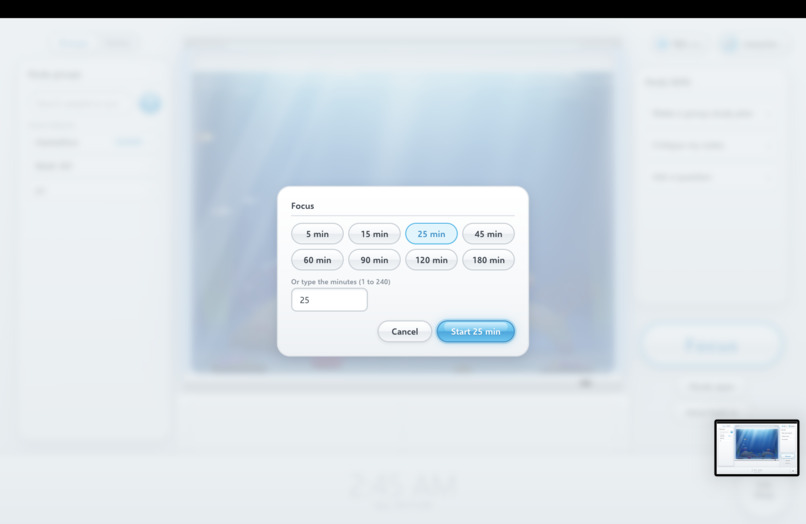
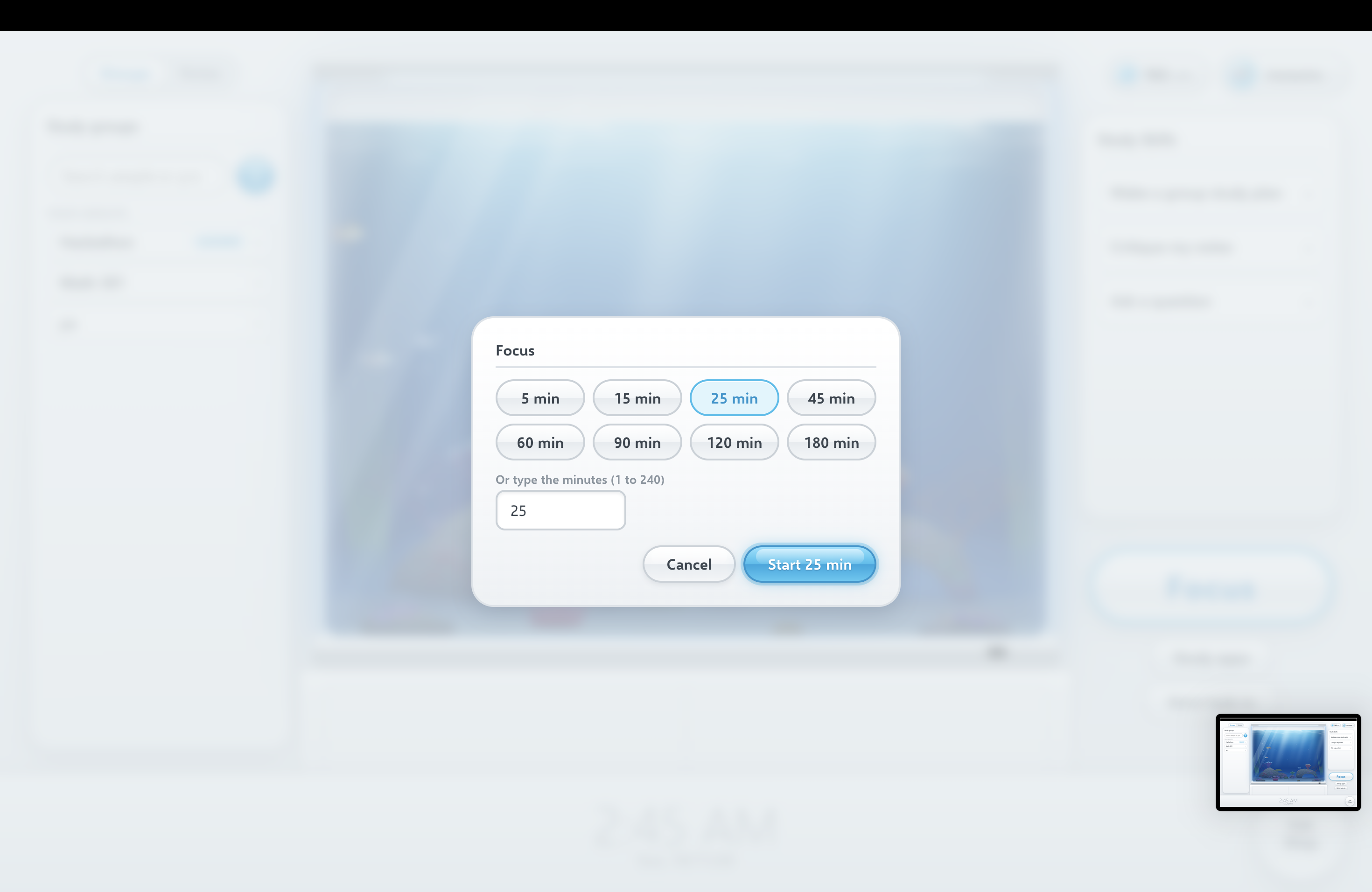
Selecting a time block to focus for
-
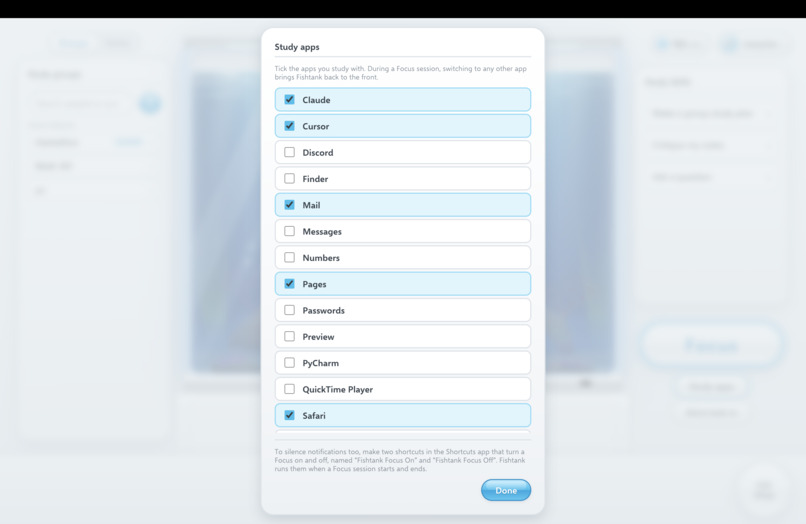
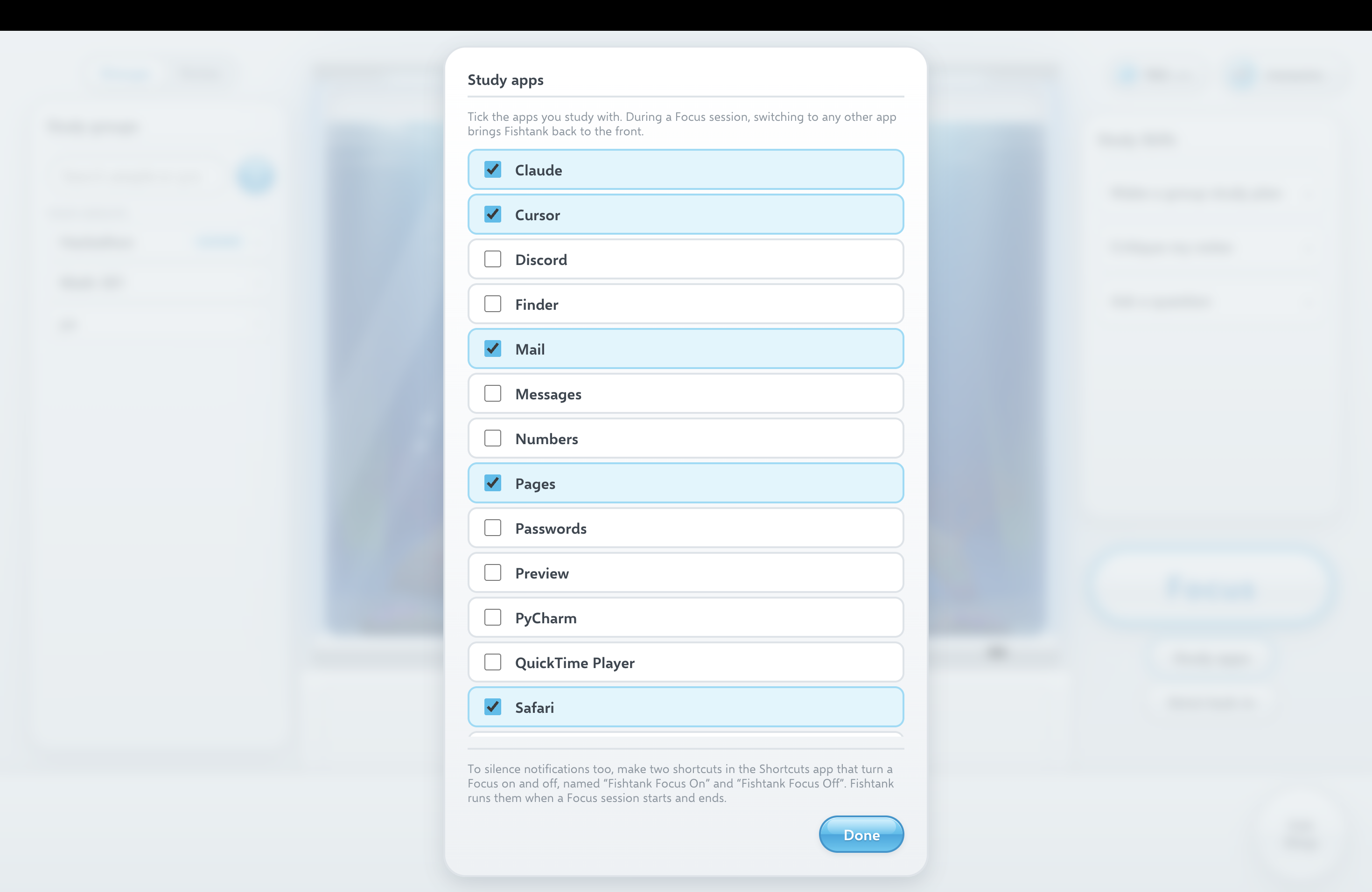
Whitelisting applications before starting a study session
-
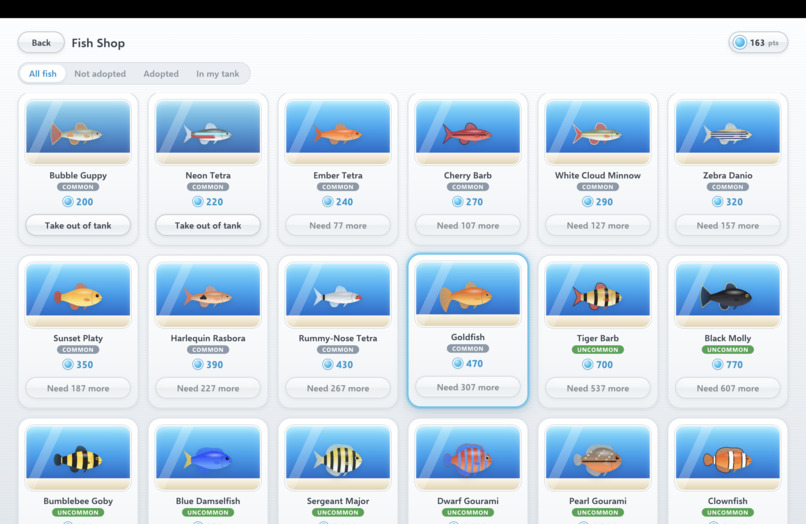
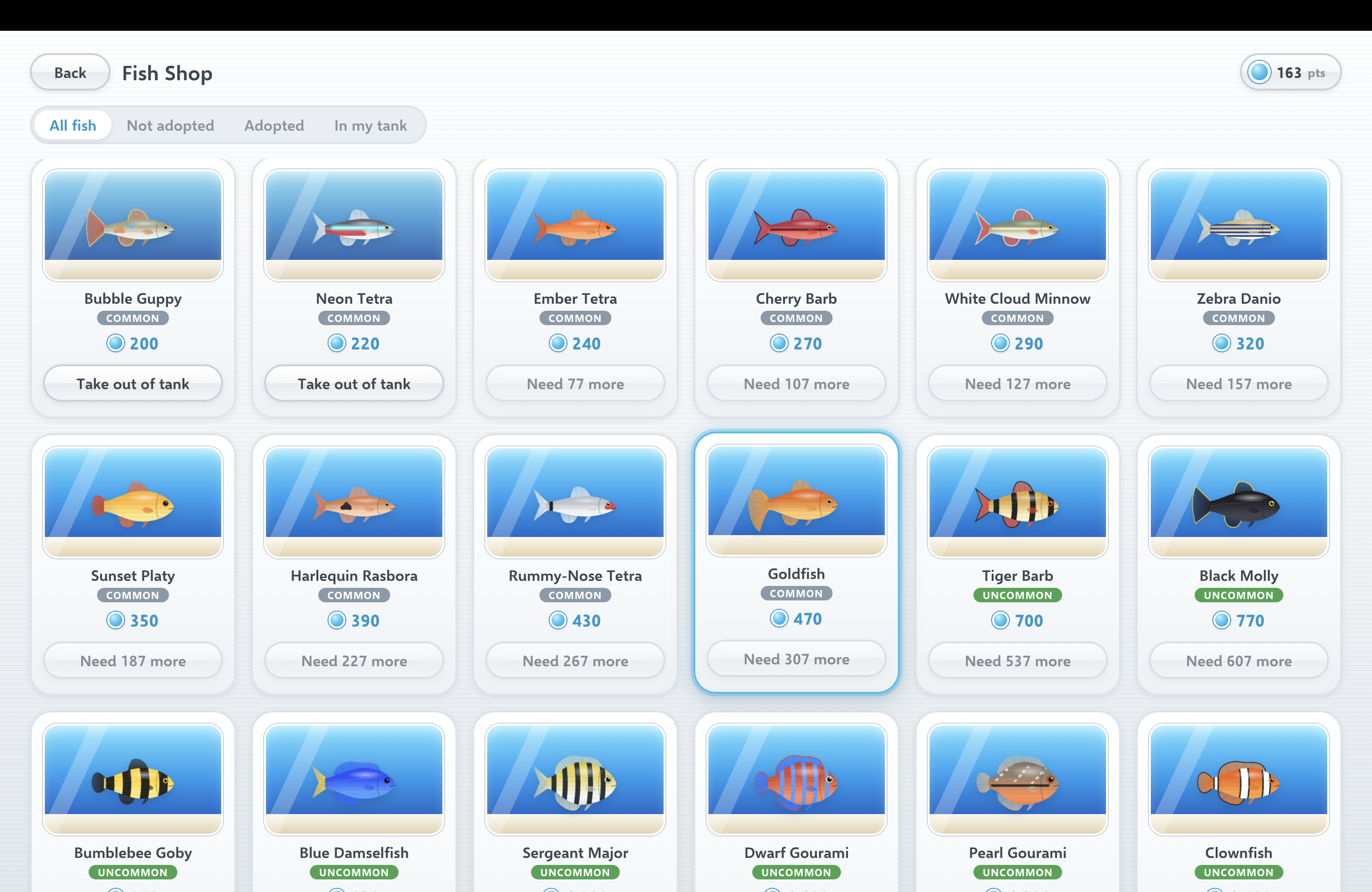
Fish shop
-
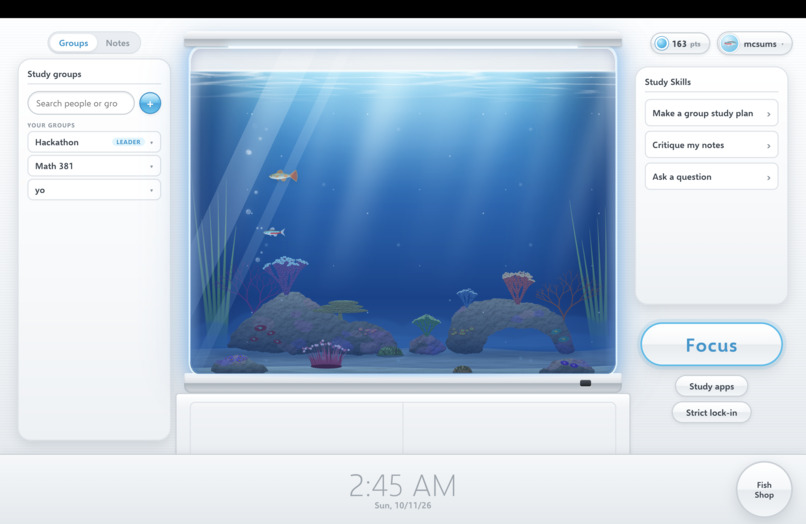
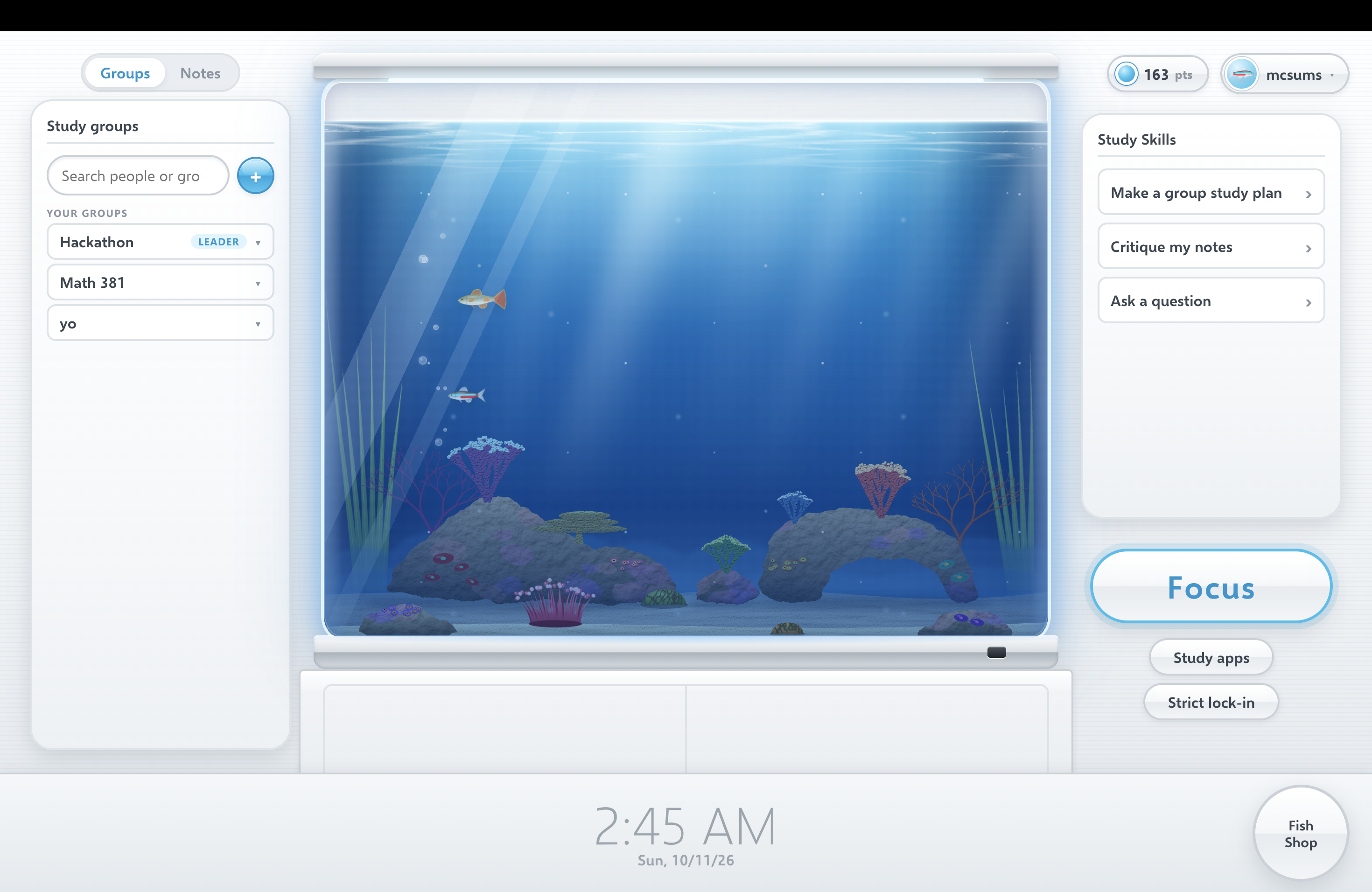
Home screen
-
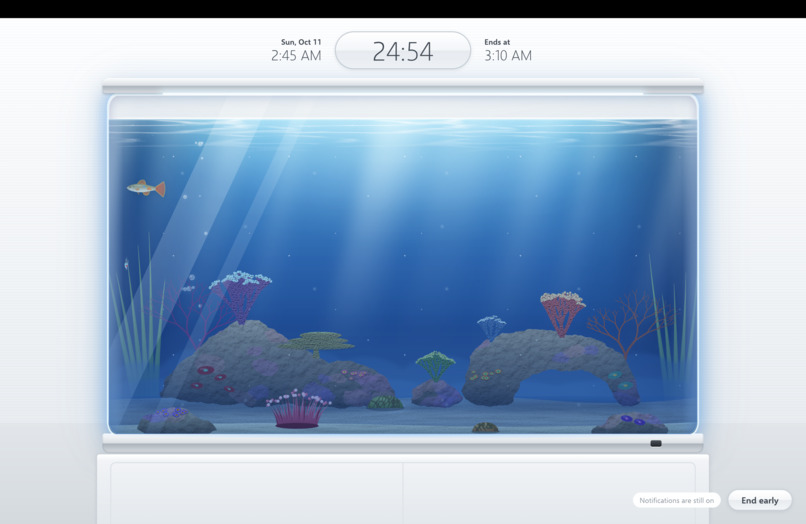
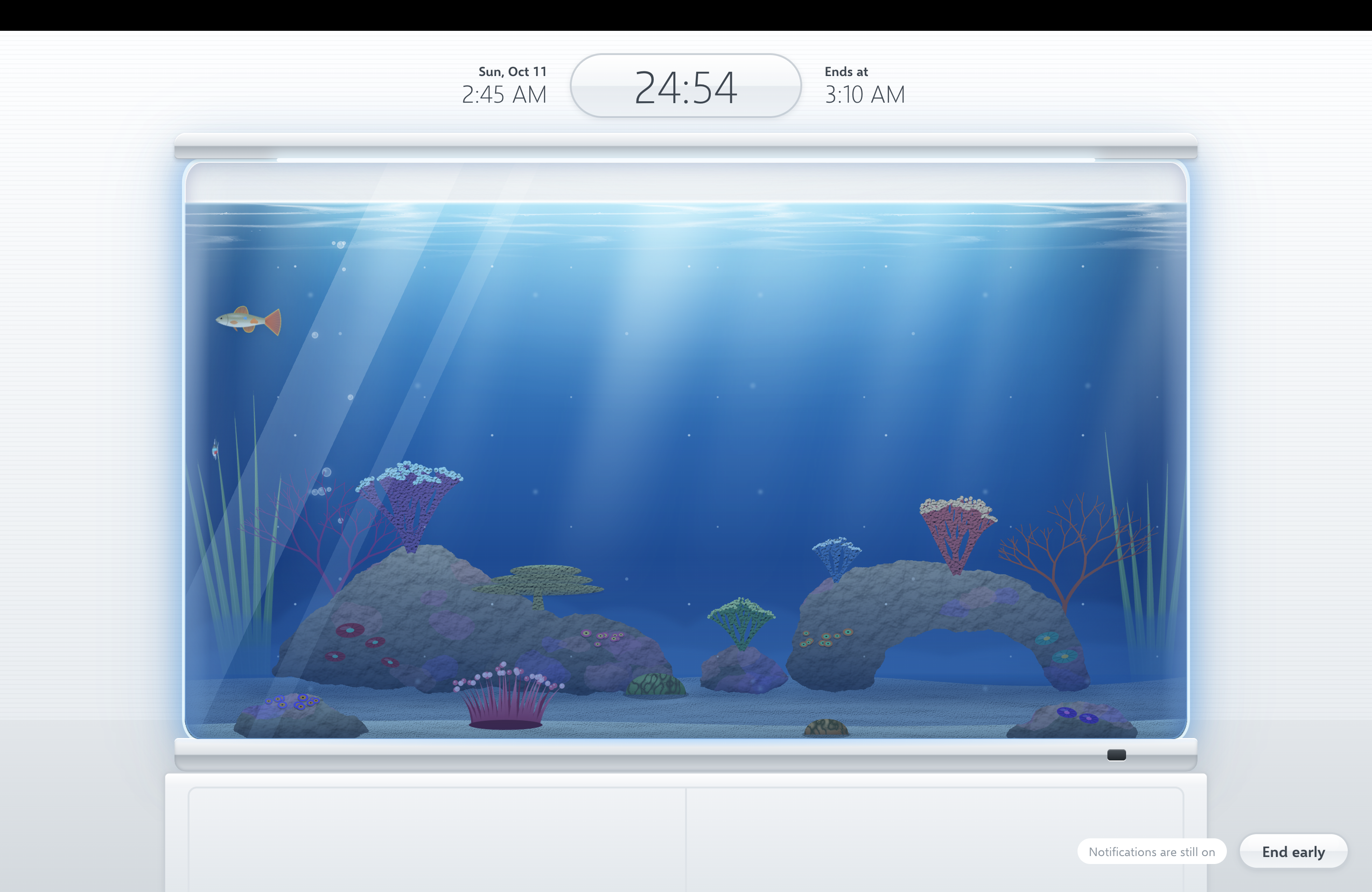
Lock screen when in a focus session
Inspiration
During our time at UNC, our group realized we struggle with balancing school work, living alone, and a social life. Often times, during our "study sessions" we would get a few texts and eventually scroll Instagram for a few hours. Even during group sessions, we would often get off task and goof around. It was also very hard to realize who needed to study what, which took a lot of time at the start of study sessions.
We wanted to create a fun, goofy, and engaging studying app that let us collaborate and share notes, while at the same time keeping us on task. To us, a fish tank seemed right, its calm, relaxing, and very fun with all the random quirky fish that we incorporated.
What it does
F-Lock is a study app built around a fish tank.
Focus sessions: Press Focus and commit to a block of time, up to 4 hours. Study mode keeps you in the apps you've whitelisted: if anything else comes to the front, F-Lock pulls itself back on top, and on macOS it can switch on a Focus to silence notifications. Strict lock-in goes further and locks the whole screen to F-Lock until the session ends.
Points and the fish shop: You only earn points after finishing a session: ending a session early gets you nothing. Points buy fish in the Fish Shop. There are 54 of them across six rarity tiers, and you can choose which ones swim in your tank and pick one as your avatar. The fish range from normal ones, to sushi fish, to even people (some dude).
Study groups and notes: Create a group, invite others by username, and share typed notes, PDFs and screenshots with the group or keep them to yourself.
AI study help: Claude answers study questions, critiques how your notes are written, and builds a study plan for a group from the notes its members have shared. Critiques and plans come back as PDFs.
Phone companions: Android and iOS apps run focus sessions on the same account. The app turns your phone into a retro flip phone that only opens your whitelisted apps.
How we built it
We started our project by scoping and high level architecting. We decided on Electron as our framework, to bridge the hardware gap in our group, paired with Supabase for our data management which are both open source projects. We broke our project into 4 main parts, the UI/UX, the backend, databases, and the counterpart mobile app. In the first stage we worked independently, each taking on one of the 4 main parts. Eventually, we finished our MVP and reassessed our scope and goals for the project. We redistributed work and added new features. We repeated this process until we achieve our high level goals. Finally we launched into final debugging before our submission.
Challenges we ran into
The biggest and first challenge we ran into, is that ""NO ONE"" in our group had every done a hackathon before. As a result, we had no idea what to expect. This level of end to end architecture forced us to collaborate in ways we never had before. For many of us this is the first time we've ever collaborated on a project so there were growing pains. We each had to learn to advocate for what we thought was important in architecture and execution.
Besides that we had hardware complications in our group. All of us had a different mix of windows, mac, apple, and android devices which made development harder, which we solved by using Electron as a framework rather than just developing for a single device.
The final challenge was how to lock down our devices, originally we planned on getting around this by using Electron's kiosk mode. However, during development, we realized that we wanted the user to still be able to do online tasks or assignments, so we added a feature to use OS specific library to manipulate the active windows. For the demo, the feature is only available for Mac.
Accomplishments that we're proud of
Although this was our first hackathon and we didn't all know each other, we took time to have fun and were able to submit a complete project! We designed over 50 fish and played around with countless features. For example, we made the fish blow bubbles when clicked, however a feature that didn't make the final cut was the tank slowly cracking and breaking if you clicked it too many times.
What we learned
As a whole, we learned a lot about javascript, web development, and database architecture. By choosing Electron as our framework, we were basically forced to build the project in javascript which none of us had extensive experience with. We learned a lot about Electron's capabilities to bridge the gap between hardware and its capabilities.
What's next for Fish Lock
One of the main things we want to improve upon is the cross platform compatibility. As it stands, the Focus modes only apply to mac and not windows computers. We also want to increase the number of study tools available to the users while they are using Fish Lock, we want to add features such as flash cards, practice assessments, and provide points to users for using them. In the future, we will also look into adjusting the economy and adding in a friends system where you can visit your friends aquariums. Finally, we want to make the UI/UX more robust by adding in a toggleable dark mode and more fish to buy.

Log in or sign up for Devpost to join the conversation.