Inspiration
FirstHand was mainly inspired by the fact that many people want to learn ASL but don't have an easy way to know if they are signing correctly. Most ASL resources, like flashcards or videos, can show what a sign should look like, but they cannot respond to the learner in real time. That makes it easy to practice the wrong hand shape, movement, or orientation without realizing it. We wanted to create a tool that makes ASL practice feel more active and supportive by giving users instant feedback through their webcam. FirstHand uses computer vision and AI to help learners understand what they are doing well and what they can fix, making ASL learning more accessible, less intimidating, and more useful for building real communication between hearing and Hard-of-Hearing communities.
Problem Statement
Traditional ASL learning tools often leave learners on their own after showing them an example. A beginner might watch a video or look at an image and try to copy the sign, but they may not know whether their hand position, palm direction, or movement is accurate. This lack of feedback can make learning frustrating and can cause people to stop practicing even when they genuinely want to communicate better. Private tutors can help, but they are not always affordable or easy to access. FirstHand addresses this gap by giving learners a more interactive way to practice, helping more people build the confidence to use ASL in everyday conversations and making communication between communities more accessible.
How We Built It
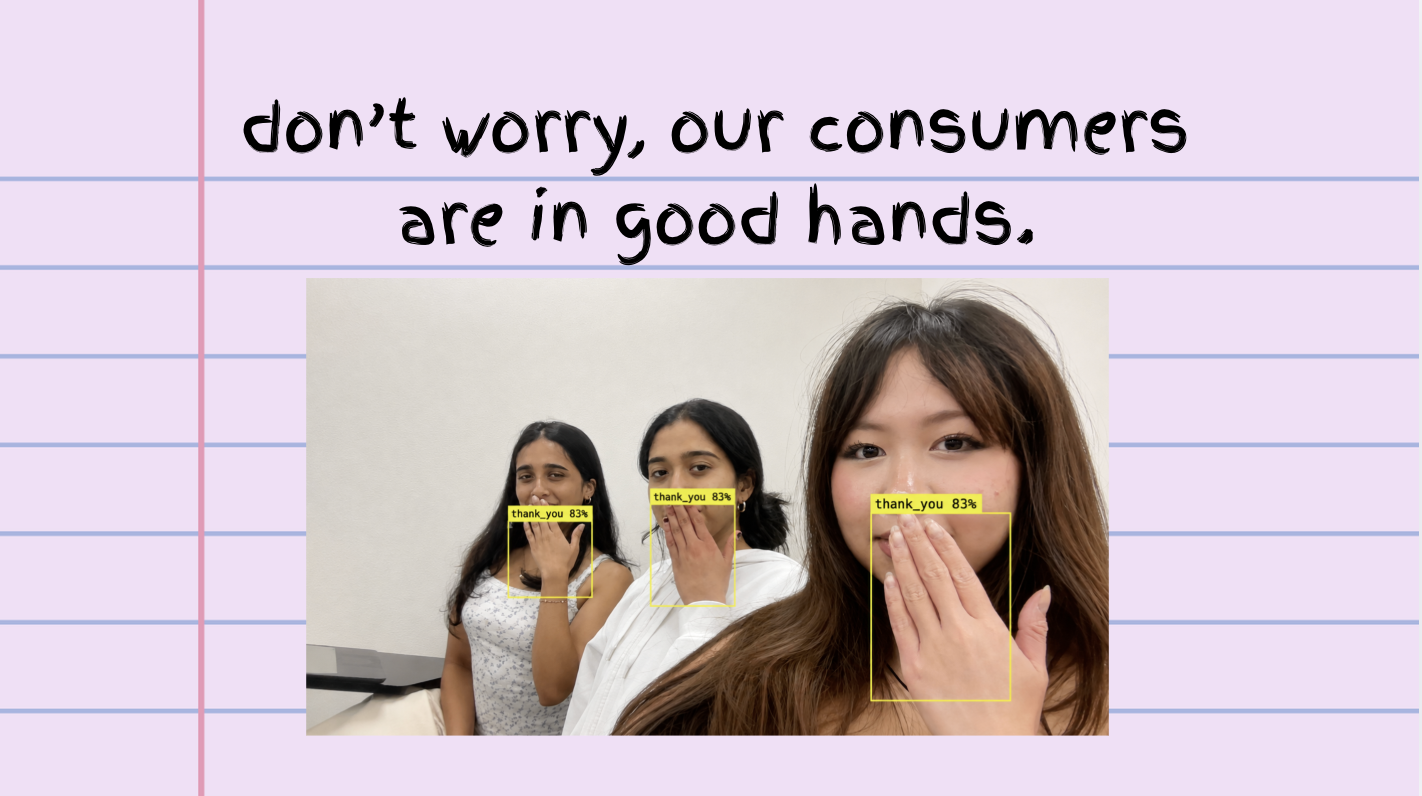
FirstHand was built as a real-time Python Flask web app with a full-screen webcam interface and modern glassmorphism UI overlays. We used Google Antigravity as our main coding environment, Google Gemini for ideation and prompt engineering, Google AI Studio as the conversational feedback engine, and Google Colab for early testing with hand sign recognition models. For the computer vision side, we used OpenCV (cv2) and the Roboflow Shivakumar ASL Model to process webcam frames and analyze hand shape, orientation, and movement. The main goal was to connect real-time visual tracking with generative AI feedback so the app could not only detect signs but also explain corrections in a clear and encouraging way.
User Experience
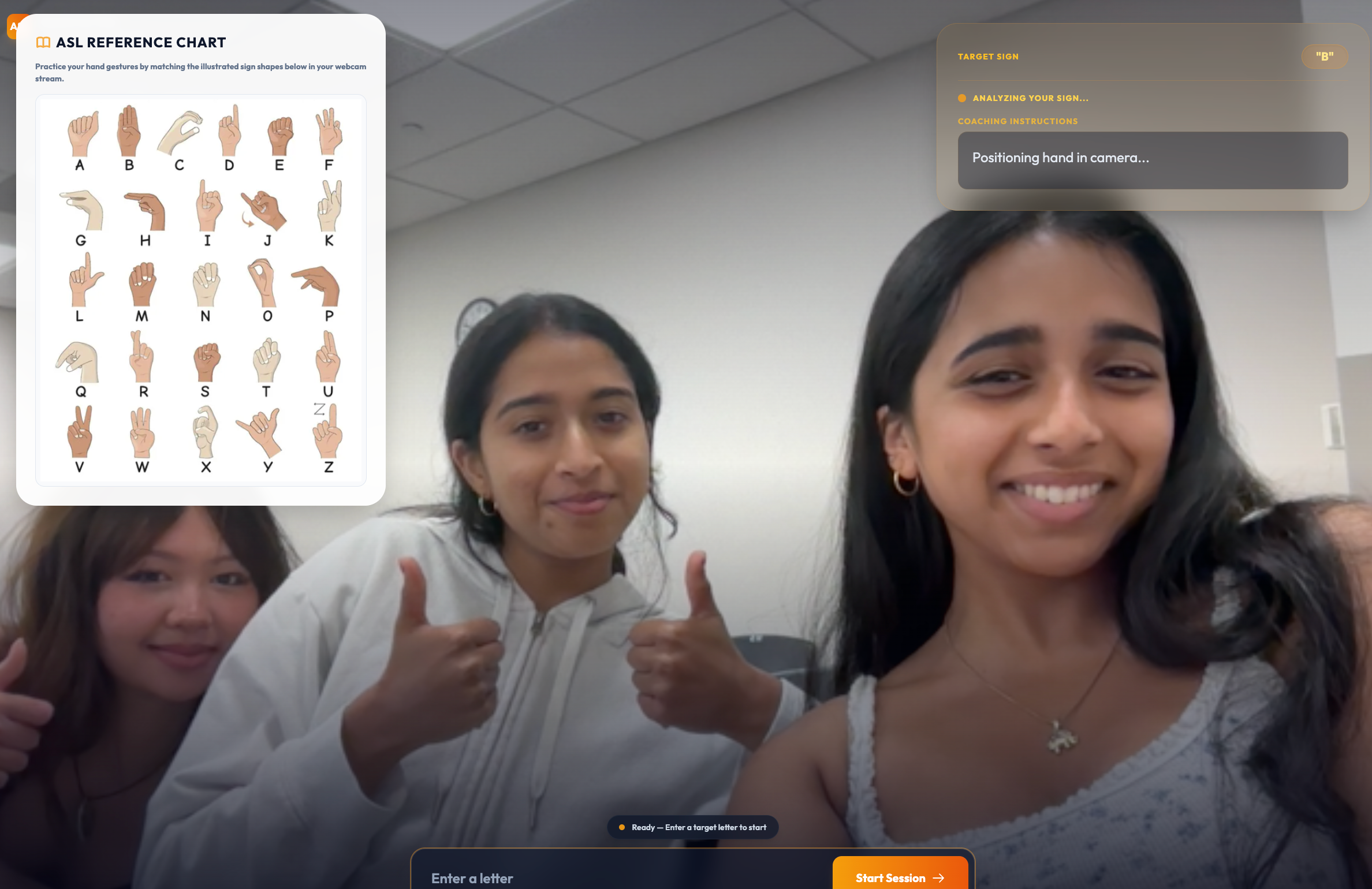
The user experience is designed to be simple, visual, and easy to follow. When the user opens FirstHand, they see a full-screen live webcam view with a clean prompt box at the bottom. They type in a letter they want to practice, and a glass card appears in the top right corner along with a sign language reference sheet on the left side of the screen. As the user attempts the sign, the app analyzes their hand shape, orientation, and movement through the webcam. Instead of only saying “wrong,” FirstHand gives short coaching instructions explaining what it saw and how to improve. Once the user corrects the sign, the card turns green, celebrates the success, and resets for the next prompt, creating a continuous practice loop that feels encouraging instead of stressful.
Challenges We Faced
One of the hardest parts was turning raw computer vision data into feedback that actually helps a beginner. A model can detect hand position, coordinates, or orientation, but that information is not useful by itself unless it is translated into simple guidance. We had to think about how to make the feedback feel more like a tutor and less like an error message. Another challenge was designing the interface so it stayed clean while still showing the webcam, the target sign, and the correction feedback at the same time. We wanted the app to feel focused and supportive, not cluttered or overwhelming, especially because users need to see themselves clearly while practicing.
What We Learned & What's Next for FirstHand
Building FirstHand taught us that accessibility-focused technology is not only about whether a model can recognize something correctly. It is also about how the system communicates with the user. If feedback is confusing or discouraging, people may still give up, even if the technology works. We learned that generative AI can help make computer vision feedback more understandable and encouraging. Next, we want to expand FirstHand beyond individual letters and simple phrases into full ASL sentence practice, improve recognition for movement-based signs, and work with Deaf and Hard-of-Hearing educators or ASL instructors to make sure the tool is accurate, respectful, and genuinely useful for the community it is meant to support.


