-
-
App Logo
-
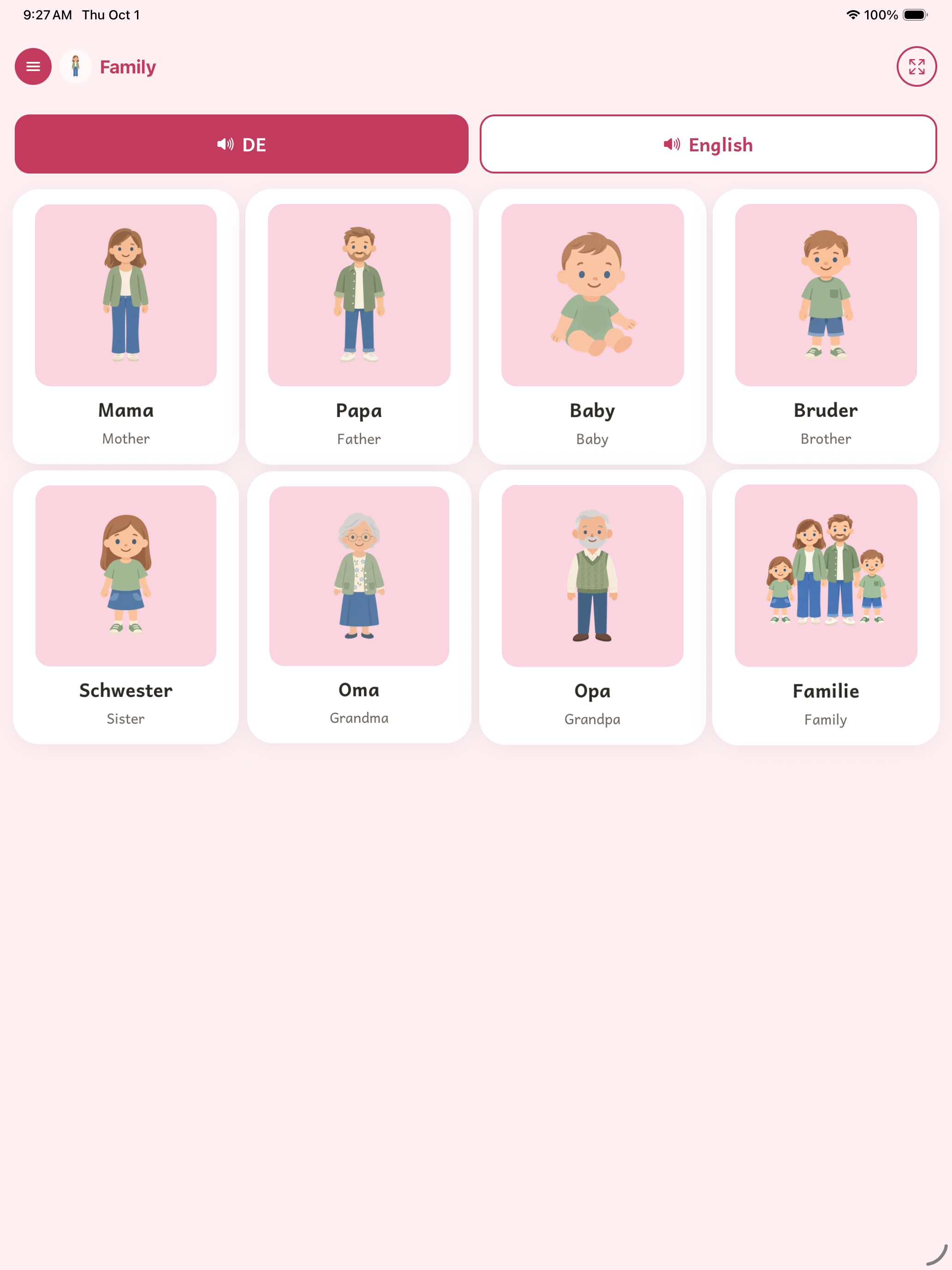
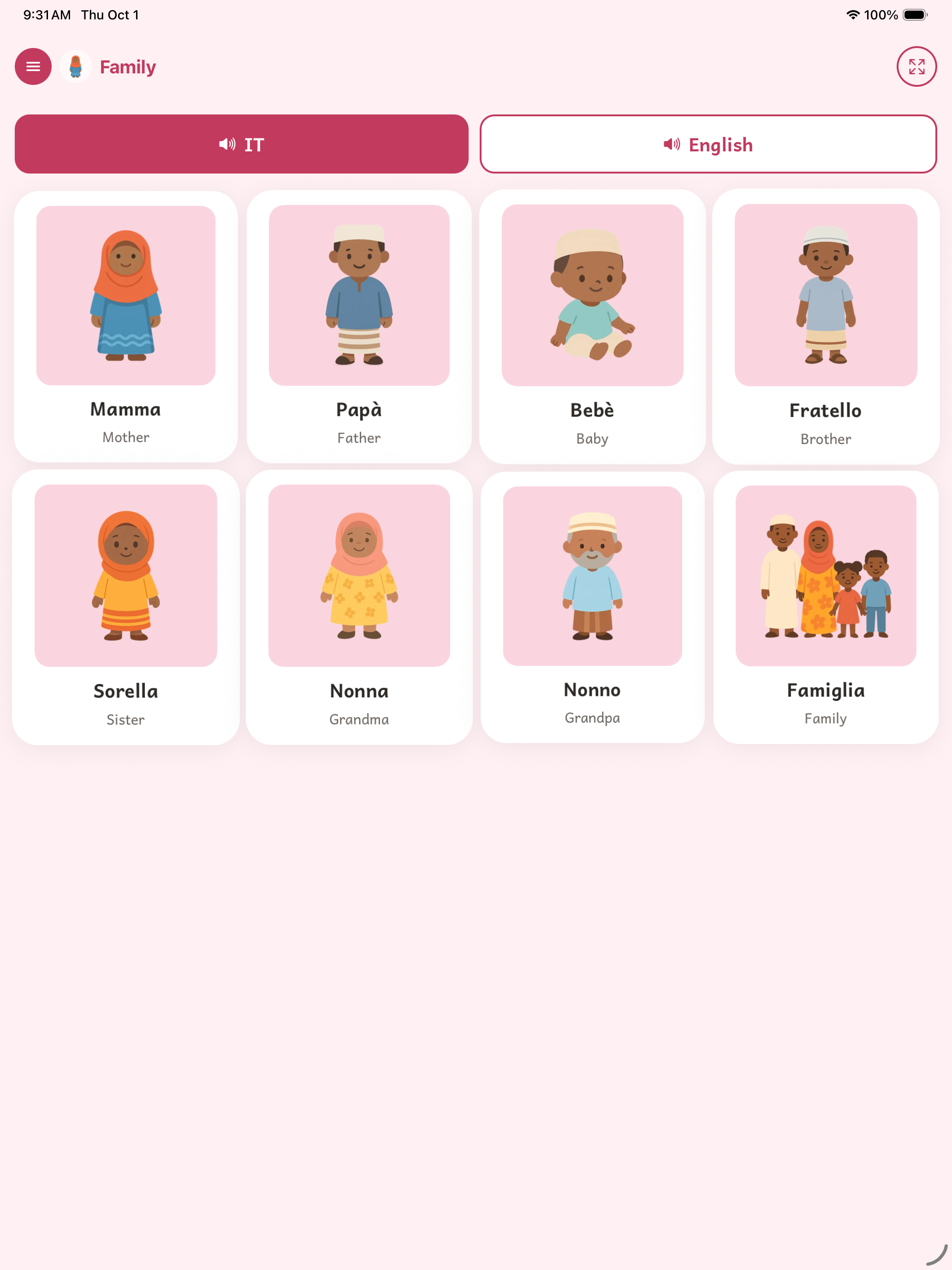
Family Page on iPad
-
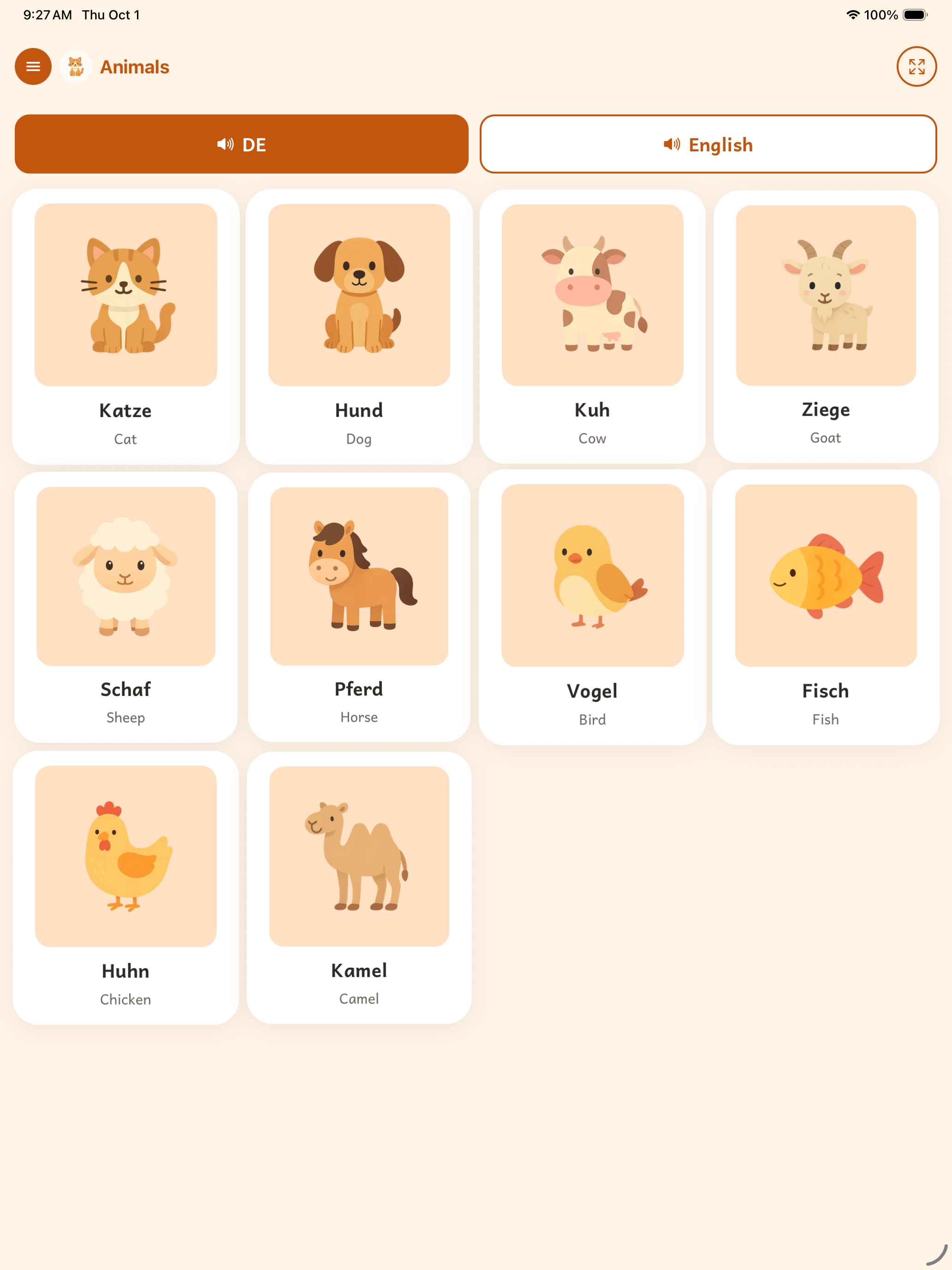
Animal Page on iPad
-
-
Inspiration
I was playing with my daughter one day and she has this cool leap frog 100 words book, that you is toggled in English and Spanish and is a tap and calls out the word. I thought wouldn't this be cool in our native language. After looking at physical devices that could achieve this which turned out to be none, I looked to Apps. None really met my criteria or just felt too bloated. So i decided to make one myself, which grew into an idea to do this not just for my daughter but many other kids as well. With the World Languages and family tone selector, gives the option to have this app for many different kids from many different walks of life.
What it does
First100 is a talking picture book for a child's first words — in whichever of 17 languages their family actually speaks.
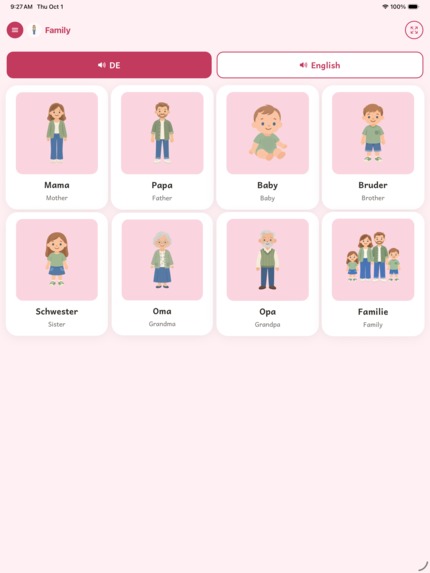
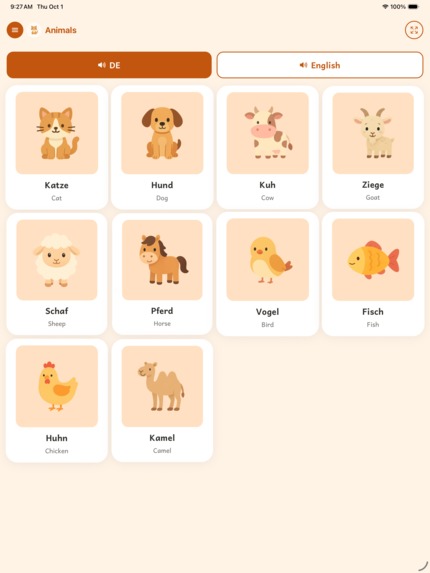
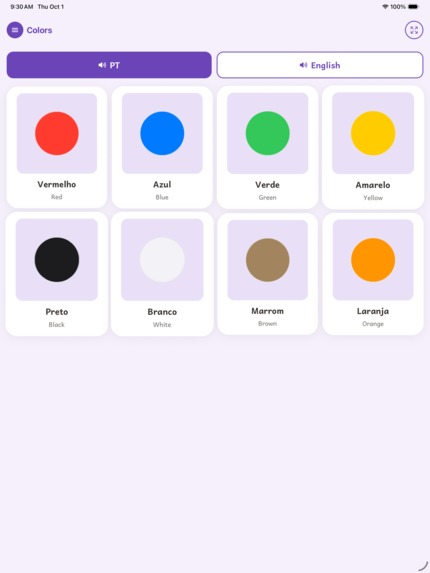
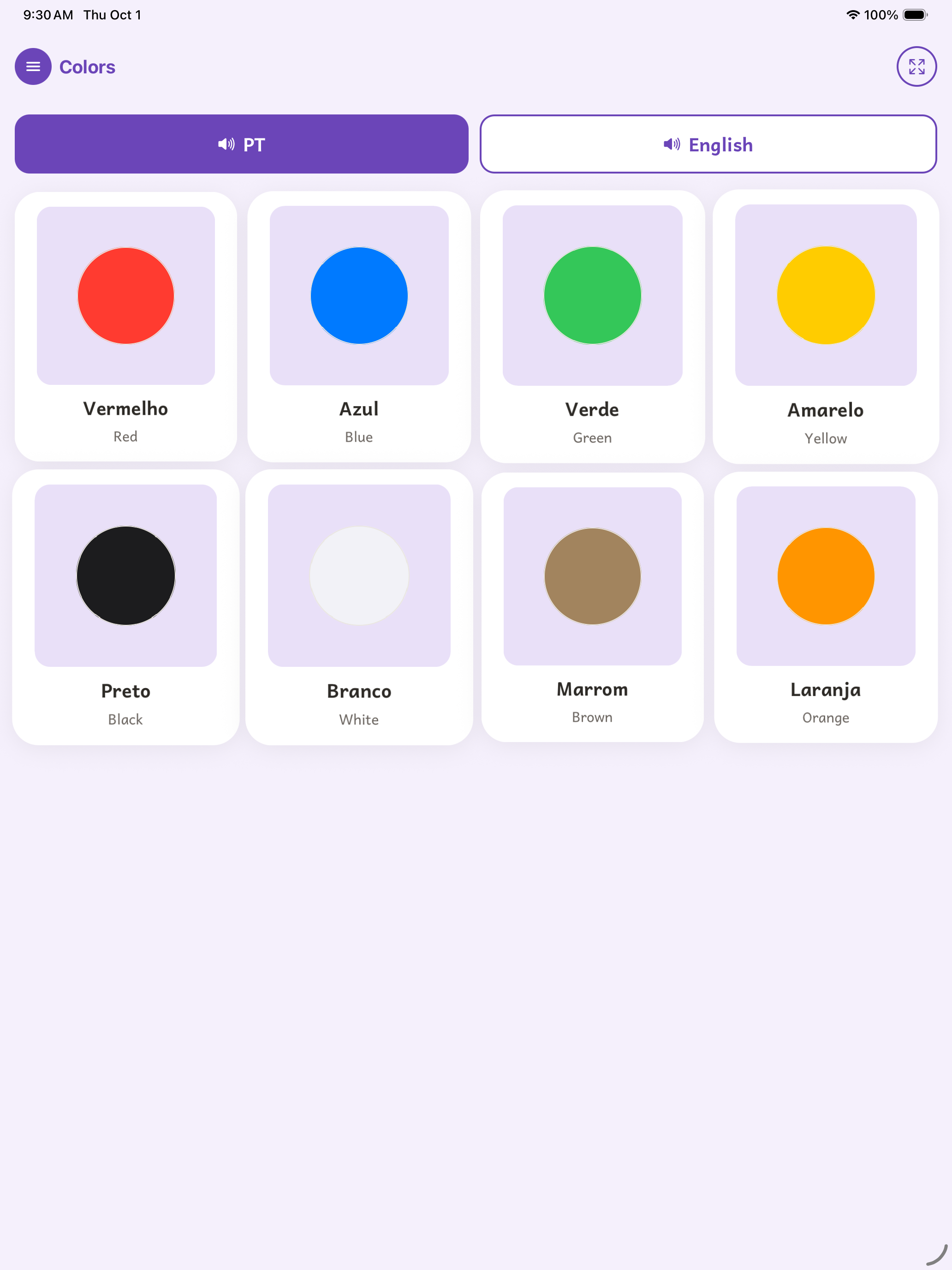
- 100 first words, 17 languages, 12 categories. Animals, Colors, Family, Food & Drink, and more — each category has its own color so a child who can't read yet still knows where they are.
- Touch a picture, hear the word — in the native language, and (for every language but English) in English too.
- Every word is checked against a named dictionary for its language and, where one exists, against the MacArthur-Bates CDI checklists of words toddlers actually learn first.
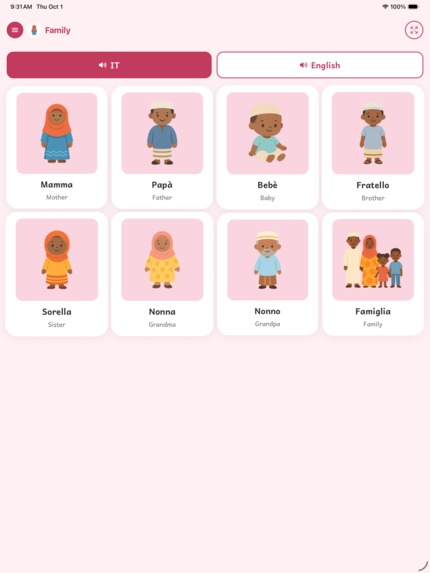
- A family that looks like the one learning the language. Word pictures involving people are drawn in one of seven family looks; each language defaults to a look reflecting many of its speakers, and a grown-up can pin a different one or let it rotate daily.
- A one-word-at-a-time view with big arrows, for children who can't swipe yet.
- 36 words are free in every language. One language unlocks for $2.99; every language unlocks for $7.99. No subscription, no ads, no accounts, no third-party analytics, and it works offline.
How we built it
Expo and React Native, one codebase, one App Store listing for all 17 languages. A small content pipeline turns a per-language config — words, translations, a voice — into the app's bundled data, so adding a language is mostly content work, not engineering work.
Illustrations are shared across languages; word audio is generated per language and per family look. English speech runs through ElevenLabs with voice settings specifically tuned for toddlers (slower pace, boosted stability) rather than a generic TTS default, because the difference between "a voice reading words" and "a voice a toddler will listen to twice" turned out to matter a lot.
RevenueCat runs the entire purchase path. The SDK checks entitlements on launch and on foreground; a custom paywall (not RevenueCat's default UI) shows the store's localized price for unlocking just the language on screen or every language at once; Customer Center handles restores. There's no server of our own and no account system — RevenueCat's anonymous per-device ID is the only thing tying a purchase to a device.
Challenges we ran into
- Small children press and hold, they don't tap. Our first build only spoke on a clean tap-up, so for the youngest users the app was frequently silent. Audio now fires on touch-down instead.
- Representation isn't a detail, it's a feature. Showing one fixed set of people in every word picture, regardless of language, didn't sit right. Building six additional family looks — each fully redrawn for every applicable word, not just skin-tone-shifted — and wiring a sensible per-language default took real design and pipeline work, not a palette swap.
- Locked content had to be shown, not hidden. A parent needs to see exactly what they're unlocking — the picture, the category name — before paying, which ruled out simply hiding locked categories. We iterated from a flat opacity fade to a proper frosted-glass blur so locked art reads as "there, but intentionally obscured," not just grayed out.
- A child cannot be allowed to buy something by accident. Unlocking needs a deliberate press-and-hold, and both settings and purchasing sit behind a grown-up math-question gate.
- Licensing real animal sounds. Every sound effect had to carry a license we could actually ship; two animals stay silent because nothing suitable existed.
- Really testing out many different voices and images to not feel like AI Slop and double check, tones, voices, and words to be properly accurate, we know many different regions of a country speaking the same language might have a different word for things. We could not solve for all problems so we picked the most likely word in that case.
Accomplishments that we're proud of
- Shipping 17 languages × 100 words × 12 categories as one coherent product, not 17 forked apps.
- A purchase flow that's genuinely safe for a toddler to be alone with: no tap can leave the app, and no tap can spend money.
- Representation that goes beyond token gestures — a child can see a family that looks like theirs, by default, in the language they're learning.
- A design system built specifically around how a one-year-old's hand actually behaves, down to animation timing: cards breathe, pop, and wiggle using transform-only motion, and every animation respects the system Reduce Motion setting.
- Using Andika, a typeface SIL designed specifically for early literacy, including the single-story "a" children are taught to write.
What we learned
- Toddler UX is not "adult UX, simplified" — it's a genuinely different interaction model (touch-down not touch-up, hold not tap, big unmissable targets) that breaks assumptions baked into most mobile UI defaults.
- Accessibility and inclusivity decisions compound: once you've built one alternate "family look," the right architecture for six more (and for a sensible default/rotation policy) becomes obvious, but only in hindsight.
- Payment UX for an app a literal infant might pick up unsupervised has different correctness requirements than normal mobile commerce — "can this be triggered by accident" has to be checked at every interactive surface, not just the buy button.
- Small, deliberate constraints (no accounts, no ads, no subscription) simplify an enormous amount of downstream engineering — there was no user data system to build, secure, or reason about at all.
What's next for First100: MultiLanguage
- Would love to keep it simple. Almost treat First100 like you would a physical toy. You know what to expect as a parent when i kid gets in there. That being said we want to take some advantages of providing more to the user, such as more words. Maybe a matching game, but really have to be thoughtful with what we do as this is a kids app.
- More languages — starting with the West African languages (Twi, Yoruba, Igbo) that need voice options not readily available off the shelf.
- Android.
- Higher-fidelity, more expressive voice audio across non-English languages.
- A simple progress view for parents, to see which words their child has actually heard.

Log in or sign up for Devpost to join the conversation.