-
-
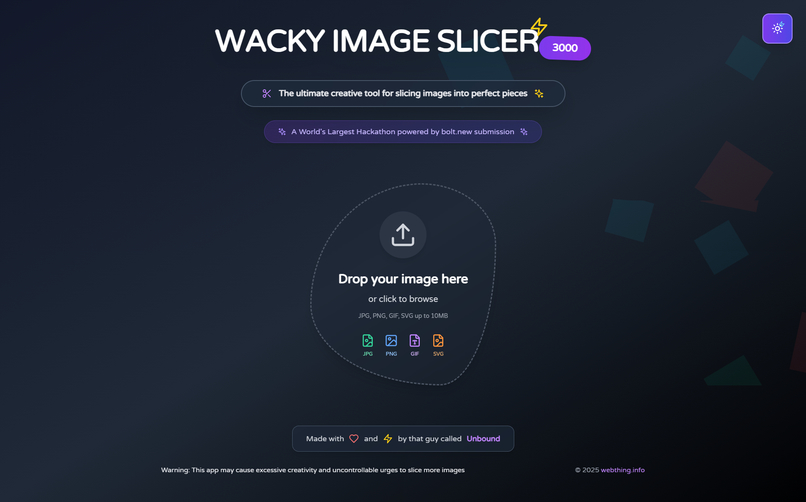
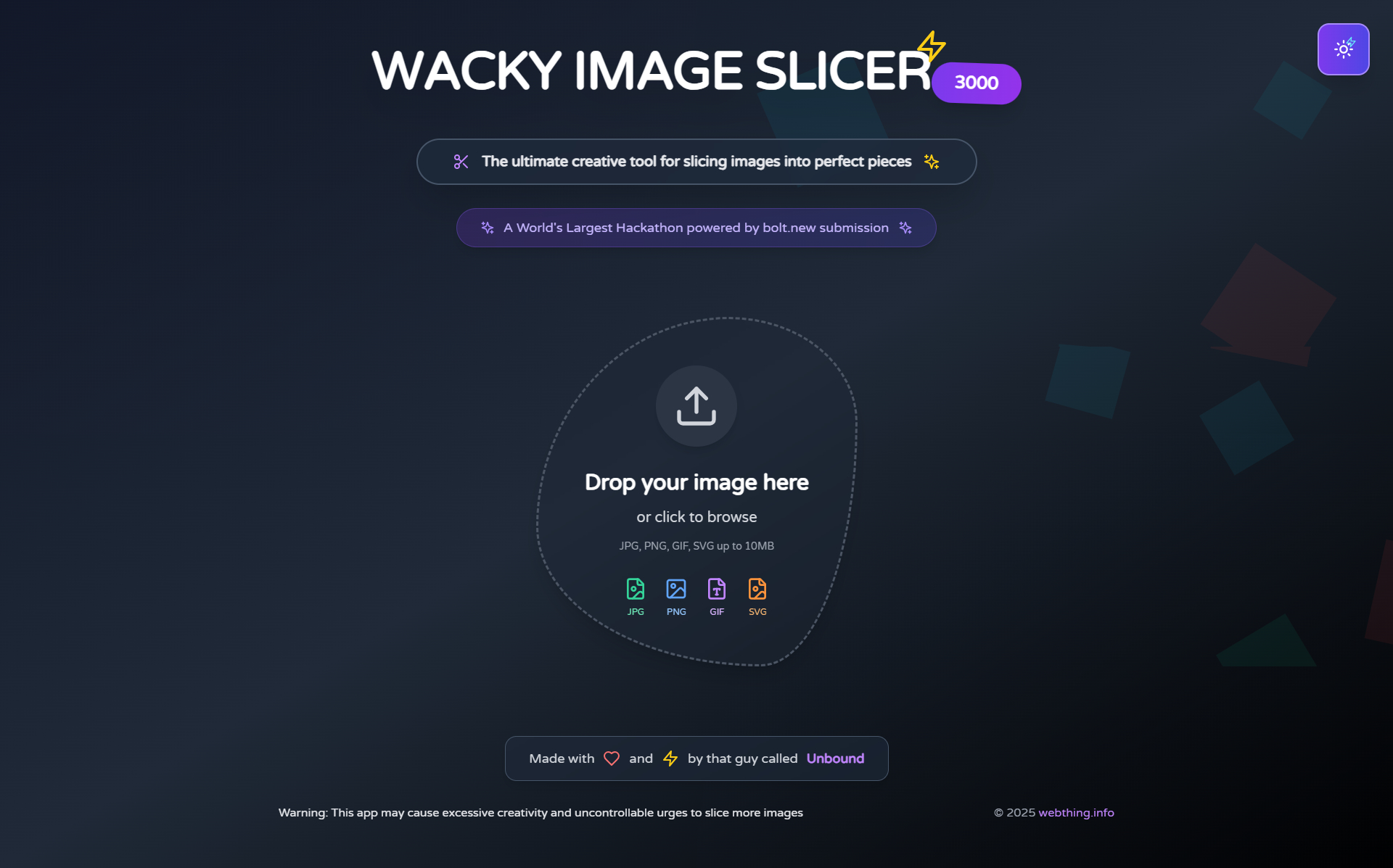
Dark mode
-
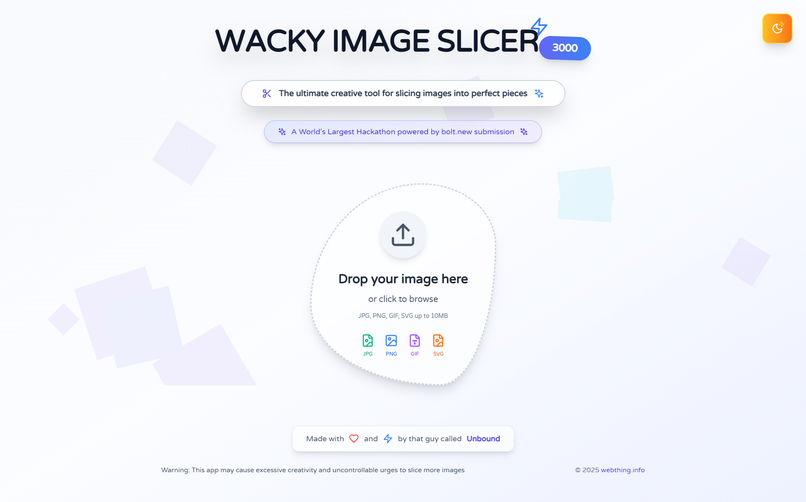
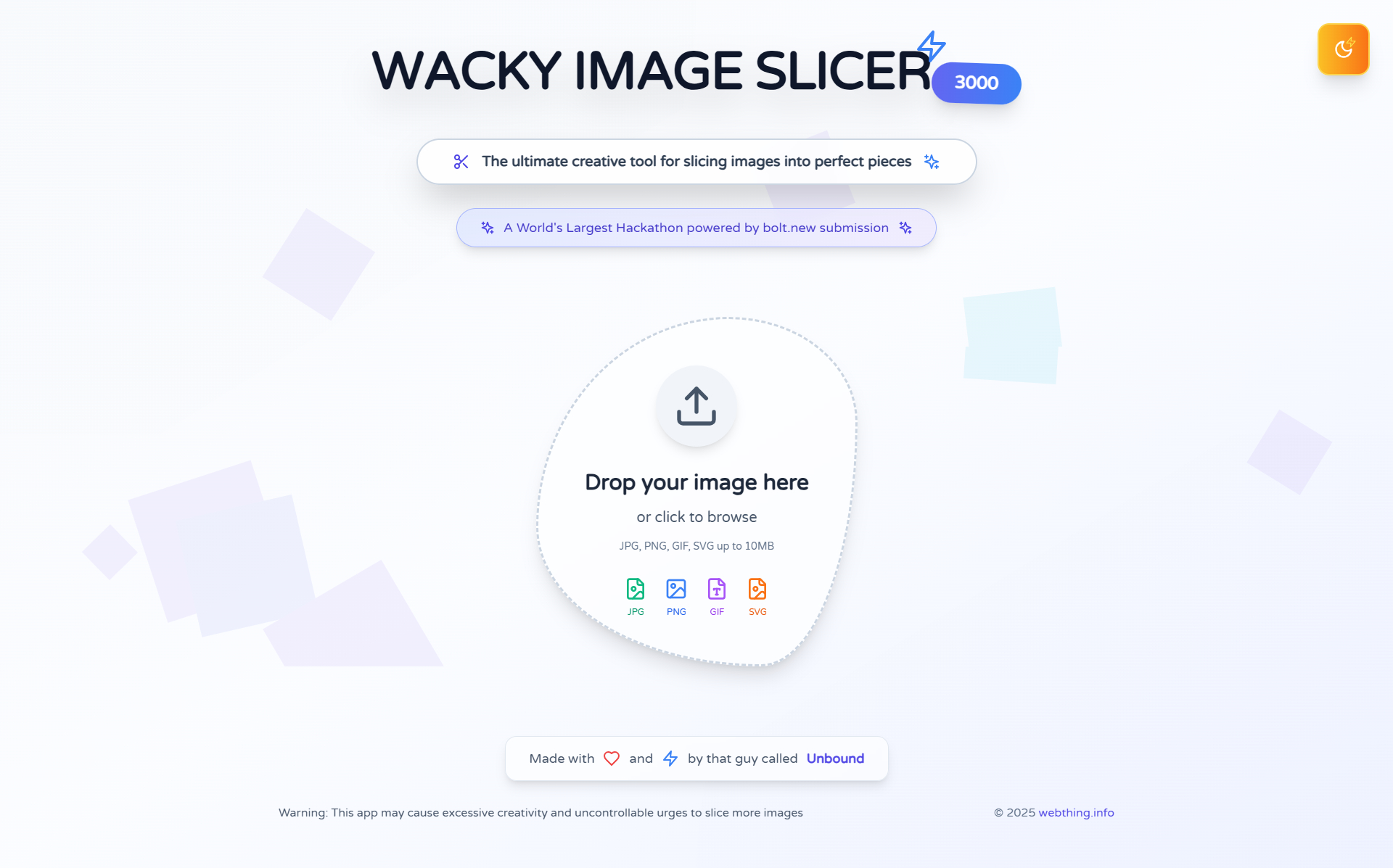
Day Mode
-
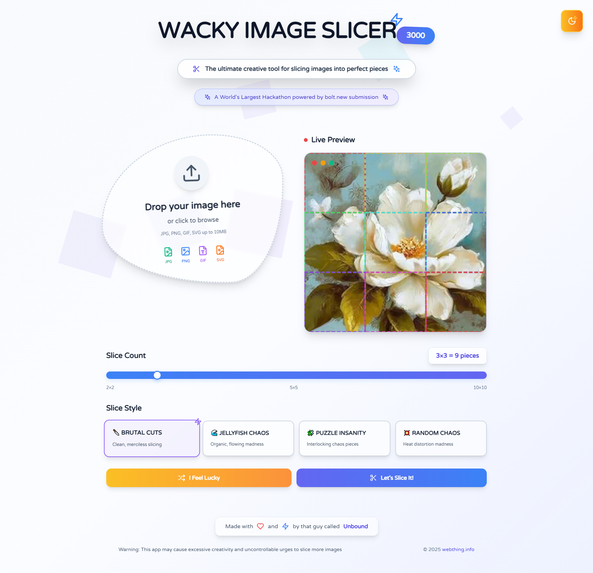
Upload image
-
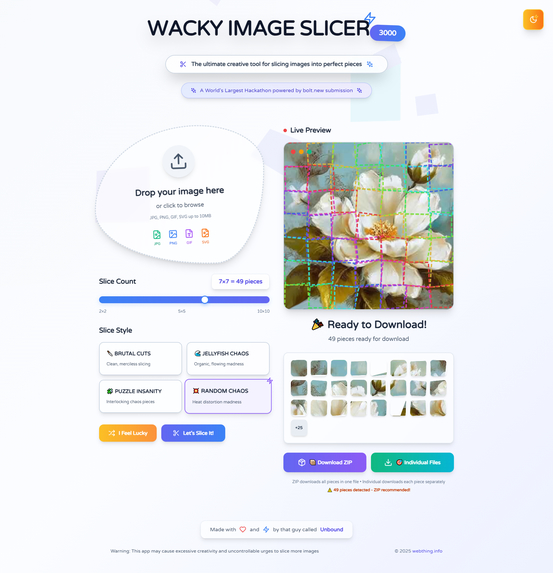
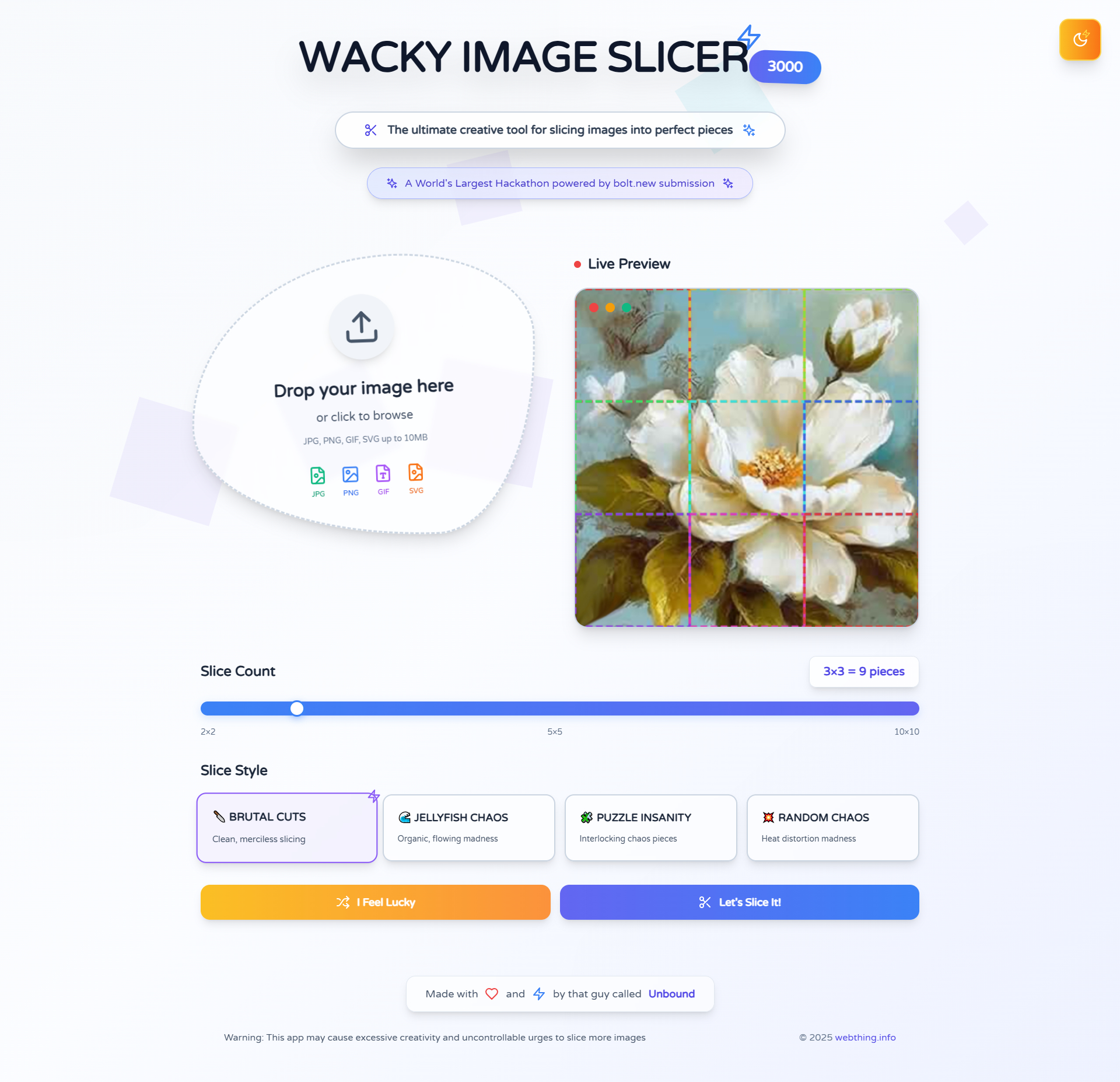
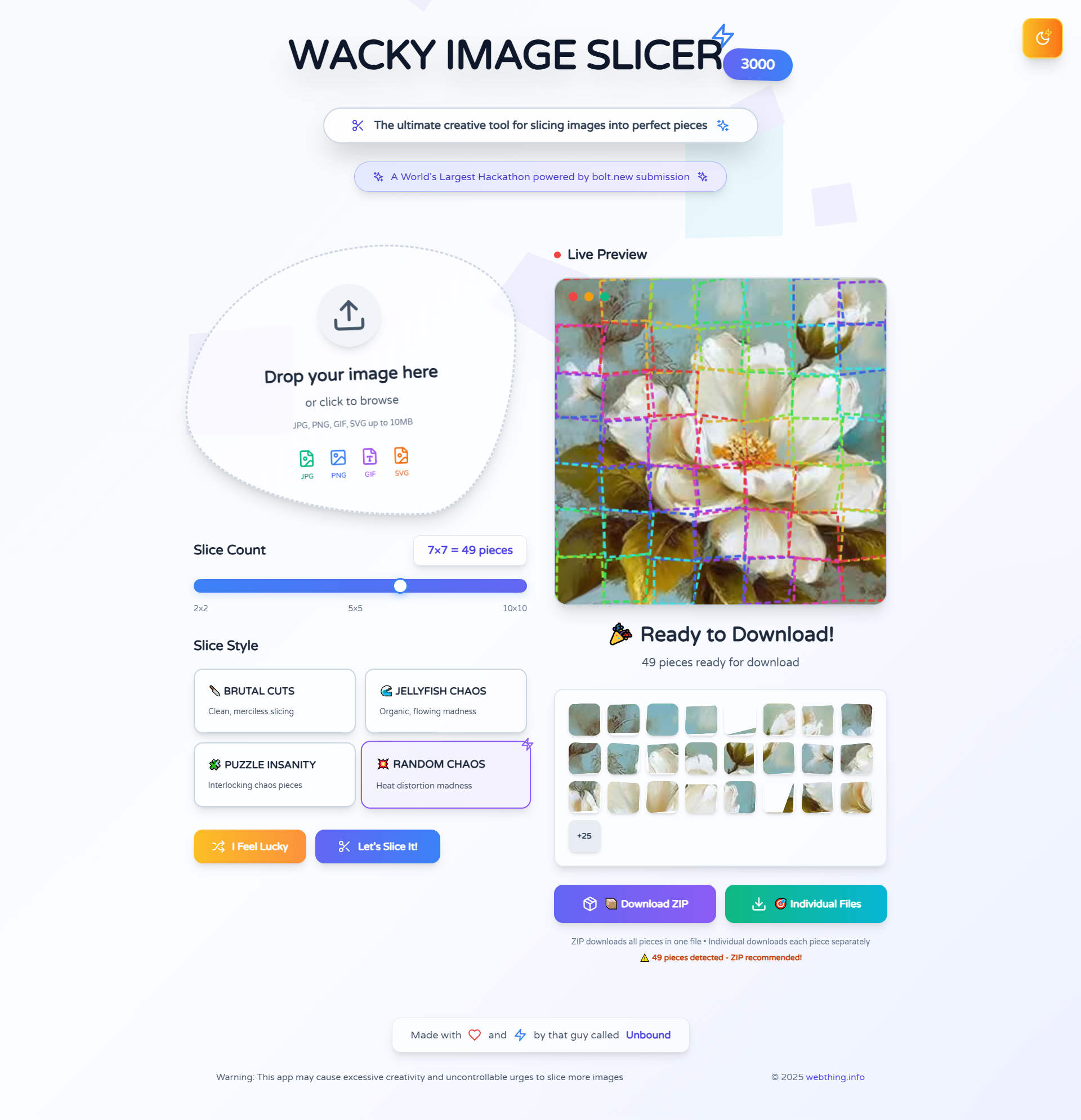
Slice image
✨ Inspiration
I started with a simple idea: I needed a way to slice an image into equal square pieces.
But then I thought — why stop at straight lines?
What if the slices were wavy like jelly, or shaped like jigsaw puzzle pieces?
What if the interface felt like a playground, not a tool?
And just like that, the concept for Wacky Image Slicer 3000 was born — a functional tool disguised as digital chaos.
🧹 What it does
This web app lets you:
- 🖼 Upload any image (JPG, PNG, etc.)
- 🎚 Choose the number of slices (2x2, 3x3, up to 10x10)
- 🧠 Preview the layout with animated guidelines:
- Straight grid lines
- Wavy psychedelic curves
- Jigsaw-style puzzle edges
- Straight grid lines
- 📦 Download all slices as a
.zipwith one click
All client-side. No server. No upload delays.
🛠 How I built it
Using Bolt.new as the entire development platform:
- Started with a prompt:
> “Create a web app to slice images into N×N squares, with slider and preview overlays (grid, wave, jigsaw), and generate downloadable zip.” - Bolt.new scaffolded the UI, Canvas logic, and ZIP download using JSZip (via npm).
- Previewed and tweaked in real-time – no local setup, no Git, no deploy step. The entire app was built, previewed, and deployed within Bolt.new's no-code chat editor.
🧷 Challenges I ran into
- ⚖️ Perfectly slicing images into equal parts, even on high-res images
- 🔀 Generating dynamic guidelines with complex curves and matching edges
- 💥 Browser performance when slicing and exporting 100+ images
- 🥃 Balancing chaos and usability in the UI — making it weird, but still intuitive
🏆 Accomplishments that I'm proud of
- 🔥 Built a fully client-side image slicer with download support — no backend, no upload lag
- 🎨 Designed a wacky, glitchy, and animated UI that feels more like a toy than a tool
- 🤺 Successfully implemented jigsaw-style guidelines that actually match across slices
- ✨ Turned a basic utility into a creative digital art experience
📖 What I learned
- Deep dive into the Canvas API and image data manipulation
- Mastered JSZip and client-side blob downloads
- Gained confidence math-based rendering
- Learned how to embrace chaos in design, without sacrificing UX
🚀 What's next for First project
- 🔄 Add non-square slice modes (circles, triangles, randomized chaos grids)
- 🔹 Improve puzzle mode for more accurate interlocking edges
- 🔧 Allow drag-and-drop reordering of slices before download
- 🌎 Export in more formats (WebP, JPG quality selector, etc.)
- 🌟 Maybe even a "Slice Me Crazy" button to generate random styles with AI
Thanks for checking out Wacky Image Slicer 3000!
Because sometimes, breaking stuff apart is the best way to build something awesome. ✨
Built With
- bolt.new
- html
- tailwind
- typescript
- vue

Log in or sign up for Devpost to join the conversation.