-
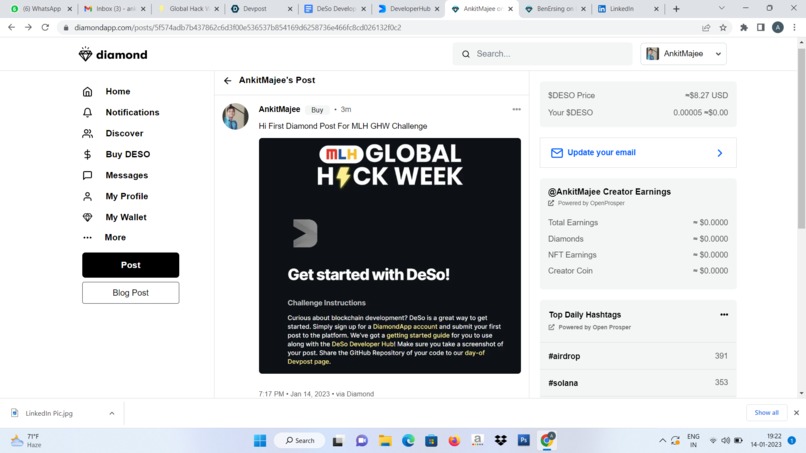
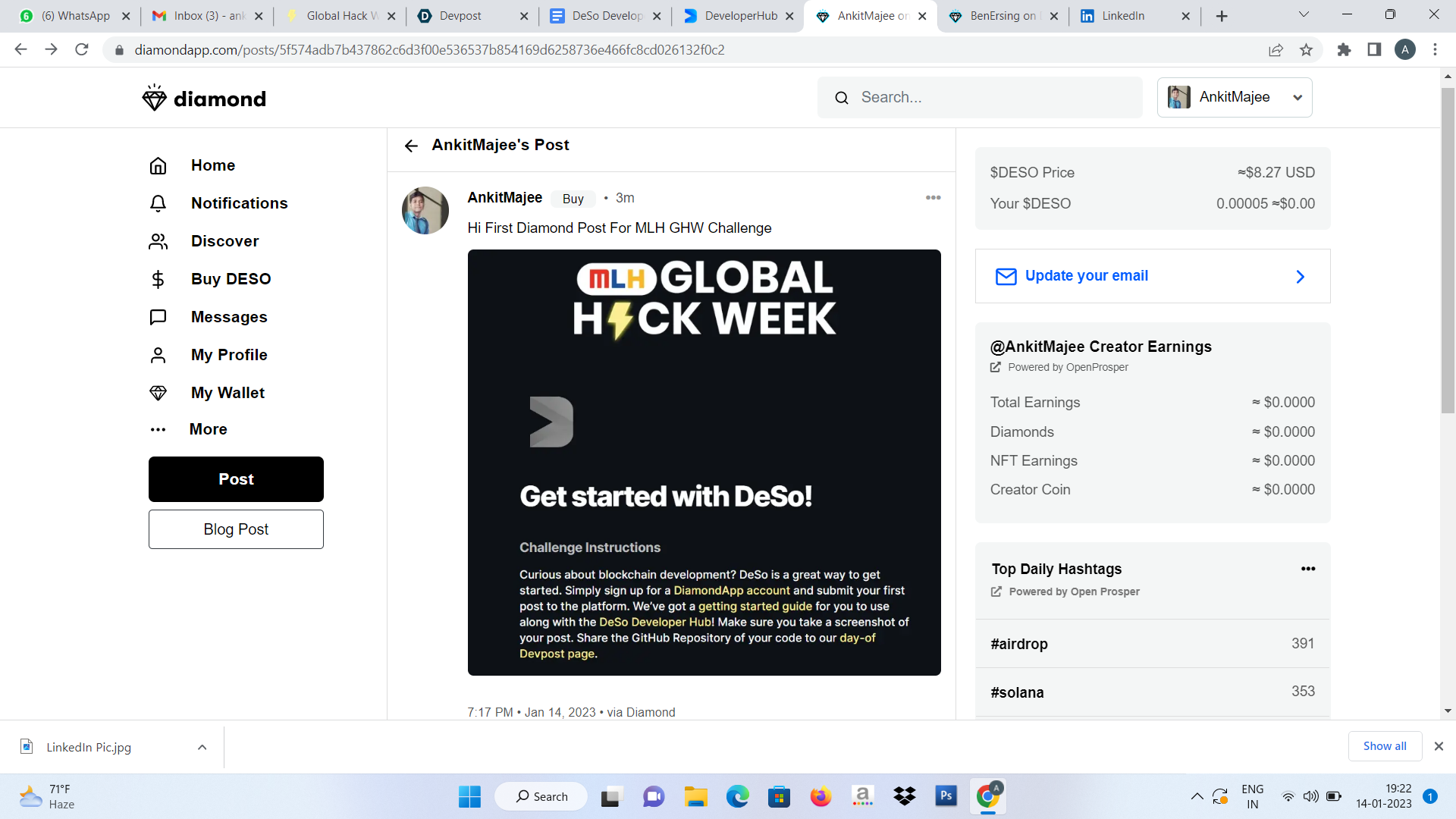
First Post at Diamond App
How to earn $DESO
Howdy y’all,
The DeSo team has recently released their developer hub, designed to make all of DeSo’s API functionalities more accessible to hackers like you.
Below you will find a step by step guide on how to get started with using the DeSo Developer Hub.
Head over to the diamond app at diamondapp.com to create an account and receive free $DESO coin. You will need to do this if you want to write to the DeSo Blockchain.
Now, let’s open up the a terminal and call
git clone https://github.com/DeSoDog/deso-react.git
to install a preconfigured deso-react starter app. (If you do not want to use react you will need to create your own web application and then call “npm i deso-protocol” to add the DeSo Library)
Once the repo is downloaded run the following commands
cd deso-react npm i
to install your dependencies.
To run the application call npm run start
Go to localhost:3000 in your browser and you should see 3 buttons that demonstrate the login functionality, logout functionality and a get call to retrieve user information. Since we created a DeSo account in the Diamond App, clicking on the login button will open a login modal and display the account you recently created. If you click the ‘get user’ button, the library will make a call to the blockchain and display information about your account.
To see how these calls work head over to app.js
TLDR; these buttons are bound to some onClick functions that call to the DeSo API. If you want to see the contents of the deso object instantiated on line 4, run a console.log(deso) on line 5 and view the object in your browser console.
Next, let’s head back to https://hackp.ac/deso-devhub and use their sample code to implement some new functionality to our react-app. Simply find the endpoint that you want to implement, look at the example and get building. Here’s an example of the submit post page, which gives all the info you need to know to make a submit post request.
Using the ‘submit post’ code we see displayed but replacing the public key with a reference to the deso API object, we’re going to build a new button with the onClick functionality that will allow us to submit a post using our react-app. Beneath the ‘get user’ button, copy and paste the following code:
{
const request = {
"UpdaterPublicKeyBase58Check": deso.identity.getUserKey(),
"BodyObj": {
"Body": "Checking out the developer hub",
"VideoURLs": [],
"ImageURLs": []
}
};
const response = await deso.posts.submitPost(request);
}
}> submit post
Once your code app re-renders, you should be able to see a ‘submit post’ button to the right of your ‘get user’ button. When you click it, it will submit a post on your DiamondApp account that should look like the following screenshot. Remember, you can always change the body of the request to say what it is you want to post.
And there you have it. You’re officially a blockchain developer, but don’t go updating your linkedin profile just yet. There are still a ton of other features you can try out on your own and use in your next project!
That’s it for now.
The purpose of the DeSo Developer Hub is to give hackers the opportunity to try out the DeSo API endpoints in a low-stakes environment. The accompanying starter react-app gives them the ability to utilize the API in a more customizable way and eventually build their own applications.
If you have any issues with the documentation, you can add them at hackp.ac/deso-feedbac
Built With
- blockchain
- nft


Log in or sign up for Devpost to join the conversation.