-
-
Assets via WEBMCP
Inspiration
More customers now begin their research in ChatGPT. On a conventional website, the agent often has to scrape the interface, interpret incomplete context, and guess what actions are available. When the customer reaches the business, they may have to start the conversation again.
WebMCP offers a better model: the website can expose accurate information, useful assets, and explicit actions directly to the agent.
Commerce demos show how an agent can find a product and complete checkout. This project explores the service-business journey, where the next step often requires context, evidence, qualification, and human judgment rather than simply adding an item to a cart.
What it does
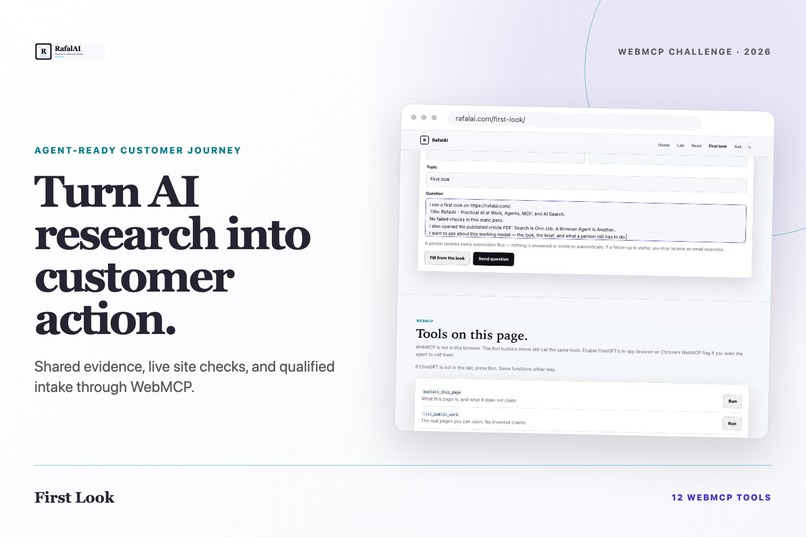
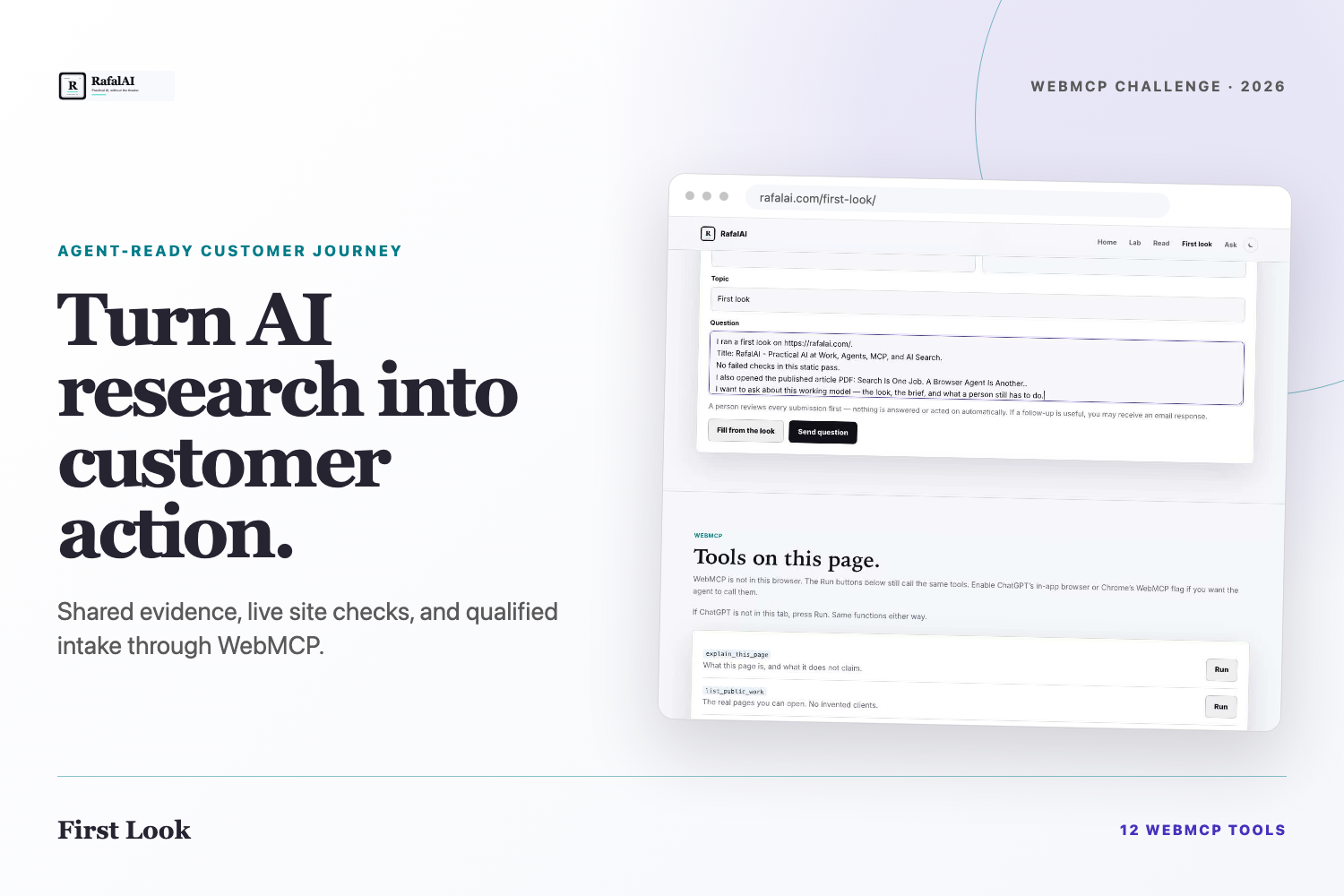
This page creates one shared workspace for a visitor and their browser agent.
Together, they can:
- Understand what the page offers and what it does not claim
- Browse real public work without invented clients or case studies
- Open and explain a published brief on the same screen
- Run a limited analysis of a public URL
- Review its title, description, heading, declared tools,
llms.txt, androbots.txt - Fill a question using the findings
- Submit that question for human review
The page exposes twelve WebMCP tools. Eleven are imperative JavaScript tools, and ask_rafalai is a declarative form tool with toolautosubmit.
The submission is real, but nothing is automatically answered or acted upon. A person reviews every message.
Why WebMCP
WebMCP lets the website define its capabilities instead of forcing the agent to infer them from the DOM.
That produces a better customer experience because the person and the agent work with the same information, assets, actions, and visible state. The conversation can move forward instead of restarting when the customer leaves ChatGPT and reaches the business.
This page is one example, not the final product. A store could expose products, inventory, recommendations, and checkout. An agency could expose services, briefs, qualification, audits, and intake. Other businesses can expose the actions that match how they actually serve customers.
The commercial opportunity is straightforward: better answers, less friction, more qualified conversations, and more customers.
How we built it
Eleven tools are registered with document.modelContext.registerTool in JavaScript. The Ask form provides the twelfth tool declaratively using toolname, toolparamdescription, and toolautosubmit.
The same underlying functions power both agent calls and the visible Run buttons, so the experience remains demonstrable in browsers without WebMCP enabled.
The URL analysis calls GET /api/look, a Cloudflare Pages Function that fetches public HTML, /robots.txt, and /llms.txt. It rejects localhost, private networks, credentialed URLs, and unsafe redirects. It does not use paid ranking APIs.
The project is hosted on Cloudflare and released in a public MIT-licensed repository.
Challenges
The central design challenge was creating a meaningful WebMCP experience that was not another shopping-cart demonstration.
We also needed to:
- Keep agent actions visible to the person
- Separate drafting from submitting
- Preserve human review after submission
- Safely accept user-provided public URLs
- Avoid duplicate imperative and declarative tool registrations
- Demonstrate a service-business journey without inventing clients or results
What we learned
The difficult part of WebMCP is not registering a function. It is deciding which actions should exist, describing them clearly, and establishing the correct boundaries.
WebMCP is also different from search optimization. Search helps information get discovered. WebMCP helps an agent use a website accurately once it arrives.
Agent-ready websites can become a new customer-acquisition interface: a place where AI systems present reliable information, provide the right assets, and perform useful actions while people remain responsible for the work.
Built With
- cloudflare
- css
- html
- javascript
- node.js
- pages
- webmcp
- workers

Log in or sign up for Devpost to join the conversation.