-
-
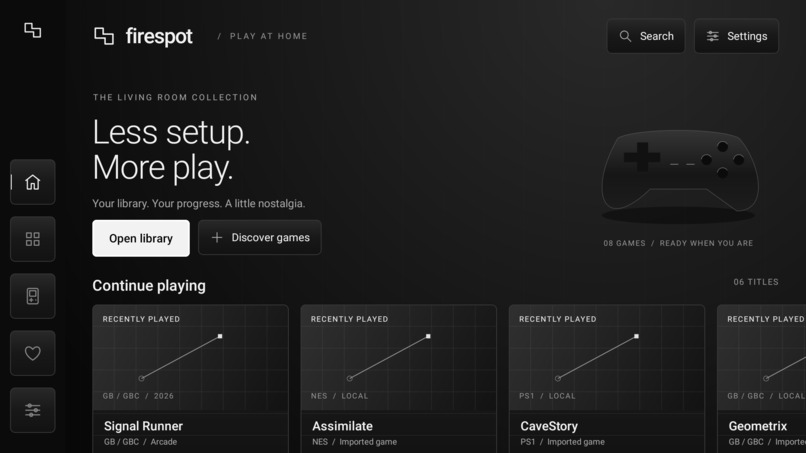
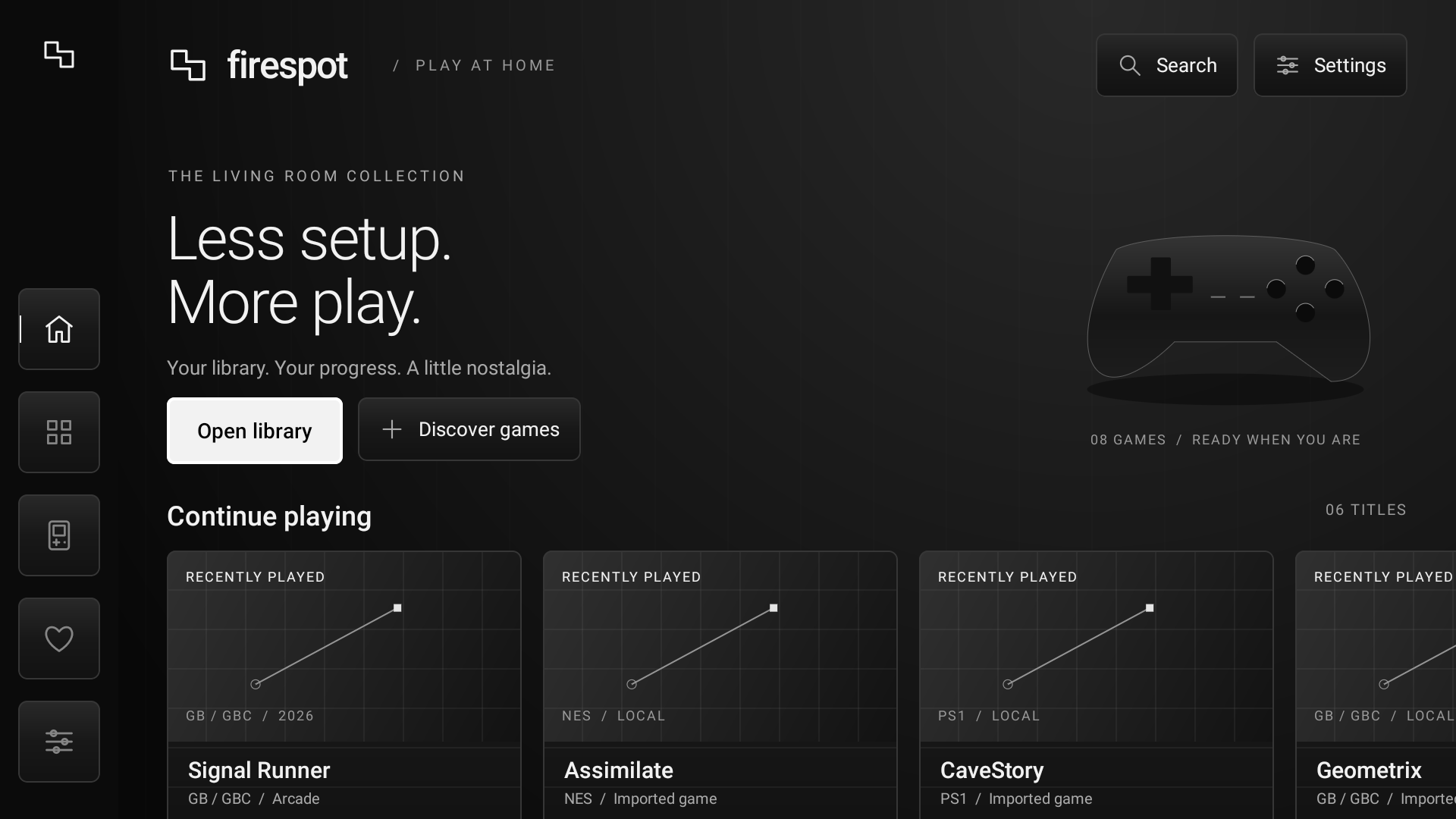
Main Menu of Firespot
-
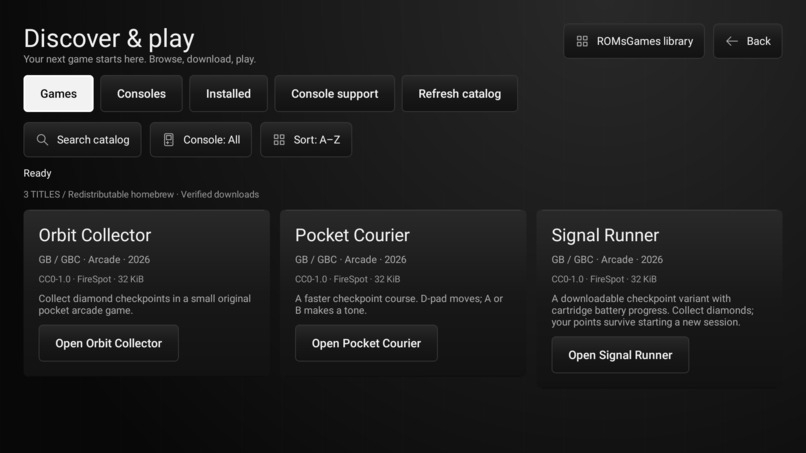
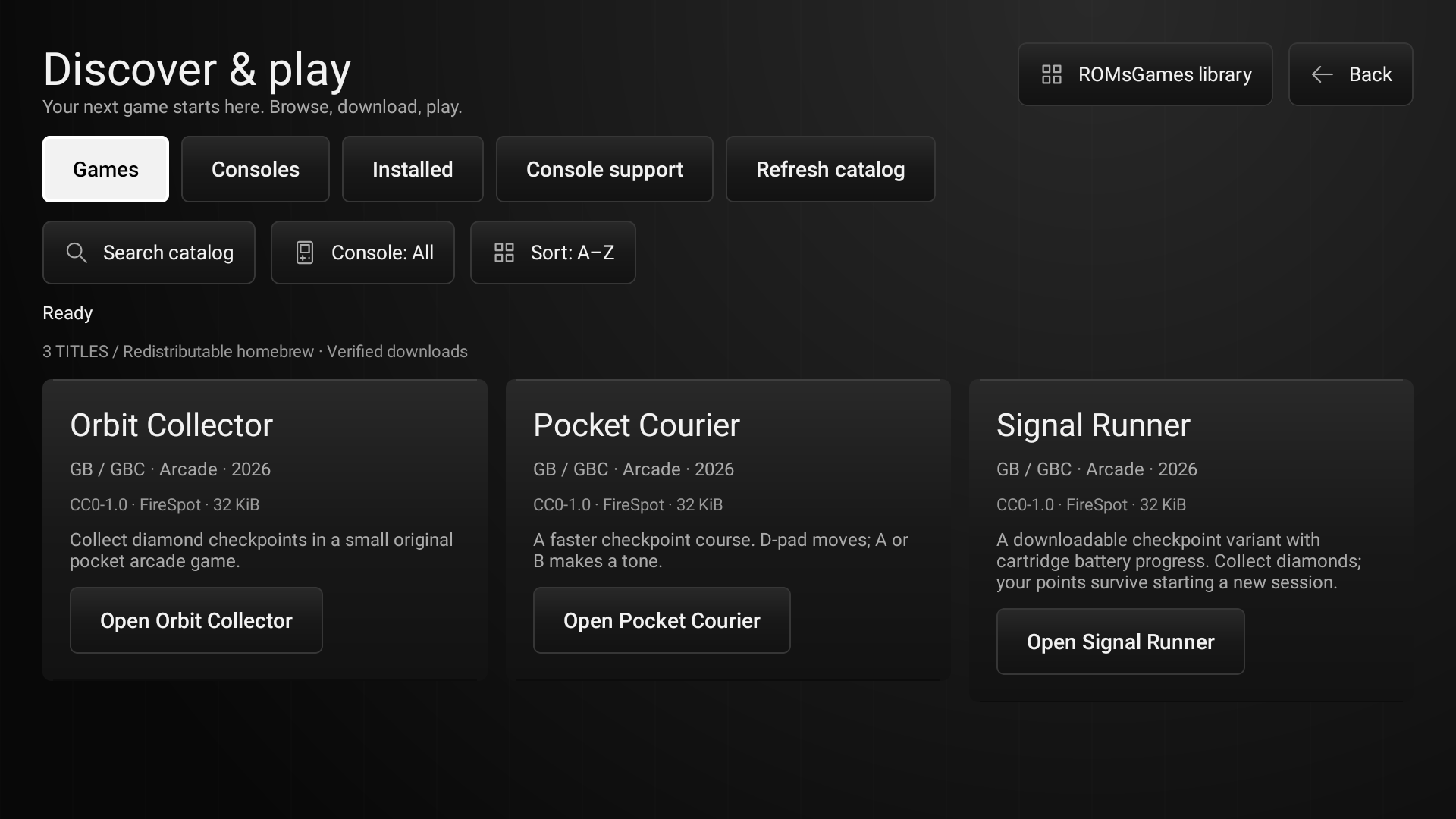
Download Catalogue for firespot including core components which are different emulators
-
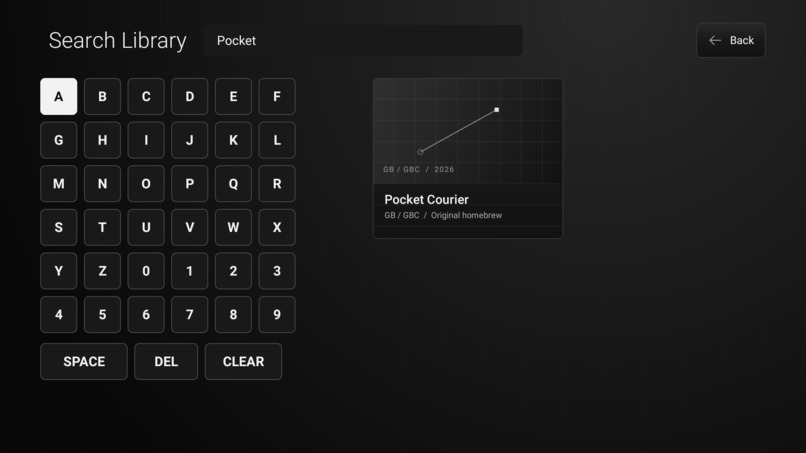
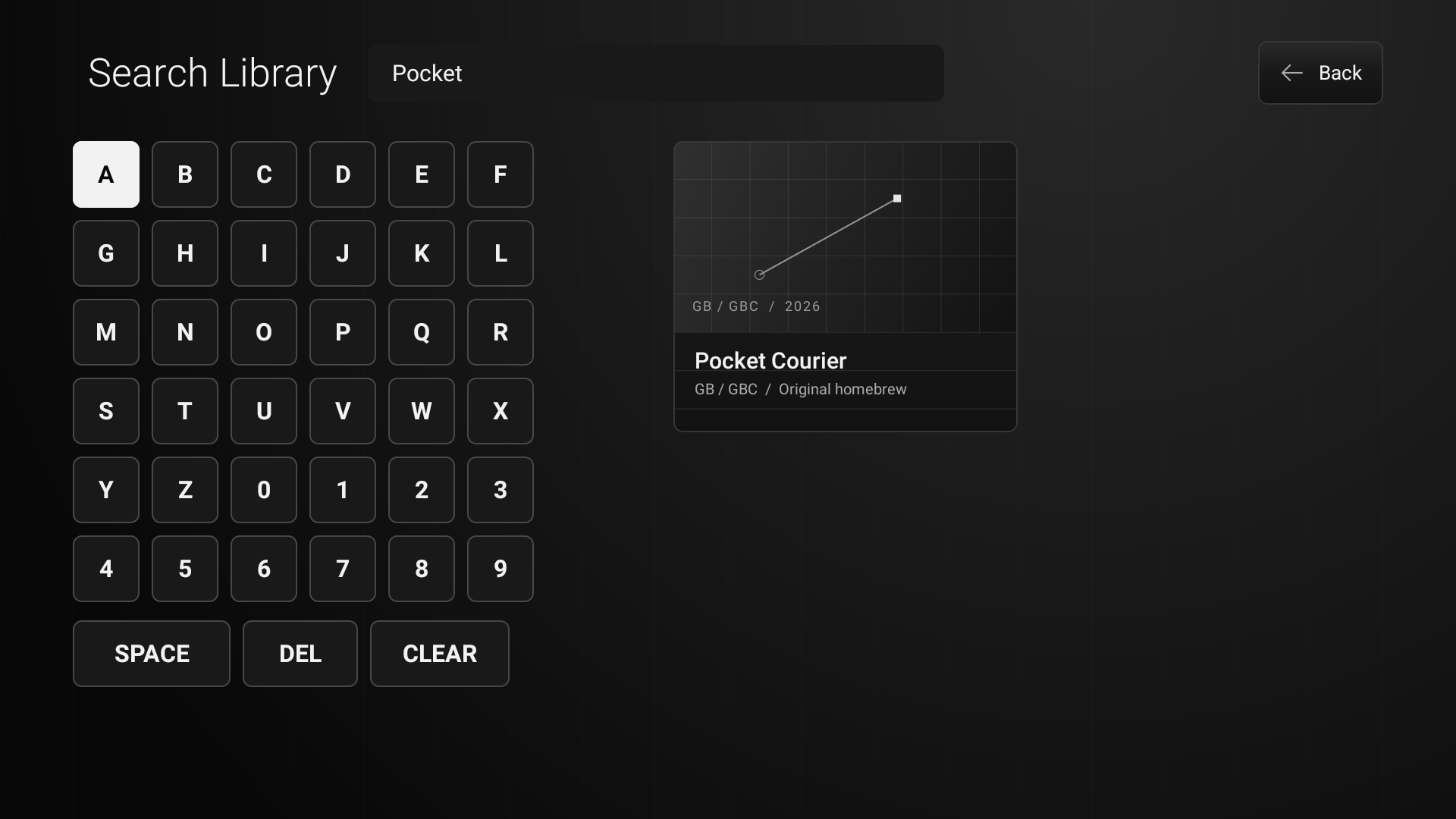
Search Menu of firespot
-
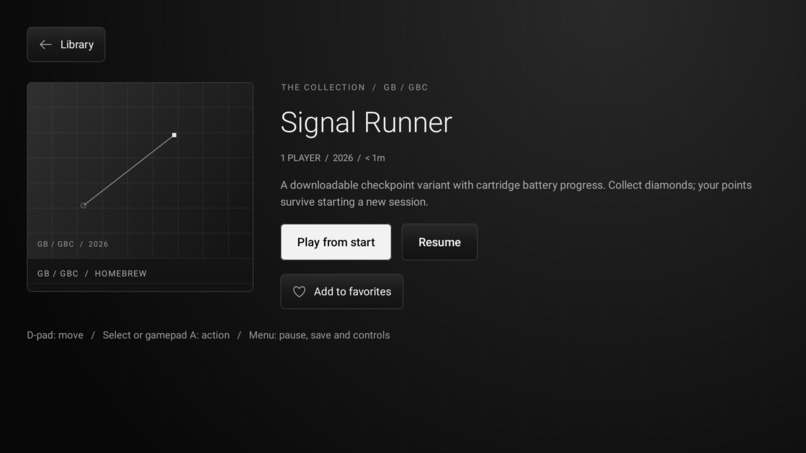
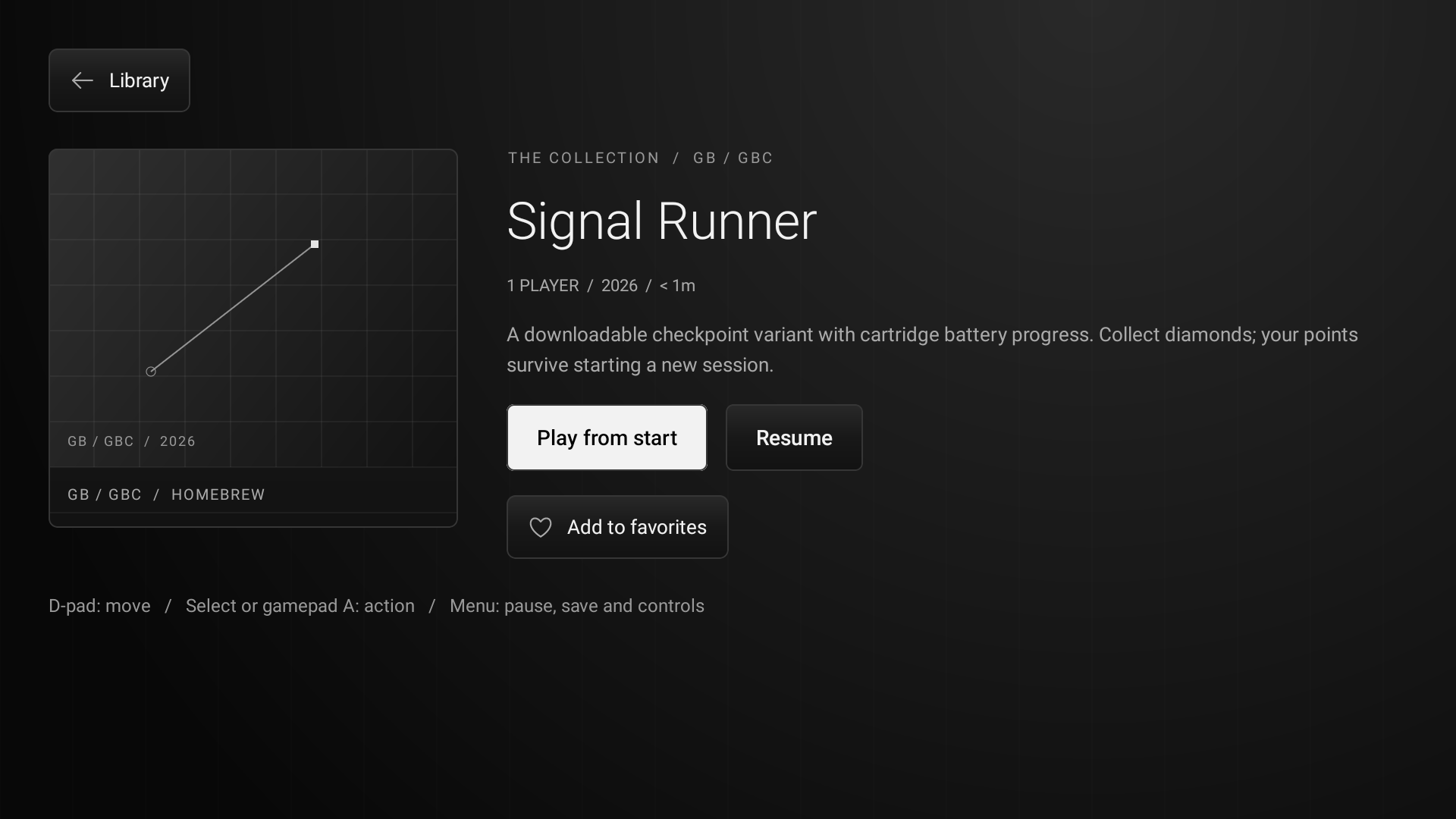
Opening A game cartidge
-
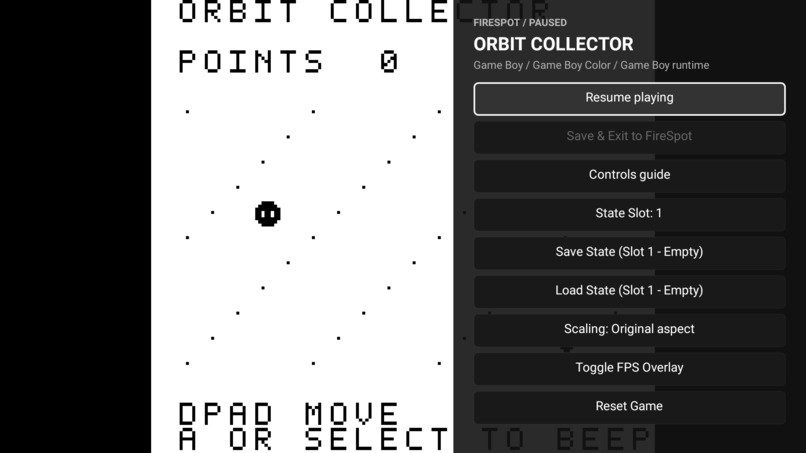
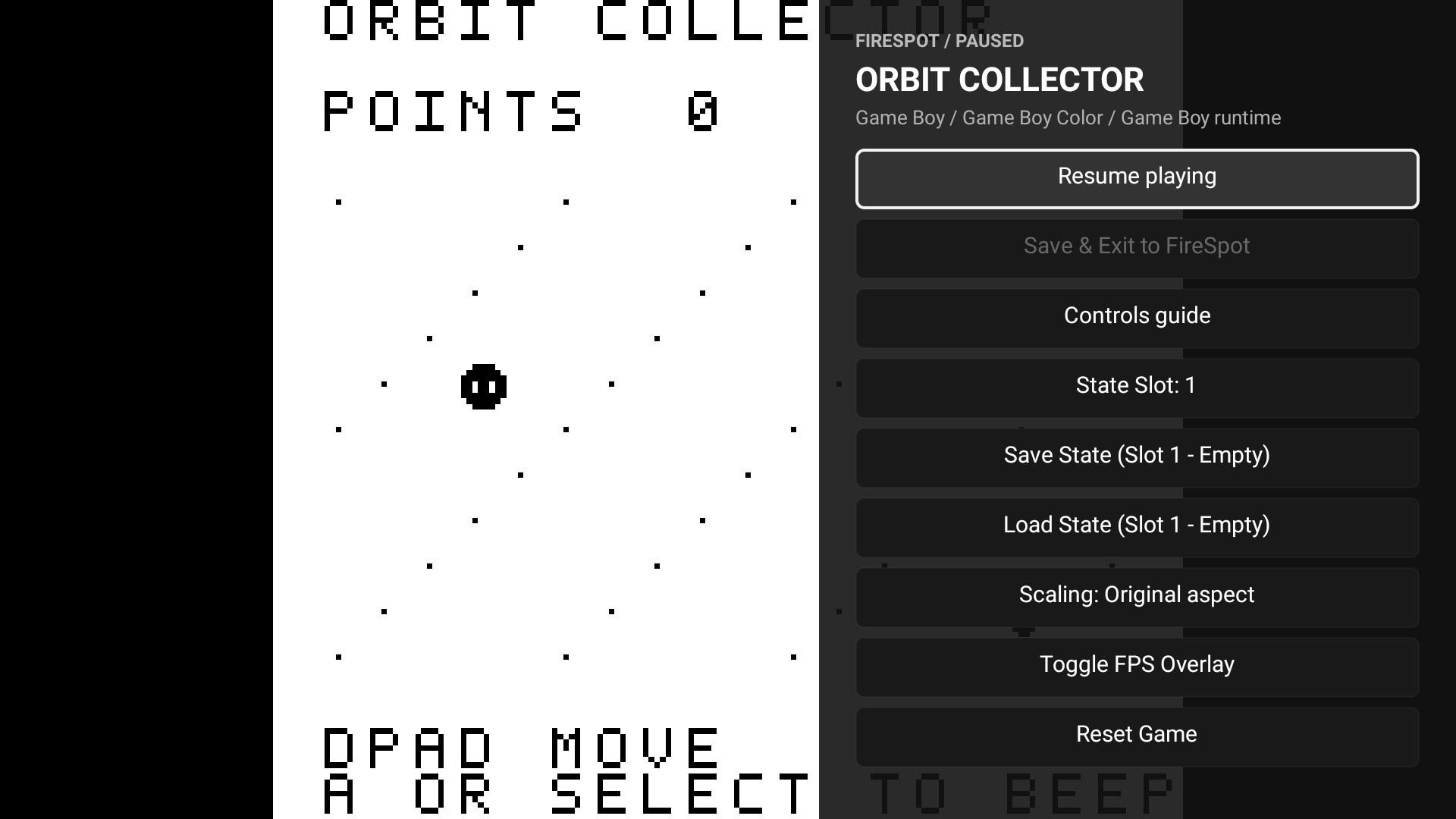
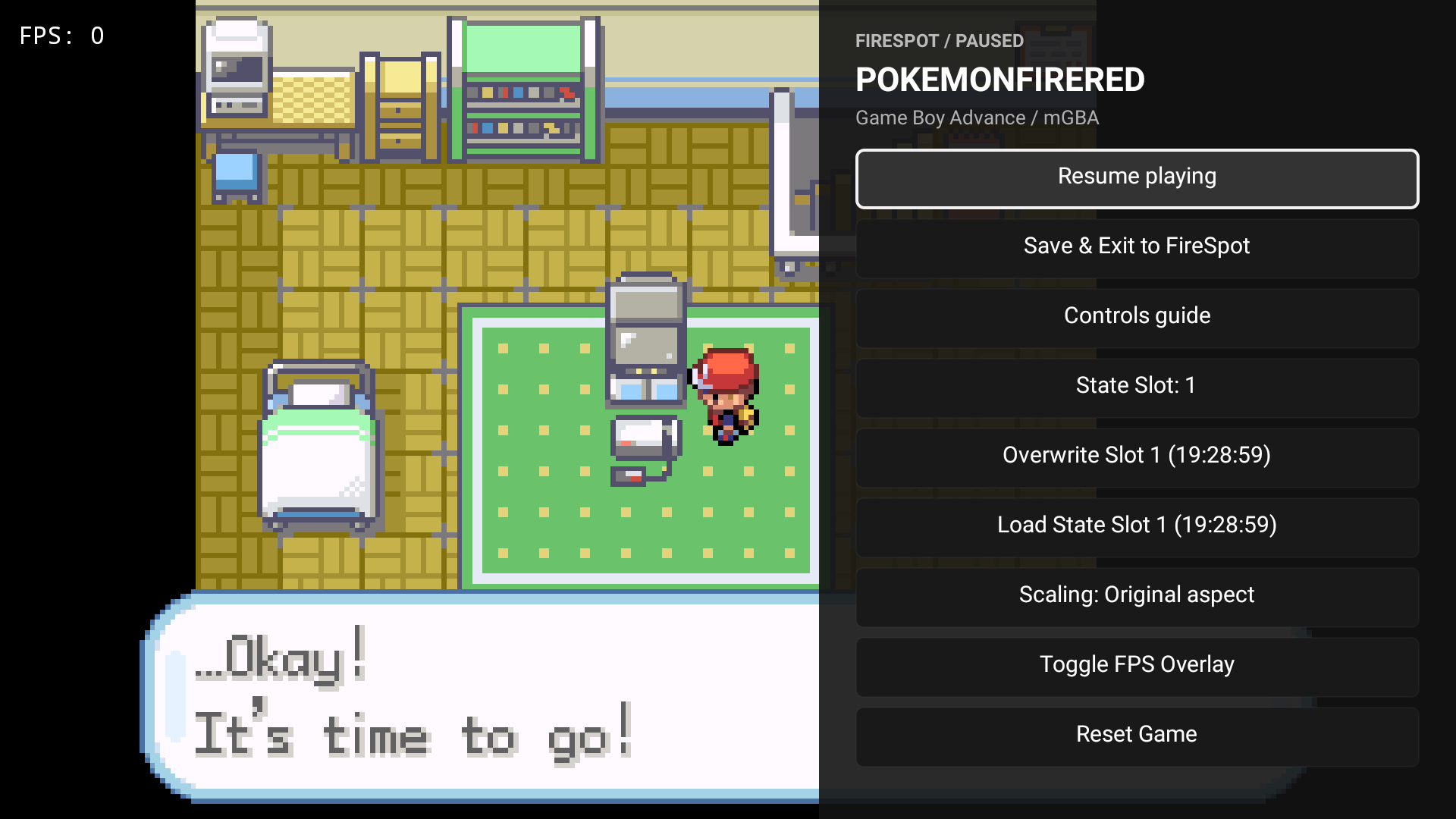
playing another game and using pause menu
-
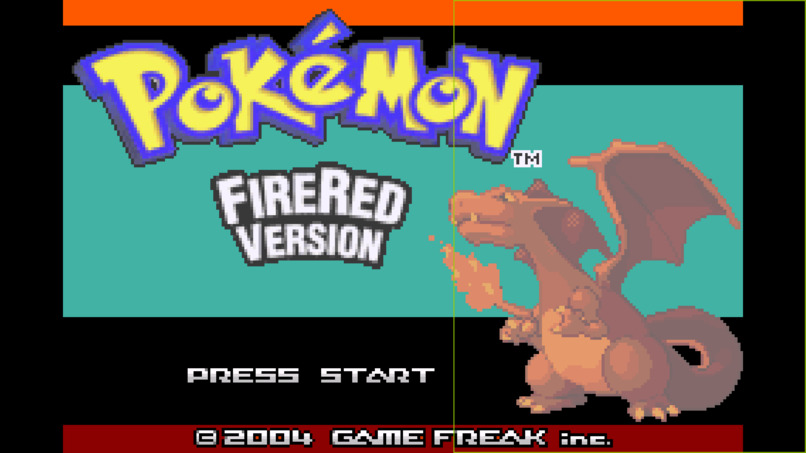
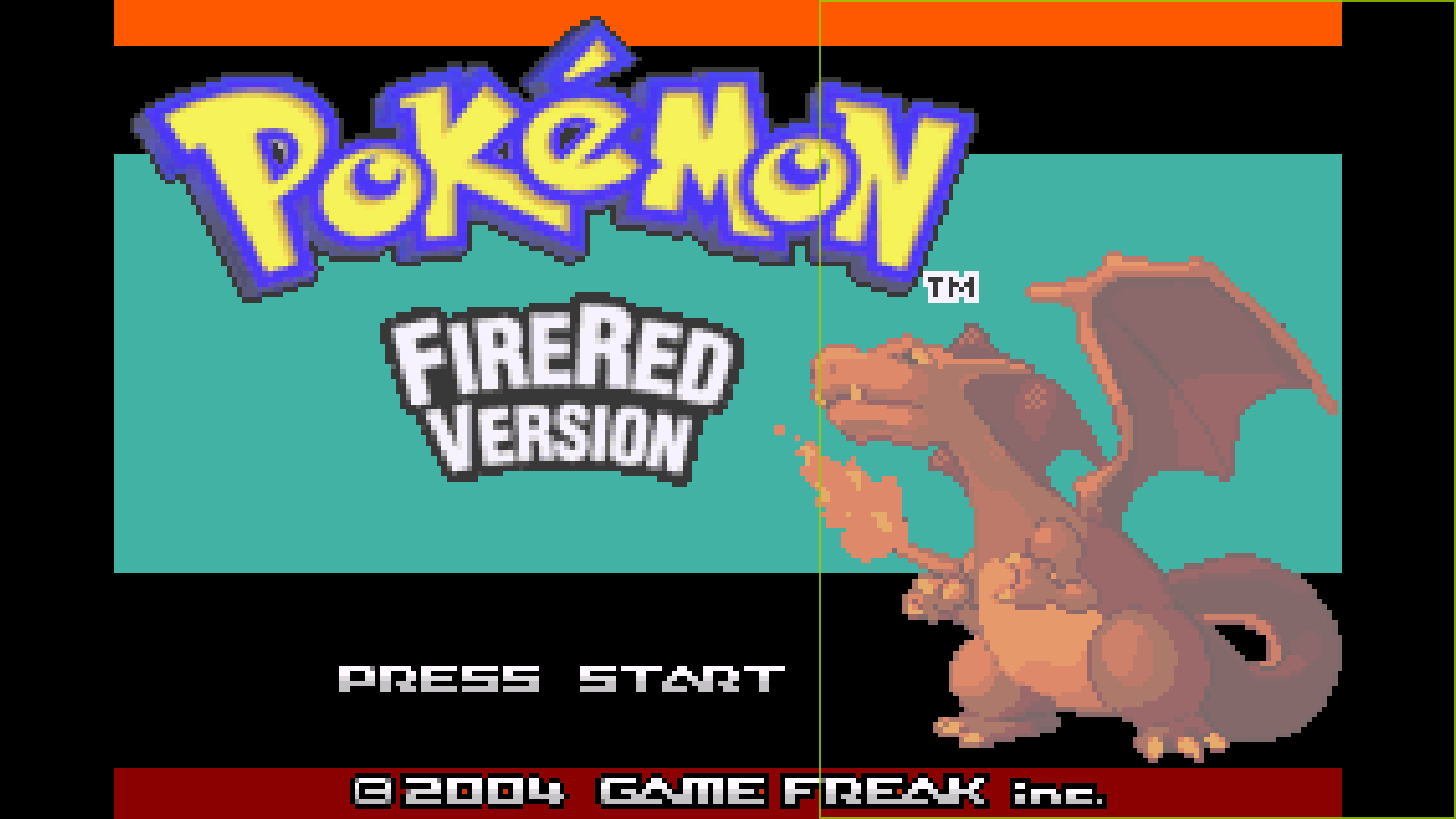
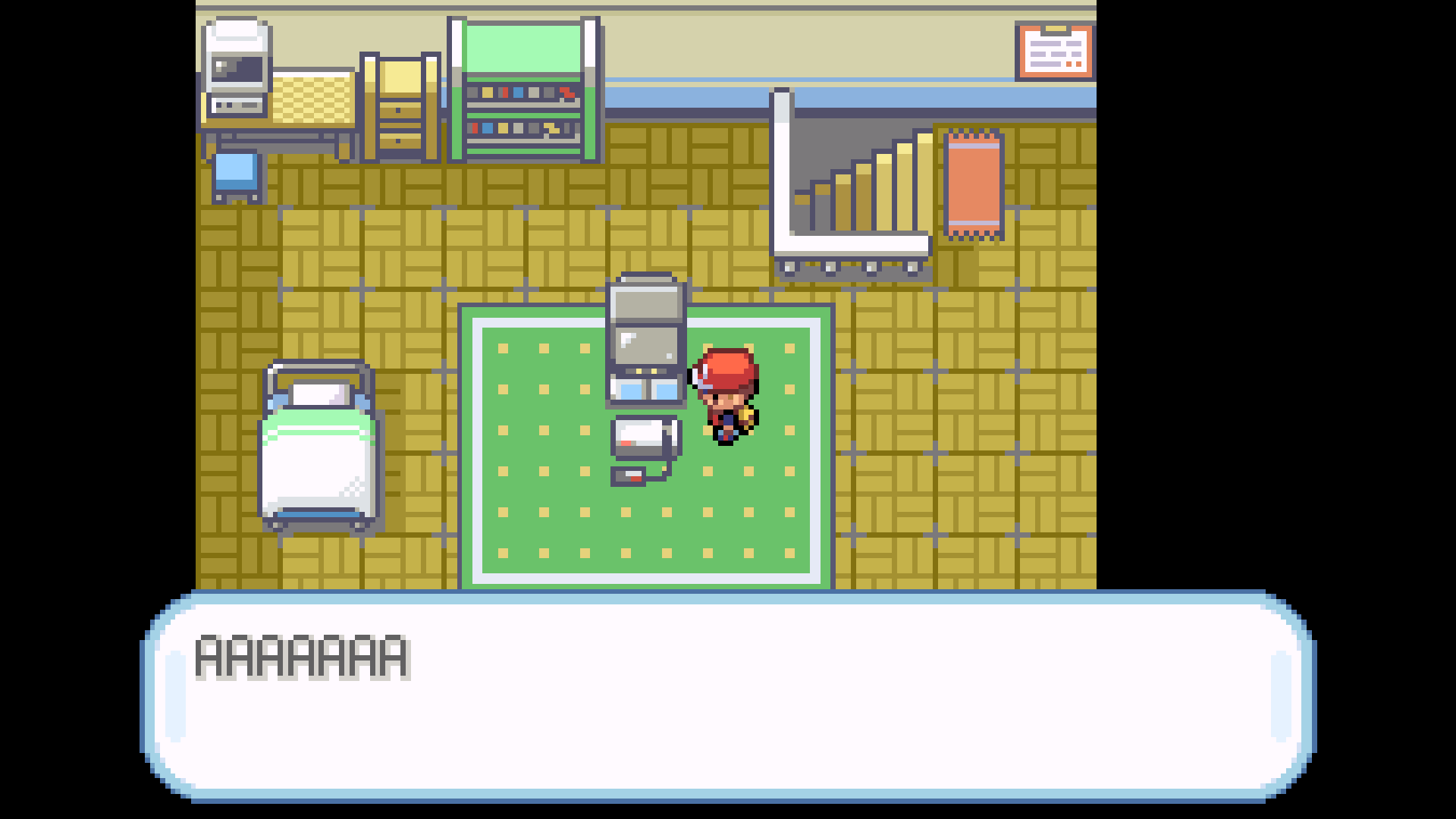
playing pokemon firered on gameboy advance
-
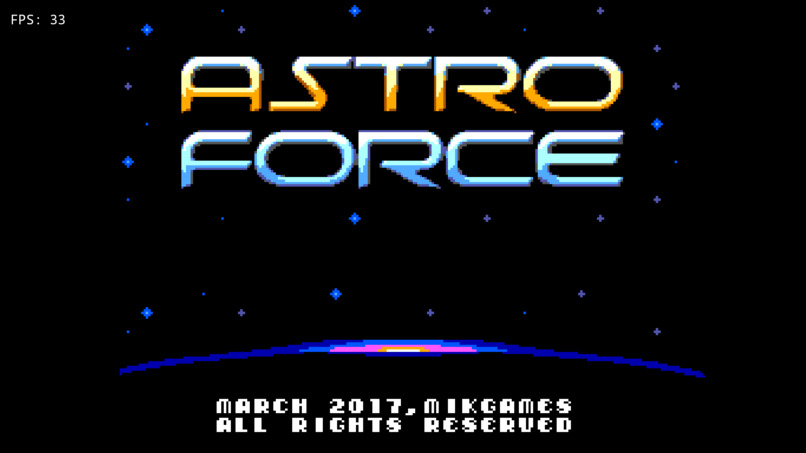
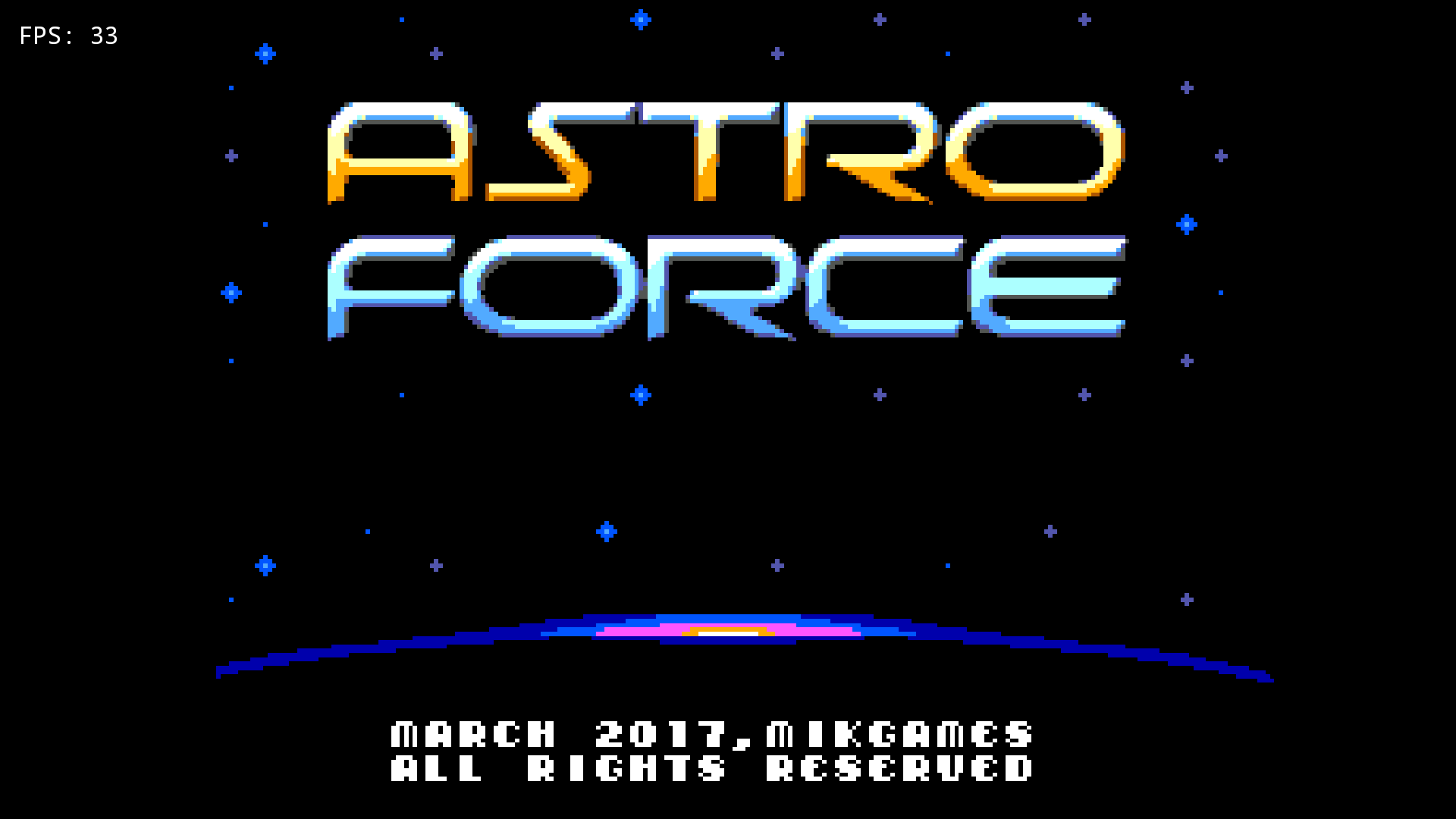
playing astra force in PS1
-
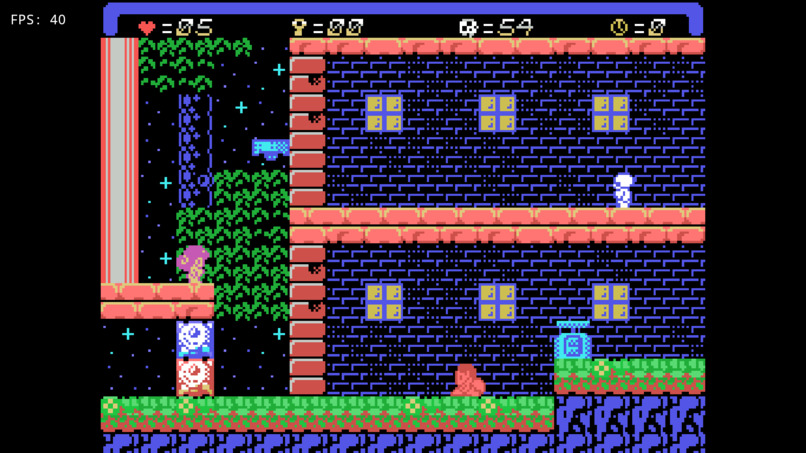
playing another game on NES
-
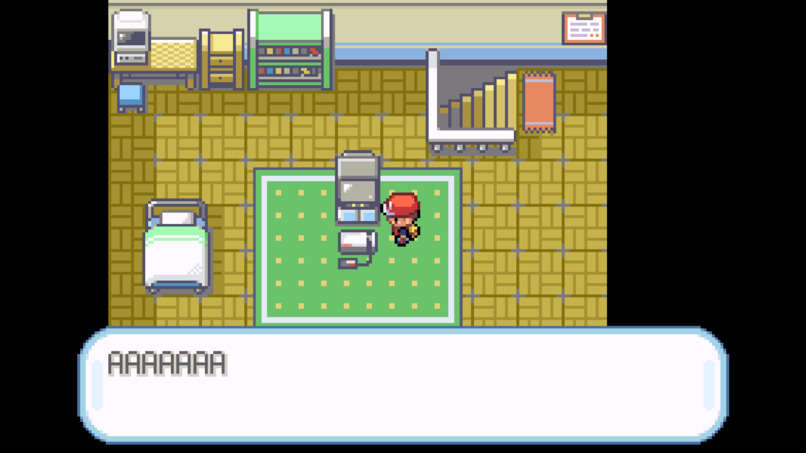
another screenshot playing firered
-
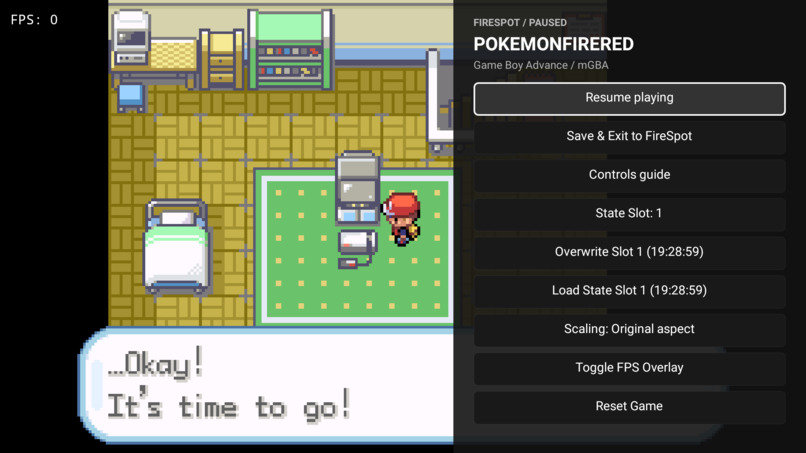
using pause menu while playing game
-
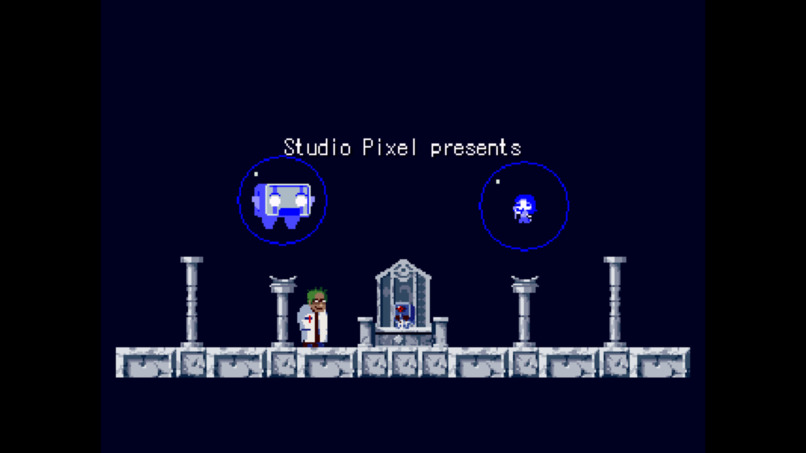
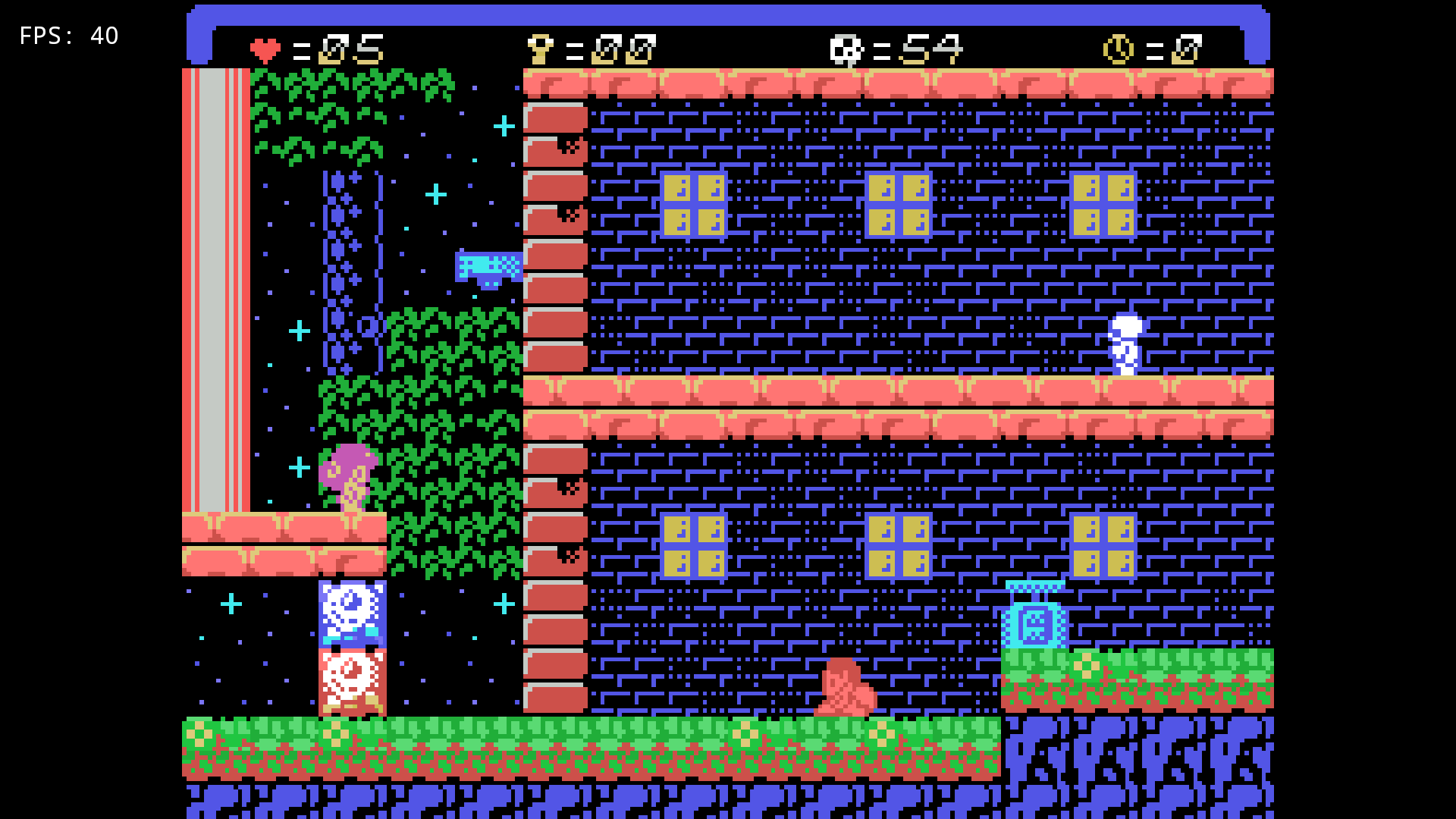
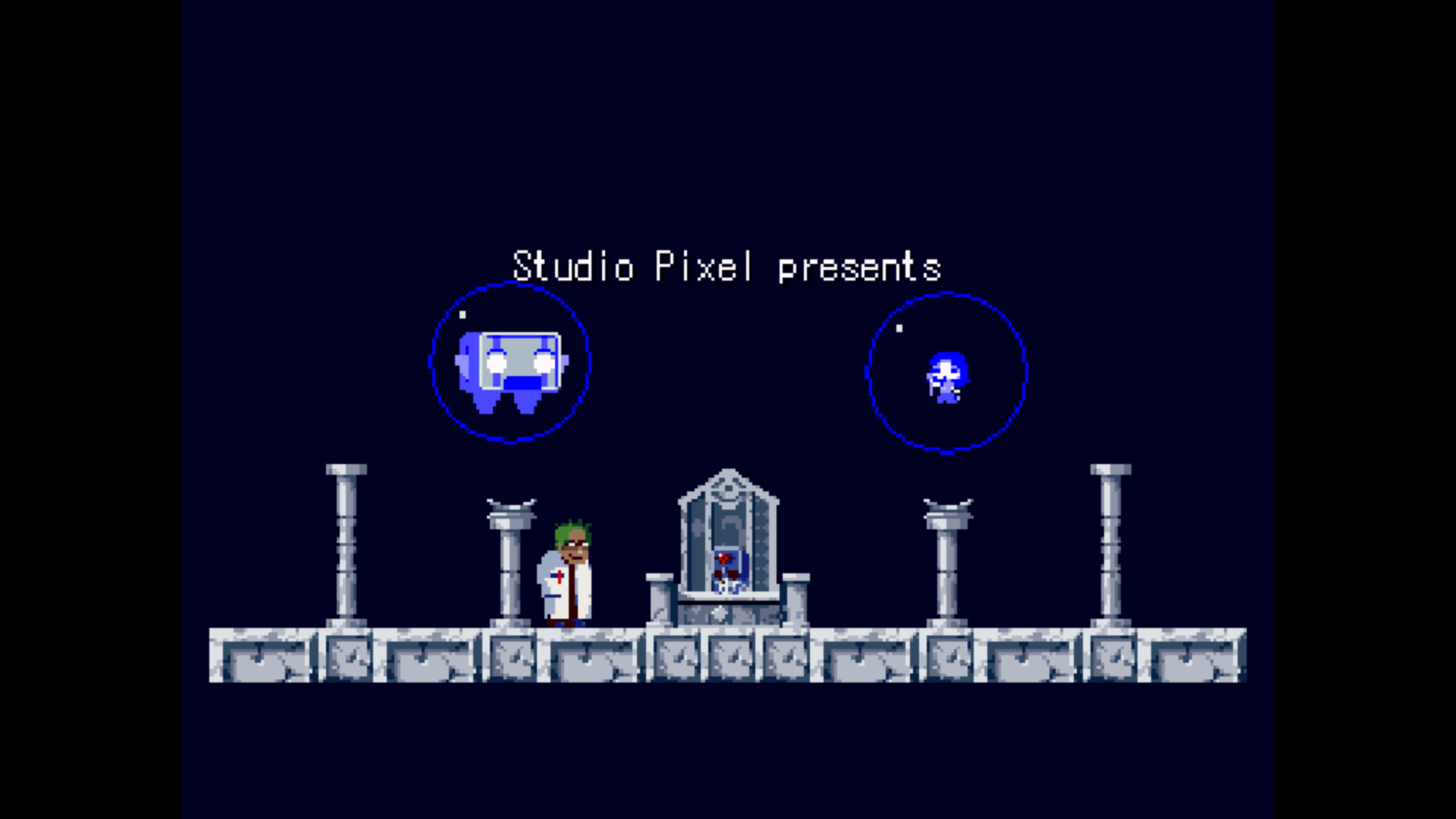
playing cave story in PS1
-
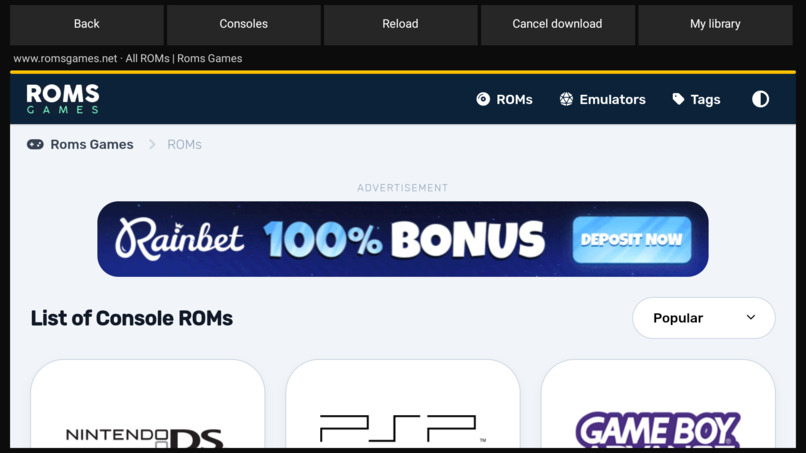
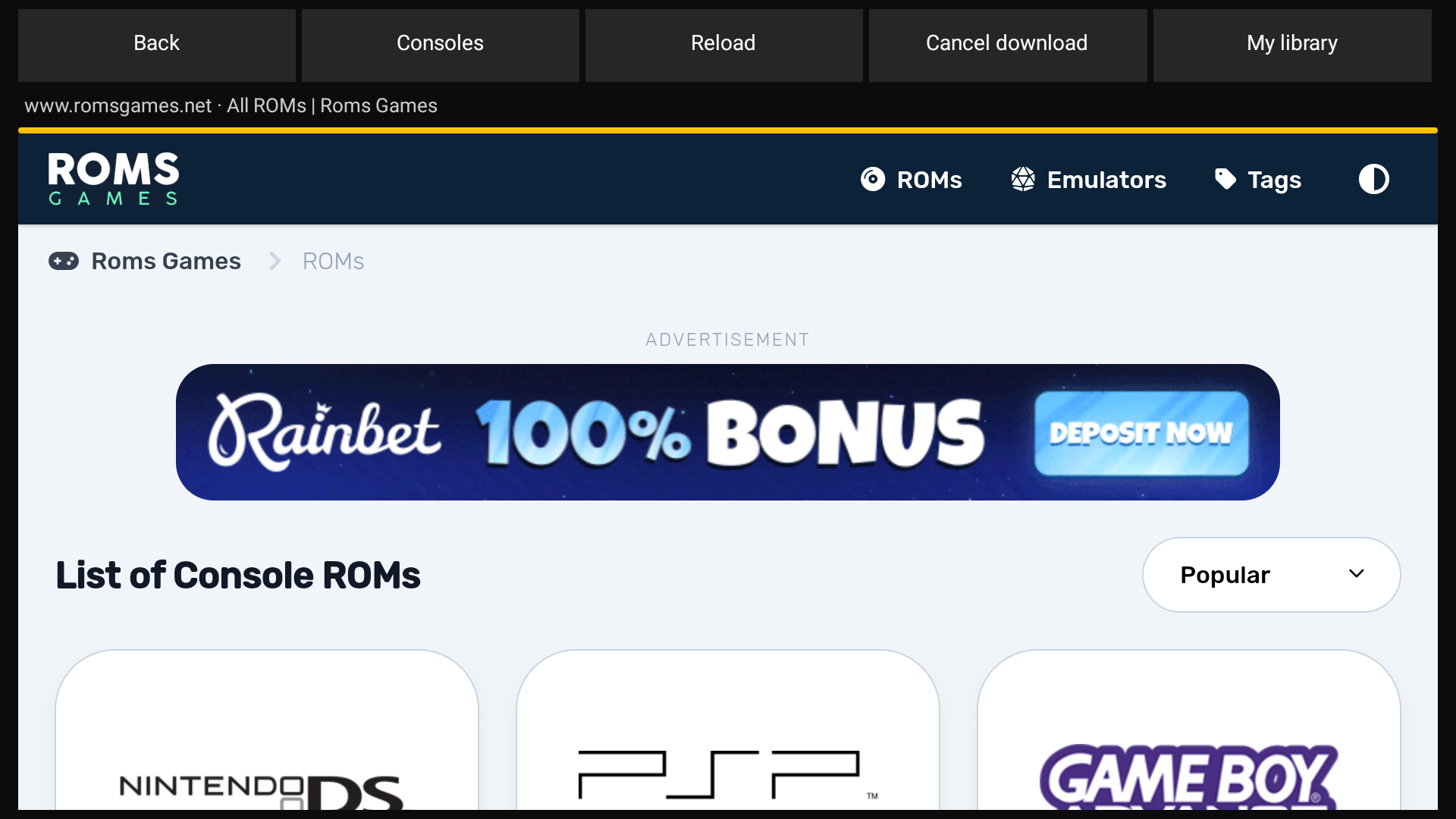
using download interface to directly download more roms easily
FireSpot Project Story
Inspiration
FireSpot began as a Fire TV application built with Fire OS in mind. Retro gaming often involves separate launchers, manual transfers, and controls that change between systems. We wanted one television interface for installing console support, browsing games, configuring input, and managing progress.
We focused heavily on the UI and the feeling of using it. A black and white palette, restrained glass textures, clear focus states, ambient music, and short navigation sounds create a nostalgic experience without relying on heavy visual effects. Cloud backups and optional spoken guidance extend that experience beyond the game library.
What it does
FireSpot connects its TV library to six Libretro core packages covering nine systems: Game Boy, Game Boy Color, NES, Game Boy Advance, SNES, Master System, Game Gear, SG-1000, and PlayStation. Fire TV remotes navigate the interface, while keyboards and game controllers provide gameplay input. Console cores download separately from the standard APK and pass signature, SHA-256, size, and CPU architecture checks before installation.
The library includes game imports, a ROMsGames browser, search, filters, favorites, and play history. Gameplay tools include save slots, resume, reset, display scaling, and cartridge saves. Settings provide button remapping, an input tester, storage and playtime information, cache cleanup, and independent ambient-audio and interface-sound controls.
The AWS integrations add account-based cloud backups and Retro Coach. With the backend configured, users can sign in through Amazon Cognito, back up save files to Amazon S3, and restore progress while preserving newer local files. Retro Coach uses Amazon Bedrock with optional Knowledge Base retrieval to answer questions with FireSpot reference excerpts. Amazon Polly reads answers aloud through explicit Listen and Stop controls, with ambient music lowered during speech.
How we built it
The application uses Kotlin, Jetpack Compose, Android TV components, and Navigation Compose. Directional focus and visible selection states support television input. Room stores library records and play statistics, while Preferences DataStore stores settings. Android storage APIs handle local imports, and a WebView provides the external browser.
A C bridge built with the Android NDK connects Kotlin to Libretro. The frontend passes game paths, firmware directories, and rendering surfaces, while callbacks transfer video frames, audio samples, and input bitmasks. The signed catalog uses RSA verification, SHA-256 digests, and ELF header checks to select compatible native binaries.
The cloud backend uses Python, boto3, AWS Lambda, and Amazon API Gateway, with AWS SAM templates defining deployment resources and permissions. Cognito JWT verification protects backup routes, and Lambda issues short-lived S3 upload and download requests. The coach retrieves documentation chunks before calling Bedrock Converse, while a separate endpoint synthesizes Polly audio. Android network and archive operations run away from the UI thread. A local environment template supplies public connection defaults without embedding AWS credentials.
Challenges we ran into
Each emulator core brought different content formats, firmware requirements, video geometry, audio timing, and save behavior. We had to follow failures across Kotlin and native code instead of assuming that a successfully loaded core meant playable gameplay. ARM64 core availability also affected which integrations we could use.
Remote input exposed a timing race where a brief press could disappear between frames. A pending-press bitmask carries those events into the next input poll, while release handling clears held state. Back and Escape needed screen-specific handling so gameplay controls and interface navigation did not interfere.
Cloud saves added another set of boundaries: account isolation, interrupted transfers, archive limits, and conflicting progress. We used separate backup objects, validated archive paths before restoration, and kept newer local saves. Spoken guidance required asynchronous playback, temporary-file cleanup, lifecycle handling, and music ducking. The project has been tested on Fire OS, with television navigation remaining central to the design.
Accomplishments that we're proud of
We built a Fire OS application that brings nine console systems into one consistent library while keeping emulator cores separate from the standard APK. The interface combines remote navigation, clear focus feedback, restrained textures, and nostalgic ambient audio with practical library and gameplay tools.
We also implemented connected save backups, document-grounded coaching, and optional spoken answers without making cloud access a requirement for local play. The work includes deployment templates, configurable connection settings, archive-safety and authentication tests, and detailed integration documentation. The rebuilt version 1.0.0 APKs retain the existing distribution signing identity.
What we learned
FireSpot was my first time architecting and optimizing an application specifically for a television platform. I learned how focus graphs, directional input, readable layouts, and lifecycle boundaries shape a Fire OS application. Building the interface strengthened my Kotlin skills in Compose state management, navigation, DataStore, and coroutine-based background work.
Connecting the native frontend taught me to trace input, audio, video, and save-state behavior across Kotlin and C. Adding AWS features introduced account authentication, JWT authorization, scoped storage access, retrieval-based model context, and asynchronous speech playback. I learned to design these boundaries around the television experience and keep network activity separate from local gameplay.
What's next for FireSpot
Future work includes per-game input and display profiles, named save timelines, selectable cloud backup history, automatic backup scheduling, and stronger conflict resolution. A companion phone app could transfer a user's game files over the local network with progress and cancellation.
We also want custom collections, editable artwork and metadata, resumable downloads, larger text, more accessibility controls, and improved controller reconnection. Retro Coach could gain a broader verified documentation collection and individual account access. Local multiplayer and additional console systems can follow as input routing and core coverage expand.


Log in or sign up for Devpost to join the conversation.