-
-
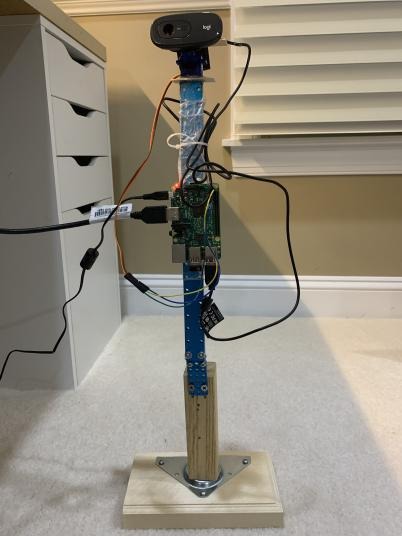
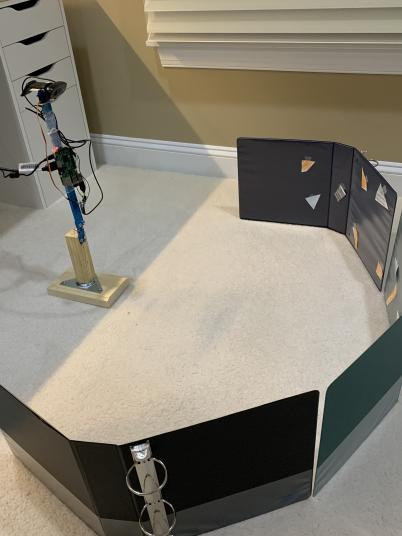
FireSense Mechanism
-
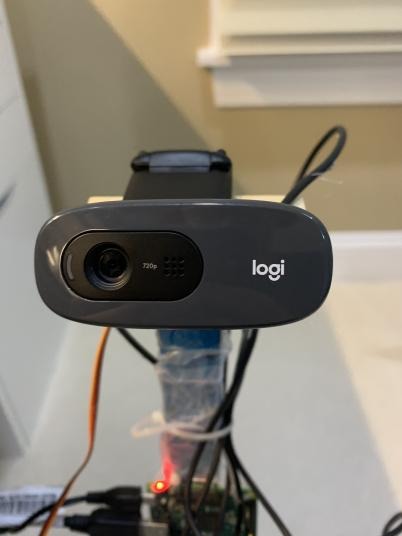
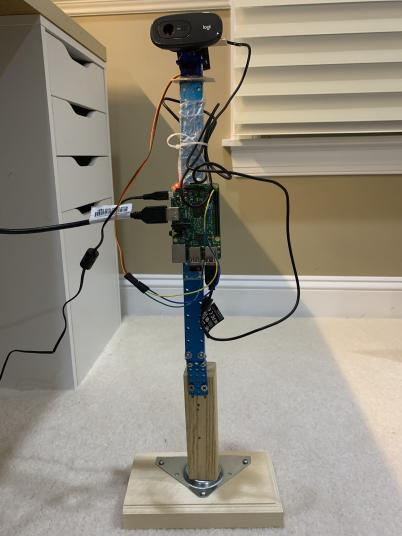
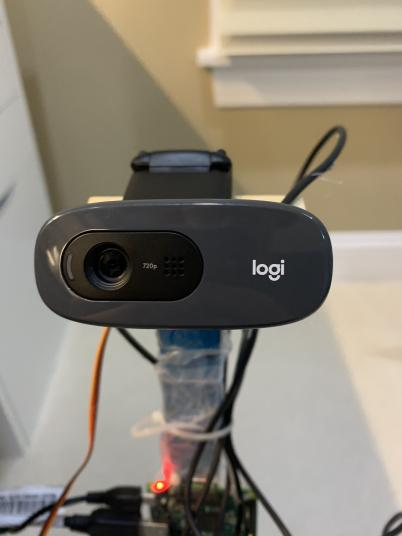
Plug-in USB Logitech Webcam
-
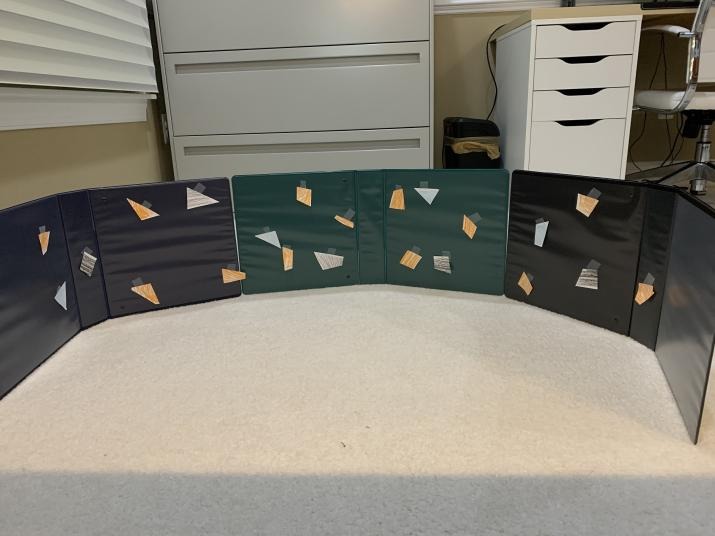
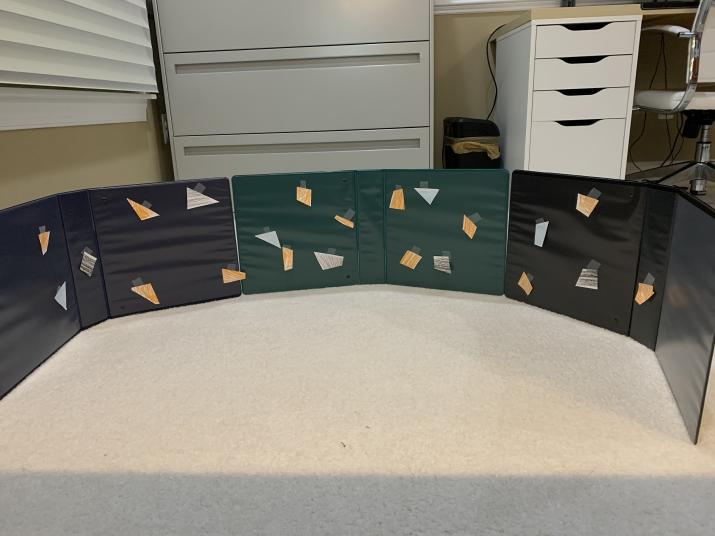
Plastic Dome used for testing
-
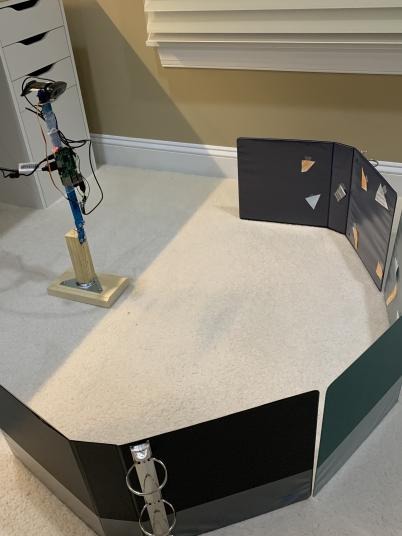
FireSense in Action
-
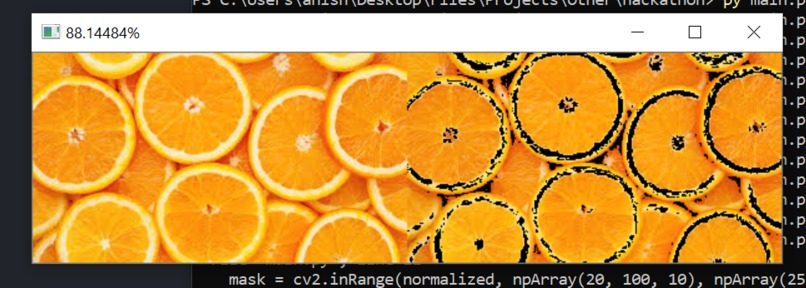
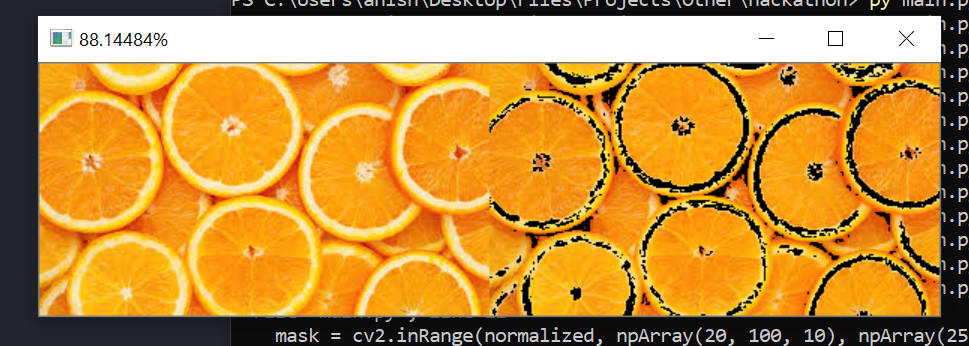
Image used in testing the image processing server
-
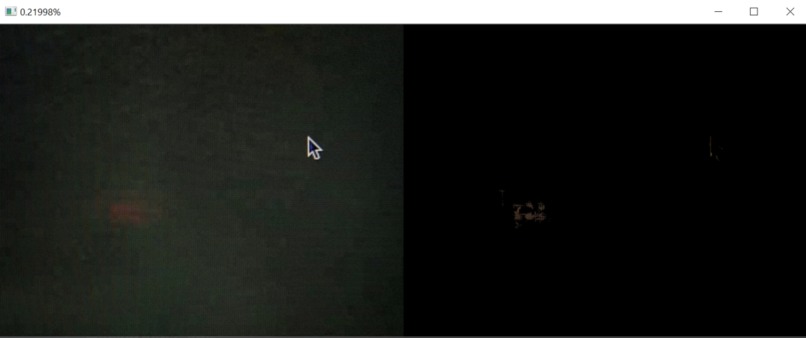
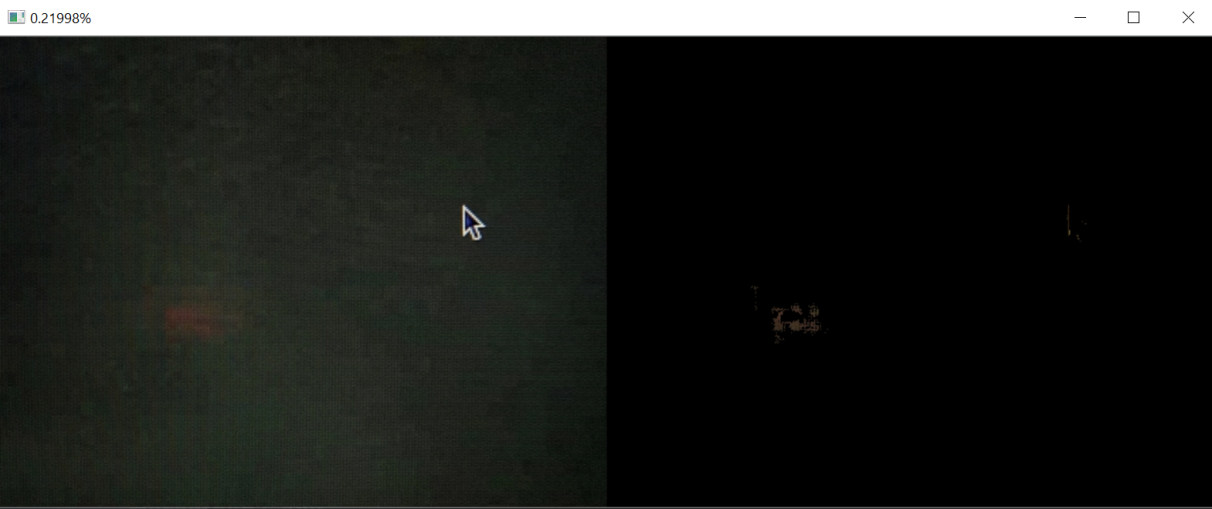
Image at 36 degrees captured by FireSense when no/little orange is detected (from the test dome)
-
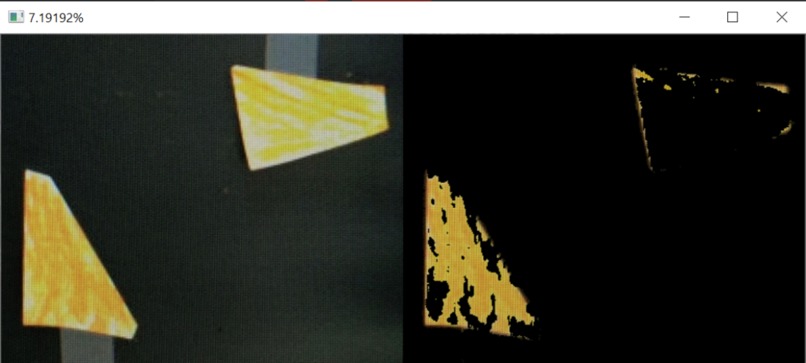
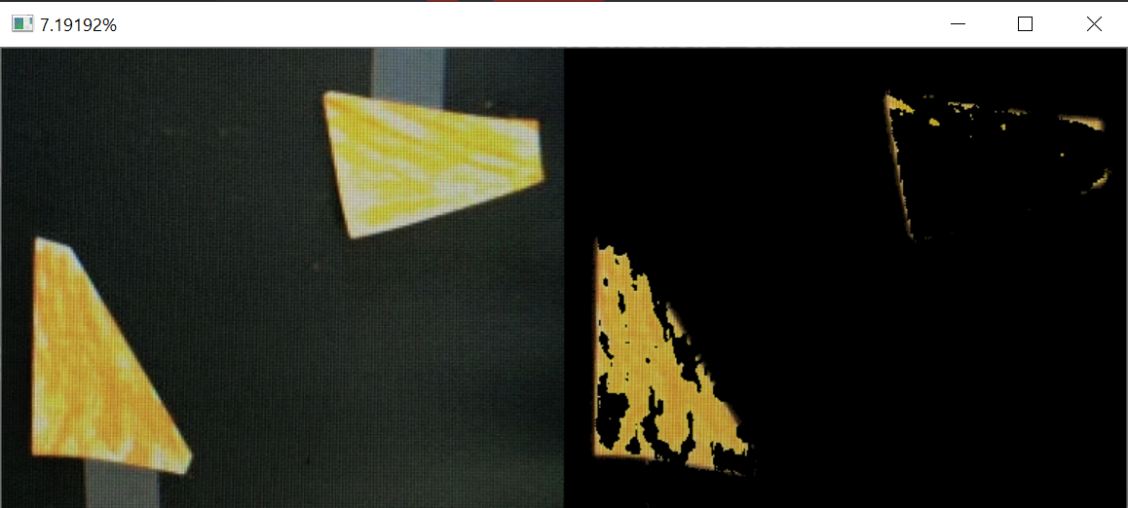
Taken at the same angle but from a different scan - Image captured by FireSense when increased orange is detected (from the test dome)
-
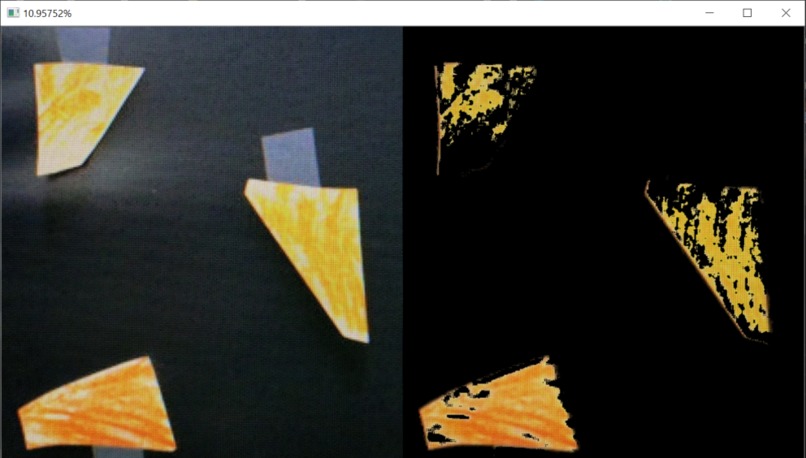
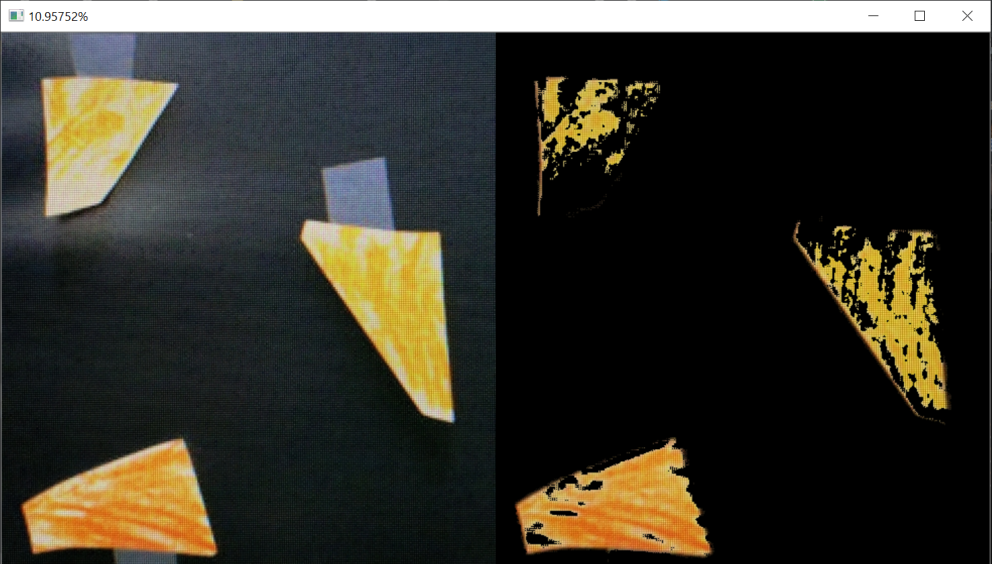
Same angle, different scan - Image captured by FireSense when even more orange is detected (from the test dome)
-
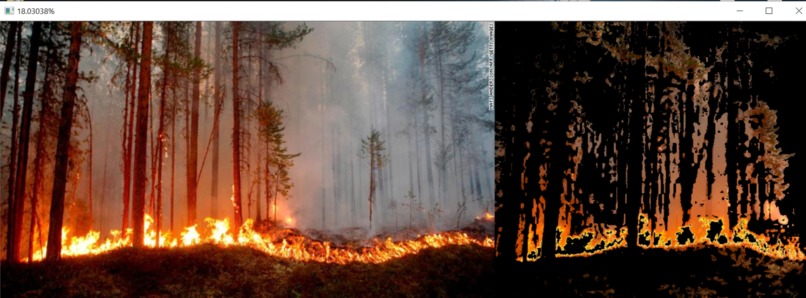
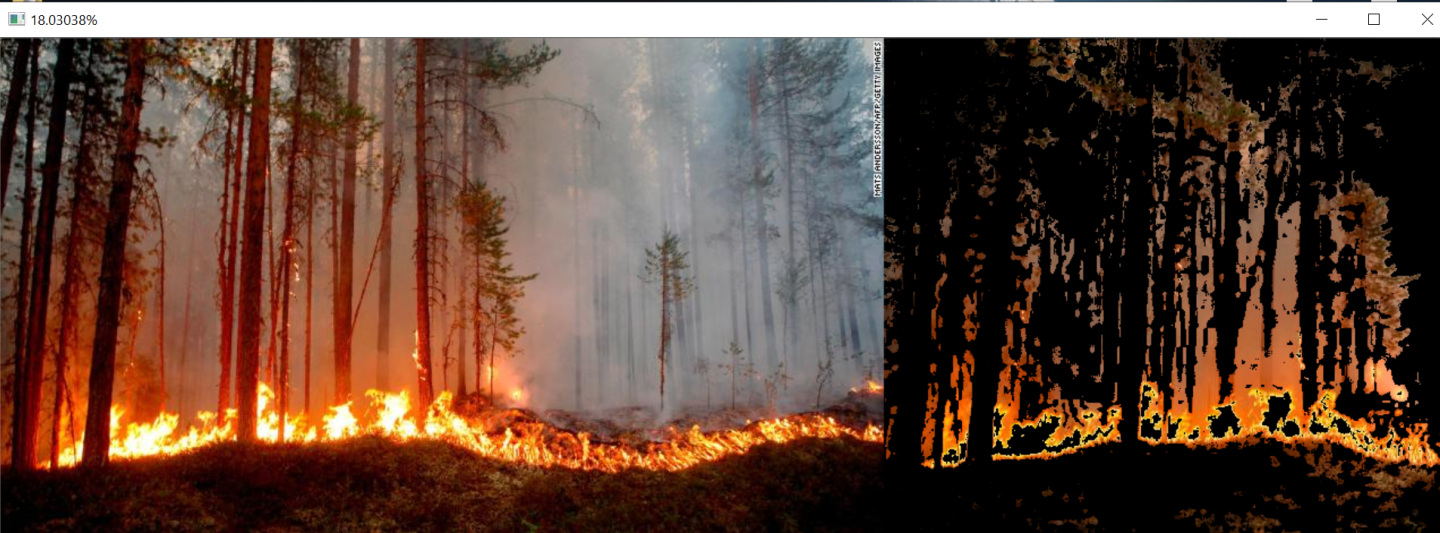
Real-world image being analyzed
-
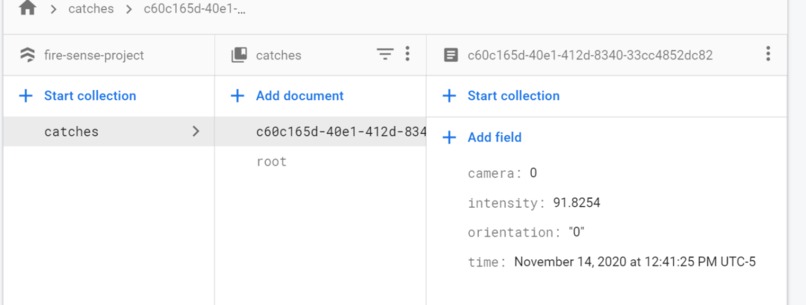
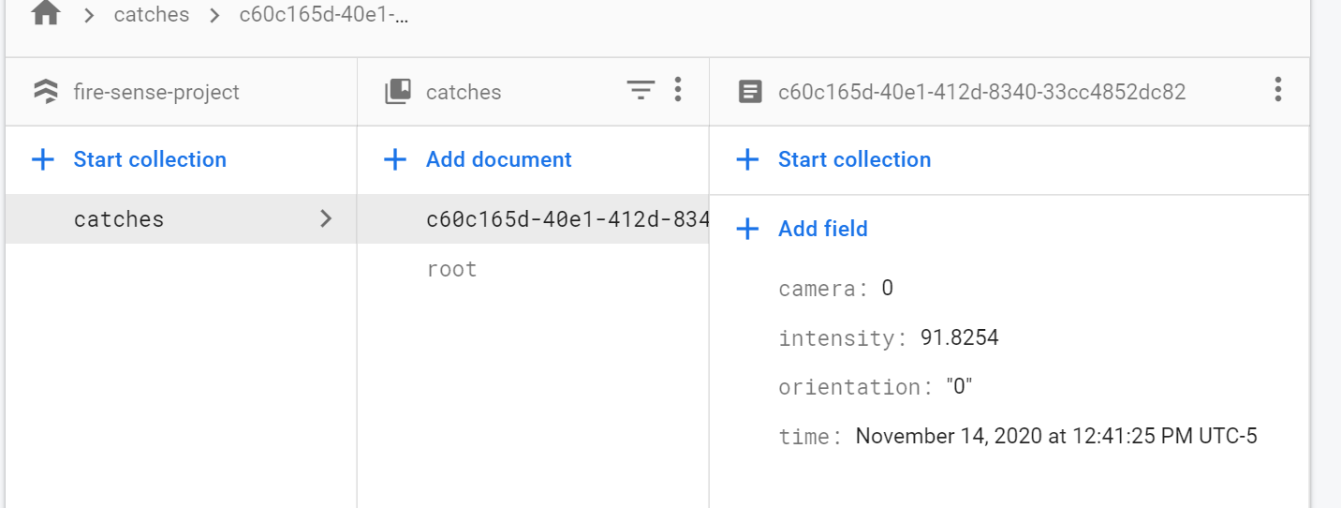
A display of the data saved to Firestore
-
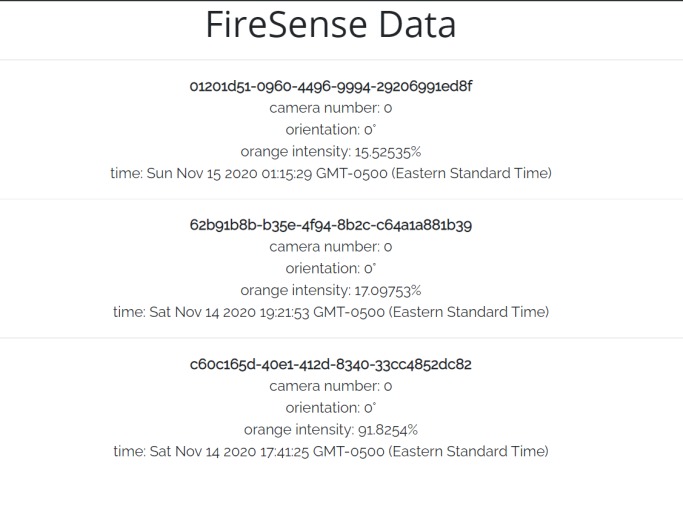
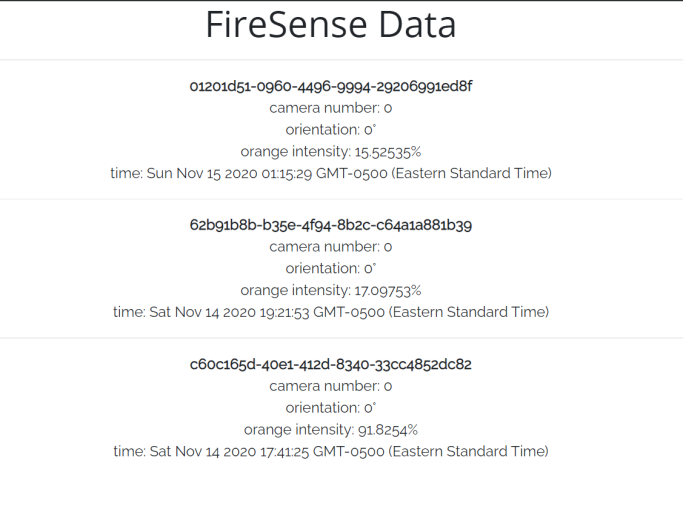
Data being displayed to the interface
What inspired us
We were inspired to take action after seeing the raging wildfires in California. Although the pain and devastation it has caused many communities and individuals cannot be undone, they can be prevented from happening again. FireSense works towards early detection and early prevention of fires. We are confident in FireSense's abilities to open the door towards tackling this issue and eliminating it once and for all
What FireSense does
The FireSense mechanism revolves around 18 degrees at a time, captures images, and sends it to a server to process it. The server calculates the percentage of orange, as outlined in the video and the README.mds on the GitHub. It is then uploaded to Firebase Firestore & EazyML. There is a node.js express server running on glitch which fetches the data from Firestore. Then, whenever someone visits the data page of the website, this data is presented to them.
How we built it
We built it using 2 Flask Servers, one that handles routing for the website, and one that handles the server that processes the image. The endpoint that gets the data from Firestore is a node.js express server, hosted on Glitch. The camera is a Raspberry Pi that runs a python script. It uploads pictures taken by the FireSense (which continuously rotates, takes images, and sends them to the server) to the image processing server using POST requests.
Challenges we ran into
We had difficulty deciding how to implement the EazyML API, but in the end, we decided to include it in the image processing server. The data is saved as a CSV and uploaded/updated on EazyML (dataset id is "catches", same as the root collection used in Firestore)
Accomplishments that we're proud of
We are proud of the structure that we built for the camera, and the servers we built using python. These things were relatively new, and they were the hardest to accomplish out of all the components.
What we learned
We learned how to use Flask to make a web server using Python. We also learned how to set up a Raspberry Pi and construct a wooden base structure.
What's next for FireSense
In the near future, we look to make a larger scale prototype that can be implemented in the real world. Also, we look to add multiple cameras, speed up the entire process, and actually contact organizations and officials that would like to implement FireSense to tackle this issue. FireSense already has support for multiple cameras, all using the server at the same time. This was accomplished by adding multithreading, to have minimal delay for each camera (1 thread per camera who sends requests), and an extra camera parameter that tells which camera sent it. The camera parameter is already displayed on the website (they're all 0 because there was only 1 camera used in testing). Additionally, if this is used, it is easy to add security.
Built With
- cors
- eazyml
- express.js
- firebase
- firestore
- flask
- glitch.me
- helmet
- heroku.com
- node.js
- python
- raspberry-pi
- repl.it
- web


Log in or sign up for Devpost to join the conversation.