-
-
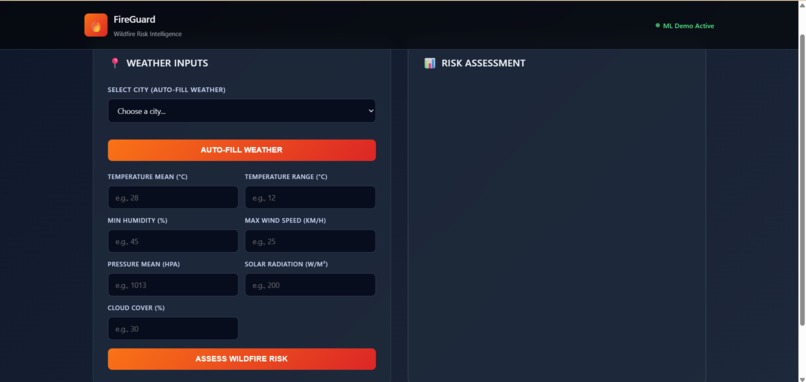
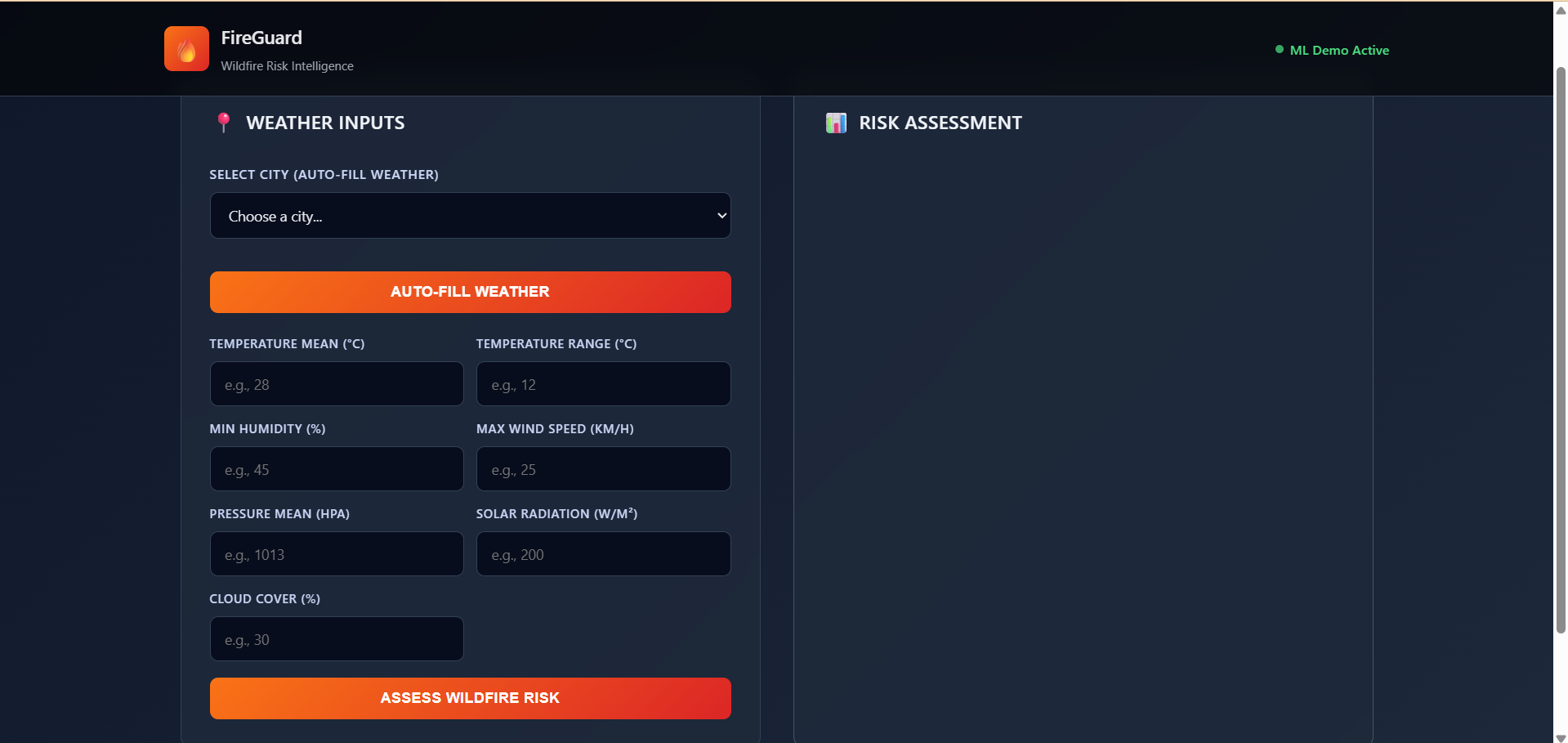
DASHBOARD
-
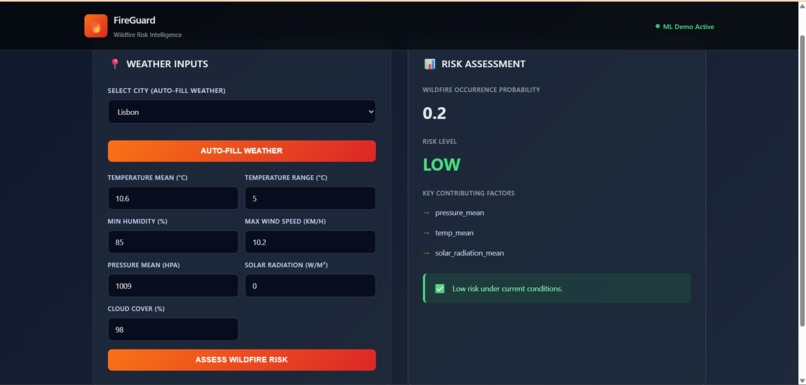
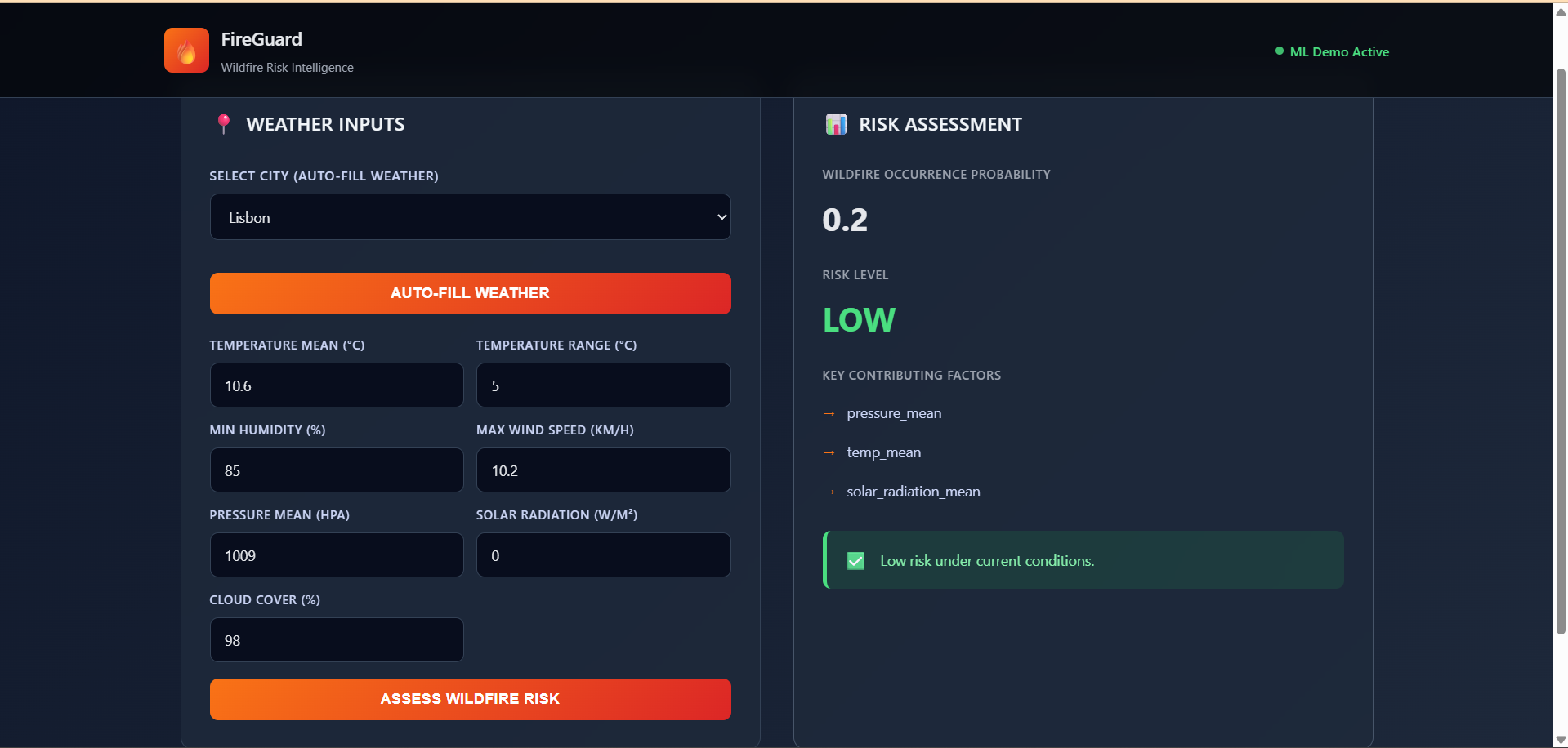
LOW RISK
-
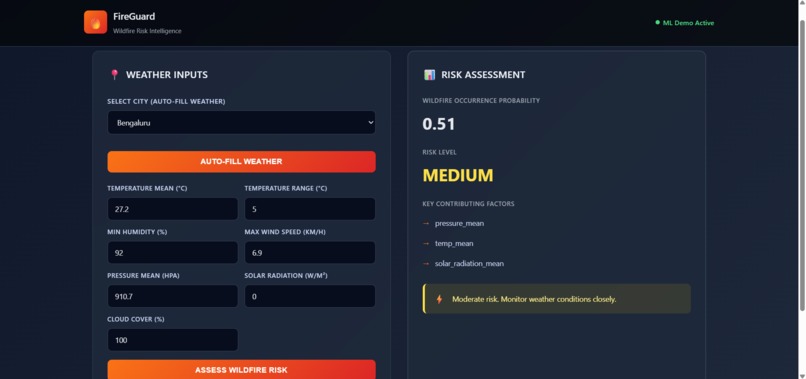
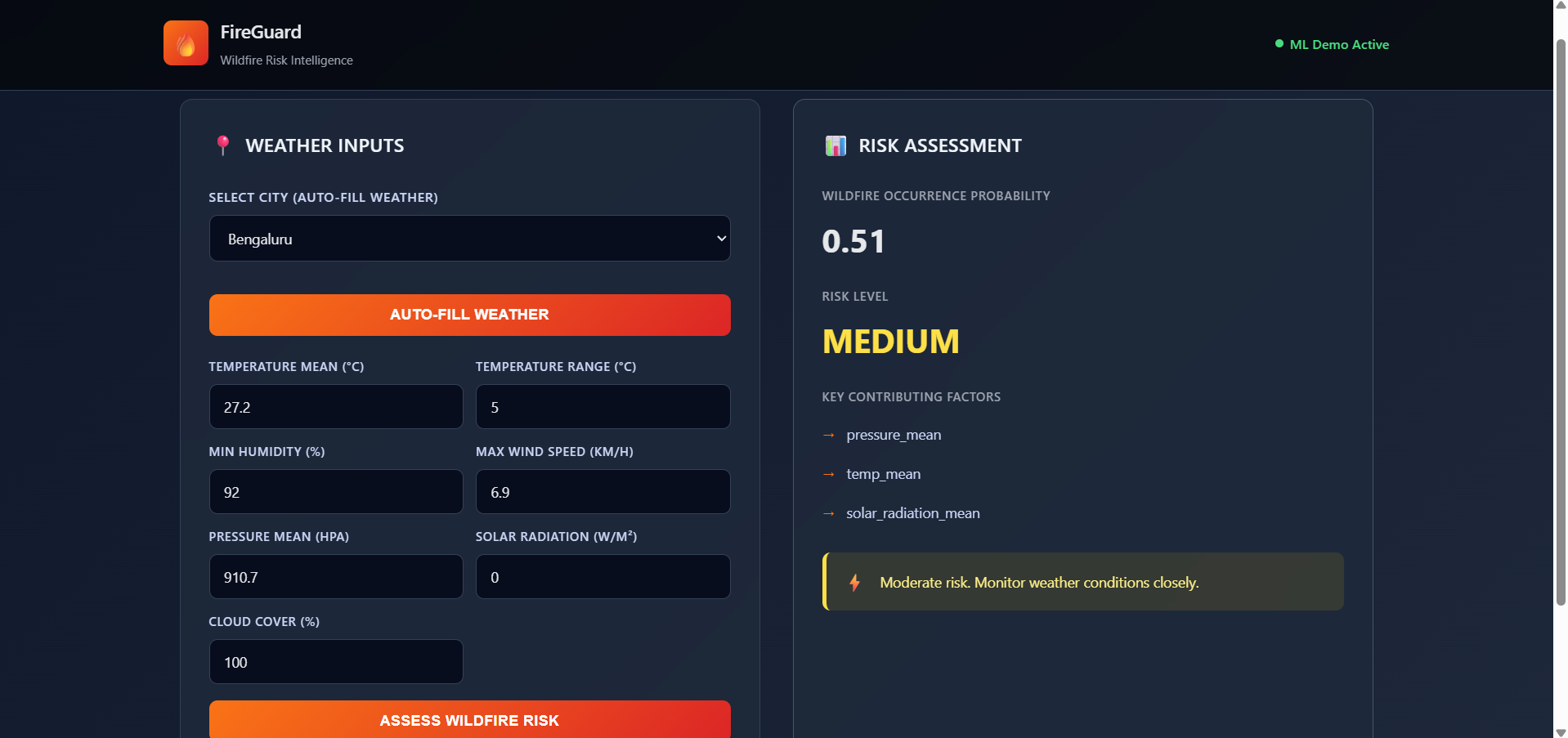
MEDIUM RISK
-
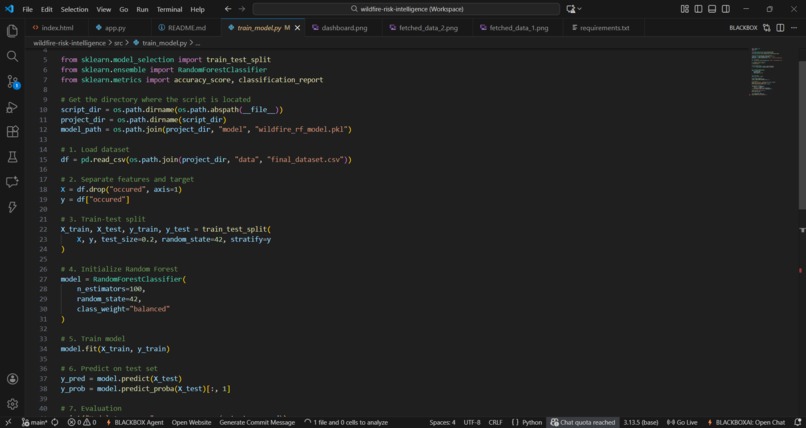
RANDOM FOREST MODEL
-
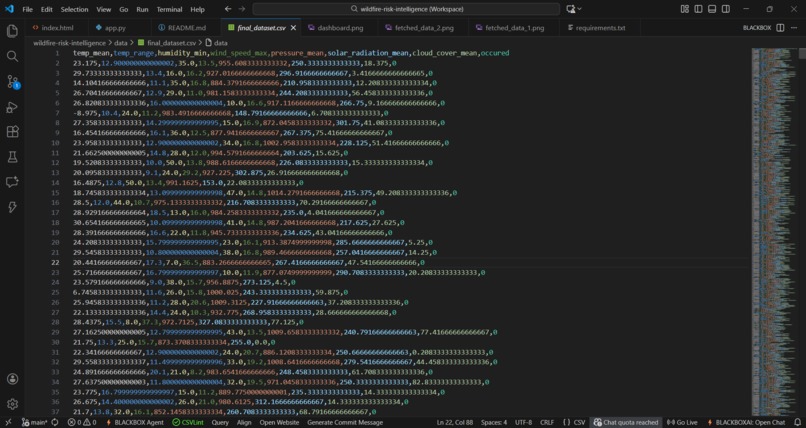
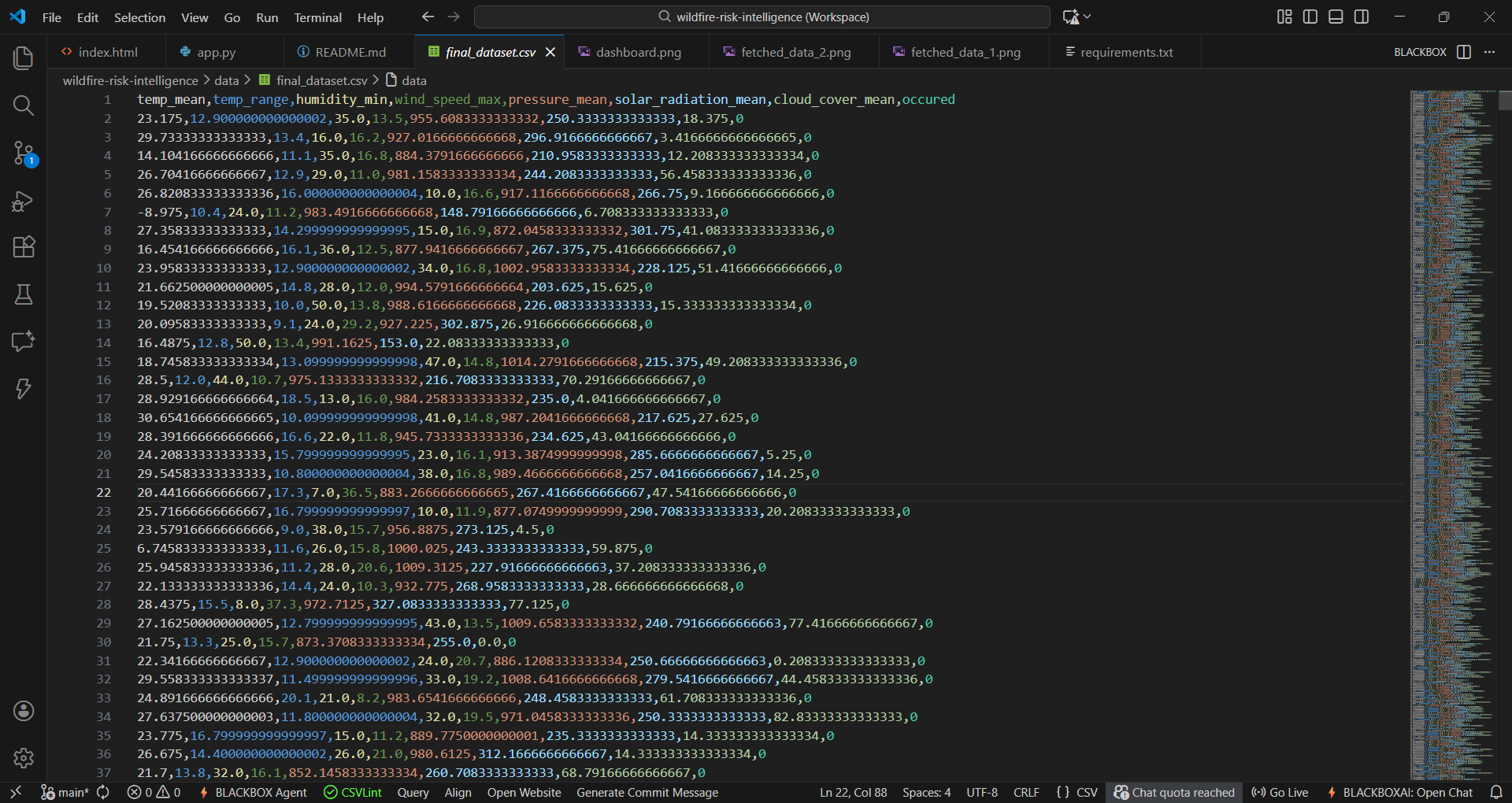
TRAINING DATA
Inspiration
Wildfires are one of the most destructive natural disasters, causing severe environmental damage, economic loss, and threats to human life. While researching wildfire prediction systems, I noticed that many solutions behave like black boxes — they provide predictions but fail to explain why a region is considered high risk.
This led me to ask:
How can authorities trust an AI system if it cannot explain its decisions?
That question inspired FireGuard AI, an explainable wildfire risk assessment platform focused on transparency, realism, and decision support rather than just raw accuracy.
What it does
FireGuard AI predicts the probability of wildfire occurrence based on meteorological conditions and categorizes the result into three risk levels:
- LOW risk — Safe conditions
- MEDIUM risk — Caution advised
- HIGH risk — Significant threat
The platform delivers a complete decision-support experience:
- Estimates wildfire risk using machine learning
- Explains why the risk is high using key contributing factors
- Fetches live weather data for selected cities via an API
- Allows manual adjustment of inputs for scenario analysis
- Presents results through a clean, interactive web dashboard
⚠️ This is a decision-support tool, not a real-time alert or emergency response system.
How we built it
FireGuard AI was built as a full-stack ML application during the challenge period.
Machine Learning
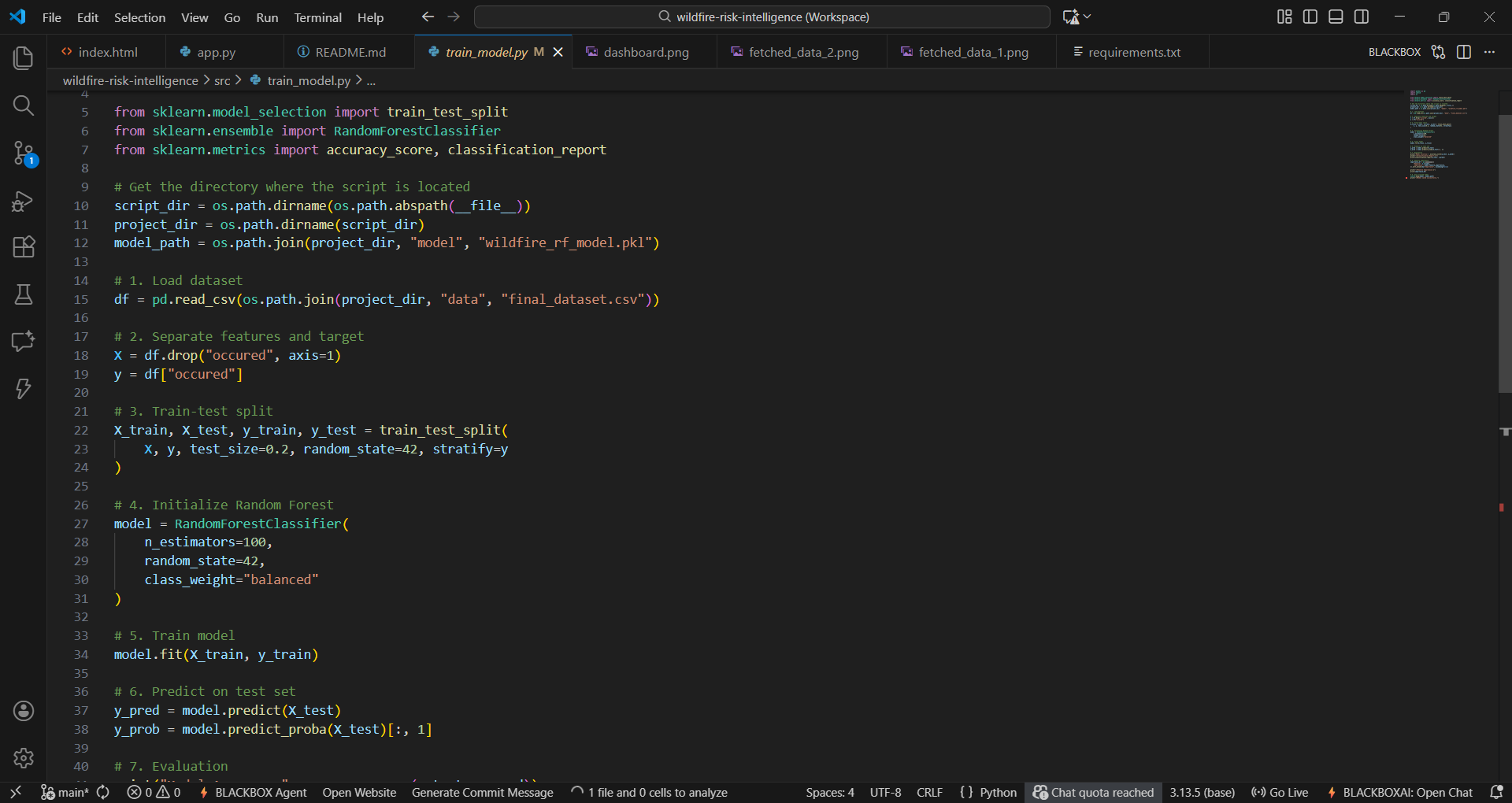
I trained a Random Forest classifier on historical wildfire and meteorological data, selecting key features such as temperature, humidity, wind speed, solar radiation, and pressure. Rather than chasing unrealistic accuracy, I emphasized explainability using feature importance scores.
The model prediction follows an ensemble approach:
$$\text{Risk Probability} = \frac{1}{n} \sum_{i=1}^{n} T_i(x)$$
where \(T_i\) represents individual decision trees and \(x\) is the input weather feature vector.
Backend
Built using Flask, the backend provides two key endpoints:
/predict— performs ML inference on weather inputs/weather-by-city— fetches live weather data using the Open-Meteo API
Frontend
The web dashboard was built with HTML, CSS, and JavaScript, supporting both API-based auto-fill and manual input modes. It displays probability, risk level, and explainable factors with a clean, user-friendly design.
Example API interaction:
response = model.predict_proba(input_data)
risk_probability = response[0][1]
Challenges we ran into
This project was built solo, and the biggest challenges were practical rather than theoretical:
- Debugging frontend ↔ backend communication
- Handling API integration and JSON parsing errors
- Managing Windows-specific tooling issues (PowerShell vs curl)
- Balancing realistic accuracy with meaningful explainability
- Avoiding overclaims while still demonstrating real-world impact
Each challenge helped shape a more robust and honest solution.
Accomplishments that we're proud of
- Built an explainable ML system, not just a prediction model
- Integrated live weather data while keeping the demo stable
- Designed a clean, user-friendly dashboard
- Completed an end-to-end ML pipeline solo
- Delivered a realistic, defensible project within the hackathon timeframe
What we learned
Through FireGuard AI, I learned:
- Why explainability matters as much as accuracy in real-world AI
- How to build ML systems that people can trust
- How to integrate APIs into ML workflows
- How to debug real production-style issues
- How to think like a system designer, not just a model trainer
Most importantly, I learned how to turn an idea into a working, end-to-end AI application.
What's next for FireGuard AI
Planned future improvements include:
- Adding vegetation and land-use data
- Spatial risk visualization using maps
- Multi-day wildfire risk forecasting
- Improved explainability using SHAP values
- Cloud deployment for broader access
Explore the code: FireGuard AI GitHub Repository
Built With
- api
- css
- flask
- git
- github
- html
- javascript
- joblib
- learning
- machine
- numpy
- open-meteo
- pandas
- python
- rest
- scikit-learn


Log in or sign up for Devpost to join the conversation.