-
-
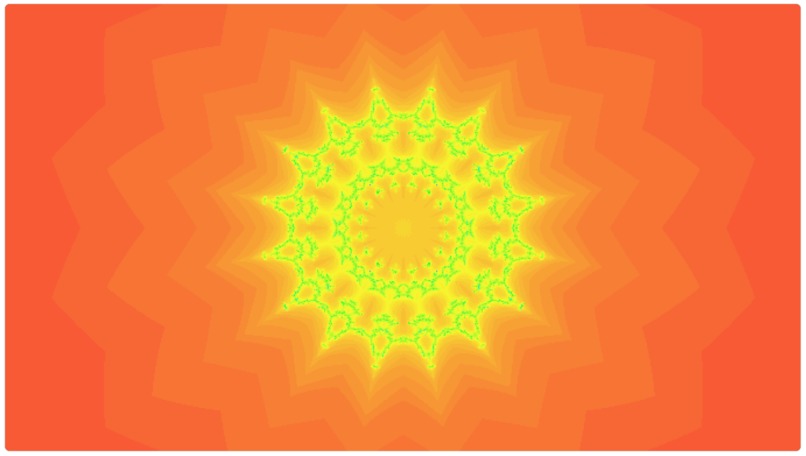
Firefly Fractal Audio Visualizer
-
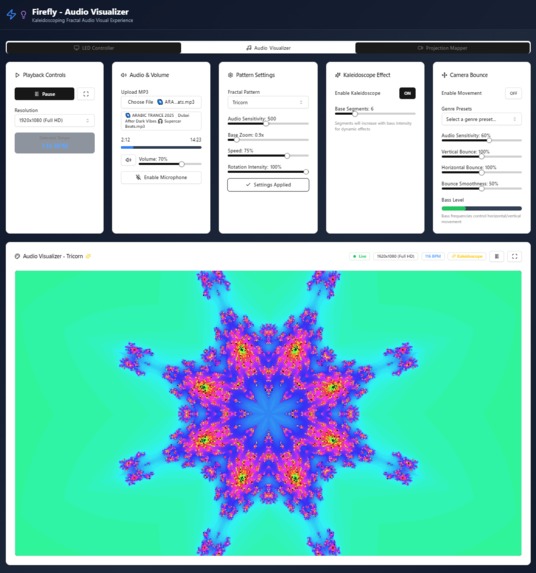
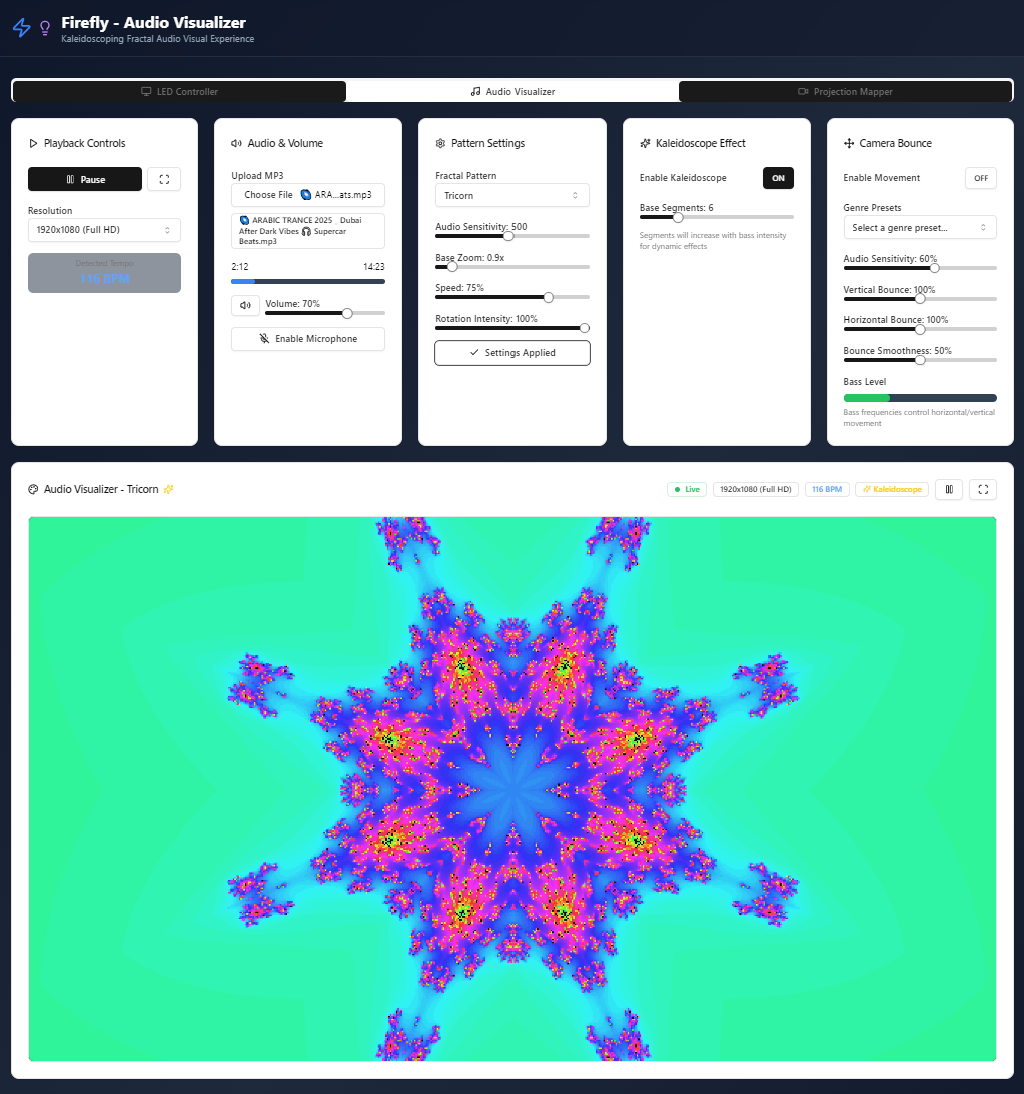
Audio Visualizer Configuration Settings (Home Page)
-
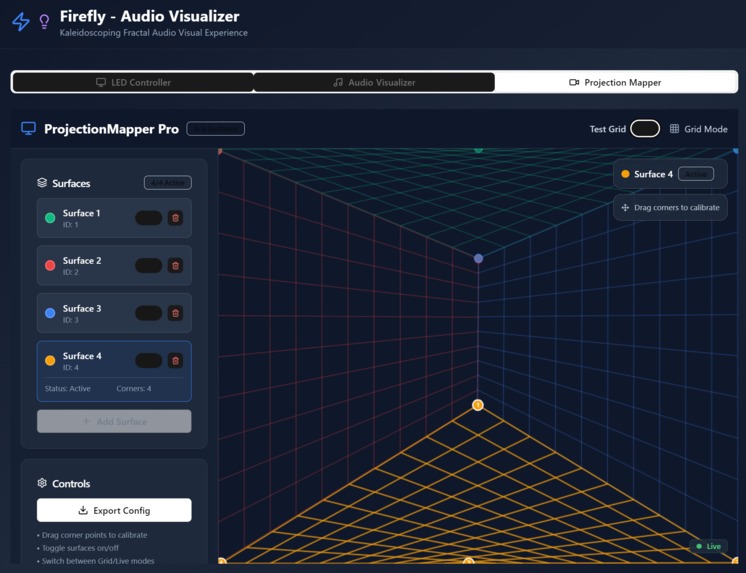
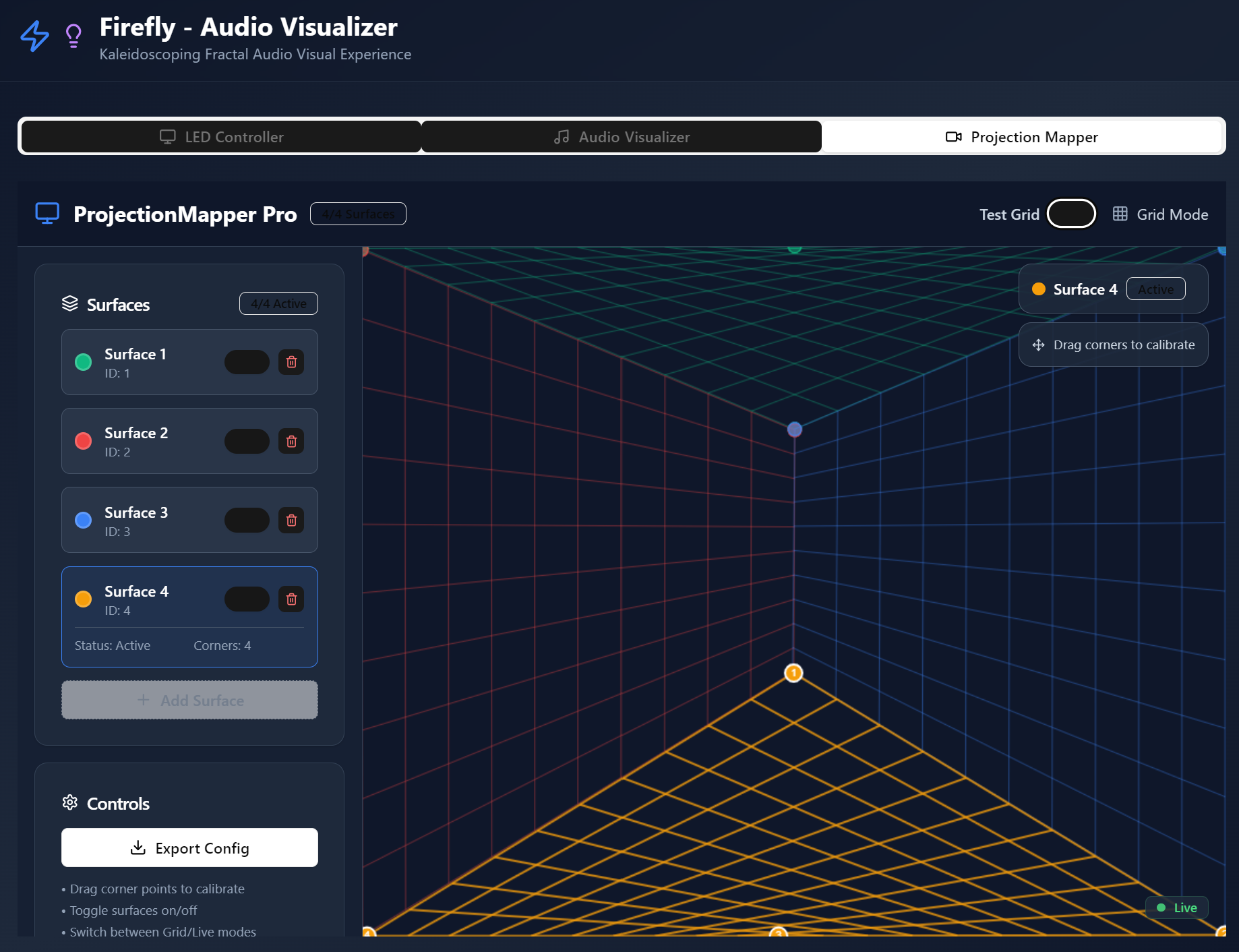
Projection Mapping Controls (In Development)
-
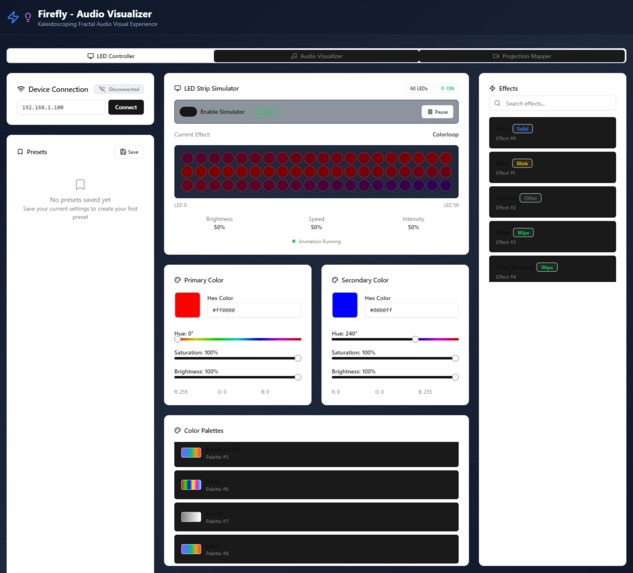
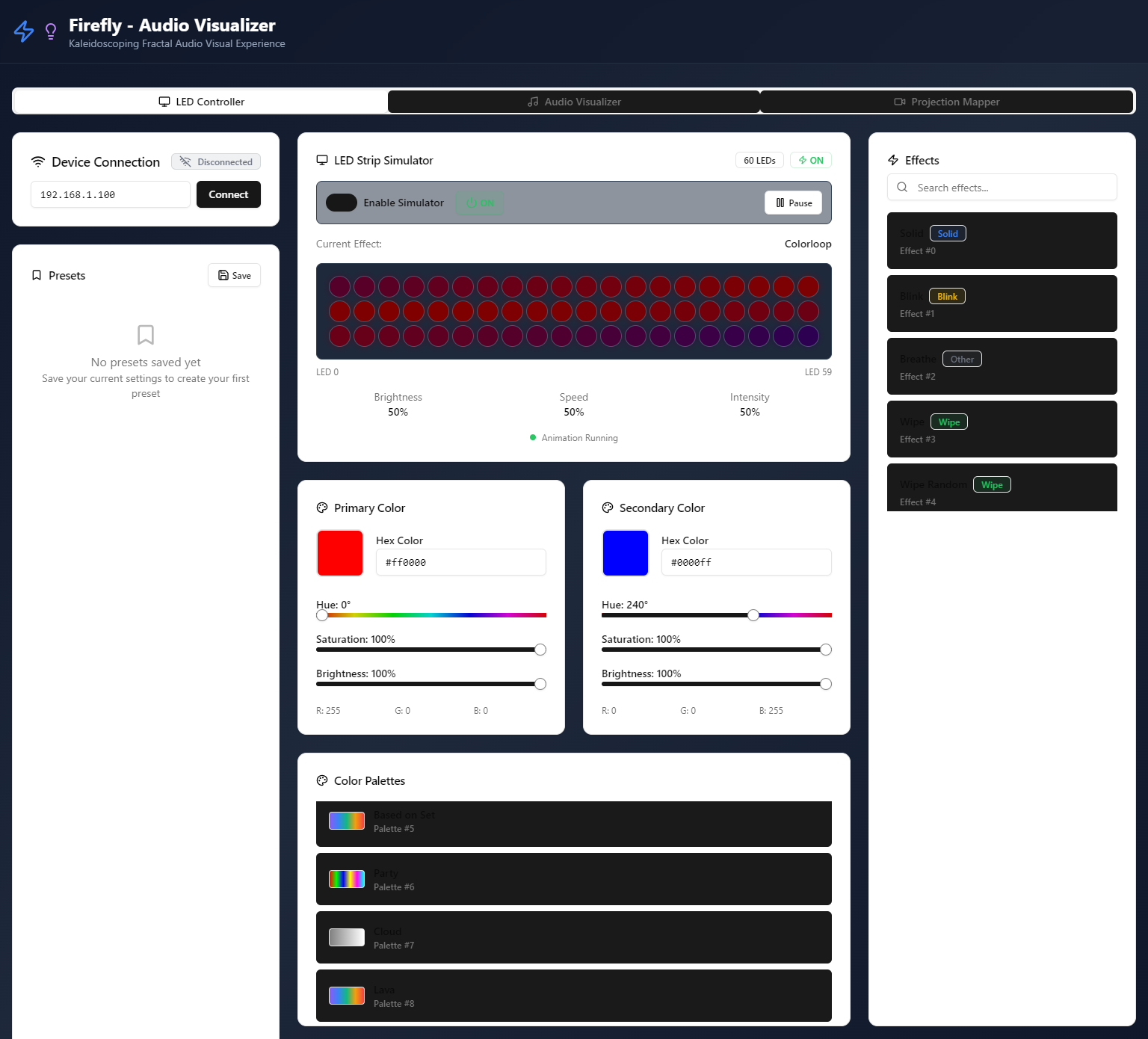
LED Controller Interface (In Development)
-
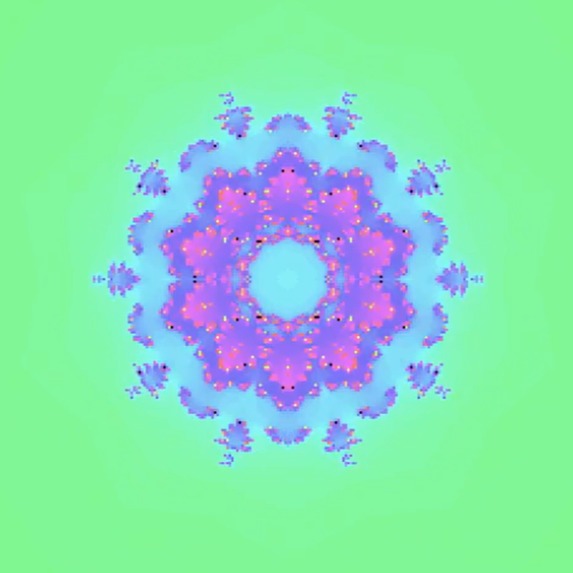
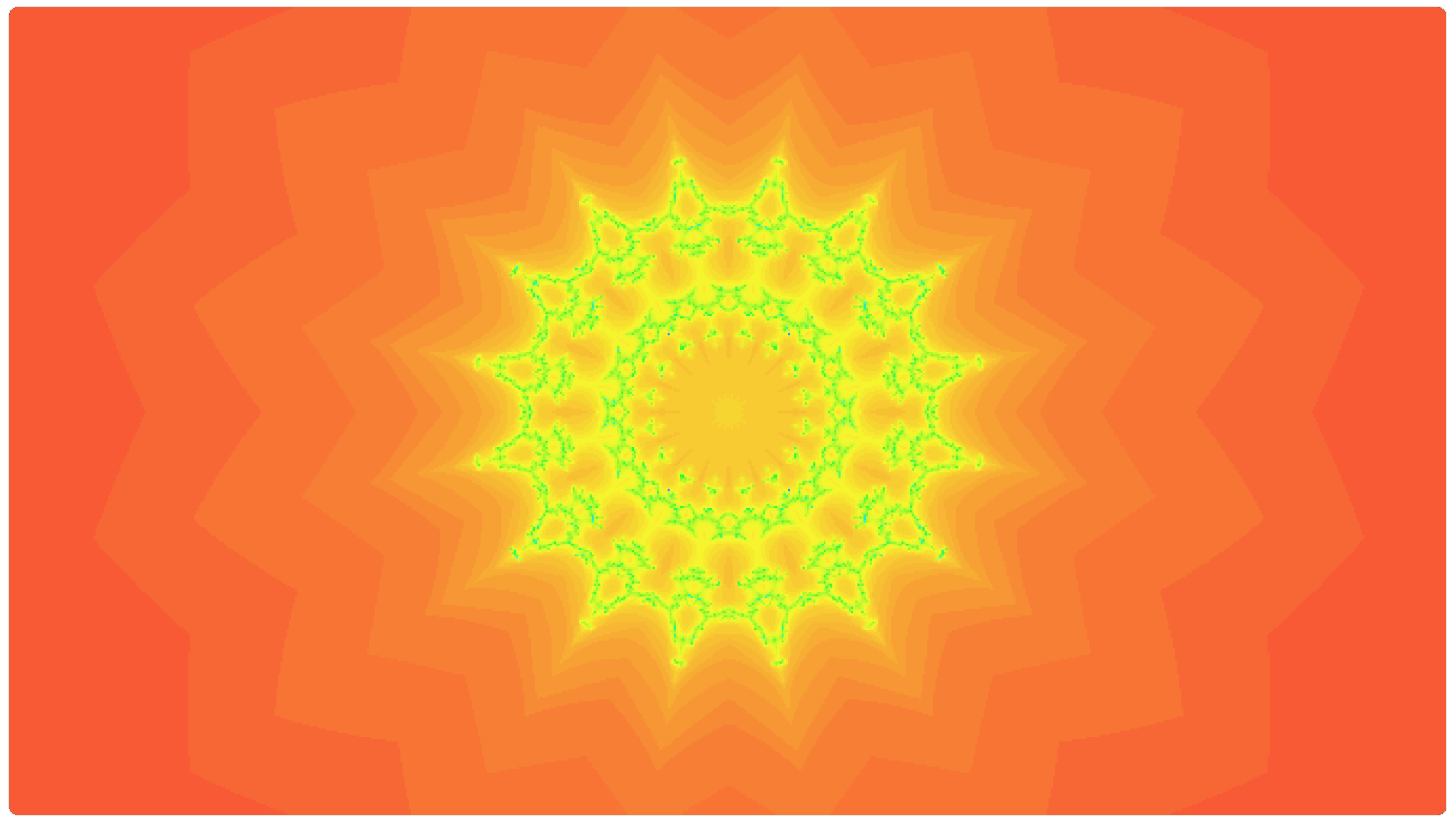
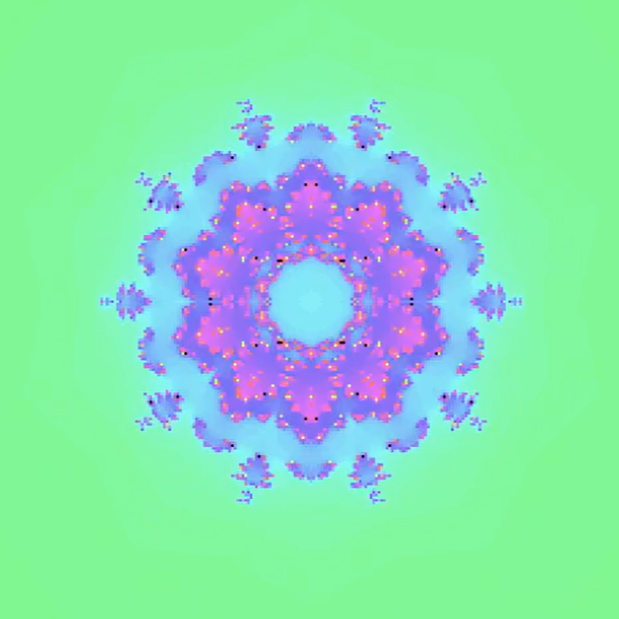
Visualizer Output (Multibrot Set)
-
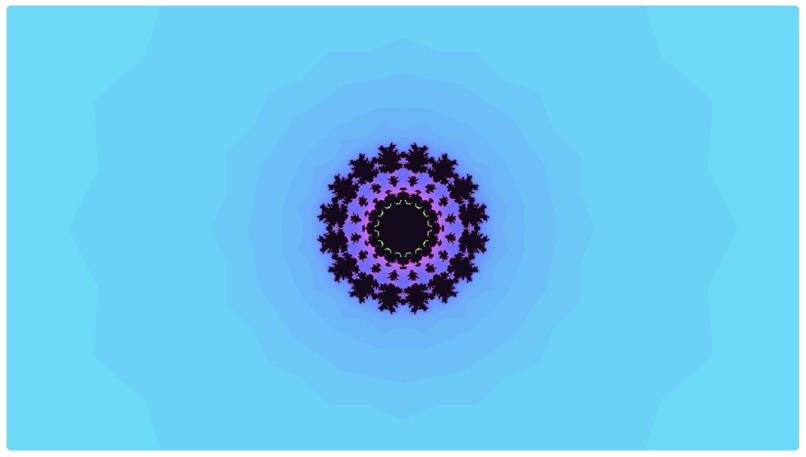
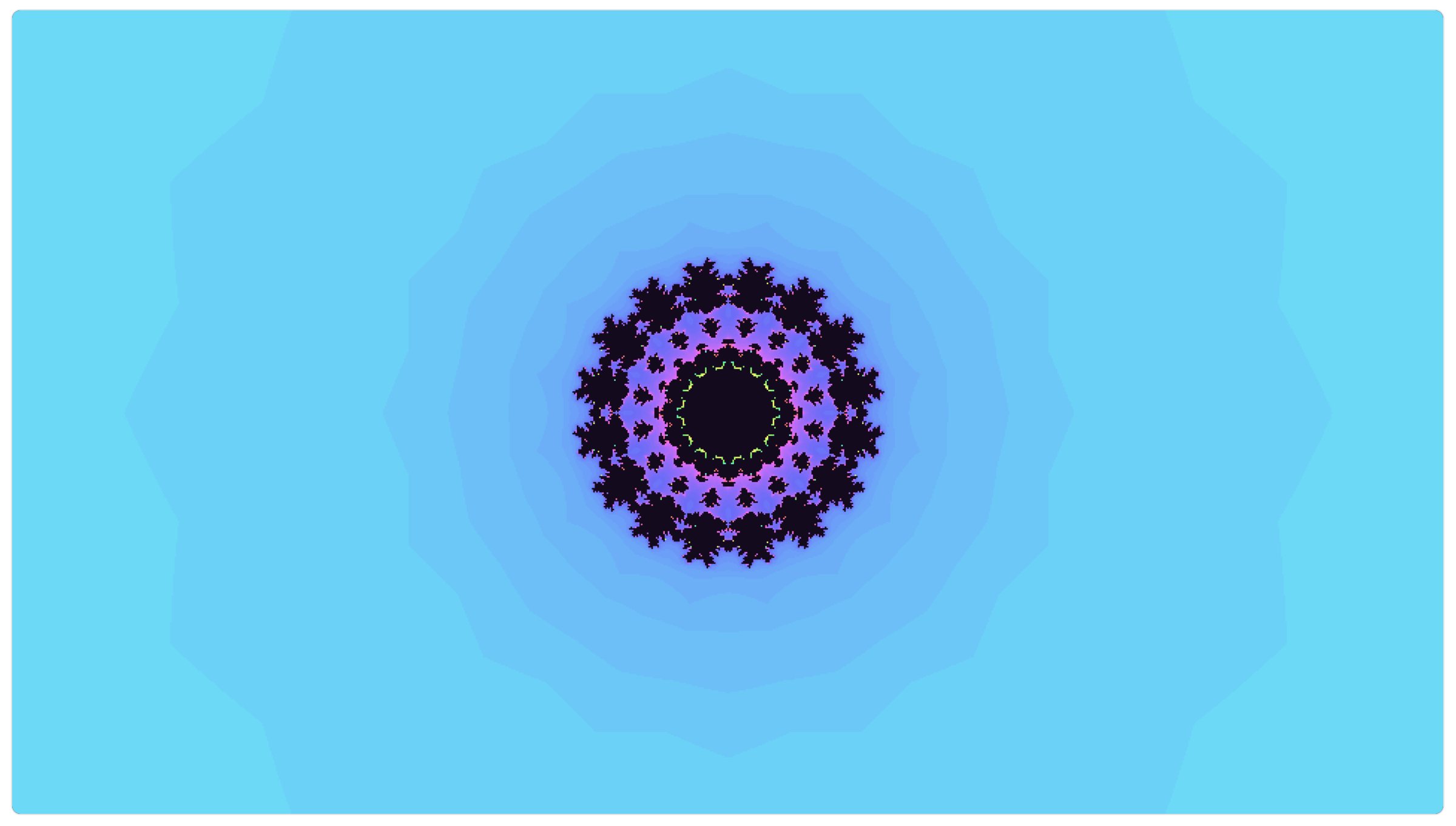
Visualizer Output (Julia Set)
-
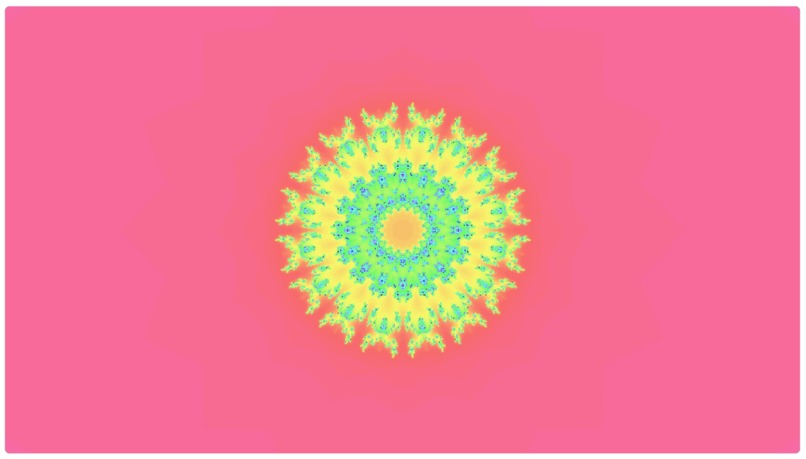
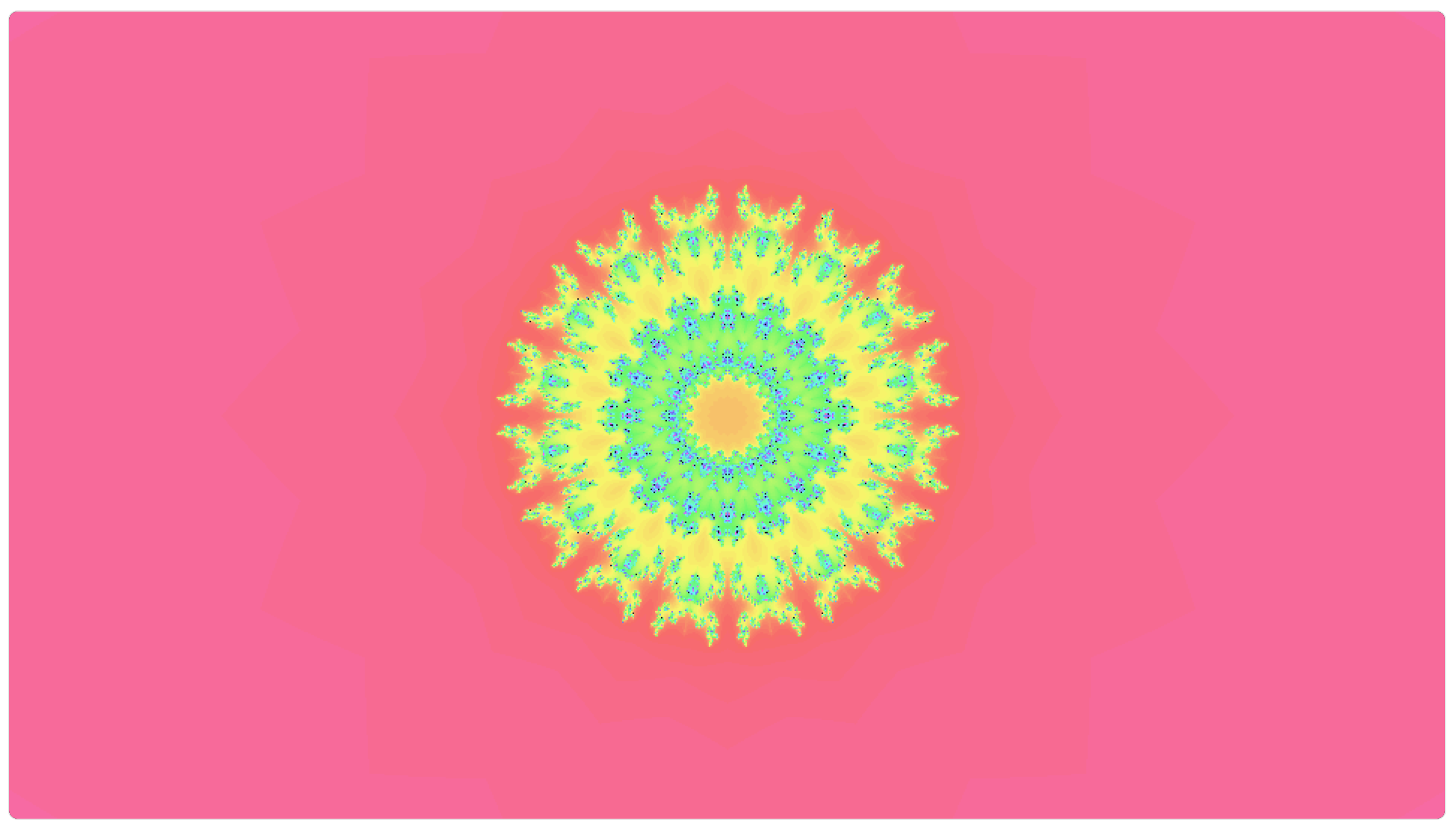
Visualizer Output (Julia Set)
-
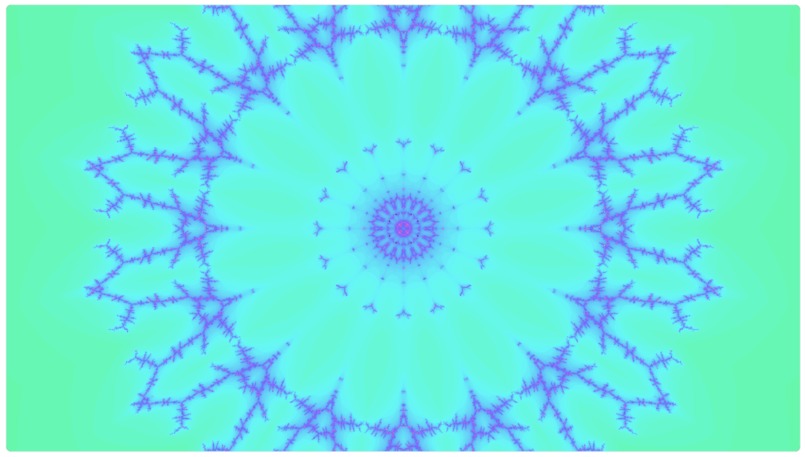
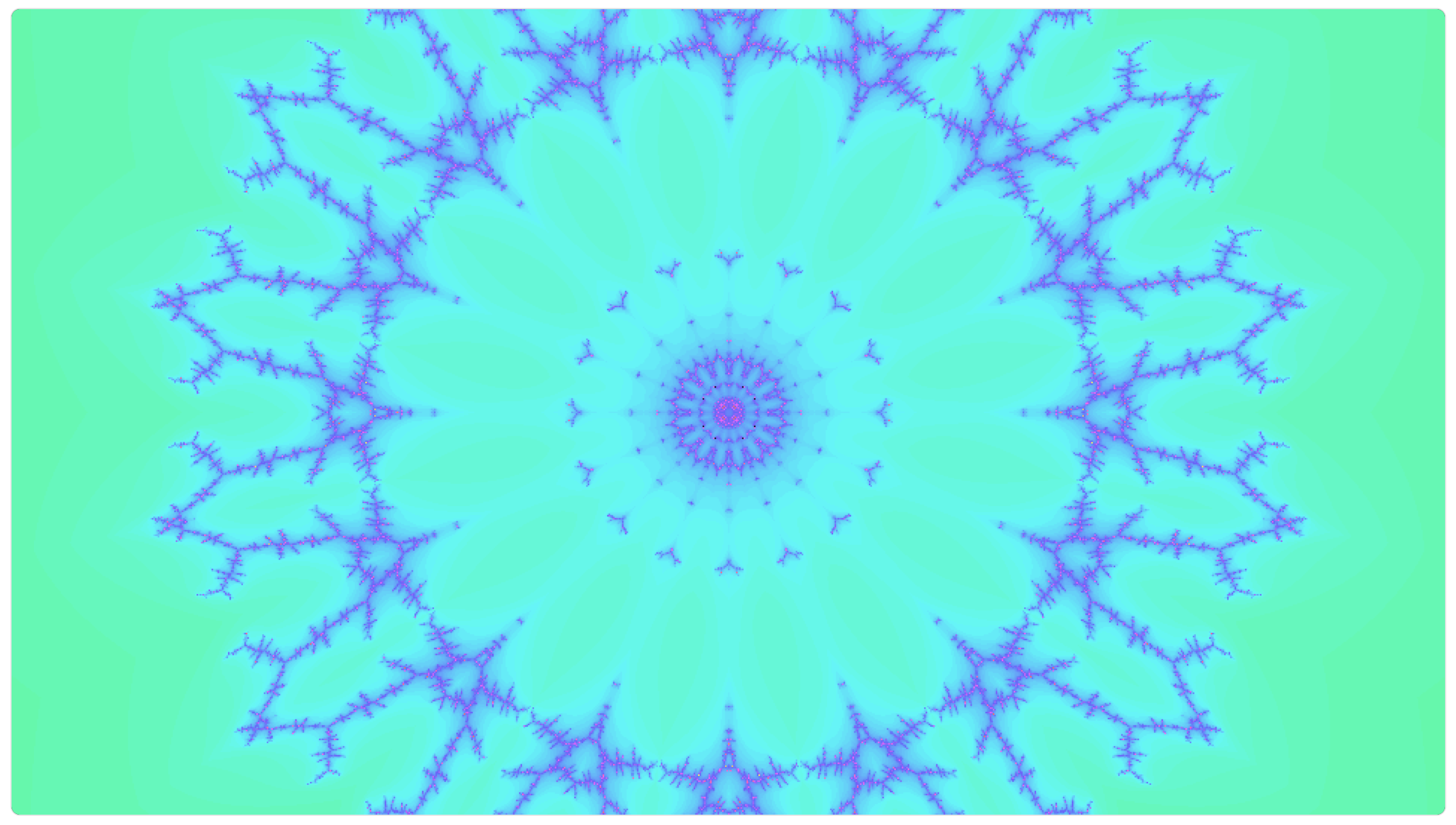
Visualizer Output (Tricorn Fractal)
Firefly - Audio Visualizer Component
June 30 2025
Overview
The audio visualization component of Firefly provides an immersive web-based experience centered on advanced audio visualization and projection mapping. On a technical level, the program utilizes the Web Audio API to perform real-time audio analysis, capturing microphone input and processing its frequency data to extract dynamic metrics such as bass, mid, and high intensity. This analyzed audio data directly influences the generation of kaleidoscopic fractal patterns, dynamically adjusting visual parameters such as the core variables in the fractal equations, number of reflection segments, rotation, zoom, and color shifts. These intricate and responsive visual effects are then rendered onto user-definable quadrilateral "surfaces" within a canvas, enabling precise projection mapping for diverse visual installations.
Goal
As a creative logic orient individual, I wanted this visualizer to celebrate the beauty of famous mathematical fractals, such as the Julia and Mandelbrot sets. That was the beginning of the visualizer, how can I create a spectacular dynamic display of such a thing? One that reacts to the music and invokes a feeling of awe. Something to captivate the mind and induce a meditative trance through immersion in the moment. Sound and light waves propagating to the eyes and ears, synced in a mathematical dance. The projection mapping pushes this project into augmented reality, with audio influenced visuals lining your walls around you as the sound fills your ears.
Development
For me, this competition began 10 days before the deadline, I knew it would be a sprint and I was excited for the challenge. At first it was nothing special, for days of prompting really. During development, I tried many different approaches, slowly sculpting my idea through the written exchange of language between myself and the electrified silicon in front of me. I added beat reactive mirror planes, tempo correlated fractal constants, bass induced pulses, audio driven coloration, some ideas were great, many were not. I wanted exquisite and spectacular, I was getting abstract and jarring. Prompt after prompt, 5 steps forward, 3 steps back. After a few days of this, the model became overwhelmed and undesired changes and bug fixing attempts would lead me down fork after fork of failed builds. This forced me to do AI assisted research about effective prompting and methods for isolating files and resetting context windows. It was really a tremendous crash course into the cutting edge of applied AI.
Future Work
The over scope of this project was to incorporate it the with rest of the app my team created, Firefly (Musical Oracle), which provides a user with an AI crew that guides them through voice prompts and to create a song. That sound would then be analyzed by this visualizer to bring the sound to life and connect it to a wide range of outputs. Check out that project here: link
Visual Enhancements
The visual output is amazing... most of the time. There are still some dull moments when the screen is nearly monochrome or taken over by a void blob. I spent a lot of credits trying to fix this. There are many variables that make up the fractal equations, the driving seed of the animation. Certain combinations produce really spectacular mosaics, while others are much less interesting. My passion and personal perfectionism fuels me to push forward and continue perfecting this visualizer.
UX Updates and Fine Tuning
The core components of the visualizer are functioning, but the user experience needs some improvement for a smooth work flow. This would include more robust button action, increased settings and feedback. (Known Issue: The "Apply Settings" button needs to be pressed after "Play" button for the visualizer to start).
Projection Mapping Improvements
The projection mapping component is in it's infancy with a basic UI and minimal functionality. I want to get the setup and calibration streamlined and performance ready. Updating the UX of configuration, fixing the perspective warping on surfaces, and adding polygon and curved surface support, and sending the selectable animations to each screen.
LED Control Integration
This tab's goal is to generate deployable code for microcontroller control of LEDs that will sync with the visualizer. I was starting to wire up some RGB LEDs to an ESP32 microcontroller and build this app that would be able to create a code file to directly flash to the microcontroller. Common microcontrollers would be selectable through a dropdown along with GPIO layout and communication port selection. The app would then connect to the controllers via WiFi to send the analyzed audio input to the controllers to remotely control a number of lighting effects. All the LED lights would be synced with the audio driven screen output and projector display, creating deeper immersion.
Built With
- bolt.new
- claude.ai


Log in or sign up for Devpost to join the conversation.