-
-
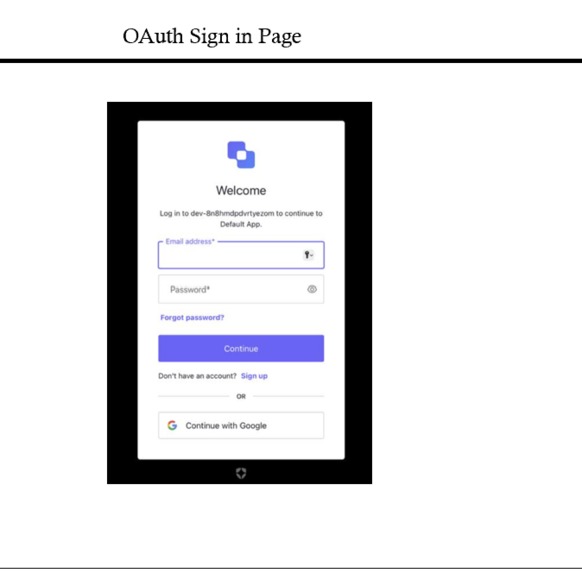
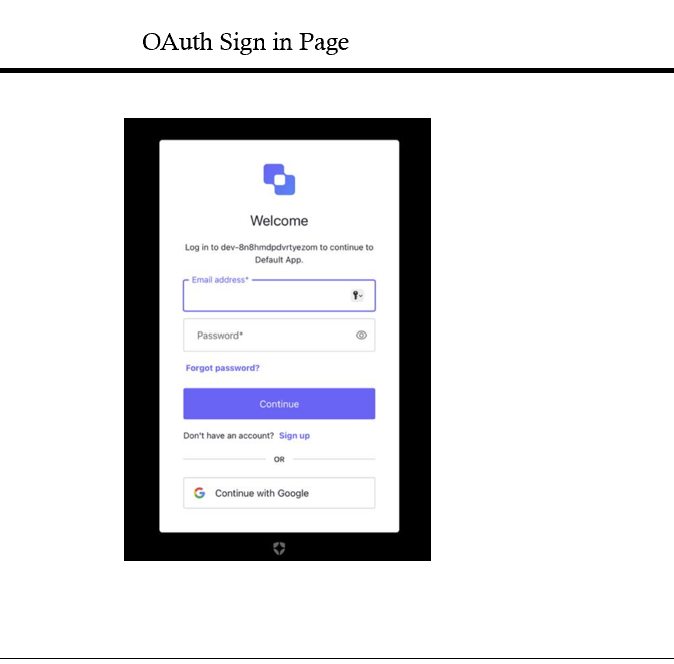
LOGIN
-
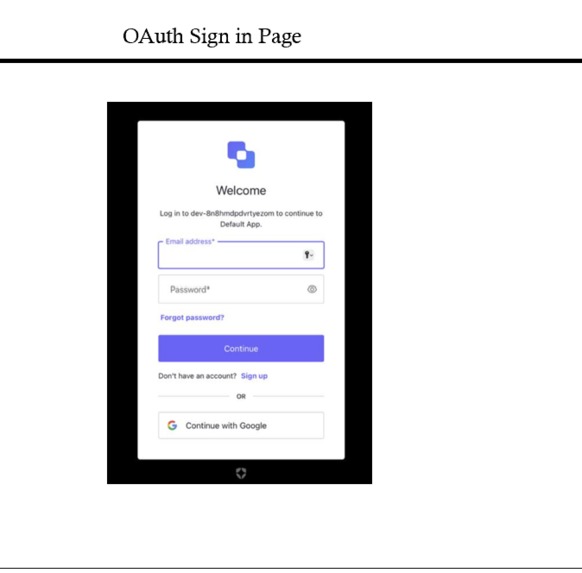
WELCOME PAGE
-
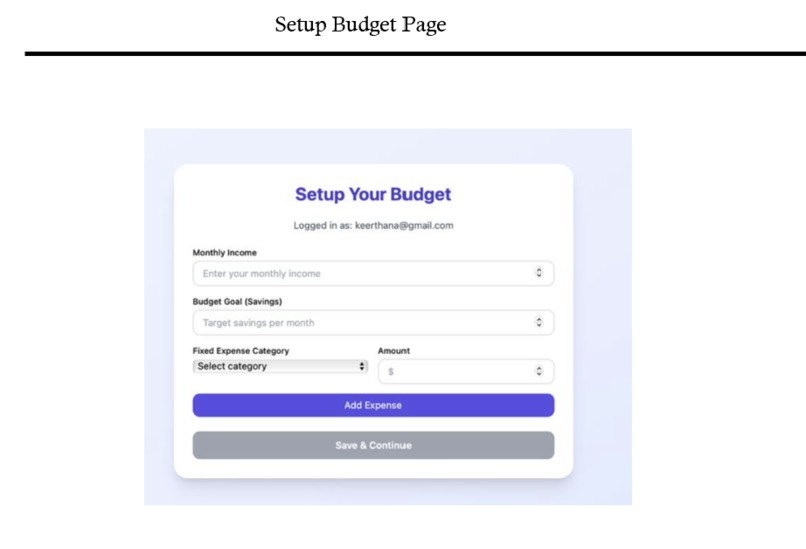
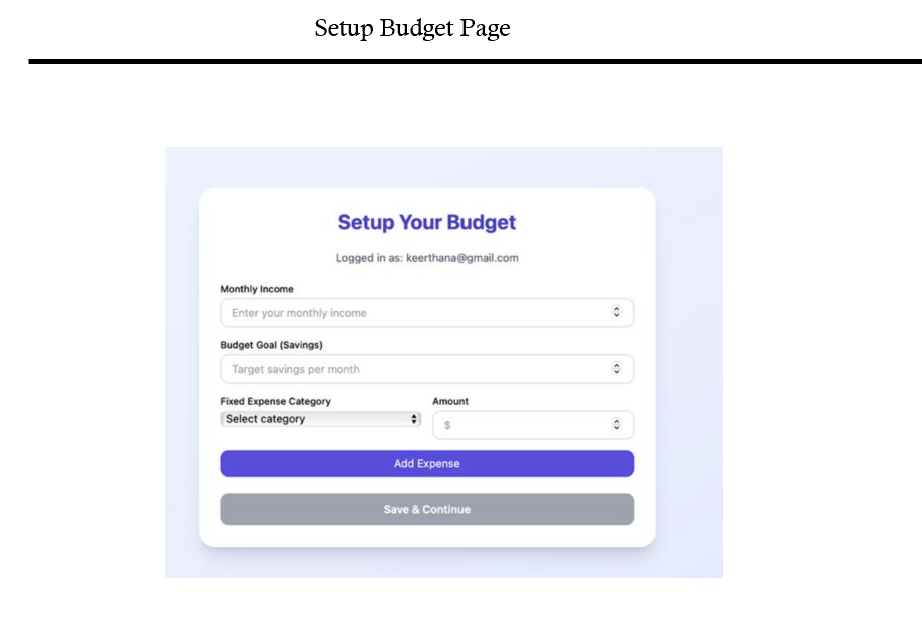
SetUpBudget
-
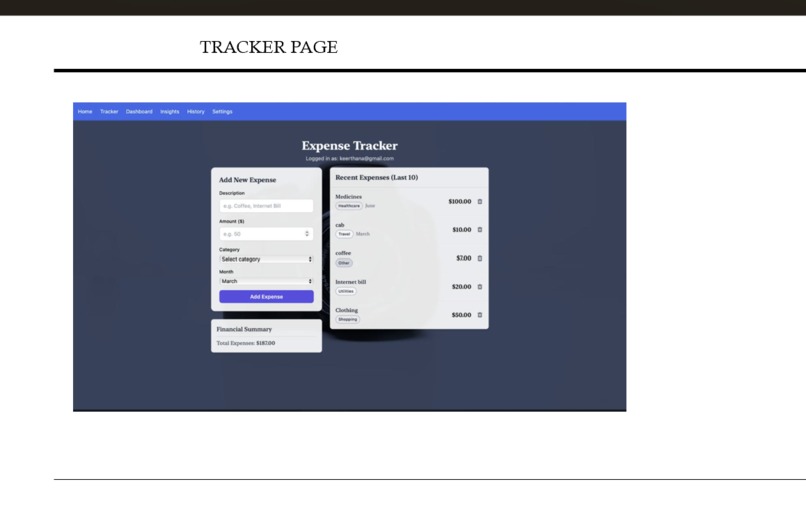
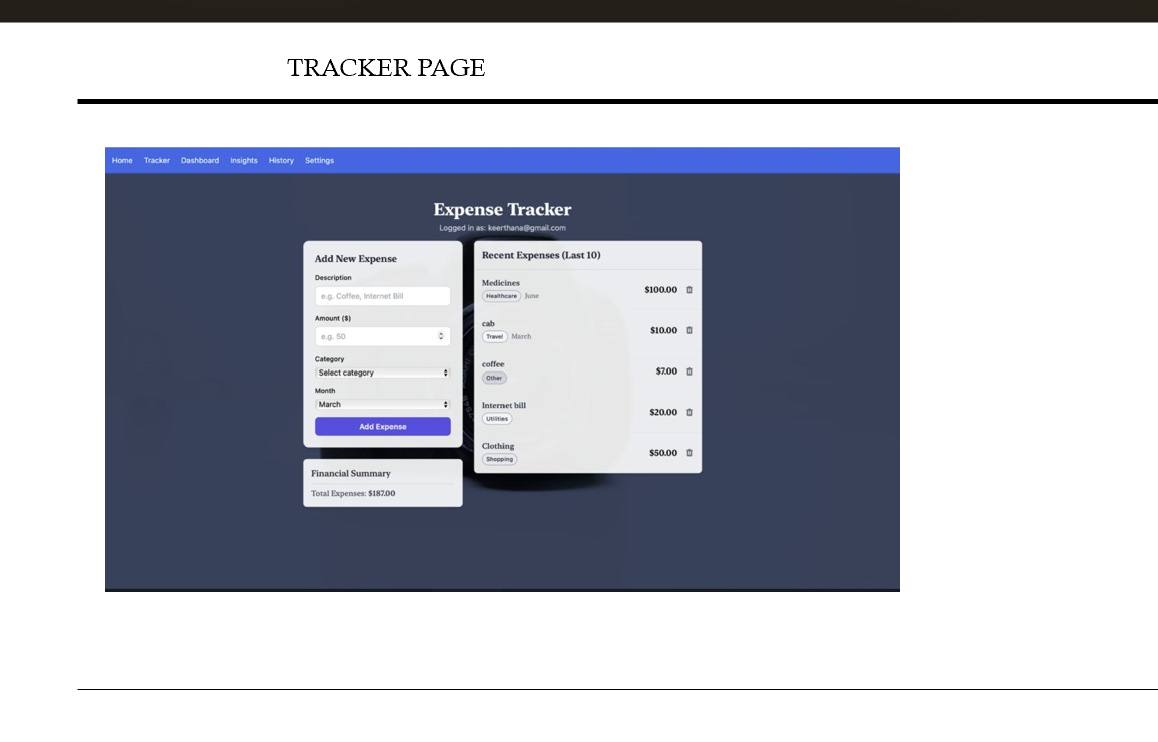
TRACKER
The idea for Smart Finance Helper was born out of our personal struggles as students navigating our financial journeys. Managing resources on a limited budget proved to be a daunting task, especially with no clear way to track our spending. We often found ourselves wondering where our money went—whether it was on late-night snacks, textbooks, or unexpected outings. Keeping tabs on expenses and planning ahead became cumbersome, and we realized we weren’t alone in this challenge. This frustration inspired us to create a tool that simplifies financial management, making it accessible and intuitive for everyone, not just students. We envisioned an application that could transform the chaos of personal finance into clarity, empowering users to take control of their money with ease.
Building Smart Finance Helper was a journey of discovery, both technically and conceptually: Financial Literacy: We gained a deeper understanding of budgeting, the difference between fixed and variable expenses, and the importance of savings goals—concepts we hadn’t fully grasped until we had to implement them. Full-Stack Development: We learned to integrate a React frontend with a Node.js backend, manage RESTful APIs, and persist data in MongoDB, bridging the gap between user interface and server-side logic. Data Visualization: Using Recharts taught us how to present complex financial data in a digestible, visual format, enhancing user experience. AI Integration: Working with the Google Gemini API opened our eyes to the potential of AI in providing personalized insights, pushing us to think beyond static tools. Problem-Solving: We honed our ability to troubleshoot errors (like the ReferenceError in ExpenseTrackerPage) and adapt our approach to meet user needs. Most importantly, we learned the value of empathy in design—building a tool that addresses real pain points requires understanding the user’s perspective, something we drew from our own experiences.
We built Smart Finance Helper by leveraging a modern tech stack tailored to our goal of simplifying financial management. Starting with React, we crafted an interactive frontend with components like WelcomePage, ExpenseTrackerPage, DashboardPage, InsightsPage, and SettingsPage, using React Router for seamless navigation and Tailwind CSS for responsive styling. Recharts brought our data to life with dynamic Pie and Line Charts in InsightsChart, visualizing expenses and savings trends. On the backend, we deployed two Node.js Express servers: one on port 3070 to manage core data operations (fixed and variable expenses) with MongoDB via Mongoose, and another on port 3060 to integrate the Google Gemini API for AI-driven financial insights. Auth0 handled user authentication, while dotenv secured our environment variables. We began with user onboarding, progressed to expense tracking and configuration, then added visualization and AI features, iterating with Vite for fast development and Postman for API testing—piecing it all together to create a cohesive, user-focused tool.
Building Smart Finance Helper wasn’t without its hurdles:
Tracking Down Bugs: The ReferenceError: Cannot access uninitialized variable in ExpenseTrackerPage stumped us initially. It taught us about variable hoisting in JavaScript and the importance of declaration order with const. Data Synchronization: Ensuring real-time updates between the frontend and backend (e.g., adding/deleting expenses) required careful API design and state management, especially with dynamic arrays like expenses in SettingsPage. API Integration: Connecting to the Google Gemini API was tricky—parsing dynamic variable expenses into a prompt string ("category:amount") and handling CORS issues tested our patience. Visualization Complexity: Getting Recharts to display only a selected month’s expenses in the Pie Chart while keeping the Line Chart comprehensive involved rethinking data filtering and state logic. Time Management: Balancing feature development with debugging and refinement as students was a challenge, mirroring the resource management struggles that inspired the project. Each obstacle pushed us to research, collaborate, and iterate, ultimately strengthening the app and our skills.
Built With
- and-settingspage-were-built-with-hooks-(usestate
- auth0
- component-based-ui.-pages-like-welcomepage
- css
- dashboard
- dashboardpage
- expensetrackerpage
- express.js
- geminiapi
- insights
- insightspage
- mongodb
- mongoose
- react
- recharts
- settings).-recharts:-powered-the-pie-chart-(category-wise-expenses)-and-line-chart-(savings-trend)-in-insightschart
- setup
- tailwind
- tracker
- useeffect)-for-state-and-lifecycle-management.-react-router:-enabled-seamless-navigation-between-pages-(/

Log in or sign up for Devpost to join the conversation.