Inspiration
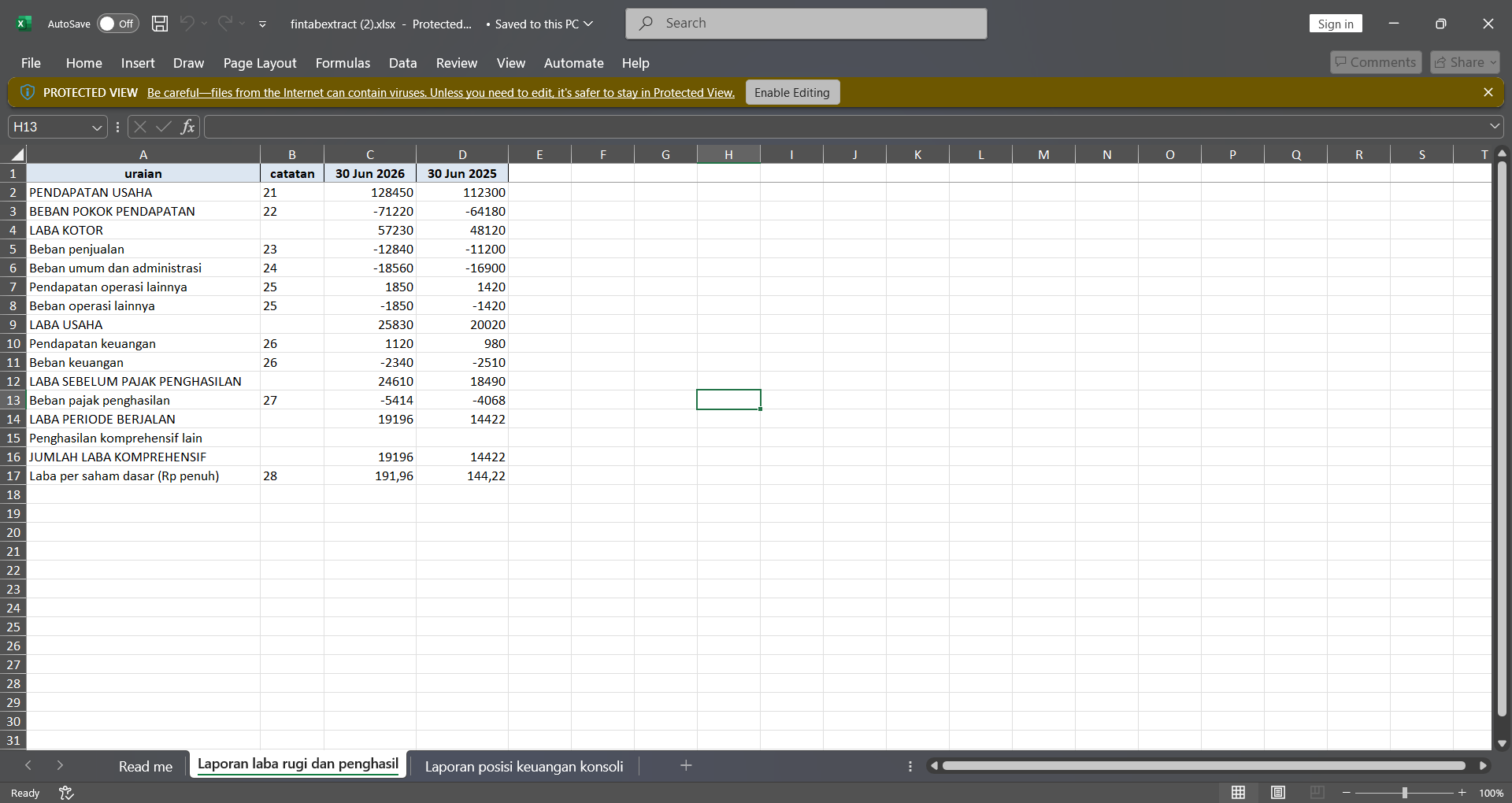
Accountants, auditors, and analysts still copy tables from bank statements and financial-report PDFs into Excel by hand. Generic converters break headers, wrapped descriptions, and locale-specific amounts (including accounting negatives).
What it does
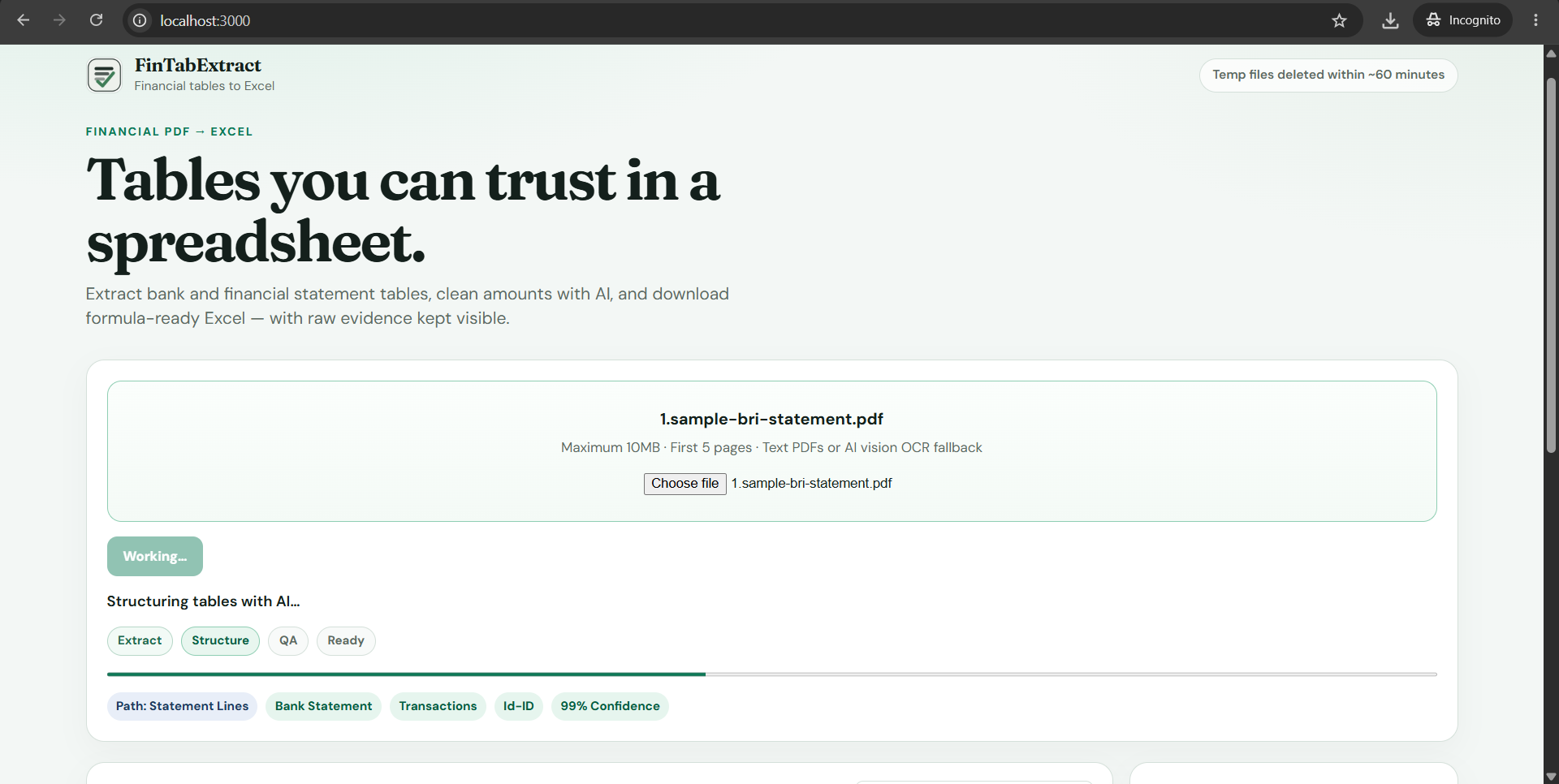
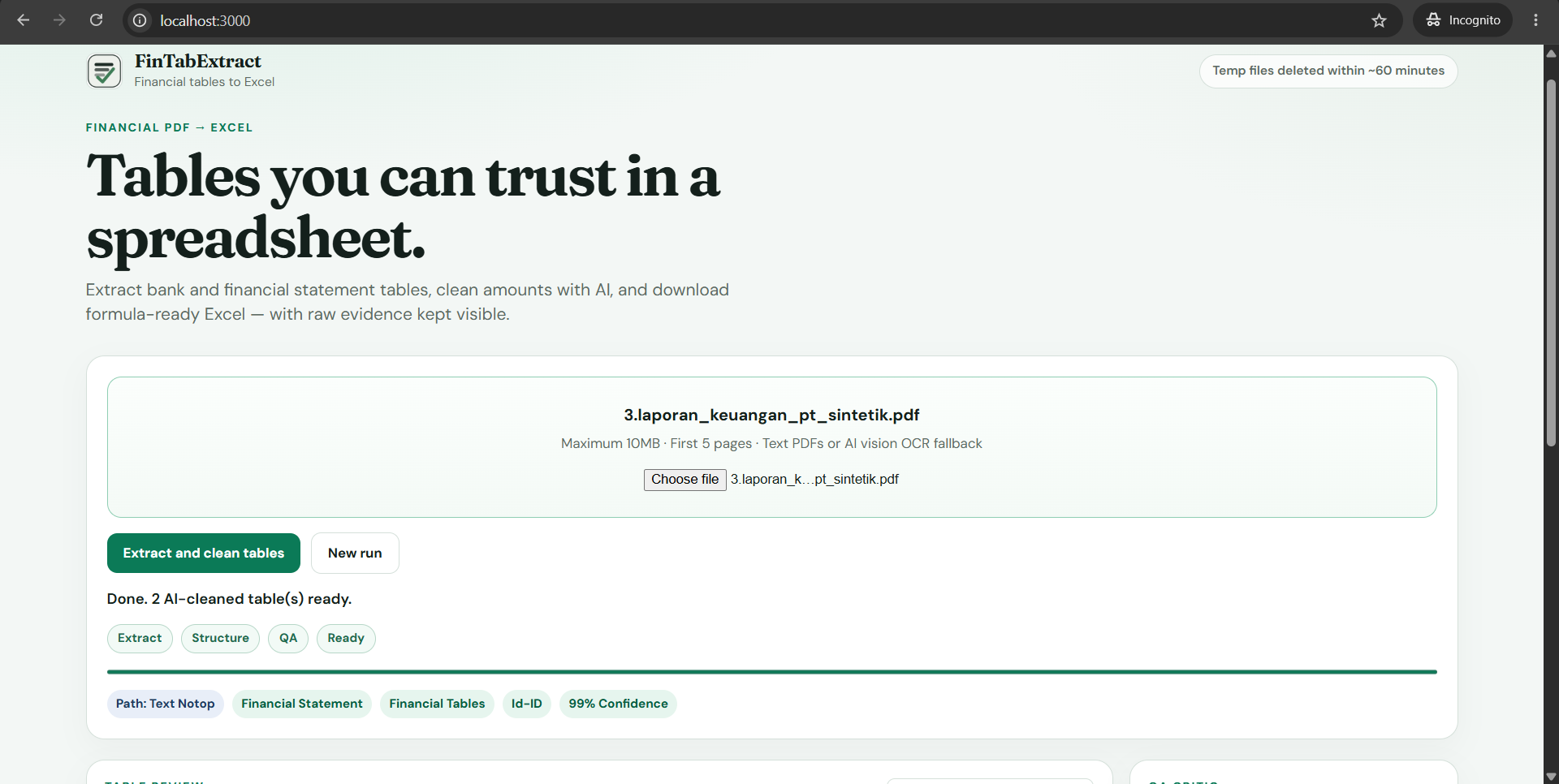
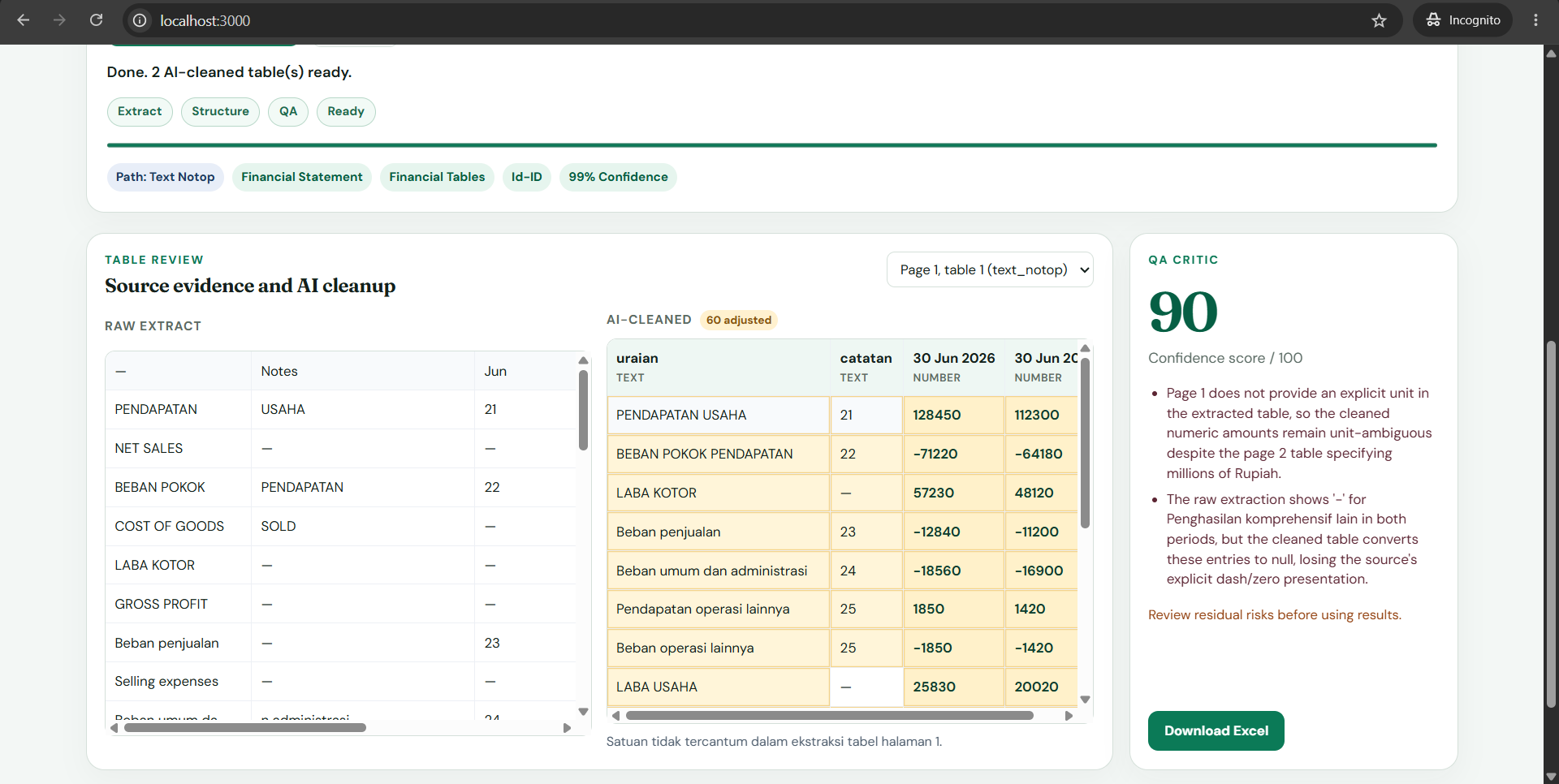
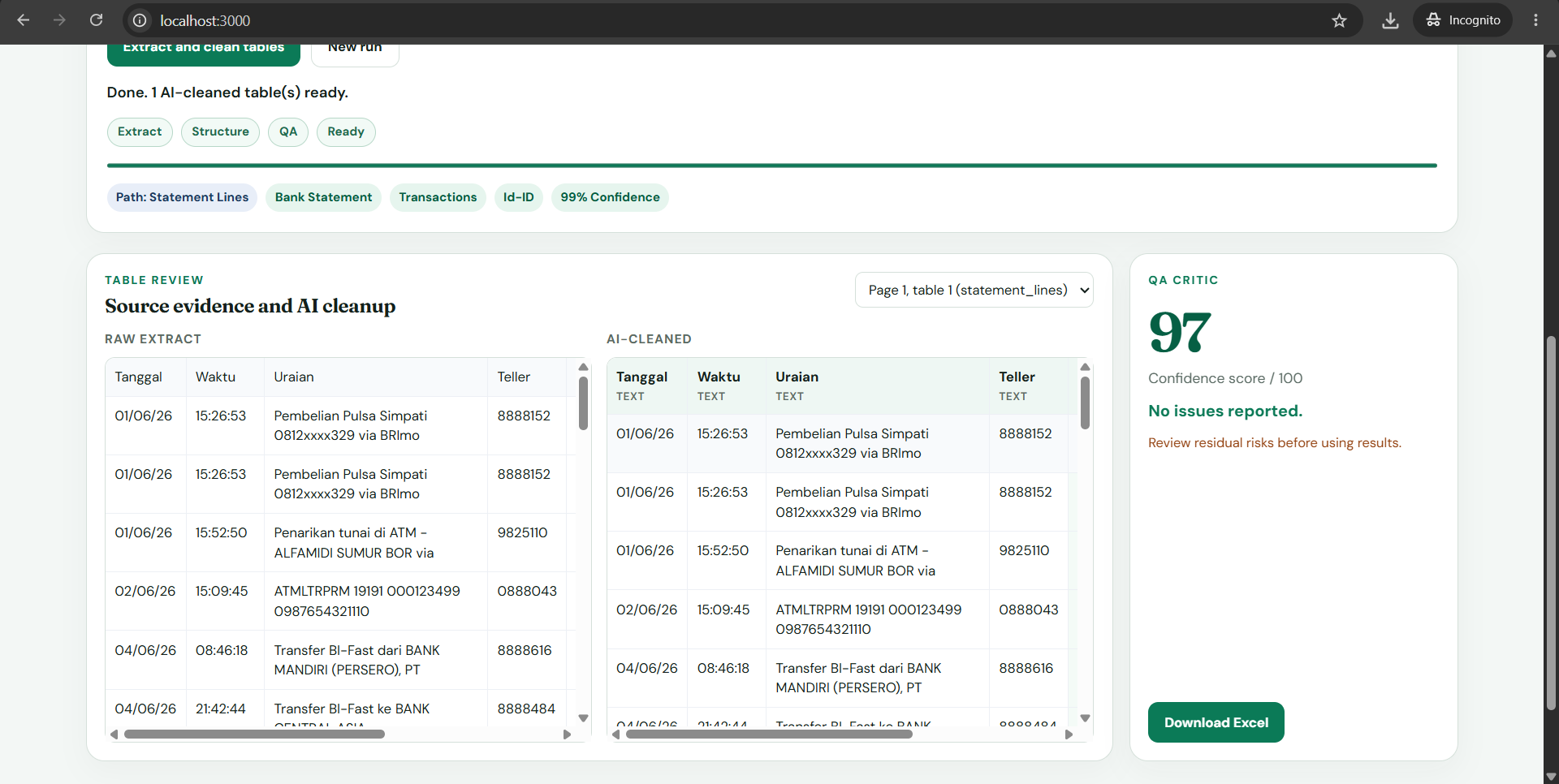
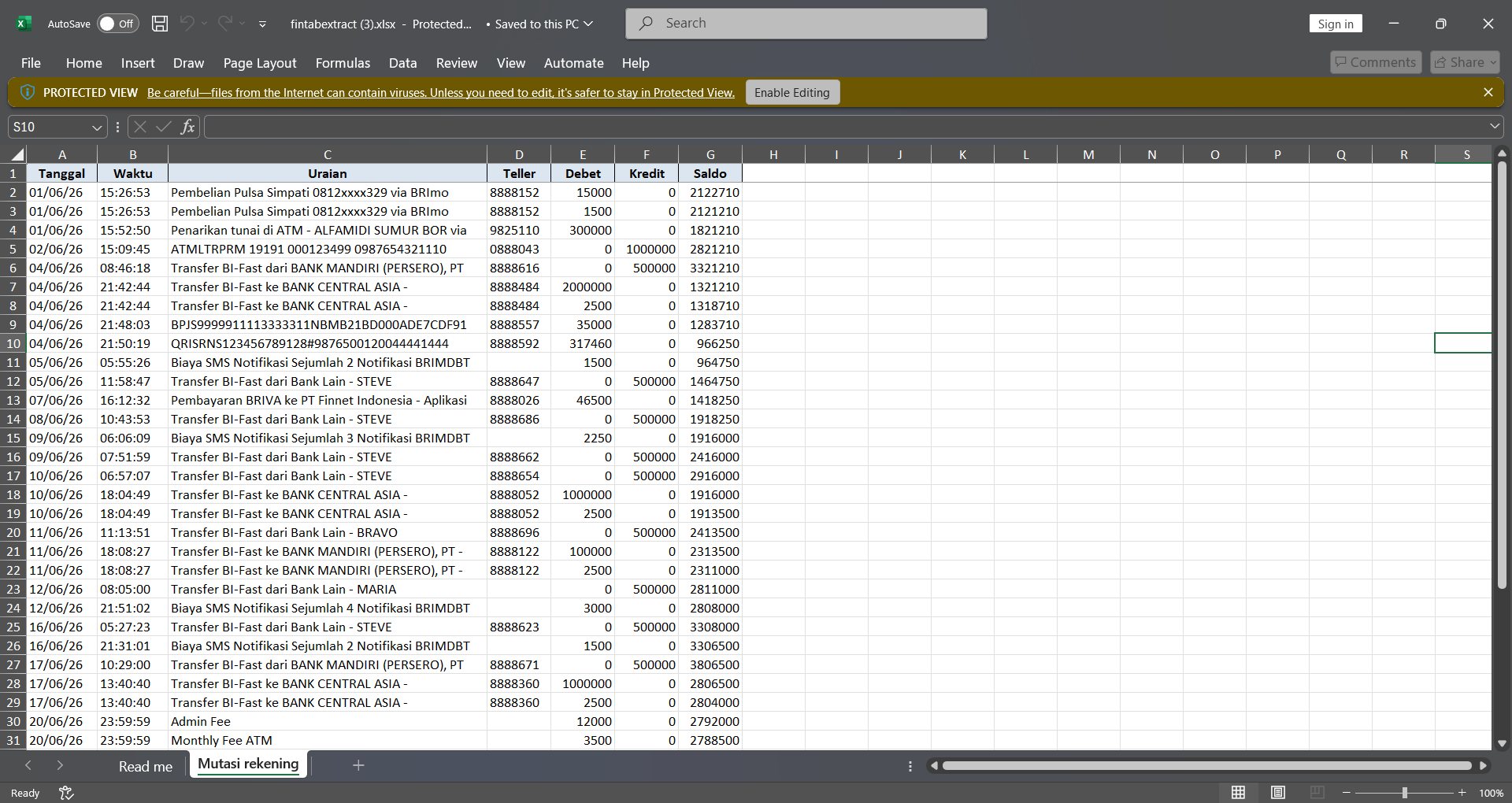
1) Extracts tables deterministically with pdfplumber (Vision OCR fallback via GPT-5.6 when there is no text layer) 2) Routes the document with GPT-5.6 Luna 3) Structures and cleans tables with GPT-5.6 Terra — grounded in raw evidence; ambiguous amounts become null, never invented 4) Runs a GPT-5.6 Luna QA critic (score, issues, residual risks) 5) Exports numeric .xlsx for spreadsheet use The UI keeps Raw extract beside AI-cleaned output so every AI decision stays reviewable.
How we built it
We built it with Codex, GPT-5.6 (gpt-5.6-luna, gpt-5.6-terra), OpenAI API, Next.js, React, TypeScript, FastAPI, Python, pdfplumber, pypdfium2, Pillow, pandas, openpyxl
Challenges we ran into
PDF table extraction varies widely across Indonesian bank e-statements and financial reports (merged credit/balance columns, ID vs EN number locales, image-only print-as-PDF). We kept AI grounded in raw extract and preferred null over invented amounts. Public free hosting asked for a payment card, so we submitted via video + private repo + local README setup.
Accomplishments that we're proud of
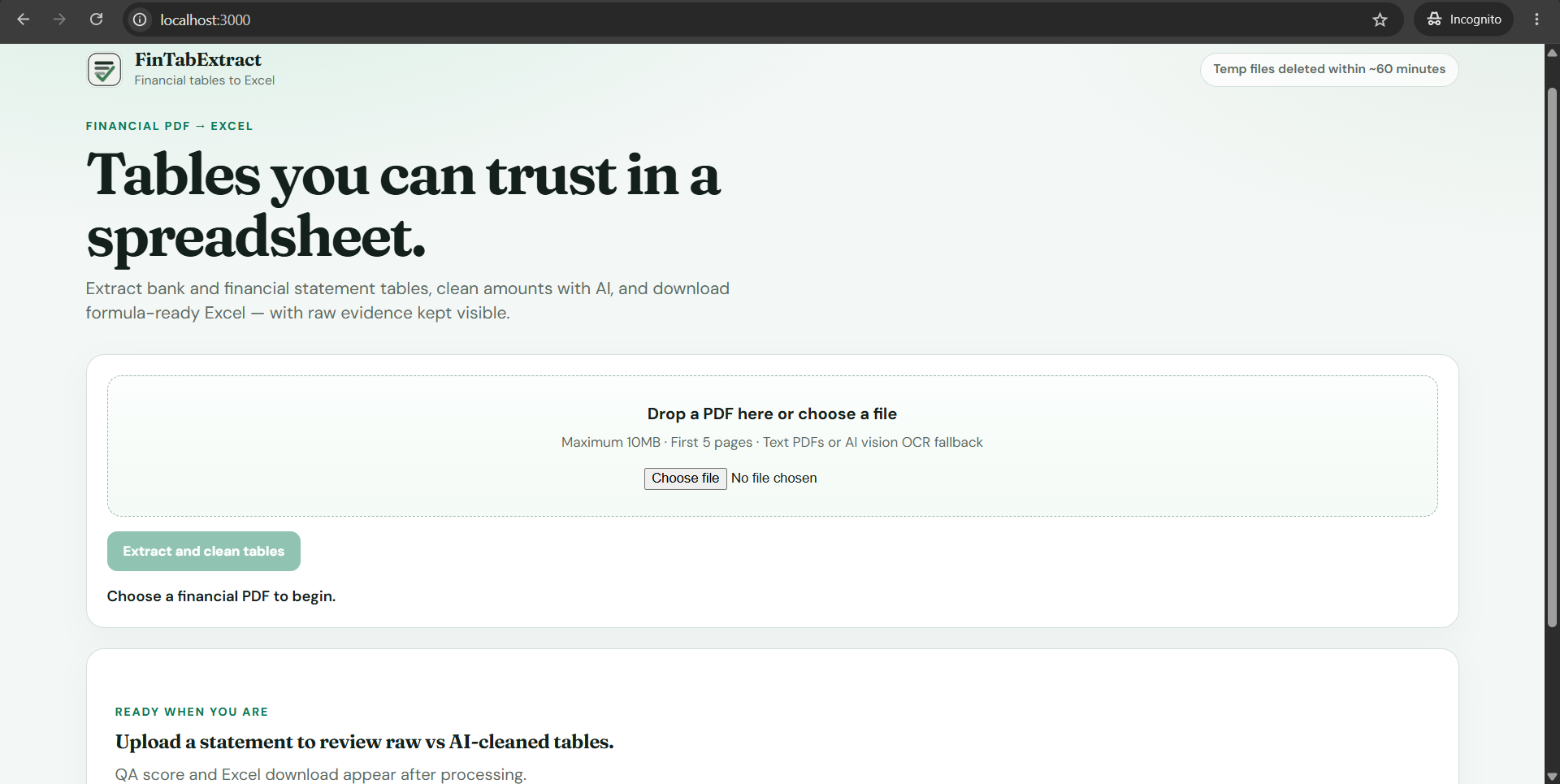
End-to-end flow: upload → raw extract → GPT-5.6 structure → QA → numeric Excel. Side-by-side Raw vs Cleaned UI. Multi-bank synthetic samples including OCR path. Built with Codex; Session ID recorded for judging.
What's next for FinTabExtract
After Build Week: optional public deploy, more bank formats, and stronger locale-aware extraction — still without inventing numbers.
Built With
- codex
- fastapi
- gpt-5.6-(gpt-5.6-luna
- gpt-5.6-terra)
- next.js
- openai-api
- openpyxl
- pandas
- pdfplumber
- pillow
- pypdfium2
- python
- react
- typescript
