Inspiration
The idea for FinShield AI came from a previous project that did not work out the way I hoped. During the Air India crash, I built a bot that tried to recognize fake news. The goal was meaningful, but the result was not strong enough — the accuracy was only around 10%. That failure pushed me to build something better, more practical, and more agentic.
At the same time, I was personally getting scam emails about things like property inheritance, which was frustrating and annoying. What made the problem feel even more real was when one of my friends received an email claiming he had won a giveaway. He clicked the link, and his computer got hacked.
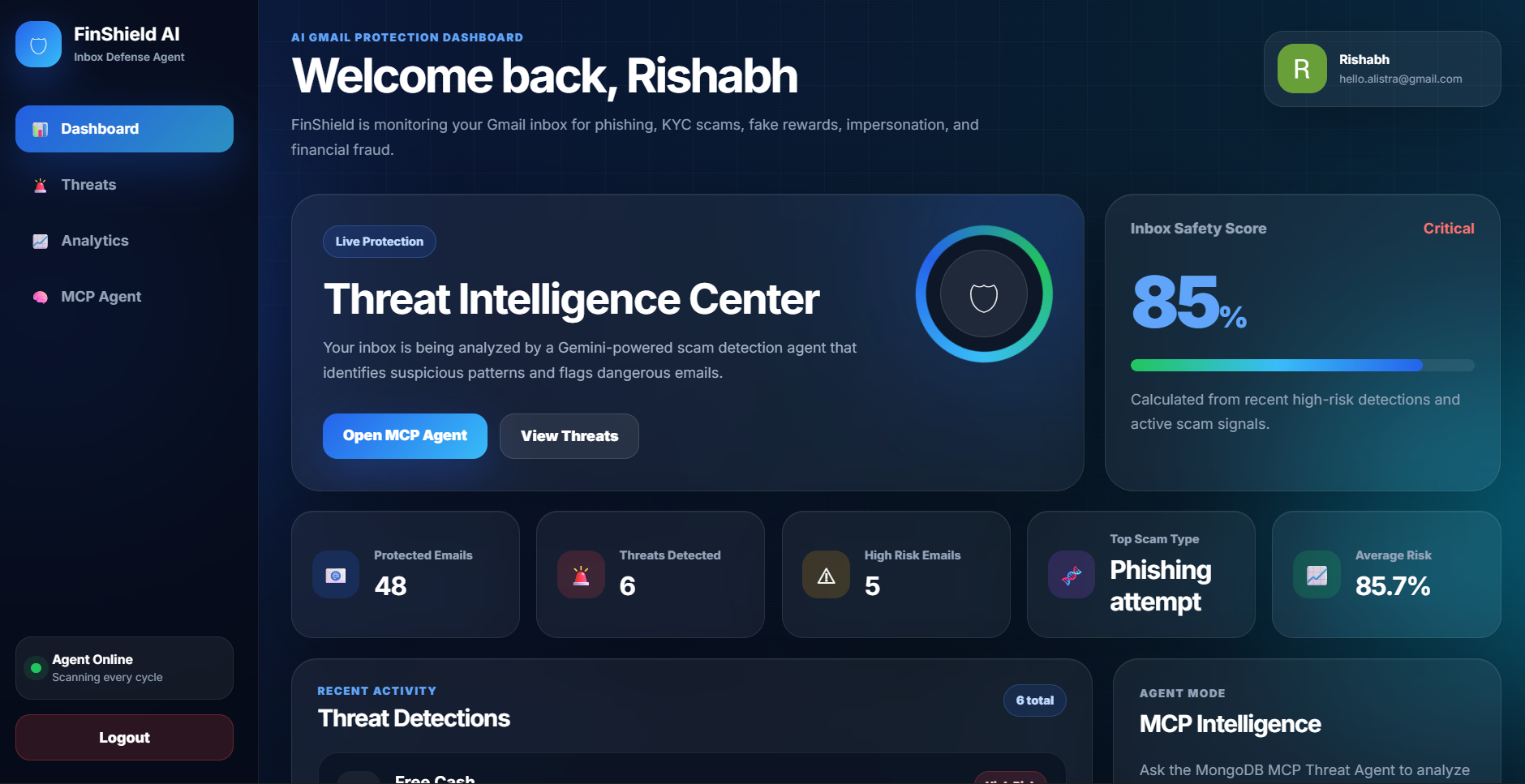
That made me realize that scam emails are not just a technical problem — they are a real everyday problem that affects normal people. Many users do not have the time or technical knowledge to inspect every sender, link, and message carefully. So I built FinShield AI as an inbox defense agent that can scan Gmail, detect suspicious financial scam patterns, label risky emails, and explain the threats in a dashboard.
What it does
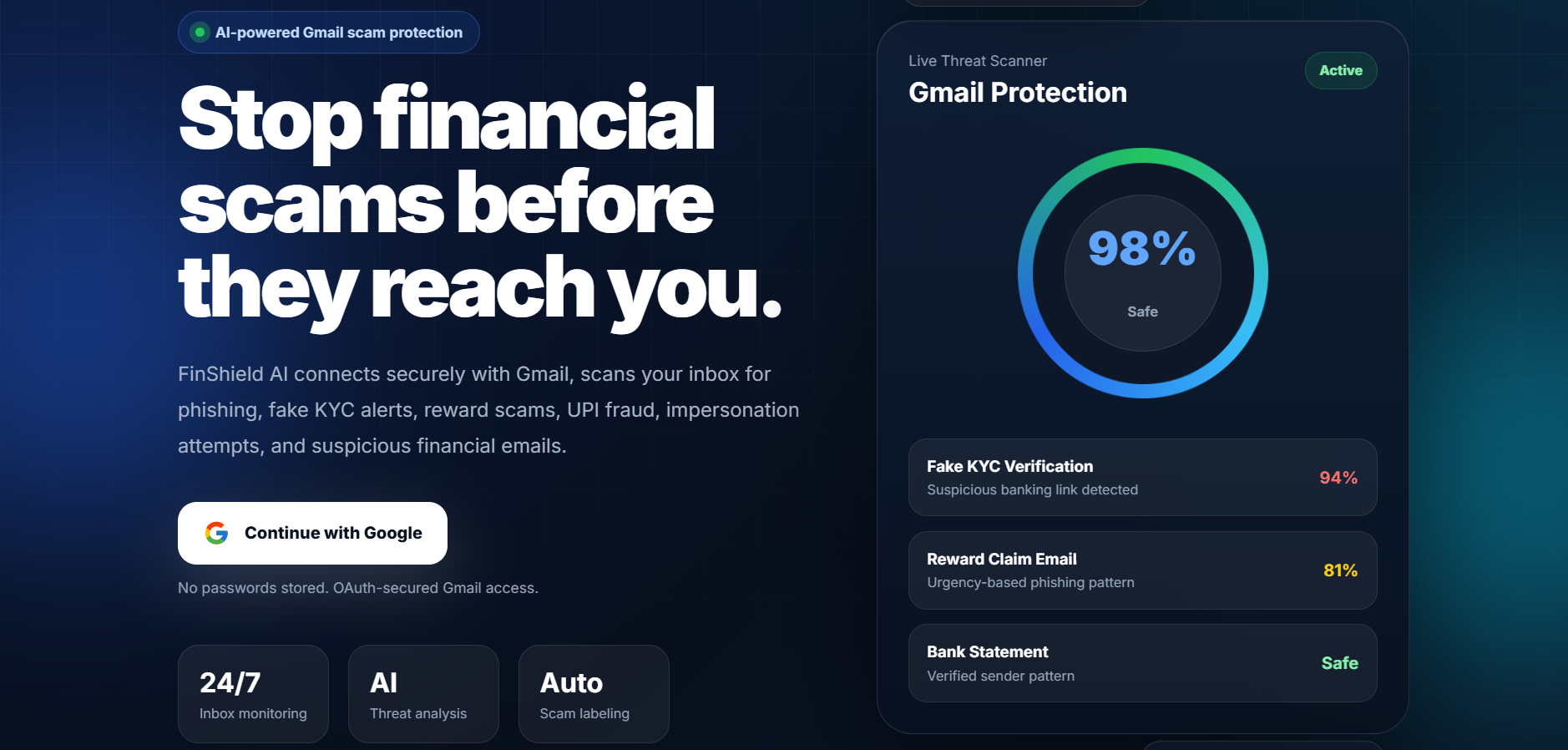
FinShield AI is a Gmail security agent that detects and labels financial scam emails.
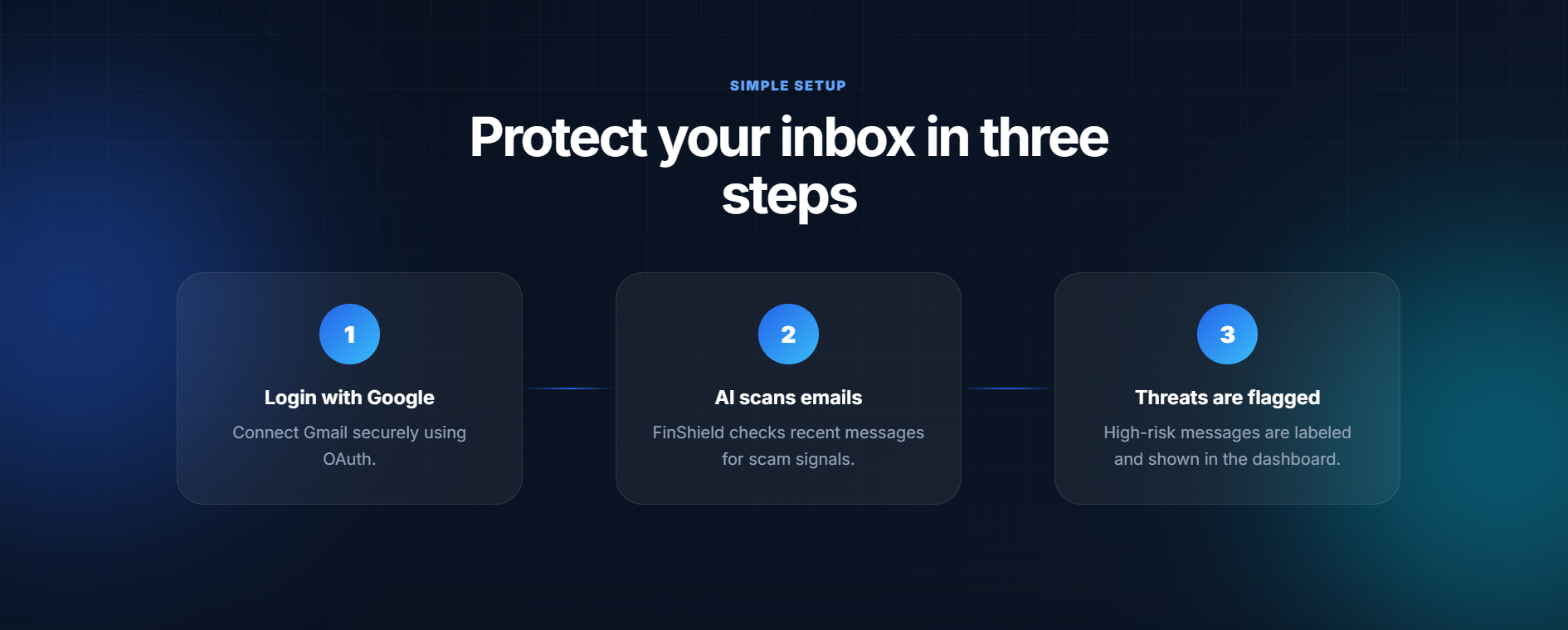
After a user logs in with Google, FinShield AI:
- Connects securely to Gmail using Google OAuth
- Scans recent emails through the Gmail API
- Sends email subject, sender, and snippet/body preview to Gemini
- Detects phishing, KYC scams, fake rewards, job scams, medical scams, impersonation, and financial fraud
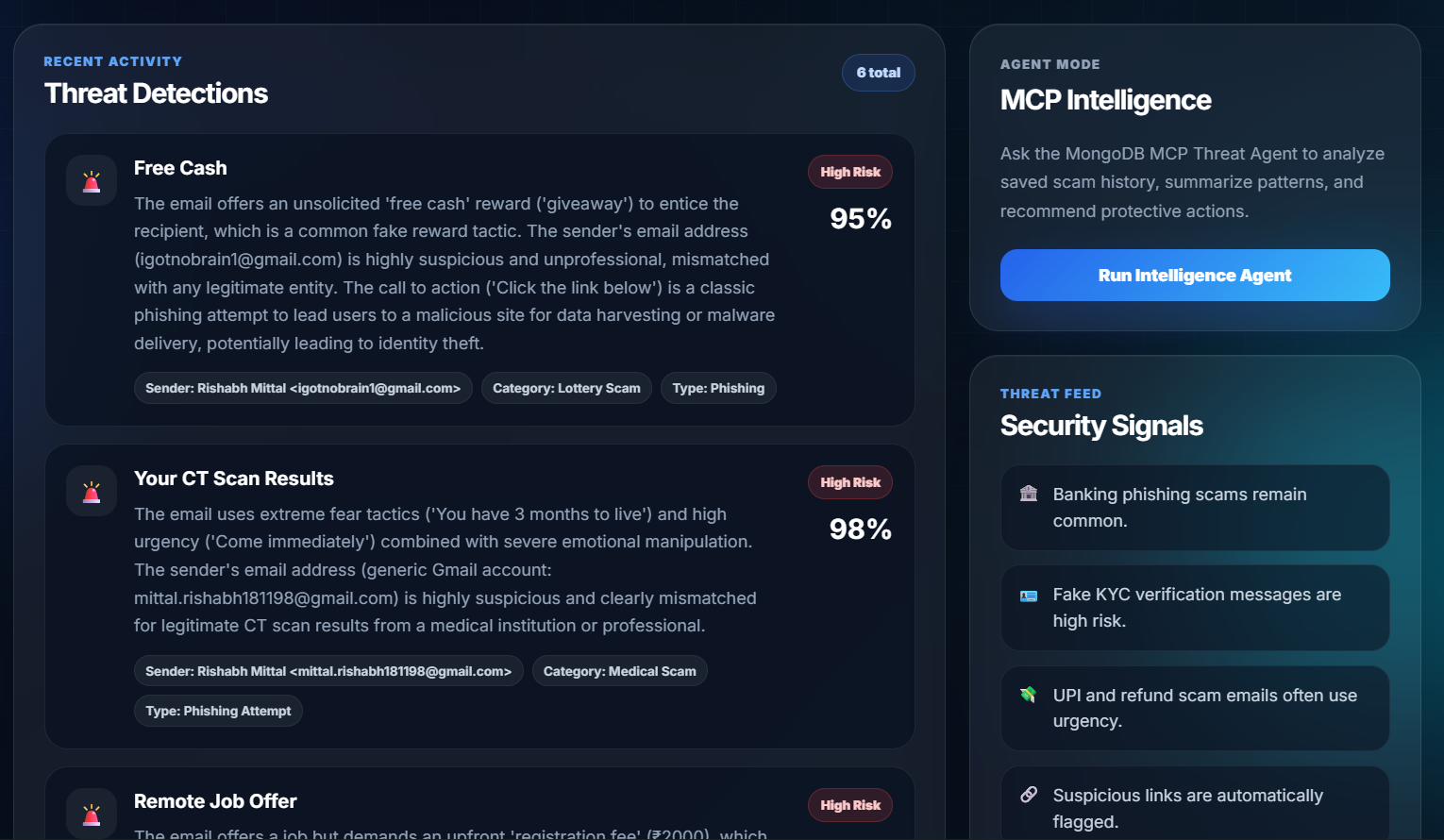
- Assigns each suspicious email a scam category, threat type, reason, and risk score
- Stores scam detections in MongoDB Atlas
- Applies a Gmail label called
⚠ Financial Scamto risky emails - Displays the user’s scam history in a live dashboard
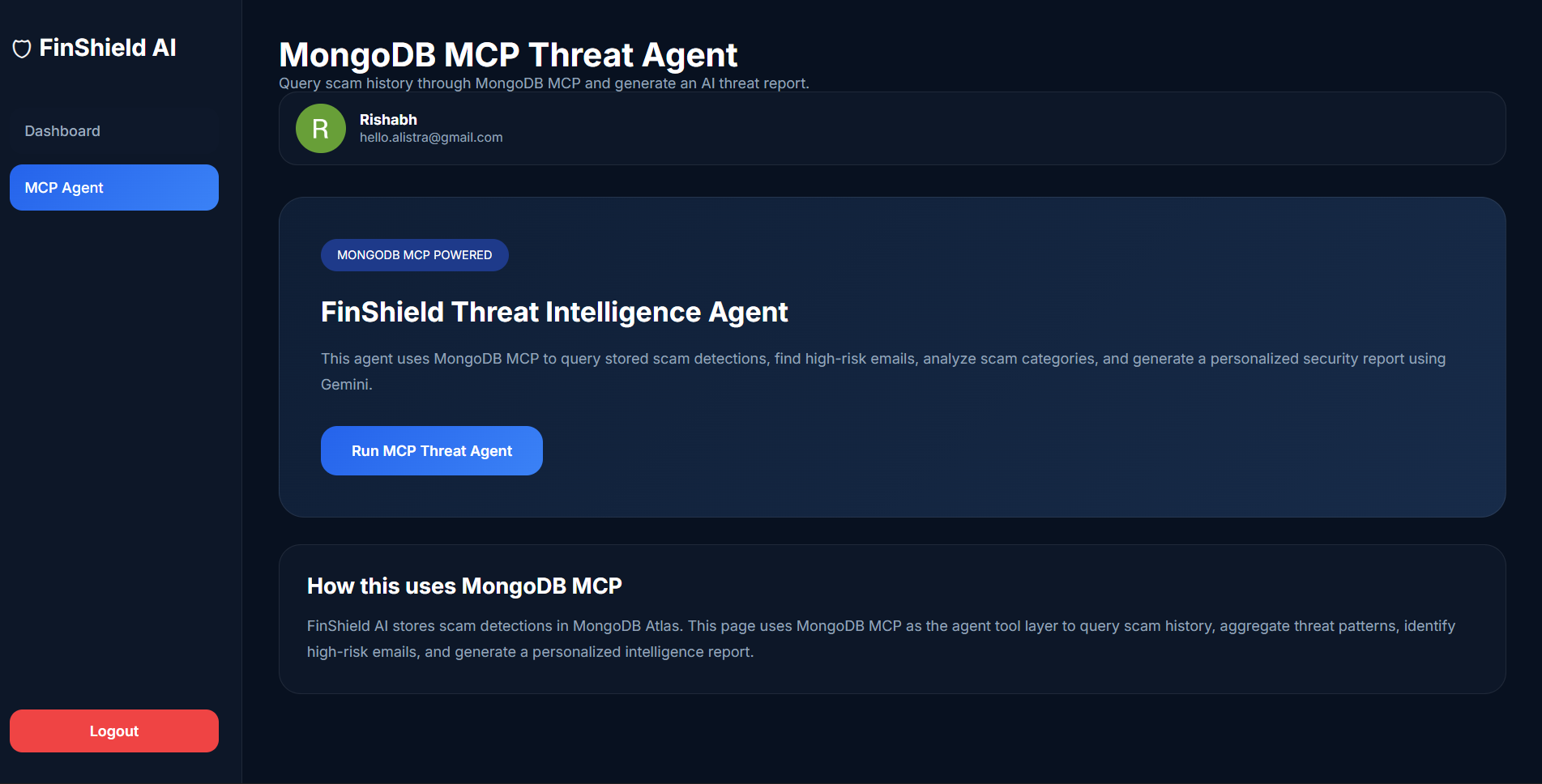
- Generates a personalized threat intelligence report through the MCP Agent page
How we built it
The project is built as a full-stack Flask web app.
The frontend uses HTML, CSS, and Jinja templates for the landing page, dashboard, and MCP threat intelligence page. The backend is written in Python using Flask and Gunicorn.
Authentication is handled through Google OAuth 2.0. After the user logs in, FinShield AI stores the user’s Gmail OAuth token securely in MongoDB Atlas. The background bot then uses the Gmail API to scan recent emails for that user.
For AI reasoning, the app uses Gemini 2.5 Flash. Gemini receives the email subject, sender, and snippet/body preview and returns structured JSON describing whether the email is a scam, the risk score, the scam category, the threat type, and the reason.
MongoDB Atlas is used as the database layer. It stores authenticated users, Gmail token data, scam detections, risk scores, scam categories, and threat history.
The project also includes a MongoDB MCP Threat Agent workflow. The MCP Agent page is designed to query stored scam intelligence and generate a personalized security report. For deployment stability on Render, the app includes a PyMongo fallback when MCP stdio is unavailable, while keeping the MCP integration code in the project.
The app is deployed on Render and uses environment variables for secrets such as Google OAuth credentials, the MongoDB URI, Gemini API key, and runtime settings.
Challenges we ran into
One of the biggest challenges was Gmail OAuth scopes. The app originally requested read-only Gmail access, but the bot needed permission to create labels and apply labels to messages. This caused a 403 insufficient authentication scopes error. I fixed this by updating the OAuth scopes to include Gmail modify and label permissions, then resetting old stored tokens so users could log in again with the correct permissions.
Another challenge was deployment on Render. Running a background scanner inside a Flask app required careful handling because Gunicorn does not run the same way as python app.py. I updated the bot startup logic so the scanner starts correctly when the app is deployed.
What we learned
I learned a lot about building real AI agents that take action, not just chat. This project taught me how to combine:
- Google OAuth
- Gmail API permissions
- Gemini reasoning
- MongoDB Atlas storage
- Background agent loops
- Flask deployment
- Markdown report rendering
What makes it an agent
FinShield AI is agentic because it can complete a multi-step task under user permission:
- Authenticate the user
- Access Gmail
- Retrieve emails
- Analyze messages with Gemini
- Decide whether an email is dangerous
- Store evidence and threat intelligence
- Apply labels inside Gmail
- Generate a follow-up threat report from stored history
It is not just answering questions — it is using tools and APIs to protect a real inbox.
What's next for FinShield AI
Future improvements include:
- Full email body parsing
- Real-time Gmail push notifications
- Suspicious link scanning
- Browser extension support
- User-controlled scan settings
- Family protection mode
- Multi-language scam detection
- Email quarantine workflow
- Deeper Google Cloud Agent Builder integration
- More production-stable MongoDB MCP deployment
- Scam trend charts and advanced analytics
FinShield AI has the potential to become a personal AI security layer for Gmail users, especially people who are vulnerable to phishing, banking scams, fake rewards, and financial fraud.

Log in or sign up for Devpost to join the conversation.