FinPal
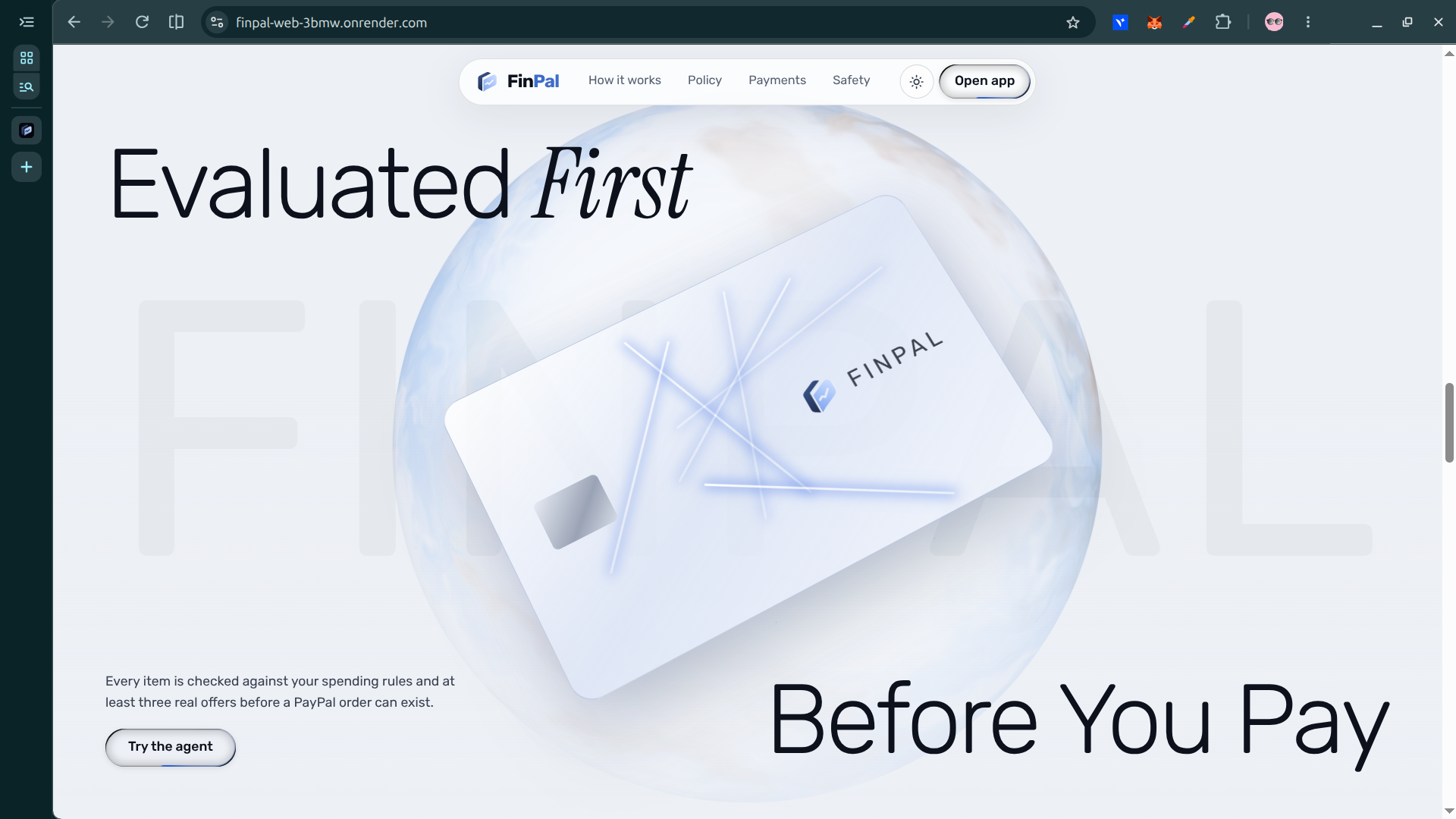
AI-assisted shopping and payments—with your spending rules and your approval.
Inspiration
Finding something to buy is becoming easier to delegate to AI. Deciding whether an agent should be allowed to spend is a different problem.
For individuals and small teams managing routine purchases, a useful assistant needs more than good recommendations. It needs spending limits, clear explanations, and a boundary between suggesting a purchase and paying for it.
We built FinPal around that boundary: the AI proposes, your rules decide what can proceed, and you approve payment.
What it does
FinPal is a PayPal Sandbox purchasing and payouts assistant that brings requests, rules, approvals, payments, and activity into one workspace.
- Agent: Describe what you need and your budget. FinPal finds offers, presents a recommendation, and explains the decision. The interface also offers Voice and Snap/photo input options.
- Rules: Configure per-purchase, daily, and monthly spending caps, plus allowed purchasing days and hours.
- Purchases and Approvals: Review proposed purchases, understand their status, and proceed through PayPal Sandbox checkout when permitted.
- Send: Prepare an email-based payout from the Sandbox business wallet, with spending checks and explicit approval.
- Activity: Review recorded proposals, decisions, payment events, and payout outcomes.
FinPal is designed for individuals and small teams who want help with routine spending without giving an AI assistant unrestricted payment authority.
How we built it
FinPal is built with Next.js and TypeScript in a monorepo. Its shared backend separates policy evaluation, approval, and payment-state transitions from the conversational interface.
The AI layer helps interpret shopping requests and explain recommendations. Channel3 supplies product offers for comparison. Backend rules—not the language model—determine whether a proposal is approved by policy, requires review, or is blocked. Policy approval is separate from permission to charge: payment still requires the user’s approval.
PayPal Sandbox provides two distinct payment flows:
- Orders v2 supports purchase authorization and capture.
- Payouts supports email-based sends from the Sandbox business account.
Supabase provides authentication, PostgreSQL storage, and row-level security policies. FinPal records decisions and payment events so users can understand what happened and why.
The important design choice is the separation of responsibilities: the assistant recommends, the policy engine evaluates, and the payment workflow handles the user-approved action.
Challenges we ran into
One challenge was keeping shopping and sending understandable while sharing the same spending rules and activity history. A purchase checkout and an outgoing payout are different workflows, so we gave them separate surfaces.
Another was representing payment states accurately. A recommendation is not an approval, an authorization is not a capture, and an unclaimed payout is not a delivered payment.
PayPal Sandbox also exposed practical integration constraints. Balance reporting can return NOT_AUTHORIZED even when Payouts is available. Sends to unregistered recipients can remain UNCLAIMED. We surface those states rather than presenting unavailable balances or incomplete payouts as successful outcomes.
Finally, blocked requests needed useful explanations. FinPal shows the relevant rule so that a stopped purchase is understandable rather than mysterious.
Accomplishments that we're proud of
We built a connected prototype covering product discovery, spending-policy evaluation, human approval, PayPal Sandbox payment flows, and recorded activity.
The demo shows a concrete example: a request for a portable charger under $100 produces a recommendation, but the purchase is blocked because Sunday falls outside the configured Monday–Saturday purchasing window. The Rules page then shows the restriction behind that outcome.
This demonstrates FinPal’s central idea: an affordable recommendation is not automatically permission to spend.
The walkthrough also distinguishes historical paid purchases and payout outcomes from the fresh blocked request, making clear what happened during the recording and what came from earlier Sandbox sessions.
What we learned
Useful purchasing automation is about control as well as convenience. Helping someone understand why a purchase stopped can be as important as finding an offer.
We learned that separating AI recommendations from policy enforcement makes the workflow easier to reason about. Precise payment-status language matters too: users should not need to understand API responses to know whether something was blocked, paid, failed, or remains unclaimed.
What's next for FinPal
We want to test FinPal with its intended users and learn which purchasing tasks they would actually delegate.
Our next priorities are improving recommendation quality, making approval and payment-status explanations clearer, and providing more actionable guidance for Sandbox permissions and recipient-registration errors.
We also plan to strengthen testing around policy boundaries and payment transitions before considering any production-money deployment.
PayPal and demo note
FinPal is Sandbox-only. No real money is charged or transferred.
The submitted video shows a fresh blocked shopping request. Paid purchase and payout records shown afterward come from earlier Sandbox sessions; no new payment or payout is completed during that recording. An UNCLAIMED payout is not a delivered payment. Voice and Snap controls are shown but not activated in the video.
Project links
- Live FinPal app
- Demo video
- FinPal source code, MIT license
Built With
Next.js, React, TypeScript, PayPal Sandbox, Orders v2, Payouts, Channel3, Supabase, PostgreSQL, Turborepo, Zod, Render.
Built With
- channel3
- expo.io
- groq
- next.js
- orders
- payouts
- postgresql
- react
- render
- sandbox
- supabase
- turborepo
- typescript
- zod

