-
-
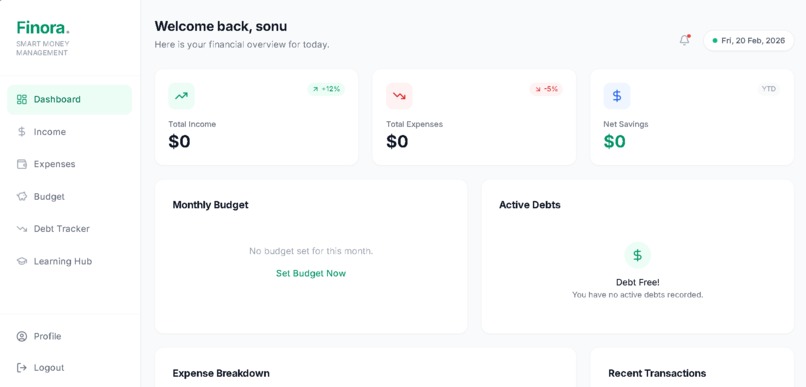
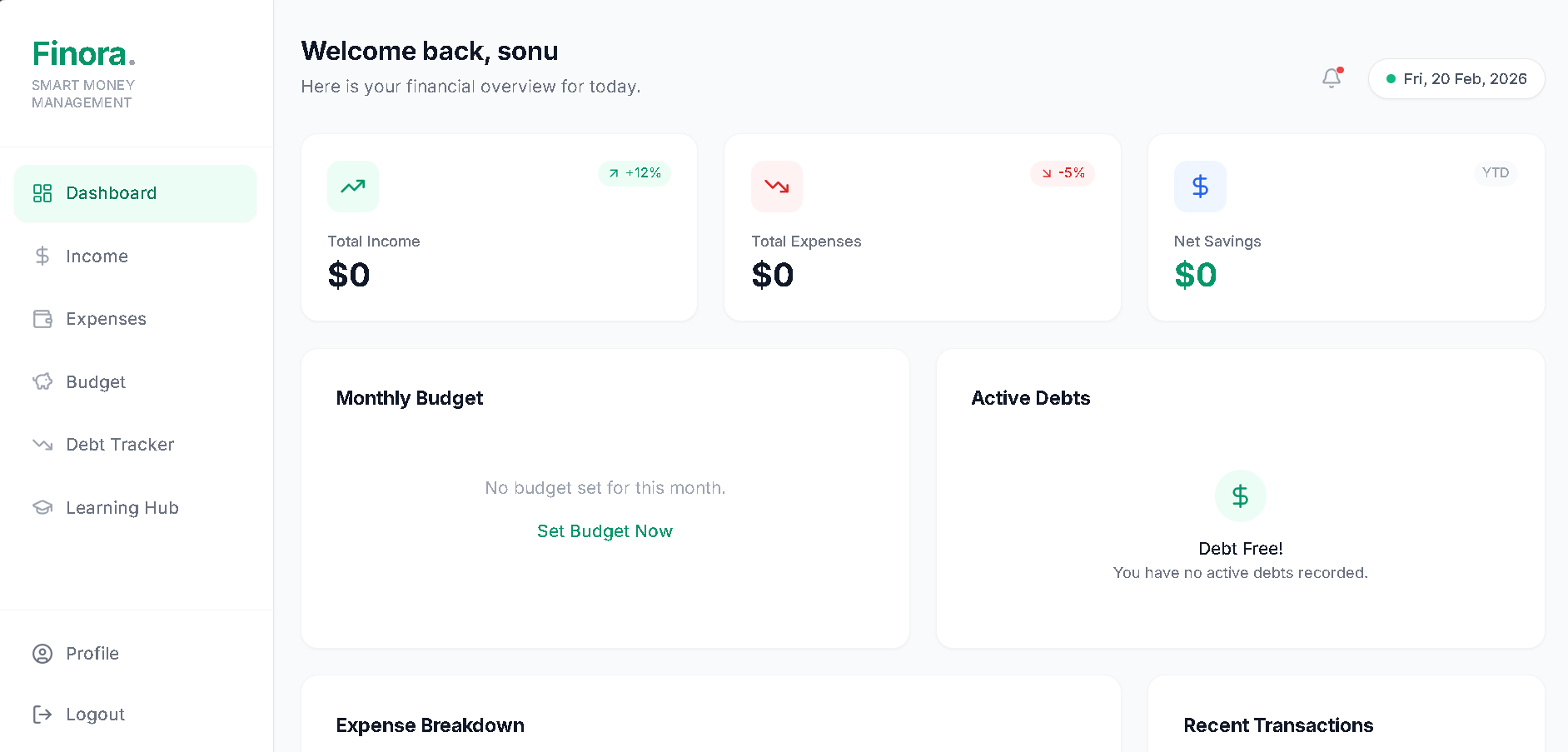
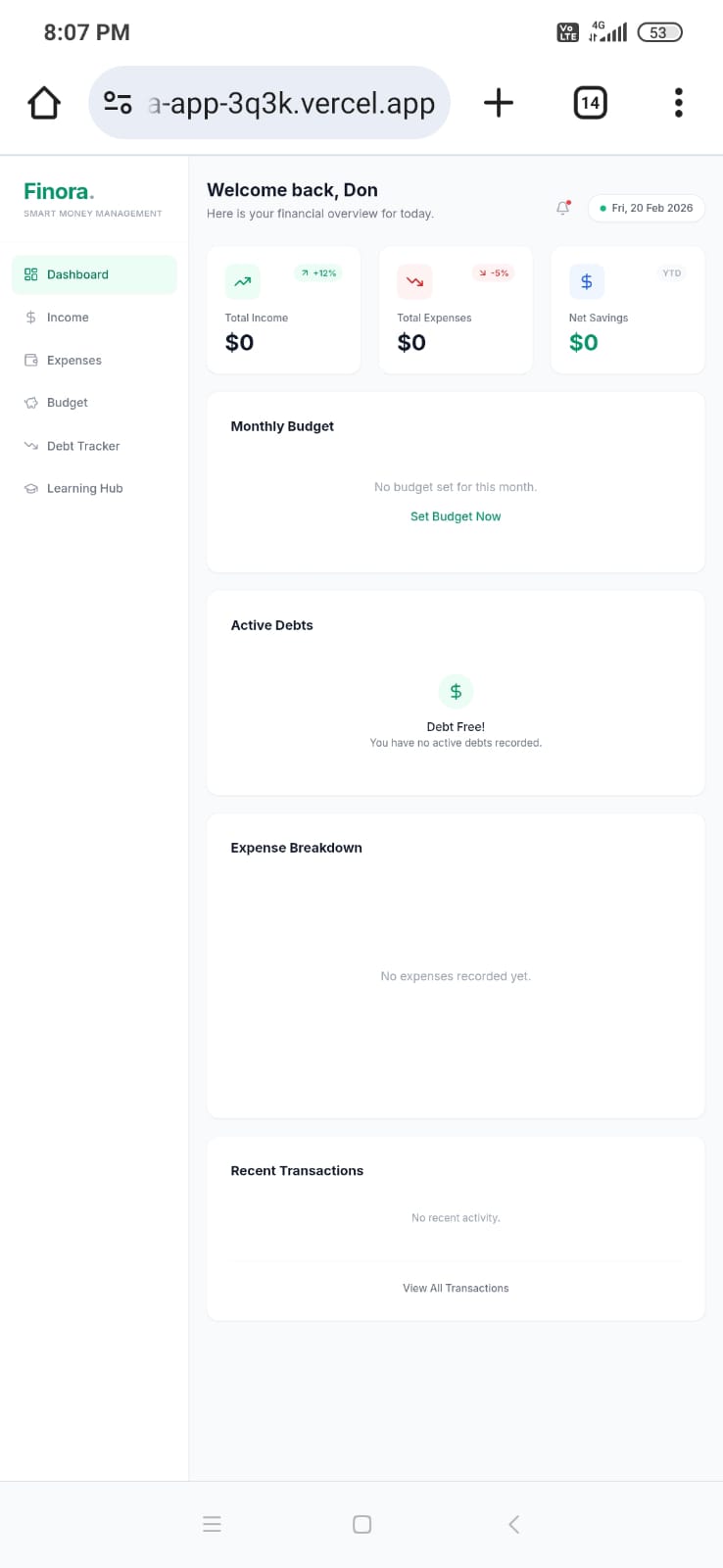
Dashboard View - Shows overall balance, charts, and summary
-
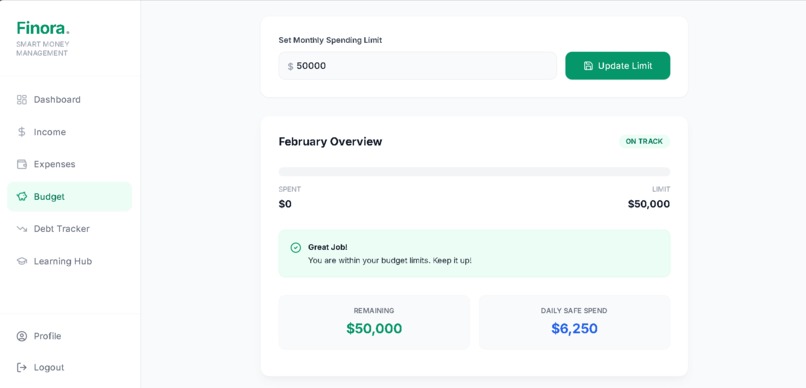
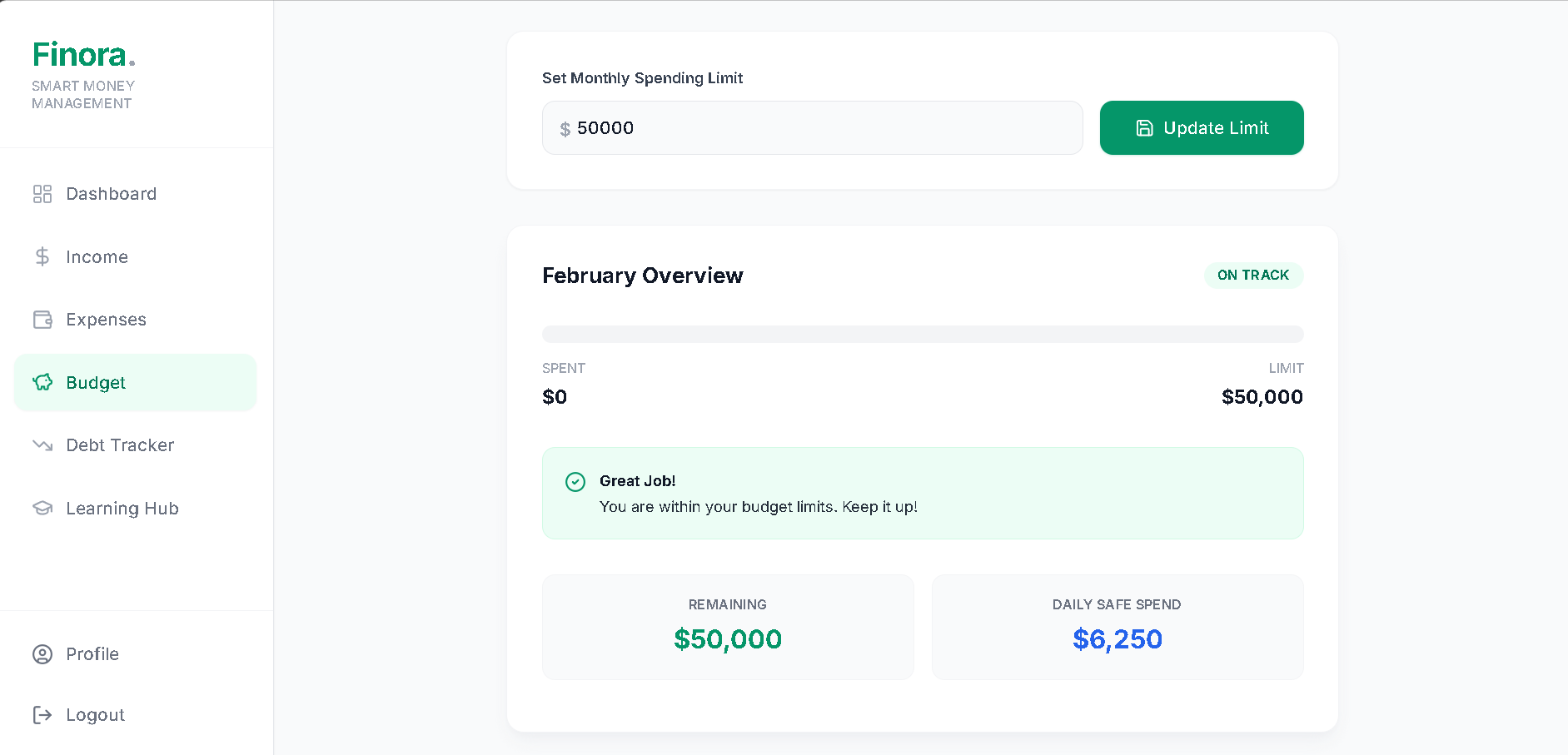
Budget / Insights Section -Shows how users manage budgets or see analytics
-
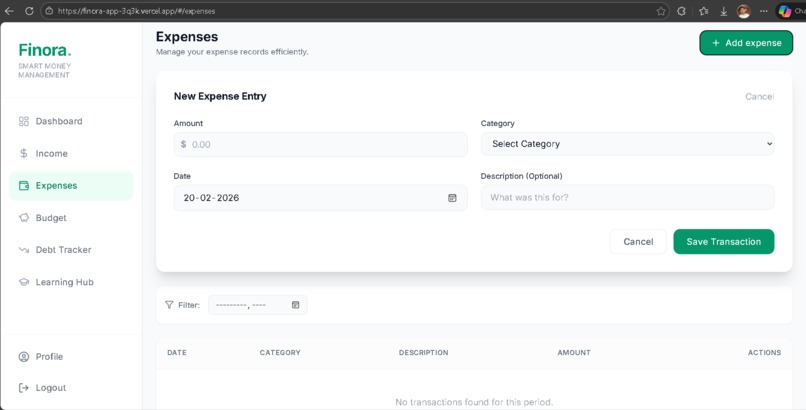
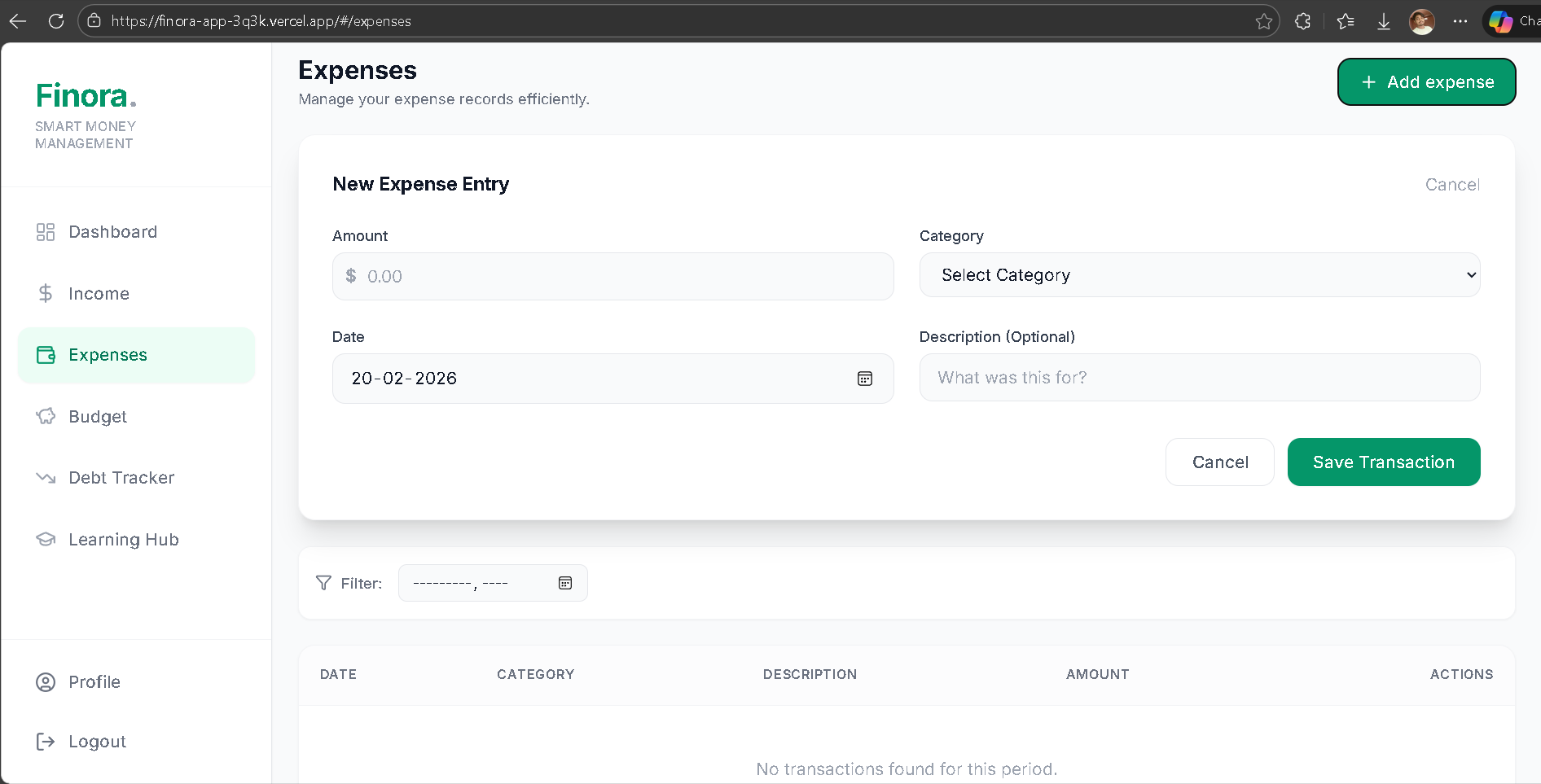
Expense Tracking Screen - Demonstrates adding or viewing transactions
-
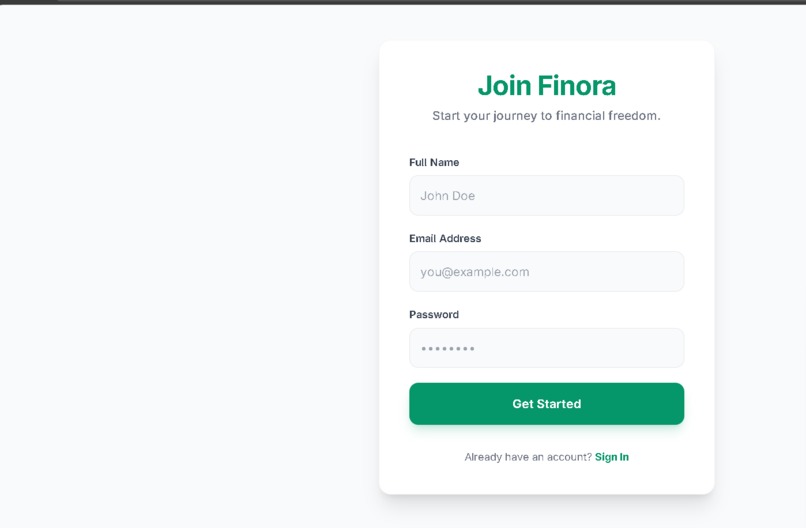
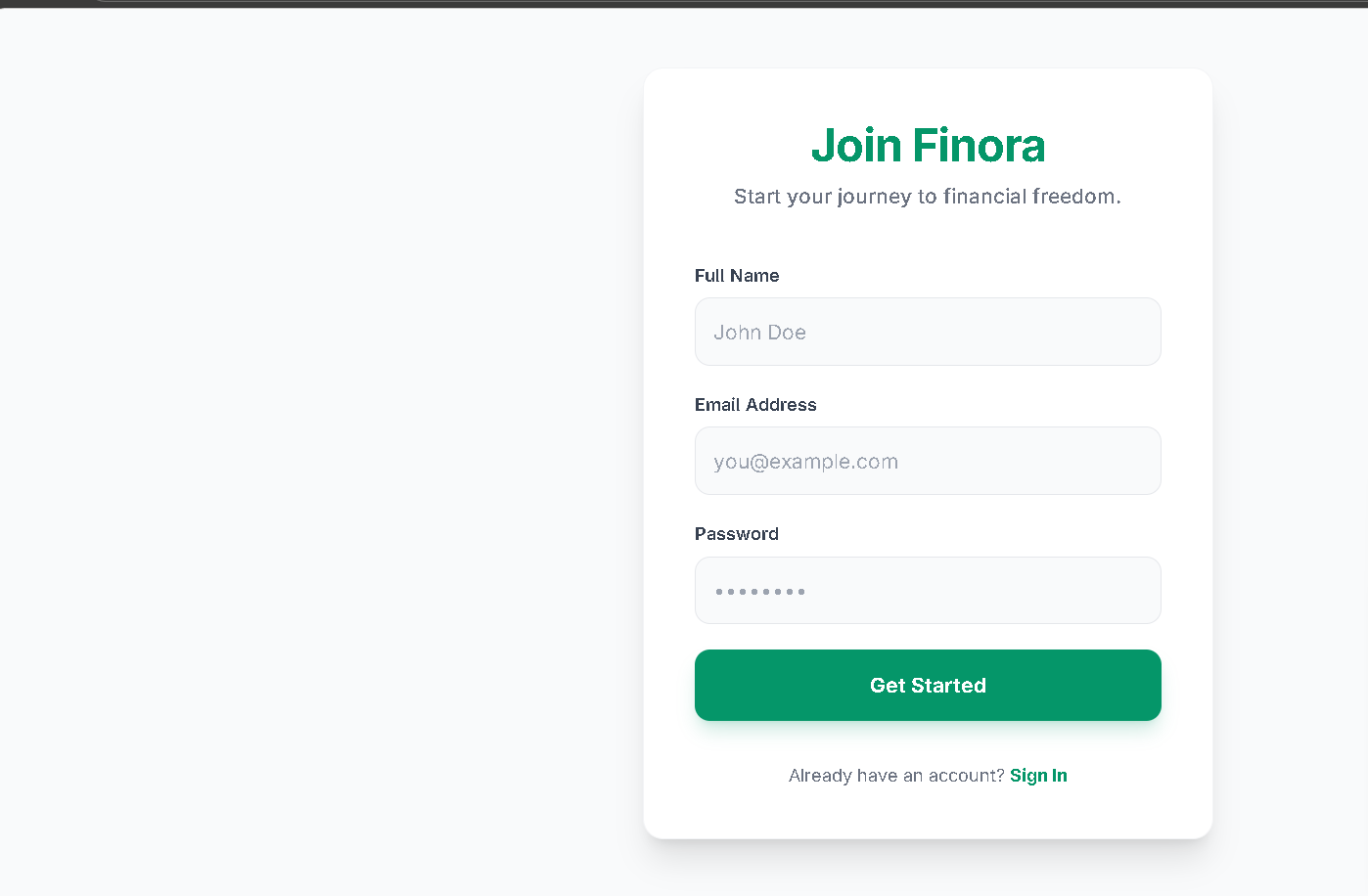
Landing / Login Screen -Gives a complete product overview
-
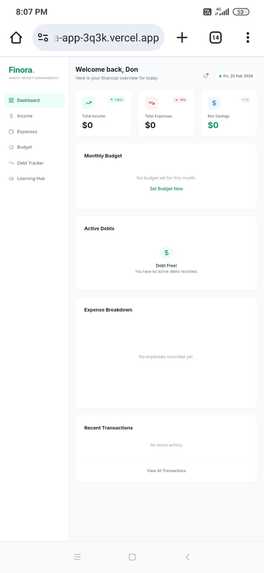
Screenshot of the app on a phone layout
@ Inspiration
Finora was inspired by the common problem many students and young professionals face — managing daily expenses and staying within a budget. Existing tools often feel complicated, so the goal was to build a simple, clean, and accessible solution that encourages better financial habits.
@ What it does
Finora is a smart money management app that helps users:
Track daily expenses
Set and manage budgets
View their financial status in a clear dashboard
Build better spending habits through simple insights
@ How we built it
We built Finora as a modern web application with a focus on usability and performance.
Process:
Planned core features and user flow
Designed a minimal and intuitive UI
Developed the dashboard and expense tracking system
Tested usability and deployed the app online
@ Challenges we ran into
Designing a dashboard that is informative but not cluttered
Managing transaction data smoothly
Keeping the app lightweight while adding useful features
Ensuring a smooth user experience across screens
@ Accomplishments that we're proud of
Successfully building a fully functional finance dashboard
Creating a clean and beginner-friendly interface
Deploying a live product that users can interact with
Turning a real-life problem into a practical solution
@ What we learned
Importance of user-centric design
Structuring and deploying a scalable web app
Balancing features with simplicity
Iterative development and problem solving
@ What’s next for Finora — Smart Money Management App
AI-based spending insights and recommendations
Goal-based savings tracking
Advanced analytics and visual reports
Mobile app version for wider accessibility

Log in or sign up for Devpost to join the conversation.