Inspiration
As college students, we know that most of us only open our banking app after something has already gone wrong, like an overdraft, a forgotten bill, or a month of small purchases that quietly added up. Banking apps wait for you to check in, and even when you do, they bury what matters behind menus, tabs and fine print that leave people more confused than when they started. Budgeting tools also take so much effort that most people give up on them within a week.
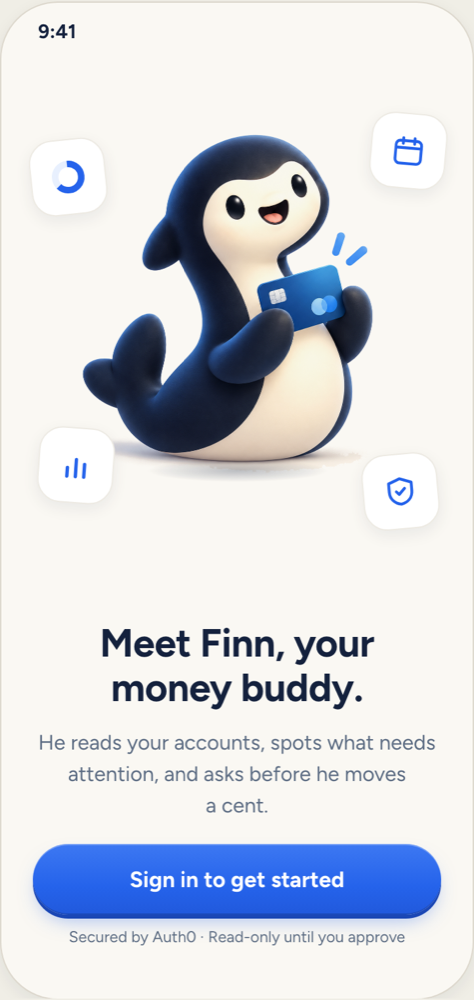
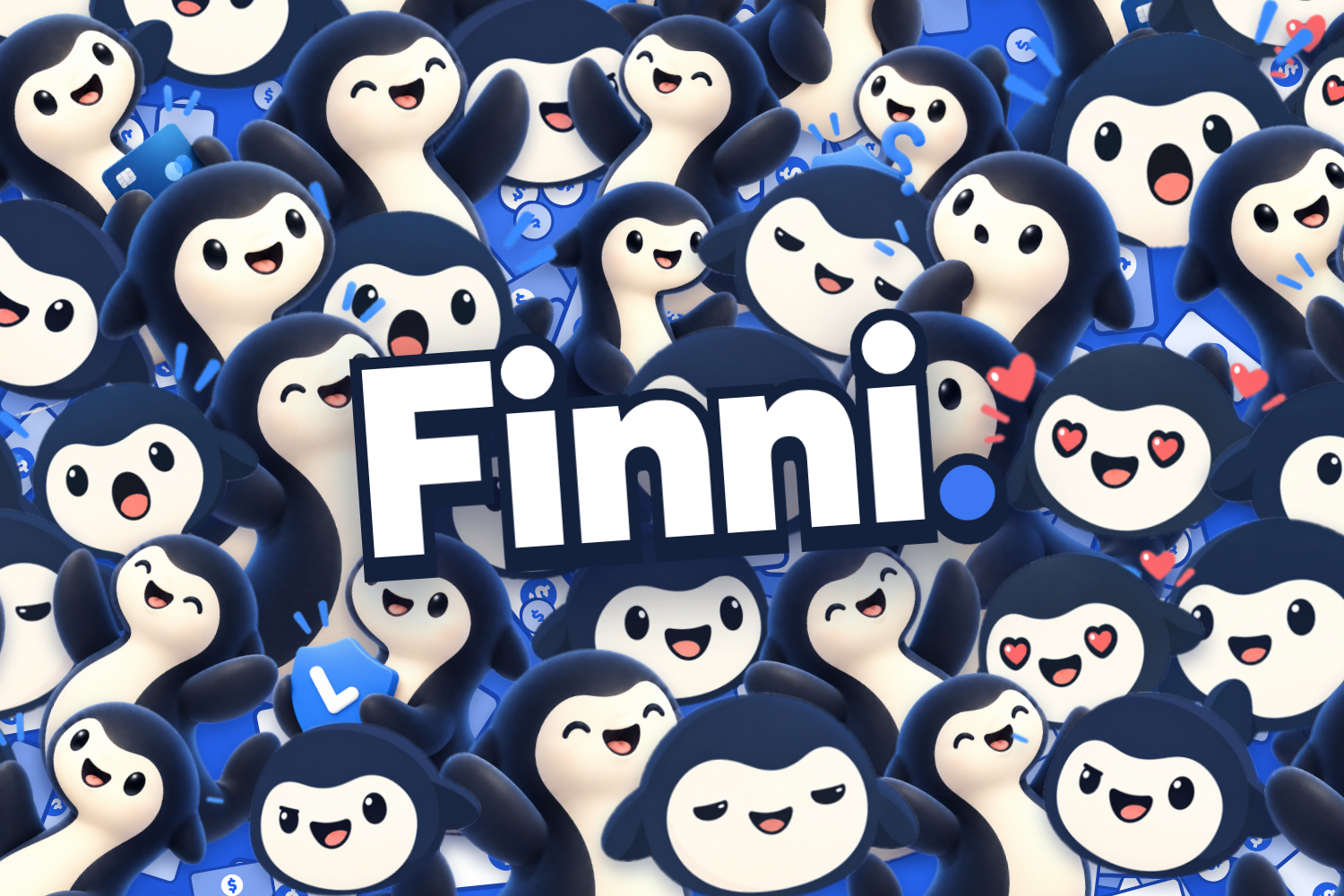
We wanted money management that feels less like a chore and more like hanging out with a friend. That’s why we created Finni, a finance app built around Finn, a tiny, squishy orca who lives in your phone and genuinely cares about your money. Instead of digging through menus and charts, you just text Finn, and he helps you stay on top of your finances before problems happen. Finn’s friendly, cute personality makes banking feel less intimidating, and his simplicity makes it easy for anyone to use. That helps everyone, from students managing their first paycheck to older adults who find modern banking apps hard to navigate. And when customers understand their money and save more of it, they keep more of it at their bank and stay longer.
What it does
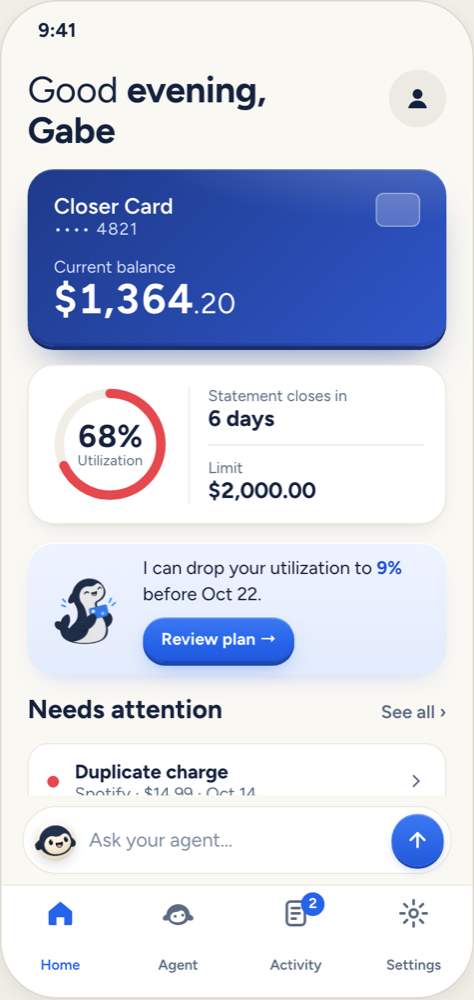
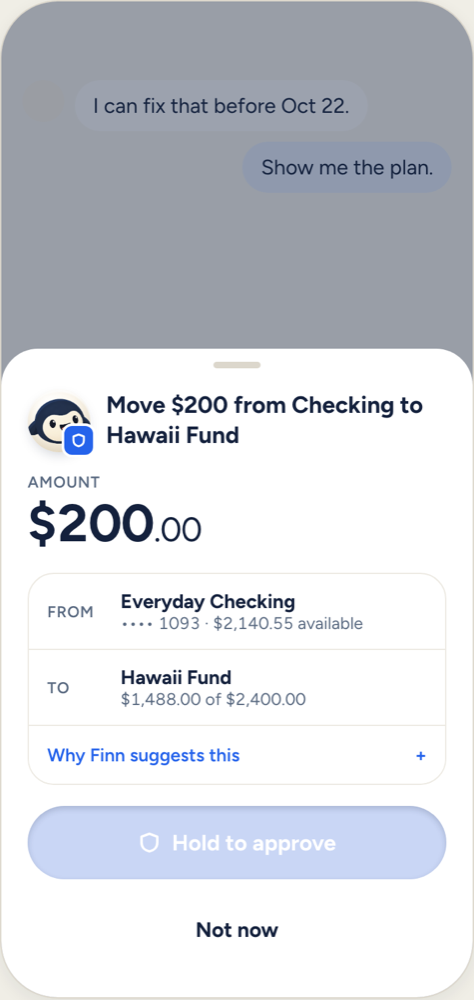
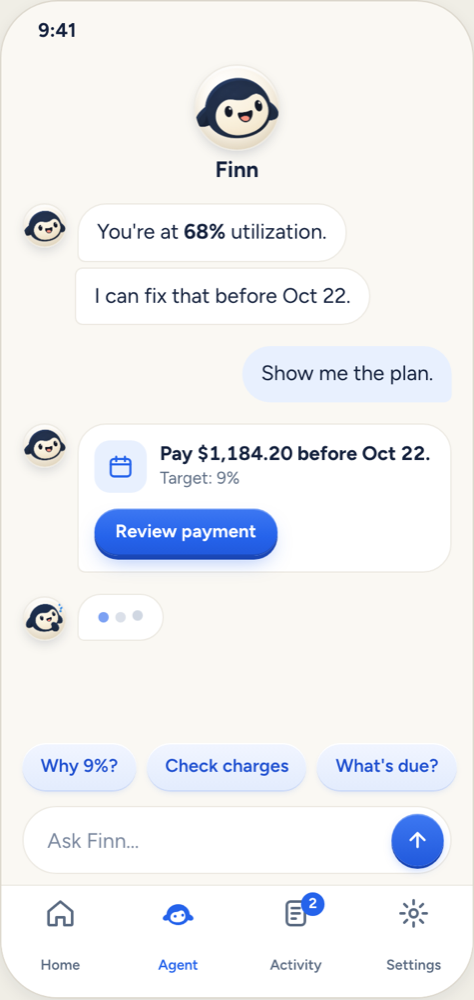
Finni lets you manage your money by chatting with Finn, an AI companion connected to your bank accounts. You can ask him anything in plain language, like “What did I spend on food this week?” or “Where’s the nearest ATM?”, and he answers with real numbers, charts, and a reaction to match. Finn also reaches out first: he warns you when a bill is coming up, when your spending suddenly jumps, or when your balance is getting low, so you can act before it becomes a problem. Saving is built right in. Tell Finn what you’re saving for, and he sets up a goal, tracks your progress, and cheers you on as you get closer. Finn can also take action for you, like transferring money, paying a bill, paying off your card, disputing a charge, or canceling a subscription. But nothing happens until you tap Approve, and larger amounts require Face ID. Throughout the app, Finn’s mood changes with your finances: he celebrates when you hit a goal and gets a little worried when your spending gets out of hand.
How we built it
We built Finni as a React Native app using Expo and Expo Router, with a custom design system. Our backend is an Express server written in TypeScript, backed by a Supabase Postgres database through Drizzle ORM. All of the banking data comes from Capital One’s Nessie API, which we use for customers, accounts, purchases, deposits, withdrawals, bills, merchants, and ATMs. Finn’s brain is powered by the Google Gemini API using function calling. We gave Gemini a set of tools, such as reading accounts, summarizing spending, finding ATMs, and making charts, along with “propose” tools for actions like transfers and bill payments. These tools never move money directly. They create an approval request that the user has to confirm in the app. Authentication is handled with Auth0, and our API verifies Auth0 JWTs on every request, so each user only ever sees their own data.
Challenges we ran into
Our biggest challenge was letting an AI agent take real actions on a bank account without making it dangerous. We had to design a system where Gemini could suggest moving money but could never actually do it on its own, which meant building an approval flow, ownership checks, and extra verification for larger amounts. Working with Nessie was another challenge. Since it’s a sandbox, a new user starts with no meaningful history, so we had to build a seeding system that creates realistic accounts, merchants, bills, and purchases so Finn has something real to talk about. We also struggled with mobile development on campus Wi-Fi, which blocked our phones from reaching our laptops, so we had to set up tunnels just to test the app. Finally, getting Finn’s personality right took a lot of iteration. We wanted him to be cute and fun without being annoying, and accurate without sounding like a bank statement.
Accomplishments that we're proud of
We’re really proud that Finn feels like a real financially savvy pet and not just a chatbot. He has his own expressions, animations, and personality, and he reacts to what’s happening in your finances. We’re also proud of the approval system. Finn can do genuinely useful things on your account, but the user always stays in control. As a two-person team, getting a full mobile app, an AI agent with over a dozen tools, Nessie integration, Auth0, and a polished design system working together in under 36 hours is something we’re very proud of.
What we learned
We learned how to build an AI agent that safely interacts with real-world systems, and how important it is to separate what an AI is allowed to suggest from what it’s allowed to do. We gained hands-on experience with function calling in Gemini, integrating a banking API like Nessie, and securing an app with Auth0. We also learned how much design matters. A friendly character and smooth animations completely change how people feel about checking their finances.
What's next for Finni
In the future, we want to make Finn even more expressive, with gif animations and moods that change in real time based on your spending habits. We’d also like to add a home screen widget so you can check on Finn (and your money) at a glance without opening the app. Another feature we’re exploring is shared goals, so friends, roommates, or couples can save together and have Finn keep everyone on track. We also want to connect Finni to real bank accounts beyond the Nessie sandbox and add deeper reasoning, so Finn can give industry-level advice just as your pet. Finally, we hope to add rewards for healthy habits, such as unlocking new outfits and accessories for Finn as you hit your savings goals.


Log in or sign up for Devpost to join the conversation.