Inspiration
A PDF task should not require surrendering the document.
People upload contracts, financial records, schoolwork, identification, and other private files to online services just to merge two documents or remove a page. Most users are not looking for a complicated editor. They want to find the exact tool, finish the task, and download the result.
FinishPDF was created around a simple idea: make common PDF work free and easy without sending the document to a processing server.
What it does
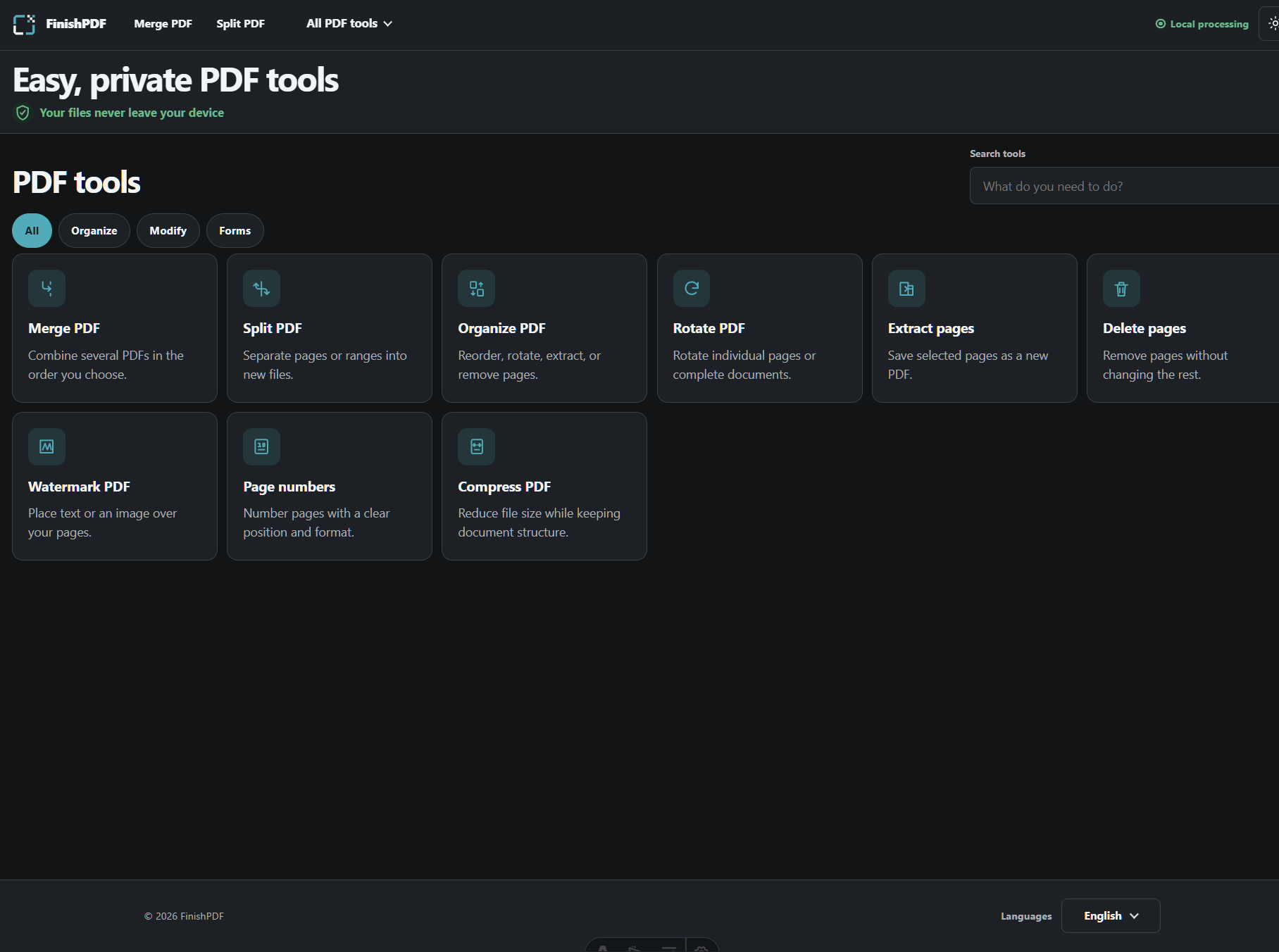
FinishPDF is a collection of focused, browser-local PDF tools:
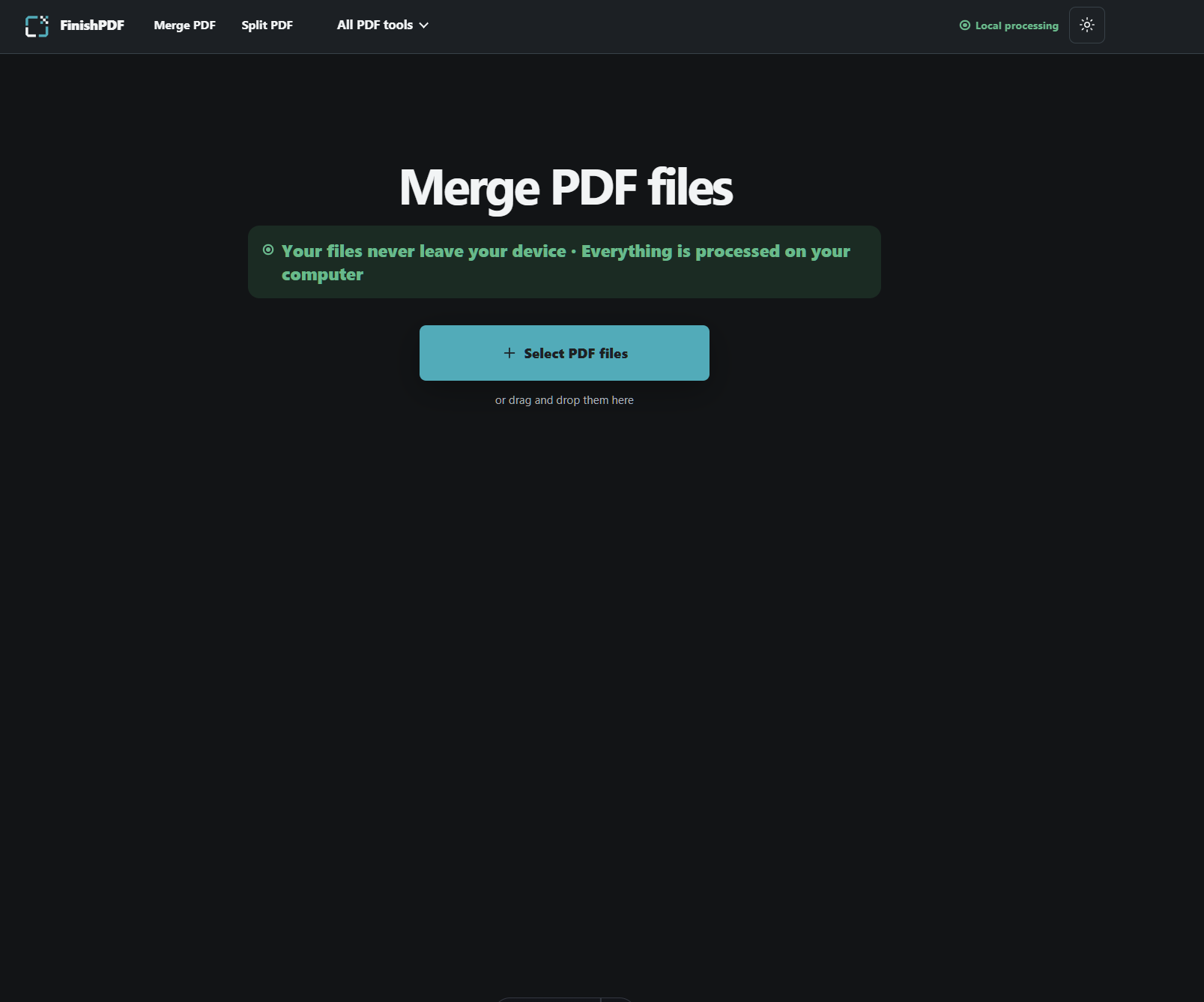
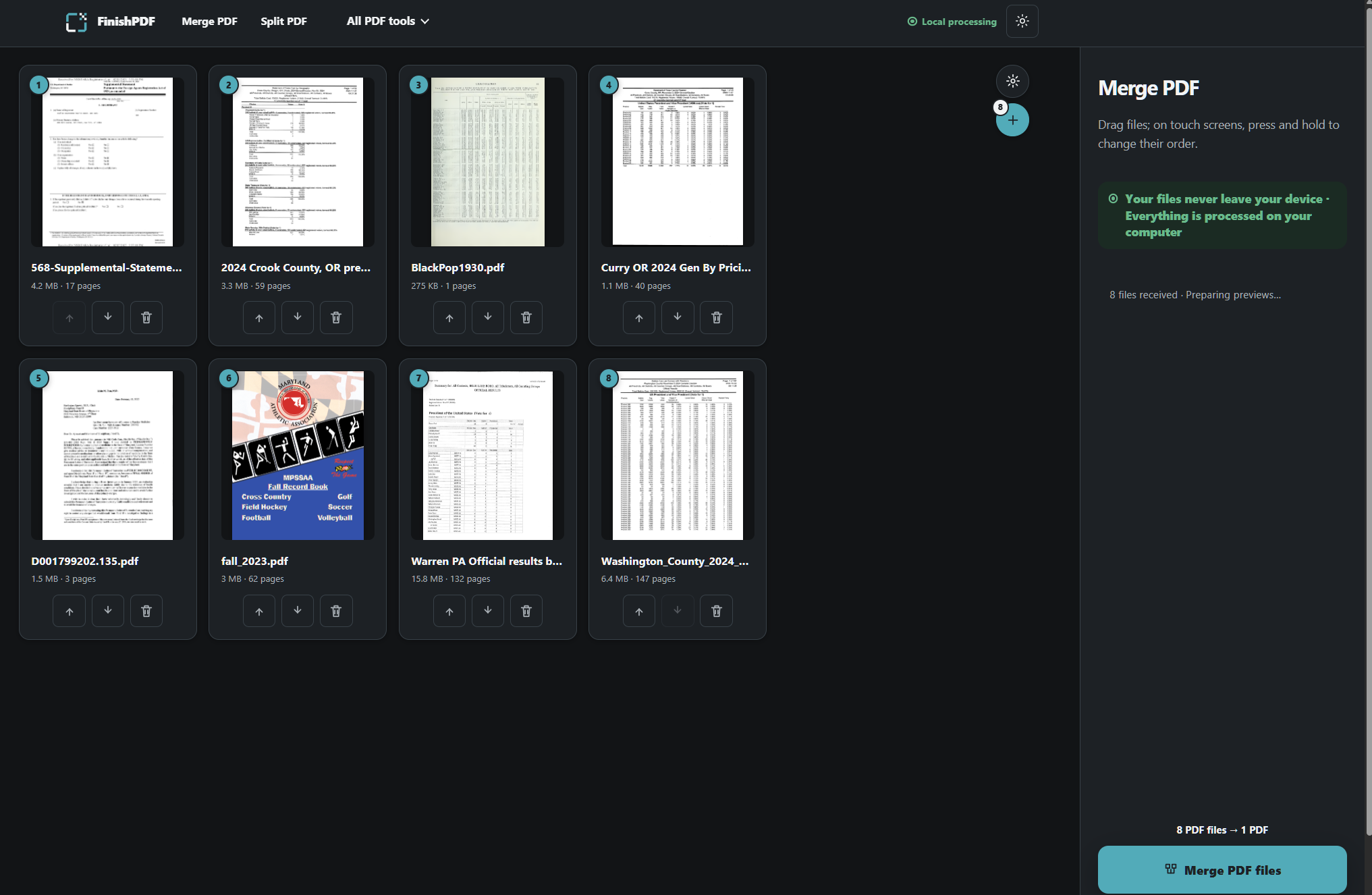
- Merge PDF
- Split PDF
- Extract pages
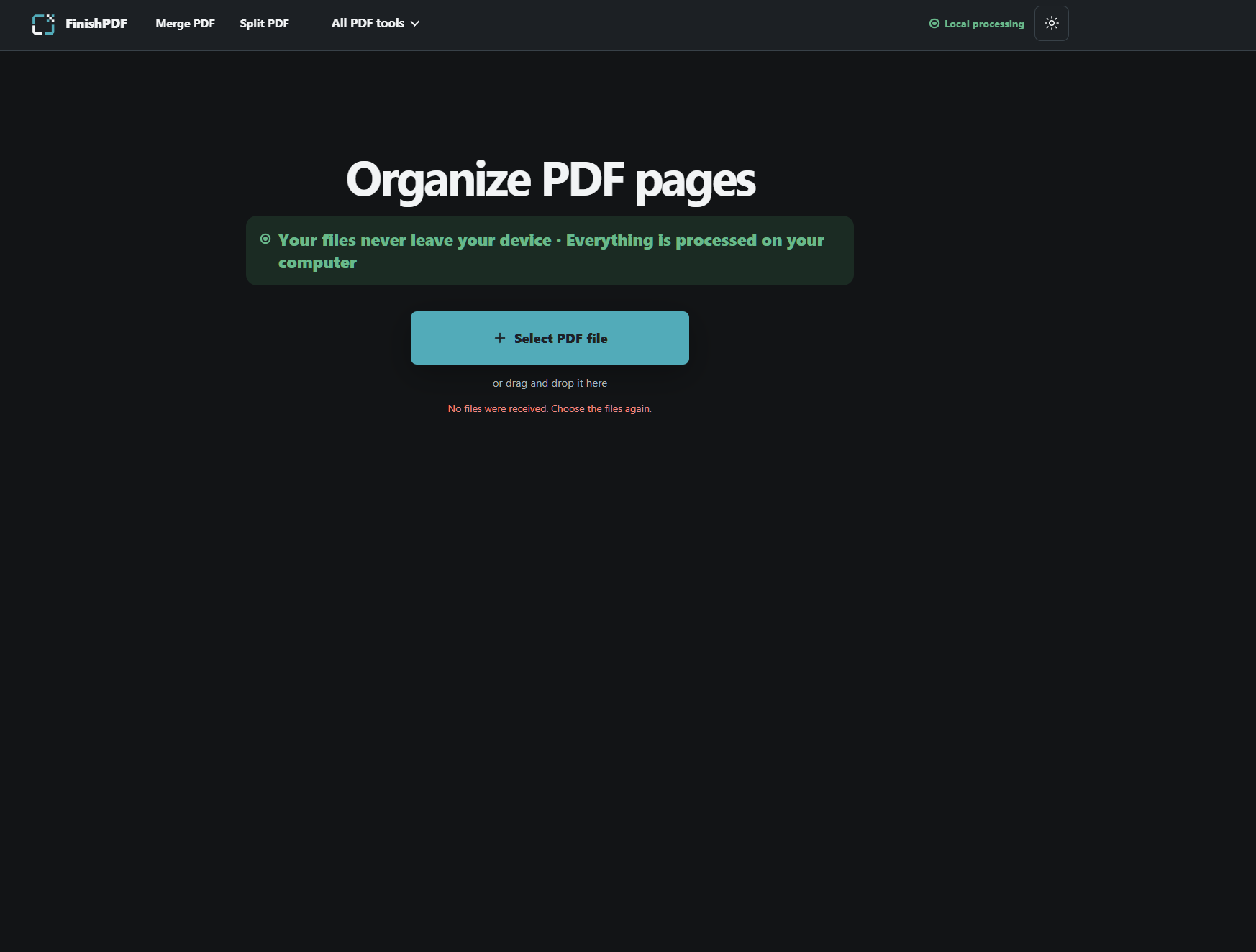
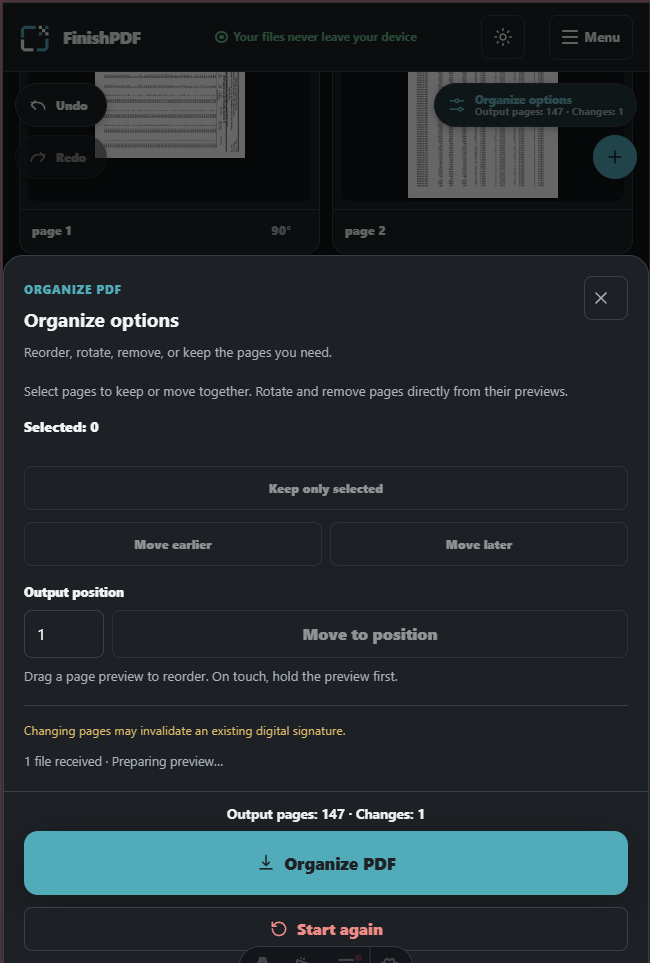
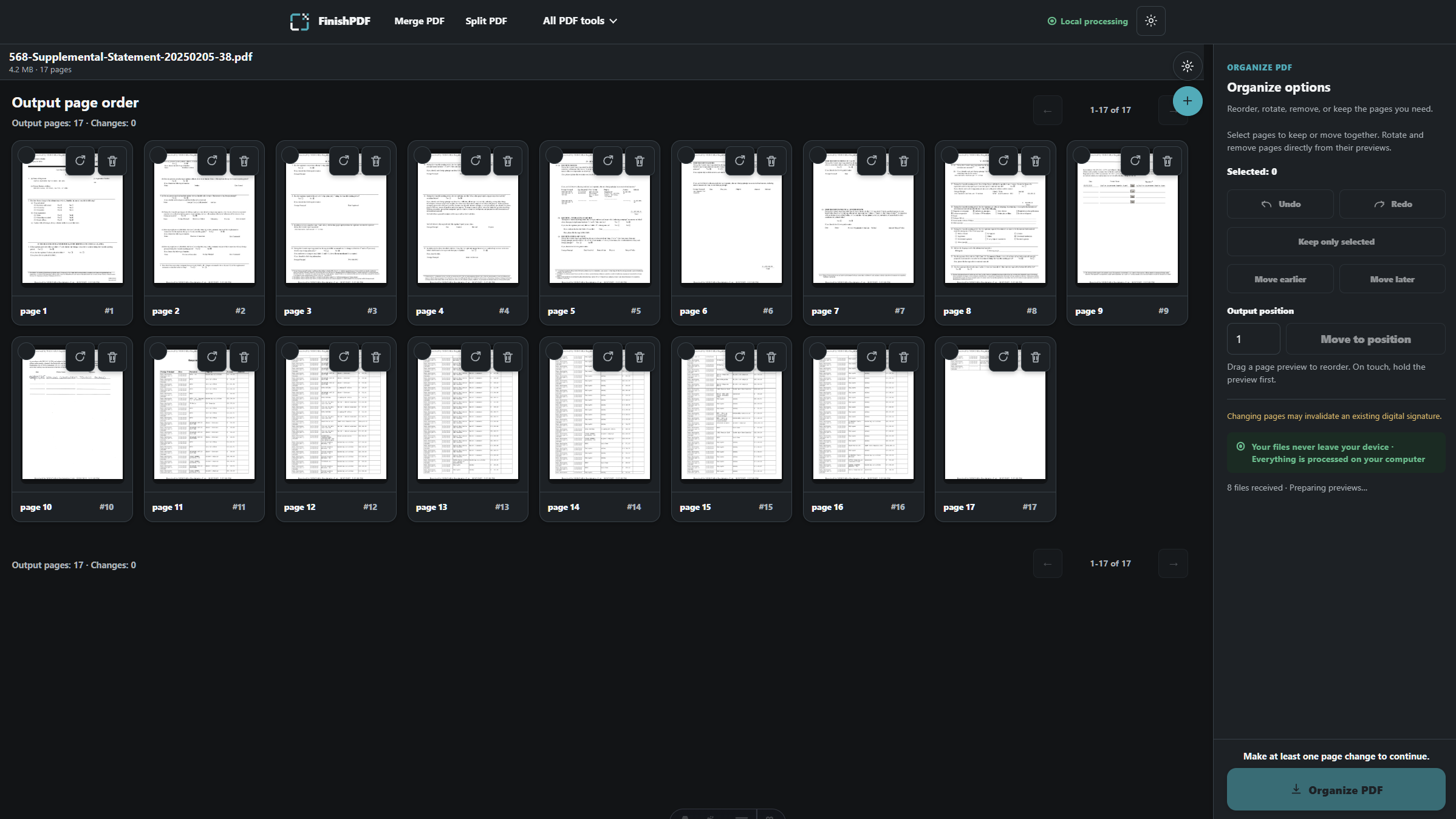
- Organize PDF
- Rotate PDF
- Delete pages
- Watermark PDF
- Add page numbers
- Compress PDF
Every workflow follows the same understandable rhythm: choose local files, perform one recognizable task, and download the result. There is no account, cloud document library, or universal editor to learn.
Privacy is part of the architecture
FinishPDF does not upload document bytes for processing. Parsing, previewing, editing, compression, and export happen locally in the browser through dedicated workers. Current workspaces are memory-only and do not store document contents in cookies, analytics, telemetry, or a server.
The public website still uses the network to load its application assets, so our promise is intentionally precise: your documents are never uploaded for processing.
Designed for people, not just desktops
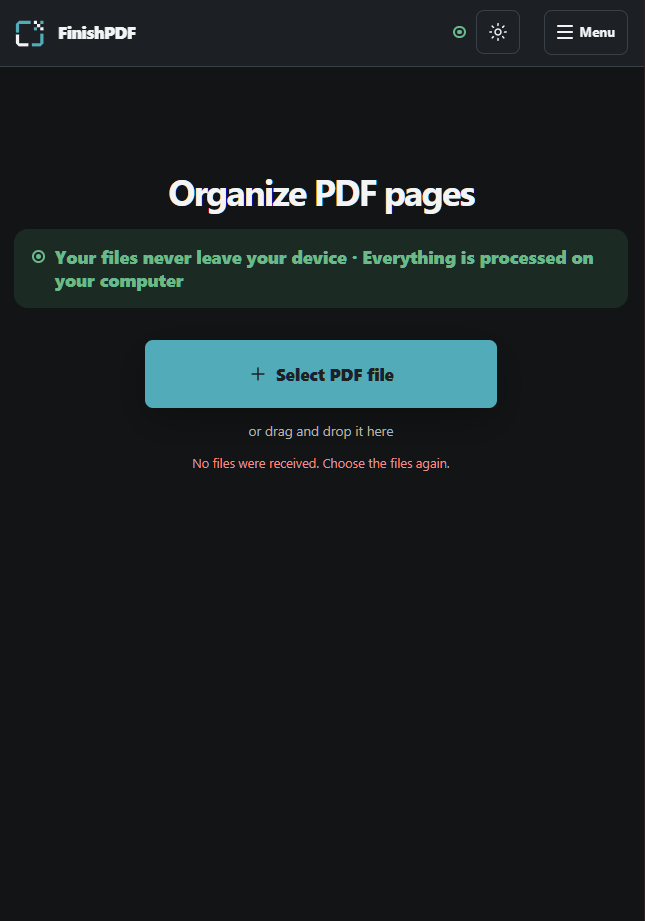
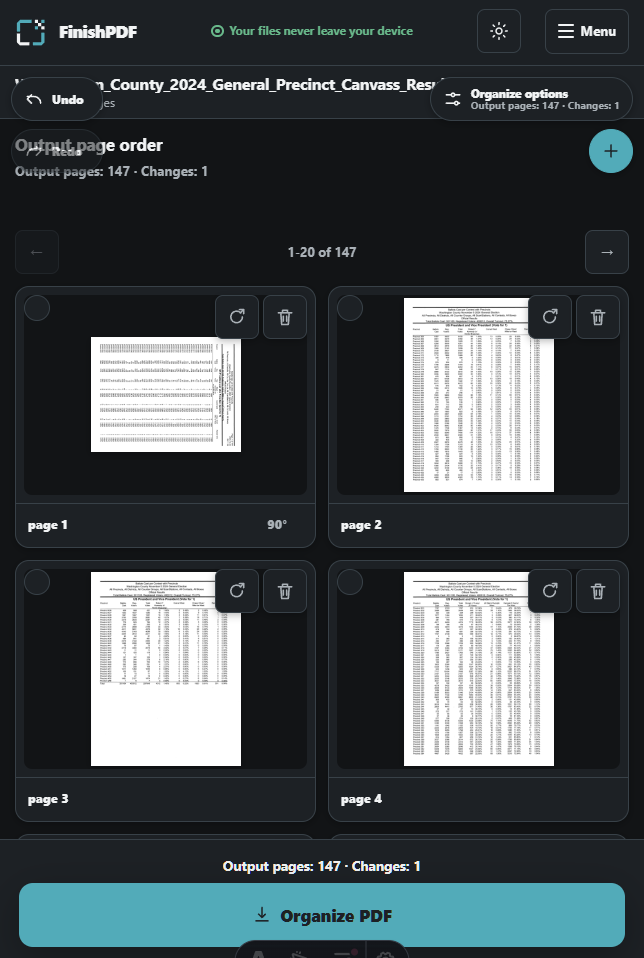
Mobile support was treated as a product requirement from the beginning. FinishPDF uses responsive workspaces, clear touch targets, progressive local previews, persistent primary actions, and focused option sheets so a phone or tablet user can complete the same task without navigating a shrunken desktop interface.
The project has been exercised through Chromium and WebKit automation and physical Android testing. Those tests helped uncover real problems involving mobile document-provider permissions, preview cleanup, pull-to-refresh, and download behavior that desktop-only testing would have missed.
Made to reach more people
FinishPDF is available in English and Spanish. Its localization system uses one typed entry point with feature-scoped, community-editable translation files. AI helped draft and iterate on translations, while automated validation checks missing text, placeholders, plural forms, and catalog drift. Human review remains part of the publishing process.
This approach is designed to help more communities translate the product without forcing every contributor to understand the application code.
How we built it
Astro renders the localized site and keeps the public pages lightweight. React
powers the focused workspaces. TypeScript contracts separate interface state
from deterministic PDF operations. PDF.js renders local previews, pdf-lib
handles structural document operations, and a self-hosted qpdf WebAssembly
runtime powers local compression and authorized handling of protected inputs.
Large parsing and export work runs in Web Workers to keep the interface
responsive.
The same privacy boundary applies throughout the system: local files go from the browser picker to local workers and back to a local downloadable artifact.
How Codex and GPT-5.6 helped
FinishPDF was built with Codex using GPT-5.6 as an engineering and product collaborator. Its role was meaningful throughout development:
- It helped turn a broad local-PDF-editor idea into focused, searchable tools with a consistent product contract.
- It traced shared operation and interface owners before implementation, reducing duplicated behavior across tools.
- It implemented and reviewed Astro, React, TypeScript, Web Worker, PDF, responsive-interface, and localization code.
- It helped diagnose mobile failures from browser evidence instead of guessing, including retained file-picker permissions, preview teardown, protected PDF handling, and Android pull-to-refresh.
- It created focused tests, output-reopening checks, responsive browser flows, performance benchmarks, dependency evidence, and supply-chain verification.
- It compared technical options and helped reject approaches that conflicted with privacy, licensing, output correctness, or mobile reliability.
Codex accelerated the work, but it did not make product decisions in isolation. The product owner defined the promise, approved the interface direction, chose the scope, and challenged technical recommendations. GPT-5.6 helped explore and execute those decisions quickly enough to turn them into a coherent working product during Build Week.
Challenges
Keeping processing local changes the engineering tradeoffs. Browsers have different memory limits, download behaviors, picker lifetimes, and worker capabilities. PDF files also contain unusual structures, protected inputs, large scans, and optional decoders that can fail even when a simple fixture works.
We addressed those risks with bounded workers, progressive previews, cancellation, local password handling, explicit memory guards, output reopening, physical-device checks, and honest limitations. We also kept application assets self-hosted and version-pinned so privacy does not depend on remote runtime libraries.
Accomplishments we are proud of
- Nine complete, focused PDF workflows sharing composable operations.
- Documents remain on the user's device during processing.
- English and Spanish interfaces with a contributor-friendly translation architecture.
- Responsive desktop, tablet, and mobile workspaces.
- Local compression through a self-hosted qpdf WebAssembly worker.
- Local handling of authorized password-protected inputs.
- Automated checks for PDF output, accessibility, responsive layout, privacy, localization, and dependency provenance.
- A complete product experience instead of a single proof-of-concept screen.
What we learned
Privacy is strongest when it is an architectural boundary, not a badge added to the interface. Mobile support also cannot be proven by shrinking a desktop browser window; real document providers and download managers expose different failure modes. Finally, AI-assisted development works best when the model is given explicit product contracts, challenged with real evidence, and paired with human judgment.
What's next
We are preparing FinishPDF for an open-source release so anyone can inspect the privacy boundary, contribute improvements, and help translate it. Next steps also include additional focused tools, more community-reviewed languages, broader physical-device qualification, and continued testing with malformed, protected, scanned, and unusually large PDFs.
The long-term goal is straightforward: make trustworthy PDF tools available to anyone with a browser, regardless of device, language, or ability to pay.
Built With
- astro
- codex
- css
- gpt-5.6
- html
- javascript
- node.js
- pdf.js
- playwright
- qpdf
- react
- typescript
- vitest
- web
- webassembly

Log in or sign up for Devpost to join the conversation.