-
-

Logo
-

App logo
-
Thumbnail
-
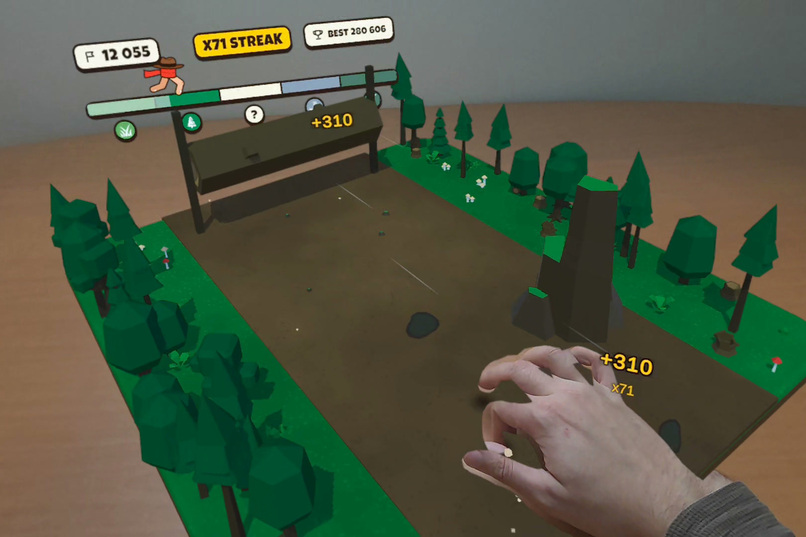
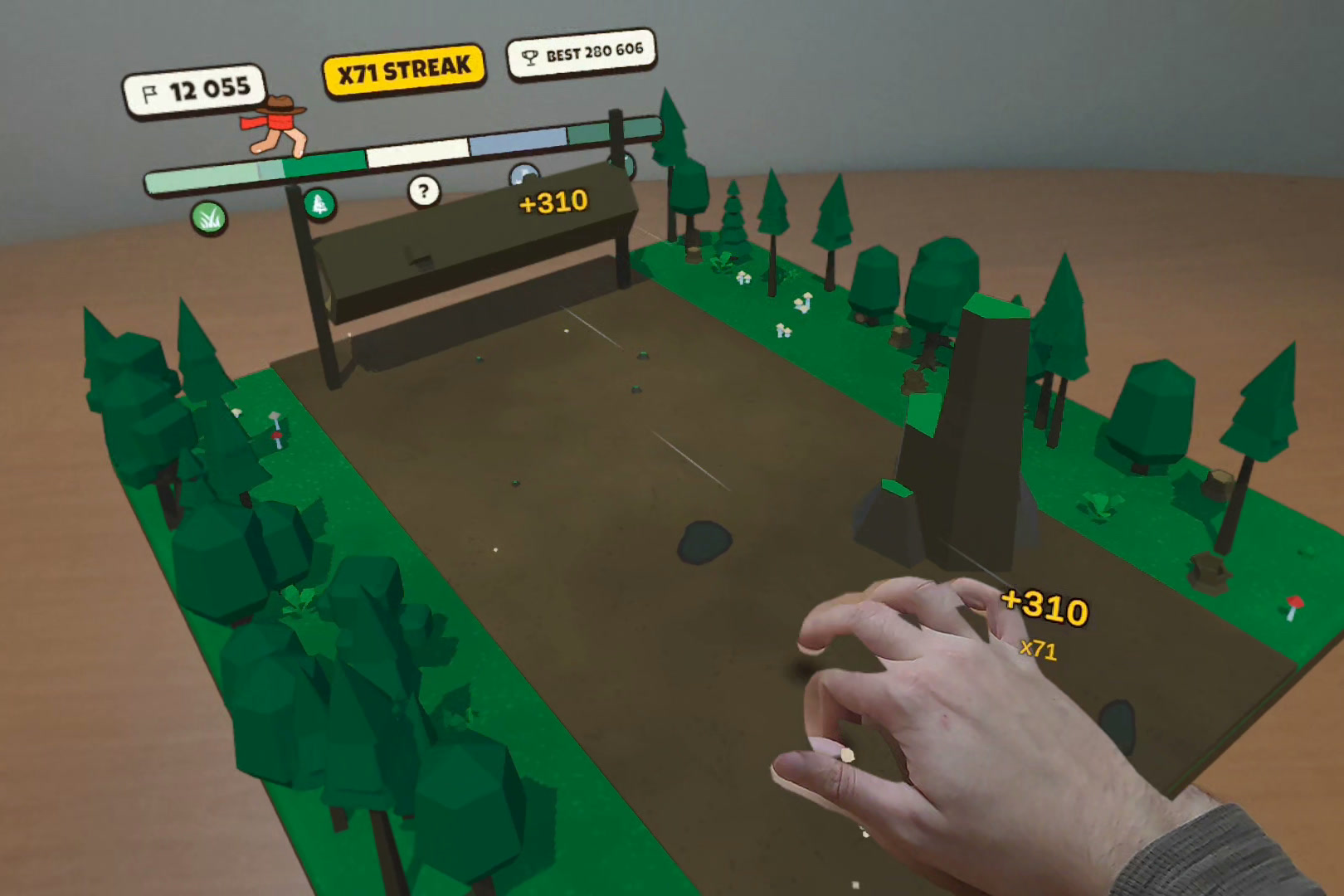
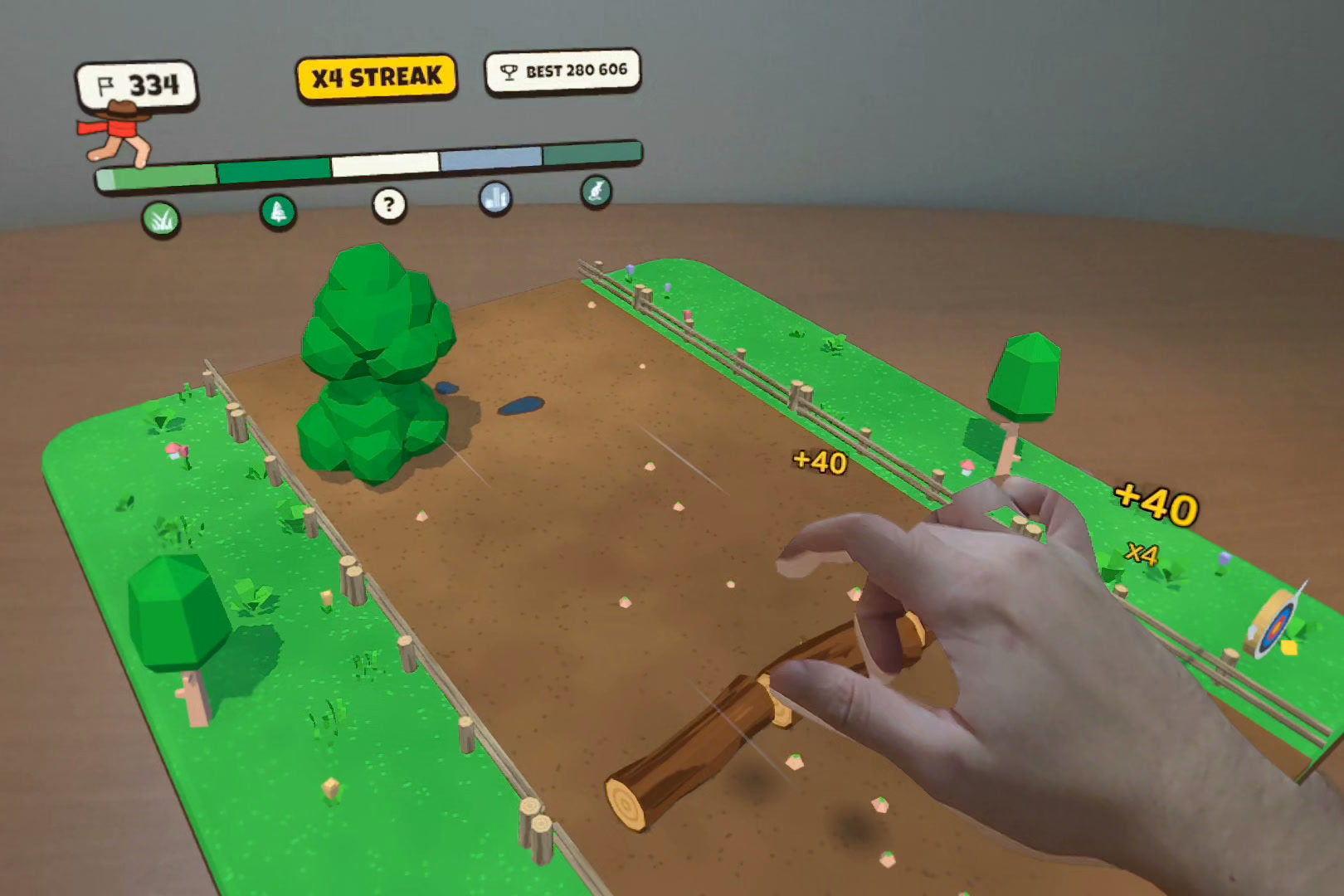
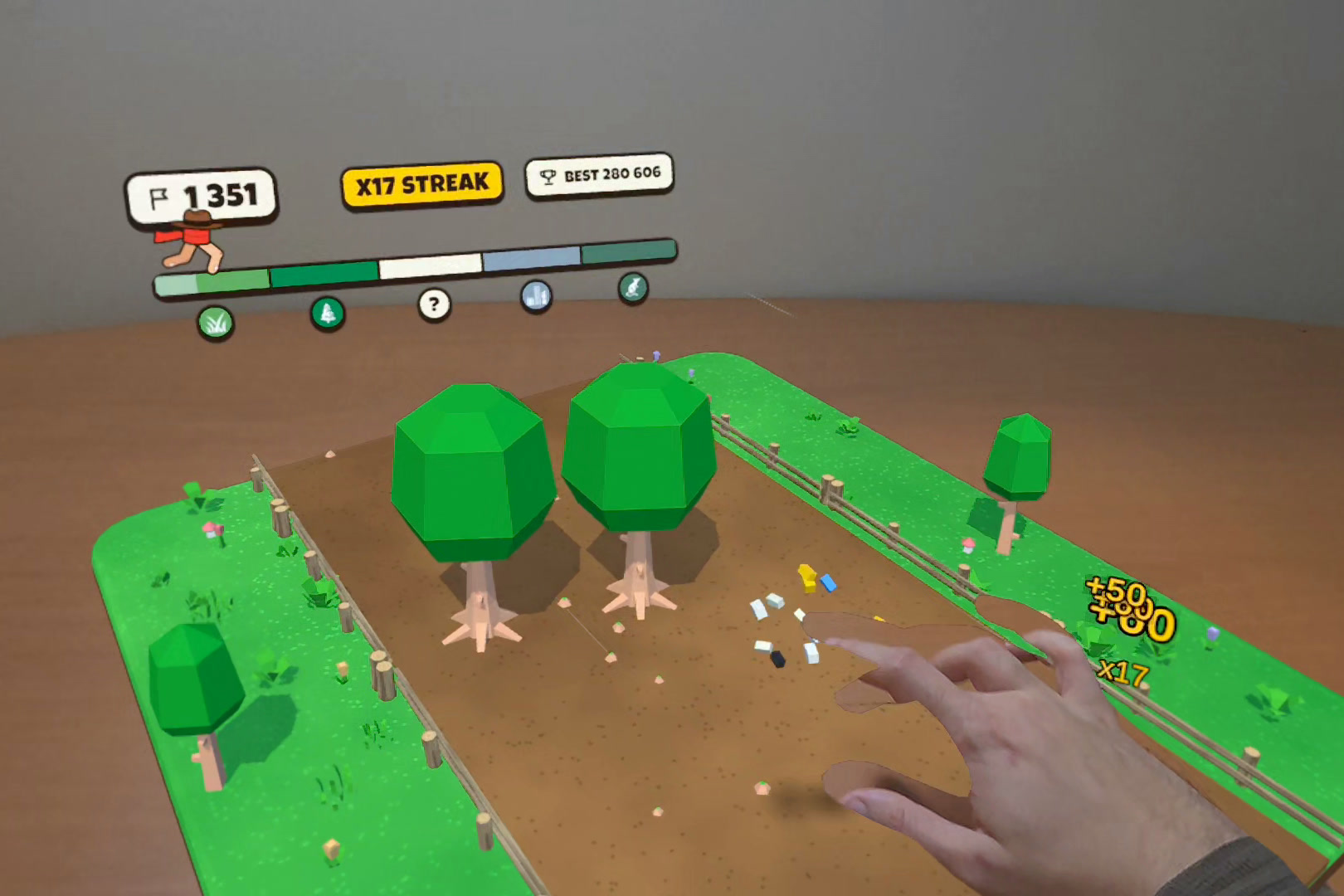
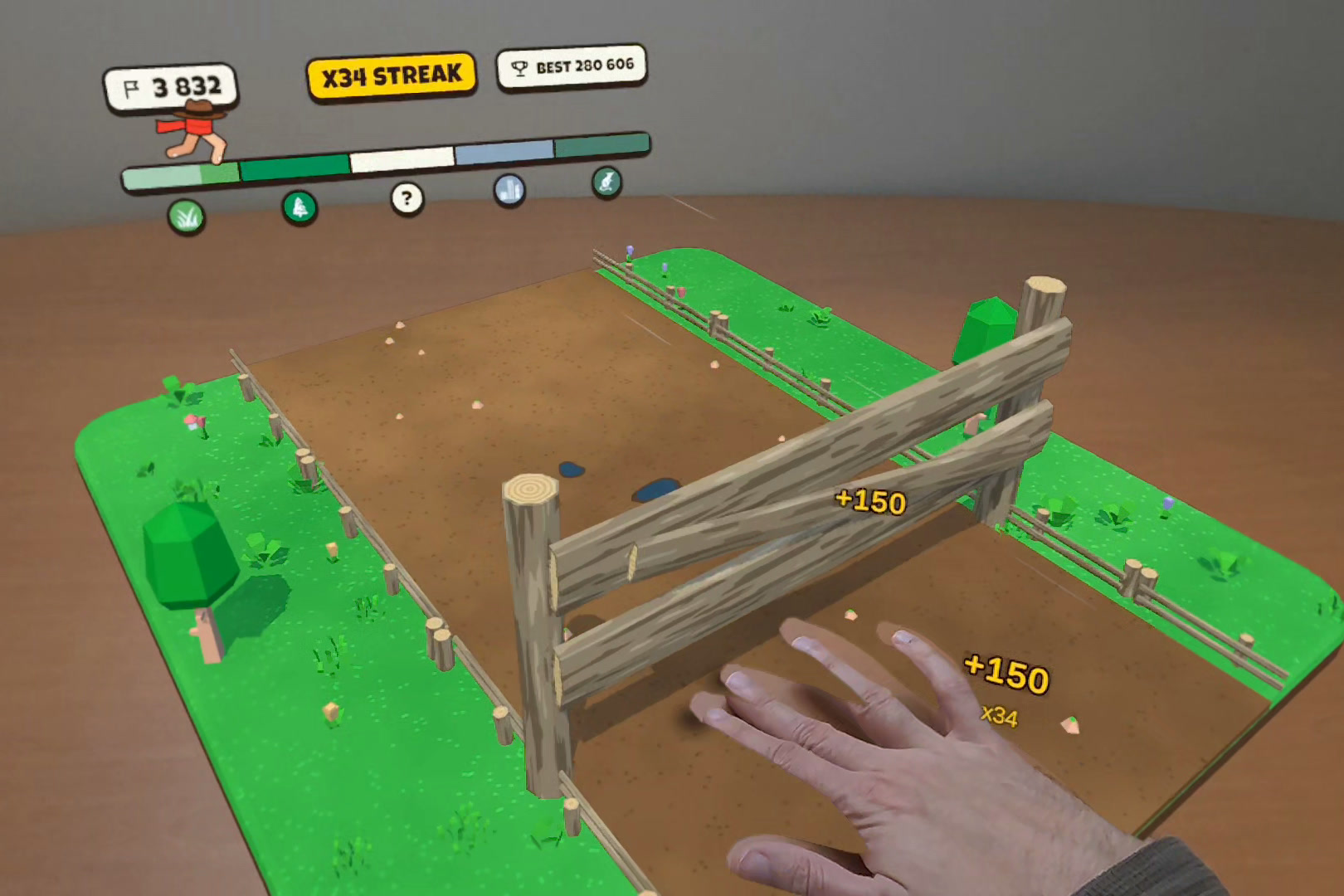
Your fingers are the hero: walk two fingers along a tiny track on your real table.
-
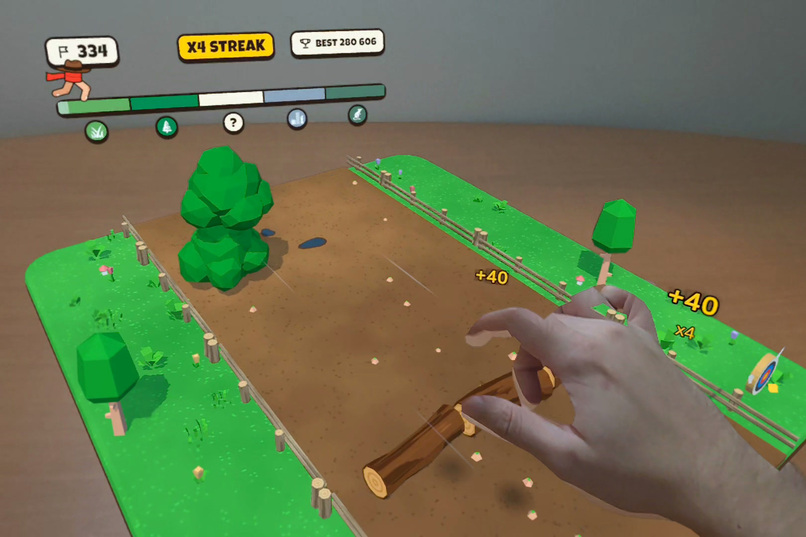
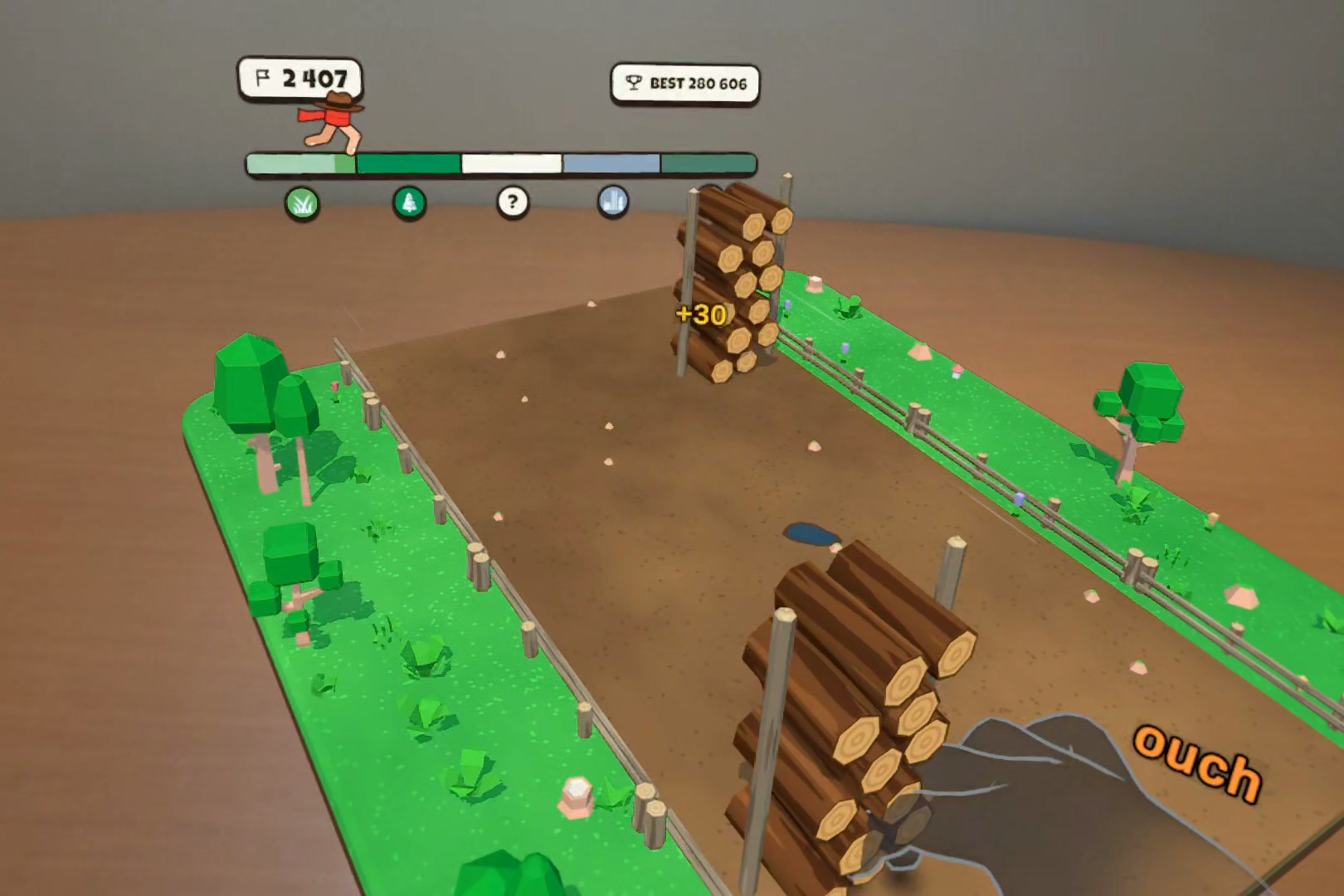
Raise your hand quickly to jump over logs.
-
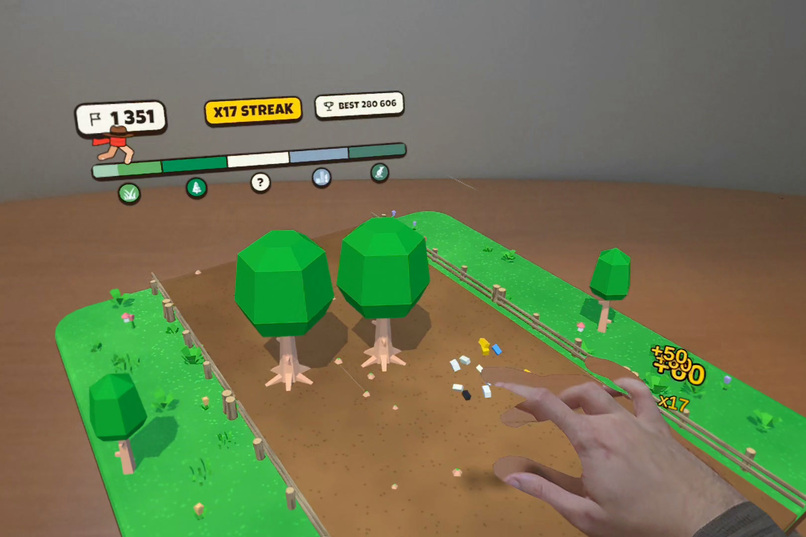
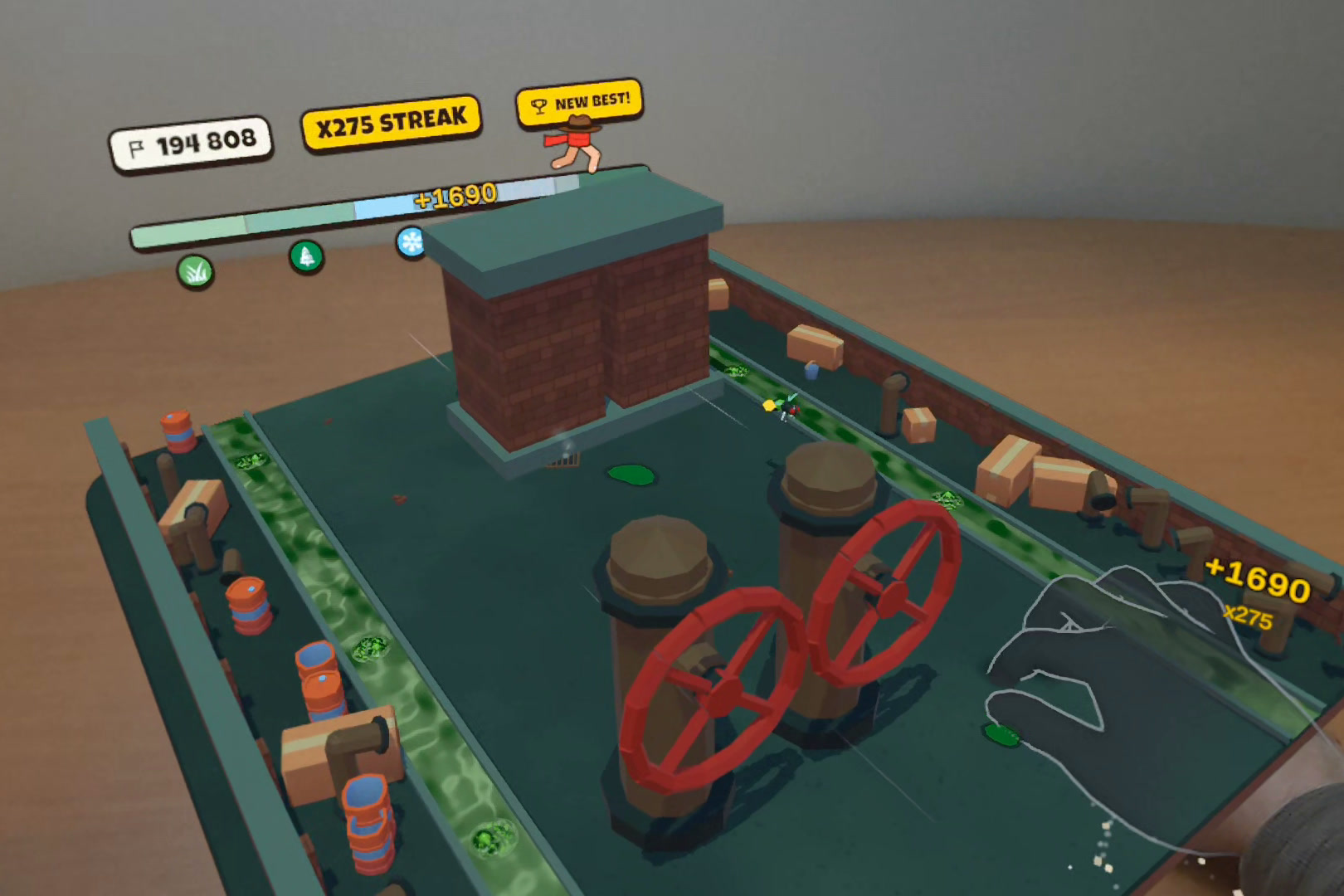
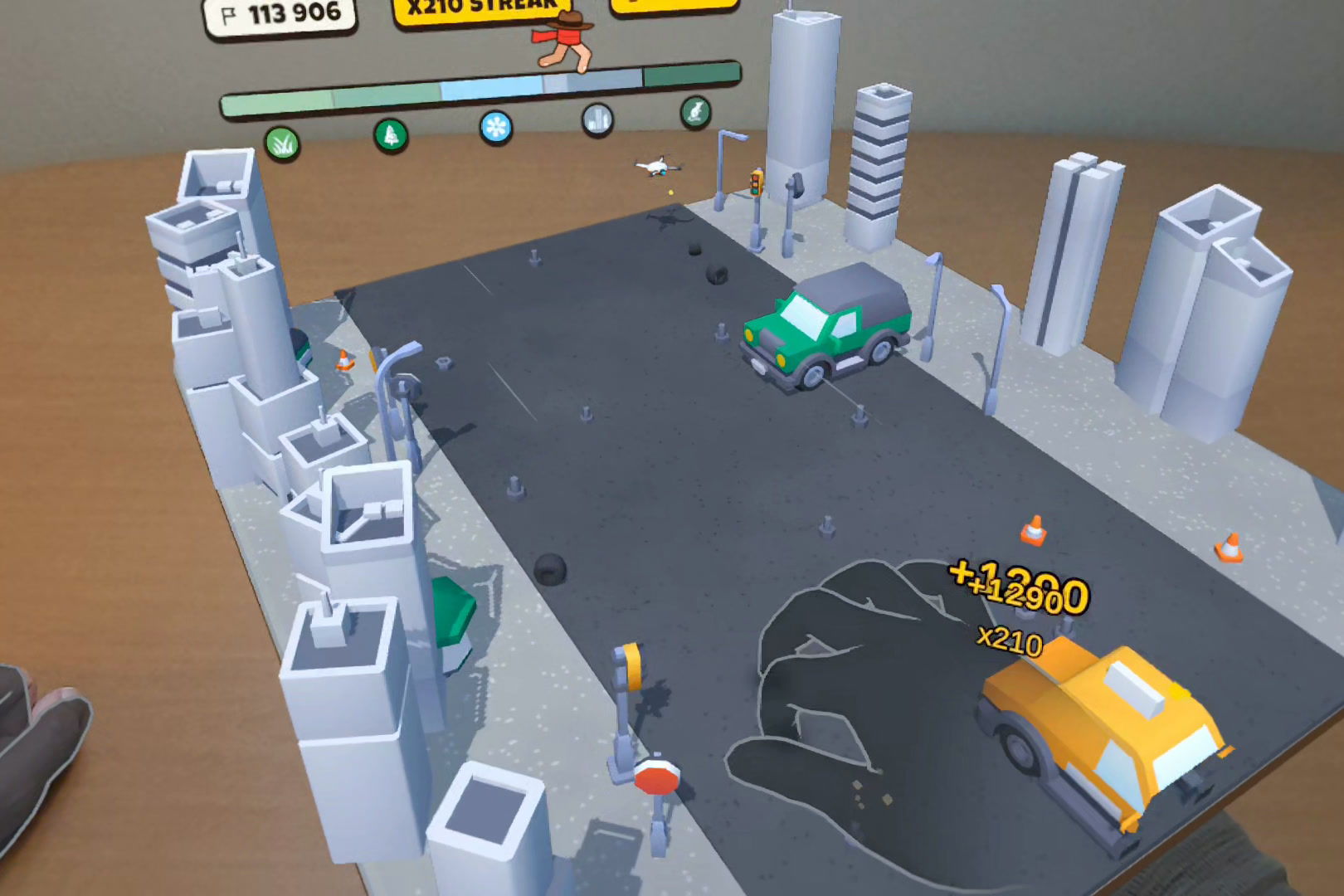
Smash targets with your fingers for bonus points and a bigger streak.
-
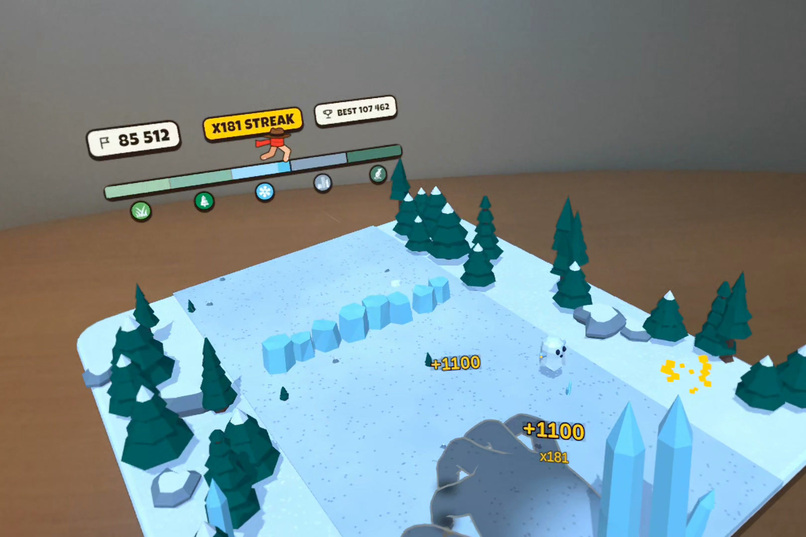
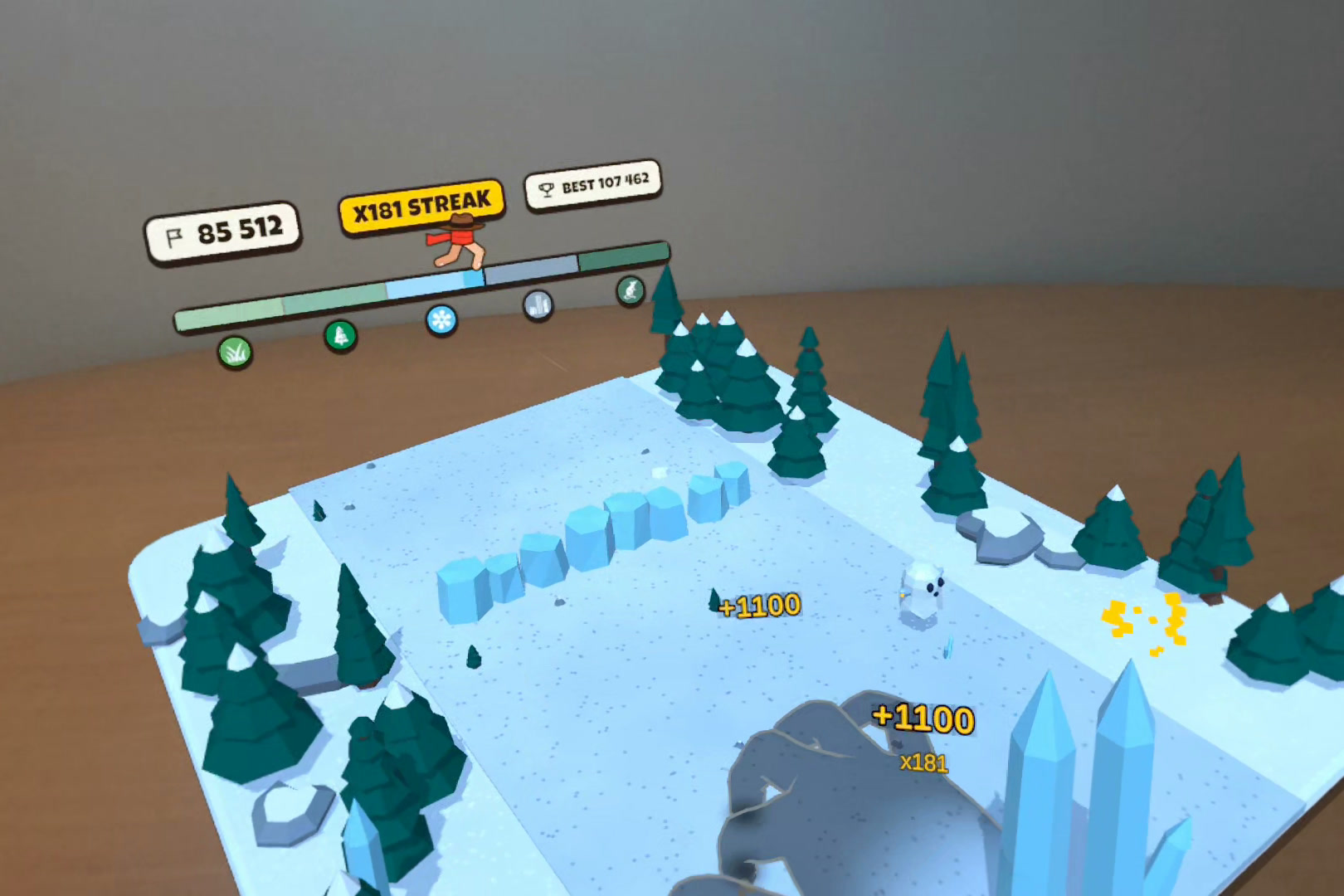
Snow: ice walls and crystals to break through.
-
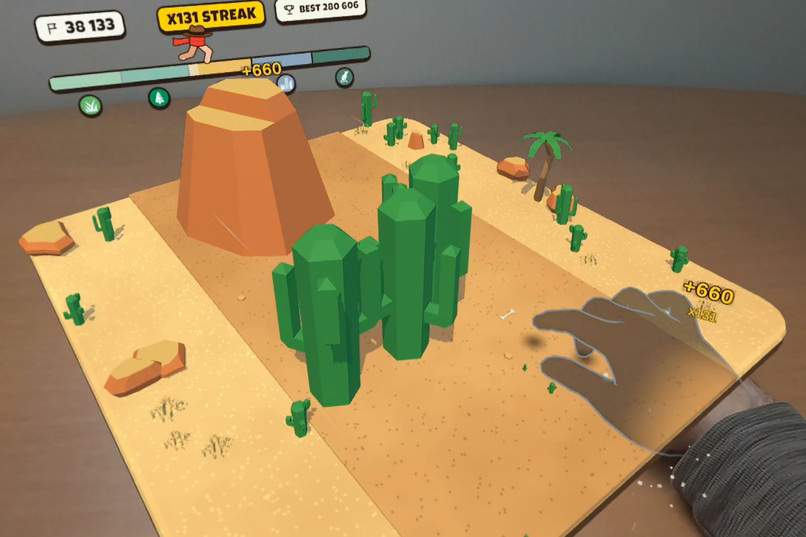
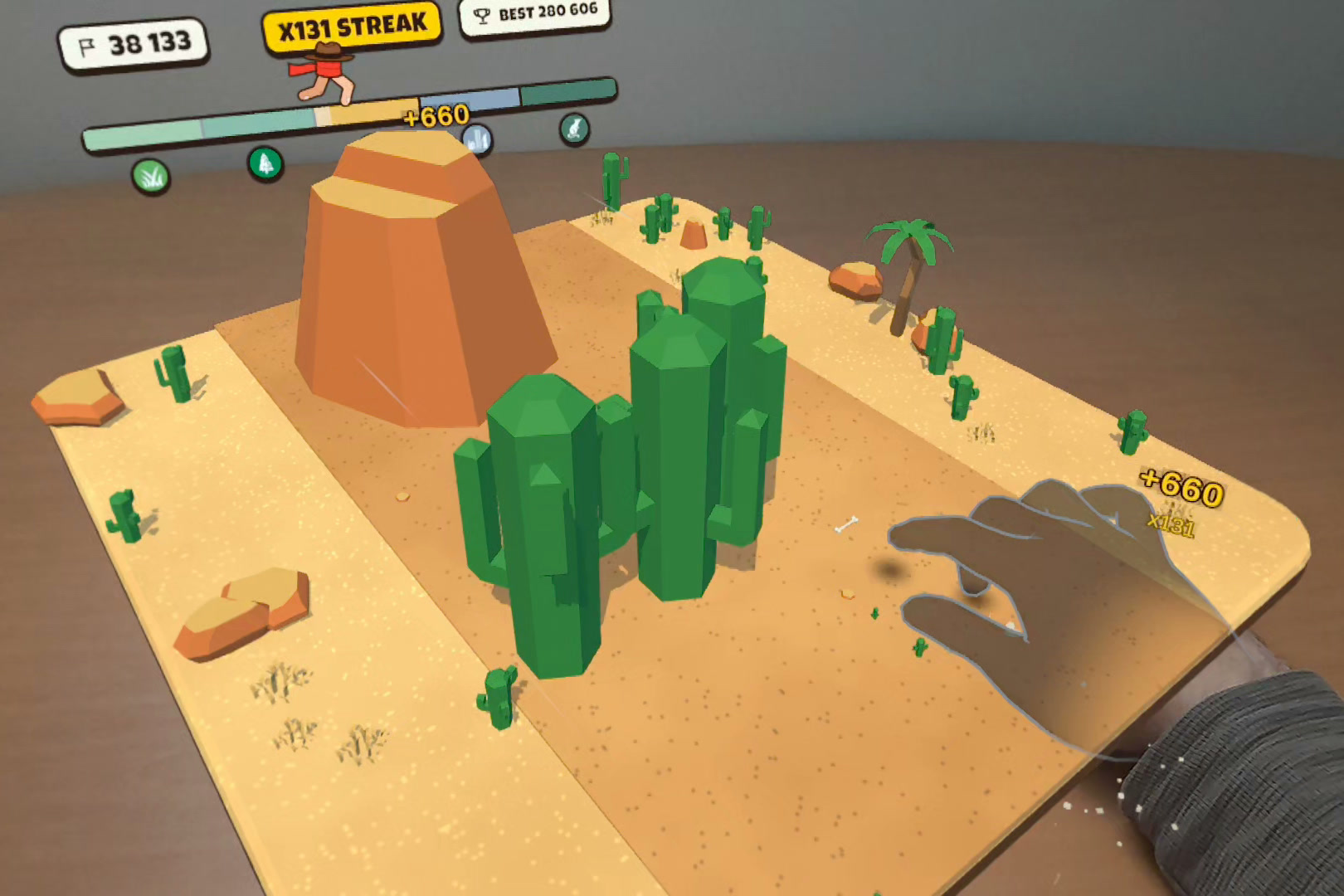
Desert: cacti, mesas and rock arches.
-
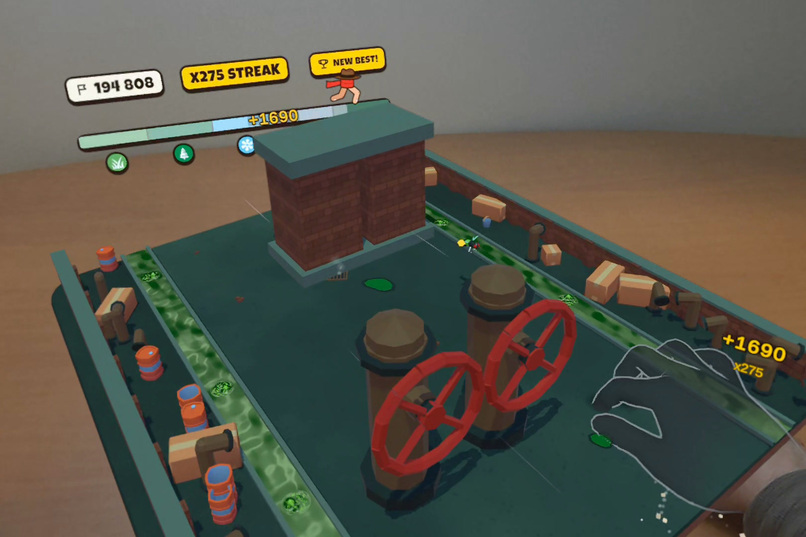
Sewer: valves, barrels and slime.
-
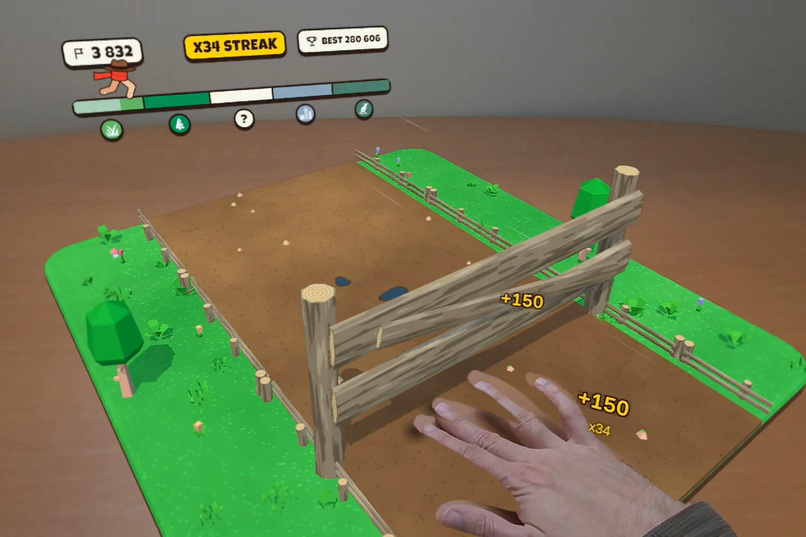
Lay your hand flat to slide under fences.
-
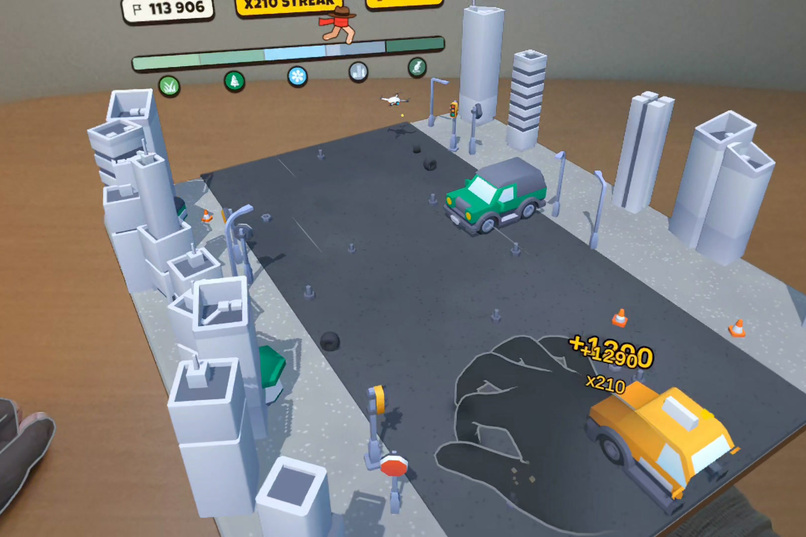
City: smash cars and dodge barriers between the skyscrapers.
-
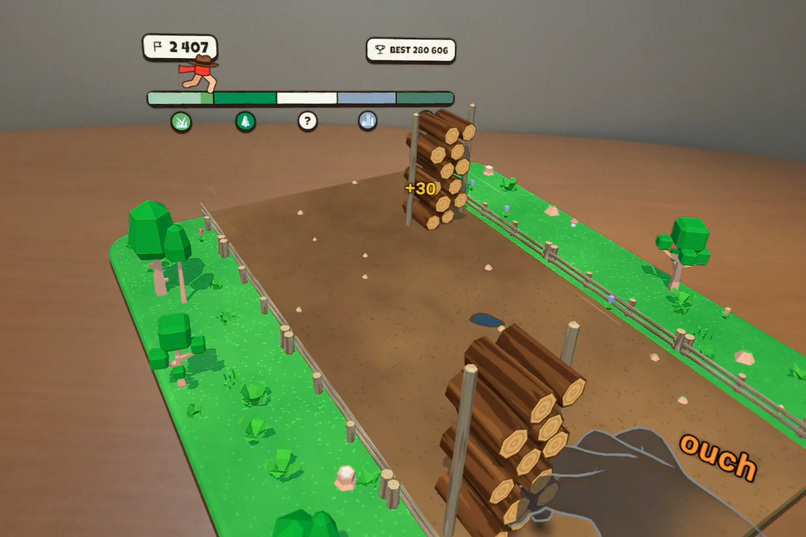
Miss a dodge and you crash: "ouch", streak lost.


Inspiration
Every kid who has ever been in the back seat of a car has done it: imagine your fingers as a little character running along the landscape outside the window. Fingertip Hero brings that childhood game to mixed reality. Nothing in it needs explaining: you already know how to make your fingers walk.
What it does
Fingertip Hero is a seated mixed reality runner played with hand tracking only. A small diorama appears on a real table, and your index and middle fingers become the runner's legs.
Walk to run. Your finger cadence sets the speed. Stop and the runner stops.
Jump and slide. Raise your hand to jump, flatten it to slide. Works with either hand.
Obstacles and targets. Dodge obstacles, hit targets at three heights for points, and build a streak bonus. A hit slows you down and shatters the obstacle, so the mood stays light.
Endless mode. Run through a chain of worlds: plains, forest, desert or snow (chosen at random), a city street with crossing cars, and a sewer with water channels to jump. Then the lap starts again, with a progress bar showing how far along you are.
Competitive mode (work in progress, experimental). It is labelled as such in the main menu. A simplified mode with one life. You must keep a minimum speed: slowing down briefly is fine, but losing too much speed for too long ends the run, and the tolerance shrinks as time goes by.
How we built it
Built with Unity 6 (URP) and the Meta XR SDK, using hand tracking only, with the Mixed Reality Utility Kit used for occlusion so your real hands pass in front of the game. We prefer Meta's own features (poke interactions for menus, passthrough, hand tracking) to custom code. Fingertip collisions use swept points and capsules so that fast finger movement never tunnels through an obstacle, and every collider matches the visible shape of the object. The game runs at 72 fps on Quest 3. It targets Meta's VR glasses and was developed and tested on Quest 3. I did not use scene understanding because I wanted players to be able to play mid-air (even though I recommend playing on a tangible surface) but could have added it to anchor the playfield more precisely.
Challenges we ran into
Turning finger movement into a reliable speed signal that feels natural, without any gesture to learn. Making collisions fair when the "character" is a real finger moving freely in space. Keeping the game readable over a real table with varying light, and keeping it comfortable seated for long sessions. Also 3D art and sound design is hard as a solo dev.
Accomplishments that we're proud of
A game that needs no explanation for the core idea, works on any table, runs entirely on bare hands, and holds 72 fps. Five distinct worlds that differ in gameplay, not only in looks (for example crossing cars in the city and water channels in the sewer).
What we learned
Hand tracking works best when the game rewards natural gestures instead of asking for precise ones. Small design choices, like letting a hit slow you down instead of ending the run, make the experience welcoming.
What's next for Fingertip Hero
More worlds and obstacles, extra modes, tricks, and more polish on art and sound, aimed at Meta's VR glasses.
Built With
- hand-tracking
- meta-mixed-reality-utility-kit
- meta-xr-sdk
- openxr
- passthrough
- unity-6
- urp

