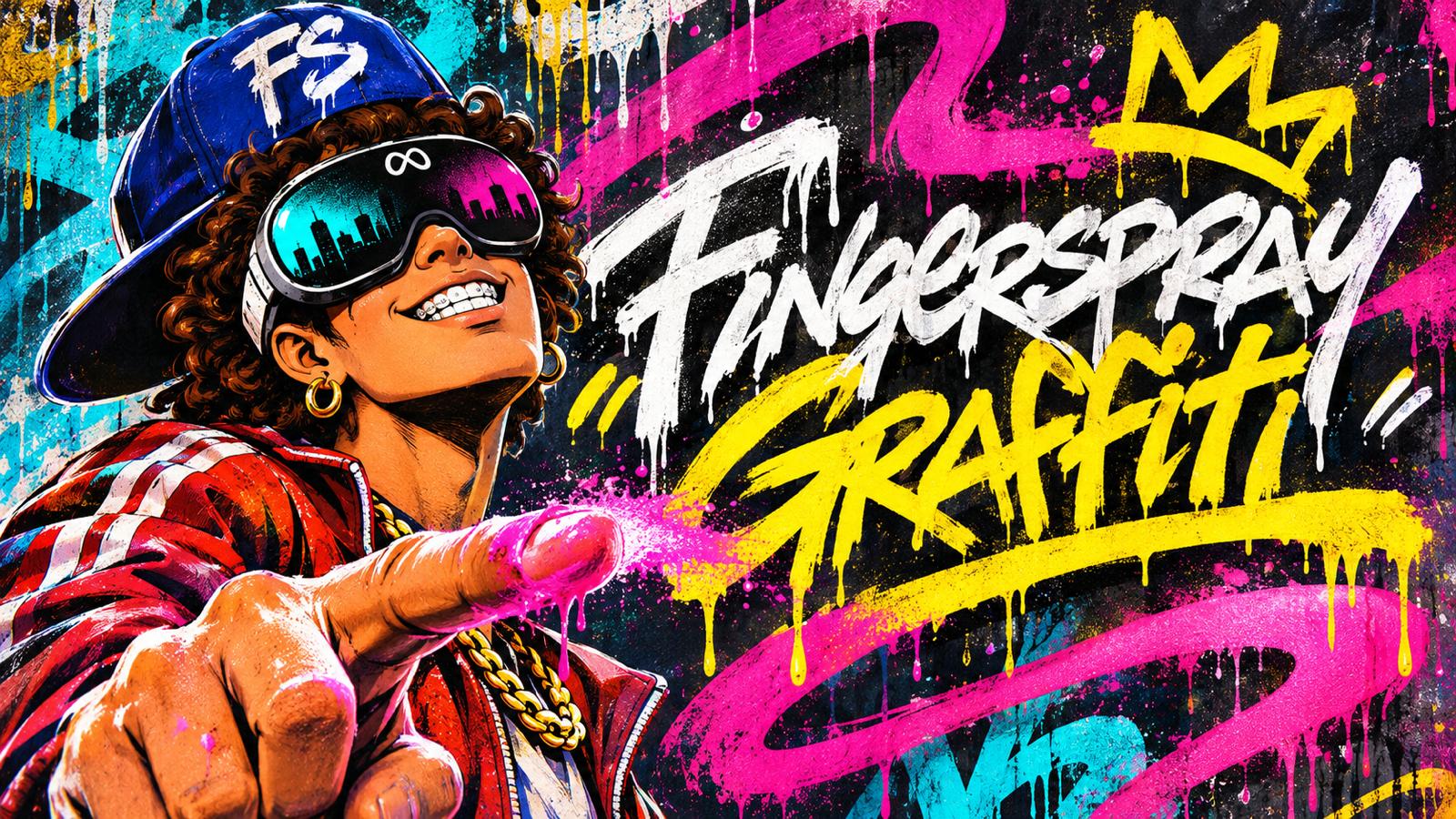
Fingerspray Graffiti turns your index finger into a spray-painting tool for mixed reality. Define a canvas in your surroundings, choose a color and spray pattern, and create a piece that belongs to the place around you. The paint is virtual; the setting is real.
The inspiration is the physical language of graffiti: aiming, pressing a nozzle, changing distance, and building color through movement. Fingerspray brings those actions into a creative tool operated with bare hands. It gives people a way to experiment with marks and compositions in context, without applying paint to the physical surface.
The experience begins with a guided introduction using animated hands, short English instructions, and feedback after successful actions. Users place the corners of a flat painting area with their hands and close its outline with a peace sign. Touching the right thumb to the middle finger prepares the spray; lowering the extended index finger from the knuckle controls paint flow. Distance, angle, movement, and the selected spray profile shape the result.
A small selection card appears beside the hand. Meta's thumb microgestures move through six colors and nineteen spray profiles, including fine, broad, flat, and splatter patterns. Opening the hand confirms the choice and returns to painting. Spray mist, sound, layered color, and drips give the interaction visual and audible feedback. A deliberate two-hand gesture clears the painting area so another composition can begin.
Two thumbs up starts a short countdown to photograph the artwork in its real surroundings. On supported Quest headsets, the app combines a headset camera image with the virtual paint, then presents a preview with Save, Share, and Delete controls. Camera access is requested explicitly; painting remains available if permission is declined.
Fingerspray is built with Unity 6, C#, Universal Render Pipeline, OpenXR, Unity XR Hands, and Meta OpenXR. A custom GPU painting engine updates the affected regions of the canvas, while gesture filtering and separate interaction states help distinguish painting, tool selection, canvas setup, and photography.
The main development challenge was translating a familiar physical action into reliable hand input. The index finger needs to control paint flow without changing the aim unpredictably, and selecting a color must not leave an accidental mark. Iteration focused on gesture thresholds, tracking interruptions, stroke continuity, and teaching each action in context.
The next priorities are broader testing across hand shapes and environments, left-handed controls, and saving editable paintings so people can return to unfinished work. The goal is a compact creative tool that makes the surrounding world part of the artwork.